Last-Minute SavingsLimited quantities.Shop now

Main Content

Questions & Answers

Your price for this item is $899.99
Page Showing 1-7 of 7 questions
  • QuestionDoes the laptop have a touchscreen?

    • Answer This laptop does not have a touchscreen.
    This question and answer was generated by AI based on customer and product data.

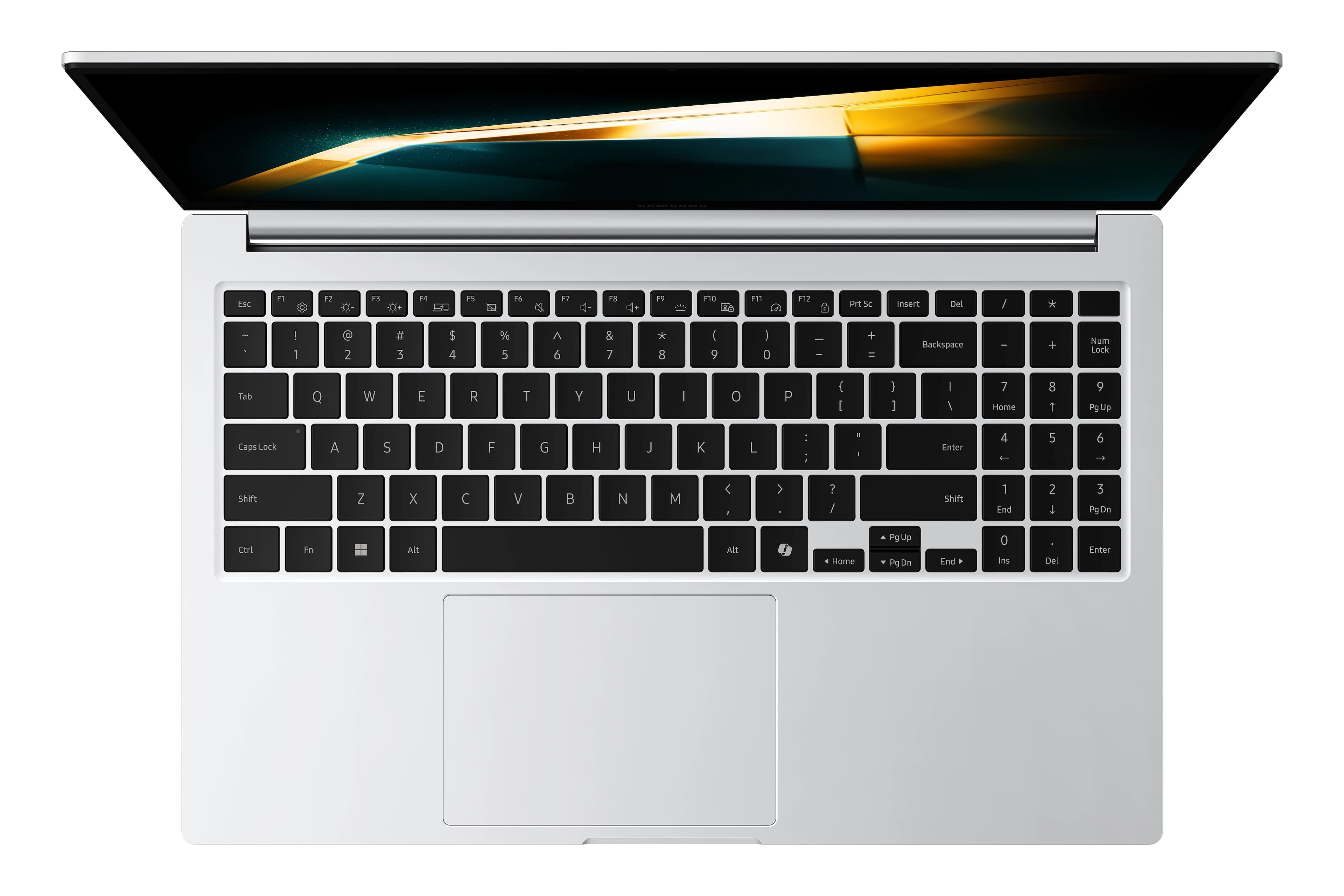
  • QuestionIs the laptop's keyboard backlit?

    • Answer This laptop has a backlit keyboard.
    This question and answer was generated by AI based on customer and product data.

  • QuestionWhich operating system does the laptop come with?

    • Answer The operating system is Windows 11 Pro.
    This question and answer was generated by AI based on customer and product data.
  • QuestionCan the laptop's storage be expanded?

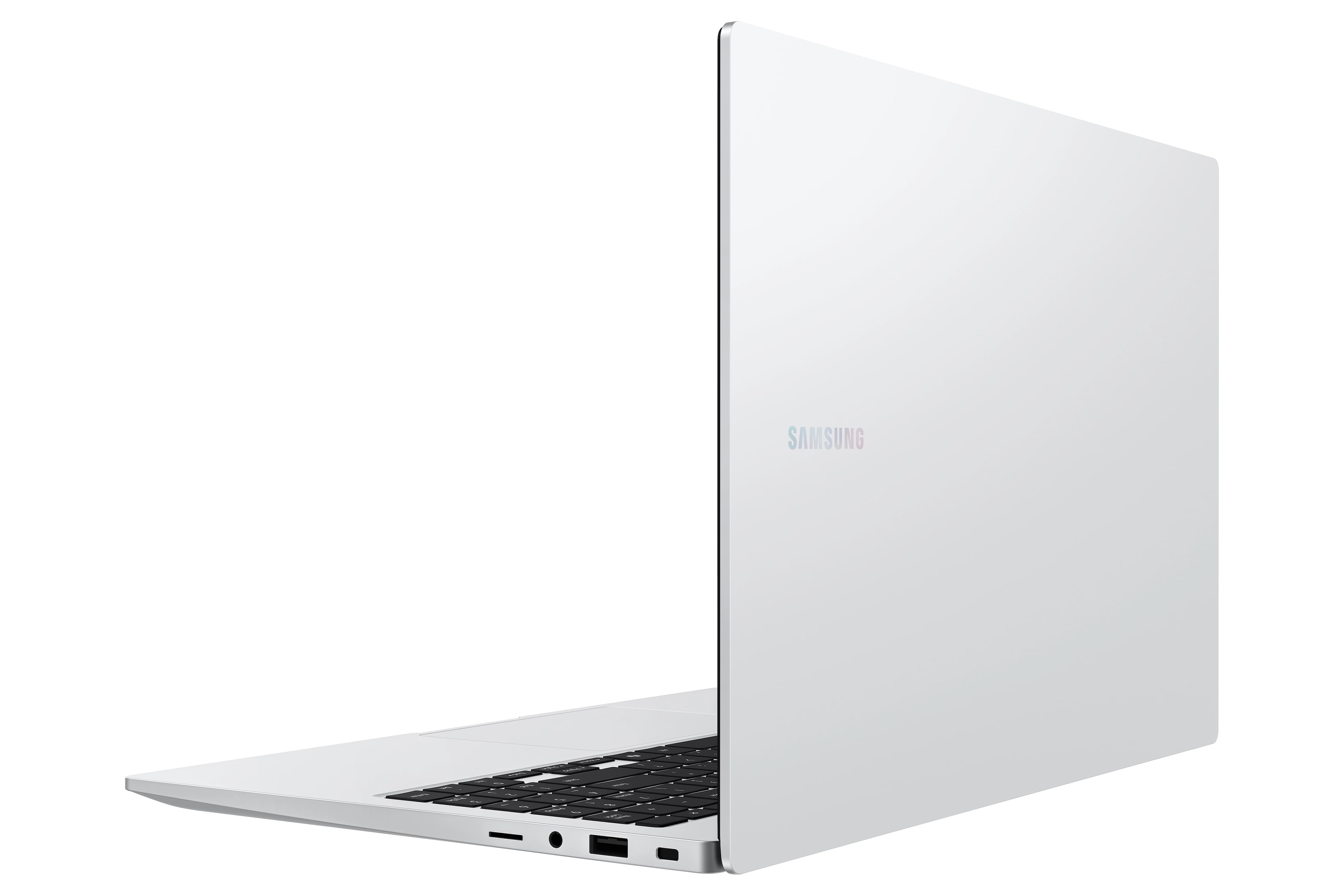
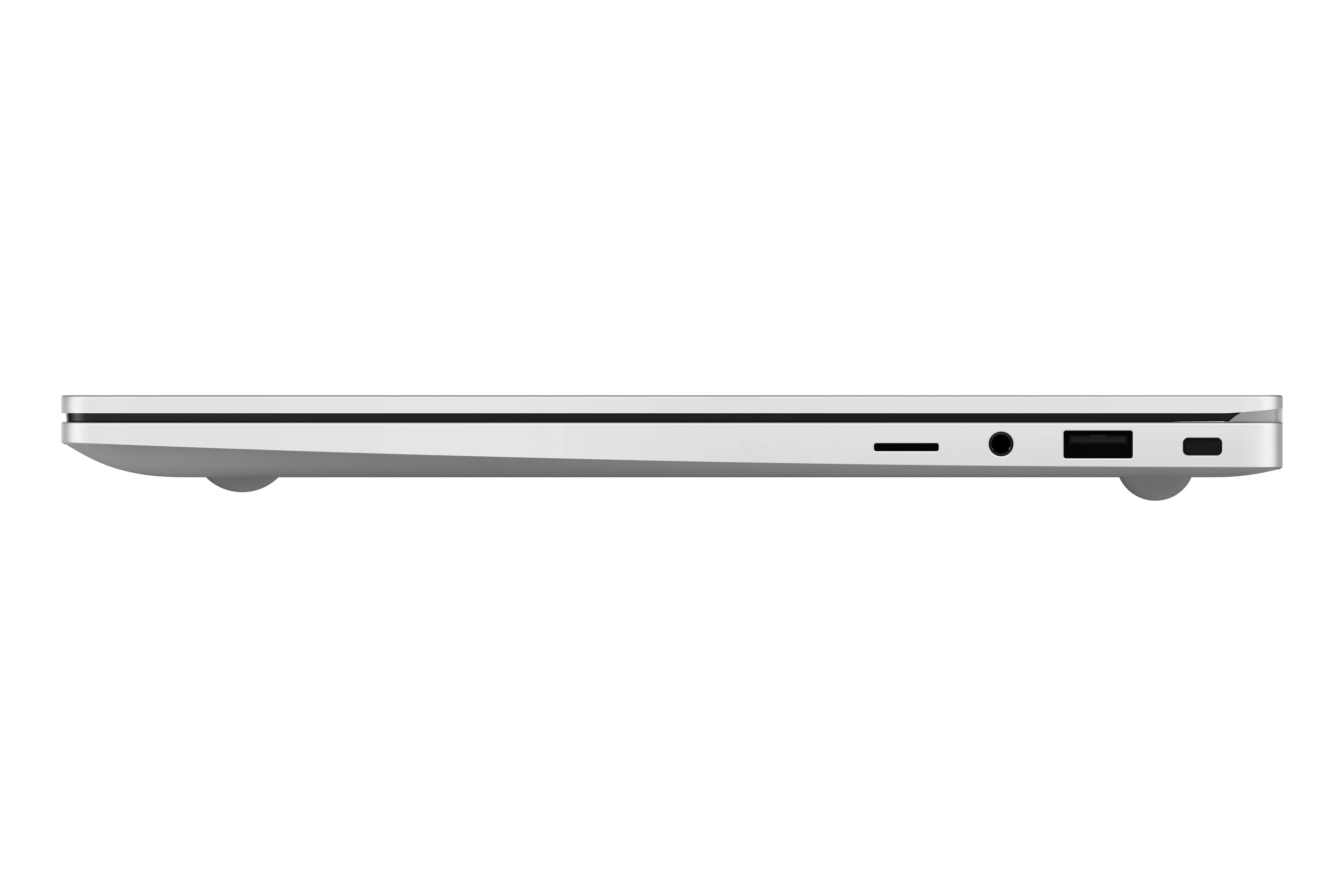
    • Answer The laptop's storage can be expanded up to 2TB with a microSD card.
    This question and answer was generated by AI based on customer and product data.
  • QuestionWhat is the screen resolution of the laptop?

    • Answer The screen resolution of this laptop is 1920 x 1080 (Full HD).
    This question and answer was generated by AI based on customer and product data.

  • QuestionIt is a new laptop?

    Asked by Joaco.

    • Answer Greetings Joaco, thank you for asking us your question about the Samsung Galaxy Book4. Yes, the Galaxy Book4 is a new laptop, however, our newest laptop would be the Galaxy Book5 Series. If you have additional questions, please let us know by contacting Support. Thank you for being a steadfast Samsung customer. - Debra

      Answered by Samsung

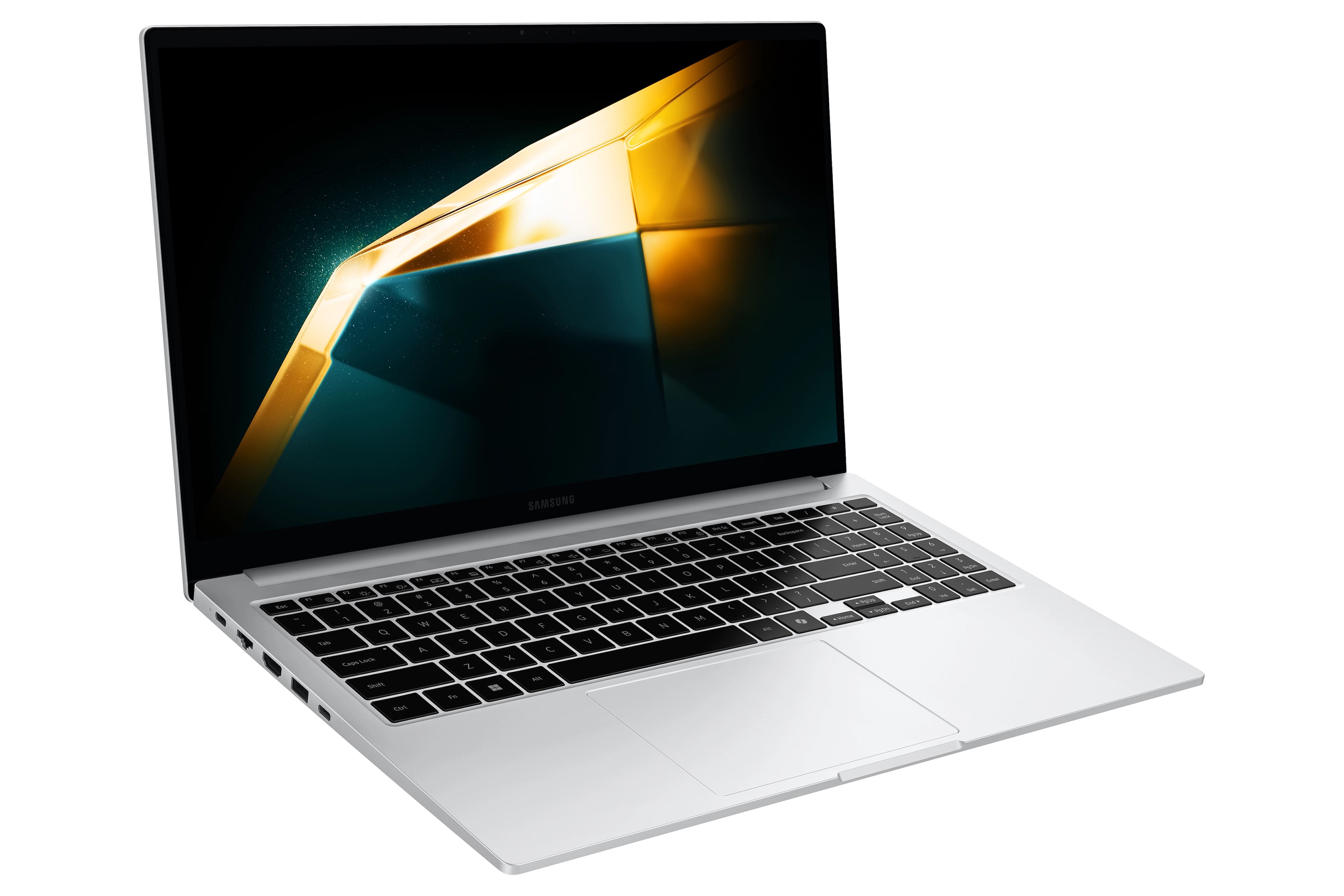
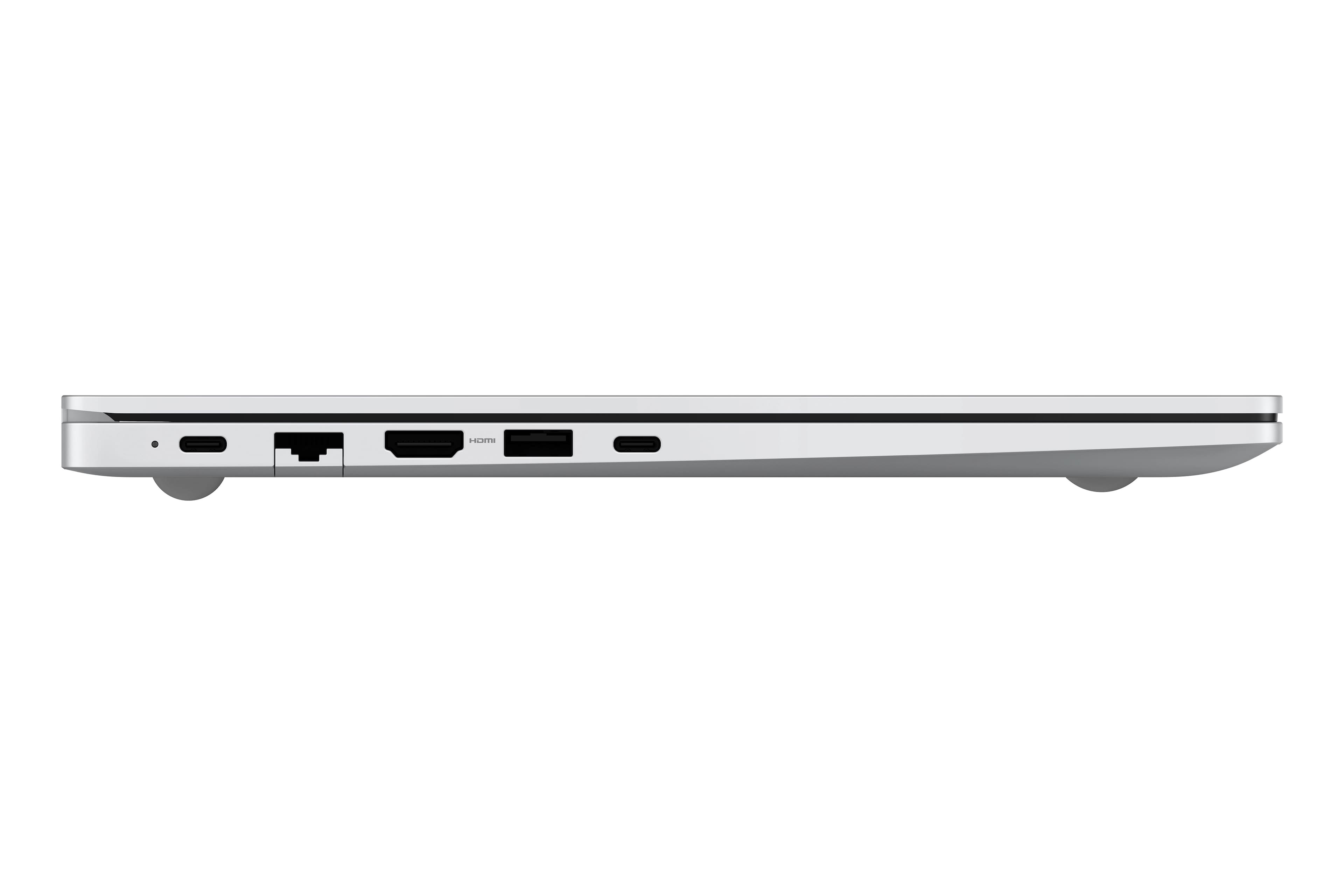
  • QuestionWhich port do I use to plug in the charger? I plugged it in to the one on the furthest to the back on the left side and it’s not charging for some reason.

    Asked by Lil.

    • Answer Hello there Lil, thank you for finding the available time out of your lively day to ask us your question about the Samsung Galaxy Book4. To charge your Galaxy Book4, you can place the charging cord in the first or last USB Type-C port, located on the left side of your PC. Once your device is charging, a red light will be illuminated, and it will turn green when your battery is fully charged. Hope that helps! If you would like any further assistance, feel free to contact Samsung Support at your leisure. Thank you for being a steadfast Samsung customer. - Debra

      Answered by Samsung