




Main Content

Questions & Answers

$1,349.99
Save $550
The comparable value is $1,899.99
Page Showing 1-20 of 56 questions
  • QuestionWhich processor is used in this Samsung laptop?

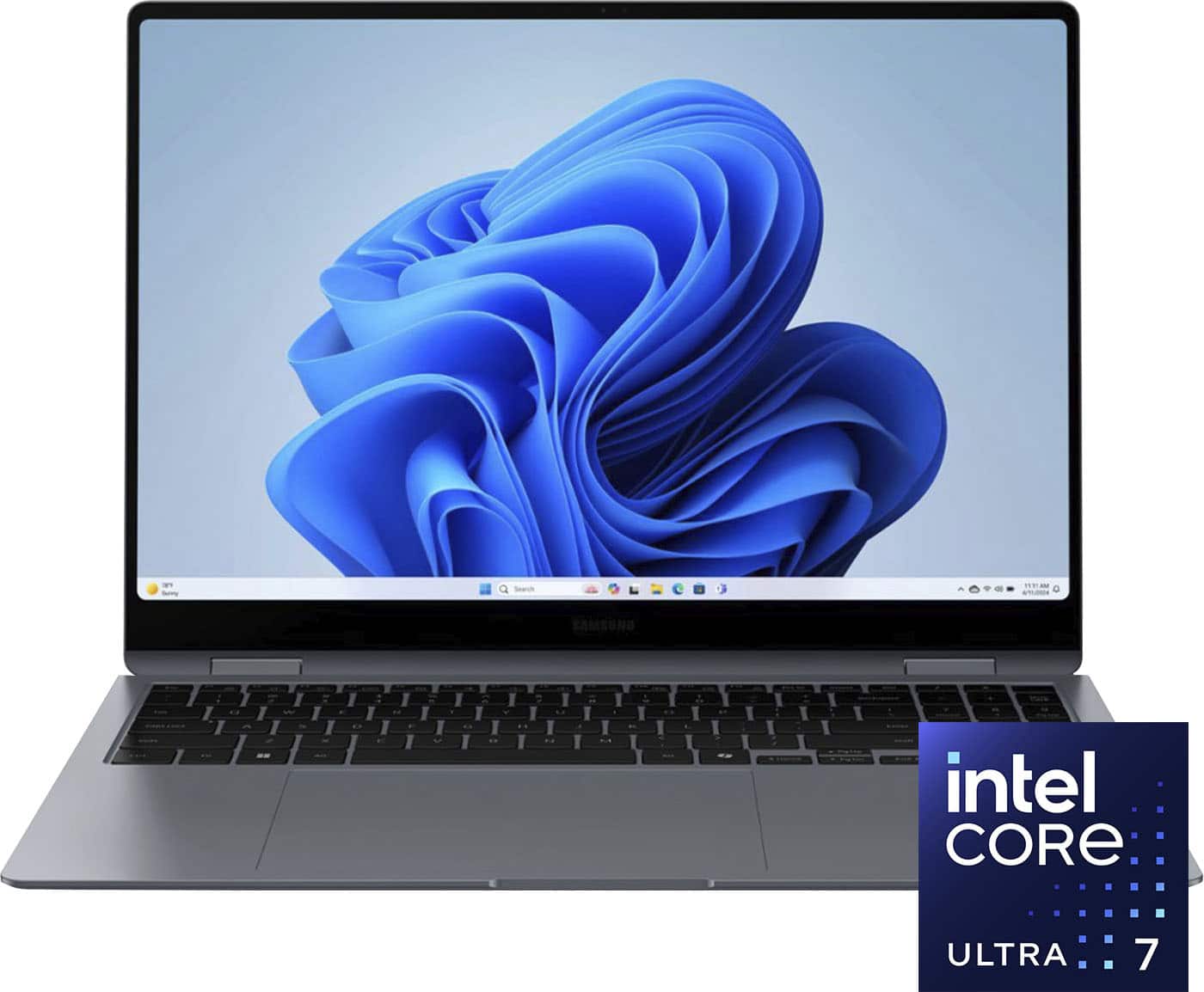
    • Answer This laptop is equipped with the latest Intel Core Ultra processor.
    This question and answer was generated by AI based on customer and product data.

  • QuestionWhat kind of speakers does this Samsung laptop have?

    • Answer It has AKG Quad Speakers with a Woofer Max of 5W x2 and a Tweeter of 2W x2.
    This question and answer was generated by AI based on customer and product data.

  • QuestionHow long does the battery last on this Samsung laptop?

    • Answer The battery on this Samsung laptop can last for up to 21 hours.
    This question and answer was generated by AI based on customer and product data.

  • QuestionWhat operating system does this Samsung laptop come with?

    • Answer This Samsung laptop comes with the Windows 11 Home operating system.
    This question and answer was generated by AI based on customer and product data.

  • QuestionWhat type of display does this Samsung laptop have?

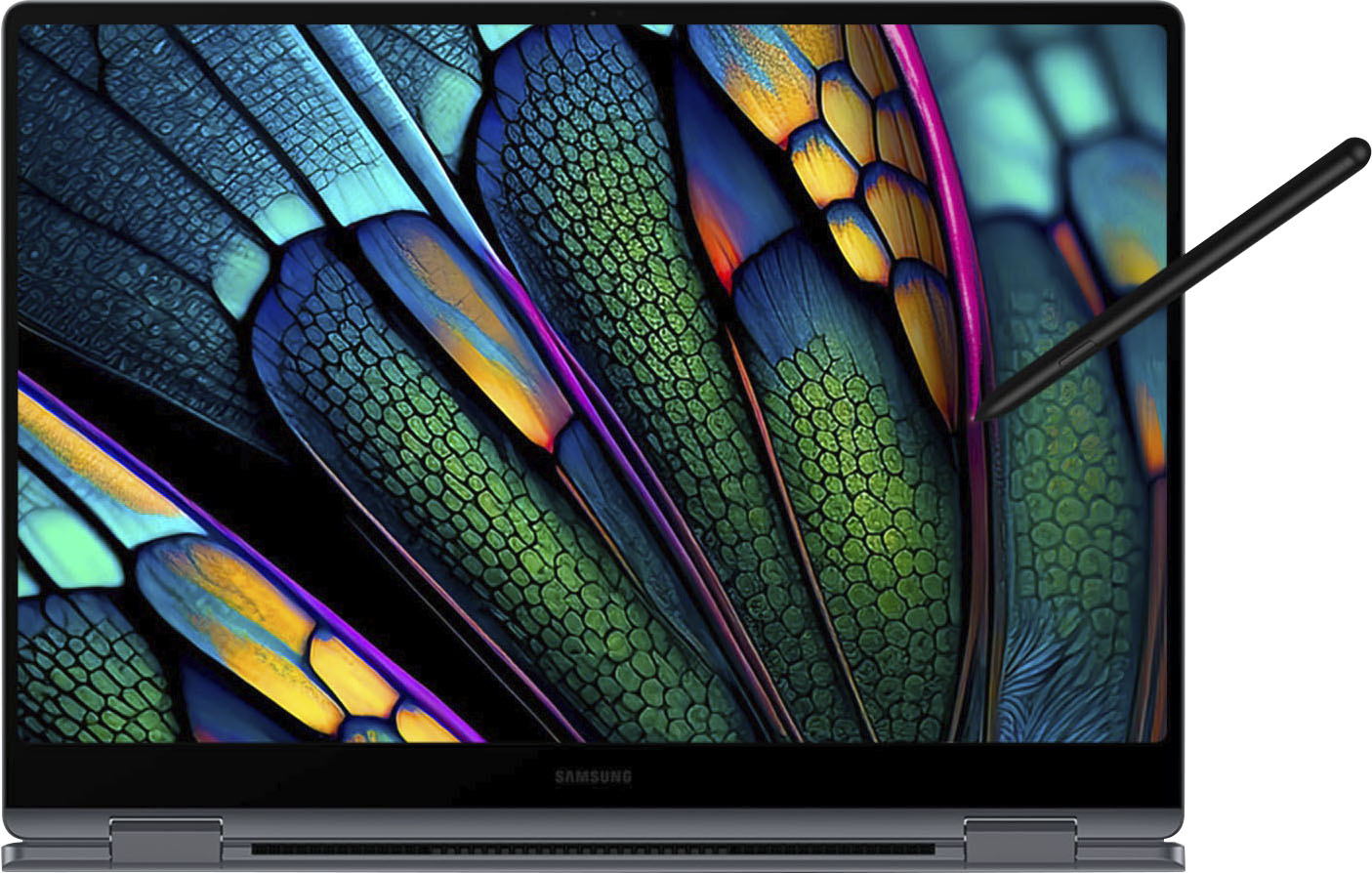
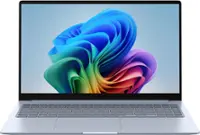
    • Answer This laptop features a 16" Dynamic AMOLED 2X touchscreen display.
    This question and answer was generated by AI based on customer and product data.
  • QuestionWhat is the storage capacity of this Samsung laptop?

    • Answer This Samsung laptop has 1TB of built-in storage.
    This question and answer was generated by AI based on customer and product data.

  • QuestionDoes this Samsung laptop have a fingerprint reader?

    • Answer Yes, this laptop includes a fingerprint reader for security.
    This question and answer was generated by AI based on customer and product data.

  • QuestionDoes this laptop have a sims card slot

    Asked by Ai.

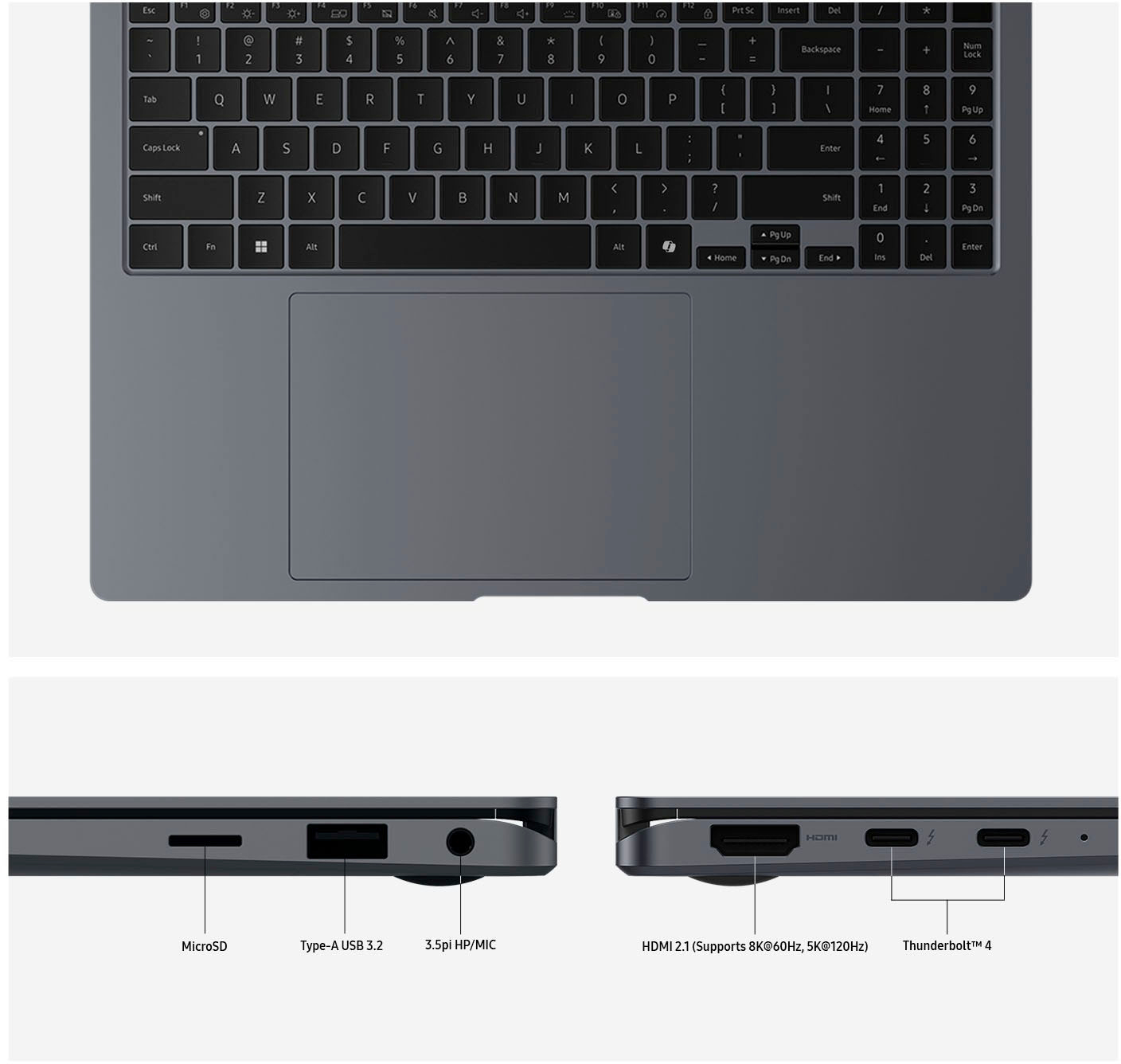
    • Answer Hey there Ai, thank you for finding the free time out of your busy day to ask us your question about the Samsung Galaxy Book4 Pro 360. No, the advertised Galaxy Book4 Pro 360 does not have a SIM card slot. It does, however, have a microSD card slot with up to 2TB of expandable storage. If you think of additional questions that you may have for us or if you would like any further assistance, feel free to reach out to Samsung Support. Thank you for choosing Samsung. - Debra

      Answered by Samsung

  • QuestionWe purchased a Samsung GB Pro 360 that was out of the box. It did not have a S Pen with it. How do we obtain one?

    Asked by Anonymous.

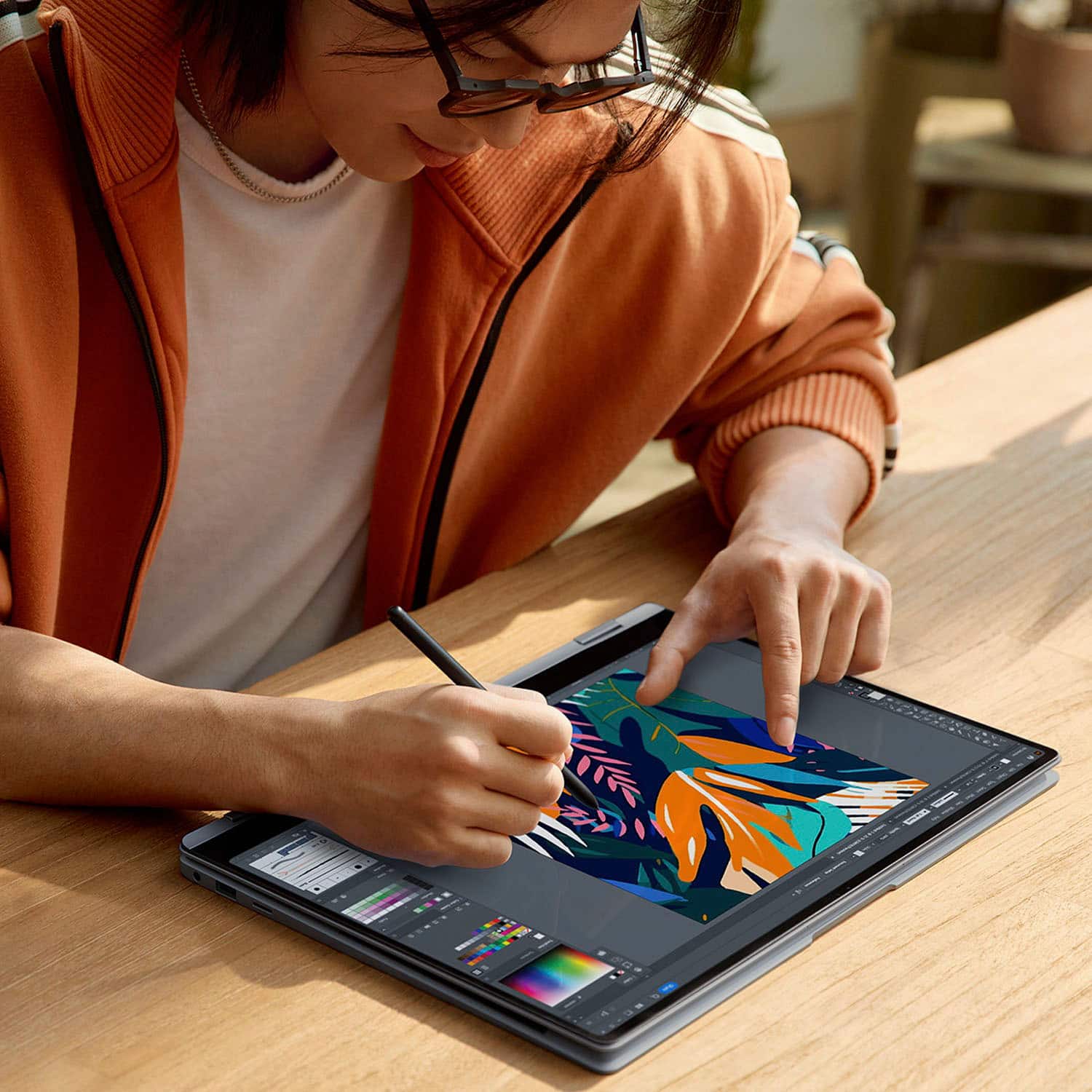
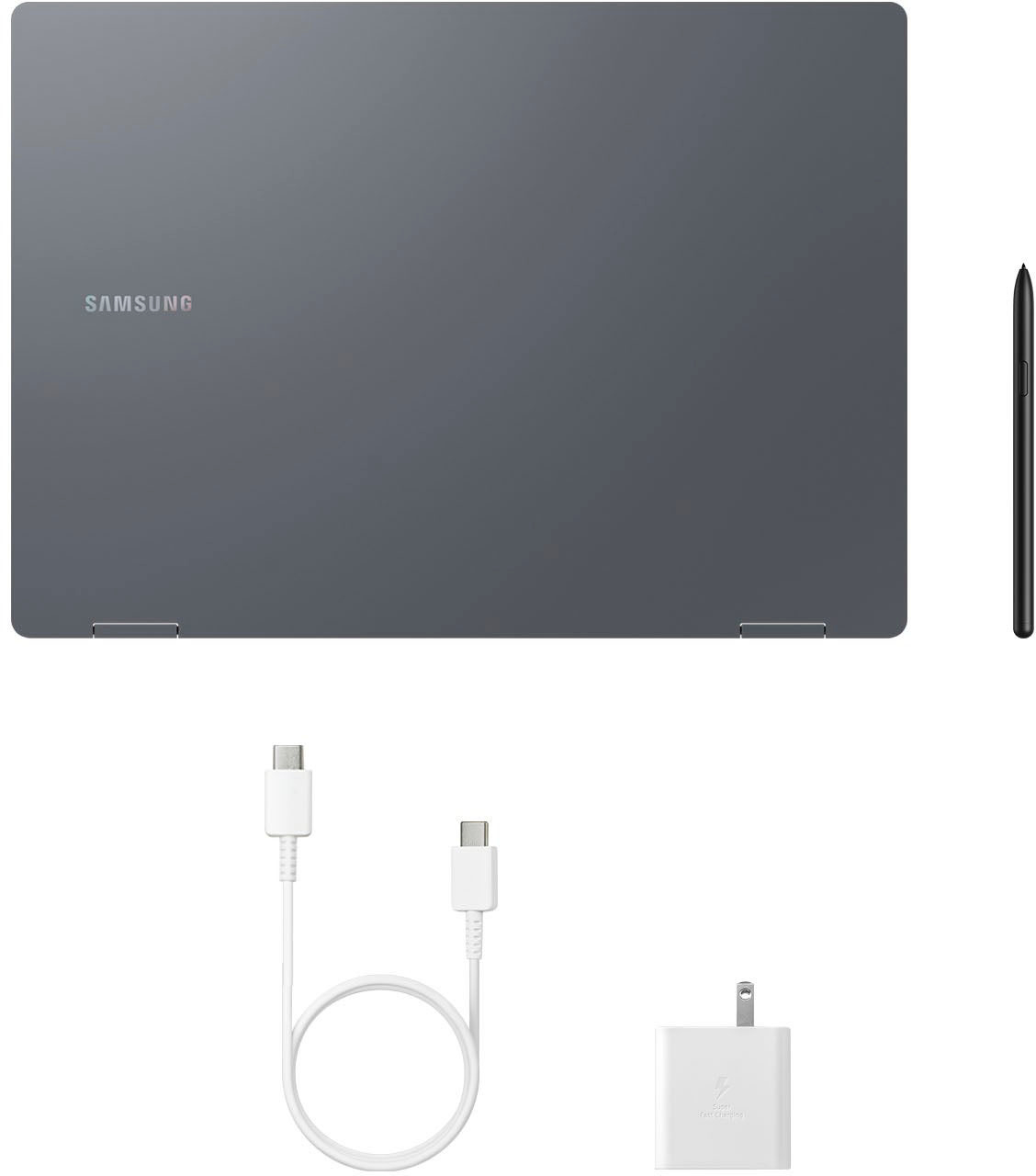
    • Answer S Pens and S pen variants are a dime a dozen on the internet. I use a Staedtler Noris Digital (its shaped like a pencil!) but there are cheaper pens available. This device uses Wacom EMR technology- if you see EMR in the name of your pen's listing, it will probably work. I can recommend a few names here, but I can't link the listings for obvious reasons: - Any Samsung Galaxy Tab Pen. - Staedtler Noris Digital - Lamy AL-Star EMR - The Wacom One Pen

      Answered by Raptix1

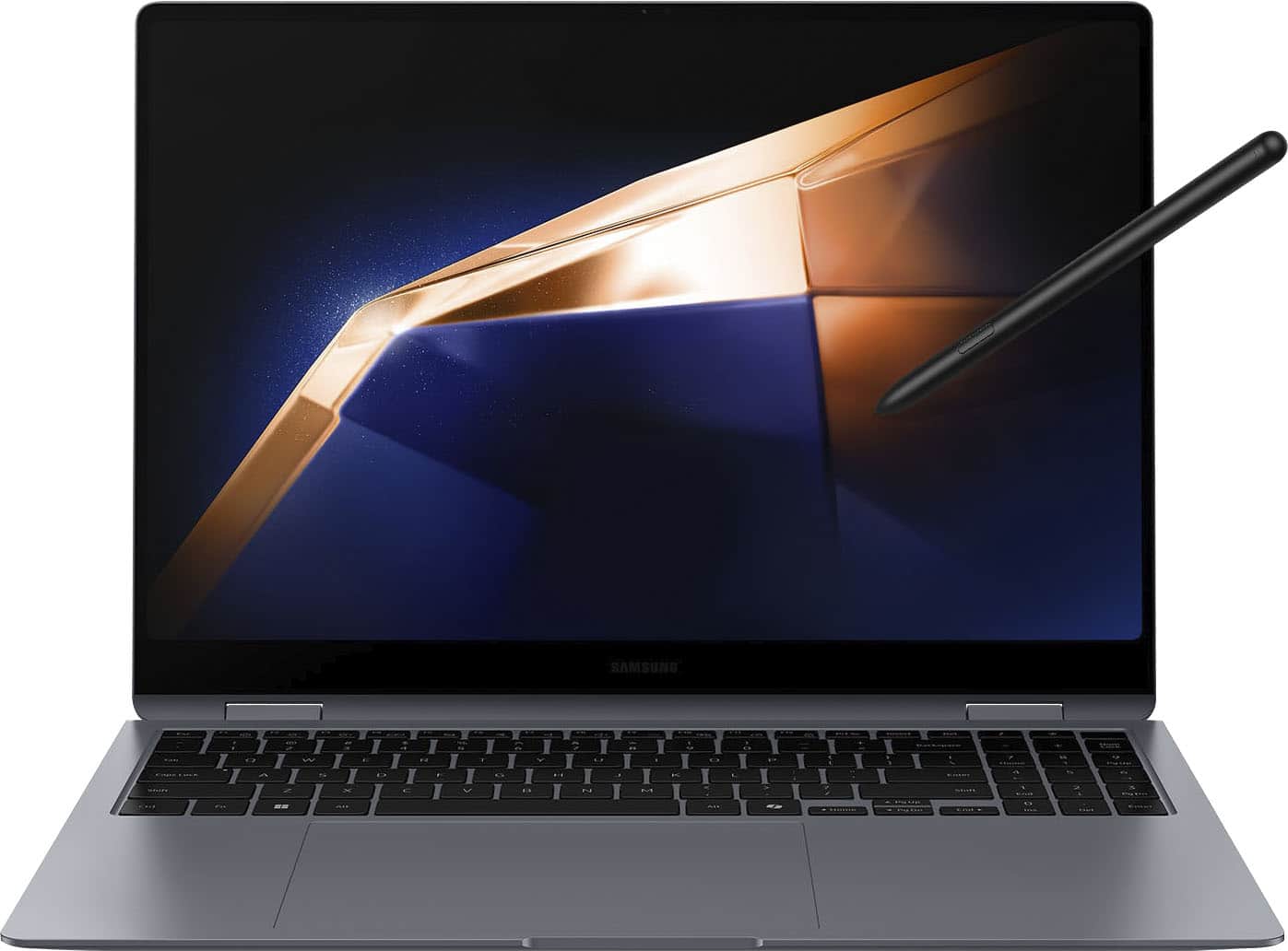
  • QuestionDoes this come with the S pen?

    Asked by Rafid.

    • Answer Yes

      Answered by Mmelvin

  • QuestionDoes this device utilize facial recognition... will windows hello for face work with it?

    Asked by Fishhooks1.

    • Answer Hello Denilsonms - I actually liked this laptop so much I went ahead and bought. SKU:6572183. I am using the fingerprint sensor but do not see where it can perform facial recognition. Were you actually referring to the fingerprint reader? I have included a screenshot from my Windows settings. Thanks, Jim

      Answered by Anonymous

  • QuestionDoes this computer have a cd or dvd player on it or can it be hooked up to one.

    Asked by Threadplayer.

    • Answer Salutations Threadplayer, thanks for asking us your question about the Samsung Galaxy Book4 Pro 360. No, the Galaxy Book4 Pro 360 does not have a built-in CD or DVD player. However, you can connect an external USB CD/DVD drive to it via its USB ports to read and play CDs and DVDs. If you think of any other questions, feel free to reach out to Support. Thank you for being a dedicated Samsung customer. - Debra

      Answered by Samsung

  • QuestionMy cord is broken. What cord would be best to buy for this computer? What power is suitable?

    Asked by cord.

    • Answer Hey there Cord, thank you for finding the free time out of your busy day to ask us your question about the Samsung Galaxy Book4 Pro 360. Galaxy Book models use a Samsung USB-C charger. These devices also all support fast charging! To charge your device, connect the charger's USB cable to the power adapter. Insert the cable into the Galaxy Book's charging port. Next, plug the adapter into a power outlet. After the battery is fully charged, the Power LED will change color. Disconnect your Galaxy Book from the charger. You can also connect Thunderbolt compatible chargers to the Thunderbolt 4 port on the Galaxy Book Pro and Pro 360. Feel free to check out, "Charge your Galaxy Book" if you would like to learn more. Afterward, contact Support if you have questions or if you would like further assistance. Thank you for being a valued Samsung customer. - Debra

      Answered by Samsung

  • QuestionHow many USB ports?

    Asked by Me.

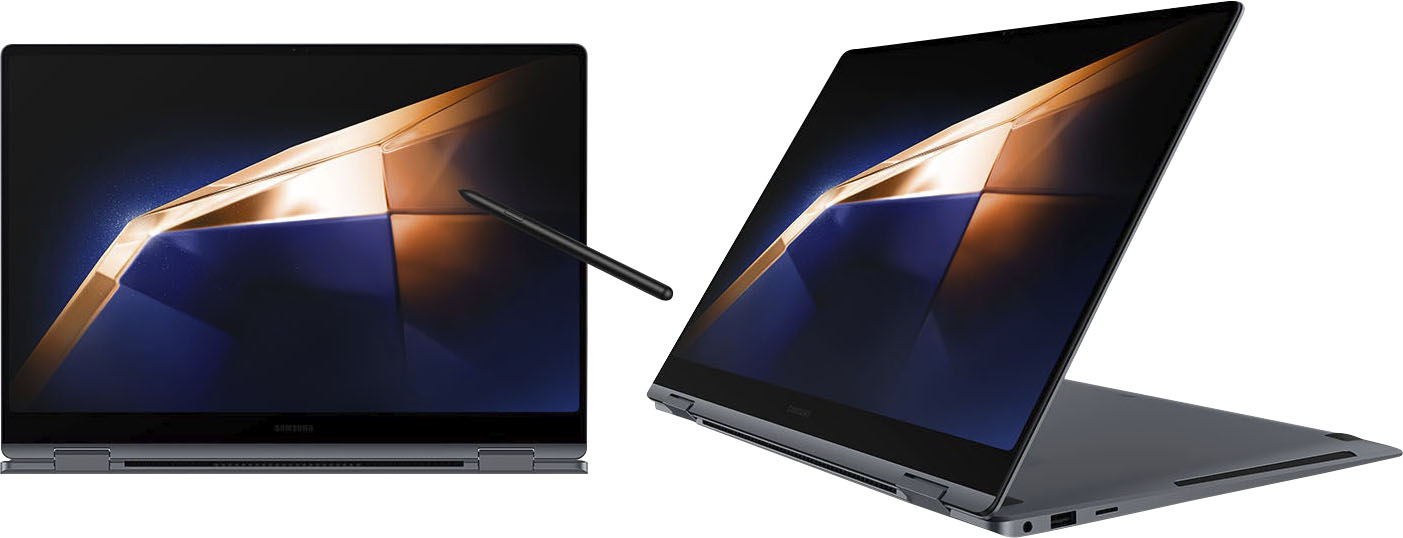
    • Answer The IO on this computer includes the following: 2 USB C ports (both can work as the charge port) 1 USB A port (the big rectangle one) 1 HDMI port (for an external display) 1 3.5mm Headphone Jack 1 Micro SD card slot (flush mounted)

      Answered by kadepow11

  • QuestionWhat are the process steps to transfer all the data and files from my HP Spectre [Windows 10] laptop to the new Samsung Galaxy Book 4 [Windows11]?

    Asked by ABBOT19.

    • Answer Salutations ABBOT19, thanks for taking the opportunity to ask us your question about the Samsung Galaxy Book4 Pro 360. Whether you're using a Windows PC or a Mac, you can download Smart Switch for your computer from the Smart Switch page. You can also find links there to install Smart Switch on your mobile device. Be sure you have installed Smart Switch on both your computer and mobile device before you get started. Then check out, "Transfer data to a new phone using Smart Switch for Windows or Mac" to learn more about using Smart Switch. Feel free to reach out to Support afterward if you would like any further assistance. Thanks for being a valued Samsung customer. - Debra

      Answered by Samsung

  • QuestionIs the battery in this laptop a lithium battery?

    Asked by RobynC.

    • Answer Hello Robby, thank you for taking the time to ask us your question about the Samsung Galaxy Book4 Pro 360. Yes, the advertised Galaxy Book4 Pro 360 features a Lithium-ion battery. Please feel free to contact Support if you have additional questions for us. Thank you for being a cherished Samsung customer. - Debra

      Answered by Samsung

  • QuestionI have experienced my laptop crashing after 30 seconds to 1 minute of being booted up. It cycles thru this 2 or 3 times. I'm not running any programs - just trying to open an excell spreadsheet. Why is this happening?

    Asked by Moe.

    • Answer Hi Moe, thank you for contacting us with your question about your Samsung Galaxy Book4 Pro 360. If your PC won't boot up properly and Windows is not functioning, there are a few things you can try to resolve the issue. Start off by trying to boot into Safe Mode. If successful, you can identify and remove or fix the problem preventing you from booting normally, like uninstalling a new driver or program that's causing the issue. You can also try restoring your PC to an earlier time when it worked better. And if all else fails, you can reset your PC back to out-of-the-box status (although you can keep your documents and files). Please take a moment to review, "Samsung PC turns on, but doesn't start or boot into Windows" to help resolve what you have described to be experiencing with your PC. Feel free to contact Support afterward if you would like further assistance. Thank you for being a faithful Samsung customer. - Debra

      Answered by Samsung

  • QuestionWhy is Samsung customer service so terrible?

    Asked by Cool.

  • QuestionMy computer is only giving just over 2 hours of battery life. The specs state up to 21 hours. I typically browse the web, use Outlook, occasional Excel and Quicken. Any thoughts?

    Asked by Allengj.

    • Answer I seem to get around 5 to 6 hours with how I use this laptop. Have you set the power mode to "Silent" ? Press the F11 key until you see "Silent". That will give you the best battery life.

      Answered by Thomas

  • QuestionI purchased this Samsung Galaxy Book Pro 360 2 in 1 2 weeks ago. I am noticing that I am only getting 4 hours of screen time when not plugged in. I do not stream and not running complex applications. I am only browsing the web, have outlook running

    Asked by Allengj.

    • Answer Greetings Allen, thank you for taking the time to ask us your question about the Samsung Galaxy Book4 Pro 360. A function called Smart Battery Calibration can help reset your PC battery's performance and recalibrate its minimum and maximum charge so you can keep using it to its current maximum capacity. Check out, "Reduced battery life on Samsung PC" to help resolve what you have described to be experiencing with your battery life. If you have additional questions or if you would like any further assistance, please do not hesitate to contact Support. Thanks for being a steadfast Samsung customer! - Debra

      Answered by Samsung