Questions & Answers
- Model:
- SM-R180NZWAXAR
- |
- SKU:
- 6422917
Q: QuestionWill these work with Moto G Power 2020 &2021
Asked by Audrey.
- A:Answer Can be connected but you need to download Samsung wearable app from play store.
Answered by Asraf
Q: Questioncan you answer from either side
Asked by Anonymous.
- A:Answer Yes each work independently of the other. So you can use the left without the right or other way around.
Answered by RD71
Q: Questionwhat is the return policy on Galaxy Buds Live??? If they hurt my ears like the previous Galaxy Bud did, can I return them??? Will there be a return fee???
Asked by StephanLMT.
- A:Answer 15 days and no return fee in some locations
Answered by Anyxoo
Q: QuestionDo these have changeable ear tips?
Asked by danny.
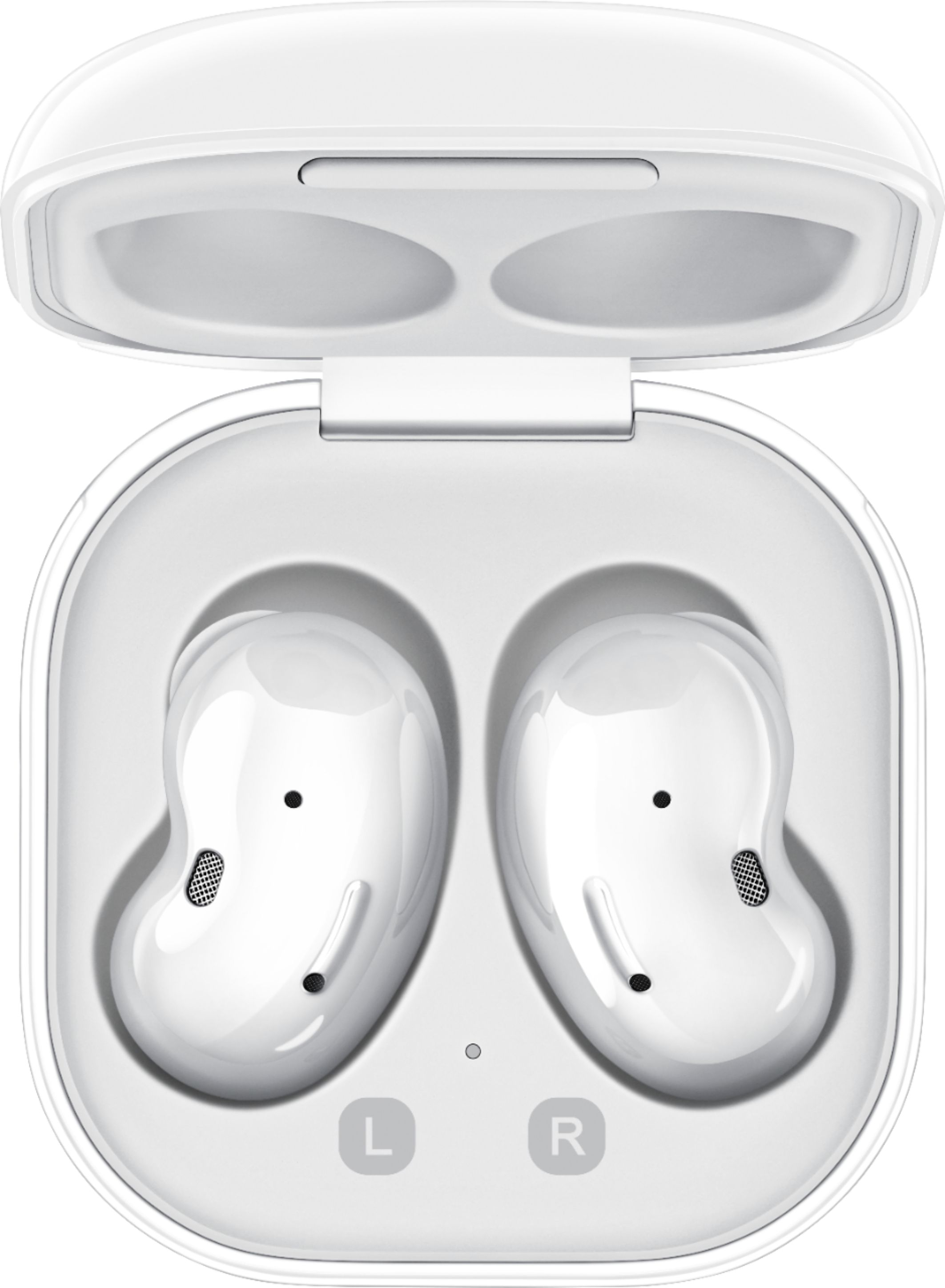
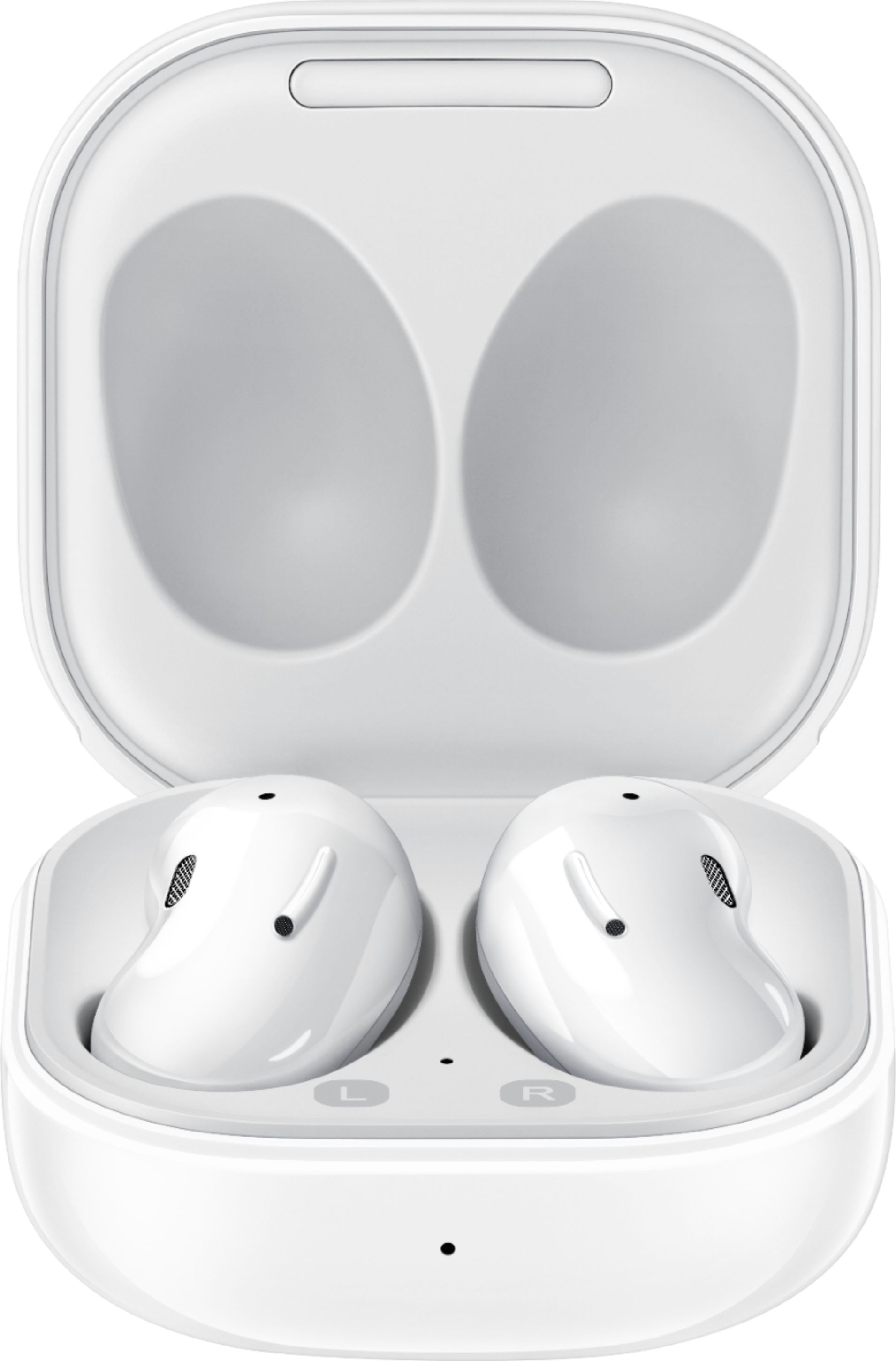
- A:Answer yes, there are two different sizes in the box when you buy them.
Answered by Anonymous
Q: QuestionWill these work with apple IPod 7th generation?
Asked by TomK.
This question was asked about the related product: Samsung - Galaxy Buds Live True Wireless Earbud Headphones - Blue
- A:Answer Yes, the Samsung Galaxy Buds should work with an Apple iPod 7th generation. The Galaxy Buds Live use Bluetooth technology to connect to devices, which is a universal wireless standard that allows for compatibility with a wide range of devices, including smartphones, tablets, computers, and media players. The iPod 7th generation also supports Bluetooth connectivity, so you should be able to pair the Galaxy Buds Live with the iPod and use them to listen to music or make calls. To pair the Galaxy Buds Live with the iPod, make sure that Bluetooth is turned on and that the earbuds are in pairing mode. You can put the earbuds in pairing mode by removing them from the charging case and pressing and holding the touchpad on the earbud until the indicator light on the earbud flashes. Then, on the iPod, go to Settings > Bluetooth and turn on Bluetooth. The iPod should search for available devices and display the Galaxy Buds Live in the list of available devices. Select the Galaxy Buds Live from the list and follow the on-screen prompts to complete the pairing process. Once the Galaxy Buds Live are paired with the iPod, you should be able to use them to listen to music, make calls, and control playback directly from the earbuds.
Answered by 0000
Q: QuestionWhat is the difference between the live, pro and other versions?
Asked by TJBE.
This question was asked about the related product: Samsung - Galaxy Buds Live True Wireless Earbud Headphones - Blue
- A:Answer I have both the live and the pro. The pro has better noise cancelation in my opinion and the sound is richer. It may be because the pro earbuds go into your ear and the live earbuds rest along the shape of your ear. I wear my live buds when I plan to fall asleep because they are more comfortable to lay directly on.
Answered by Jennifer
Q: QuestionAre these compatible with Galaxy A02s?
Asked by Jess.
- A:Answer They are compatible with all Samsung Galaxy smart phones.
Answered by Penelope
Q: QuestionAre these earbuds hard to remove from your ears? They look comfortable but intimidating to use. I'd like to know before placing an order.
Asked by MsTracy.
This question was asked about the related product: Samsung - Galaxy Buds Live True Wireless Earbud Headphones - Blue
- A:Answer Unless your ear hole substitutes as a cave, they are easily removed. Per my review they come out too easily.
Answered by SmartMouthSally
Q: QuestionDo they come with case or is that separate? Was reading but couldn't seem to find that ?
Asked by Sylver14.
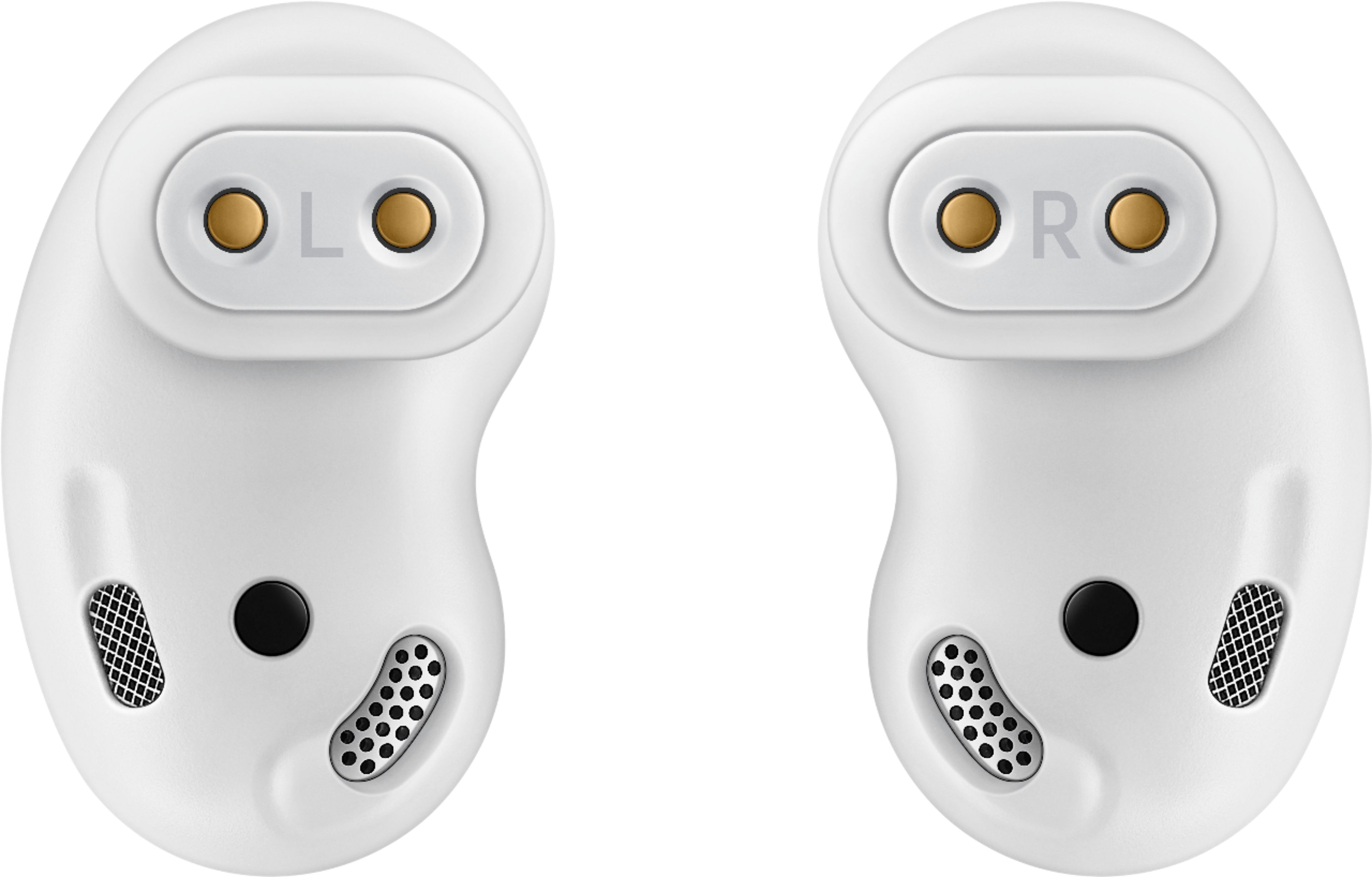
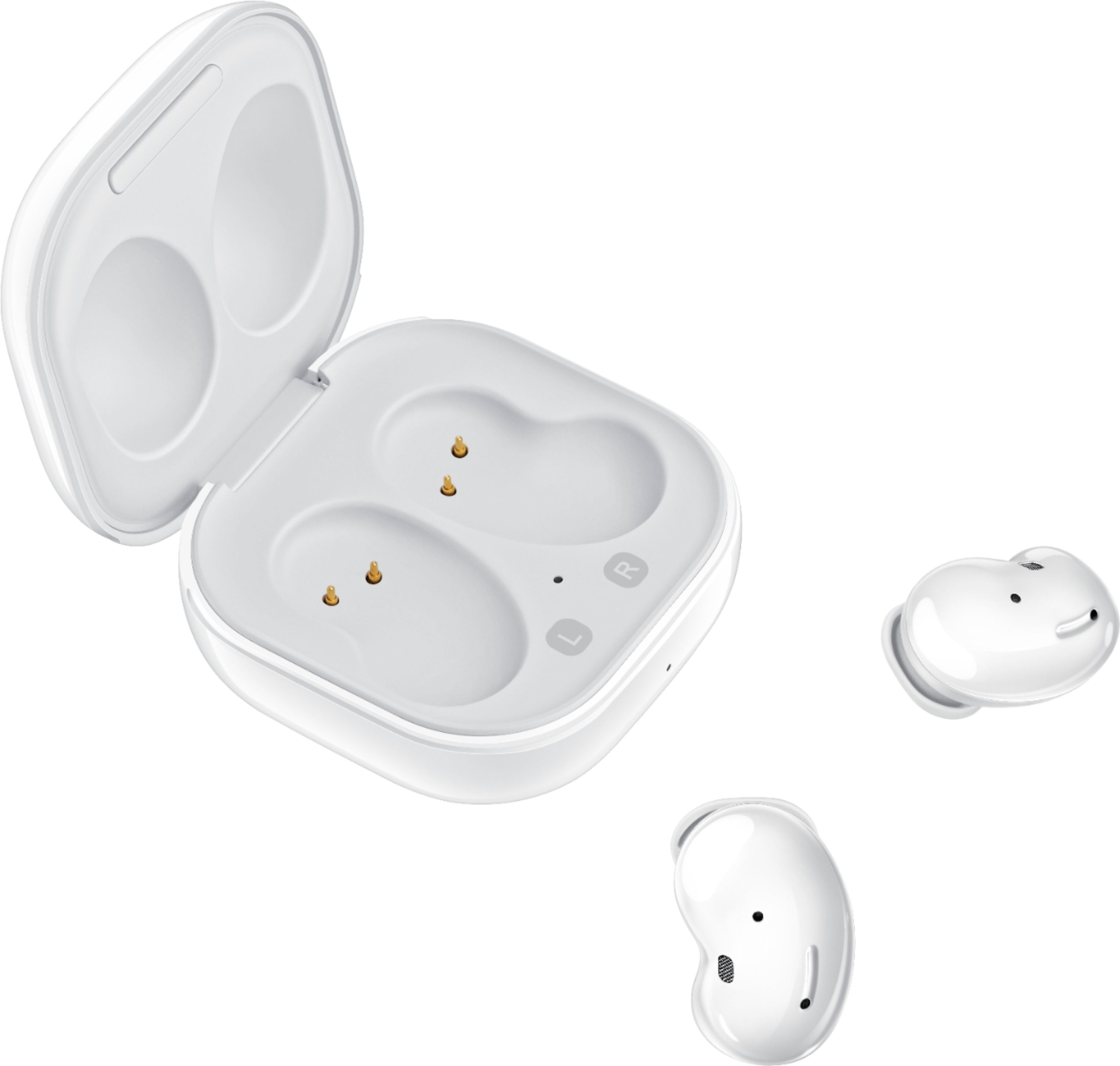
- A:Answer Yes they come with the case. The case that comes with these is a charging case. Your ear buds will charge when you put them in the case.
Answered by Crystal
Q: QuestionCan you pair two devices to these ear buds at the same time?
Asked by Nade.
- A:Answer Yes, Nade! You are able to pair the Galaxy Buds Live to multiple devices. However, the earbuds cannot be connected to multiple devices simultaneously. I have included this link, (https://www.samsung.com/us/support/answer/ANS00086702/), with more information. If you have further question, please reach out to us on Facebook at (http://m.me/samsungsupport) or Twitter at (https://twitter.com/messages/compose?recipient_id=18768513). Thank you for taking the time to leave this review. ^Kayla
Answered by Samsung

Q: QuestionAre these brand new? I don't want to purchase a refurbished item.
Asked by BZTampa.
This question was asked about the related product: Samsung - Galaxy Buds Live True Wireless Earbud Headphones - Bronze
- A:Answer Yes, I bought them in store and they were brand new, Love this Buds, great quality.
Answered by Jezz15
Q: QuestionHi there, Will these work with the Samsung Galaxy A01 smart phone?
Asked by PennyLane.
This question was asked about the related product: Samsung - Galaxy Buds Live True Wireless Earbud Headphones - Bronze
- A:Answer Yes anything with Bluetooth
Answered by Fischkiller
Q: Questionwhat does the manufacturer warranty cover and for how long?
Asked by kimmie.
This question was asked about the related product: Samsung - Galaxy Buds Live True Wireless Earbud Headphones - Bronze
- A:Answer Yes, Kimmie. The Galaxy Buds Live come with a standard one year manufacturer warranty. Thank you for asking this question. ^Kayla
Answered by Samsung

Q: Questioncan touch controls be deactivated through app or otherwise?
Asked by roser.
- A:Answer Yes, Roser! You are able to change the touch control through the Galaxy Wearable application. I have included a link with the options you have. Thank you for asking this question. ^Kayla https://www.samsung.com/us/support/answer/ANS00078137/
Answered by Samsung

Q: QuestionHow does this charge? How often do the batteries have to be replaced and is it easy to do?
Asked by BeachMeme.
This question was asked about the related product: Samsung - Galaxy Buds Live True Wireless Earbud Headphones - Blue
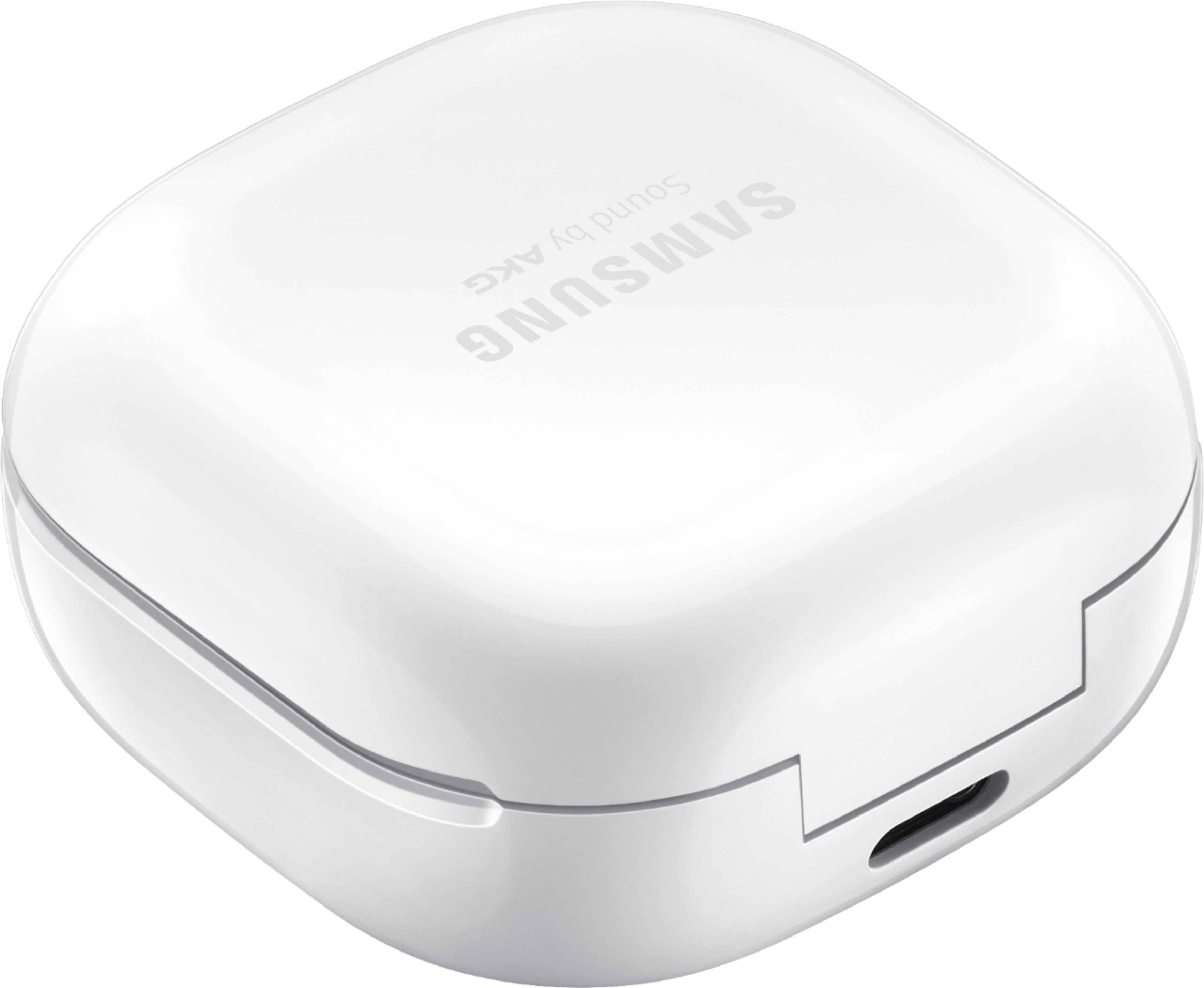
- A:Answer That is a great question! The case that comes with the Galaxy Buds charges the buds when they are placed inside. You are able to either connect the USB cable or place the charging case on a wireless charger. The earbuds and charging case are charged simultaneously. Thank you for taking the time to ask this question. ^Kayla
Answered by Samsung

Q: QuestionWill this AirPods work with iPhone xr or iPhone 12?!
Asked by Nana.
- A:Answer Hi Nana! Thank you for reaching out to us. We appreciate your interest in knowing if Galaxy Buds Live works with iPhone XR and iPhone 12. Galaxy Buds Live is compatible with iOS through Bluetooth and the Galaxy Buds iOS app. Requires iPhone 7 or later models running iOS 10 and higher versions which iPhone XR and iPhone 12 are upgraded to iOS 10. For your reference, you may access this link about "Galaxy Wearables that are Compatible with iOS": https:/www.samsung.com/us/support/answer/ANS00089822/. Should you need more assistance, please feel free to get back to us via the following options: 1. Facebook Messenger: http://m.me/samsungsupport 2. Twitter: https://twitter.com/messages/compose?recipient_id=18768513 3. Samsung Community: https://us.community.samsung.com/t5/Samsung-Community/ct-p/us Reference #: 1144322632 Have a great day. Melardo
Answered by Samsung

Q: QuestionDo these allow you to take phone calls if using with an apple iPhone, if so how is the sound quality while using them on a phone call?
Asked by SusieSunshine.
This question was asked about the related product: Samsung - Galaxy Buds Live True Wireless Earbud Headphones - Bronze
- A:Answer They will work. However the person you're talking to will hear literally everything in the background. Normal wind that you typically wouldn't pay attention to sounds like you're in the middle of a tornado.
Answered by Sarah
Q: QuestionAre these ear bugs noise canceling?
Asked by Teagon.
- A:Answer Yes, Teagon! The Galaxy Buds Live do have noise canceling. Thank you for taking the time to ask this question. ^Kayla
Answered by Samsung

Q: QuestionIs the case a charging station and how does that work?
Asked by Melba.
- A:Answer Yes, when you put the galaxy buds back in the case it charges them. The case itself can be charged by placing it on a wireless charging pad, or simply using the usb-c cable it comes with.
Answered by Picco
Best-selling headphones
- Black Friday Deal$219.99Your price for this item is $219.99
- $79.99Your price for this item is $79.99$129.99The comparable value for this item is $129.99
- Black Friday Deal$399.99Your price for this item is $399.99
- $139.99Your price for this item is $139.99$179.99The comparable value for this item is $179.99
- Doorbuster$159.99Your price for this item is $159.99
- $19.99Your price for this item is $19.99
- Flash Deal$39.95Your price for this item is $39.95
- Black Friday Deal$159.99Your price for this item is $159.99
- Black Friday Deal$169.99Your price for this item is $169.99
- Black Friday Deal$149.99Your price for this item is $149.99
- $19.99Your price for this item is $19.99
- Black Friday Deal$129.99Your price for this item is $129.99
- Black Friday Deal$199.99Your price for this item is $199.99
- $179.00Your price for this item is $179.00$249.99The comparable value for this item is $249.99
- Black Friday Deal$129.99Your price for this item is $129.99
- Black Friday Deal$99.99Your price for this item is $99.99
- Black Friday Deal$216.00Your price for this item is $216.00
- Black Friday Deal$179.99Your price for this item is $179.99
- Black Friday Deal$199.00Your price for this item is $199.00
- Black Friday Deal$39.95Your price for this item is $39.95