A:AnswerYes you can. I use my Samsung phone charger with my Earbuds. I'm pretty sure the USB-C is universal. (The small end of the cable)
You can use any brand USB-C for charging your Earbuds and other similar items. It recommended using the same manufacturer for better compatibility. For me, I always ask Best Buy Total Tech to ensure I have the right info.
A:AnswerYes! Infact i'm doing so right now! using the right earbud solo while the left one is in the case charging and closed! But you can switch it up and do the same with the left one while the right one is in the case closed
A:AnswerHi Brandi. Thank you for bringing this to our attention. I appreciate your taking the time to raise this inquiry regarding the Samsung - Galaxy Buds2. Yes, this is compatible with any device with a BlueTooth connection. But to maximize the full potential of the device, you would need to have the Samsung wearable app, which you may or may not be able to install on your phone. ^Charles
A:AnswerBoth ear buds are great. I use the Beats Pro's for working out. I use the Galaxy Buds 2 for my Samsung products (Laptop, Phone). I also use the Buds for working out as well. I can't choose between the two.
A:AnswerHello DJ, that's a really good question! These earbuds are compatible with smartphones and tablets running Android 5.0 or higher and with more than 1.5GB of RAM. ^Elizabeth
A:AnswerHi Karena0315,
Thank you for reaching out to us. We appreciate your interest regarding if the Galaxy Buds2 can be connected to a TV. In line with this, yes, the device can be connected when watching the TV, so you can enjoy, listen and control the volume without interrupting anyone nearby.
Here is a link under the "Pair your earbuds to your TV" for some steps:
https://www.samsung.com/us/support/answer/ANS00086702/
Should you need more assistance, you may reach us via the following for immediate support:
1. Samsung Community: https://us.community.samsung.com/t5/Samsung-Community/ct-p/us
2. Facebook Messenger: http://m.me/samsungsupport
3. Twitter: https://twitter.com/messages/compose?recepient_ id=18768513
Reference Number: 1144348525
Thank you for choosing Samsung. Have a great day!
^Chrystel
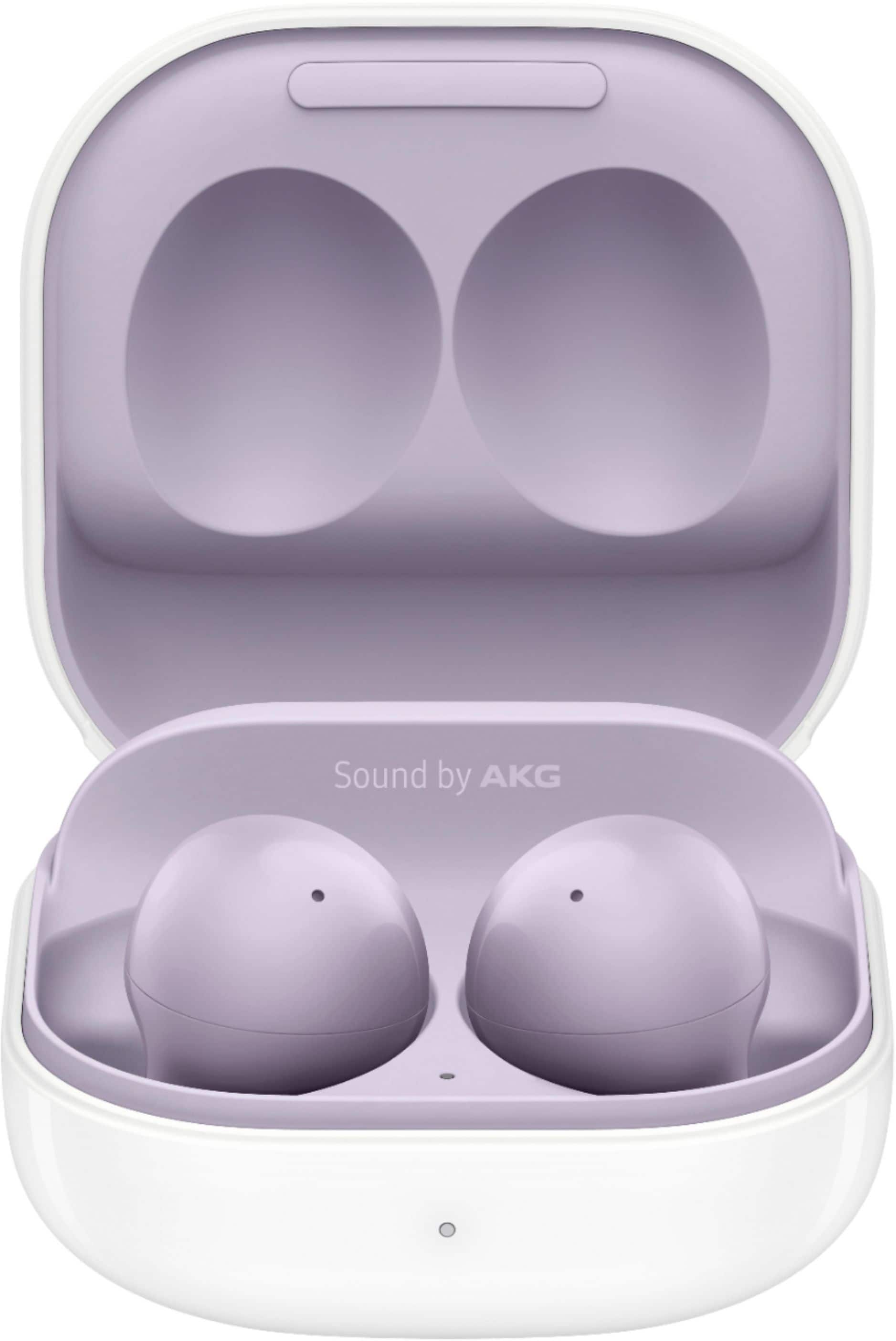
A:AnswerYes the galaxy buds + are compatible with iPhone. I own one myself and have no issues at all when pairing my iPhone. Battery life is great, I get 2 work days without charging them. May I add you can answer calls by tapping the bud which is a bonus for me.
A:AnswerYes but does not switch to the other device automatically. Example I have my buds plus paired to personal phone Galaxy S9+ and work phone iphone8. If I am listing to podcast on Galaxy and iPhone rings I would need to click the buds in Bluetooth settings to answer call on buds plus on iphone. Then click buds plus on Galaxy Bluetooth settings to go back to podcast on the galaxy. You do not have to unpair. I have herd that if the two devices are Samsung it will switch automatically. Example Samsung phone and tablet or computer it will go to the call then back again automatically with out Bluetooth settings.
A:AnswerHello Bala, that's a really good question! These earbuds are only compatible with iPhone7 or later models with the iOS 10 or higher. ^Elizabeth
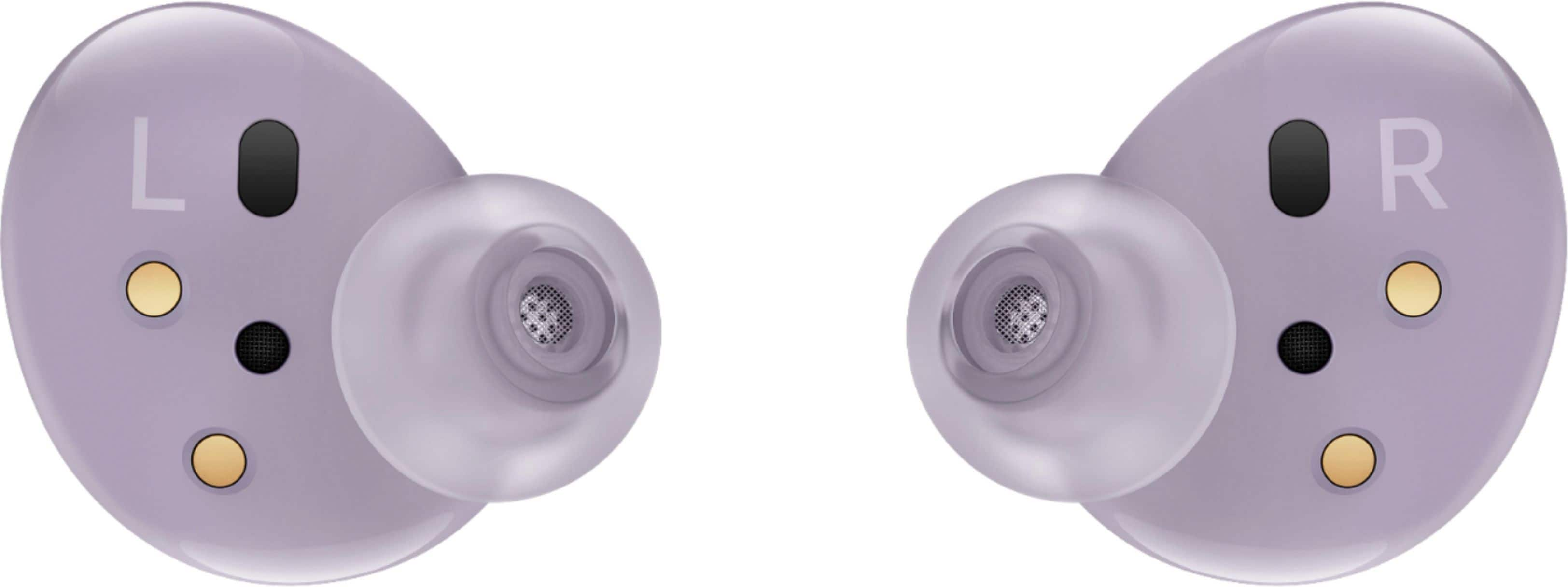
A:AnswerHello RobMP, that's a really good question! These earbuds have three adjustable ear and wing tip sizes that come in the box to ensure a comfortable fit. Mix and match to find the perfect fit for any ear shape or size. ^Elizabeth
A:AnswerYoy can with the SmartThings Find app. You can download it by poking around in the 'Find My Earbuds' setting on the Galaxy Wearabe app thats preinstalled.
A:AnswerHi MommaTraver,
Thank you for reaching out to us. We apologize for the inconvenience this may have caused you, as your Galaxy Buds2 randomly disconnects to your computer. I understand how essential it is to continue using them while doing your schoolwork activities.
Please visit this link for some troubleshooting guide with your buds:
https://www.samsung.com/us/support/troubleshooting/TSG01111318/.
Also, you may check for software updates on your buds:
https://www.samsung.com/us/support/answer/ANS00078087/.
Should you encounter the same issue, you may reach us via the following for immediate support:
1. Samsung Community: https://us.community.samsung.com/t5/Samsung-Community/ct-p/us
2. Facebook Messenger: http://m.me/samsungsupport
3. Twitter: https://twitter.com/messages/compose?recepient_ id=18768513
Reference Number: 1144223306
Thank you for choosing Samsung. Have a great day!
^Chrystel