
Skip to contentGo to Product SearchGo to Footer
Main Content

Questions & Answers

Page Showing 1-20 of 52 questions
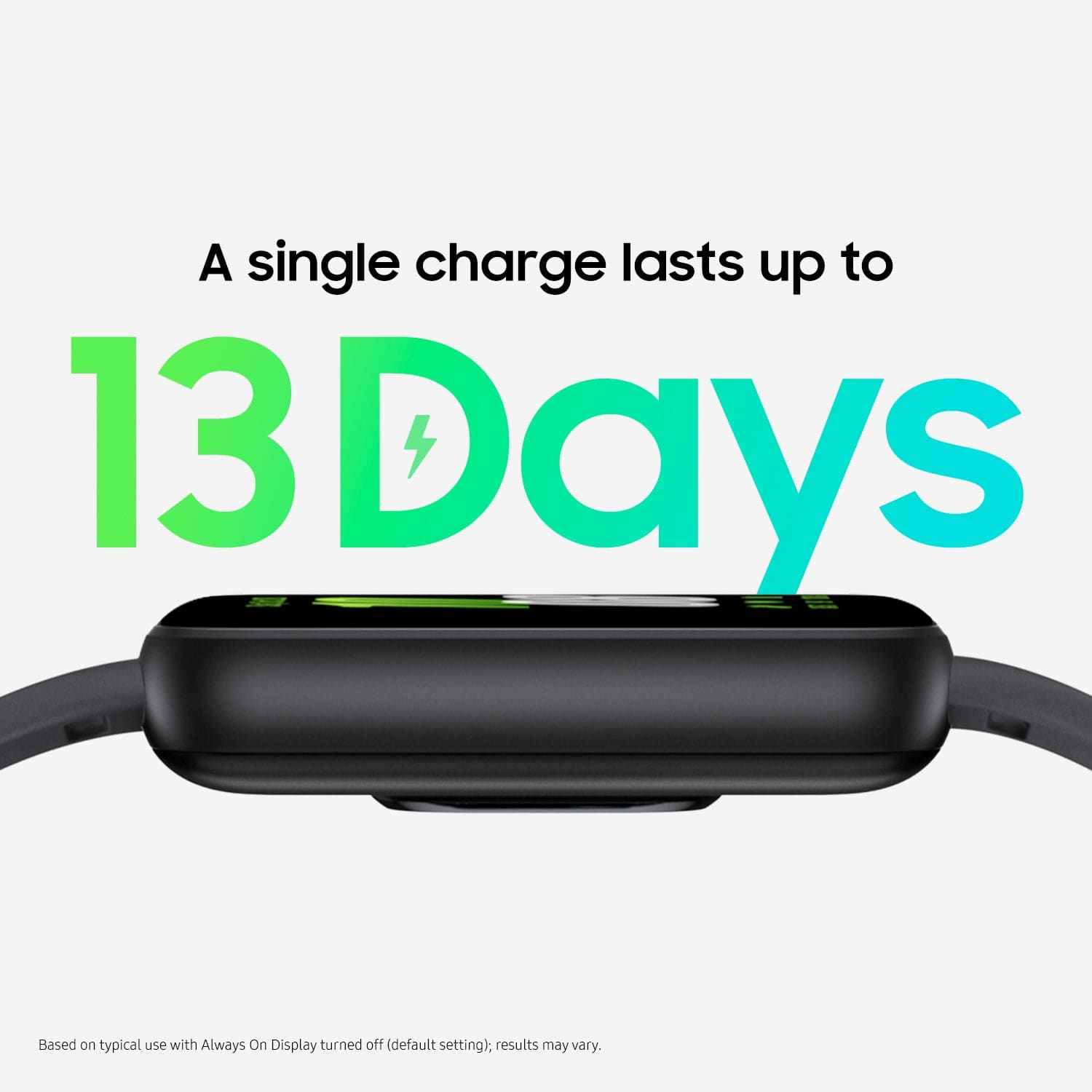
  • QuestionWhat is the battery life of the Galaxy Fit3?

    • Answer The battery life of the Galaxy Fit3 is up to 13 days on a single charge.
    This question and answer was generated by AI based on customer and product data.

  • QuestionHow long does it take to charge the Galaxy Fit3?

    • Answer The charging time for the Galaxy Fit3 is 120 minutes.
    This question and answer was generated by AI based on customer and product data.

  • QuestionCan I use the Galaxy Fit3 to take pictures?

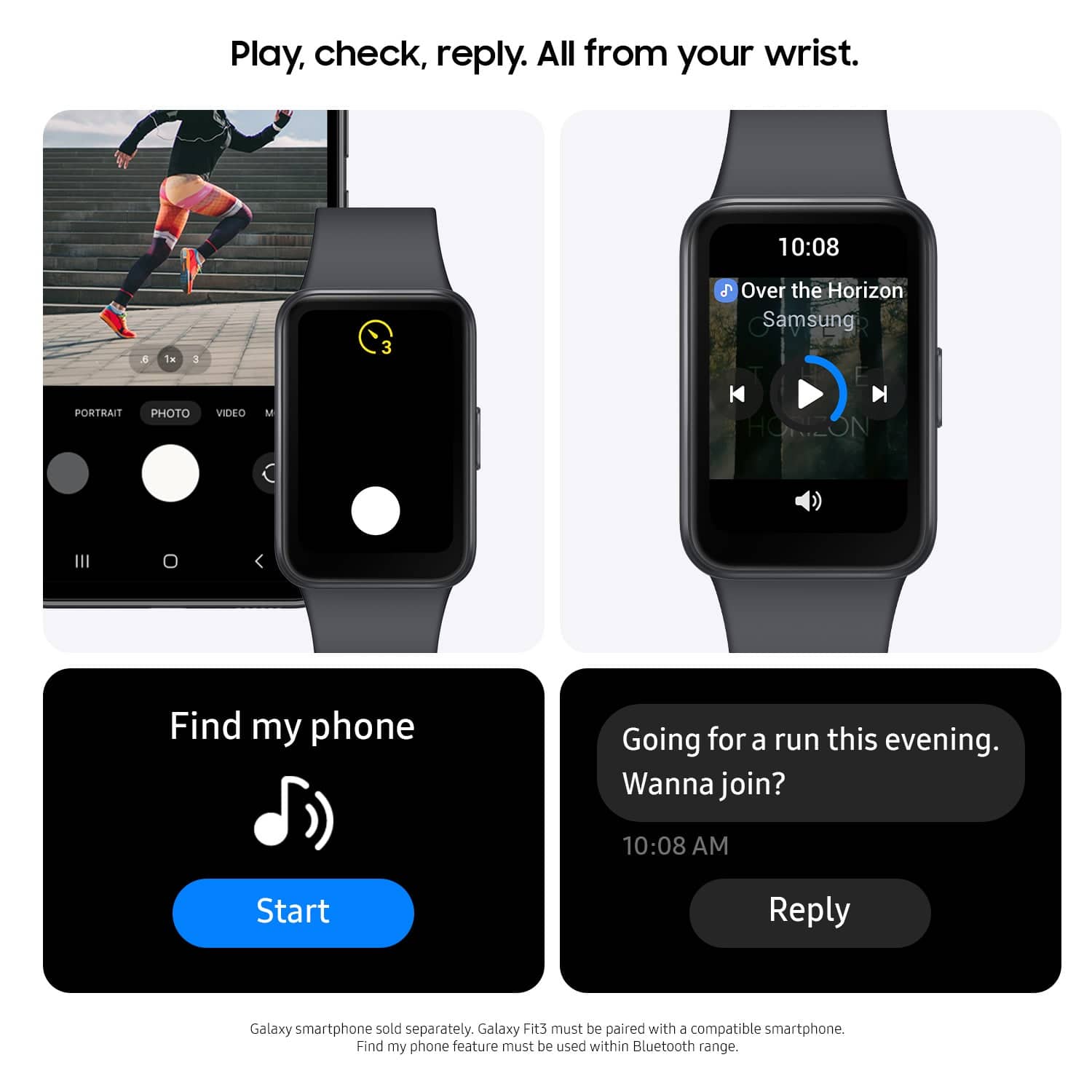
    • Answer Yes, you can use the camera control feature on the Galaxy Fit3 to take pictures remotely with your compatible smartphone.
    This question and answer was generated by AI based on customer and product data.
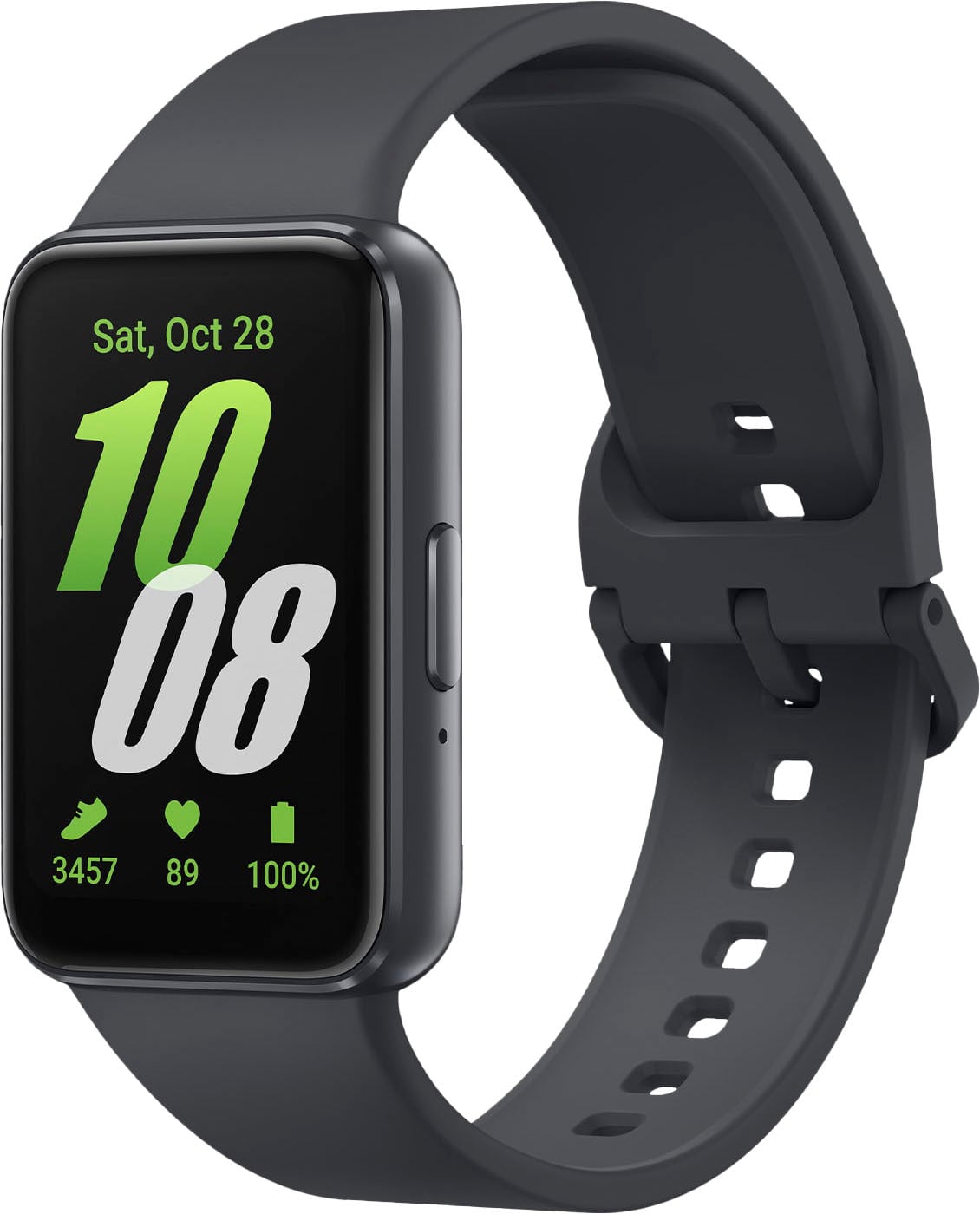
  • QuestionWhat is the screen size of the Galaxy Fit3?

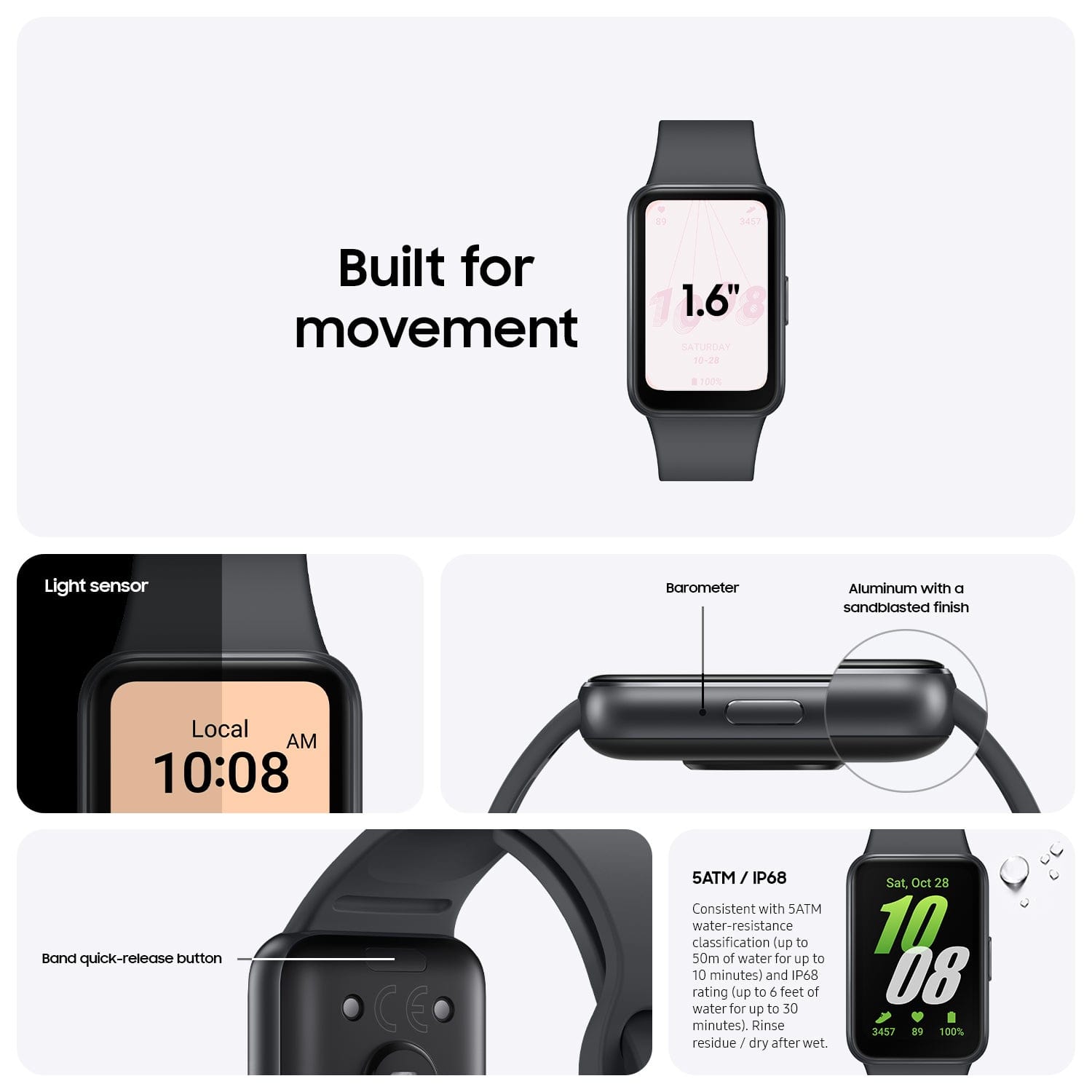
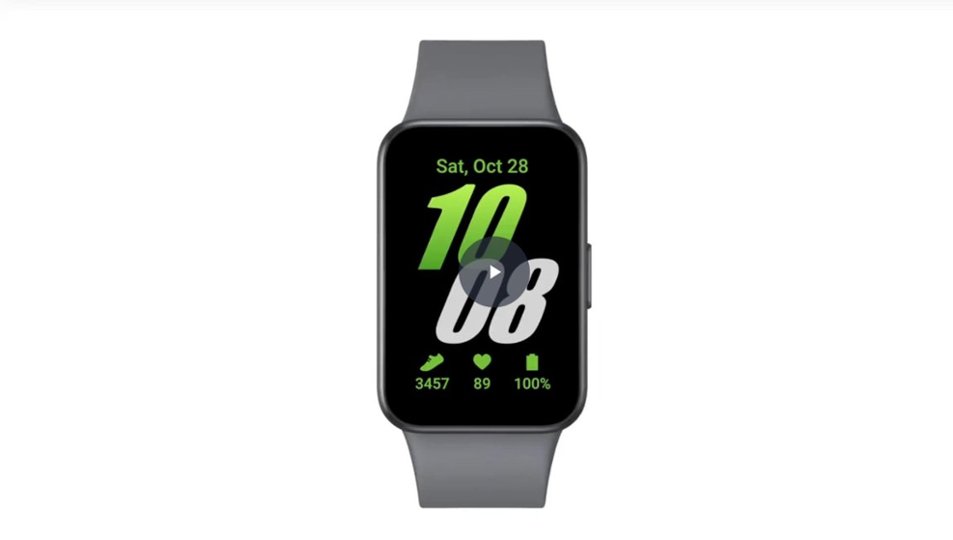
    • Answer The Galaxy Fit3 has a screen size of 40 millimeters.
    This question and answer was generated by AI based on customer and product data.
  • QuestionDoes the Galaxy Fit3 have GPS?

    • Answer Yes, the Galaxy Fit3 is equipped with GPS functionality.
    This question and answer was generated by AI based on customer and product data.
  • QuestionDoes the Galaxy Fit3 have a find my phone feature?

    • Answer Yes, the Galaxy Fit3 can help you locate your lost phone using the Find My Phone app.
    This question and answer was generated by AI based on customer and product data.
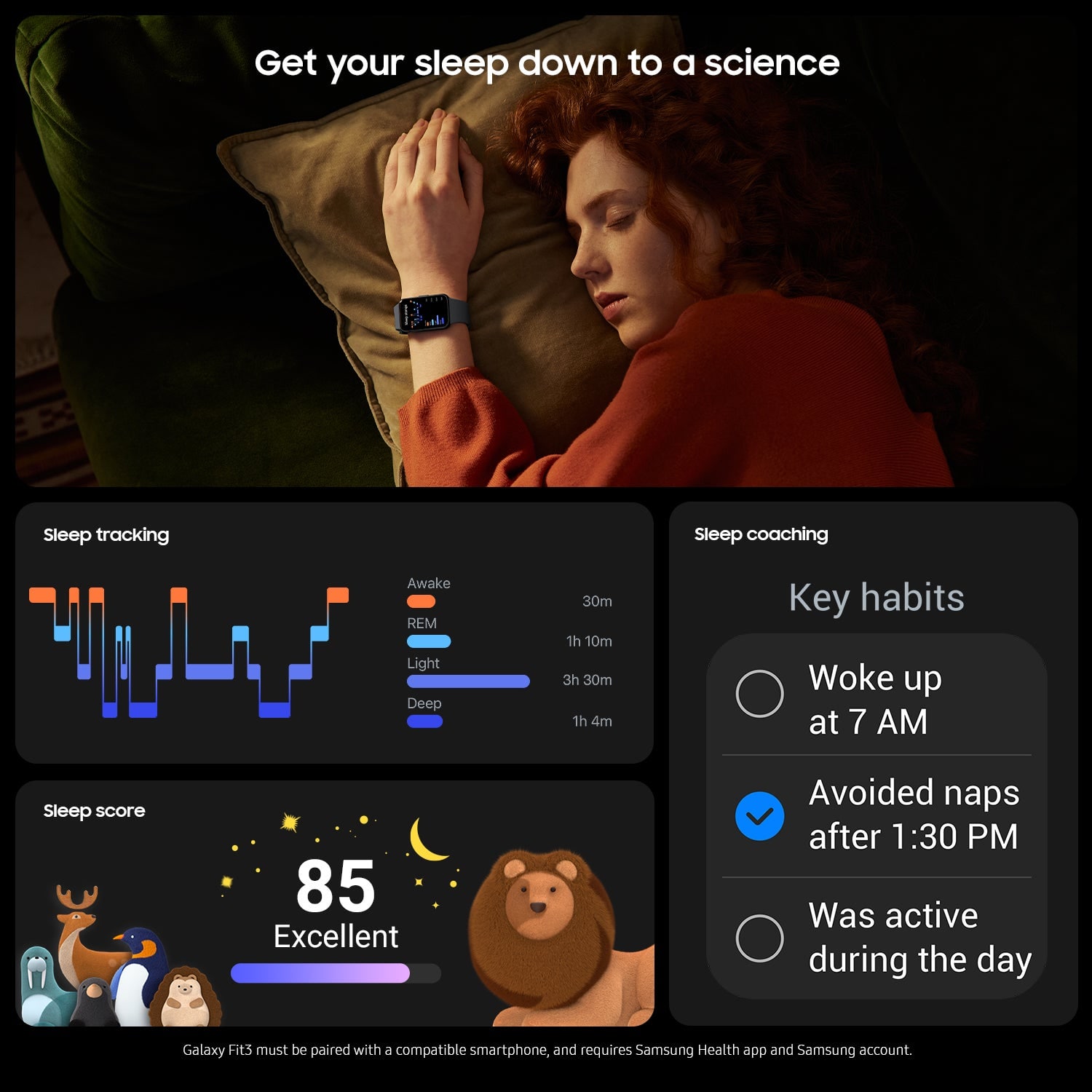
  • QuestionCan the Galaxy Fit3 track sleep?

    • Answer Yes, the Galaxy Fit3 can track your sleep patterns, including sleep cycles and duration.
    This question and answer was generated by AI based on customer and product data.
  • QuestionCan I track my sleep with this smartwatch?

    • Answer This smartwatch allows you to track your sleep patterns, including sleep cycles and duration.
    This question and answer was generated by AI based on customer and product data.
  • QuestionWhat is the screen size of the Galaxy Fit3 smartwatch?

    • Answer The Galaxy Fit3 smartwatch features a 40-millimeter screen.
    This question and answer was generated by AI based on customer and product data.
  • QuestionWhat is the battery life of the Galaxy Fit3?

    • Answer The Galaxy Fit3 provides up to 13 days of battery life on a single charge.
    This question and answer was generated by AI based on customer and product data.

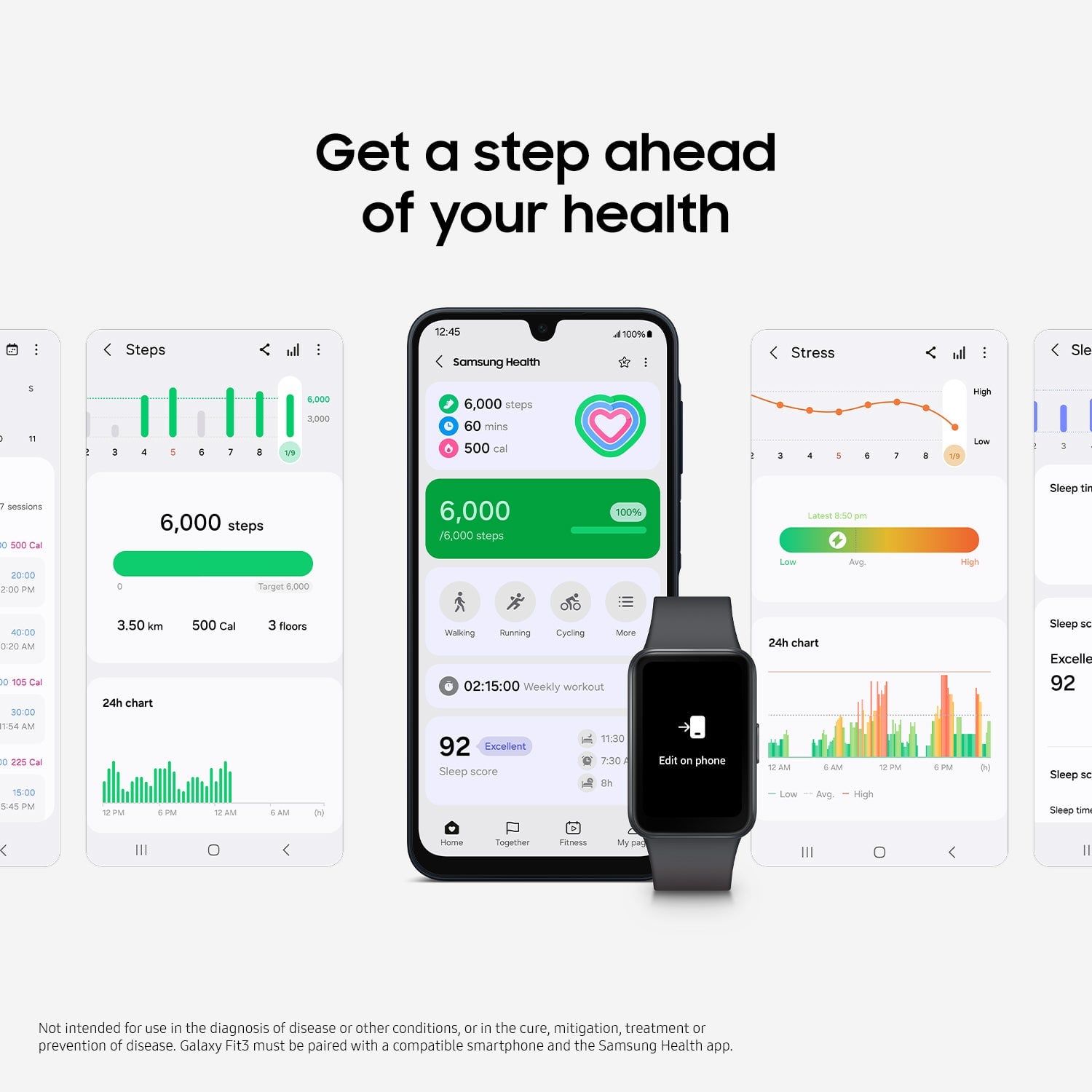
  • QuestionHow does the Galaxy Fit3 help with stress management?

    • Answer The Galaxy Fit3 offers Stress Tracking, which measures stress indicators like heart rate to provide insights into your stress levels.
    This question and answer was generated by AI based on customer and product data.
  • QuestionDoes the Galaxy smartwatch have fall detection?

    • Answer Yes, the Galaxy Fit3 can detect a fall and send an alert to your emergency contact.
    This question and answer was generated by AI based on customer and product data.
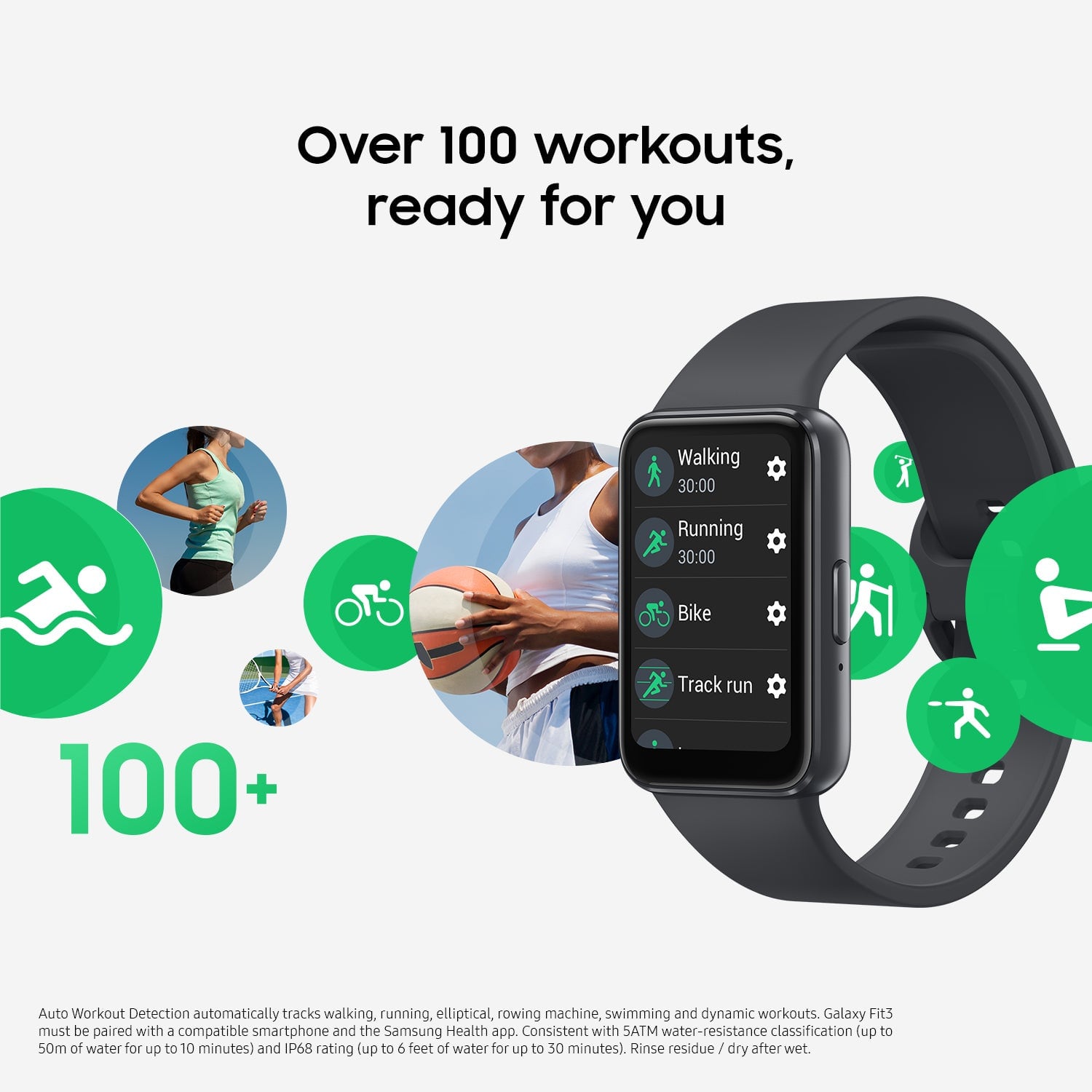
  • QuestionIs the Galaxy Fit3 waterproof?

    • Answer Yes, the Galaxy Fit3 has an IP68 rating, making it water-resistant up to 165 feet.
    This question and answer was generated by AI based on customer and product data.
  • QuestionIs the band replaceable?

    Asked by Curious.

    • Answer Howdy Curious, thanks for asking us your question about the Samsung Galaxy Fit3. Yes, you can attach and remove the band on the Galaxy Fit3. Be sure to remove the band while pressing the band release button. Feel free to contact Support if you think of any other questions for us. Thanks for being a steadfast Samsung customer. - Debra

      Answered by Samsung

  • QuestionCan Bluetooth be turned on/off? Is there an Airplane mode feature?

    Asked by Bluetooth.

    • Answer Good day Bluetooth, thanks for asking us your question about the Samsung Galaxy Fit3. Yes, you can enable/disable Bluetooth on the Galaxy Fit3. If you have any other questions, feel free to contact Support. Thank you for being a valued Samsung customer. - Debra

      Answered by Samsung

  • QuestionDoes the fit 3 do target heart rate zones

    Asked by Anonymous.

    • Answer Salutations, thanks for asking us your question about the Samsung Galaxy Fit3. Yes, the Galaxy Fit3 automatically categorizes heart rate zones for different activities, such as running, cycling, or circuit training. Feel free to reach back out if you have additional questions. Thank you for being a faithful Samsung customer. - Debra

      Answered by Samsung

  • QuestionIs it compatible to any android ph?

    Asked by Mary.

    • Answer Yes, the Samsung Galaxy Fit 3 is compatible with most Android phones, as long as the phone meets the following requirements: Android 10.0 or higher At least 1.5 GB of RAM Bluetooth 5.3 support (recommended but not mandatory for basic pairing)

      Answered by Superdope

  • QuestionDoes it come with a charger

    Asked by Anonymous.

    • Answer No. It only has the little magnetic cord that attaches to the phone with a USB C tip. You need a USB C power adapter which is NOT the kind that everybody already has.

      Answered by Elisheva60

  • QuestionCan you purchase different bands for this watch?

    Asked by Mary.

    • Answer Yes, I got a set of 3 nice, stretchy ones from A*****n for under $20

      Answered by GadgetGeek

  • QuestionHow and when does it contact 911 to alert them you have an emergency? Does it call 911 automatically if you do not interact with the watch or the phone after a hard fall? press the home button 5 times, does that automatically call 911 for you?

    Asked by Runabout.

    • Answer Hello Runabout, thank you for asking us your questions about the Samsung Galaxy Fit3. The Galaxy Fit3's hard fall detection utilizes its built-in sensors to detect a sudden, hard impact, then it alerts your paired phone to send an SOS message with your location to pre-set emergency contacts after a 60-second countdown, giving you time to cancel it if it's a false alarm, but it requires the phone connection to send the alerts. Check out, "Use the Detect fall feature on your Samsung smart watch" if you would like to learn more about this awesome feature. Reach out to Support afterward if you would like further assistance. Thank you for being a dedicated Samsung customer. - Debra

      Answered by Samsung