Black Friday is hereShop new DoorbustersShop now

Main Content

Questions & Answers

Your price for this item is $23.88per month
for 36 months; 0% APR
Page Showing 1-4 of 4 questions
  • Questionwireless charger?

    Asked by Mike.

    • Answer The phone is wireless charging capable but no wireless charger is included.

      Answered by RobertR

  • QuestionNeed help with setup

    Asked by Anonymous.

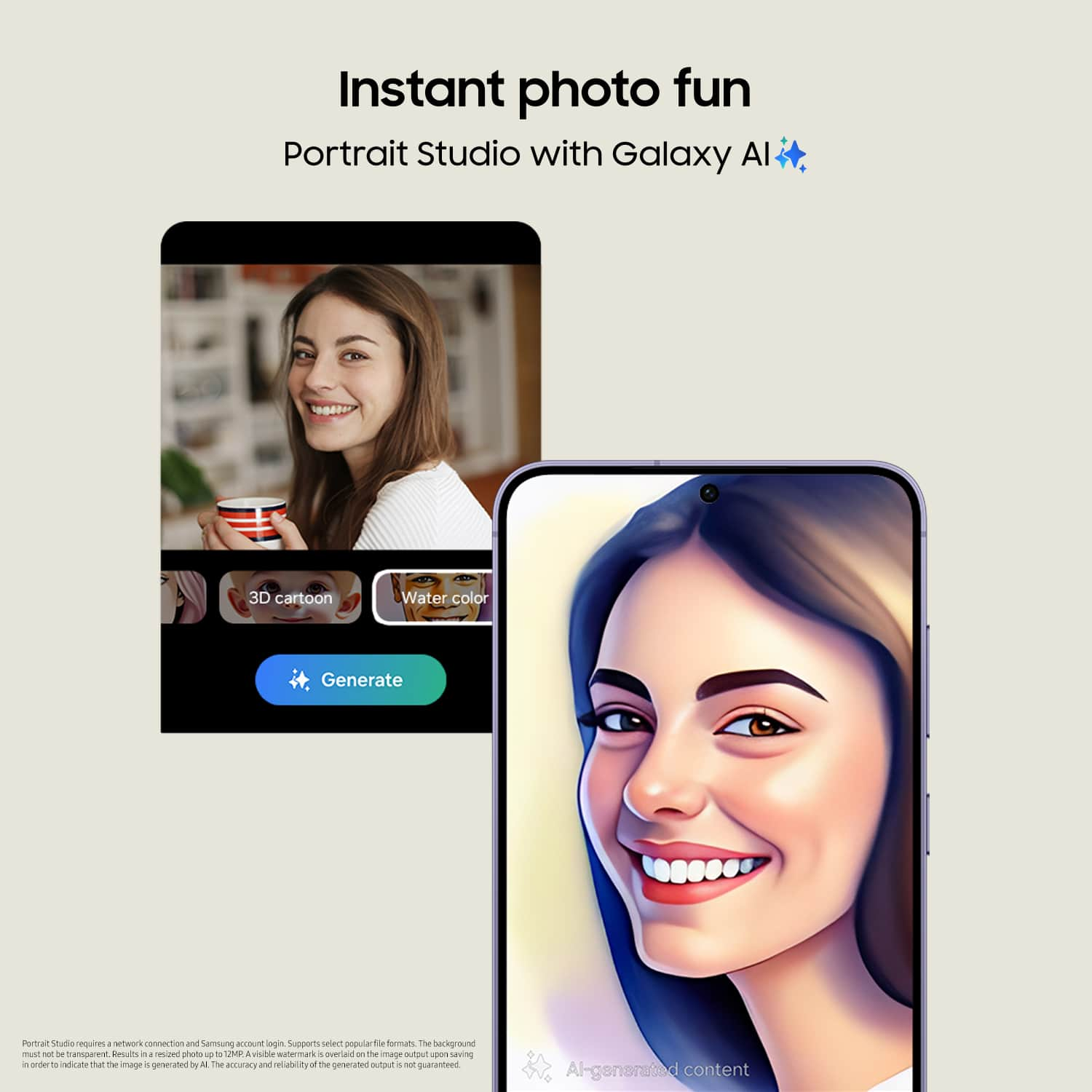
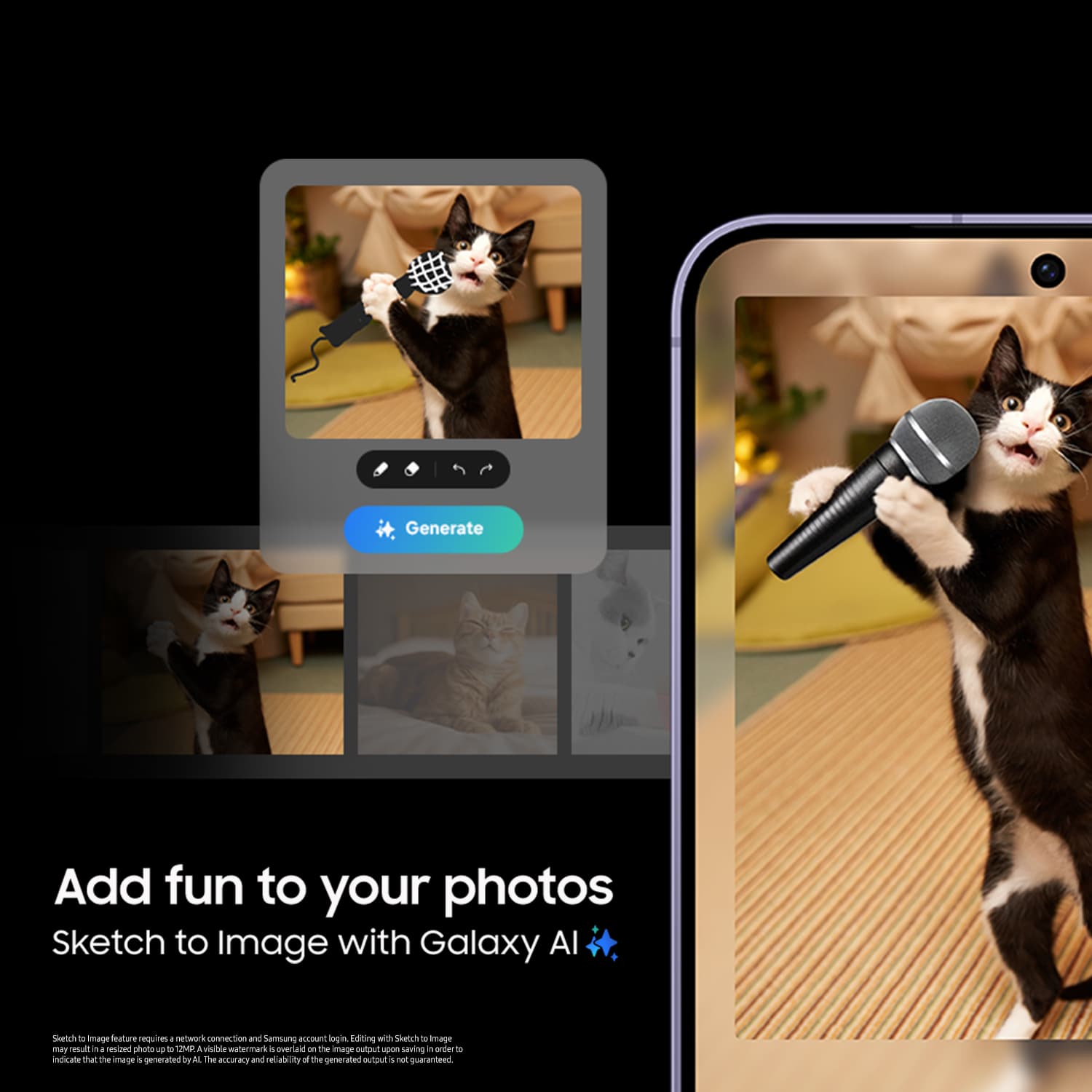
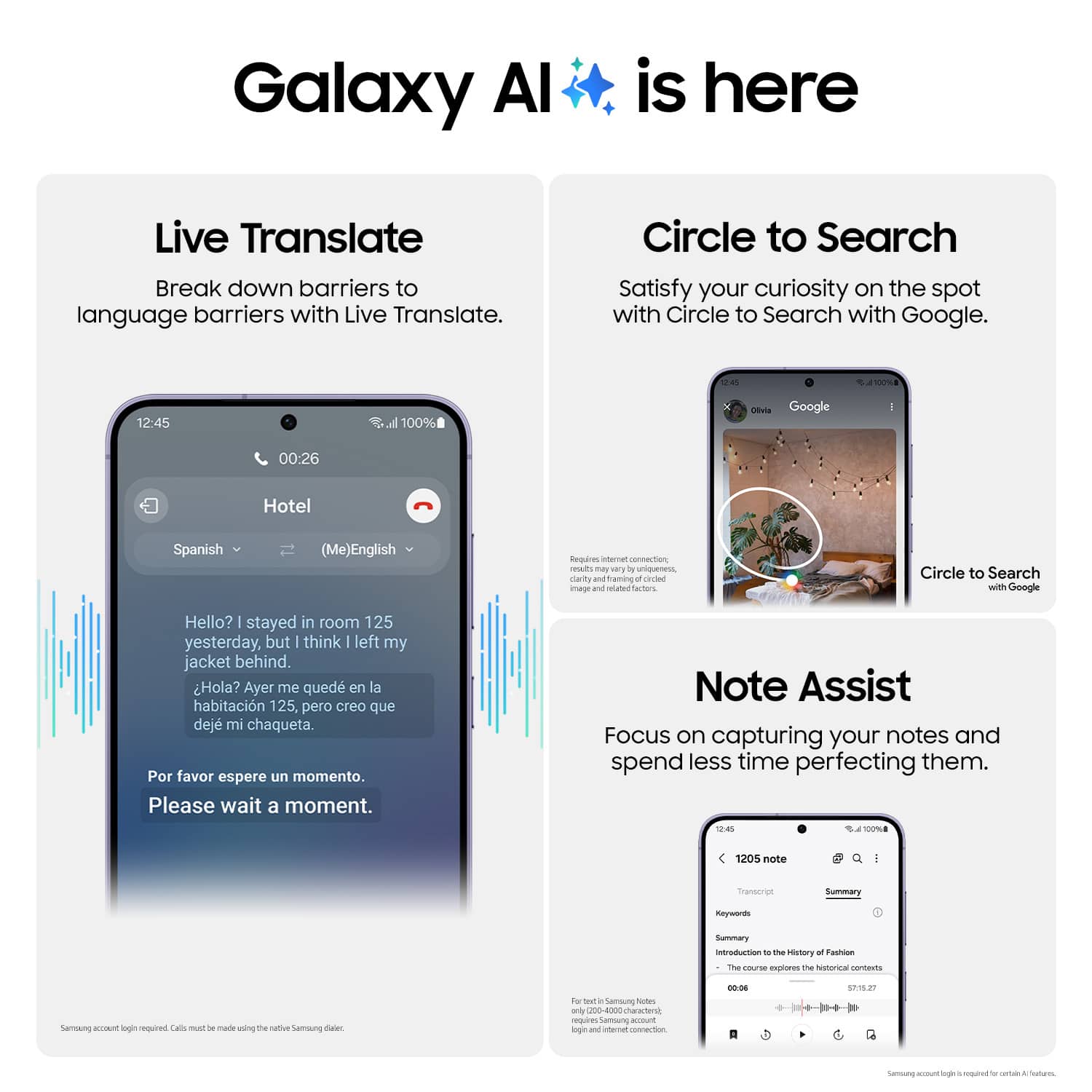
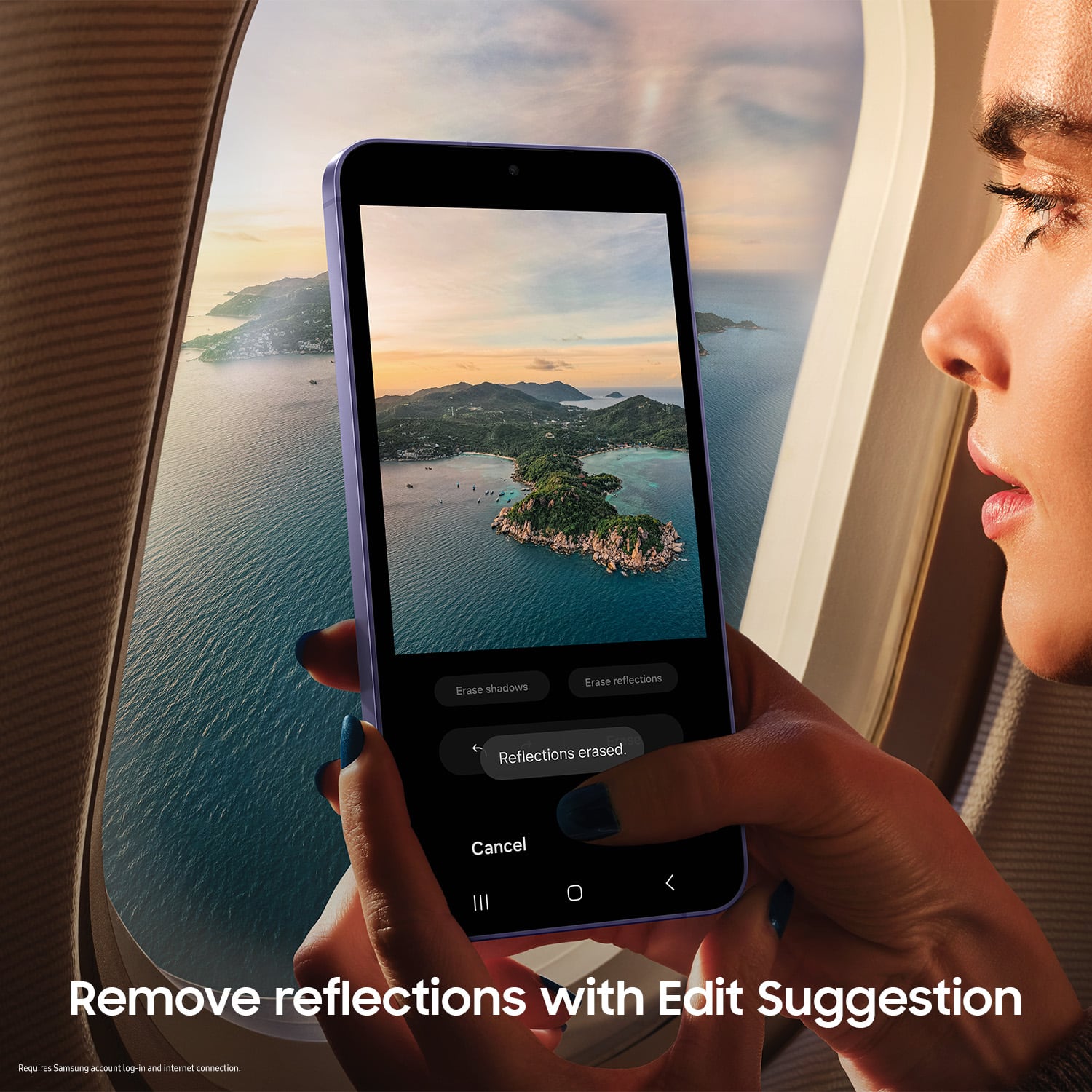
    • Answer Hello! Thank you for contacting us for information on setting up your S24. The Galaxy S24 and S24+ utilize AI in many apps and experiences. For instance, the camera uses AI Zoom to take better zoom photos. You can also use AI to edit images with features such as Generative Edit, which can fill in backgrounds and move, resize, or erase objects. Additionally, Live Translate allows you to communicate in other languages over the phone. If you still need assistance, please reach out to our Support team so that we can provide you with the help you need. -Kelvin

      Answered by Samsung

  • QuestionCost to move apps and data from old S6 to new S24 phone

    Asked by Mike.

    • Answer Hey Mike, thank you for finding the time out of your day to ask us your question about the Samsung Galaxy S24. Smart Switch is a convenient app that lets you quickly transfer files from your old phone to a new Galaxy phone. You can transfer many different types of files using Smart Switch. Data from synced accounts cannot be transferred with Smart Switch but will appear on the new device once you've logged in to the account. Personal content: Contacts, S Planner, Calendar, Messages, Memo, Call logs, Clock, Samsung Pass, Secure Folder, and Internet. App data: Images, Music (DRM free content only), Videos (DRM free content only), Documents, Story Album, and Applications. Settings, etc: Email, Wallpaper, Lock screen, Radio, and Preferences. Take a moment to review, "Content that can be transferred with Smart Switch" when you're ready to get started with transferring your content over to your new Galaxy S24. If you have any questions for us or if you would like any further assistance, let us know by reaching out to Samsung Support. Thanks for choosing Samsung! - Debra

      Answered by Samsung

  • QuestionDoes it support tap and pay

    Asked by Anonymous.

    • Answer Absolutely....I use Google tap to pay anytime I can.

      Answered by RobertR