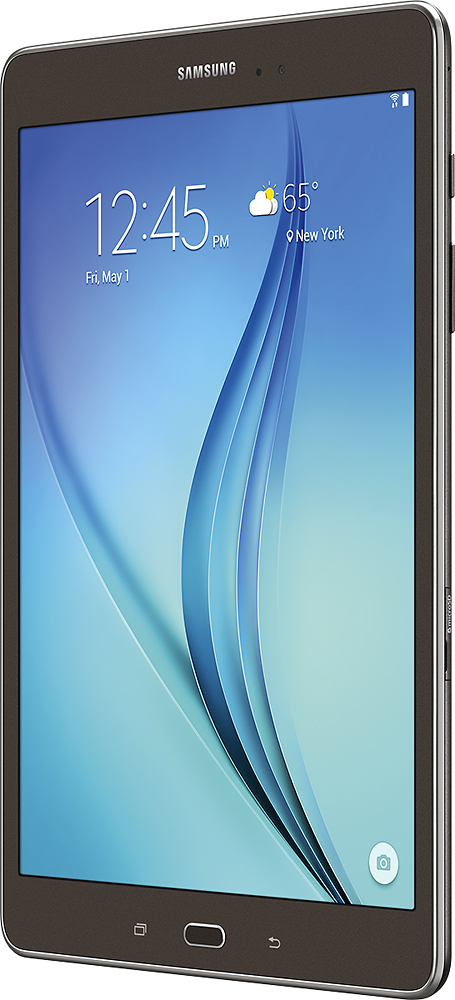
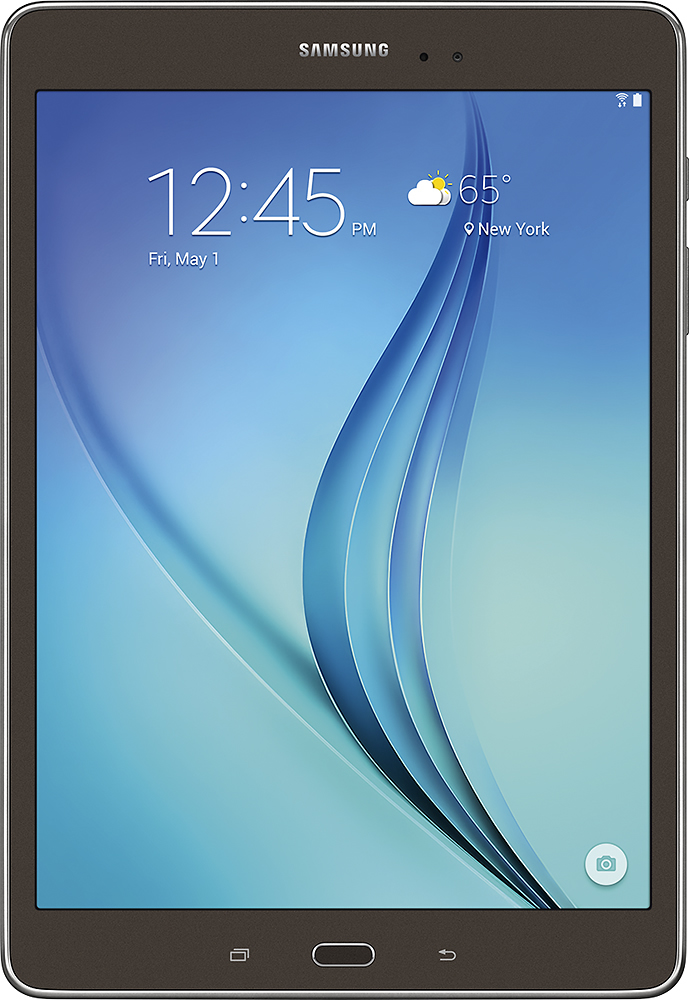
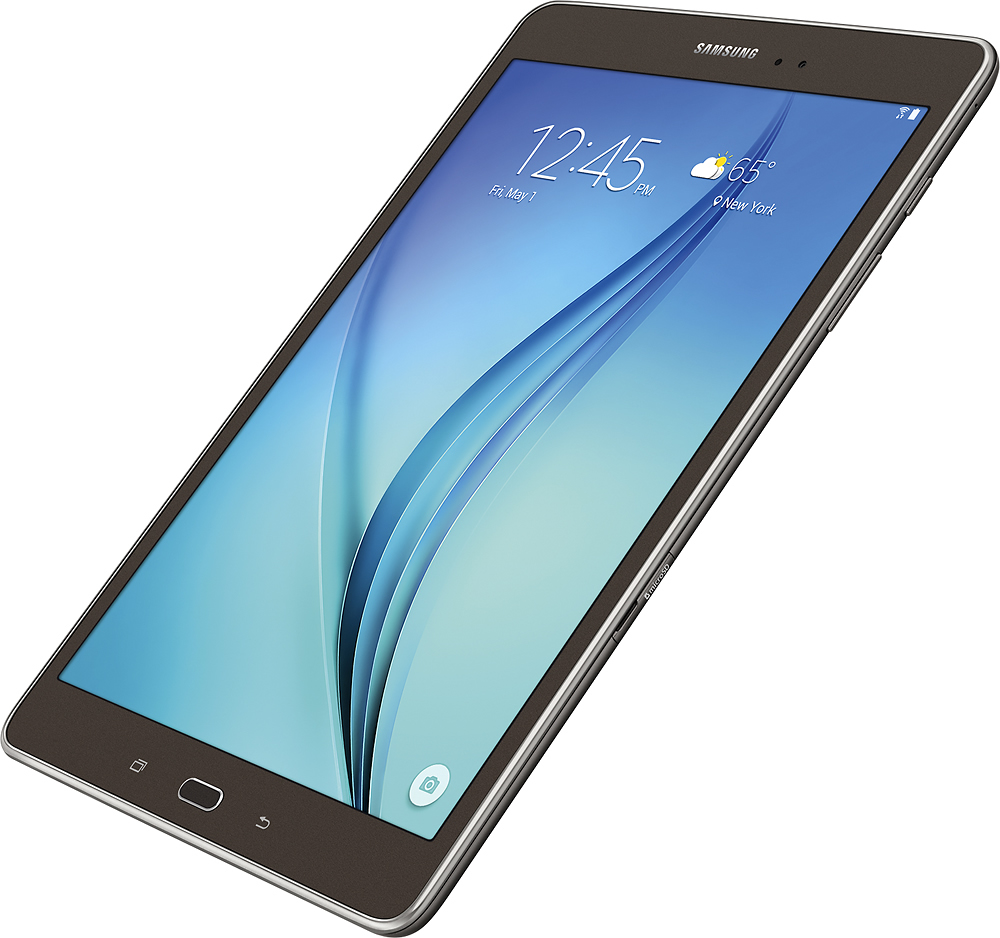
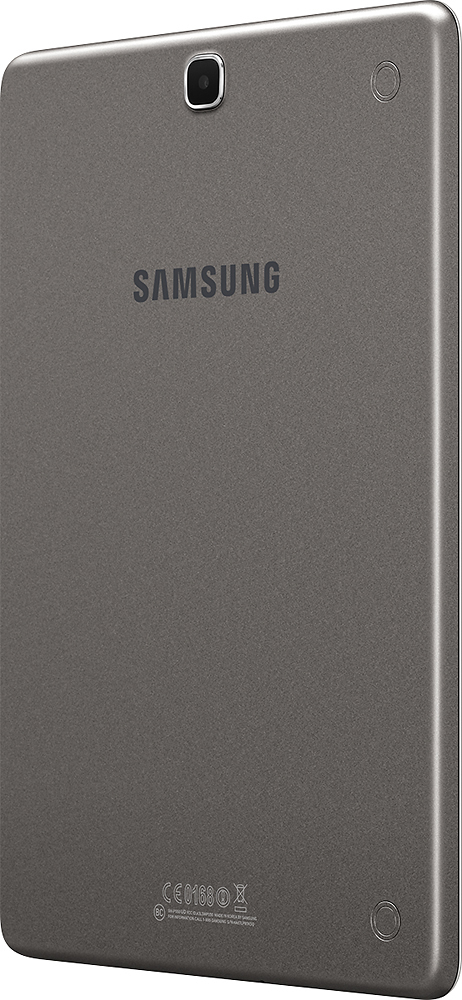
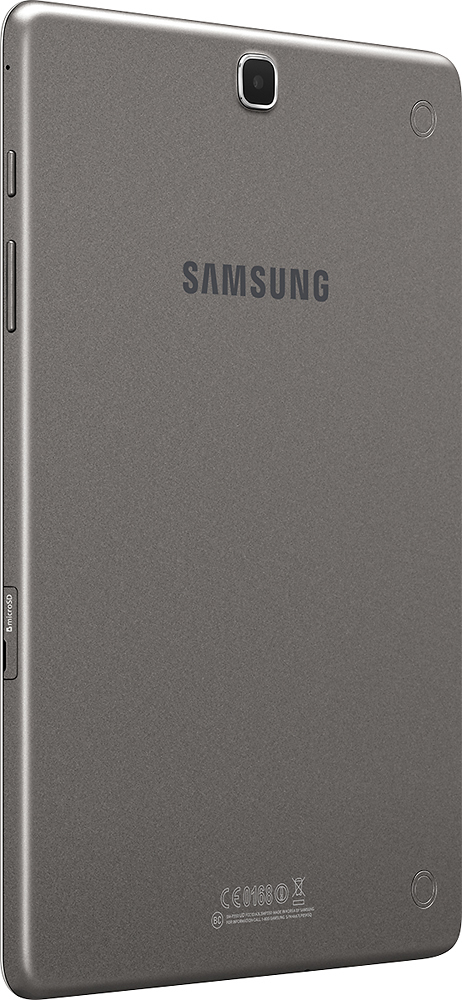
A:Answer I am still learning about my Tab A with Lollipop, however, it does have split screen view for using 2 apps at the same time. Also, as I recall from the user manual, split screen use is determined by each app's individual ability... some support it, while others don't. For those that don't, you can still easily switch between actively open apps. For more information, Samsung's website has an interactive guide for this tablet that is really helpful, as is the user manual located there too. Also, after purchasing your tablet, you can install Samsung's Smart Tutor app. Not only can you learn from it, but you can also remote connect to a tech who can either show you how to do something or fix a problem if you are experiencing one. (I recently used Smart Tutor and love it. By the way, teaching support is free.)