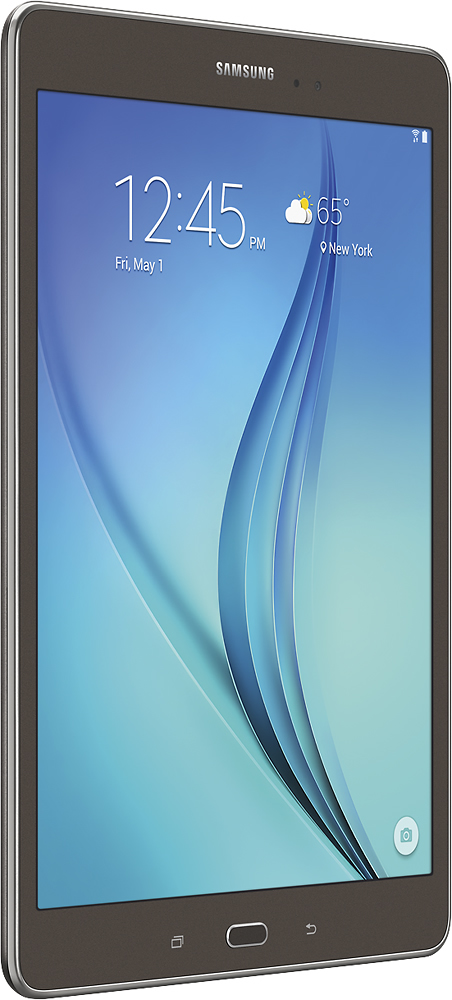
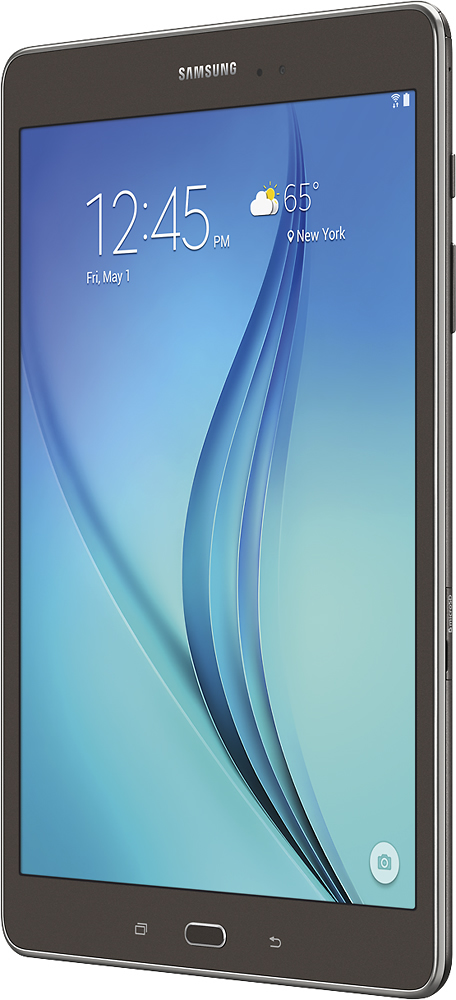
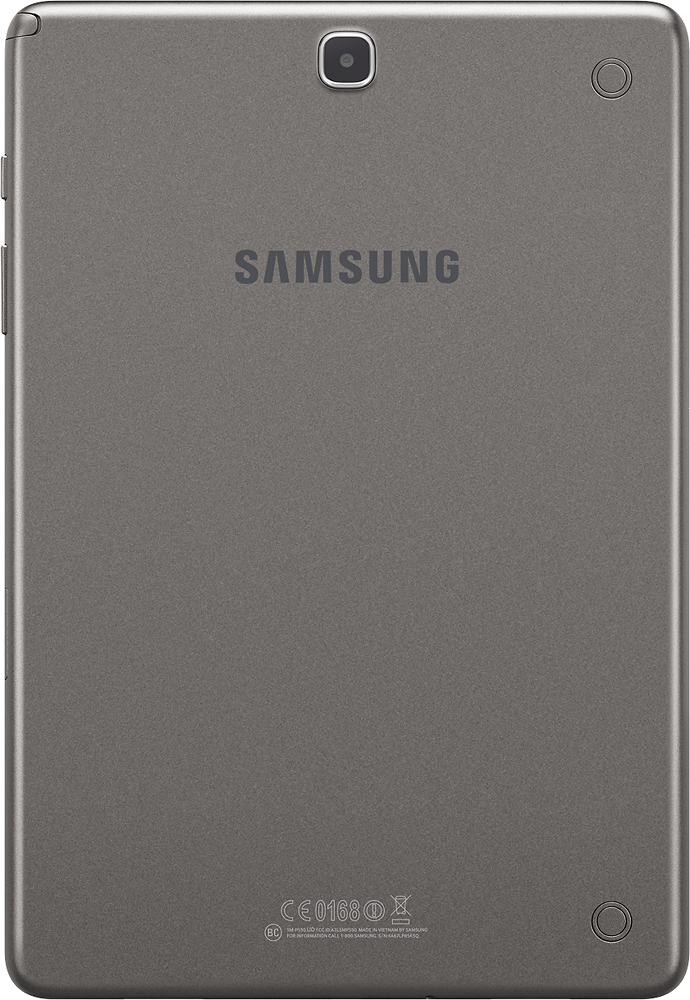
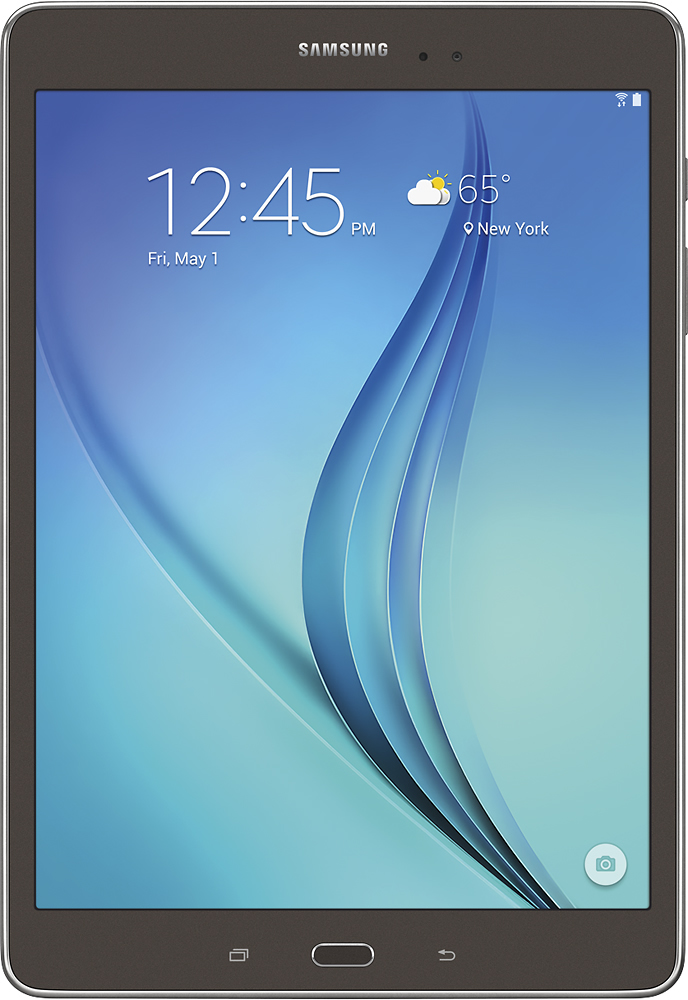
A:AnswerThe best thing you can do it find an adapter that connects your tablet to the HDMI cord. I've seen some in Walmart. One end goes into your tablet port and the other end has the HDMI port.
A:AnswerI am still learning about my Tab A with Lollipop, however, it does have split screen view for using 2 apps at the same time. Also, as I recall from the user manual, split screen use is determined by each app's individual ability... some support it, while others don't. For those that don't, you can still easily switch between actively open apps. For more information, Samsung's website has an interactive guide for this tablet that is really helpful, as is the user manual located there too. Also, after purchasing your tablet, you can install Samsung's Smart Tutor app. Not only can you learn from it, but you can also remote connect to a tech who can either show you how to do something or fix a problem if you are experiencing one. (I recently used Smart Tutor and love it. By the way, teaching support is free.)
A:AnswerFor our tab we have been using SanDisk brand which I have used in all our phones and cameras. We have had good success with the standard microSD with out spending the extra money on the high performance microSDHC, and ones with a higher performance class rating. We are not running video from the card but pulling up picture and device application data is fine. You will get about 20% faster performance out of the high class cards (usual label extreme, ultimate, etc.) but will need to spend about 33% more per for the same capacity.
The tab will take up to a 128GB SD card.
SanDisk (now part of Western Digital), PNK, Kingston are the major brand names with Samsung coming on fast.
A high percentage of these product are all made in China but the more well known brands will have a slightly higher quality (less defects).
I would stick to the mainstream brands, and watch for the 30-40-50% off sales and then stock up on a few.
A:AnswerThere are many reasons but I doubt it is the fault of the tablet. Once you have completed the configuration of the tablet please make sure that you have not placed the device in the airplane mode. Also make sure that your Net gear is set to allow other devices and is not just locked into a few devices.
Log in to the router and ensure what your Wi-Fi configurations are (SSID and passphrase) and make sure you enter them correctly on the tablet.
If you are just searching on the tablet and you are not advertising the SSID from the router then you will not see it to connect to. You can do it manually if the router is not set to advertise the SSID.
Good luck. Remember if all else fails Best Buy will help you and no I do not work for them. When you purchase a product use the services that come with the purchase.
A:AnswerHi Roach,
I have been wondering that myself, but after looking into the SIIG more I do not believe it does. I spoke with someone from Best Buy - the Samsung expert - and he tested the Samsung USB Adapter (which also does not say it is compatible with this tablet) and he said it worked. I would recommend just buying that one from Best Buy and testing it first.
A:AnswerI have not seen a OTG statement made associated with the Tab but the bluetooth capabilities address most connectivity needs. Another example is my son does have a Samsung TV, phone, and tab and they can all connect and some level of interaction between them with the Samsung application to help as well.
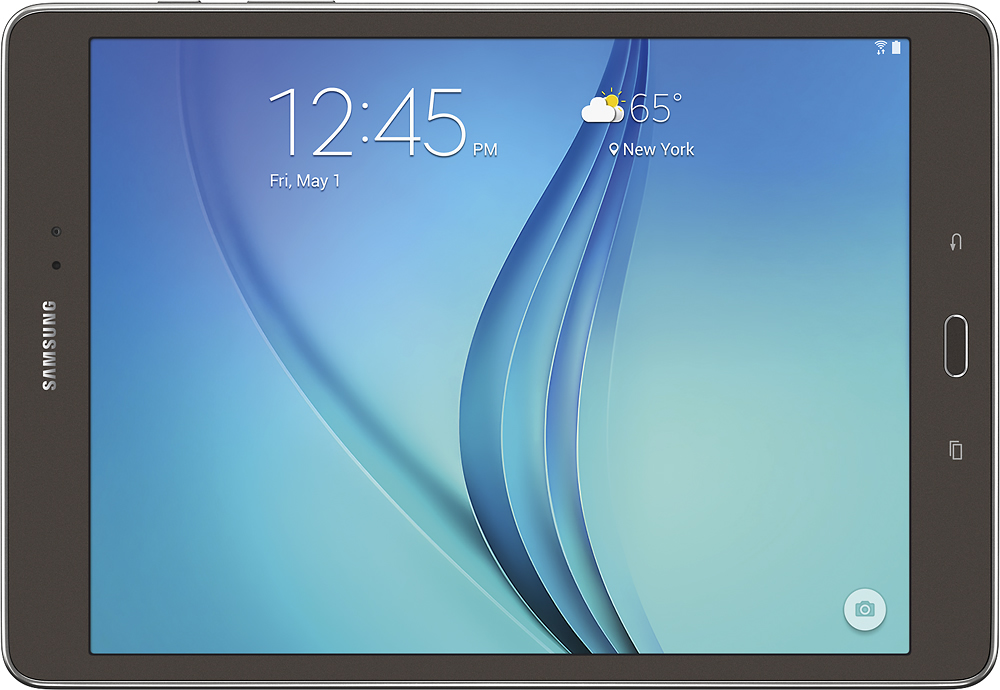
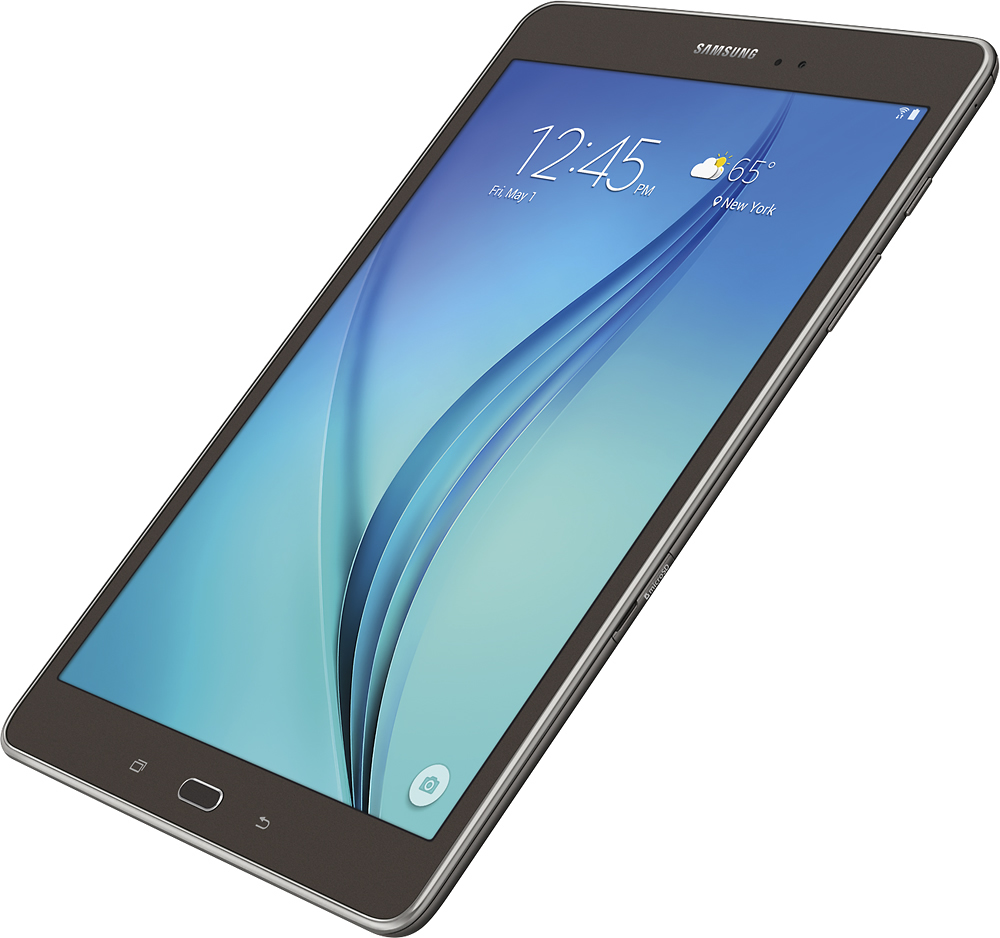
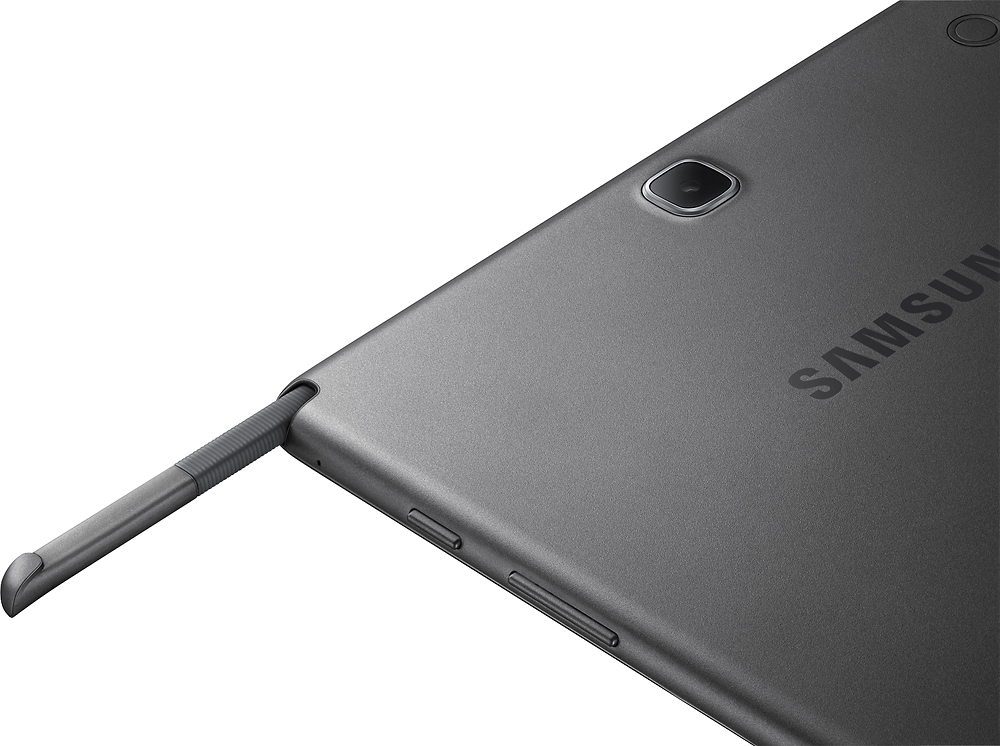
A:AnswerThis tablet was available without the S pen. At Best Buy, this tablet is not displayed. When an employee told me about this tablet because I wanted one that was lighter than the 10.1, he brought one with the S Pen. I didn't request it or need it, but I find I do use it. It is conveniently tucked inside the tablet at the top.