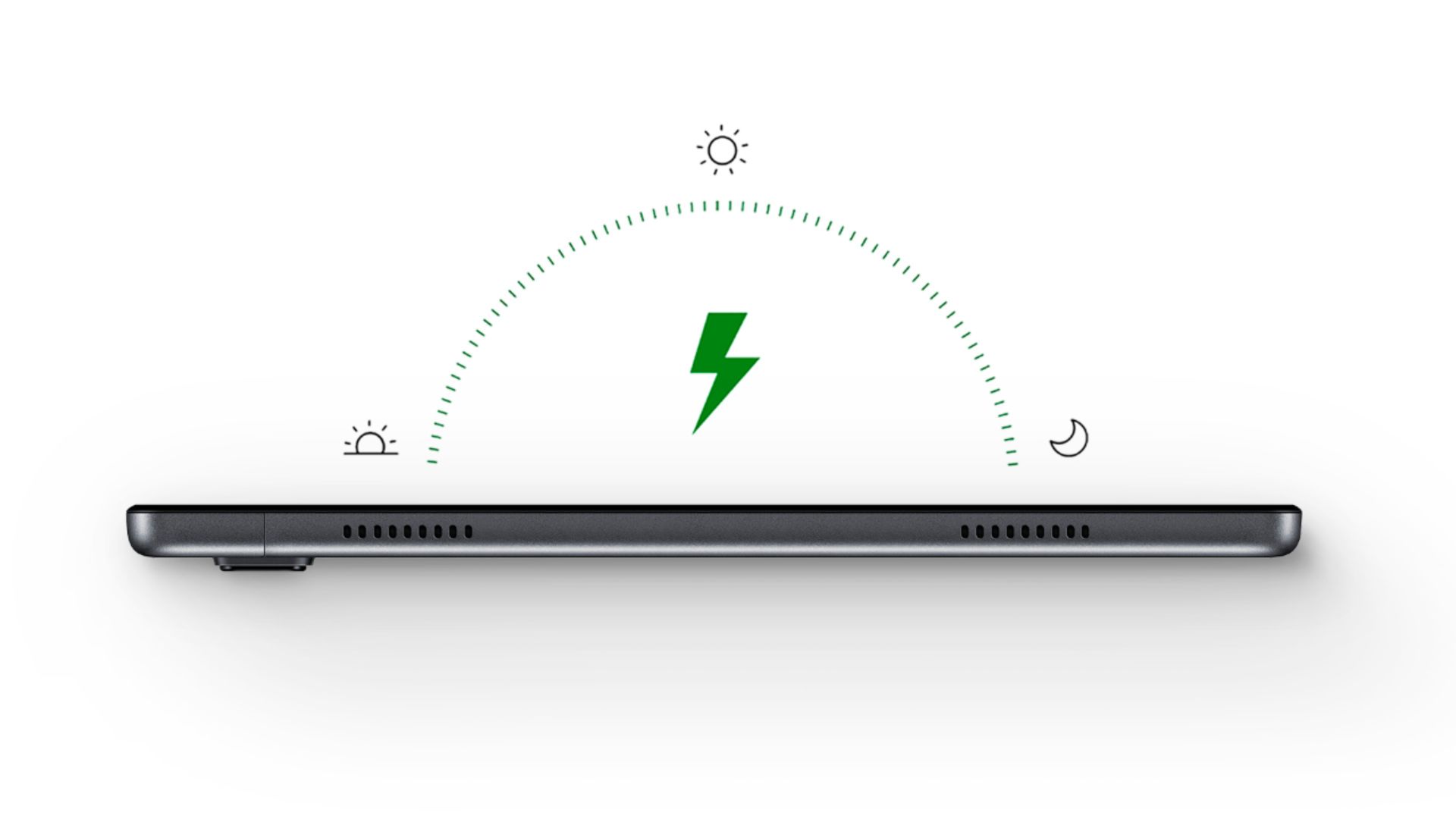
A:AnswerNo it doesn't have wireless charging capability but it does have Quick Charge it will charge my tablet back to 100% within about an hour to hour and a half and that's 7000 milliamp battery, that's really awesome
Depending on how low you let the battery go down to I usually let mine drain to 9 or 10% and it only takes about an hour and 30 minutes to charge back up
A:AnswerYou can get a USB C to OTG adaptor and plug in a USB Flash Drive. I recommend a cable type (shown below) so it has some give, but they also make small fixed adaptors too. Some OTG adaptors (like the one included with a S20) do not work. It might be trail and error. Good Luck
A:AnswerNo, the ipen does not work with the Samsung Galaxy Tab. You can try to use a Stylus with a fiber mesh tip if you need to use some type of device like that. Rubber tip styluses is something I wouldn't recommend. Try searching on up fiber tip styluses (not sure if I can say that).. I'm sure that you will find several different types, and they're very inexpensive and work great! Remember fiber mesh is the best!! Good luck.
A:AnswerSamsung Galaxy Tab A7: It is a snap to transfer data from an old tablet to this one. You just place them side by side and then select "Samsung Smart Switch" and follow the directions. Everything transferred to my new tablet in an instant and everything worked .