Questions & Answers
- Model:
- SM-X210NZAEXAR
- |
- SKU:
- 6566196
Highly rated by customers for: Overall Performance, Ease of Use, Screen Size
$199.99Your price for this item is $199.99
Comp. Value: $269.99
The comparable value price is $269.99
Page Showing 121-140 of 200 questions
Q: QuestionI was wondering how many Hz or Hertz does the iPad have? (This is the refresh rate).
Asked by Evan.
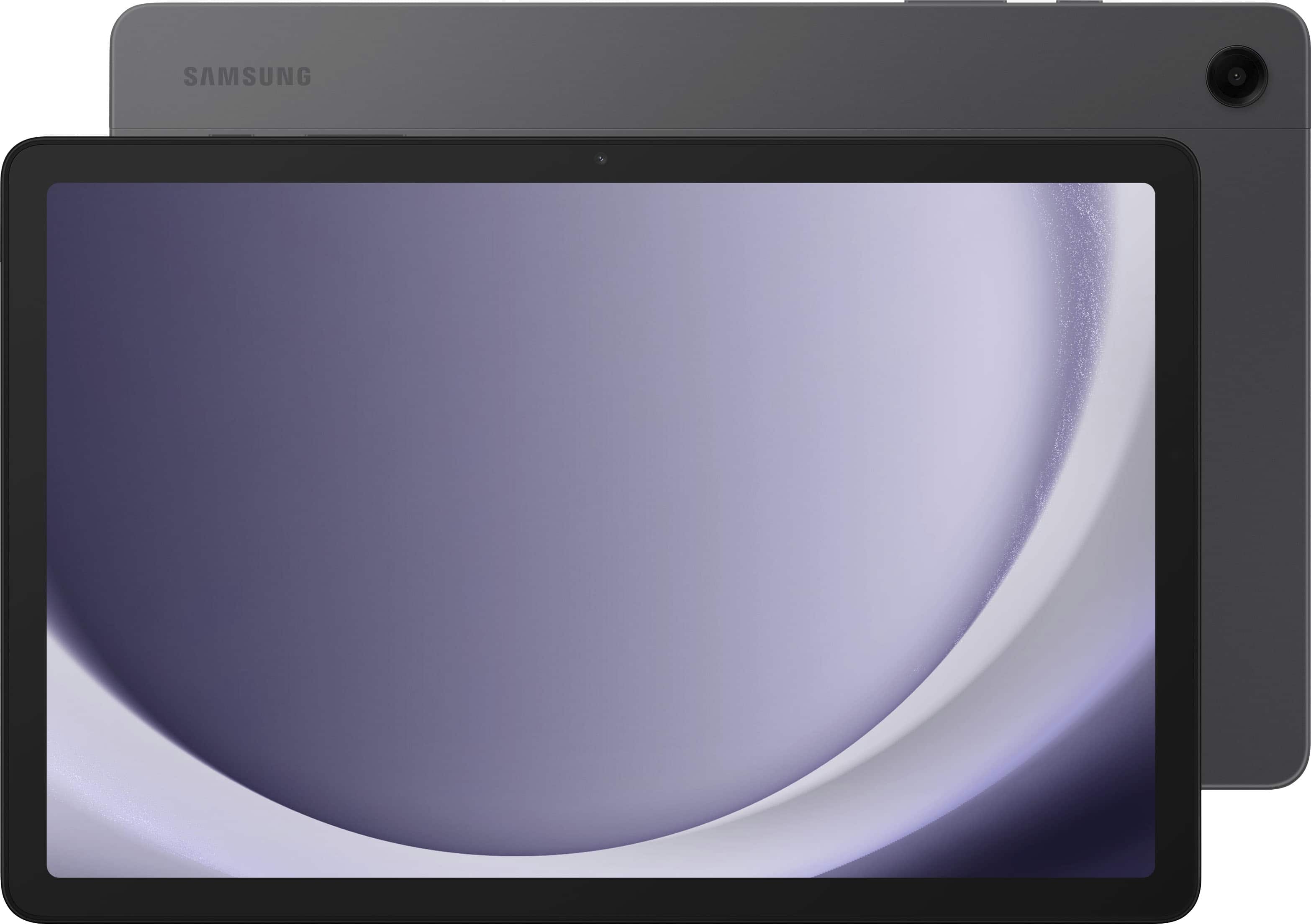
- A:Answer Hello Evan, thank you for finding the available time out of your lively day to ask us your question about the Samsung Galaxy Tab A9+. The Galaxy Tab A9+ has a refresh rate of up to 90Hz that makes every experience feel smooth and it allows you to immerse yourself in a cinema-like audio experience with quad speakers powered by Dolby Atmos. If you have any other questions for us or if you would like any further assistance, let us know by contacting Samsung Support. Thank you for being a treasured Samsung customer. - Debra

Answered by Samsung

Q: QuestionCan this tablet cast to a TCL Roku smart tv?
Asked by Dede.
- A:Answer Howdy Dede, thanks for taking the time out of your day to ask us your question about the Samsug Galaxy Tab A9+. You can achieve mobile continuity between your device and other connected devices by using Samsung DeX to connect your device to a PC or TV for an enhanced multitasking experience or you can show your device's screen or play videos on a nearby TV using Smart View. If you think of any other questions for us or if you would like any further assistance, please do not hesitate to reach out to Samsung Support. Thank you for being a loyal Samsung customer. - Debra
Answered by Samsung

Q: QuestionHello, Can I mirror iPhone screen to Samsung A9 tablet like I can do with iphone and samsung tv? Something like using screen mirroring on iphone and smart view on tablet? Thanks
Asked by Misha.
- A:Answer Salutations Misha, thanks for taking the opportunity to ask us your question about the Samsung Galaxy Tab A9+. No, however, you can still connect your Galaxy Tab A9+ to a Samsung PC or TV for an enhanced multitasking experience via Samsung DeX and/or SmartView. If you have any other questions for us or if you would like any further assistance, feel free to reach out to Samsung Support at your earliest convenience. Thanks for being a loyal Samsung customer. - Debra
Answered by Samsung

Q: QuestionHow long is the $40.00 discount good for on the SAMSUNG Galaxy Tab A9+ Plus 11” 128GB Android Tablet,
Asked by deb.
- A:Answer Not very long
Answered by AliciaR
Q: QuestionHow does this compare with an Amazon Kindle Fire 10?
Asked by Vicki.
- A:Answer I don’t have a kindle but I like my tablet. It use it for school only and it’s perfect!
Answered by FelicityA
Q: QuestionHow fast is the processor and how large is the battery?
Asked by Dapper.
- A:Answer Aloha Dapper, thanks for taking the available time out of your busy day to ask us your question about the Samsung Galaxy Tab A9+. The Galaxy Tab A9+ offers the Qualcomm Snapdragon 695 (SM6375) Processor with a 7,040 mAh battery. If you have any other questions for us or if you would like any further assistance, feel free to reach out to Samsung Support. Thank you for being a steadfast Samsung customer. - Debra
Answered by Samsung

Q: QuestionHELLO; IS THIS ITEM 5G CAPABLE? CAN'T FIND THAT AMSWER ANYWHERE!
Asked by MAKEMYDAY.
- A:Answer No it's wifi but you can get one with 5 g at a phone carrier store/website and add it to your phone line/ add a new line.
Answered by Anonymous
Q: QuestionI have s Samsung tablet. Can all my data including photos be transferred to a new tablet?
Asked by transfer.
- A:Answer Hey Transfer, thanks for taking the opportunity to ask us your question about the Samsung Galaxy Tab A9+. You can transfer many different types of files using Smart Switch. Data from synced accounts cannot be transferred with Smart Switch but will appear on the new device once you've logged in to the account. Here's what you can transfer using Smart Switch: Personal content: Contacts, S Planner, Calendar, Messages, Memo, Call logs, Clock, Samsung Pass, Secure Folder, and Internet. App data: Images, Music (DRM free content only), Videos (DRM free content only), Documents, Story Album, and Applications. Settings, etc: Email, Wallpaper, Lock screen, Radio, and Preferences. Let us know if you think of any other questions for us by contacting Samsung Support at your earliest convenience. Thanks for choosing Samsung! - Debra
Answered by Samsung

Q: QuestionCan I order o their charging cord
Asked by Anonymous.
- A:Answer It comes with the cord but no power brick to plug it into the wall. Any USB charging plug should work though
Answered by Addison
Q: QuestionWill Samsung allow us to be able to add like 2TB sd card instead of just 1TB?
Asked by fredreed.
- A:Answer Thank you for reaching out, Frederick. We noticed that you have a question about the external storage of this device. The Galaxy Tab A9+ supports up to 1TB of external storage. If you have any more questions or concerns, please feel free to contact our support team for further assistance. -Kelvin
Answered by Samsung

Q: Questioncan you download a game to the tablet like you can on a laptop?
Asked by help.
- A:Answer Hi Help, thanks for taking the time out of your hectic day to ask us your question about the Samsung Galaxy Tab A9+. That's an awesome question! Yes, you can! Just visit the Google Play Store to download your favorite apps to get started! If you have any other questions for us or if you would like any further assistance, feel free to reach out to Samsung Support at your earliest convenience. Thank you for being a cherished Samsung customer. - Debra

Answered by Samsung

Q: QuestionProduct Samsung Galaxy Tablet A9 SMX110 64/4, has been on the market less than 1 year, isn't charging correctly. Can you replace a "bad" battery?
Asked by 3DogMom.
- A:Answer Aloha 3DogMom, thank you for finding the opportunity to ask us your question about the Samsung Galaxy Tab A9+. Samsung provides a 12-month warranty on our products for manufacturing defects in materials and workmanship. When you have the available time out of your day, please take a moment to review, "Battery Life - Optimization," "Get the most out of your Galaxy phone's battery," and "Apps are draining battery on Galaxy phone or tablet" to help resolve what you may be experiencing with your battery life not performing up to your expectations. If you have any questions for us afterward or if you would like any further assistance, feel free to reach out to Samsung Support to discuss what options we may have available for you. Thank you for choosing Samsung! - Debra
Answered by Samsung

Q: QuestionCan I download apps to this tablet like Facebook, Netflix, etc.?
Asked by Elma.
- A:Answer Greetings Elma, thank you for finding the opportunity to ask us your question about the Samsung Galaxy Tab A9+. Yes, you are able to visit the Google Play store to download your favorite apps like Facebook and Netflix to this tablet. If you have any other questions for us or if you would like any further assistance, please let us know by contacting Samsung Support. Thank you for being a trustworthy Samsung customer. - Debra

Answered by Samsung

Q: QuestionDoes this model include a built in GPS sensor so it could be used with Maps?
Asked by Aardvark.
- A:Answer Thanks for reaching out to us, Aardvark. We always look forward to assisting our valued customers. This tablet is a Wi-Fi compatible tablet which means that you can use GPS when connected to a Wi-Fi connection. If you have any further questions, please be sure to reach out to us at Support. -Kelvin
Answered by Samsung

Q: QuestionDoes Microsoft Excel work on this tablet and what does it cost to add it?
Asked by Blaze.
- A:Answer yes you can add excel you have to have it to add or purchase it
Answered by DougH
Q: QuestionDoes it have finger print recognition?
Asked by Douglas.
- A:Answer Thanks for reaching out to us, Douglas. Although the Tab A9+ does not have fingerprint recognition, it does have facial recognition. You can set the device to unlock the screen by recognizing your face. If you have any other questions or concerns, be sure to reach out to us at Support. -Kelvin
Answered by Samsung

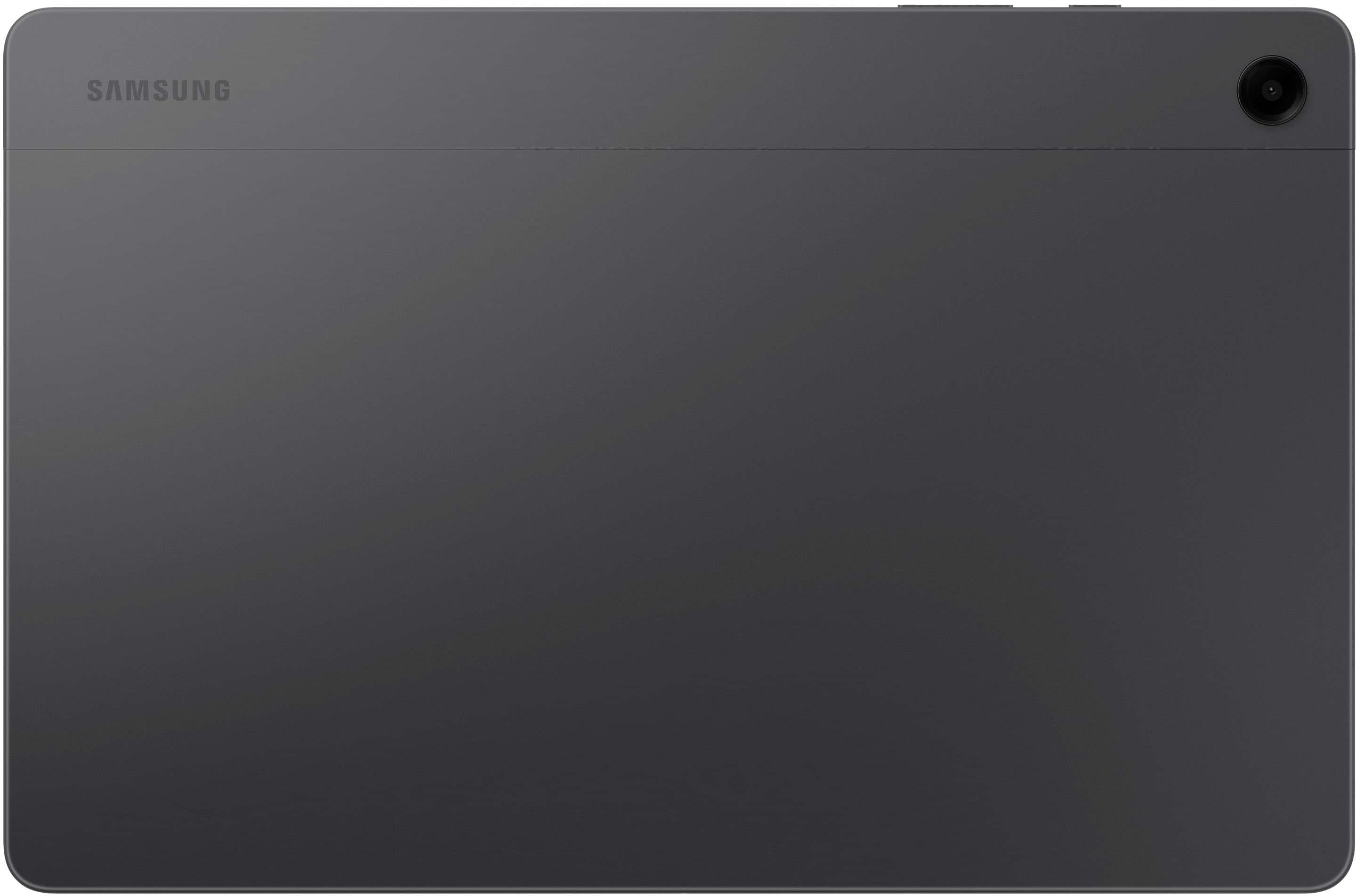
Q: QuestionDoes this model have a camera? Can I use it in Europe where power is 220 vault? May be I need to buy a power converter? How much cost a charger? Thanks
Asked by Marina.
- A:Answer Hey Marina! It's great to hear from you. We see that you are interested in the Galaxy Tab A9+. This model does have a camera! As far as charging overseas, you can charge your Galaxy device using any Samsung travel adapter, but charging speeds may vary depending on the charger. You should only use original Samsung travel adapters and USB cables with your phone or tablet. If you need additional adapters, chargers, or cables, they are available on our website. If you have any further questions or concerns, be sure to reach out to us at Support. -Kelvin
Answered by Samsung

Q: QuestionCan you mirror a Samsung phone on this tablet? And can you put a password on the tablet like you would a phone?
Asked by nikki4545.
- A:Answer Thank you for reaching out! We are always happy to help. We noticed that you were interested in mirroring your phone and tablet. For multitasking convenience, you can use Smart View in Samsung Flow to mirror your phone's screen to a PC or tablet, allowing you to seamlessly switch between tasks without any hassle. Please note that Samsung Flow is only compatible with Samsung Galaxy phones running Android 6.0 (Marshmallow) or higher. Additionally, you will be able to set a password on this tablet. If you have any other questions or concerns, reach out to us at Support. -Kelvin
Answered by Samsung

Q: QuestionDoes it have quad speakers.
Asked by Steve.
- A:Answer We appreciate the outreach, Steve. We see that you're interested in the speakers for the Tab A9+. The Galaxy Tab A9 includes Dual Speakers (1.0W). Galaxy Tab A9+ includes Quad Speakers (1.2W). Both Galaxy Tab A9 and Galaxy Tab A9+ support Dolby Atmos. If you have any further questions, be sure to let us know at Support. -Kelvin
Answered by Samsung

Q: QuestionDoes the Galaxy Tab A9+ 11" 128GB support USB on the go? I am planning on using Office 365 on this tablet and need the ability to take files I created on other devices and edited them on the Tab A9+ 11 and plan to migrate the files on a USB Thumb. Drive.
Asked by John.
- A:Answer You can get a micro SD card adapter for a USB drive, and transfer files that way.
Answered by Anonymous
Best-selling tablets
- Winter Sale Deal$159.99Your price for this item is $159.99
- Winter Sale Deal$99.99Your price for this item is $99.99
- $349.99Your price for this item is $349.99
- $249.99Your price for this item is $249.99
- $199.99Your price for this item is $199.99$269.99The comparable value for this item is $269.99
- $169.99Your price for this item is $169.99$189.99The comparable value for this item is $189.99
- $399.99Your price for this item is $399.99
- $259.99Your price for this item is $259.99$319.99The comparable value for this item is $319.99
- $199.99Your price for this item is $199.99$269.99The comparable value for this item is $269.99
- $219.99Your price for this item is $219.99$229.99The comparable value for this item is $229.99
- $229.99Your price for this item is $229.99
- $309.99Your price for this item is $309.99
- Clearance$519.99Your price for this item is $519.99
- $999.99Your price for this item is $999.99$1,199.99The comparable value for this item is $1,199.99
- $115.99Your price for this item is $115.99
- $799.99Your price for this item is $799.99$999.99The comparable value for this item is $999.99
- $399.00Your price for this item is $399.00
- $319.99Your price for this item is $319.99
- $499.99Your price for this item is $499.99$569.99The comparable value for this item is $569.99
- $549.99Your price for this item is $549.99