A:AnswerHey there Abc, thank you for asking us your question about the Samsung Galaxy Tab A9+. Yes, you can change the system language on the Galaxy Tab A9+. If you have any other questions for us or if you would like any further assistance, please feel free to reach out to Support. Thanks for being a faithful Samsung customer. - Debra
A:AnswerSalutations Cin, thank you for asking us your question about the Samsung Galaxy Tab A9+. Yes, the Kindle app can be easily downloaded from Google Play Store to the Galaxy Tab A9+. If you have any other questions, please feel free to reach out to Support. Thank you for being a valued Samsung customer. - Debra
A:AnswerHello LH222, thank you for finding the time out of your lively day to ask us your question about the Samsung Galaxy Tab A9+. We recommend protecting your Galaxy devices with screen protectors and/or cases to ensure the safety of your investments. If you have any other questions, please feel free to reach out to Support. Thanks for being a devoted Samsung customer. - Debra
A:AnswerHello Al, thanks for asking us your question about the Samsung Galaxy Tab A9+. The Galaxy Tab A9+ is not compatible with the Galaxy S Pen, however, a capacitive stylus may work well for you. If you have any other questions, please feel free to reach out to Support. Thanks for choosing Samsung! - Debra
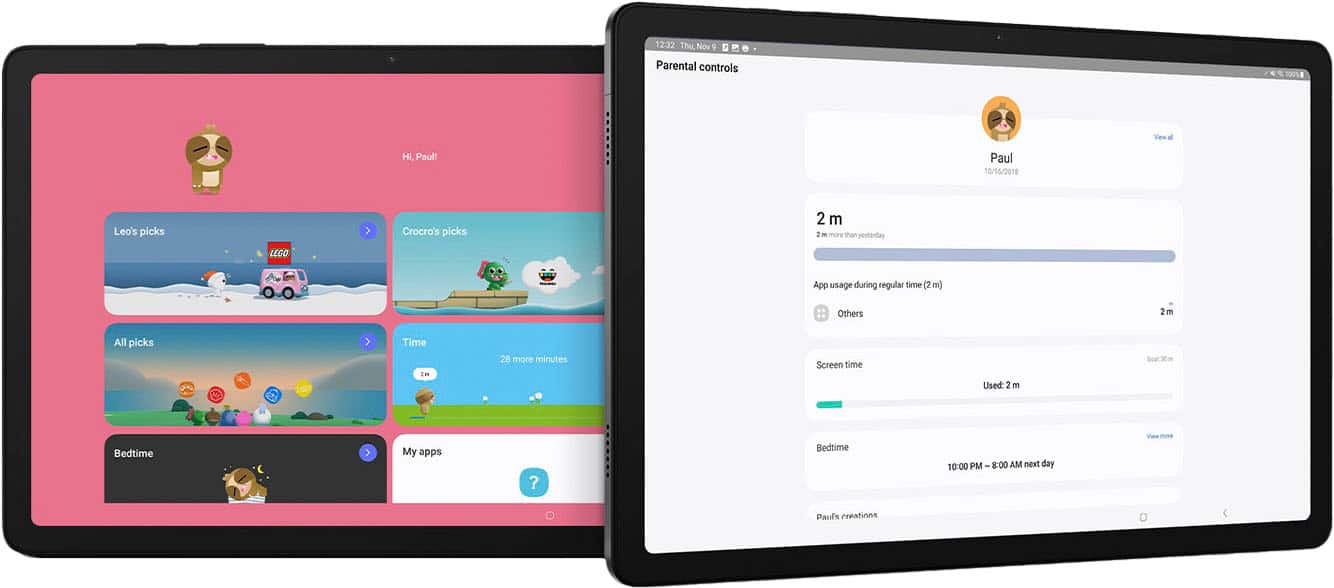
A:AnswerGood day Joe, thanks for asking us your question about the Samsung Galaxy Tab A9+. Yes, be sure to choose the Samsung Galaxy Tab A9+ version instead of the Galaxy Tab A9+ Kids Edition when purchasing. If you have any other questions, do not hesitate to reach out to Support. Thank you for being a devoted Samsung customer. - Debra
A:AnswerHi Miked411, thanks for asking us your question about the Samsung Galaxy Tab A9+. The Galaxy Tab A9+ is anticipated to receive 4 OS updates and 5 years of security updates. Feel free to contact Support if you think of any other questions for us. Thank you for being a loyal Samsung customer. - Debra
A:AnswerGreetings Dani, thanks for asking us your question about the Samsung Galaxy Tab A9+. Yes, the Tab A9+ works great with a Passive/Capacitive Stylus. If you have any questions, please do not hesitate to contact Support. Thanks for choosing Samsung! - Debra
A:AnswerGood day Bill, thanks for taking the time to ask us your question about the Samsung Galaxy Tab A9+. No, the advertised Galaxy Tab A9+ (Wi-Fi) version does not have standalone GPS capabilities. This device relies on Wi-Fi for location services. If you have any other questions for us, let us know by contacting Support. Thanks for being a loyal Samsung customer. - Debra
A:AnswerHowdy, thanks for taking the time to ask us your question about the Samsung Galaxy Tab A9+. No, the advertised Galaxy Tab A9+ is a Wi-Fi/Bluetooth enabled version of this tablet. It lacks the cellular connectivity needed (SIM slot) in order to be added to your wireless carrier's network. If you have any other questions, please feel free to contact Support. Thanks for being a valued Samsung customer. - Debra
A:AnswerHey there Chief, thank you for finding the free time out of your busy day to ask us your question about the Samsung Galaxy Tab A9+. Yes, you can download your favorite apps like the Amazon Alexa app from the Google play Store. Feel free to reach back out if you have any other questions for us. Thanks for being a devoted Samsung customer. - Debra
A:AnswerHowdy Mike, thanks for taking the time out of your hectic day to ask us your question about the Samsung Galaxy Tab A9+. If your phone or tablet is not recognizing your PIN, pattern, password, fingerprint, or face unlock, rebooting the device or entering Safe Mode can help solve the problem. Sometimes you may be prompted to try an alternate method, like your password. Please take a look at, "Unable to unlock Galaxy phone or tablet's screen" to help resolve what you may be experiencing. Feel free to contact Support afterward if you would like any further assistance. Thank you for being a devoted Samsung customer. - Debra
A:AnswerHowdy Linda, thanks for taking the available time out of your day to ask us your question about the Samsung Galaxy Tab A9+. That's a good question! No, the advertised Galaxy Tab A9+ is a Wi-Fi enabled version of the tablet that lacks cellular capability. It will be fully functional while in the presence of Wi-Fi and/or Hotspot. Feel free to reach out to Support if you have additional questions for us. Thanks for being a valued Samsung customer. - Debra
A:AnswerHello there CW, thank you for finding the available time out of your lively day to ask us your question about the Samsung Galaxy Tab A9+. With the Call & text on other devices feature, you can make and receive calls on your tablet as long as it's signed into the same Samsung account as your phone. You can also send messages. However, the connected phone will need to have active service. Call & text on other devices currently does not work with Verizon and AT&T phones and may not be available on all models from other carriers. Check out, "Make calls and send messages from your Galaxy tablet" for more information on this topic. Feel free to contact Support if you would like any further assistance. Thanks for being a loyal Samsung customer. - Debra