

A:AnswerHi there Diana, thanks for taking the opportunity to ask us your question about the Samsung Galaxy Tab S9 Ultra. The Galaxy Tab S9 Ultra has expandable storage up to 1TB when you add a microSD card. MicroSD cards come in multiple classes. Other than storage capacity, there are different factors that separate them. Some also come with extra features that give them distinct classifications. MicroSD cards offer capacity up to 2GB. MicroSDHC (High Capacity) cards offer capacity up to 32GB. MicroSDXC (Extended Capacity) cards offer capacity from over 32GB and up to 2TB. Each type of card has a speed rating of 2, 4, 6, 8, or 10, from slowest to fastest.
While you can use any class of microSD cards in your phone or tablet, the microSDXC card is recommended for high-resolution video recording, due to its large storage capacity and high-speed read and write capability. For less demanding use, such as still photography, regular microSD or microSDHC cards will be sufficient. Hope that information helps answer your original question! Let us know if you have any other questions for us by contacting Samsung Support. Thank you for being a loyal Samsung customer. - Debra
A:AnswerHi there Togotooner, thanks for taking the time out of your day to ask us your question about the Samsung Galaxy Tab S9 Ultra. Yes, the Tab S9 Ultra allows for expandable storage, up to 1TB, when you add a microSD card to this device. The microSD card tray will be completely flush with the side of the tablet once it has been placed back into its designated slot. If you have any other questions for us, let us know by contacting Samsung Support. Thank you for being a faithful Samsung customer. - Debra
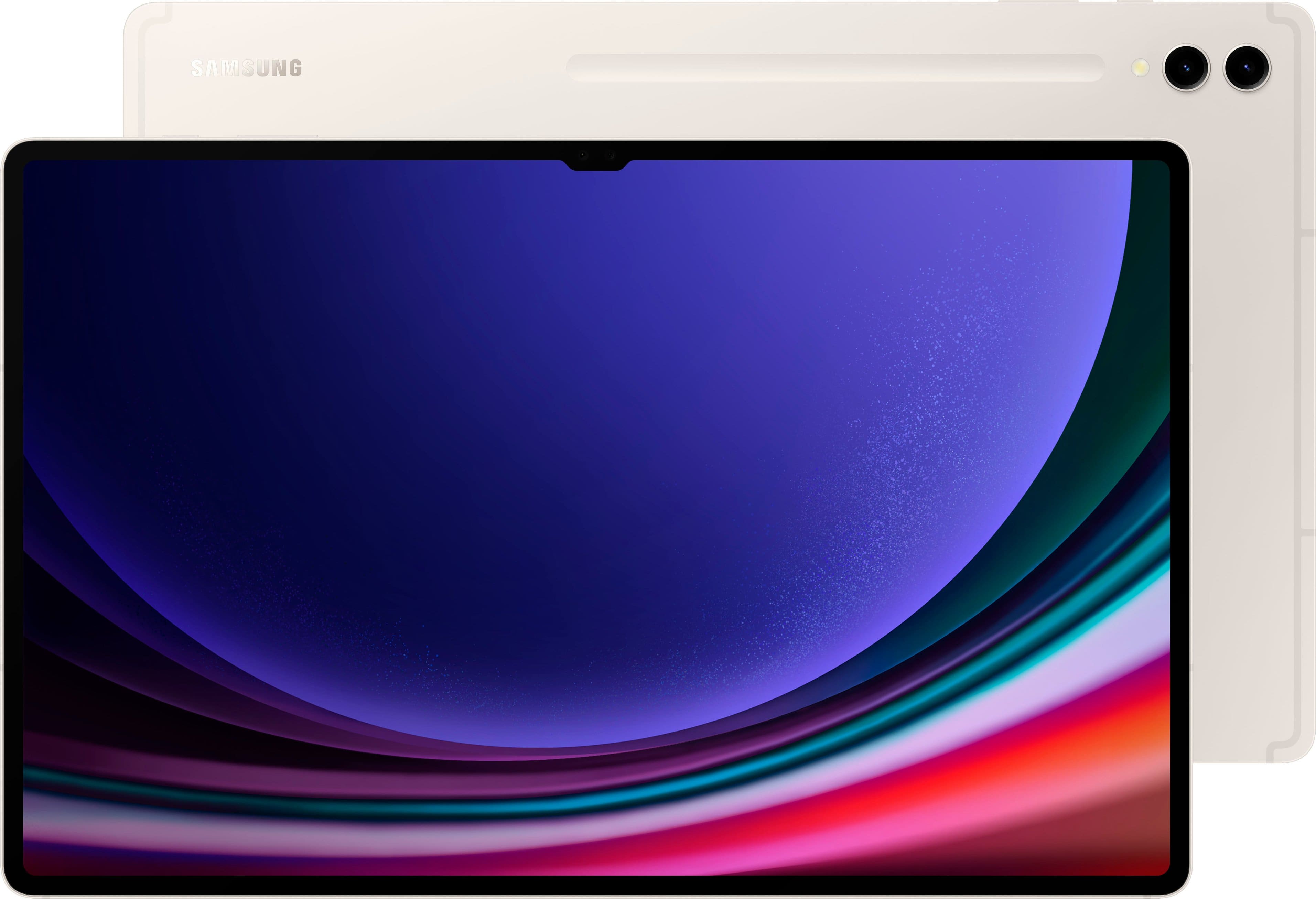
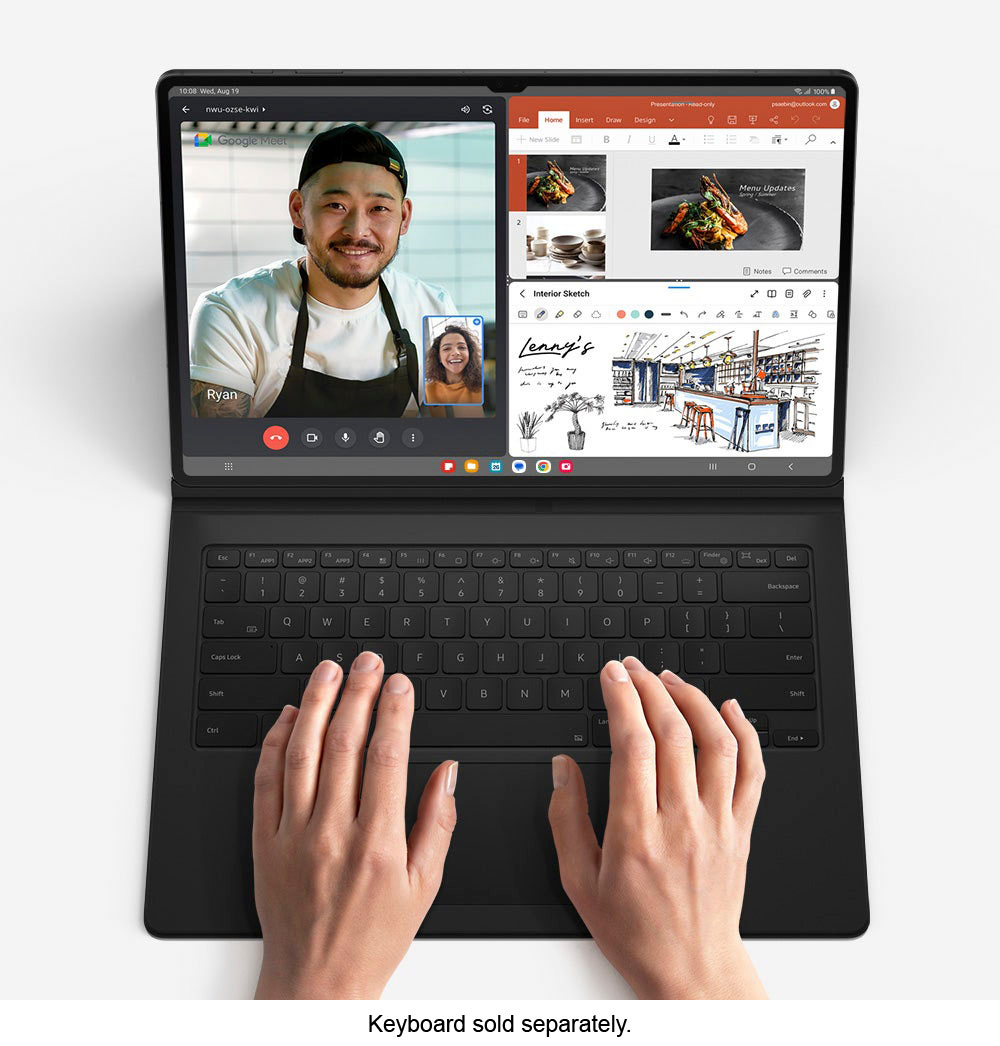
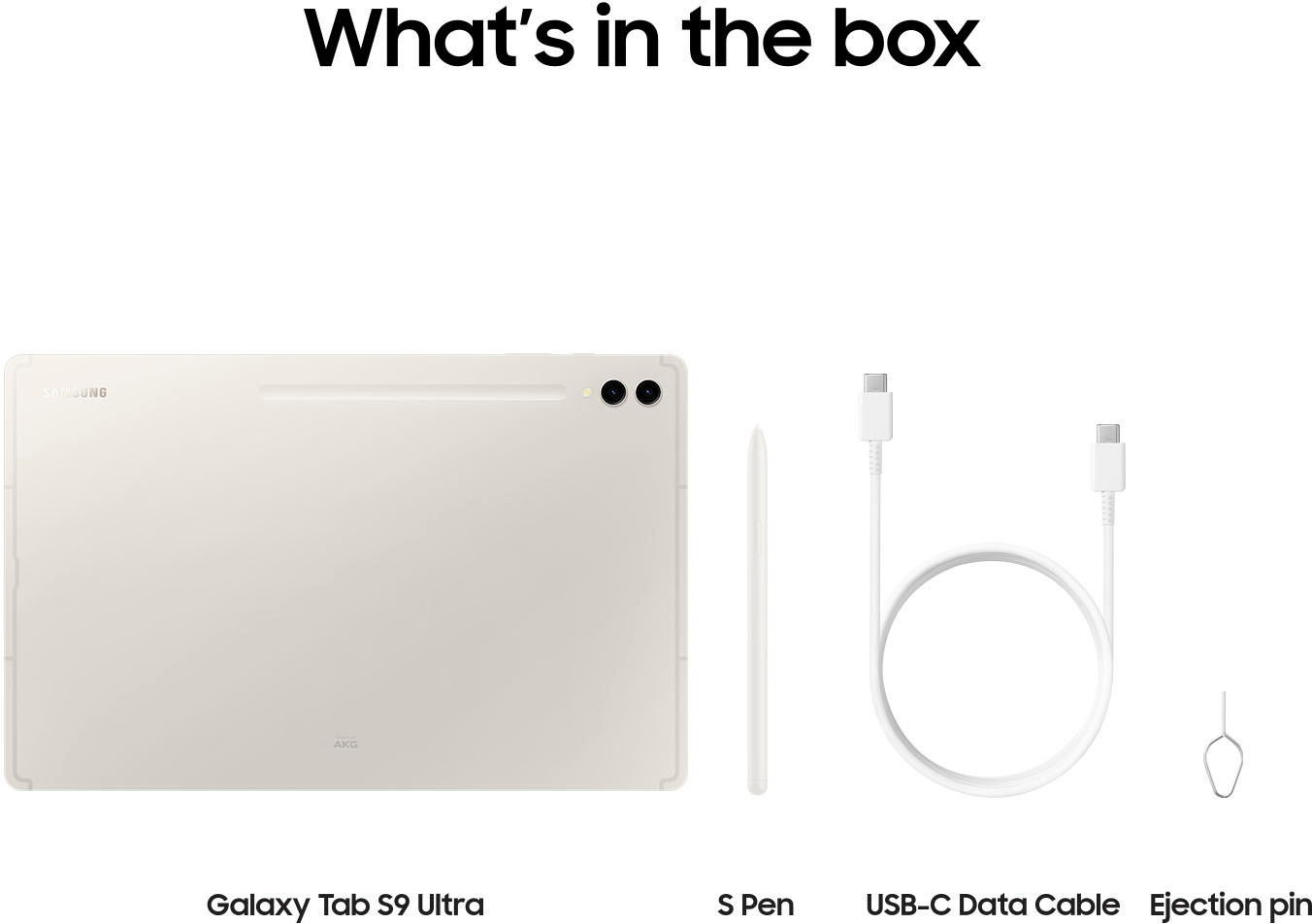
A:AnswerAloha Bet, thanks for taking the available time out of your busy day to ask us your question about the Samsung Galaxy Tab S9 Ultra. Here's what's included in the box when you purchase this tablet: Galaxy Tab S9 Ultra - 14.6" 512GB - Wi-Fi Tablet, S-Pen, USB-C cable, and the User Manual. All other accessories would need to be purchased separately. If you have any other questions for us, feel free to reach out to Samsung Support. Thank you for being a steadfast Samsung customer. - Debra
A:AnswerIn the USA, only the Tab S9 model has 5G. This means that the Galaxy Tab S9 Ultra does not have that option. It is already unlocked. Good luck.
A:AnswerI believe Samsung calls it Super AMOLED, so, yes, it has their absolute best screen with the darkest blacks and finest details and brilliant color. It is truly amazing.
A:AnswerHowdy Fernando, thanks for taking the available time out of your day to ask us your question about the Samsung Galaxy Tab S9 Ultra. No, the advertised Galaxy Tab S9 Ultra is a Wi-Fi enabled tablet that lacks the cellular connectivity needed in order to be added to a carrier's data network. This tablet works best when it is on a steady Wi-Fi connection. If you have additional questions for us, feel free to reach out to Samsung Support at your leisure. Thanks for being a valued Samsung customer. - Debra
A:AnswerWe acknowledge your inquiry and are eager to assist you. It appears that you are interested in the Tab S9 Ultra. Since this is a Wi-Fi device, you will need to connect to the internet using Wi-Fi or a hotspot connection. Whether you're creating, working, or relaxing, you can have the power to do more of what you love with the superfast Snapdragon 8 Gen 2 chip, which is our most powerful tablet processor yet. If you have any other questions, please reach out to us at Support. - Kelvin
A:AnswerThank you for reaching out to us, Niteheat. This Galaxy Tab S9 Ultra does not have a hotspot feature. If you have any other questions or concerns, we're always here to help at support. -Kelvin
A:AnswerWe appreciate you reaching out to us. We're here for you and always willing to help. To answer your question, this tablet comes pre-installed with Android 13. This device also comes with Snapdragon 8 Gen 2 processor which makes this a powerful and efficient device. If you have any further questions or concerns, we're help to help at Support. -Kelvin
A:AnswerYes it does. It has a light on the back of the tablet. It's very bright. When you take a picture with the front facing camera, the screen flashes white to provide very good lighting.
A:AnswerDo you mean Bluetooth? Yes, that's the best way. You can alternatively get a USB C to 3.5mm (for example) converter cable or dongle for a wired connection. Hope this helps you out. If you end up buying it, you won't be sorry, even though it's pretty expensive. It's an amazing piece of hardware.
A:AnswerA Better SoC with Hardware Accelerated Ray Tracing, Better build material, Better Speakers, Wi-Fi 6E vs Wi-Fi 6, and iP68 water and dust rating vs no rating. Also, the S9 uses a vapor chamber to better cool the SoC for less throttling and longer life.
A:AnswerSalutations Mike, thanks for taking the available time out of your busy day to ask us your question about the Samsung Galaxy Tab S9 Ultra. Unfortunately, according to the Google Play store, you need to login to view the compatible devices. Feel free to reach out to Samsung Support if you have any other questions. Thank you for being a dedicated Samsung customer. - Debra
A:AnswerThe S9 Ultra does not have cellular connectivity. It only works with wifi. There is no sim card capability. The smaller versions of the Samsung Galaxy S9 series can be purchased with cellular capability.