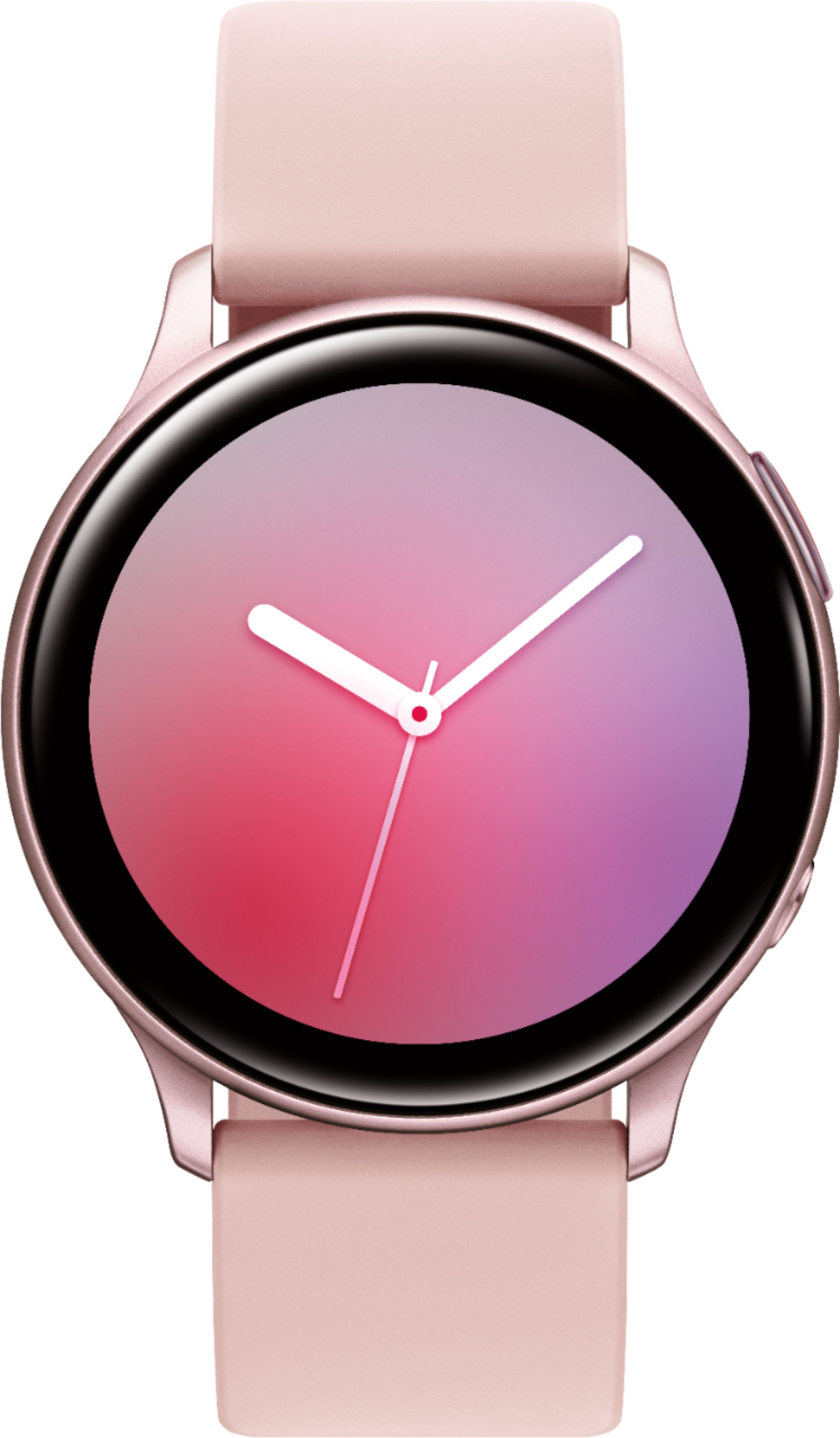
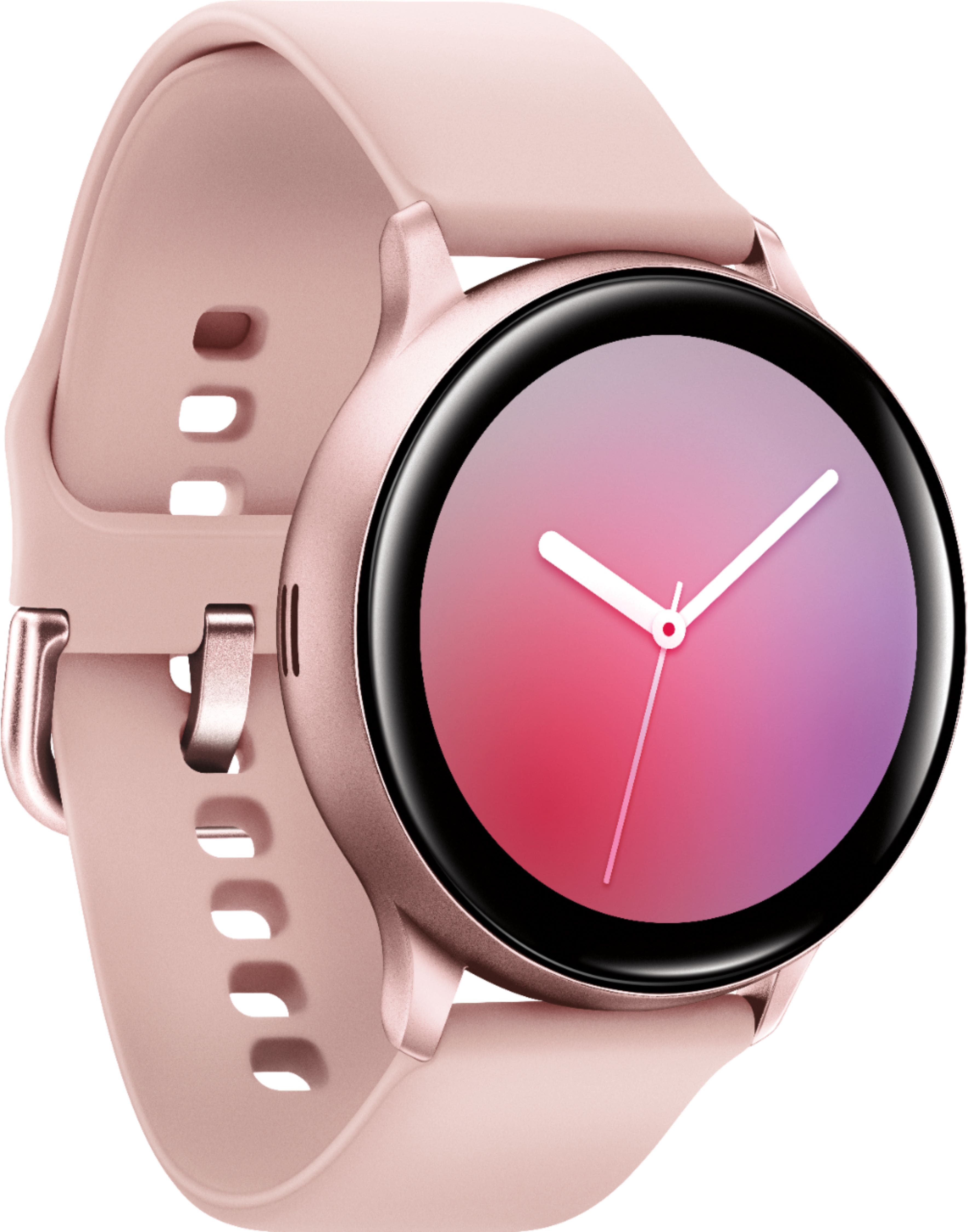
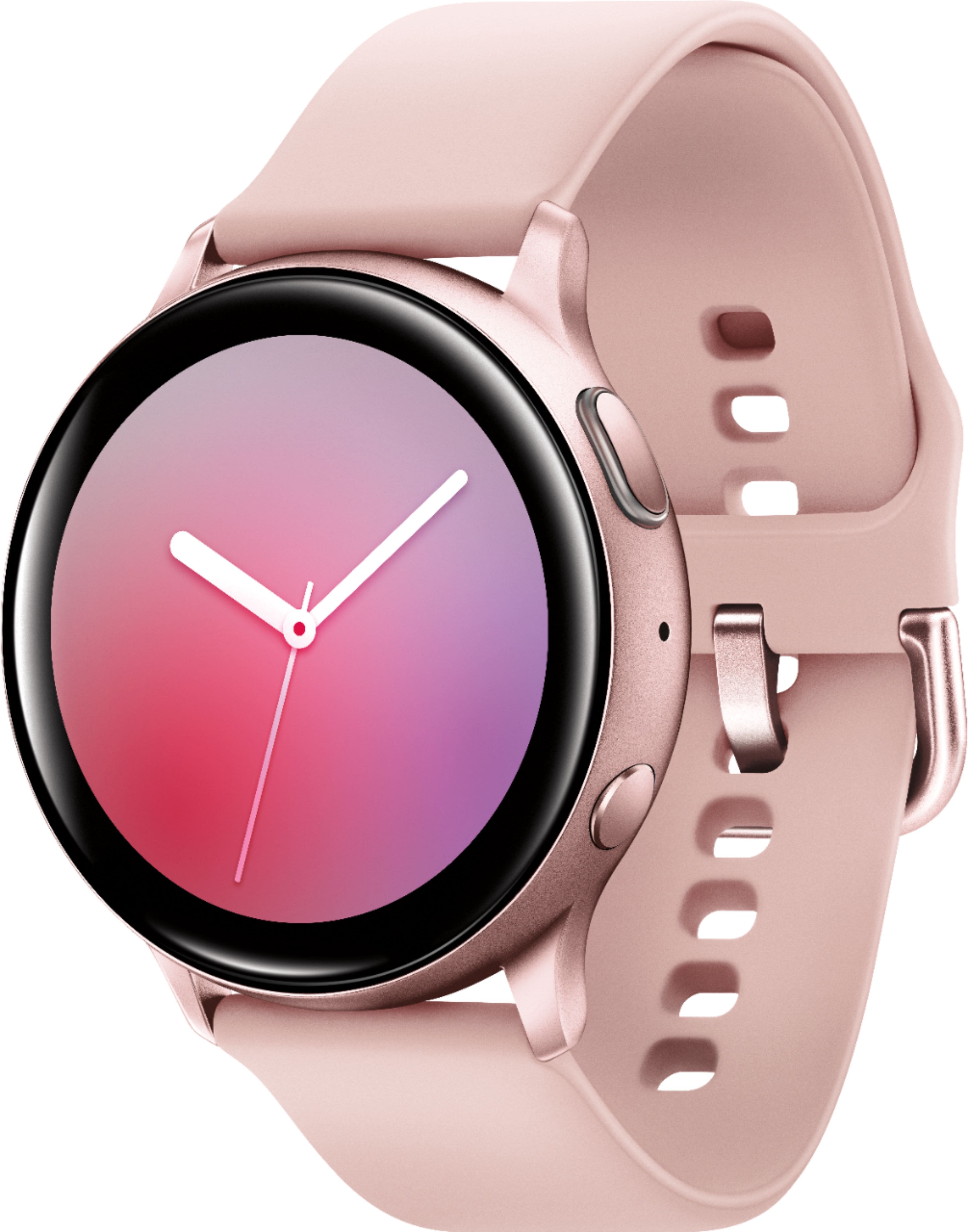
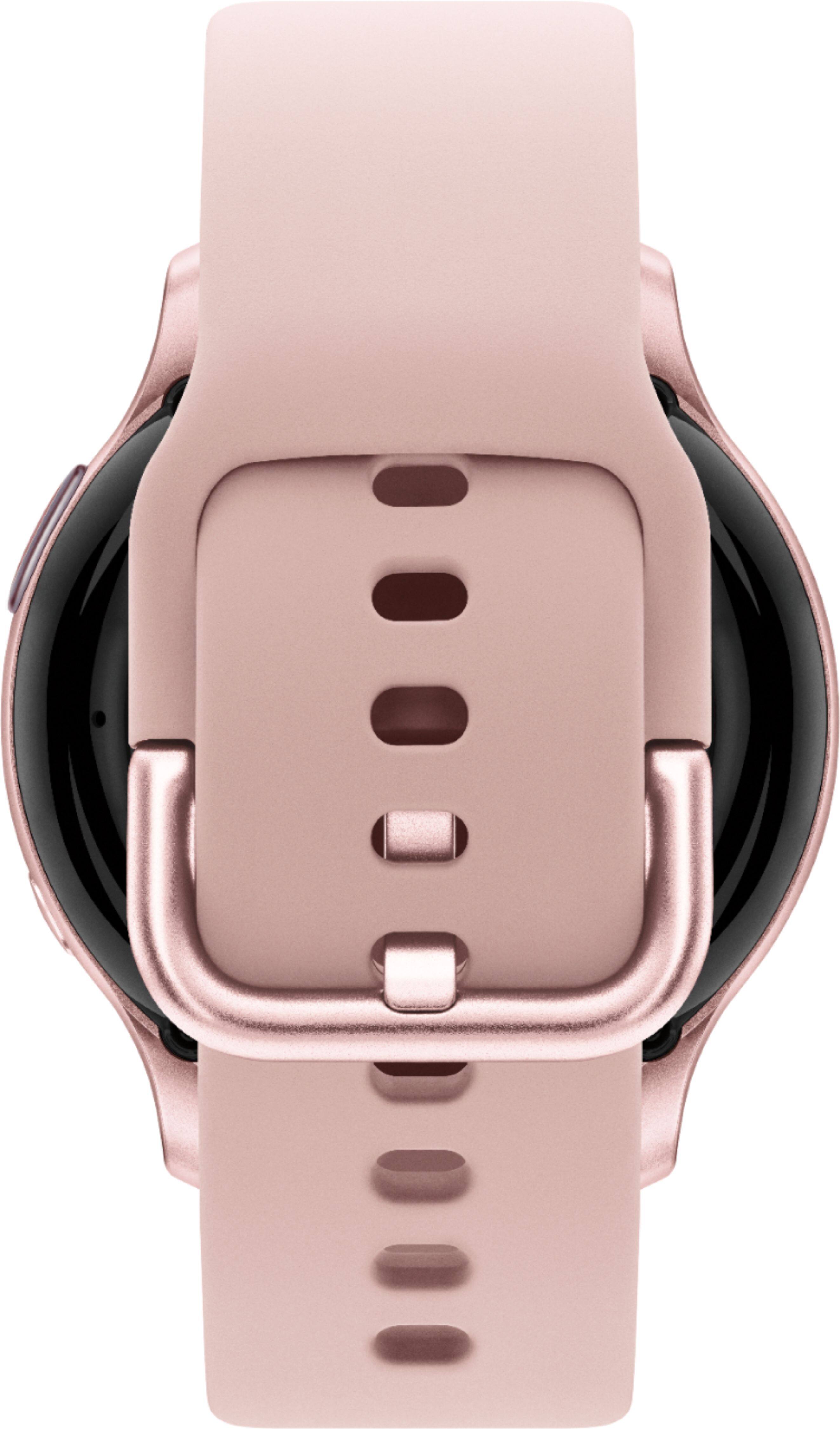
A:AnswerHello pessimistlass, thank you for asking! You can set your smart watch or fitness band to automatically or manually measure your heart rate. Automatic workout detection can be disabled. ^Elizabeth
A:AnswerHello shelley, thanks for asking! This watch pairs with smartphones running Android 5.0 or higher & RAM 1.5GB and above, iOS 9.0 and later, and smartphones iPhone 5 and newer. ^Elizabeth
A:AnswerThe watch is connected / sync'd to your phone via Bluetooth. If you are away from your phone (greater than 30 feet), the watch will not update. Items on the watche that will still work away from your phone are the Samsung Health Fitness items (heart rate, track steps, calories burned, and steps climbed). Once you are back in range to your phone, everything will update. NOTE: I have noticed that my phone gives me a notification "ding" when I walk within or out of range.
There is a more expensive model that has LTE but that requires an additional subscription service with your carrier.
A:AnswerI have the the regular active 2 and I don't pay an extra plan for it . The watch runs off my phone so if I need something internet related it will either use wifi at home or the 4G of my phone when I am out. Of course there is 2 versions 1 that you need an extra plan for and one that doesn't .
A:AnswerHello Juan, that's a really good question! With this watch you can make and answer calls right from your wrist! You just need to make sure the watch is connected to your phone through Bluetooth or through a mobile network. With a LTE watch model, you can even handle calls remotely. ^Elizabeth
A:AnswerSometime this Spring the EKG and blood pressure features will be a software update for these watches. You do not have to buy another watch. This is one reason I bought this watch.
I discussed this in full detail with the Samsung Rep. In the Best Buy store.
.
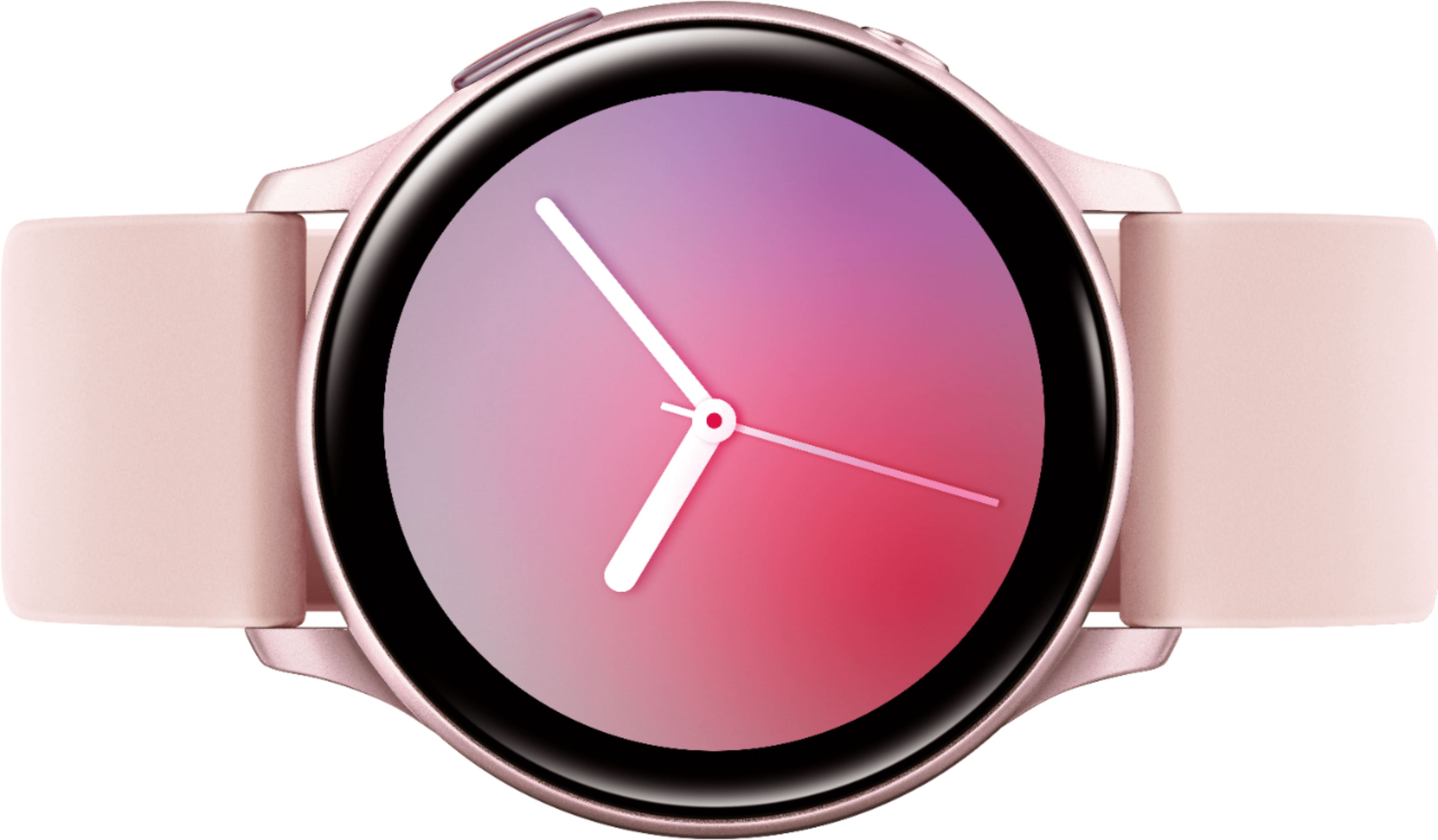
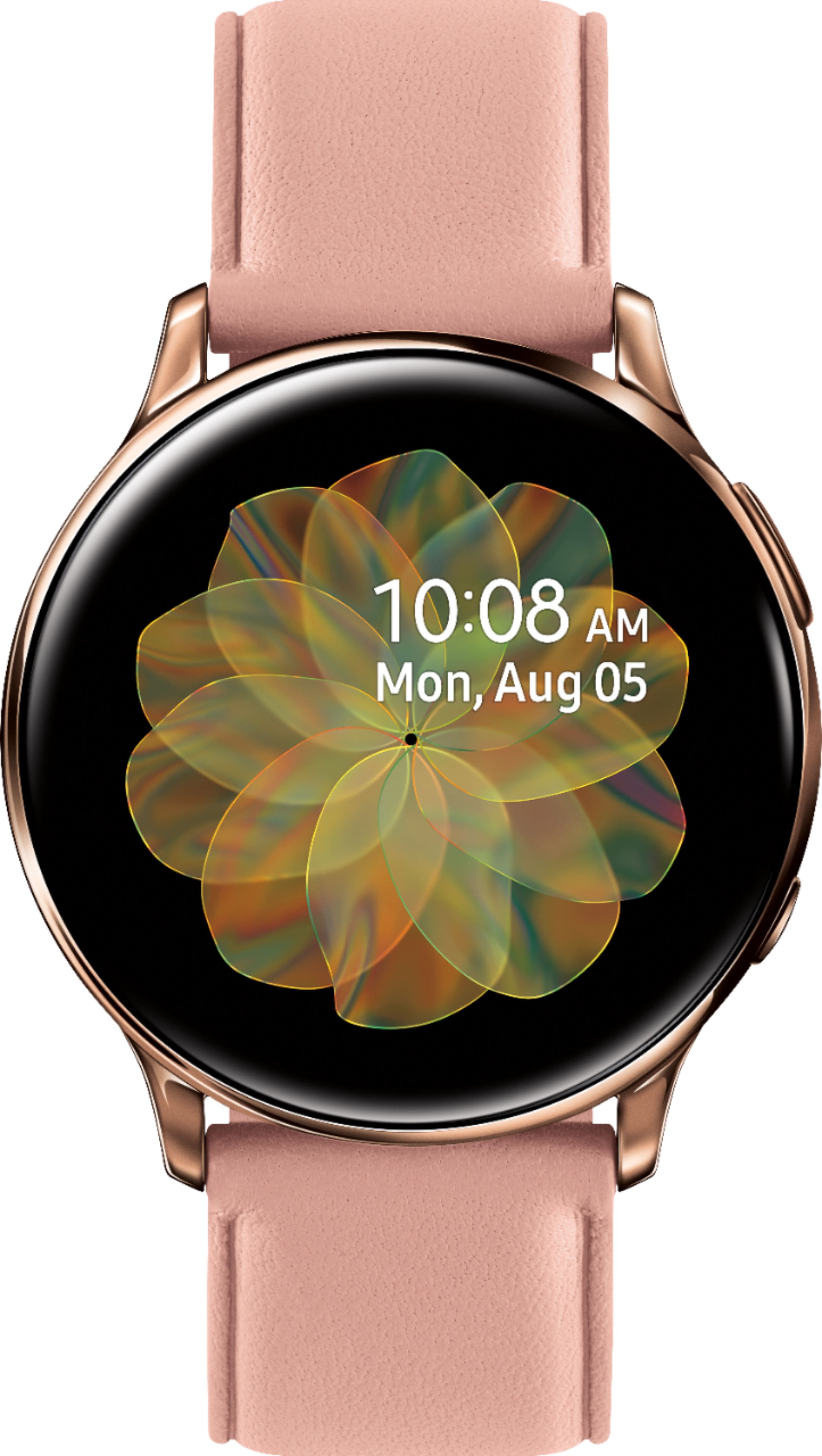
A:AnswerI found it under Settings (on the watch), then Watch Faces. You should be able to swipe to left to see all of the watch faces that are available & it should be under Wallpaper/ Live Wallpaper.
A:AnswerThe program itself will not work on the watch itself. It will work on most Android phones, however, you can set the eatch to receive alerts from the program that is running on your phone.