A:AnswerAloha Justjoan, thanks for taking the time out of your busy day to ask us your question about the Samsung Galaxy Watch FE. Yes, the advertised U.S. version of the Galaxy Watch FE is able to have the English language chosen as your available languages. Feel free to contact Support if you think of any other questions for us. Thank you for being a steadfast Samsung customer. - Debra
A:AnswerHey there NeedBetterSleep, thank you for finding the free time out of your busy day to ask us your question about the Samsung Galaxy Watch FE. The Watch FE allows you to create a one-time or recurring alarm events. You can also access alarms saved on your phone. Please feel free to contact Support with any other questions you may have. Thank you for being a valued Samsung customer. - Debra
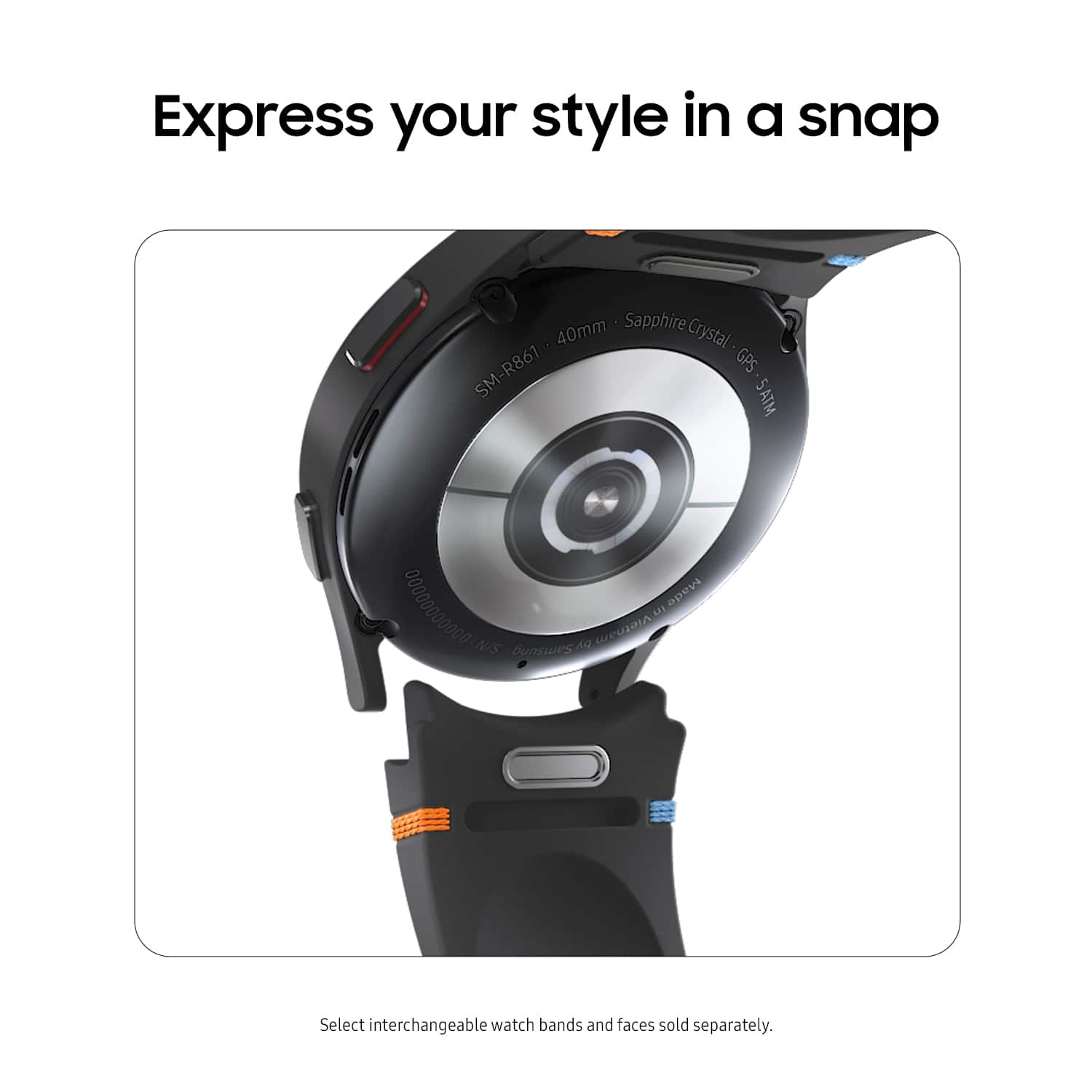
A:AnswerSalutations Bear, thanks for taking the time out of your busy schedule to ask us your questions about the Samsung Galaxy Watch FE. Yes, you can absolutely personalize your watch by changing out the watch bands. You can set the date and time manually. These options are only available when your watch is not connected to your mobile device. Here's how: From Settings, tap General > Date and time. * Automatic: Use the network to set date and time. * Set date: Set the date manually. * Set time: Set the time manually. * Select time zone: Select the time zone manually. Let us know if you think of any other questions for us by reaching back out. Thank you for being a faithful Samsung customer. - Debra
A:AnswerHi there HY, thanks for taking the opportunity to ask us your question about the Samsung Galaxy Watch FE. You can configure Accessibility features on the Galaxy Watch FE. Here's how: > From Settings, tap Accessibility > Advanced settings for the following option: > Vibration watch: The watch uses vibrations to communicate the time. If you have any other questions for us, feel free to reach back out at your leisure. Thanks for being a valued Samsung customer. - Debra
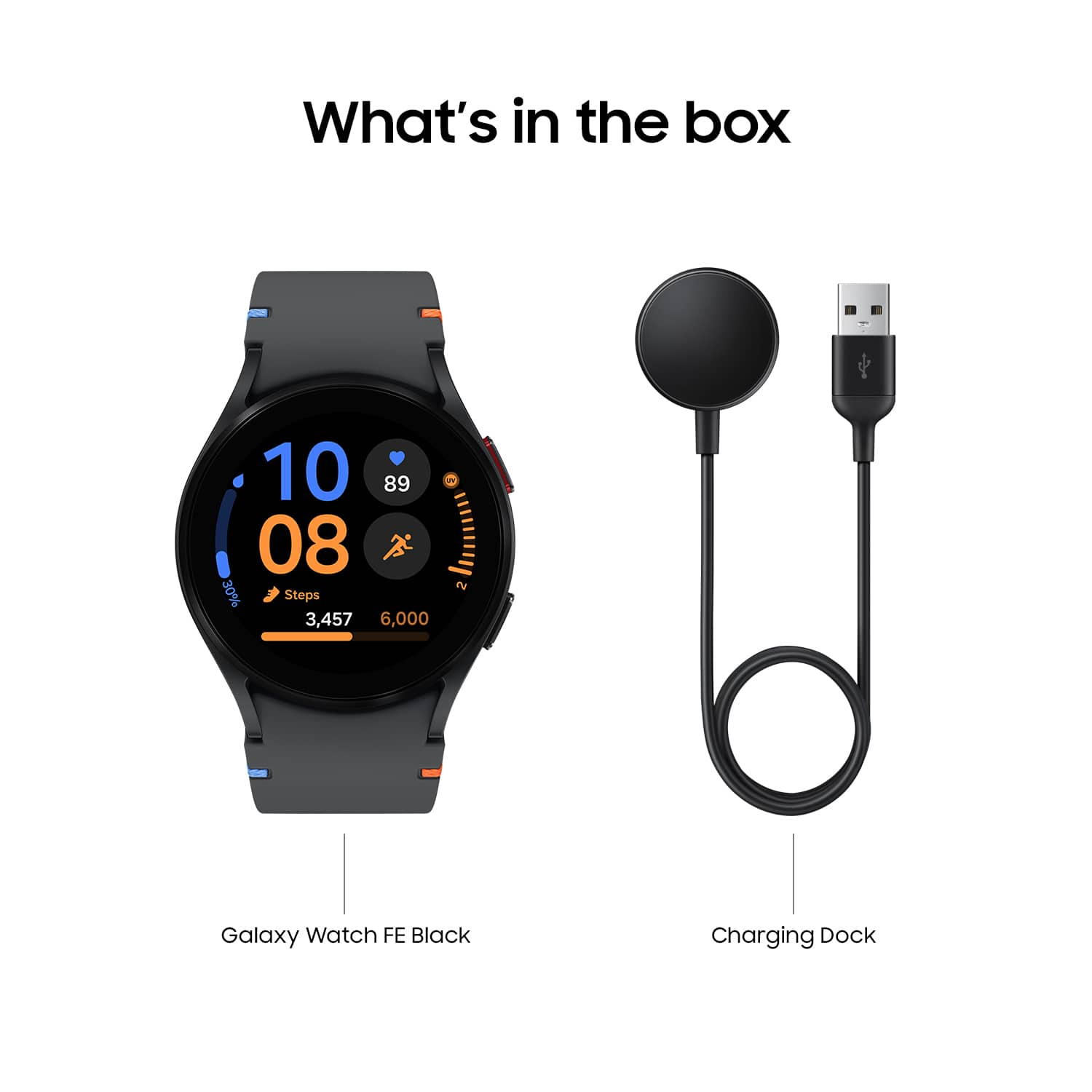
A:AnswerSalutations, thanks for taking the opportunity to ask us your question about the Samsung Galaxy Watch FE. Brand-new products will be sold in its original packaging. If you have any other questions for us, feel free to contact us. Thank you for being a dedicated Samsung customer. - Debra
A:AnswerThanks for reaching out to inquire about the Galaxy Watch FE! The Galaxy Watch FE is designed with Sapphire Crystal glass and features an impressive IP68 rating, making it both water and dust-resistant. This allows you to confidently go about your daily activities. In accordance with its IP68 rating, the watch can withstand being submerged in up to 5 feet of water for up to 30 minutes. Be sure to rinse off any residue and dry it after it gets wet. Also, be sure to utilize water lock when doing so. If you have any further questions, do not hesitate to reach out to us at Support. -Kelvin
A:AnswerHi there Ak85, thanks for taking the time to ask us your question about the Samsung Galaxy Watch FE. Yes, the Watch FE is compatible with phones running Android 10.0 or higher and equipped with at least 2.0 GB of RAM. If you have any other questions for us, do not hesitate to reach out to Samsung Support. Thank you for being a loyal Samsung customer. - Debra
A:AnswerThanks for coming to us with your question! We appreciate the opportunity to assist you. We see that you are interested in the Galaxy Watch FE. This watch is compatible with Android phones. To be specific, phones with Android 11.0 or higher and with more than 1.5GB of memory. If you have any further questions, please reach out to us at Support. -Kelvin
A:AnswerGreetings Sandeep, thank you for finding the unobstructed time out of your bustling day to ask us your question about the Samsung Galaxy Watch FE. The advertised Galaxy Watch FE is the U.S. version of this device. Feel free to contact Samsung Support with any additional questions you may have. Thank you for being a dedicated Samsung customer. - Debra
A:AnswerGreetings, thank you for finding the opportunity to ask us your question about the Samsung Galaxy Watch FE. That's a good question. Galaxy watches are unable to monitor blood pressure at this time in the U.S. due to FDA regulations. If you have any other questions for us, do not hesitate to reach out to Samsung Support. Thank you for being a trustworthy Samsung customer. - Debra
A:AnswerThanks for reaching out to us with your question, Jane. We see that you reached out to inquire about the Galaxy Watch Ultra. Of course, you can! There is an incredible selection of apps available to download to your Galaxy Watch from the Galaxy and Google Play Store. Whether you’re looking for fitness, lifestyle, or entertainment apps there’s something for everyone. If you have any further questions, please be sure to reach out to us at Support. -Kelvin
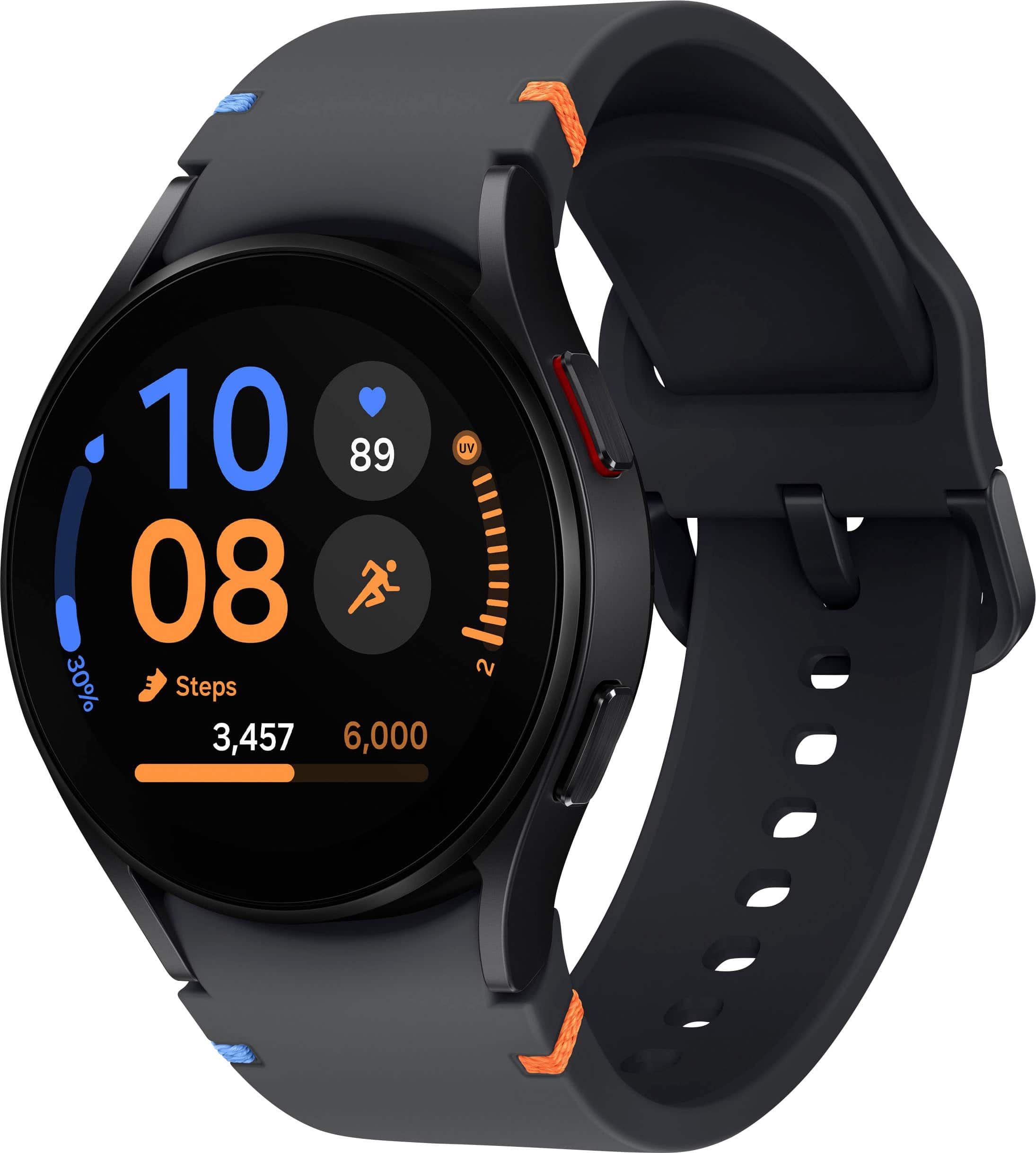
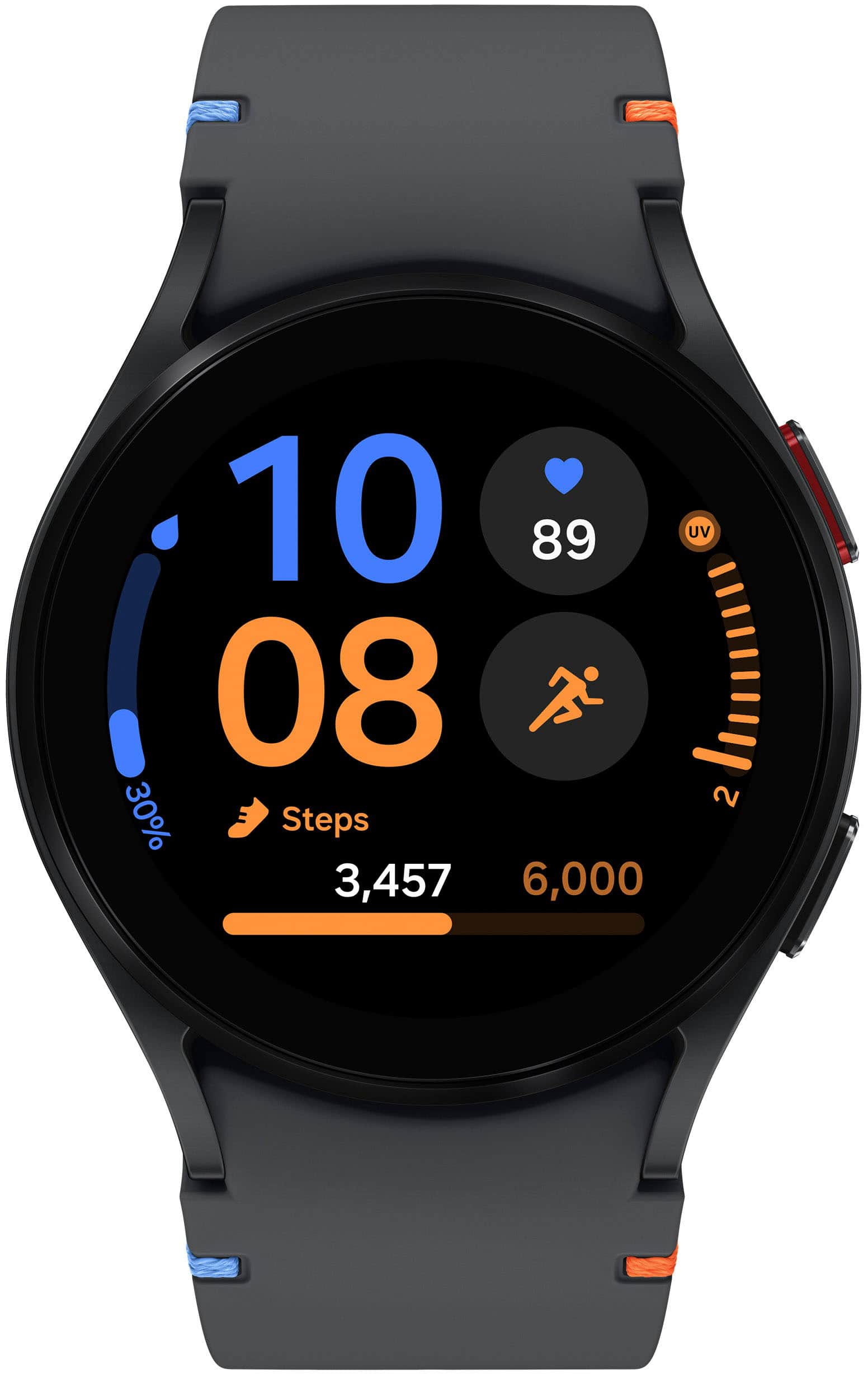
A:AnswerThanks for reaching out to us, Alister. We noticed you reached out to ask about the Galaxy Watch FE. The Galaxy Watch FE's rear case combines polycarbonate with glass fiber and Gorilla Glass, providing added strength and resistance. The band is made from flexible silicone for comfort, while the buckle is crafted from stainless steel, enhancing its overall quality and style. There are no additional charges after purchase required to use this watch. If you have any further questions, be sure to reach out to us at Support. -Kelvin
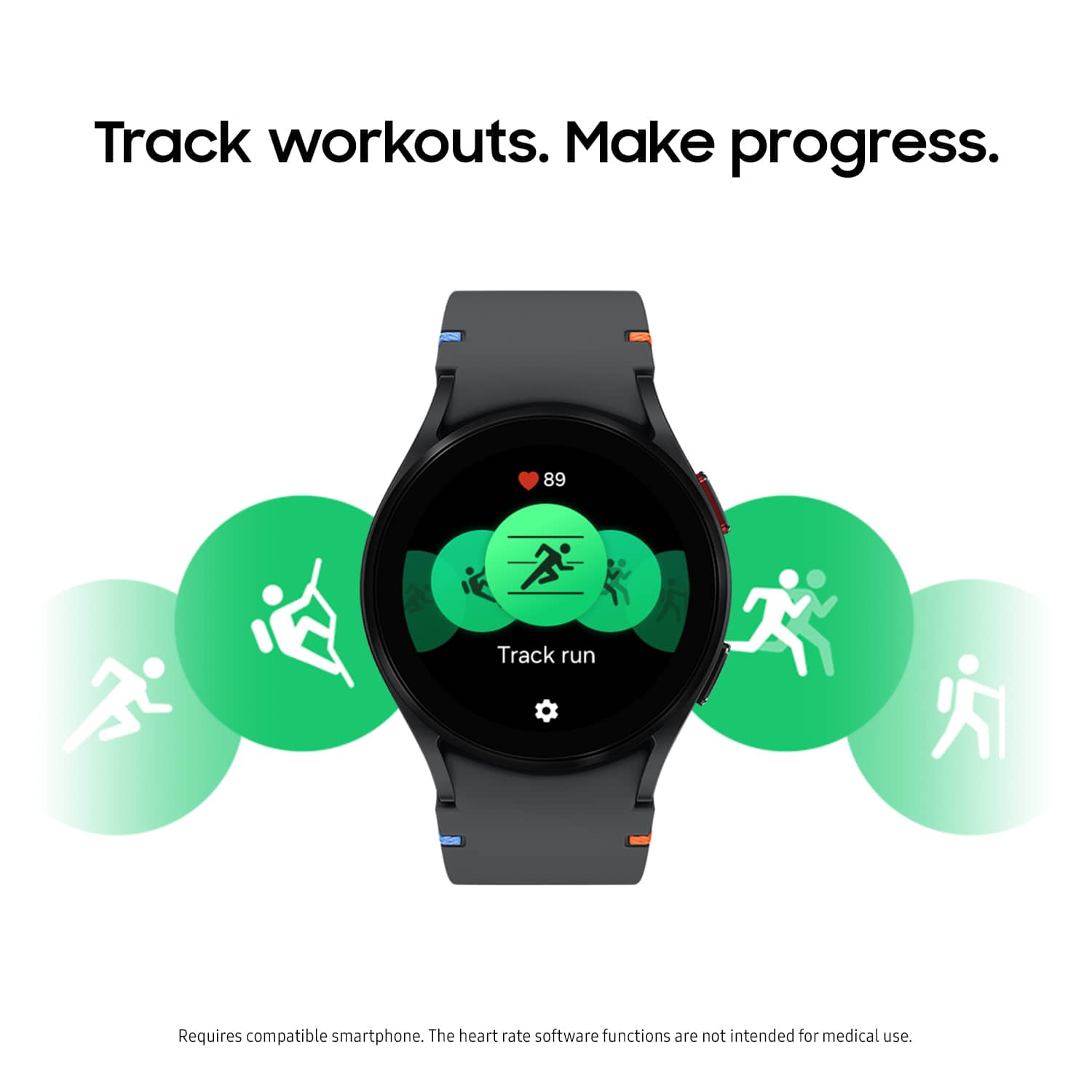
A:AnswerIt's great to hear from you! Your Galaxy watch can most definitely have multiple alarms set up. When your phone and watch are Bluetooth-connected, alarms set on your phone will sound on both devices, but won't sync with your watch's Alarm app. Alarms added or edited on your watch are exclusive to the watch, and deleting them will remove them only from the watch. For any further questions, please be sure to reach out to us at Support. -Kelvin
A:AnswerIt's great to hear from you, Dave. We see that you are interested in the Galaxy Watch FE. This Galaxy Watch FE is available for Bluetooth use only. If you have any further questions, feel free to reach out to us at Support. -Kelvin