Early Black Friday DealsNew Doorbusters every Friday.Shop now

Skip to content
Gift Ideas
26 Cypress St
Williston, VT 05495
Opens at 9 am
Find Another Store
Main Content

Questions & Answers

Page Showing 41-60 of 75 questions
  • QuestionA green led on the bottim of the watch came on by itself. How do I turn that off?

    Asked by LesLV.

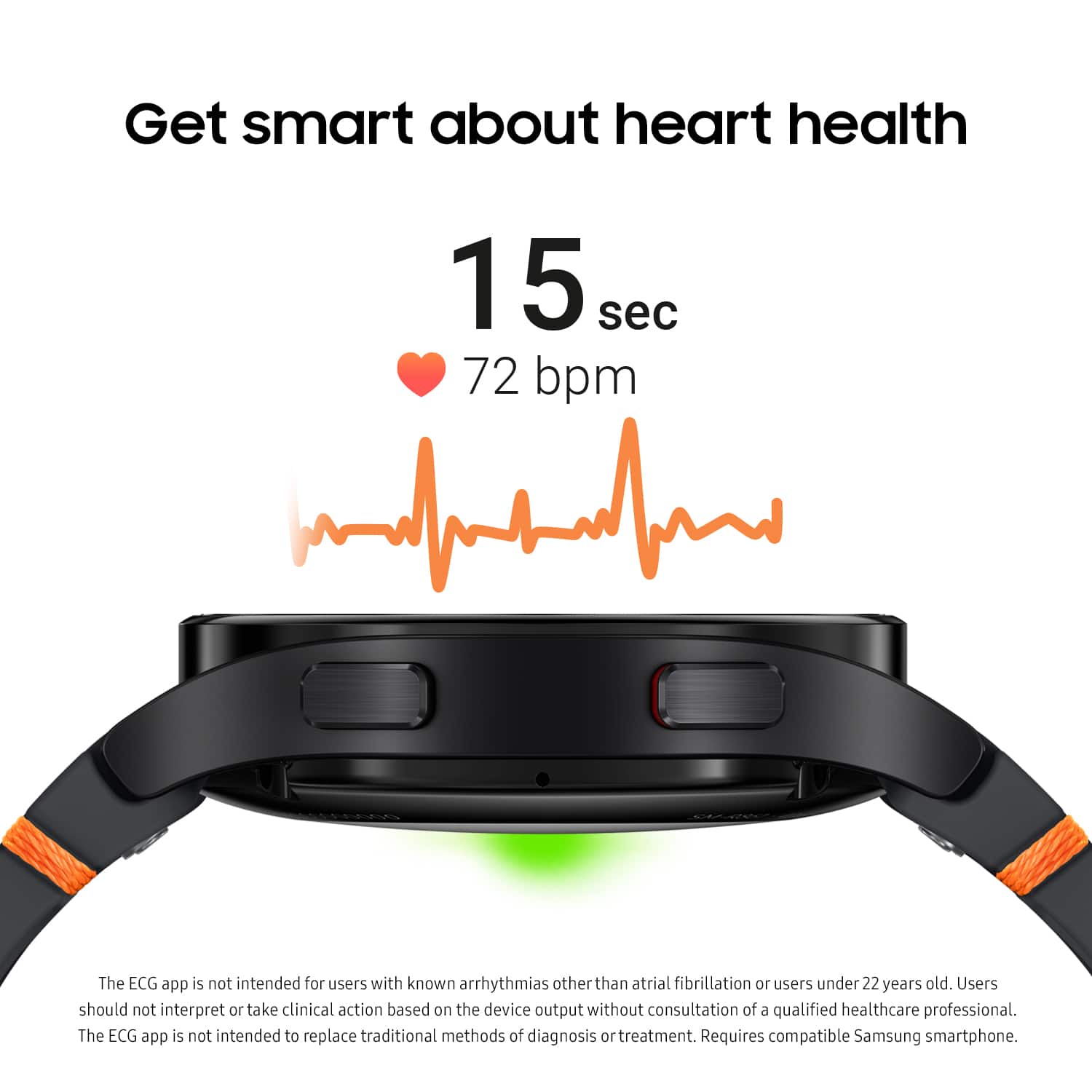
    • Answer Hey LesLV, thank you for finding the time out to ask us your question about the Samsung Galaxy Watch FE. The green light sensor on your Galaxy Watch FE is essential for your heart rate monitor as well as wrist detection. Although we are unable to turn this off completely, you are able to disable the continuous heart rate monitoring feature, or you can set it to measure at your designated interval. If you have any other questions or if you would like any further assistance, please feel free to reach out to Support. Thank you for being a valued Samsung customer. - Debra

      Answered by Samsung

  • QuestionDoes this watch need a SIM card to take or make calls? If yes, does it come with the SIM card?

    Asked by PawanSagar.

    • Answer Good day PawanSagar, thanks for taking the time to ask us your question about the Samsung Galaxy Watch FE. No, the Galaxy Watch FE, Bluetooth version, relies on a connection to your phone to make/receive calls. If you have any other questions, do not hesitate to contact Support. Thank you for being a valued Samsung customer. - Debra

      Answered by Samsung

  • QuestionHow do I find my phone from my smart watch

    Asked by Alice.

    • Answer Good day Alice, thanks for taking the opportunity to ask us your question about the Samsung Galaxy Watch FE. If you misplace your smartphone, your watch can help you find it. Here's how: 1. From Apps, tap Find My Phone. 2. Tap Ring. The smartphone vibrates and the screen turns on. 3. Drag Dismiss on your smartphone or tap Stop on the watch. If you have any other questions for us, do not hesitate to reach out to Support. Thank you for being a valued Samsung customer. - Debra

      Answered by Samsung

  • QuestionDoes this watch have fall detection? Is it compatible with Android One plus Nord N200 5g?

    Asked by Joyce.

    • Answer Hey there Joyce, thanks for taking the time to ask us your questions about the Samsung Galaxy Watch FE. Yes, the Galaxy Watch FE does indeed offer Hard Fall Detection, and it is compatible with phones that have Android 11.0 or higher and that are equipped with at least 2.0 GB of RAM. If you think of any other questions or if you would like further assistance, please feel free to contact Support. Thank you for choosing Samsung! - Debra

      Answered by Samsung

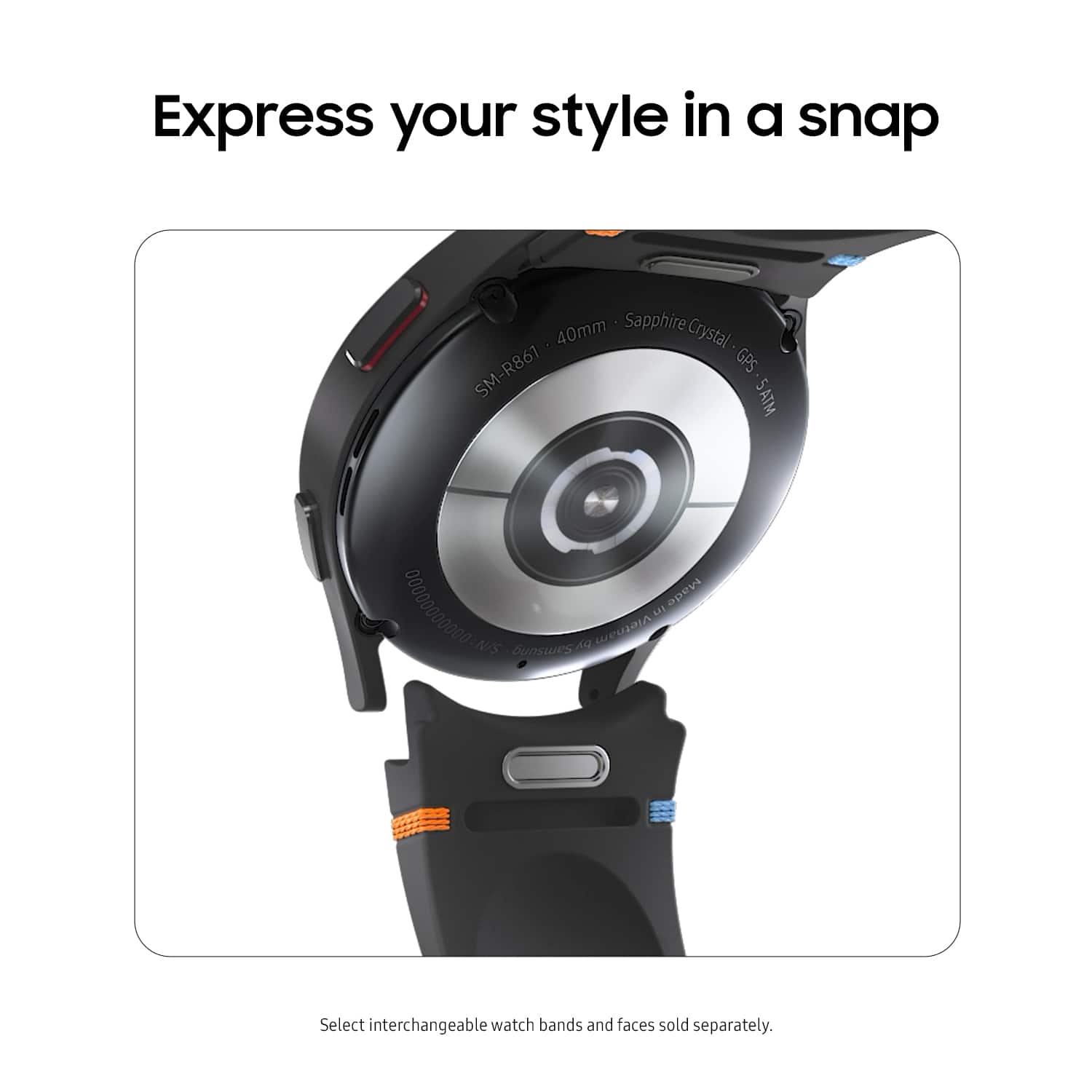
  • QuestionCan I get a new watchband

    Asked by Annie.

    • Answer Aloha Annie, thanks for asking us your question about the Samsung Galaxy Watch FE. Absolutely, you can purchase watch bands to create a Bespoke look to your Galaxy Watch FE. If you have any other questions for us or if you would like any further assistance, do not hesitate to contact Support. Thank you for choosing Samsung! - Debra

      Answered by Samsung

  • QuestionIs it waterproof?

    Asked by H.

    • Answer Aloha H, thanks for asking us your question about the Samsung Galaxy Watch FE. No, the Galaxy Watch FE is not waterproof, however, it is water and dust resistant, in up to 5 feet of water for up to 30 minutes based on an IP68 rating. If you have additional questions, please feel free to contact Support. Thanks for being a faithful Samsung customer. - Debra

      Answered by Samsung

  • QuestionIs the watch compatible with Apple Watches?

    Asked by Teefy.

    • Answer Good day Teefy, thank you for finding the free time out of your busy day to ask us your question about the Samsung Galaxy Watch FE. No, the Galaxy Watch FE is not compatible with iOS. If you have any other questions, please feel free to reach out to Samsung Support. Thank you for being an unwavering Samsung customer. - Debra

      Answered by Samsung

  • QuestionHow do I get my watch to appear the numbers. It is black now.

    Asked by Anonymous.

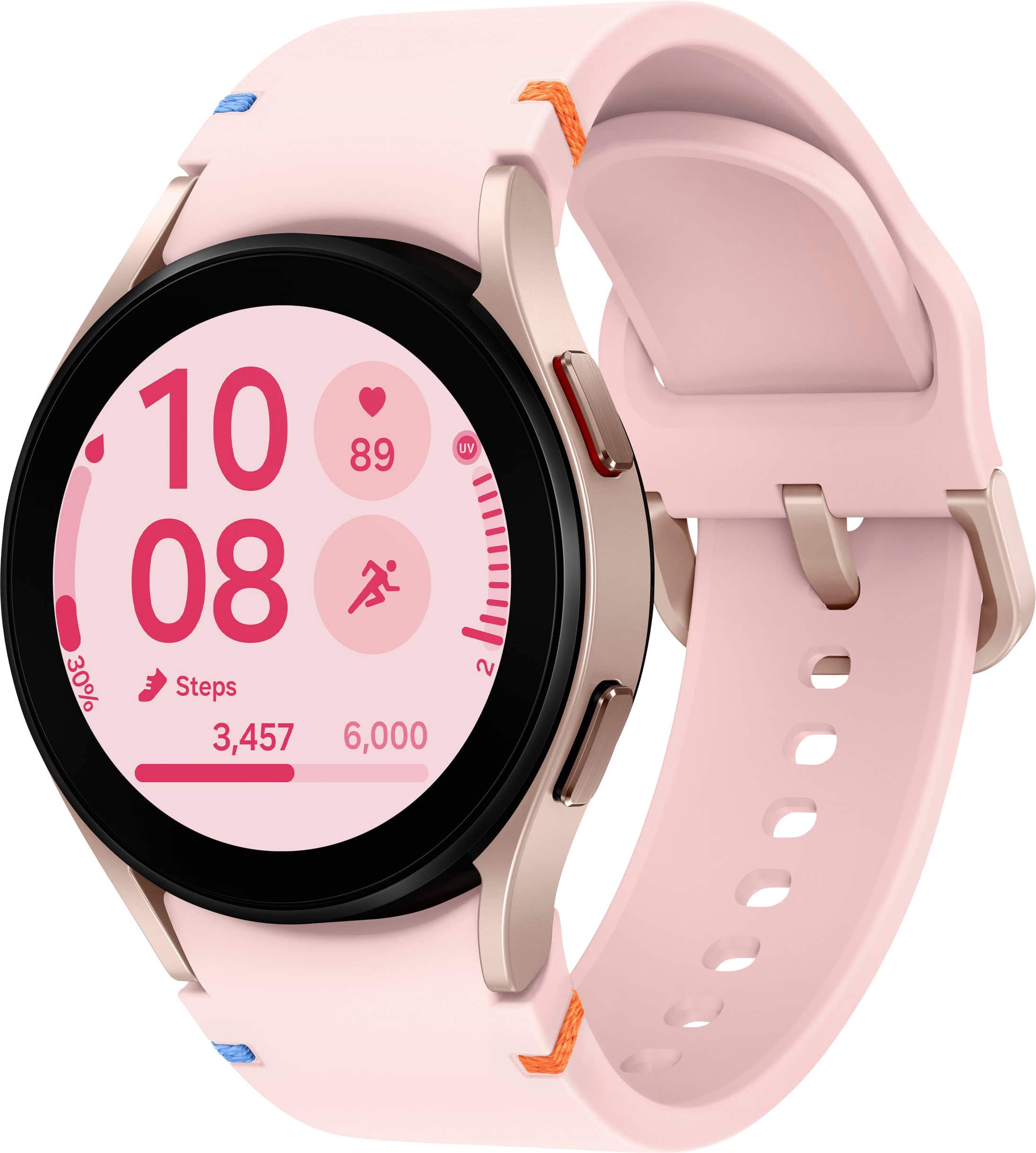
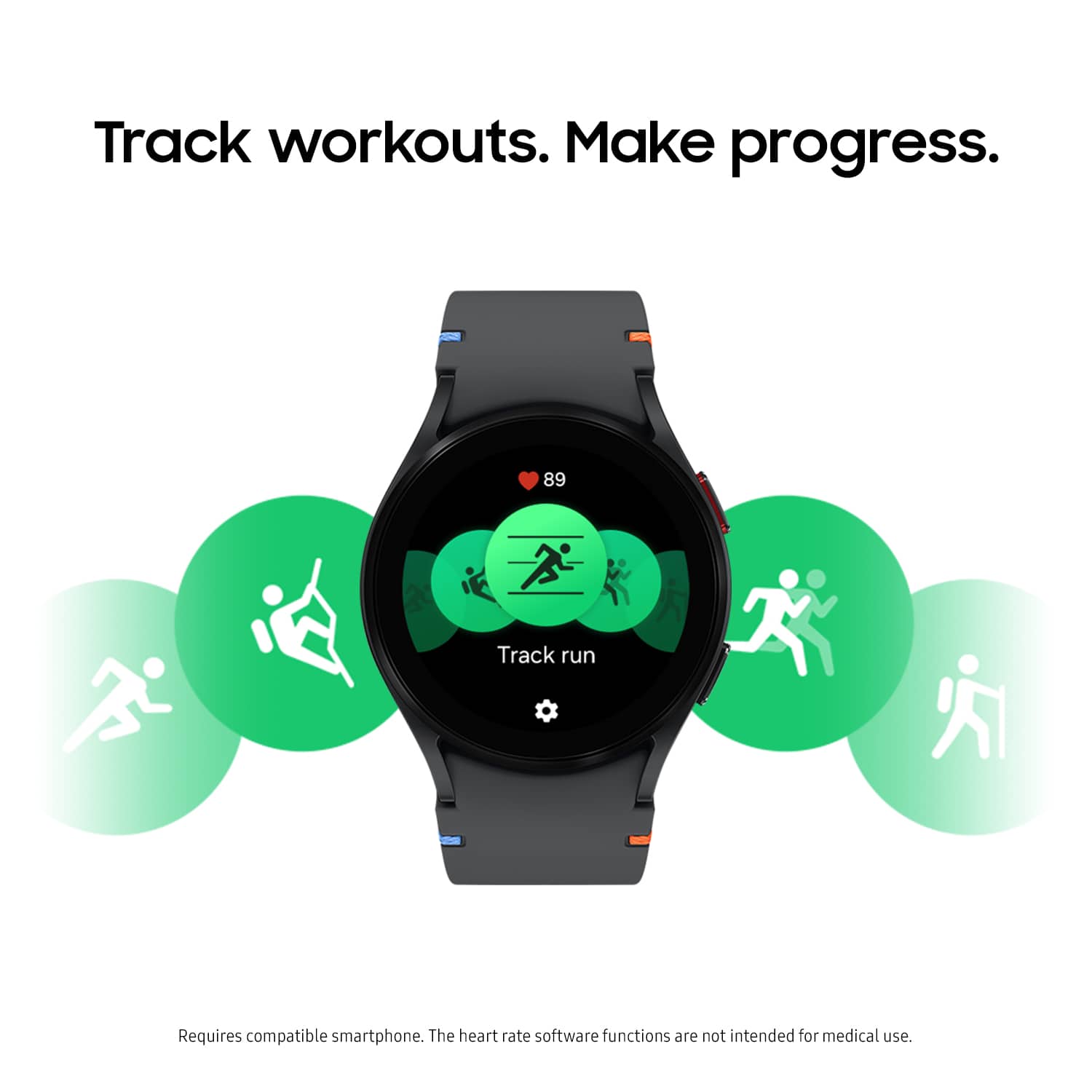
    • Answer Good day, thanks for asking us your question about the Samsung Galaxy Watch FE. You can keep the screen of your Galaxy Watch FE on without unlocking your device using Always On Display (AOD). Here's how: From Settings, tap Display, and tap Always on Display to enable the feature. You can also use a gesture to turn on the watch screen. Here's how you'd do that: From Settings, tap Display, and tap an option under Screen wake-up to enable. > Raise wrist to wake: Lift your wrist to turn on the watch screen. > Touch screen to wake: Touch the watch screen to turn it on. > Show media controls: Show controls on your screen when you start playing audio or video on your mobile device. You can also set the screen timeout on your device. This is where you can set the length of time the watch waits before turning off the display’s backlight. From Settings, tap Display > Screen timeout, and select a timeout value. If you would like further assistance or if you have any other questions for us, do not hesitate to reach out to Support. Thanks for being a valued Samsung customer. - Debra
      Answered by Samsung

  • QuestionIs this watch compatible with a Galaxy A13 5G model SM-A136U?

    Asked by Jinx.

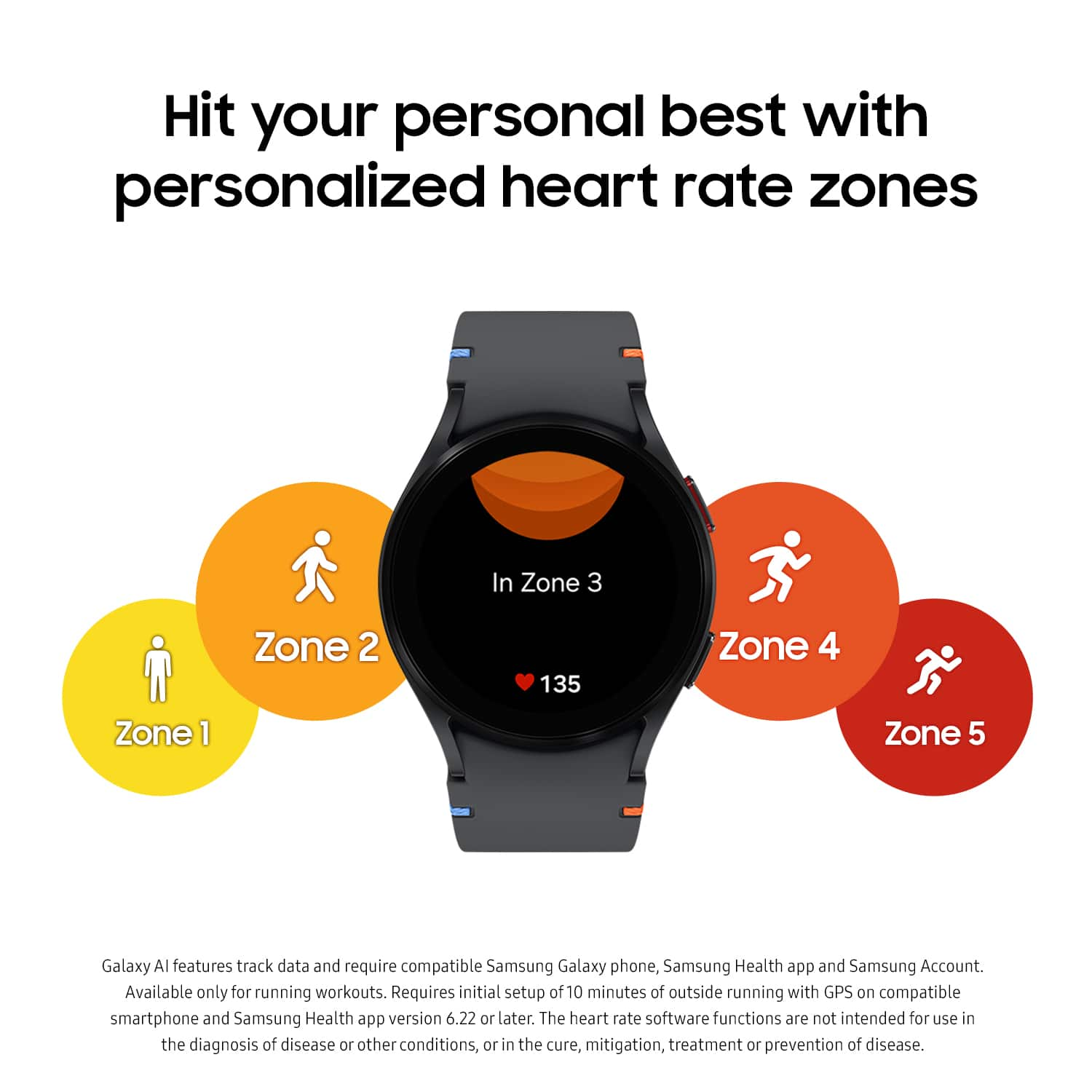
    • Answer Aloha Jinx, thanks for taking the time out of your busy day to ask us your question about the Samsung Galaxy Watch FE. The Watch FE is compatible with phones running Android 11.0 or higher and that are equipped with at least 2.0 GB of RAM. Feel free to contact Support if you have any other questions for us. Thanks for being a valued Samsung customer. - Debra
      Answered by Samsung

  • QuestionIS IT COMPATIBLE WITH GALAXY NOTE 20 ULTRA 5G

    Asked by HEMI.

    • Answer Yes

      Answered by Lildjgrl19

  • QuestionIs this phone compatible with the Dexcom G7 Glucose Monitor?

    Asked by Cathy.

    • Answer Hey there Cathy, thanks for taking the opportunity to ask us your question about the Samsung Galaxy Watch FE. We recommend reaching out to the manufacturer of your glucose monitor to inquire what devices are compatible with their product. Feel free to reach out if you have any other questions for us. Thank you for being a dedicated Samsung customer. - Debra

      Answered by Samsung

  • QuestionWill this work with a Samsung S9 phone?

    Asked by Kobe.

    • Answer Yes, my daughter hasn't had any issues connecting her new watch with her old phone.

      Answered by Anonymous

  • QuestionI recently ordered a Samsung watch similar to this one and could not program it for English, only foreign languages. Can I program this one in English?

    Asked by justjoan.

    • Answer Aloha Justjoan, thanks for taking the time out of your busy day to ask us your question about the Samsung Galaxy Watch FE. Yes, the advertised U.S. version of the Galaxy Watch FE is able to have the English language chosen as your available languages. Feel free to contact Support if you think of any other questions for us. Thank you for being a steadfast Samsung customer. - Debra

      Answered by Samsung

  • QuestionCouple questions: 1. Does it have an Altimeter? 2. Will it measure distance in meters, like when walking?

    Asked by Jimmiec.

    • Answer Has a Podomiter for walking, running pr jogging..

      Answered by Michael

  • QuestionDoes this watch have a smart wake type feature where you can set an alarm to wake but it will wake you at the best stage of sleep cycle?

    Asked by NeedBetterSleep.

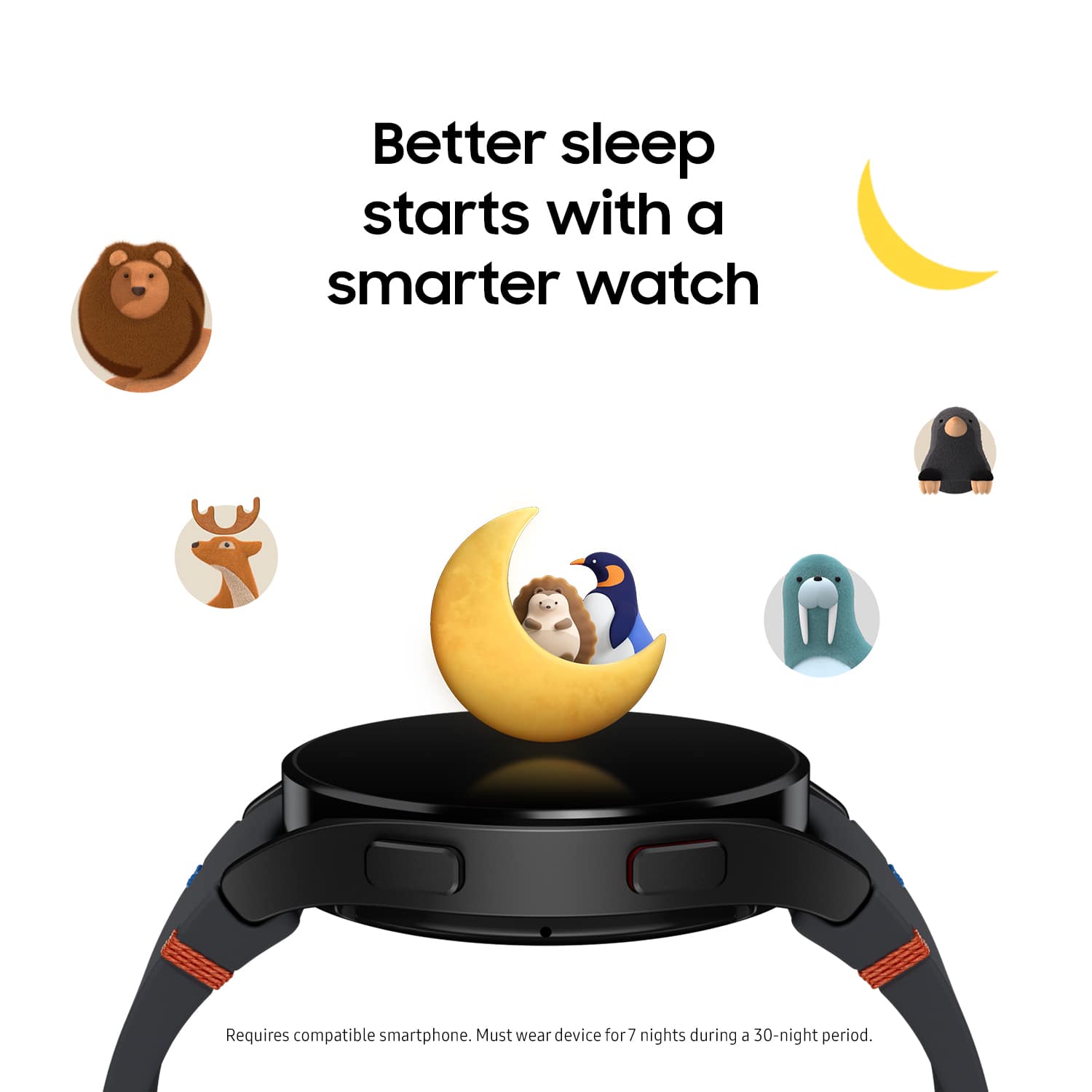
    • Answer Hey there NeedBetterSleep, thank you for finding the free time out of your busy day to ask us your question about the Samsung Galaxy Watch FE. The Watch FE allows you to create a one-time or recurring alarm events. You can also access alarms saved on your phone. Please feel free to contact Support with any other questions you may have. Thank you for being a valued Samsung customer. - Debra
      Answered by Samsung

  • QuestionCan you change the band on it and can you change time from 24 hours to 12 hours

    Asked by Bear.

    • Answer Salutations Bear, thanks for taking the time out of your busy schedule to ask us your questions about the Samsung Galaxy Watch FE. Yes, you can absolutely personalize your watch by changing out the watch bands. You can set the date and time manually. These options are only available when your watch is not connected to your mobile device. Here's how: From Settings, tap General > Date and time. * Automatic: Use the network to set date and time. * Set date: Set the date manually. * Set time: Set the time manually. * Select time zone: Select the time zone manually. Let us know if you think of any other questions for us by reaching back out. Thank you for being a faithful Samsung customer. - Debra

      Answered by Samsung

  • QuestionDoes this watch speak the time for visually impaired? Either by pushing a button or taping the screen?

    Asked by HY.

    • Answer Hi there HY, thanks for taking the opportunity to ask us your question about the Samsung Galaxy Watch FE. You can configure Accessibility features on the Galaxy Watch FE. Here's how: > From Settings, tap Accessibility > Advanced settings for the following option: > Vibration watch: The watch uses vibrations to communicate the time. If you have any other questions for us, feel free to reach back out at your leisure. Thanks for being a valued Samsung customer. - Debra
      Answered by Samsung

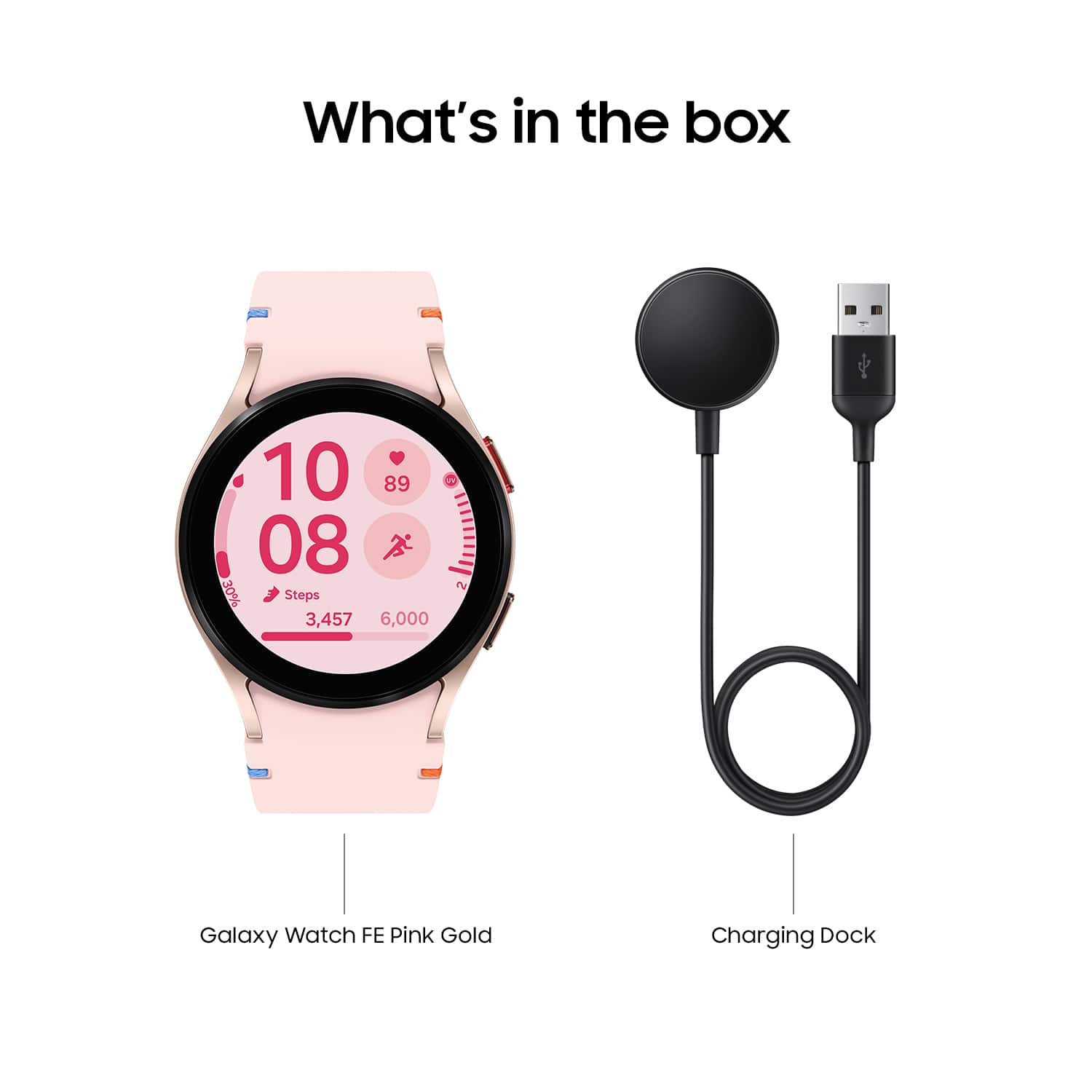
  • QuestionDoes it come with it original box

    Asked by Anonymous.

    • Answer Salutations, thanks for taking the opportunity to ask us your question about the Samsung Galaxy Watch FE. Brand-new products will be sold in its original packaging. If you have any other questions for us, feel free to contact us. Thank you for being a dedicated Samsung customer. - Debra

      Answered by Samsung

  • QuestionIs the Samsung Galaxy watch fe okay to shower while you’re wearing it

    Asked by Anonymous.

    • Answer Thanks for reaching out to inquire about the Galaxy Watch FE! The Galaxy Watch FE is designed with Sapphire Crystal glass and features an impressive IP68 rating, making it both water and dust-resistant. This allows you to confidently go about your daily activities. In accordance with its IP68 rating, the watch can withstand being submerged in up to 5 feet of water for up to 30 minutes. Be sure to rinse off any residue and dry it after it gets wet. Also, be sure to utilize water lock when doing so. If you have any further questions, do not hesitate to reach out to us at Support. -Kelvin

      Answered by Samsung