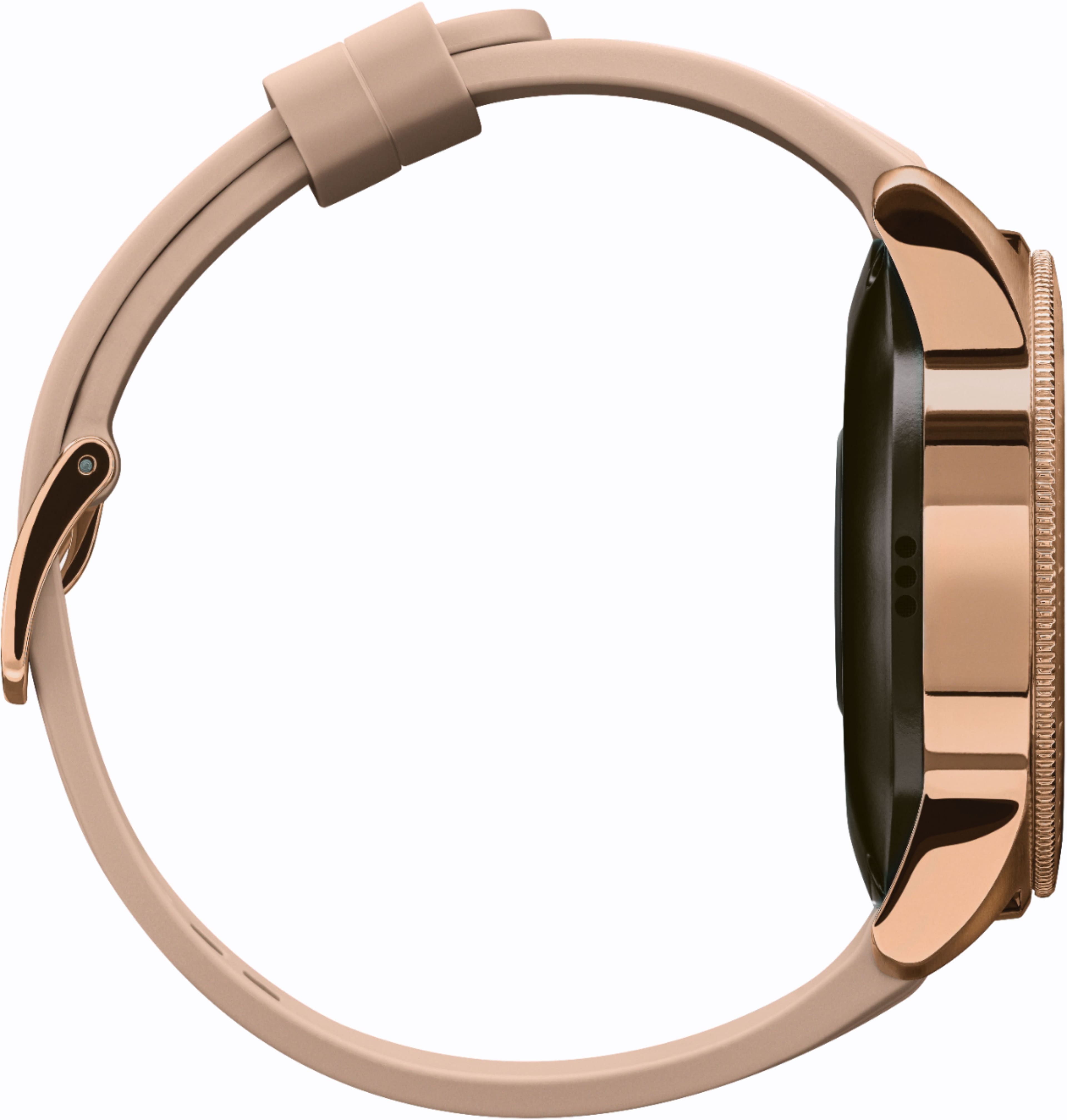
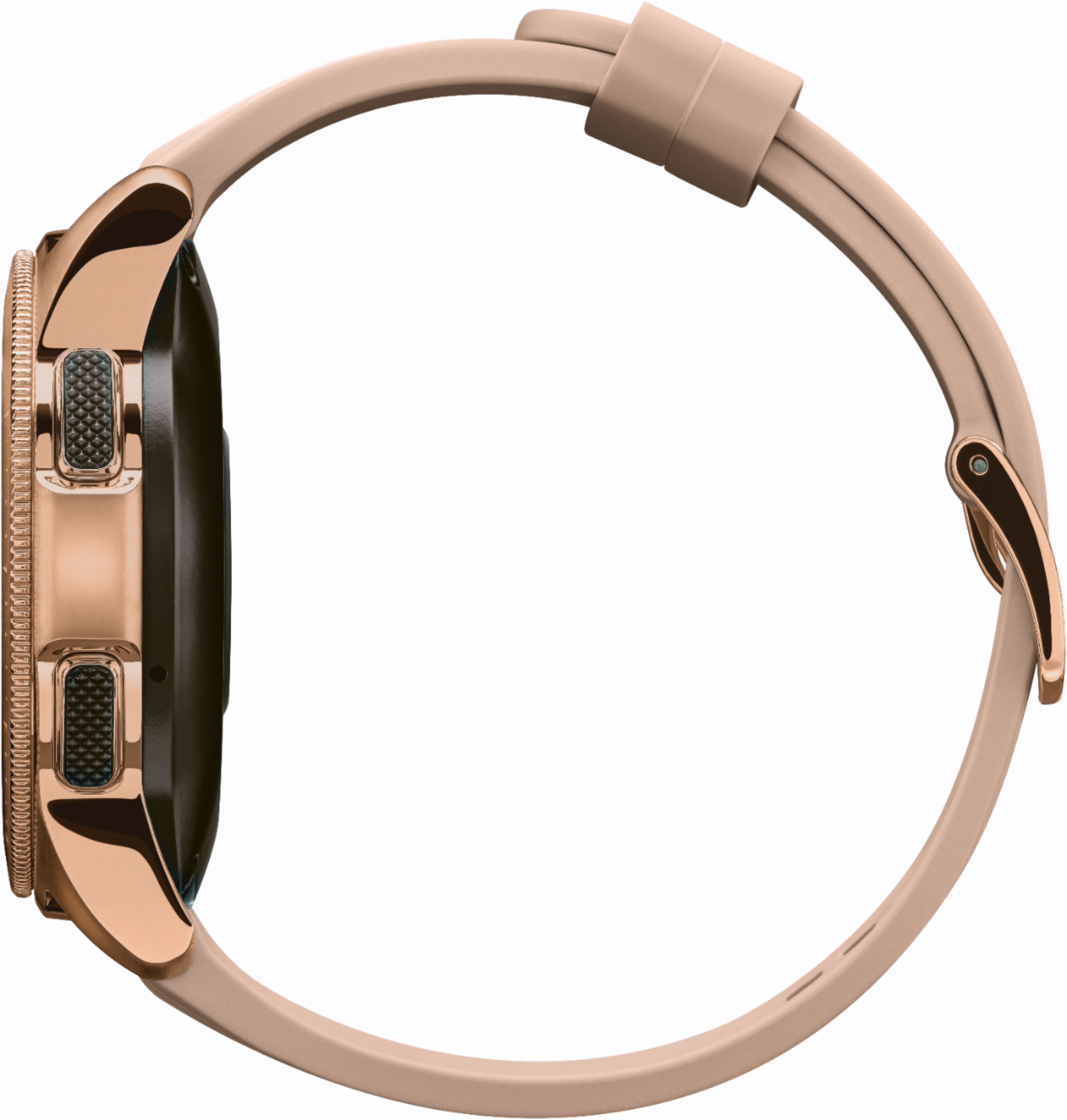
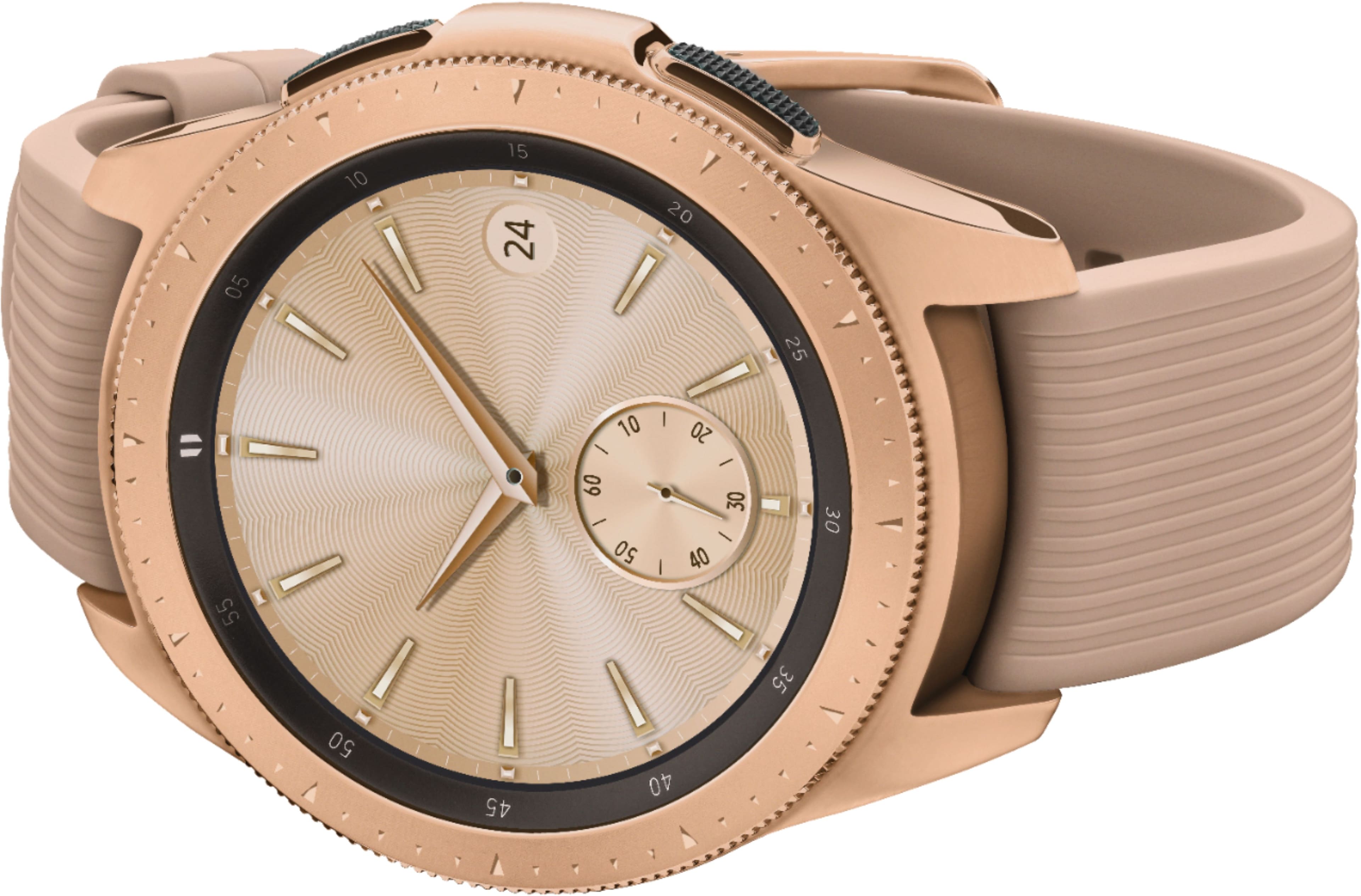
A:AnswerThis watch has a speaker, you can listen music through the watch or take phone calls through it (if you are near your phone for the bluetooth or wifi connection). You can listen to music through your watch without your phone nearby if you download the music onto the watch directly. I don't know anything about S8 active...but I have a Galaxy S8 and it works great with it.
A:AnswerHello Beth, sending texts or messages on a watch may seem impossible, but it's anything but that! On your Galaxy watch, you can use the built-in microphone, write letters on the screen, or type in the keyboard to enter text. ^Elizabeth
A:AnswerThis model is bluetooth only, so it connects to your phone, regardless of carrier. You can by a 4G model if you want it to have service through t mobile
A:AnswerFor messaging/calls, no it will require your phone to be within Bluetooth range. For heart rate/steps/time/etc. it functions just fine without your phone.
A:AnswerNo must be with in a certain distance from your phone I believe no more then about 15 ft before the connection is lost but if you have the phone on your person you can certainly answer calls on your watch
A:AnswerHey there, please use your phone to navigate to Galaxy Wearable. Then, swipe to and touch Apps. Touch the Settings icon next to Email. From here, you can turn accounts on or off, add accounts, or edit your signature. Hopefully this helps, if you are still not connected please give us a call at 1-800-SAMSUNG. We will be happy to assist you. ^Elizabeth
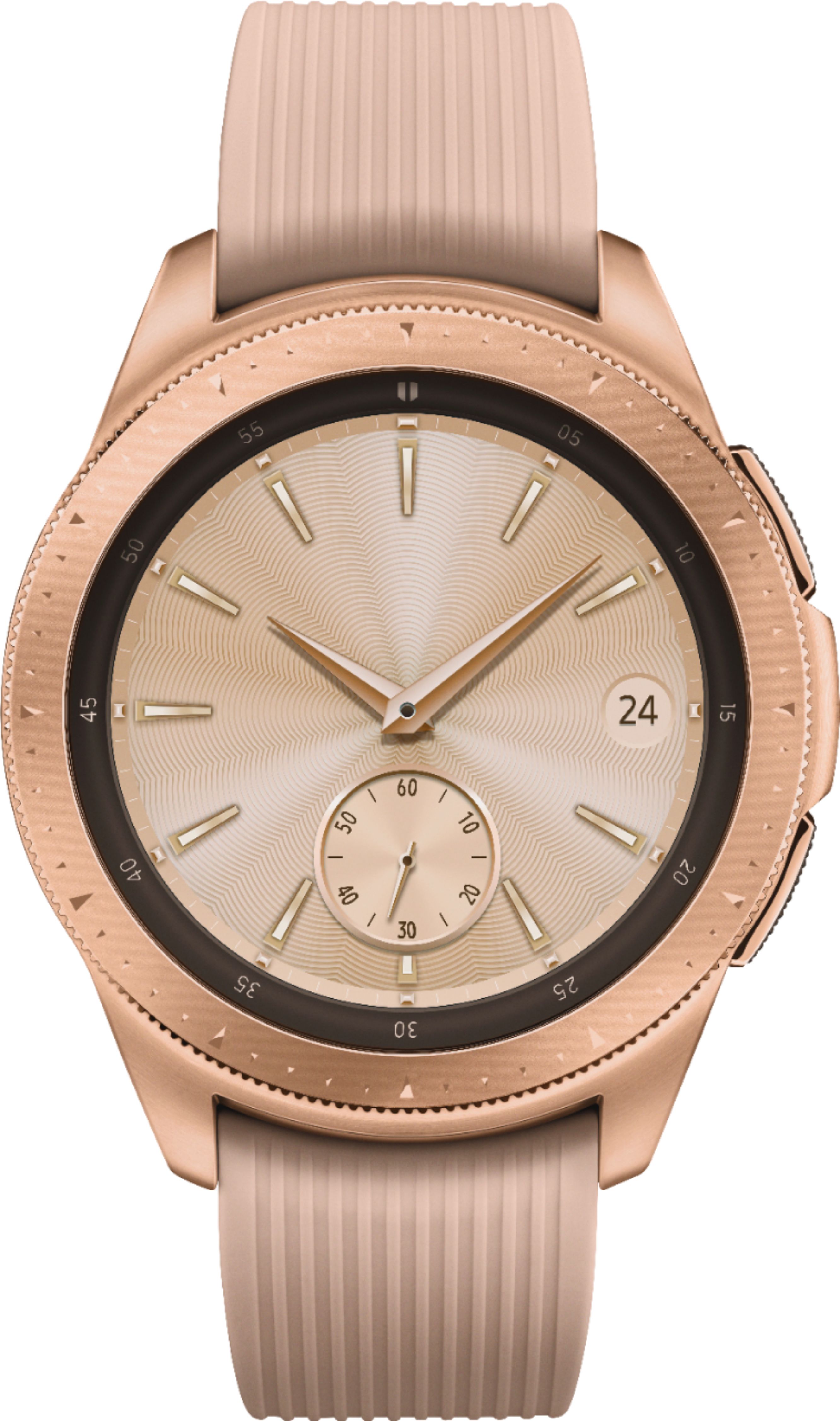
A:AnswerI never use the keyboard because it's too small but you're able to scribble on it and it'll write your letter for you. Only issue I have is that sometimes it will only read one letter at a time and you have to spell the letter neatly. Sometimes it'll pick up two letters at a time if you write it neatly and far enough.