A:AnswerThe locked feature allow you to block payments so I am not sure if you are aware you can use Samsung Pay on the watch, so you just select what card you want to. Of course, the watch doesn't care what county you are in.
A:AnswerSome of the models have the feature where you can add the data to the phone where you won't need the phone anywhere around! The other models yeah the phone does need to be around. However, the range is fairly far!
A:AnswerI've only had my galaxy watch a couple of weeks now, but to my knowledge you can only respond to texts. You can type on the keyboard, write words on the screen (it recognizes each letter and turns each word into typed text), send emojis and predetermined quick responses. I haven't seen anything about being able to send photos or forward text messages. Just the ability to respond. Some image files won't even show up on the watch. It says there is something attached and to look at your phone.
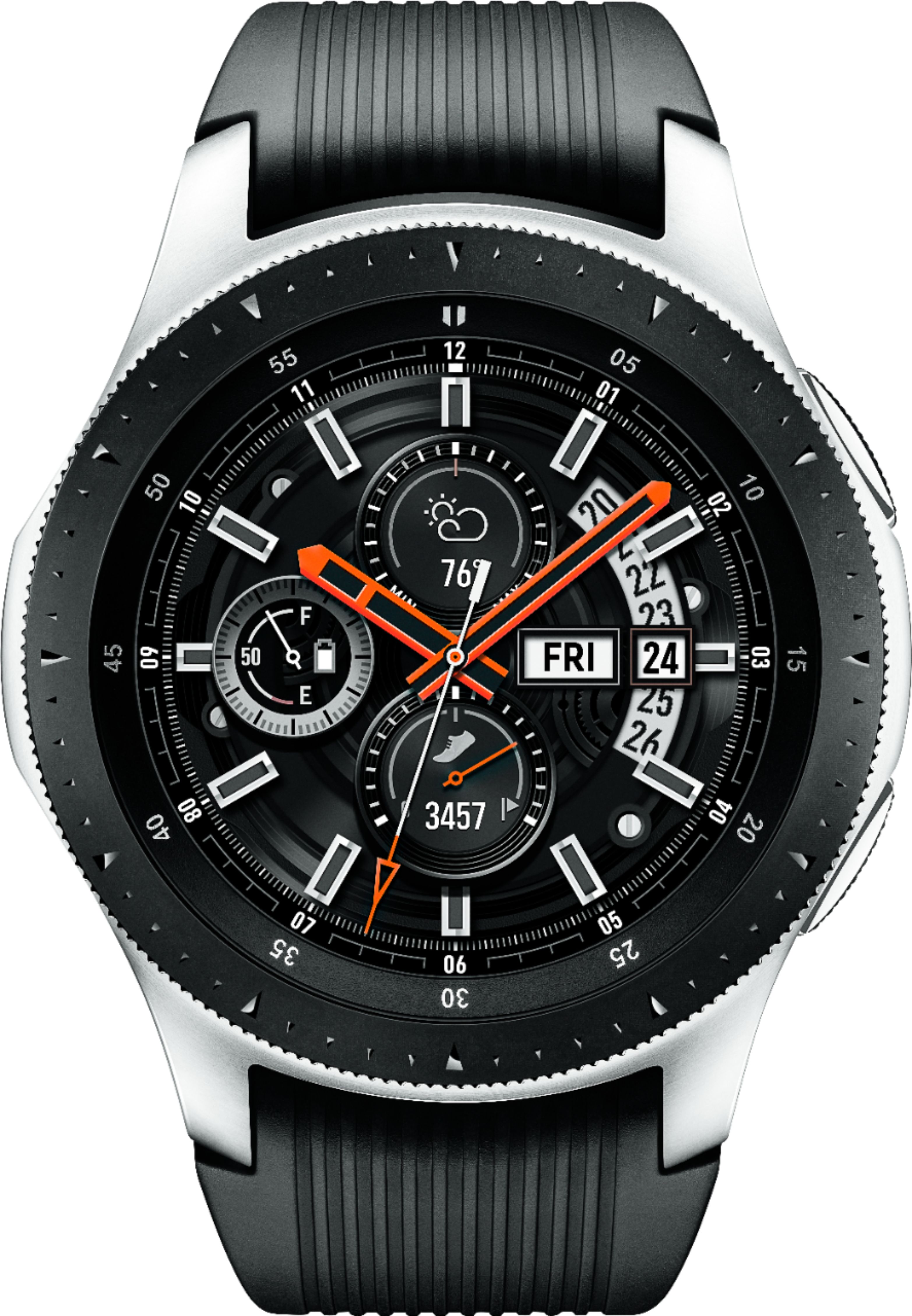
A:AnswerIt will work, but not every function will work with pairing from phone to watch. The watch itself will work. If you are going that route, i consider buying a plan with the watch so you get full expirience.