A:AnswerGPS means that the watch only communicates with your phone when it is nearby. Unlocked means it supports LTE (can be used as a phone without your phone being nearby). Unlocked also means you can use it with any carrier (T-mobile, AT&T, Verizon, ect). Hope this helps!
A:AnswerAn LTE watch version takes a payed phone or watch service to make and take calls from the watch. It’s around $10.00 extra on your cell phone service. Tracfone does not provide this service yet.
The non-payment version of the watch uses the Bluetooth turned on your phone. You phone must be within a certain distance, like 10-20 feet to receive texts or notifications. The watch will come on without the Bluetooth on. But if you want to receive or send a text Bluetooth must be on.
A:AnswerThe easy answer is it depends on your usage of the apps and if you have the ‘ always on’ face of the watch displayed vs. letting it go dark and tap or shake to come on. Your screen display, the brighter it is the faster the battery drains. Any app left running will use the battery up. With some careful usage it could last 2-3 days. Otherwise you may have to charge each day if you’re a heavy user. Everything is adjustable as you go through each item on the watch and set your preferences. I turn mine completely off but found one night I left it turned on not using any apps and it drained the battery to 20%.
A:AnswerThe 'SOS' feature is a feature that you would set up using certain contacts so that if something happens to you, you'd press the designated buttons on your phone and it will send a 'help' text to your selected contacts with your location, picture at the time, and gps location, and audio of what's being said. This indicating you need help. My Samsung 8+ phone would send these out by accident.....usually cause I forgot what the buttons were to send the SOS notifications.
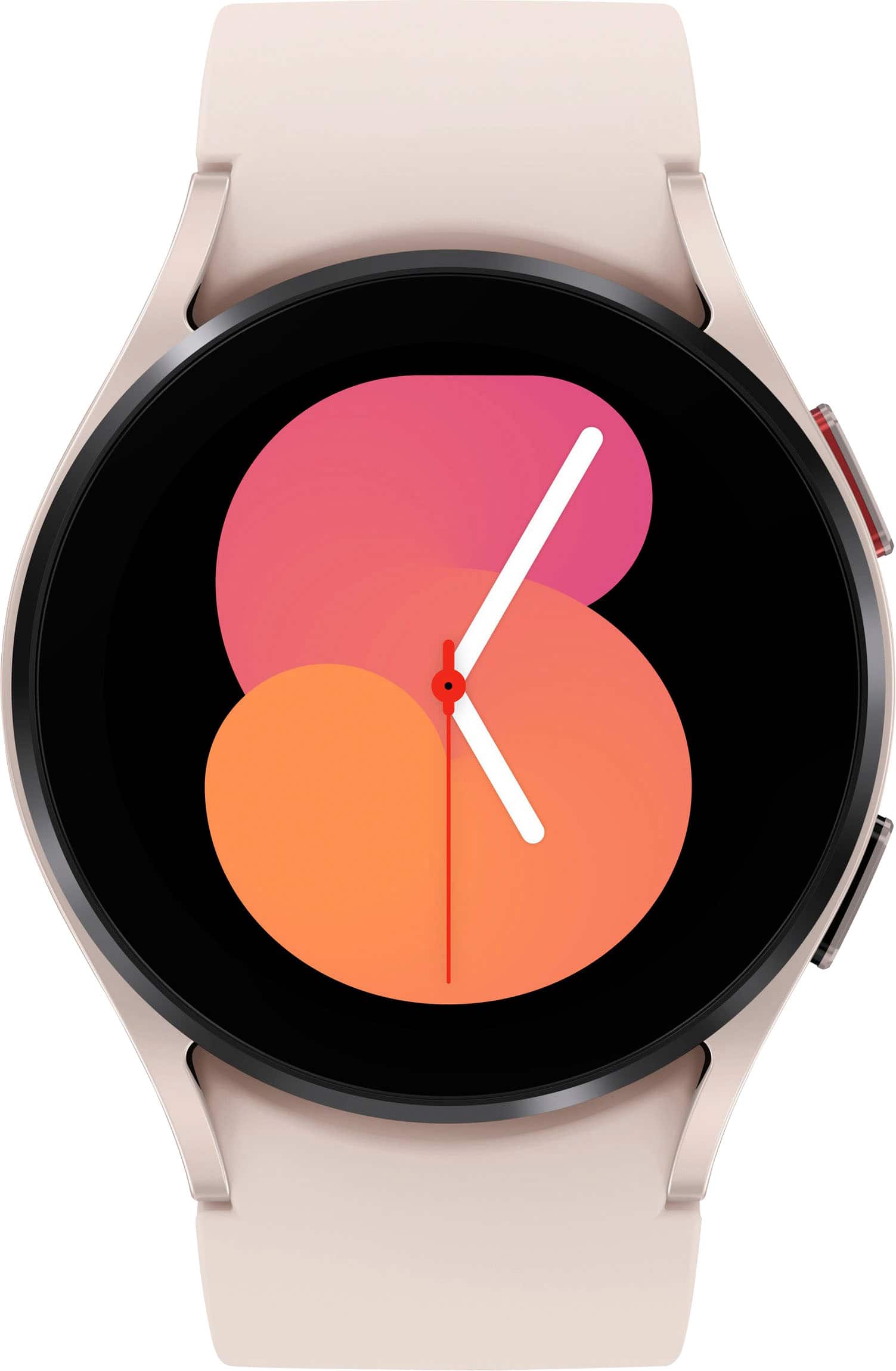
A:AnswerHey Sara, thanks for taking the available time out of your busy day to ask us your question about the Samsung Galaxy Watch5. That's a great question! Yes, indeed the Galaxy Watch5 does feature Hard Fall Detection. Rest easy knowing that your Galaxy Watch5 can send a message with your location to designated contacts when you are in an emergency situation and make SOS calls to your designated contacts. Let us know if you have any additional questions by contacting Samsung Support. Thank you for being a trustworthy Samsung customer. - Debra
A:AnswerHello there HP, thank you for finding the available time out of your lively day to ask us your question about the Samsung Galaxy Watch5. Phones with Android 8.0 and RAM 1.5 GB or higher are supported. When connected with Non-Samsung mobile devices, some features created by each manufacturer may have limited support and some features, like Samsung Pay, are only available on Samsung smartphones. For the best results, make sure your device has the latest software, and be sure to get the Galaxy Wearable app from the Play Store. Let us know if you have any other questions for us by contacting Samsung Support. Thank you for being a steadfast Samsung customer. - Debra
A:AnswerGPS is pretty much like Bluetooth... the only way you can make calls or texts is it your phone is near you and connected. Unlocked is basically as if your watch was another phone with a line and a plan. Which means you dont need your phone near you to make calls or texts.