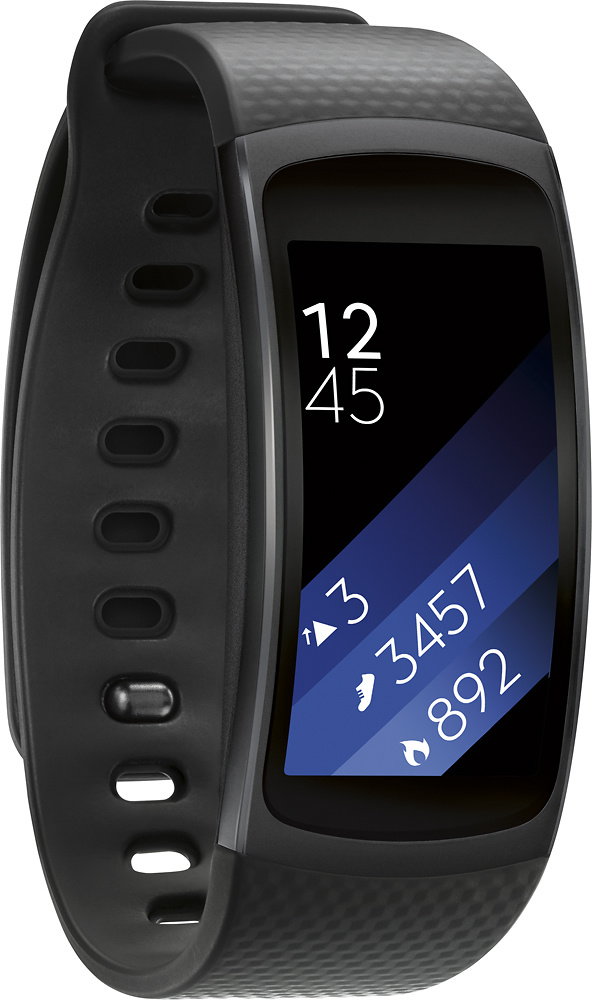
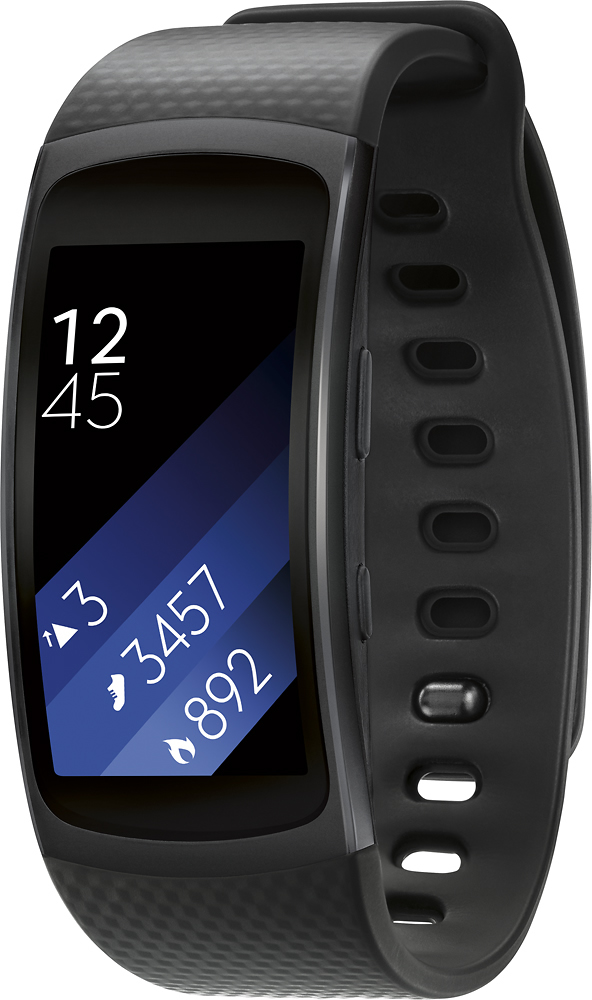
A:AnswerYou can use any phone but don't functions aren't compatible with iPhone. It's better with Android and best with Samsung. Don't know if there is a computer application for it but there is a fitness app for your phone.
A:AnswerI had the same issue with my first watch. I had to take my laptop to back up my phone and then reset my phone. Once phone was reset, it synchronized. I know it is a lot, but that was the only way mine worked. Take it to the Samsung techs in Best Buy to help you out. My techs at my local store are very knowledgeable.
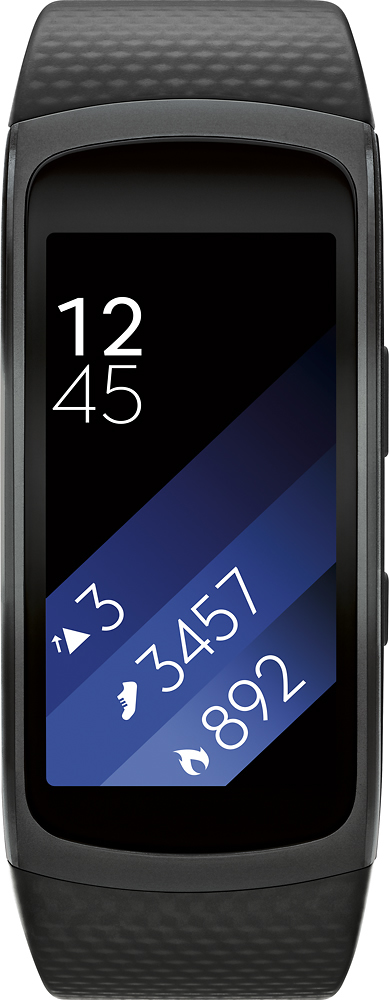
A:AnswerYes, the Gear Fit 2 counts your steps and tracks how many miles you hike. If you have a Sumsung phone, with the app you can see much more information as well.
A:AnswerSometimes the apps you add on drain the battery. I uploaded a new watch face to my gear and it drained the battery within 4 hours until I deleted the app
A:AnswerI personally never had a problem with the band falling off, except when it was caught on something and unlatched itself, other than that, never. There are clasps that you can buy online to secure the band more. There are even additional bands that you can buy online that some include a clasp, or are more secure to begin with. I bought different bands and they fit fine. Some of my bands came with clasps.
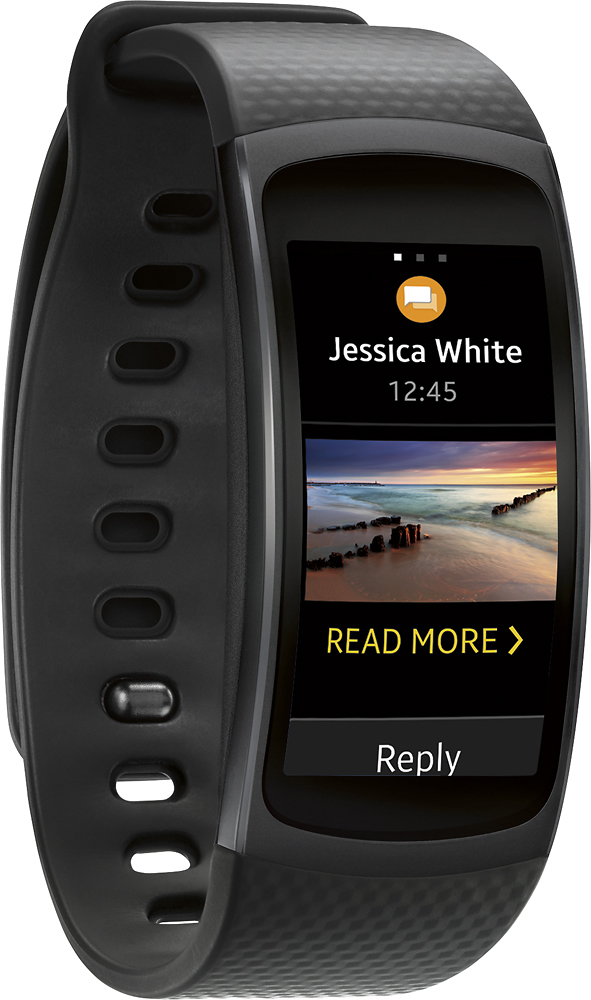
A:AnswerJust download the Samsung Health app, but a cellphone is better. You wil get all the phones notifications. Answer phone with watch, especially while using Bluetooth headset. See messages without looking at phone, and answer with preset answers. Listen to voice mail.