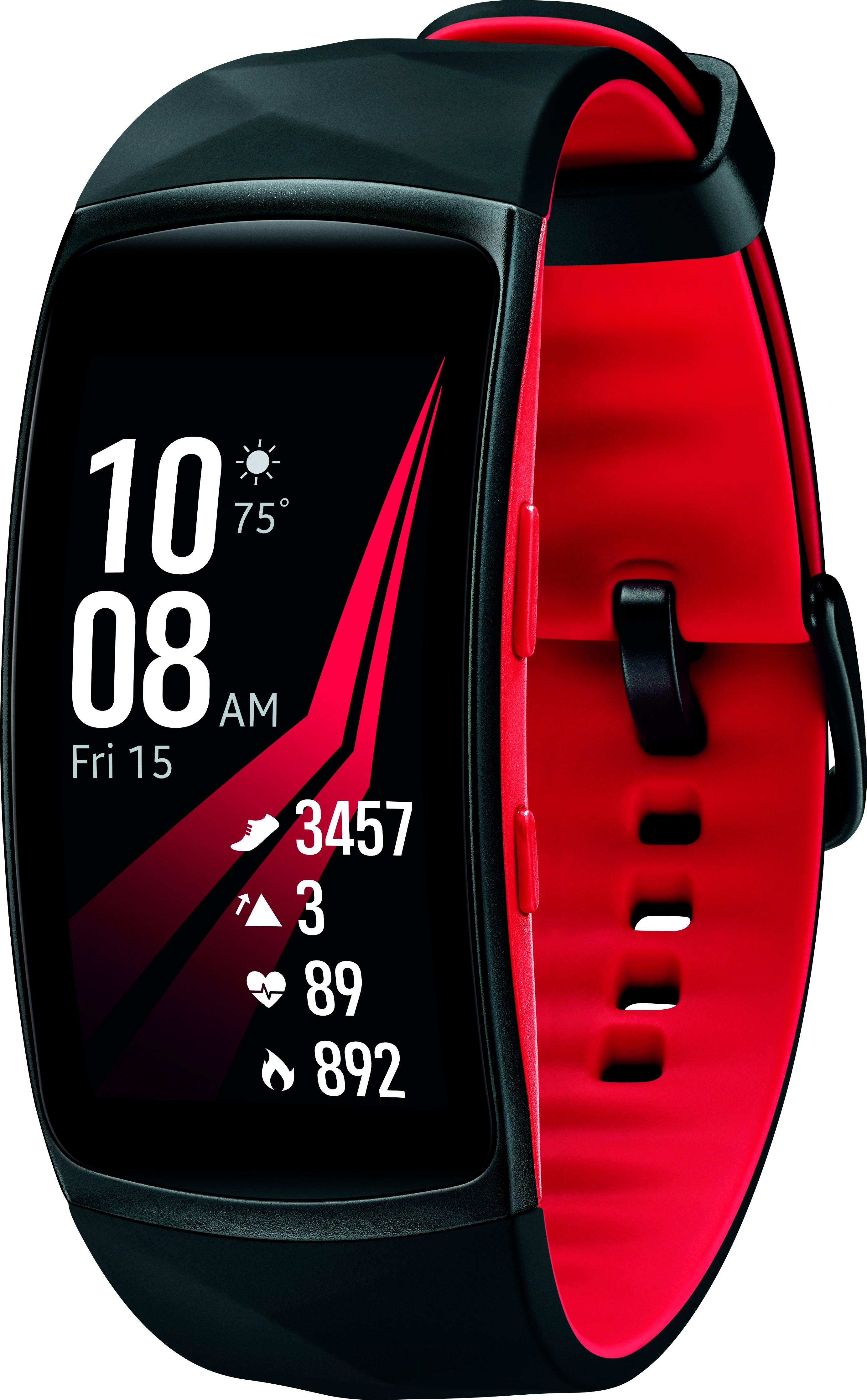
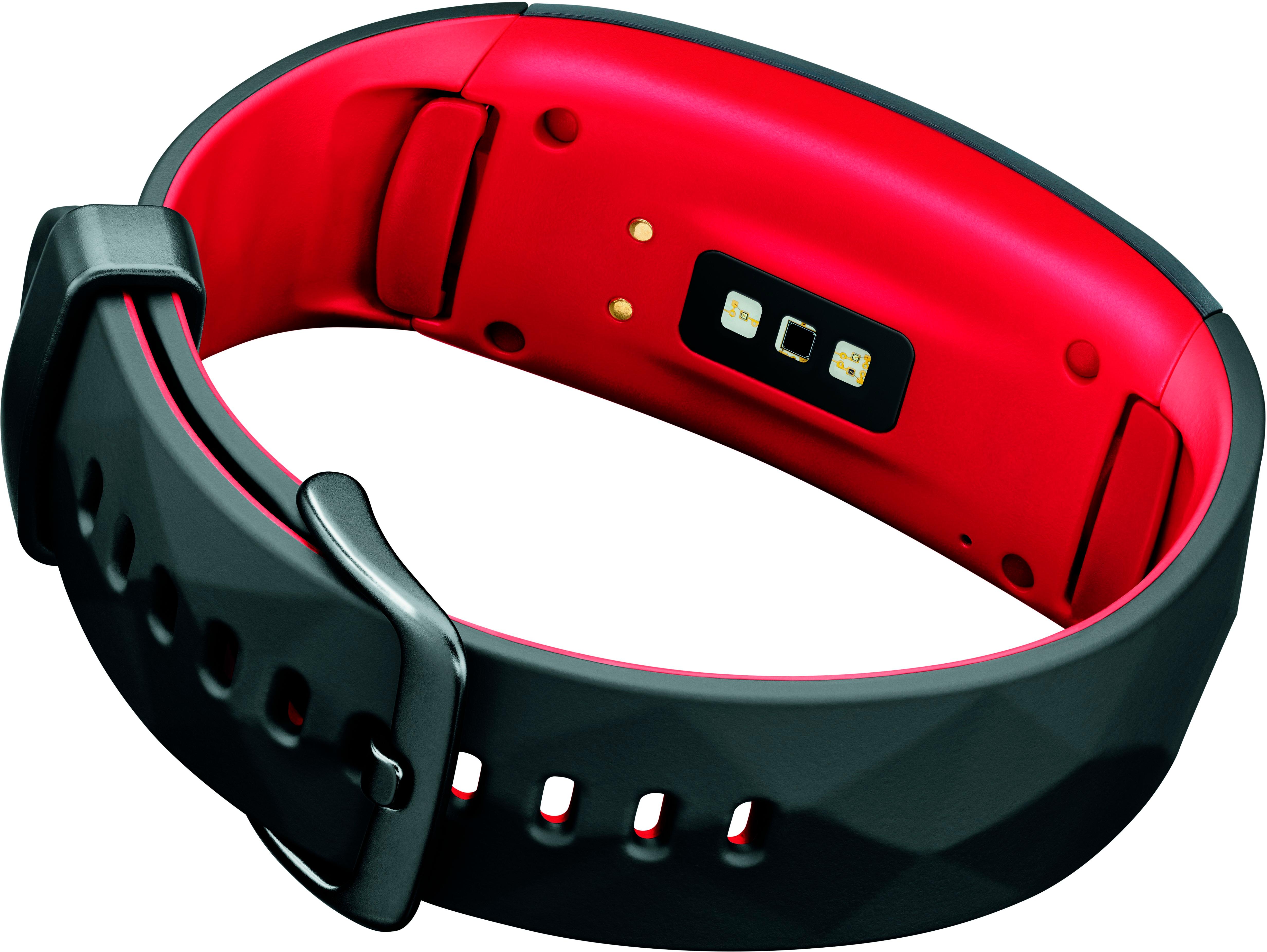
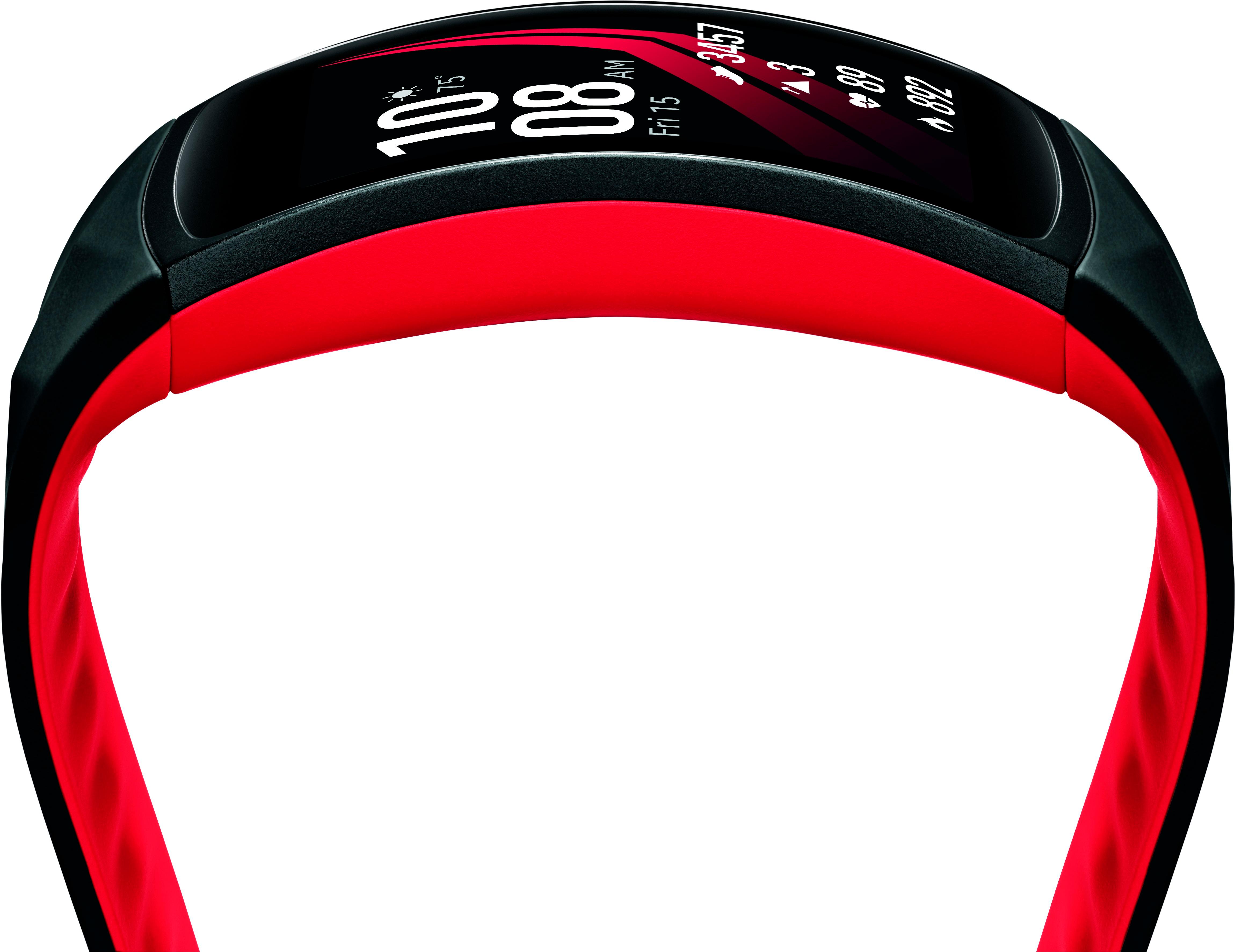
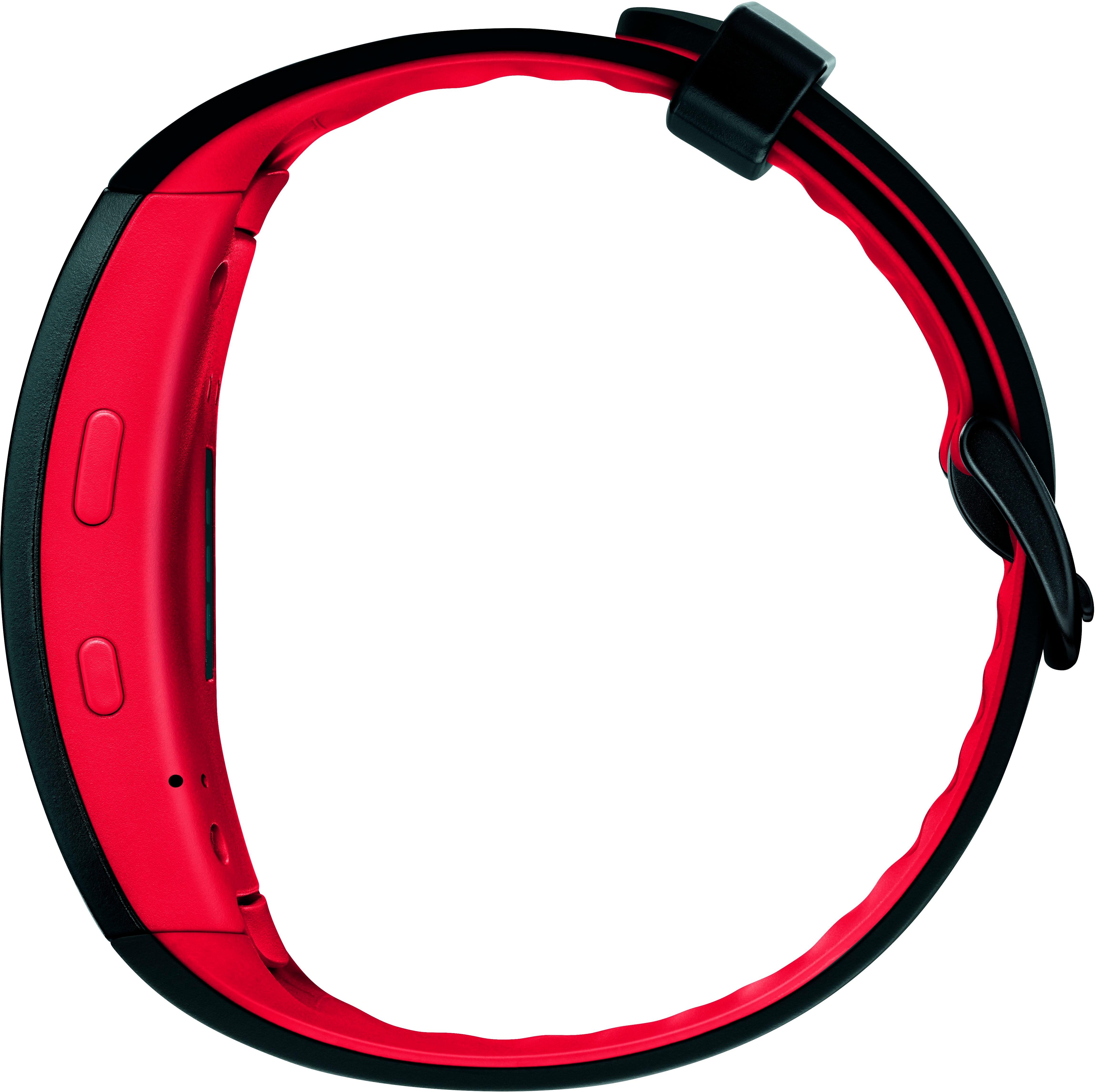
A:AnswerYou don't have to, but you'll only be using about 20% of the phone's capability. For example, you'll want to upload the results of your exercise(s) to the phone for a "master" of all of your data. Another example is the watch has GPS built in. If you run or ride bike many miles, you'll be able to see the route you took and keep it as history on your phone. The watch won't display your route or map. If you don't have a Smart Phone, I'd recommend against getting the watch. If you have one and only want to pair with the phone a couple of times a week to upload the data, it works well for that. When you have it paired all day, it can eliminate having to pull your phone out all the time to see notifications, or text message, that kind of thing. You can be around 15 - 30 feet away from your phone and still have it connected.
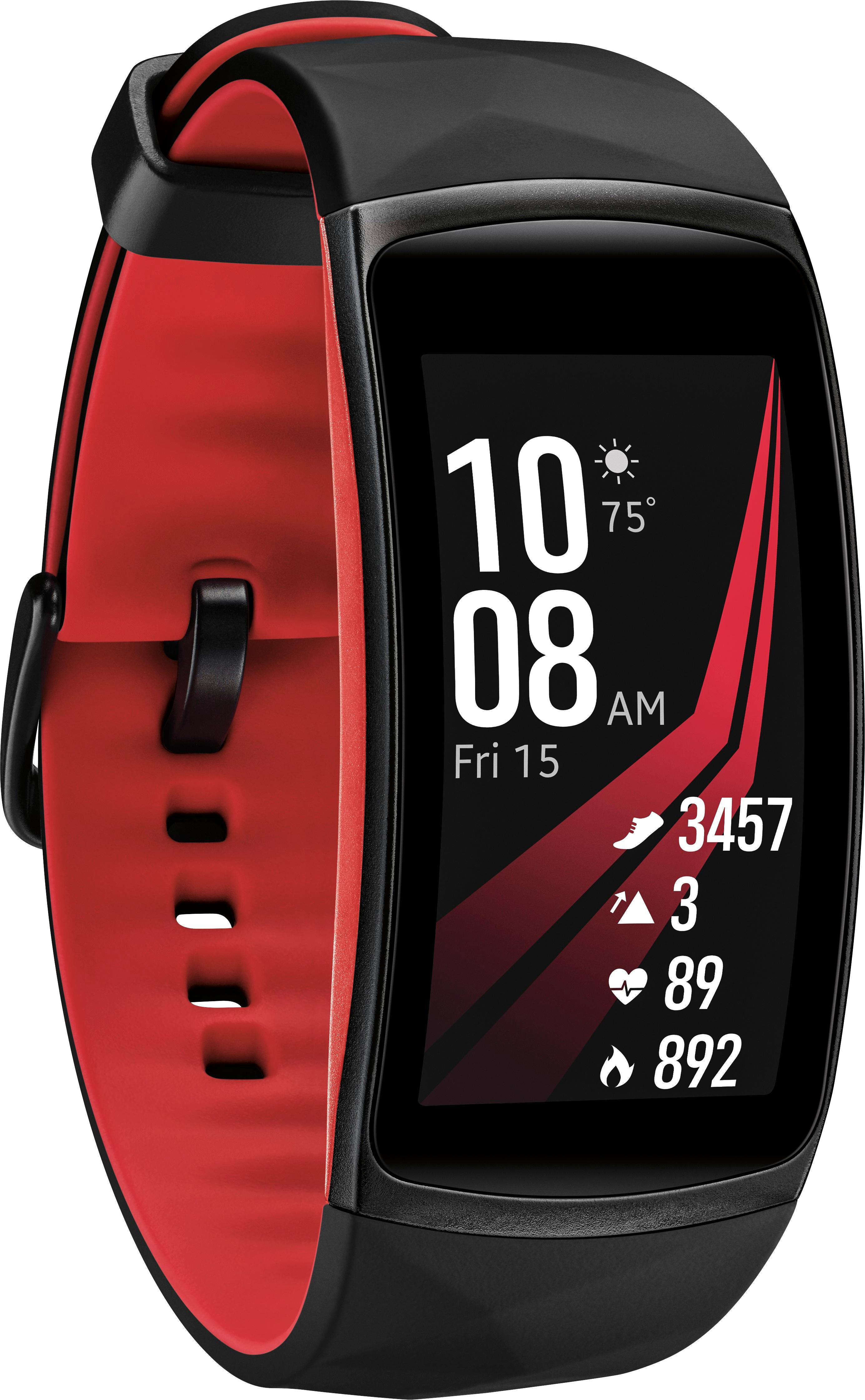
A:AnswerBuilt in to the device is workout tracking for 16 different activities including cardio stuff, as well as crunches, squats, jumping jacks, pilates, Yoga, and rowing. You can always track an "Other Workout" which will at least record your heart rate and the workout duration. There may be apps you can install for your specific workout, but I'm not sure.
A:AnswerIt's pretty strong. You can turn the Vibration function to do a "long buzz" for calls and notifications (and turn off completely if desired). A lot depends on your sensitivity to vibration and how tight the watch is on your wrist.
A:AnswerThere is no "calling program". You can't make outgoing calls with the Gear Fit Pro 2. You can see incoming calls, you can't answer the calls, but you can decline the call if you want. The idea with this watch is you get notified of a live incoming call so you can grab your phone and answer it.
A:AnswerNo. I've checked my heartrate several times on it and if its out of rhythm then the watch just thinks there's not a good connection to the wrist. If you think your heart is having rhythm problems you may want to invest in an PulsOx style machine to check periodically. We use one of these on my son.
A:AnswerHey Fitbuff,
I really only use a swimming app and the s health (both for samsung and very friendly to this device). Sorry I couldn't give you more help there. The watch does great with my LG V30 phone. Never a connection issue or anything weird happening. I pin my s health to the screen so it never closes and as soon as I bring it up, the update happens easily without problem.