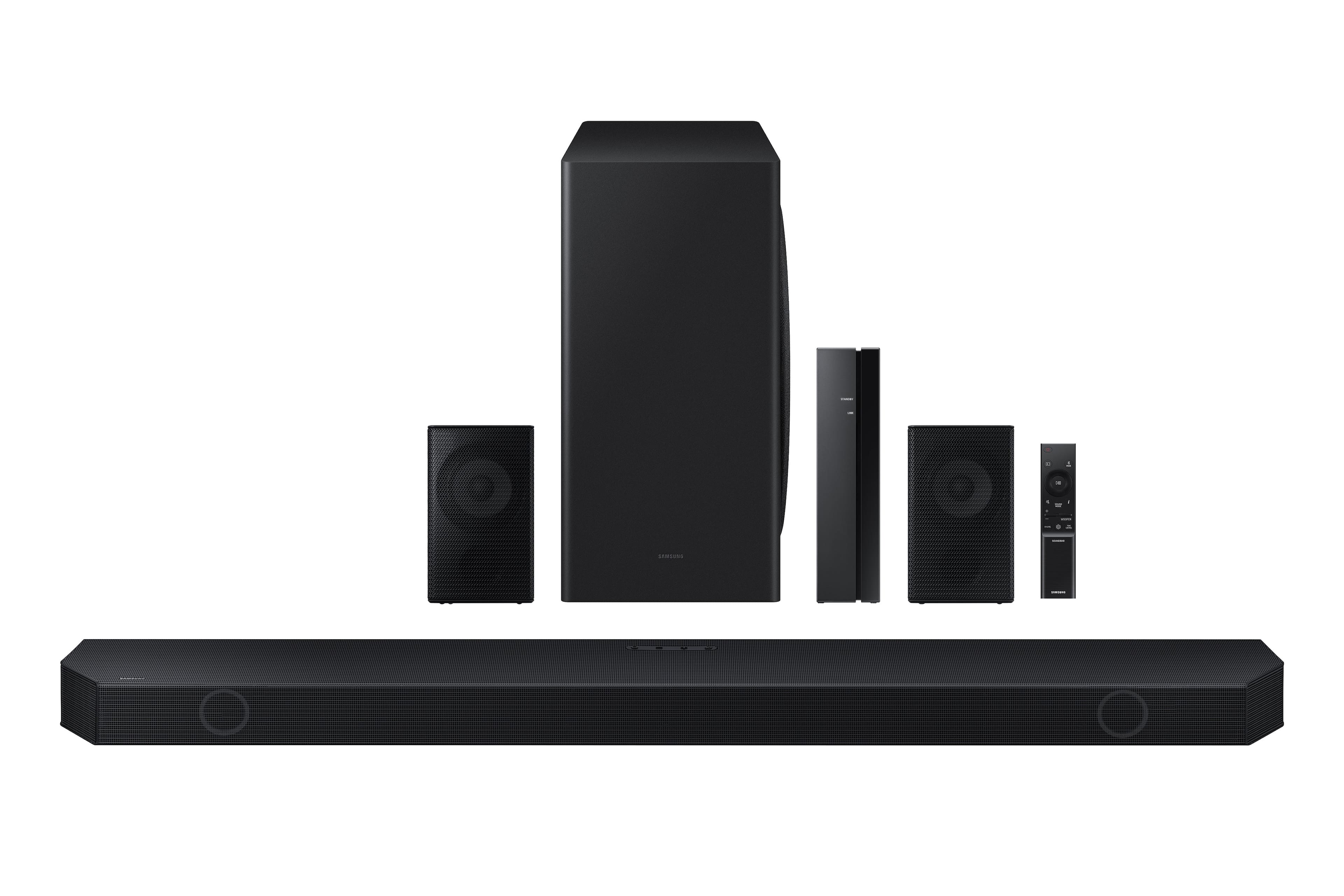
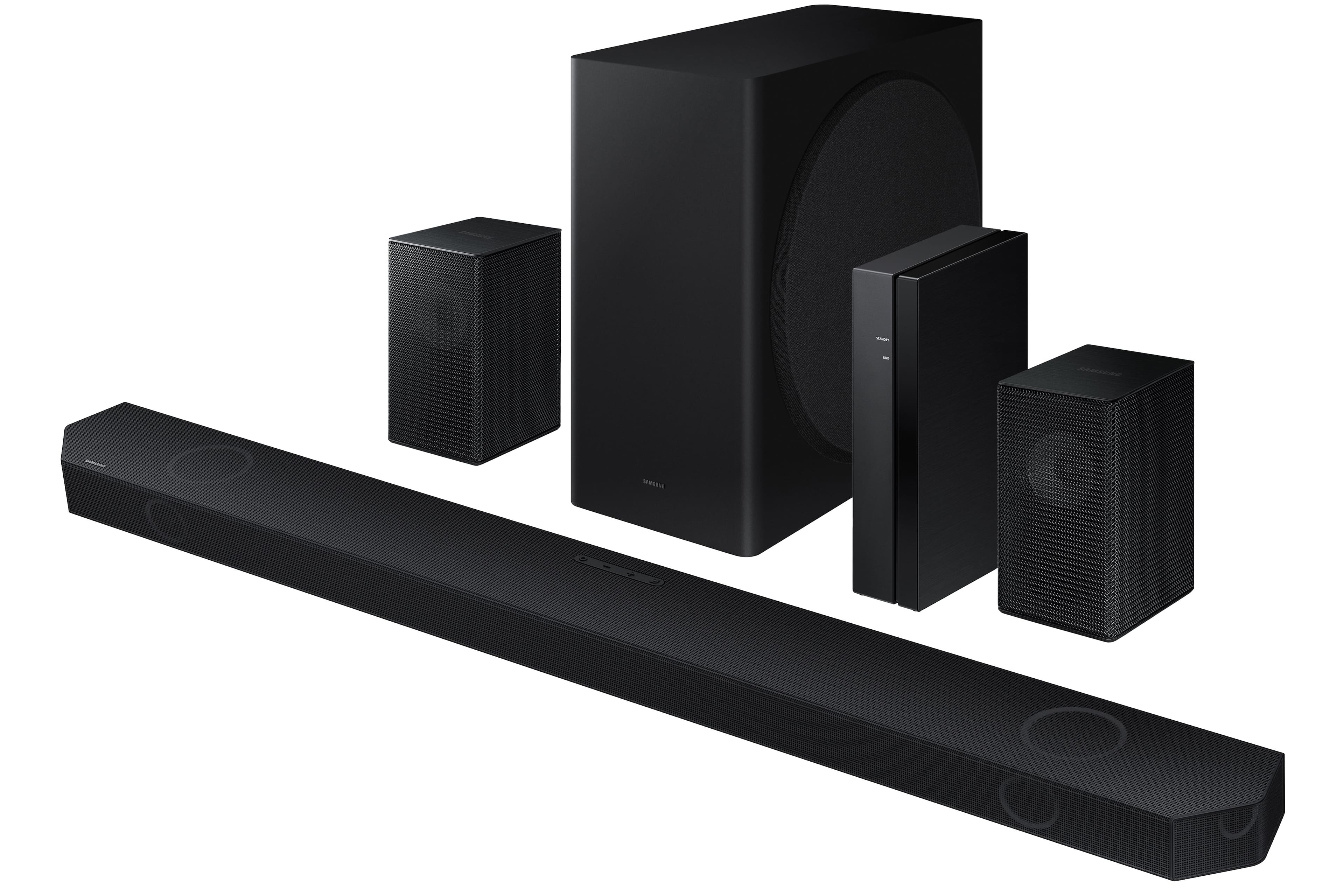
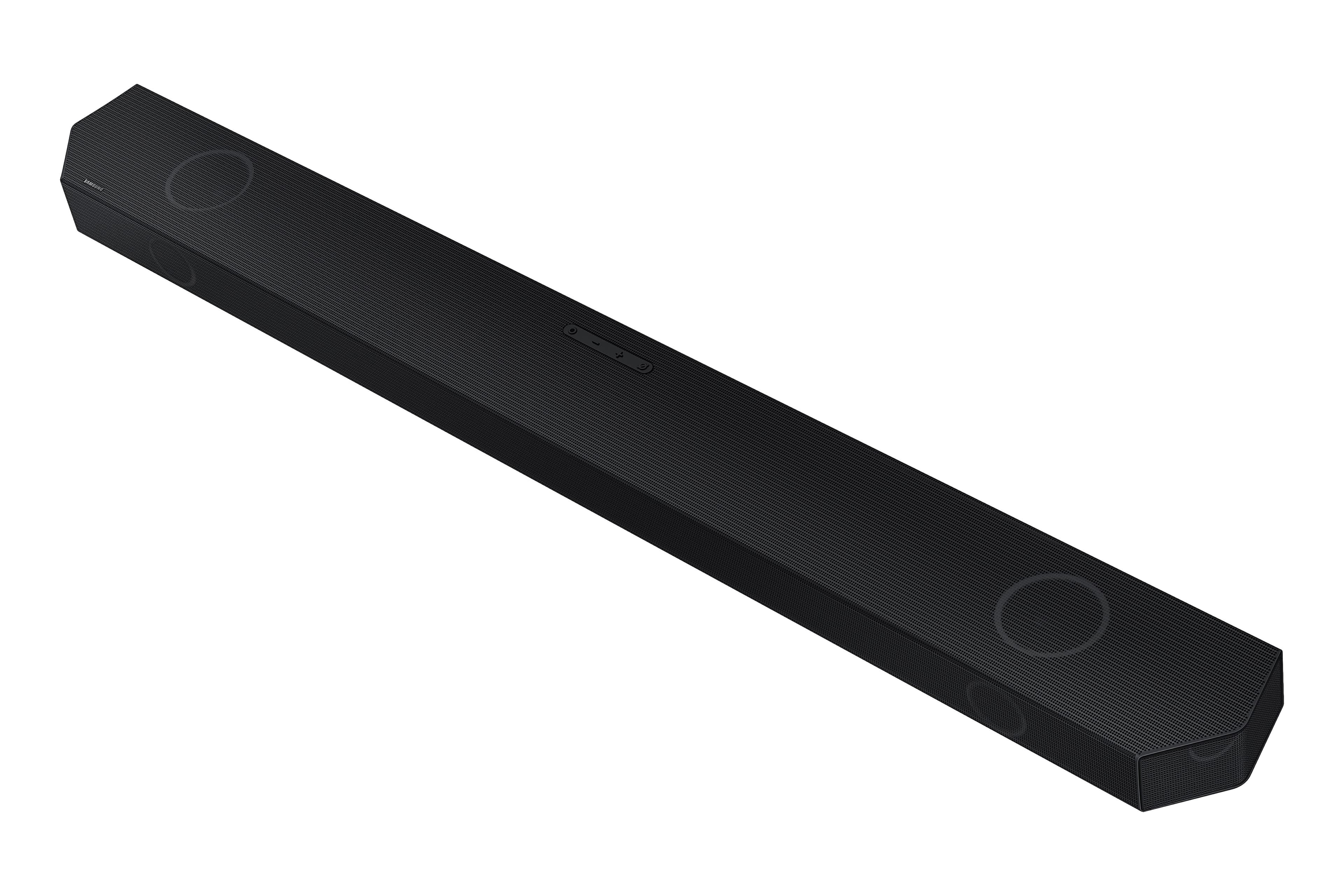
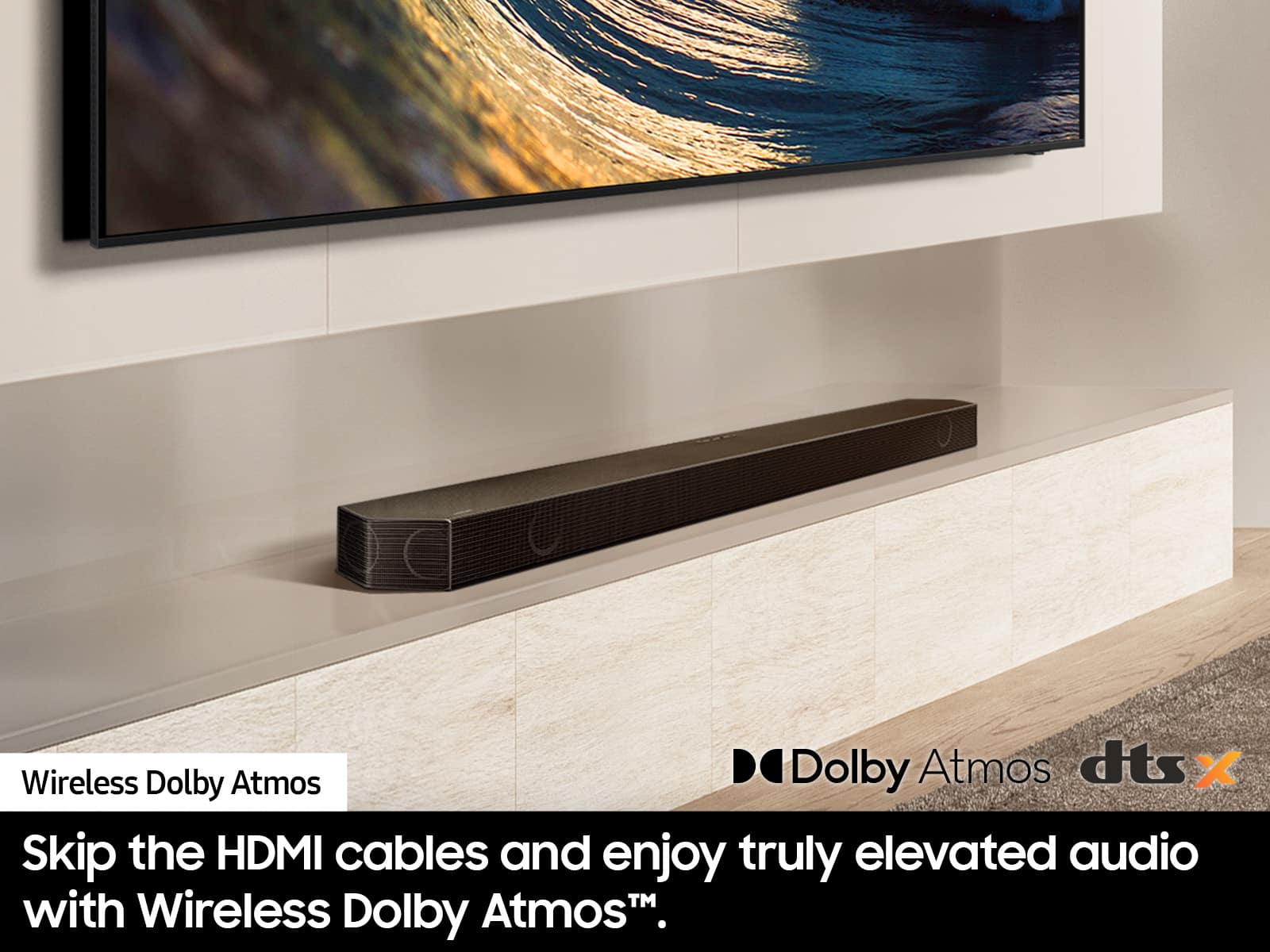
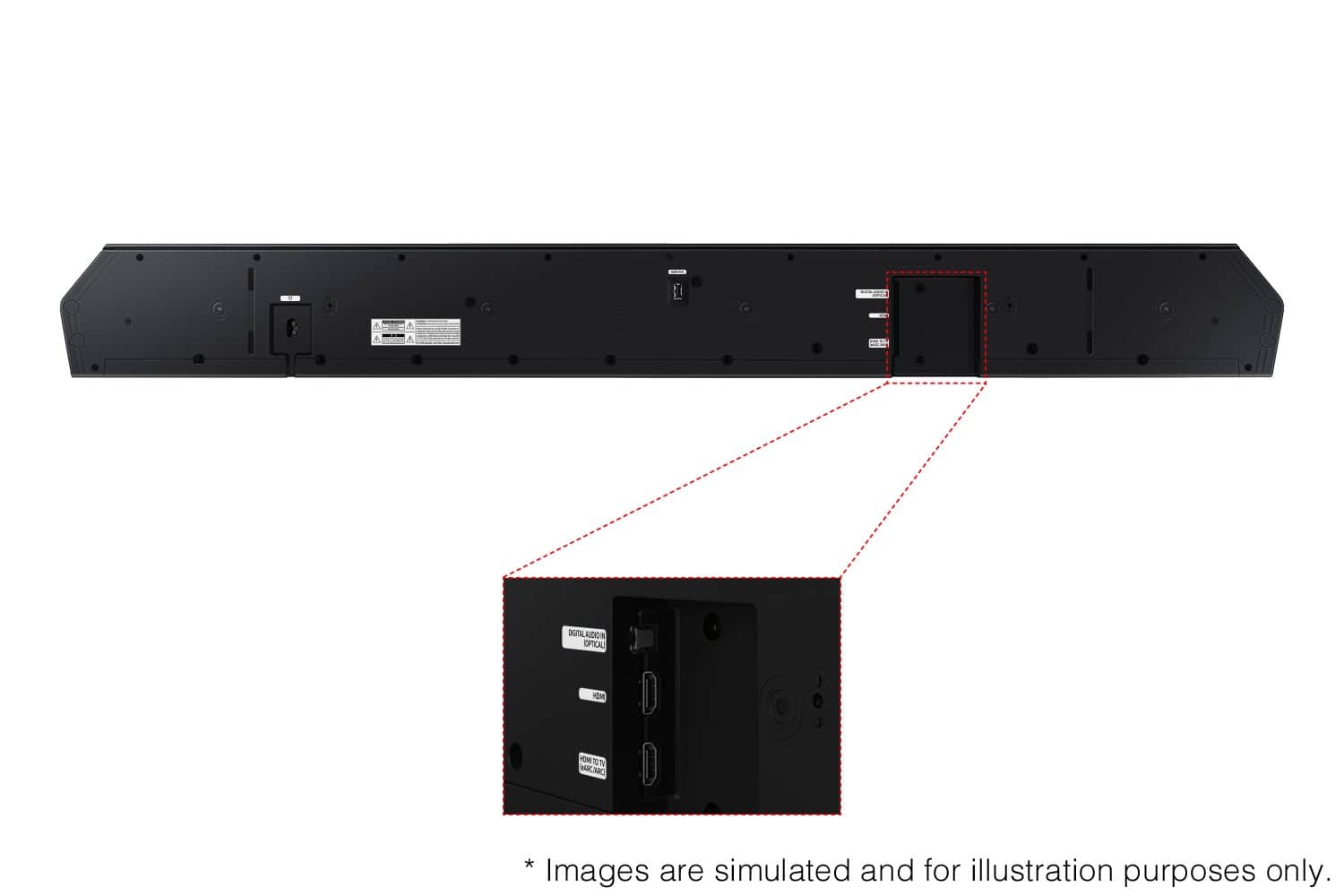
A:AnswerHi PatF, The HW-Q850D features three ways to connect to an external device: HDMI (ARC), digital optical audio, and Bluetooth wireless audio technology. If your TV is compatible with one of these three audio connections, you should have no issue connecting the soundbar to your TV. ~Samsung Solutions
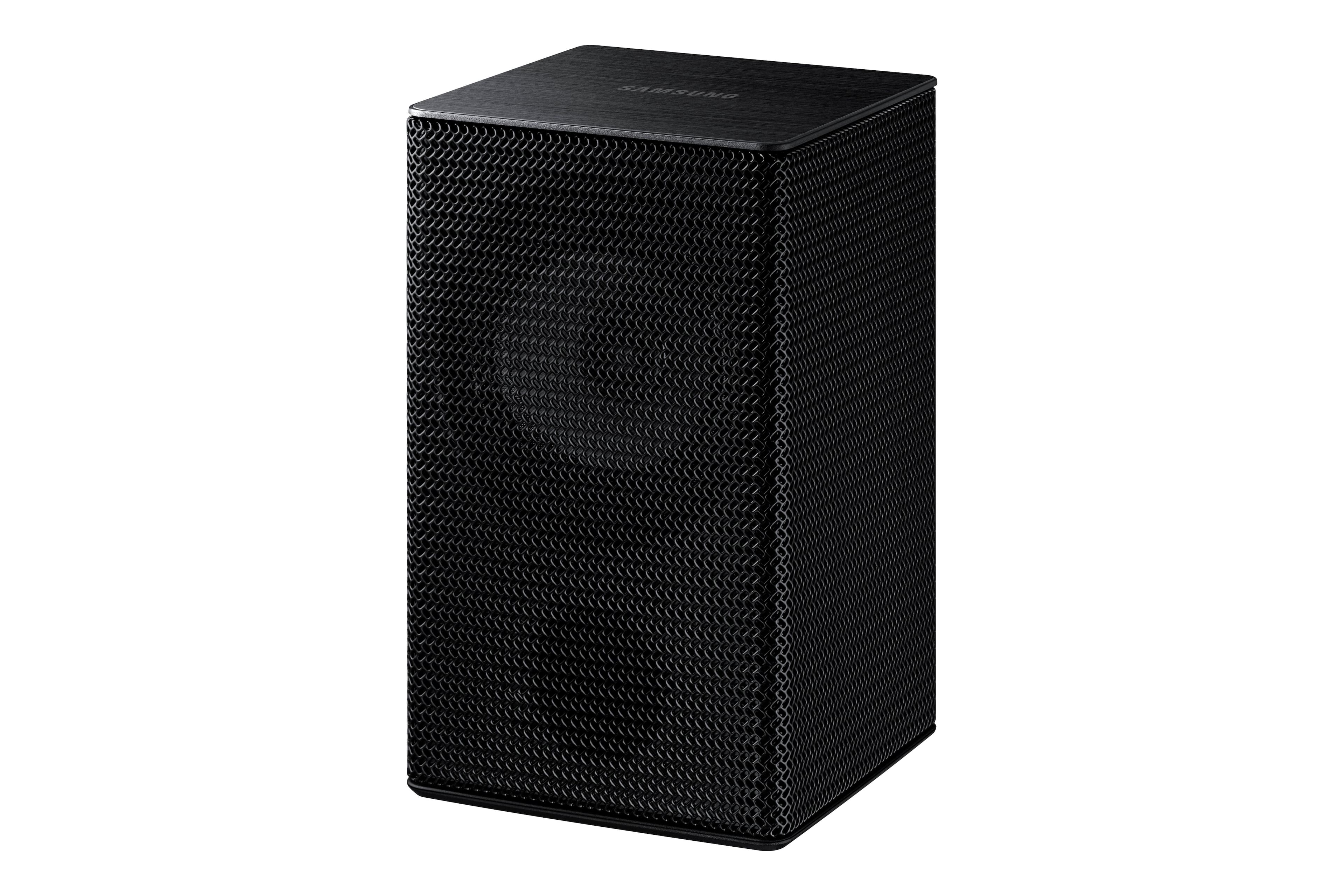
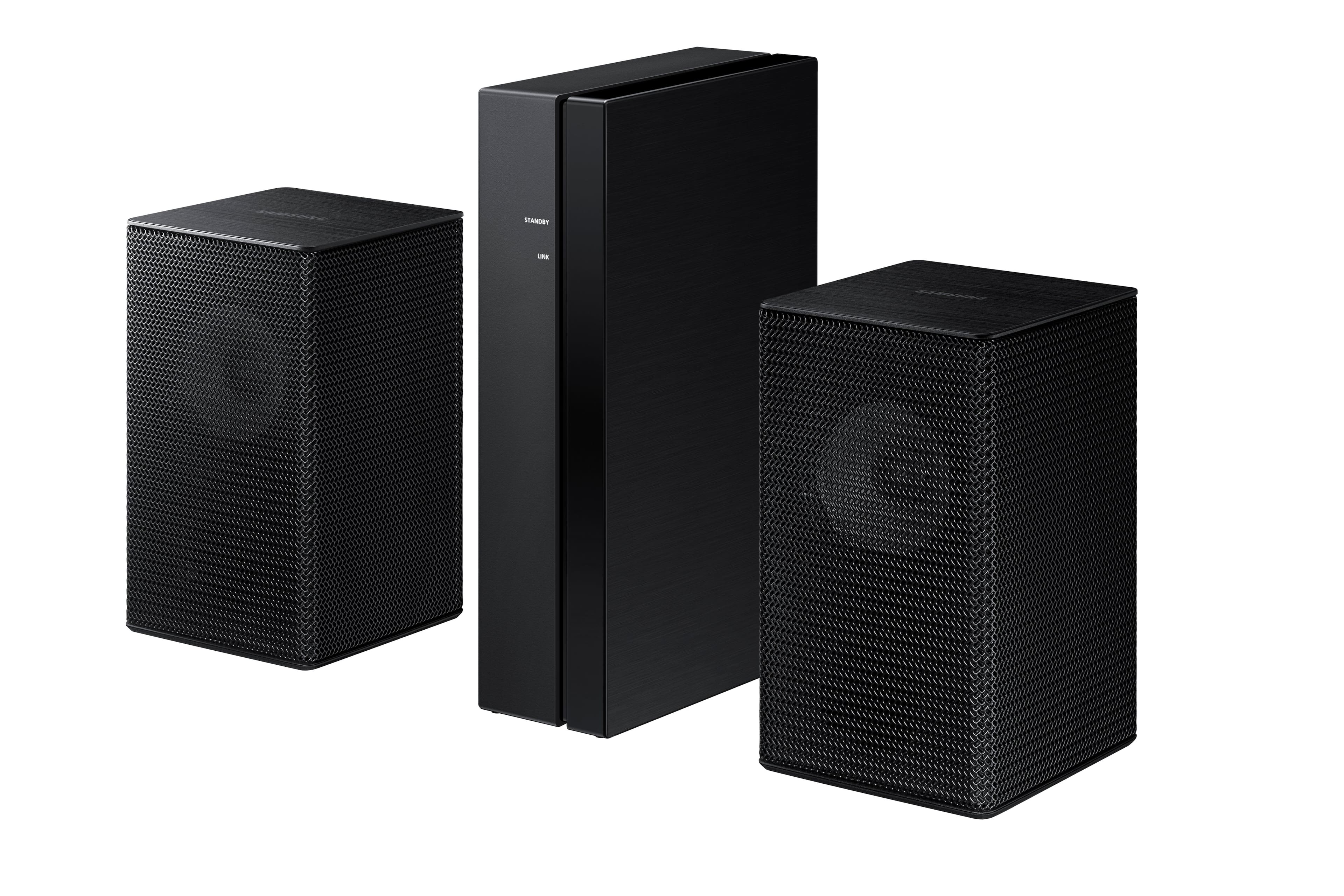
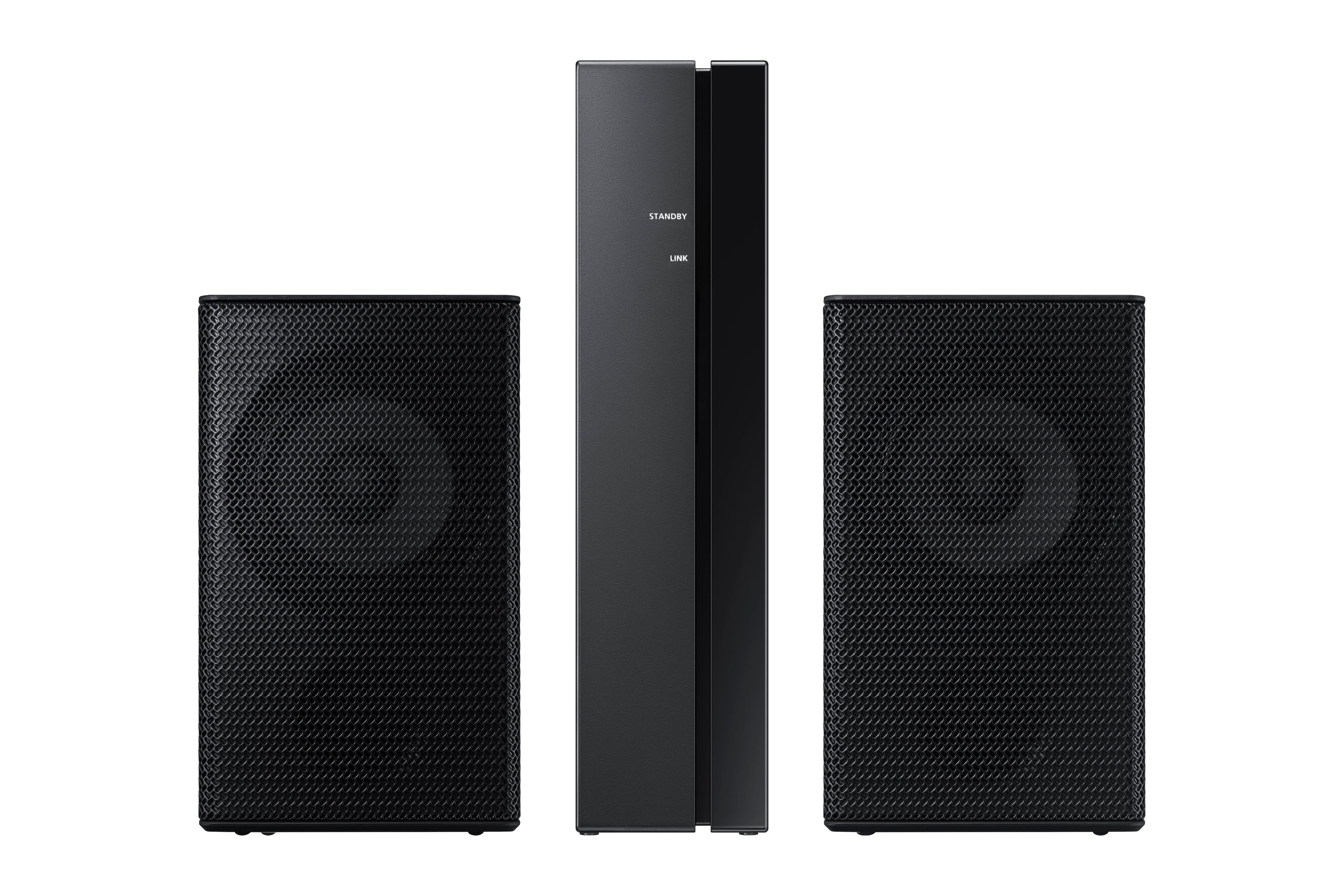
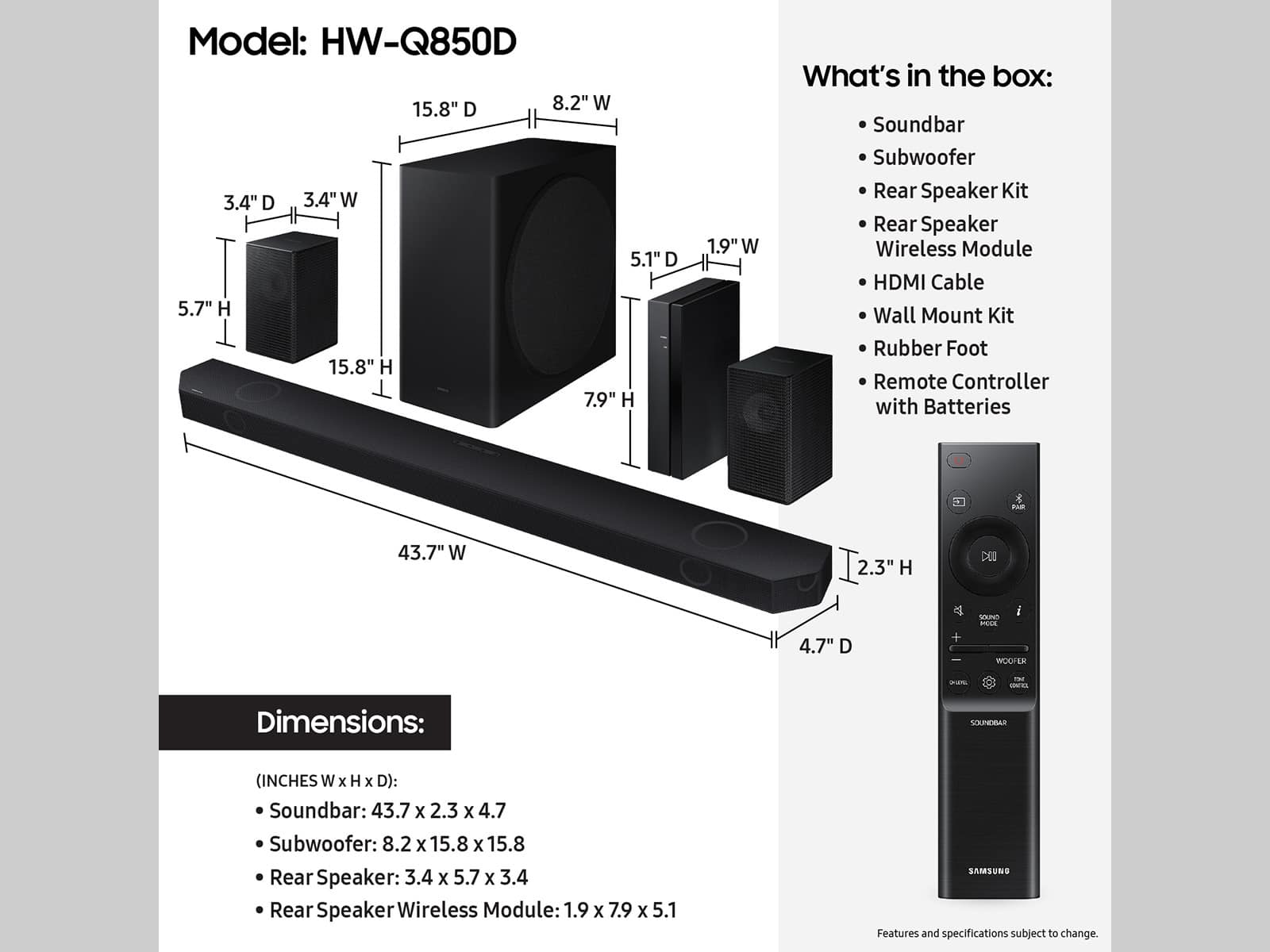
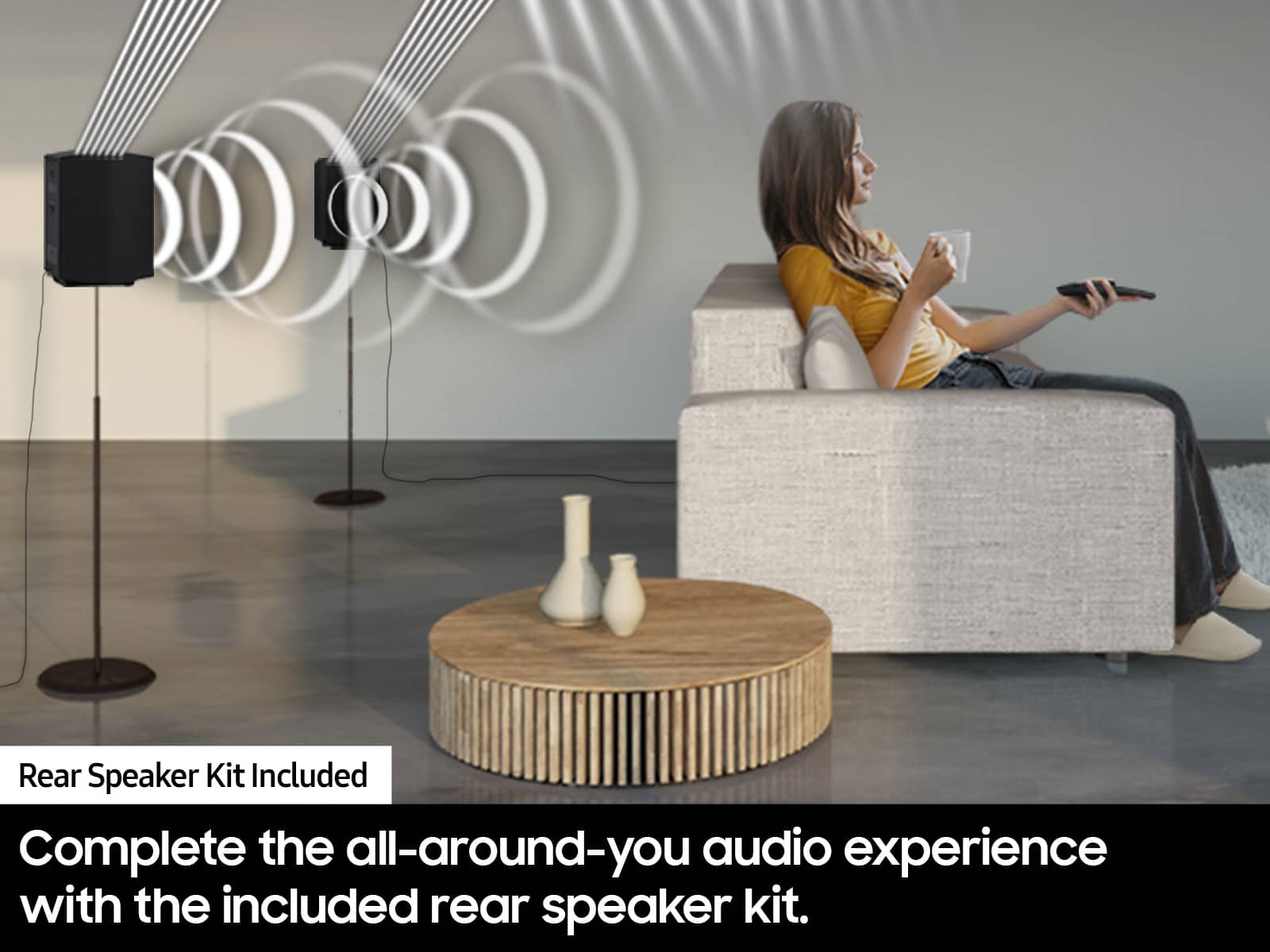
A:AnswerHi Rearspeak, The included rear speakers for the HW-Q850D Soundbar must be connected to the wireless receiver module using a speaker wire for them to work. The included rear speakers for the HW-Q990D however, are individually powered and each will only need to be connected to a power outlet. You can also purchase the SWA-9500S Wireless Rear Speaker kit which does not use the Wireless Module and is compatible with the HW-Q850D Soundbar. However please know that only 1 set of rear speakers can be connected to the soundbar. ~ Samsung Solutions
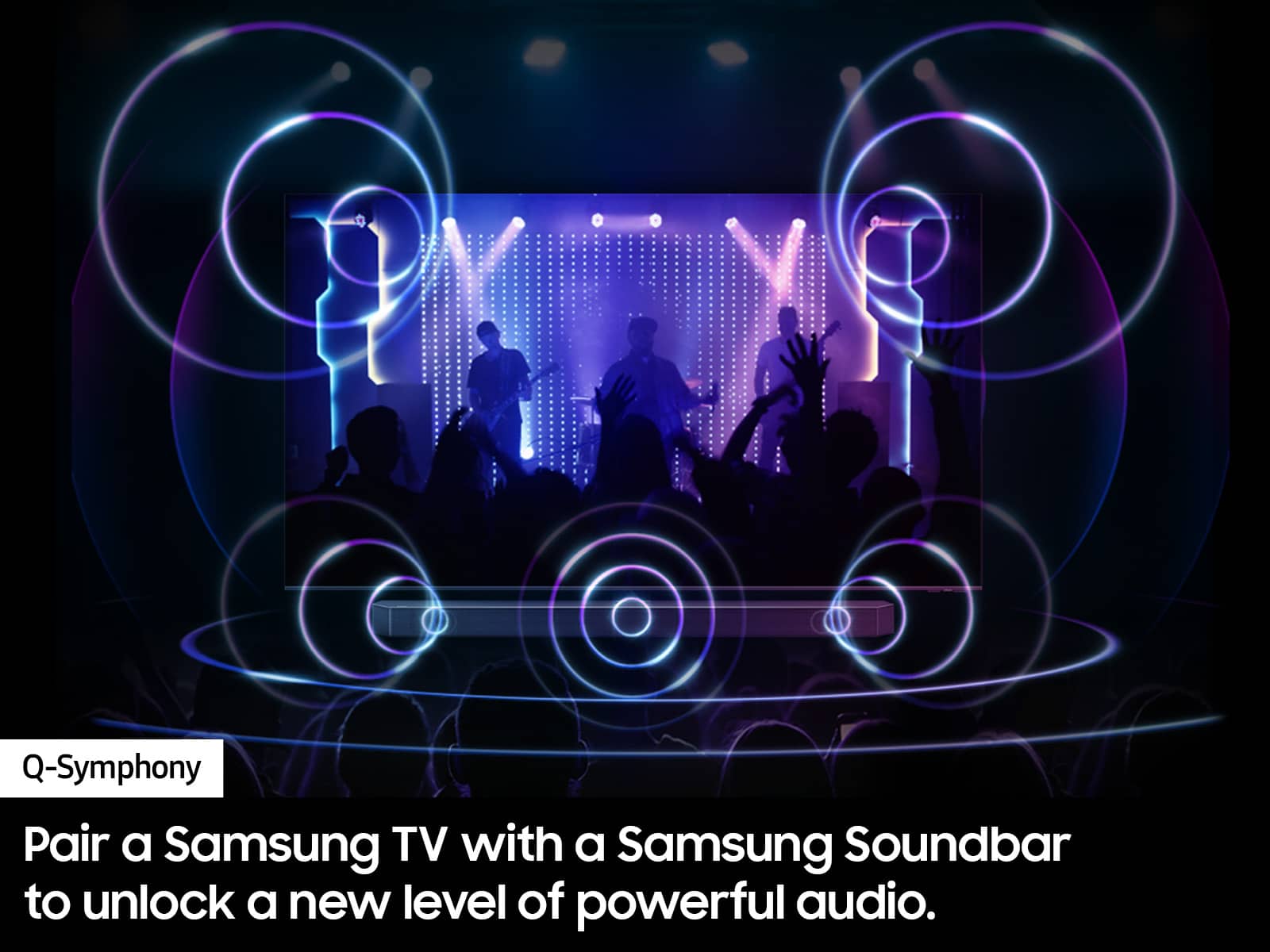
A:AnswerHi there, Oldguy! Yes, the HW-Q850D Soundbar will be a fantastic addition to your 65Q80C TV. You'll be able to take full advantage of its features, including Q-Symphony, which combines the TV and soundbar speakers to create a more immersive audio experience. ~ Samsung Solutions
A:AnswerHi there, No, they are not the same. The HW-Q850D offers a more comprehensive sound experience due to its additional channels, while the HW-Q800D is a more compact and slightly less expensive version with fewer channels. The Q850D would be the better choice if you want superior surround sound and are willing to spend a bit more. ~ Samsung Solutions
A:AnswerHello ACPower, Yes with the HW-Q850D Soundbar you can utilizes the Sound Grouping feature which will play audio from the center and surround speakers. ~ Samsung Solutions
A:AnswerHello Javy, No each Samsung Soundbar is designed to be exclusively compatible with the subwoofer included. When powered on for the first time, the subwoofer should automatically connect to the soundbar wirelessly. If the auto-connection process fails, you can try manually connecting the sub to the soundbar.
Before performing the manual connection procedure, check whether the power cables for the Soundbar and subwoofer are connected properly and make sure that the Soundbar is turned off.
Press and hold ID SET on the rear of the subwoofer for at least 5 seconds. The red indicator on the rear of the subwoofer turns off and the blue indicator blinks. Press and hold the Up button on the remote control for at least 5 seconds. The ID SET message appears on the display of the Soundbar for a moment, and then it disappears. The Soundbar will automatically power on when ID SET is complete. The LINK LED indicator stops blinking and glows a solid blue when a connection is established between the Soundbar and the Wireless Subwoofer.
Also try doing a soft reset, unplug the soundbar from the outlet for roughly 30 seconds and then plug it back in.
If this still does not correct your issue, then do a hard reset. With the Soundbar on, press the + & - Volume buttons on the body of the soundbar at the same time for at least 5 seconds. INIT OK” appears on the display and then the Soundbar is reset.
If you need more help, Samsung is here for you. Please call us at 1-800-SAMSUNG, 8AM - 12AM EST (Ask for Soundbars), 7 days a week. Our Live Chat agents are also available by clicking on the ‘Support’ link on our website.
~ Samsung Solutions
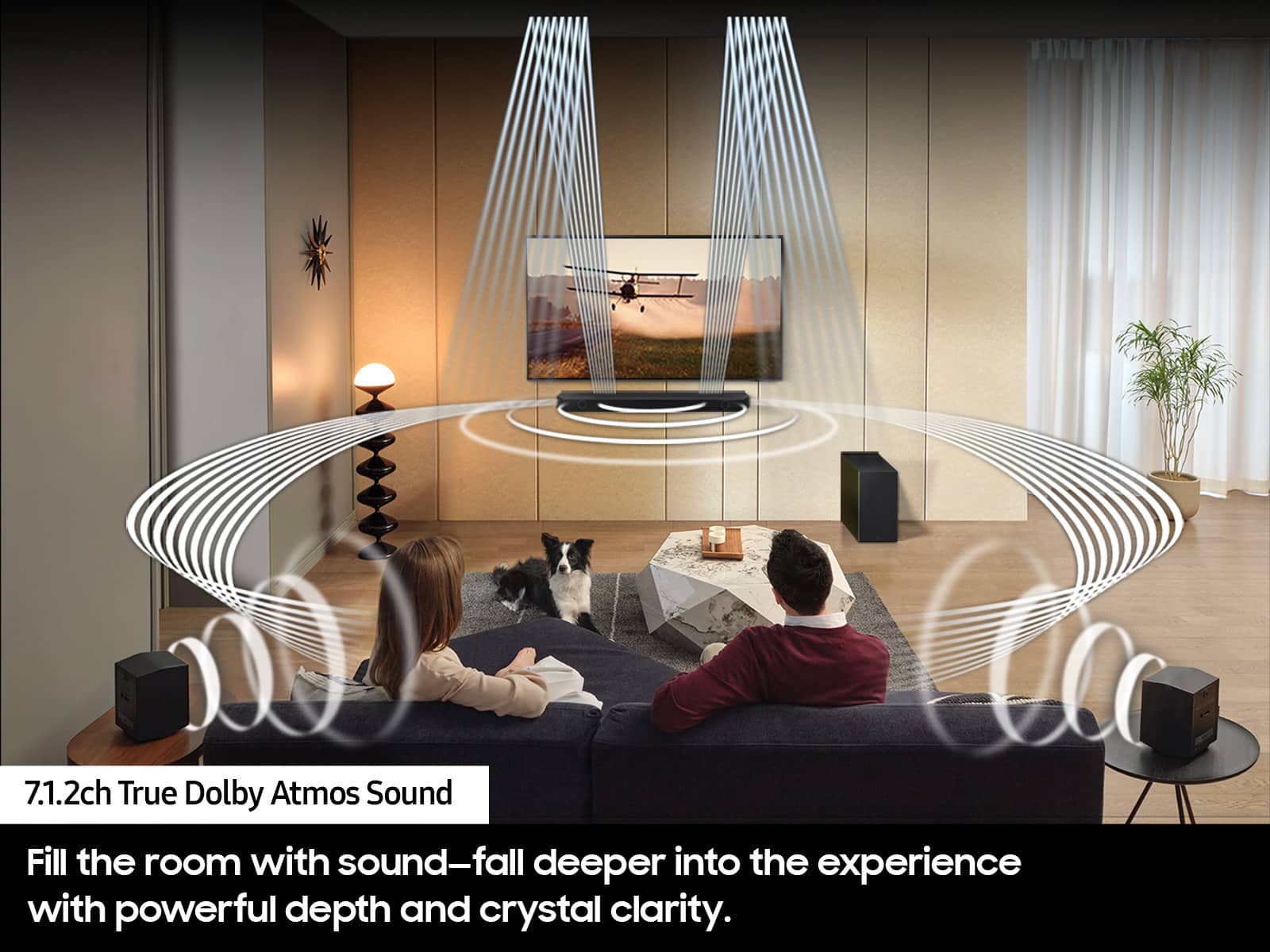
A:AnswerHi Barry, You do not need to utilize the rear speakers included with the HW-Q850D Soundbar. If you should choose to not utilize the rear speakers included, your system will provide you with 5.1.2 channel sound like the HW-Q800D, rather than 7.1.2 channels. We do recommend keeping the rear speakers unplugged if you do not plan to use them for long periods of time. ~Samsung Solutions
A:AnswerHello SoundFlow, No the HW-Q850D Soundbar does not include the 2.0.2 Channel SWA-9500S Rear Speaker Kit. The rear speaker kit included is 2.0 Channel and do not have the 2 top-firing speakers the SWA-9500S have. ~ Samsung Solutions
A:AnswerHello JM007, If you need longer speaker wire for the rear speakers included with the HW-Q850D Soundbar you can use other speaker wire like the following found at Best Buy: https://www.bestbuy.com/site/rocketfish-30-16-gauge-pure-copper-speaker-wire-clear/6404070.p?skuId=6404070
~ Samsung Solutions
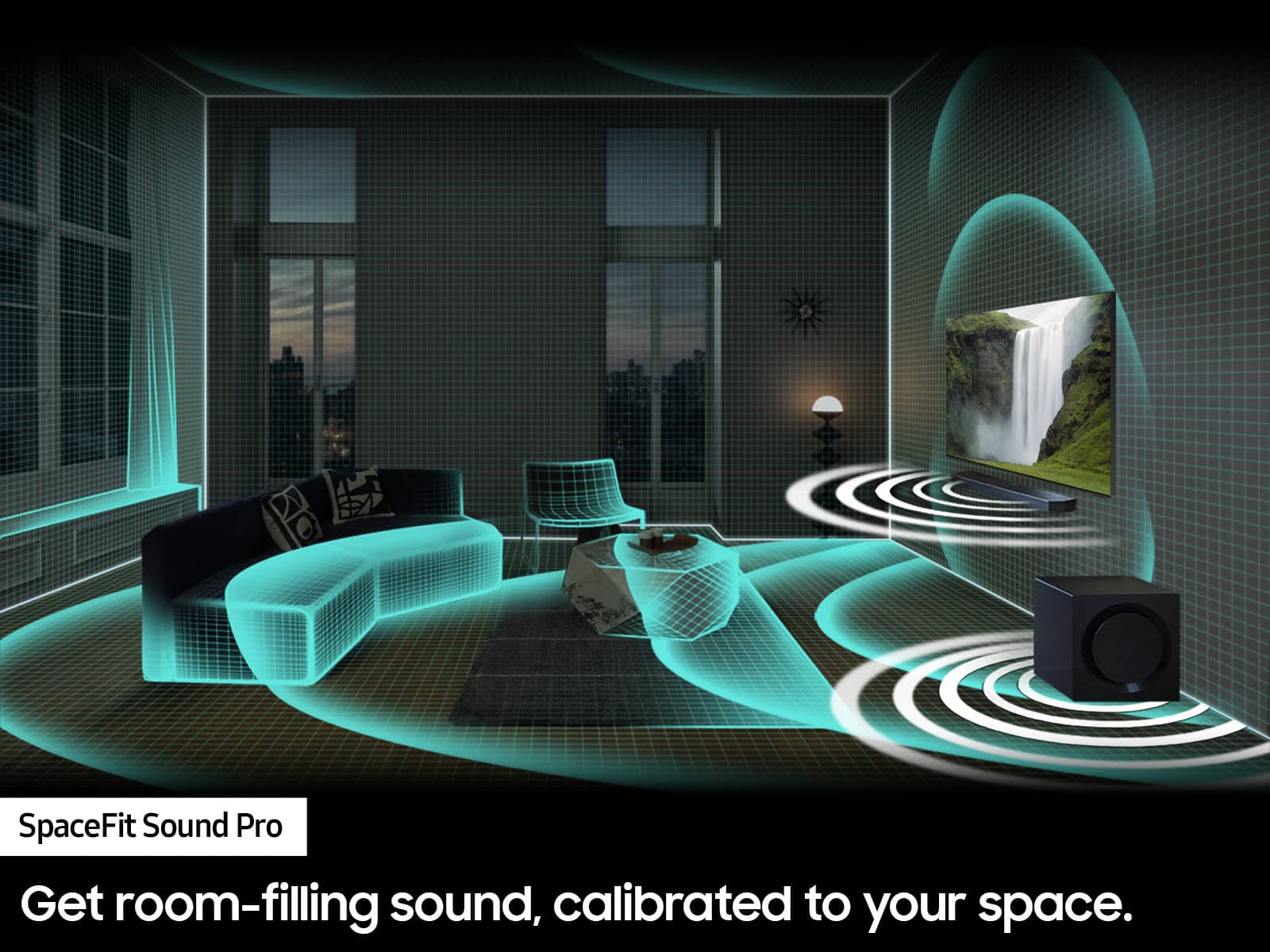
A:AnswerHello Slate, First please ensure your HMDI cable is securely connected to both the correct HDMI port on the soundbar and the TV. To optimize enjoyment from the subwoofer and rear speakers, activate Surround Sound expansion by pressing the “Sound Mode” button twice until you see “Surround” on the soundbar display. Dolby Digital content will also bring out the most from the rears and subwoofer. Regarding SpaceFit Sound make sure the the mic on the soundbar is not muted. For SpaceFit sound to work it requires the microphone to make the adjustments. ~ Samsung Solutions
A:AnswerHello David, You should have no issue hiding the module. Make sure to keep it within 30 feet of the soundbar. If you notice a loss of connection to the rear speakers you need to relocate it closer to the soundbar. ~ Samsung Solutions
A:AnswerI have a TCL and I have full functionality. I think the only thing you wont get is the Samsung Q-Symphony thing where it links soundbar to the TV speakers. But i'm fine without it. The sound is amazing from the 7 channels as is.