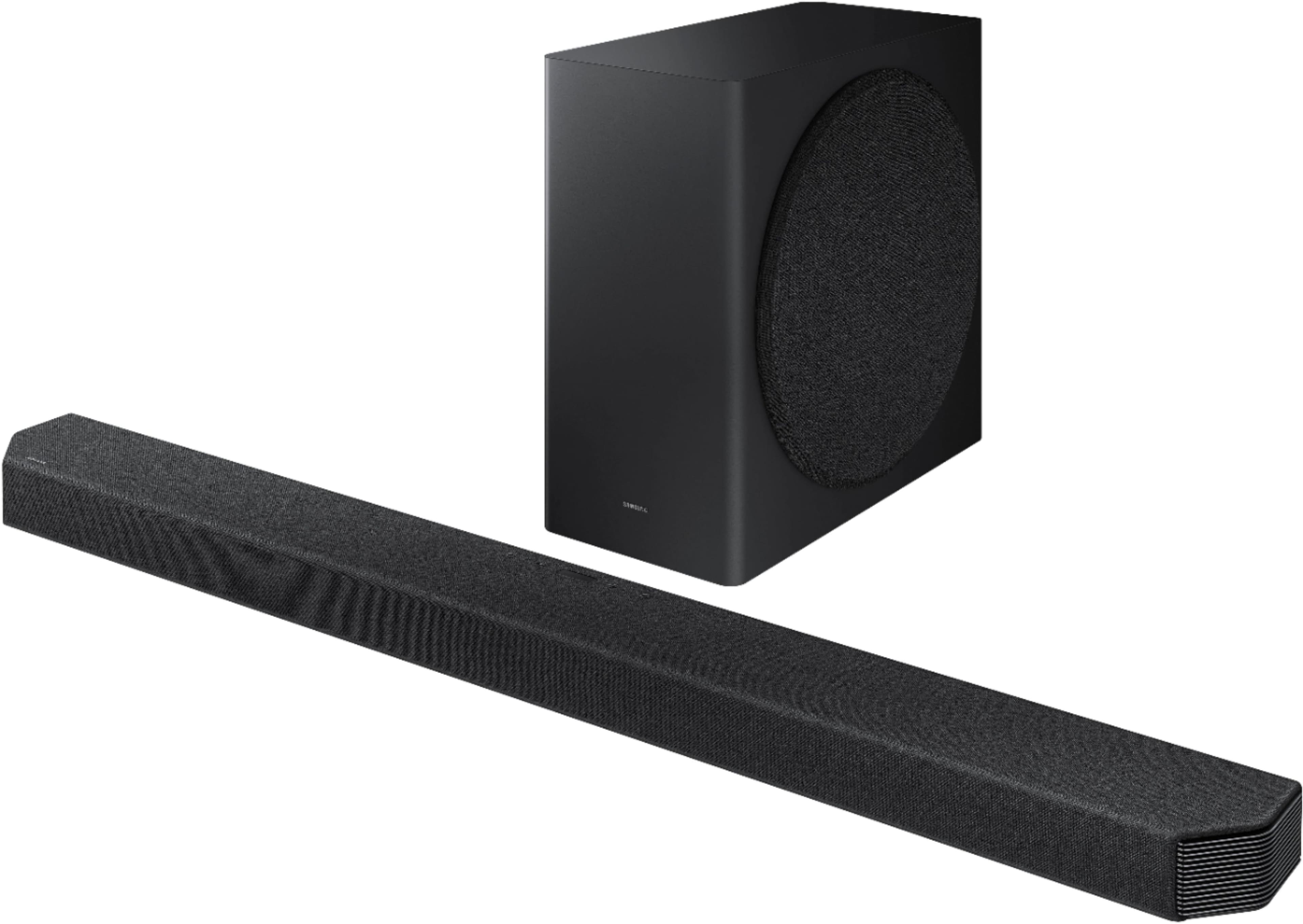
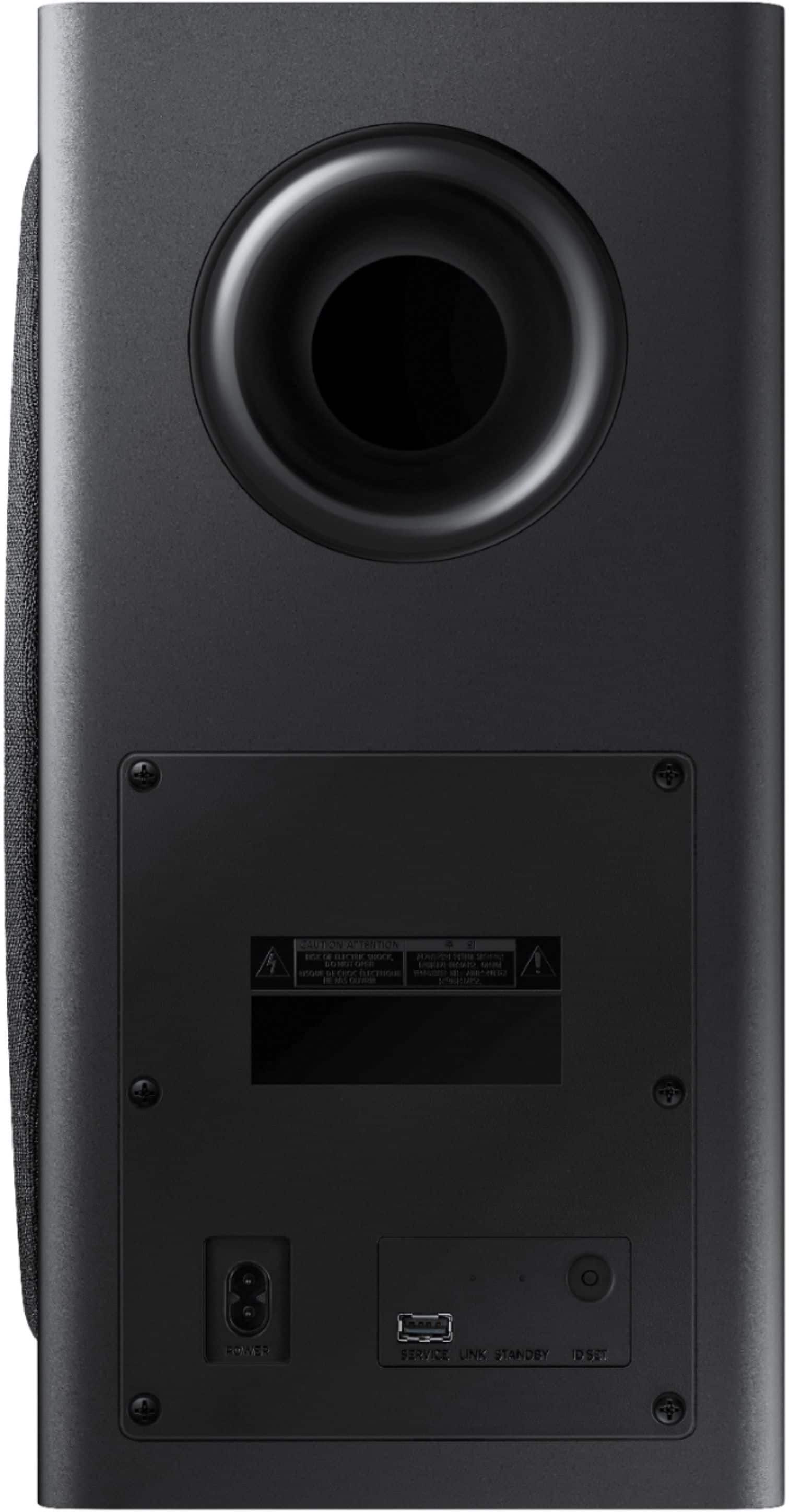
A:AnswerIt’s supposed to connect automatically. There’s a button on the back to do it manually. You might have to move the sub closer to the soundbar while pairing and then move it wherever you want when it connects.
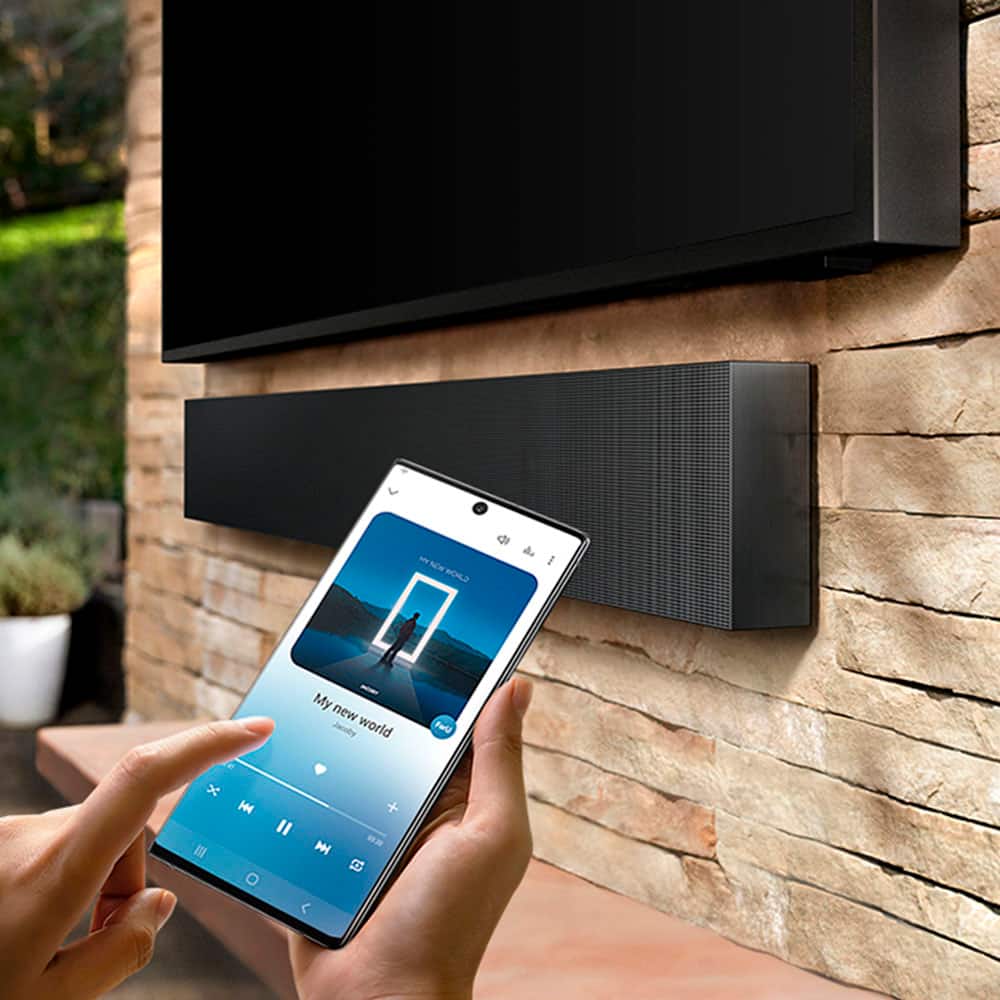
A:AnswerHi Chaiz! To set up the Alexa functionality, you must do it within the SmartThings app. Select the soundbar from the SmartThings home page, then tap on the 3 vertical dots on the top right corner and tap on “Alexa Settings” to log in to your Amazon account. The soundbar also supports Airplay 2 technology. To enable AirPlay 2 on your soundbar, you must again first connect your Smartphone and soundbar to the same Wi-Fi network and add your new soundbar to the SmartThings app. Should you need additional assistance, please reach out to Samsung Support at: 1-800-SAMSUNG, available 8AM - 12AM EST, 7 days a week, or Chat with us on Samsung.com: https://www.samsung.com/us/support/contact/
^Tim
A:AnswerHi Josh!
I’m sorry to see that you are having difficulties with the audio quality during select programming.
So that we can better troubleshoot towards a solution, please reach out to Samsung Support at: 1-800-SAMSUNG, available 8AM - 12AM EST, 7 days a week, or Chat with us on Samsung.com: https://www.samsung.com/us/support/contact/
We look forward to hearing from you.
^Tim
A:AnswerALBob - so that we can better assist with this concern, please reach out to Samsung Support at: 1-800-SAMSUNG, available 8AM - 12AM EST, 7 days a week, or Chat with us on Samsung.com: https://www.samsung.com/us/support/contact/ ^Gina
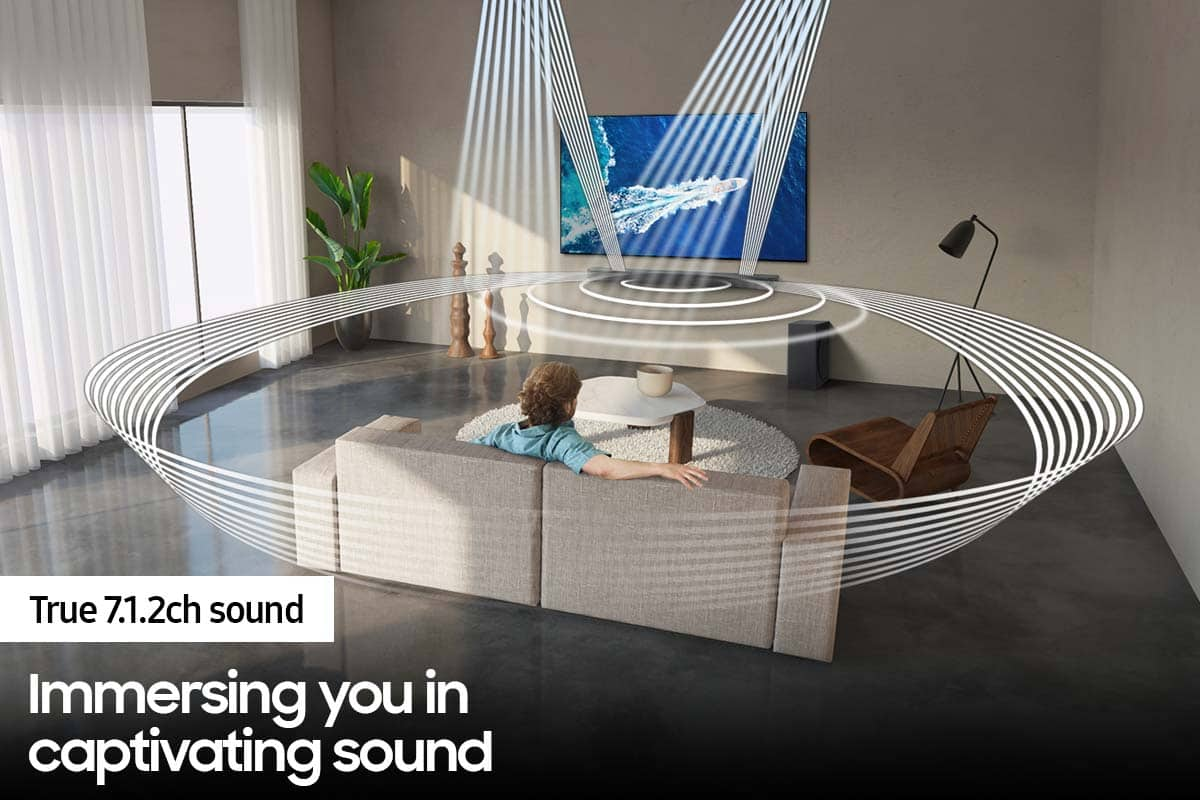
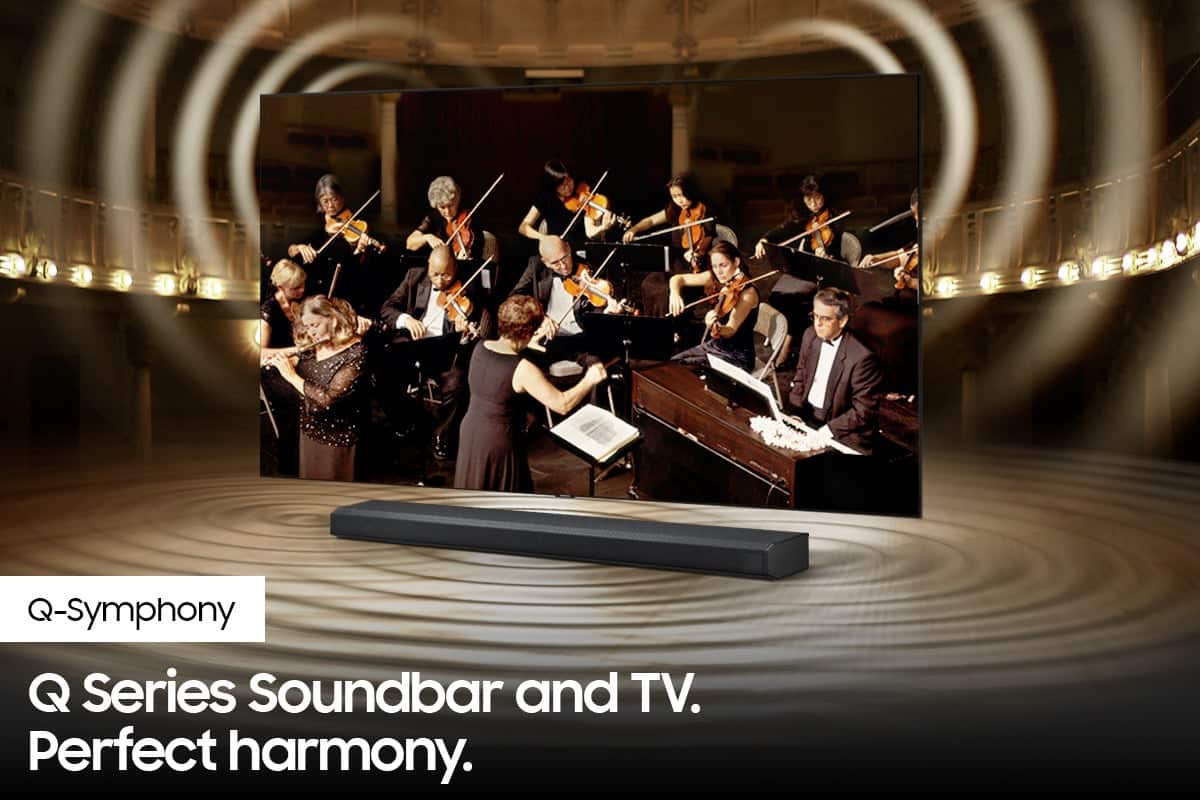
A:AnswerHi ALBob! The HW-Q900A is compatible with the 2019 Q6 Samsung TV via HDMI or digital optical audio. The soundbar includes an HDMI cable allowing a simple plug and play connection to the Samsung TV. With the 2019 QLED TVs, you will not be able to take advantage of the Q Symphony feature from the soundbar, which allows the TV speakers and soundbar to work together for a more immersive experience. You will still be able to take advantage of the full, impressive sound, provided by the 7.1.2ch system.
^Tim

A:AnswerHi Pacino! The HW-Q900A will connect to any TV supporting HDMI, Digital Optical audio, or Bluetooth wireless audio technology. The soundbar does not need to connect to a Samsung TV. For the best experience, we recommend connecting to a TV that supports HDMI eARC. ^Tim
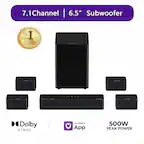
A:AnswerHi Madelsperger! The HW-Q900A does not feature an on screen display. For optimal connection to the TV we suggest using the included HDMI cable connected to the HDMI ARC port on your TV. From there, change the source on the soundbar to D-IN, and select the HW-Q900A as the audio device through your TVs sound settings. Should you need additional assistance please reach out to Samsung Support at: 1-800-SAMSUNG (ask for Soundbars), available 8AM -12AM EST. 7 days a week. Or text “SUPPORT” to 800-726-7864. ^Tim

A:AnswerHi Mike! The Speakers included with the HW-Q90R are designed to be exclusive to that soundbar and will not connect to the HW-Q900A. This soundbar is compatible with the new 2.0.2 ch wireless speakers model SWA-9500S. ^Tim
A:AnswerHi Braydman! Yes, the HW-Q900A will be compatible with your existing QLED TV. You can use the included HDMI cable for the optimal connection experience.
^Tim
A:AnswerHi ErinT! Playing audio from your Airplay 2 device will not interrupt the image on your TV. You will be able to play audio from your Airplay 2 device and leave the TV audio muted. You will not be able to play both Airplay 2 audio and TV audio through the soundbar at the same time. ^Tim
A:AnswerHi! For optimal sound performance you will want to ensure the front of the soundbar is facing where you will be seated, with nothing blocking the speakers on top. You can use the following mounting adapter from Rocketfish to attach the soundbar to the TV's full motion mount. Check it out at the following link from Best Buy: https://www.bestbuy.com/site/rocketfish-universal-soundbar-mounting-system-black/6354301.p?skuId=6354301
^Tim