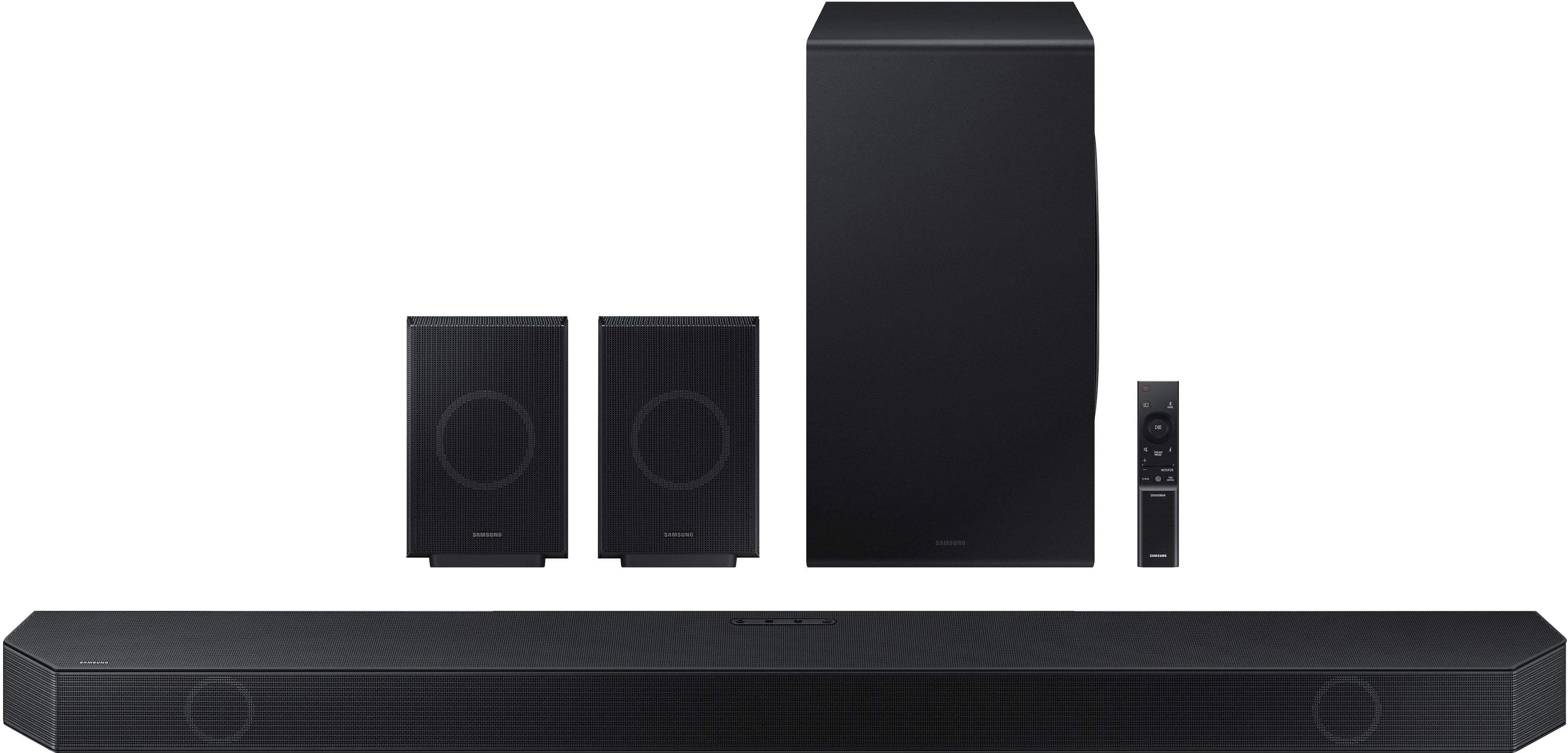
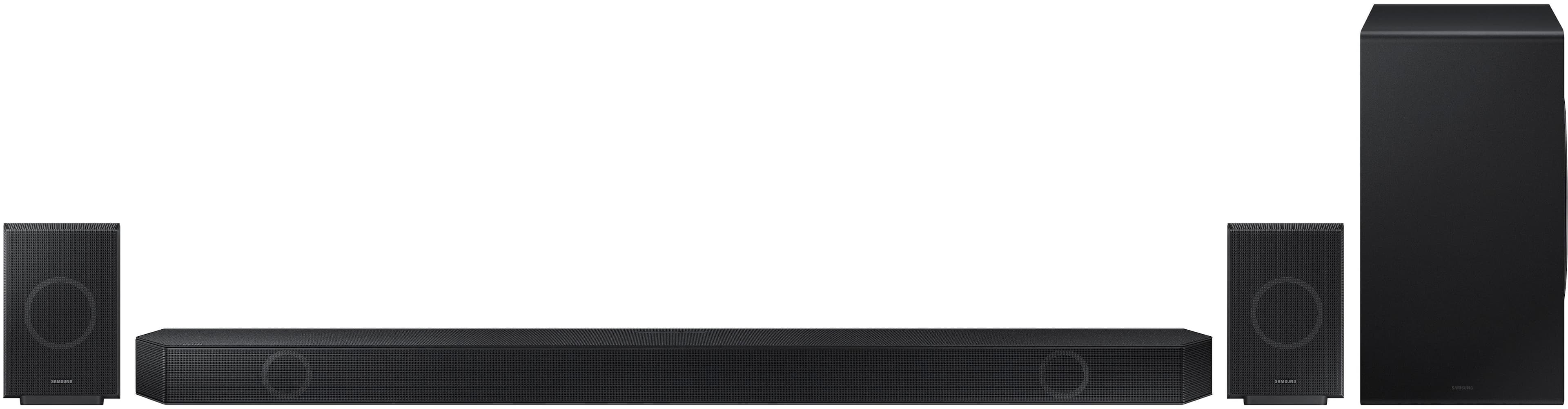
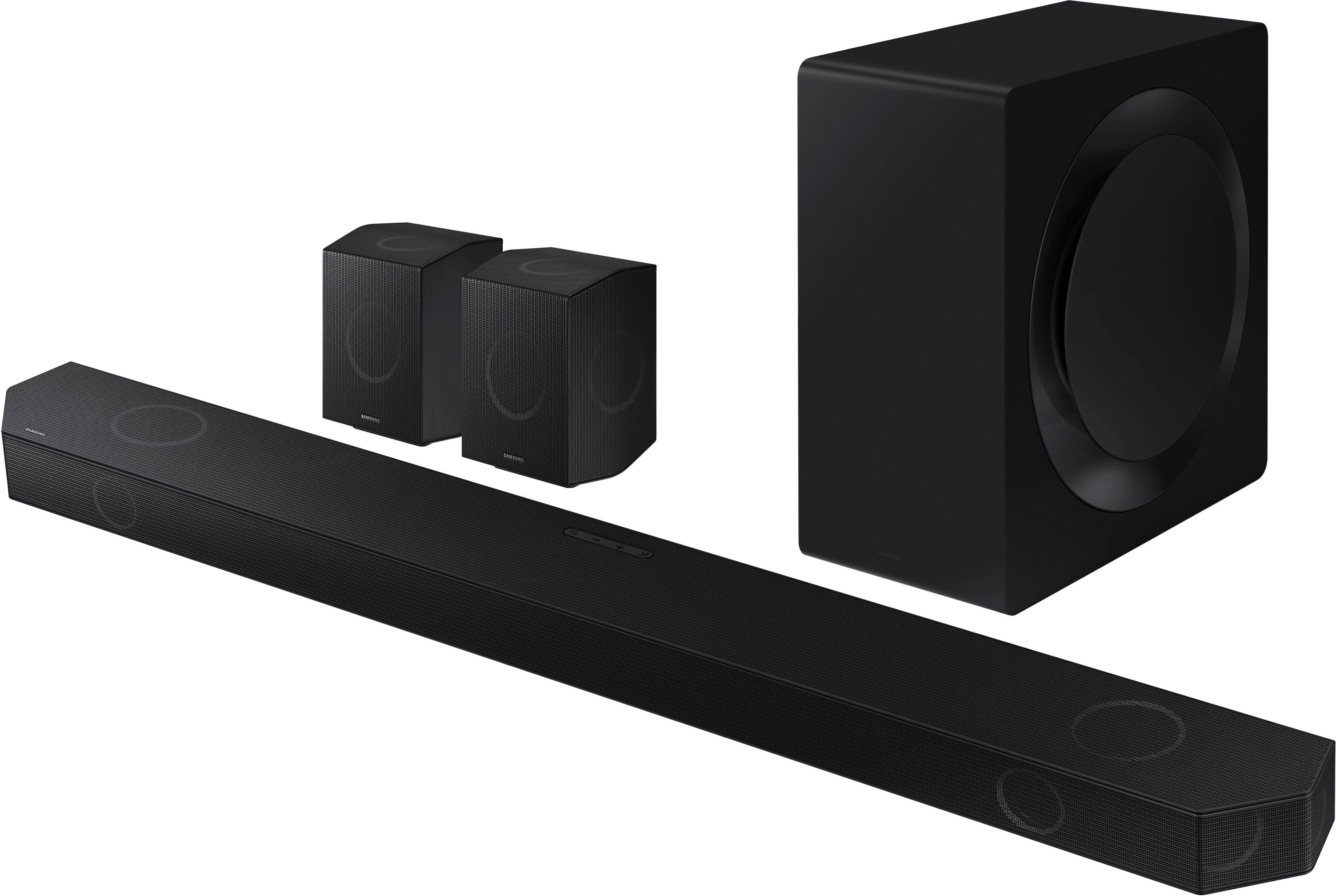
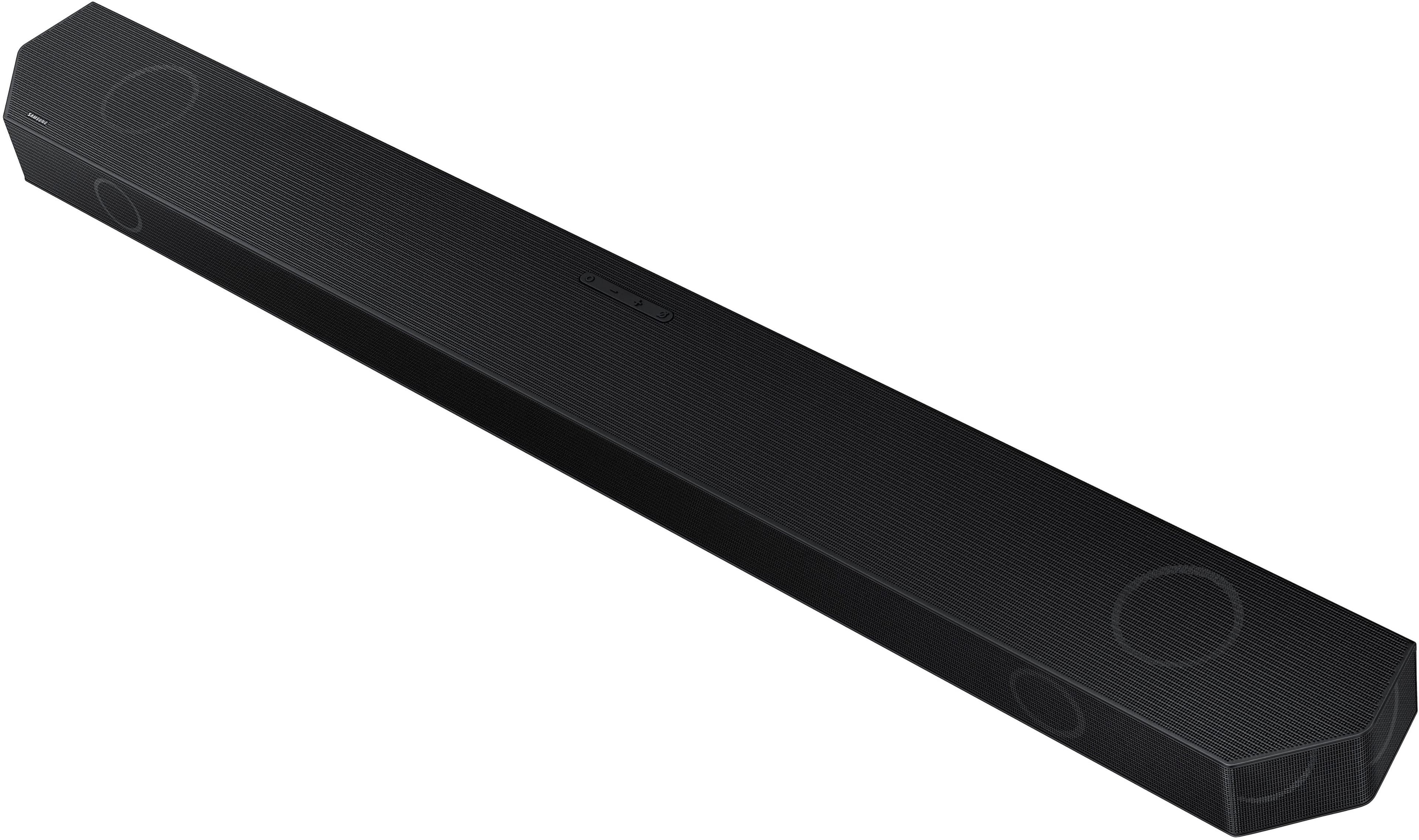
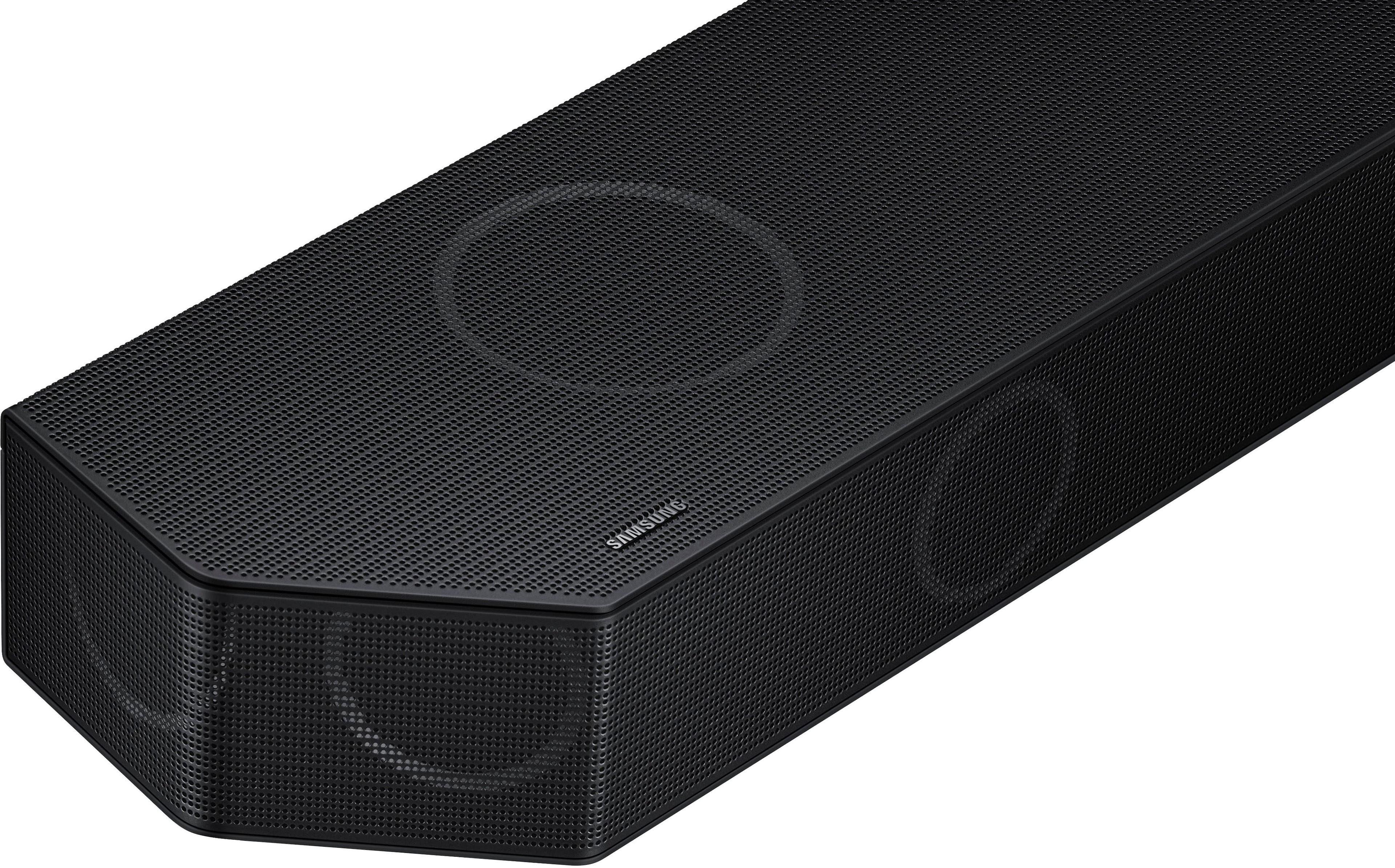
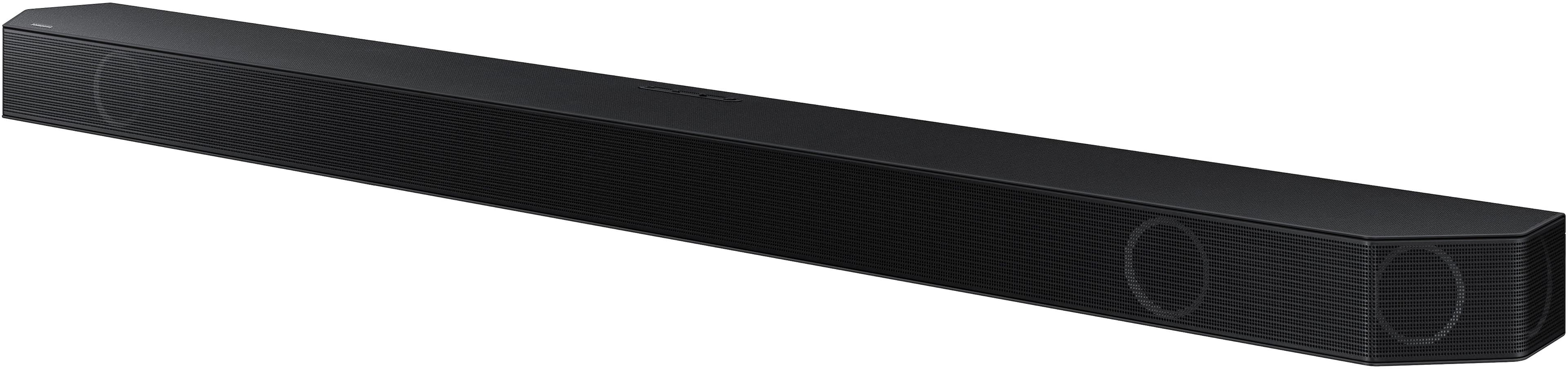
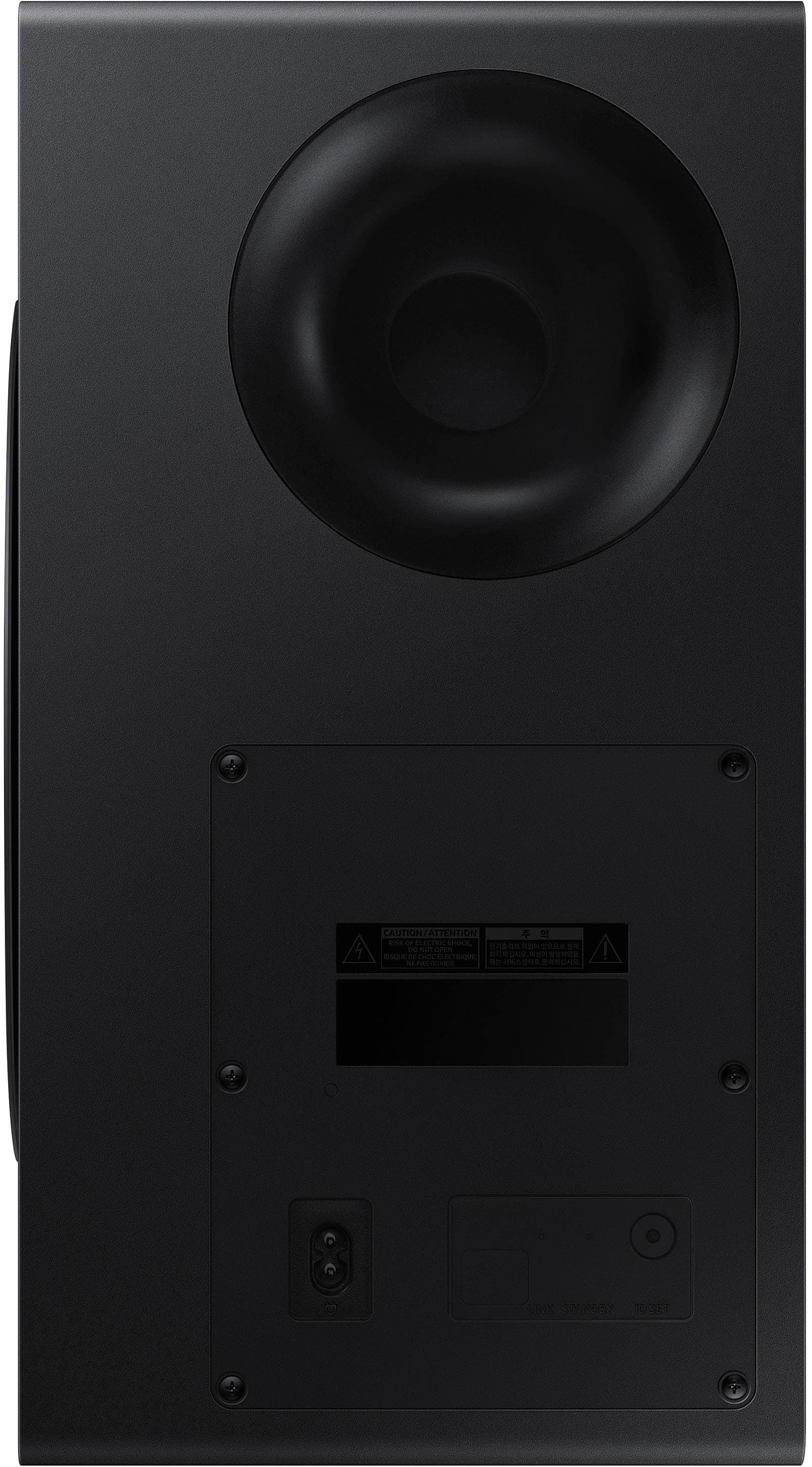
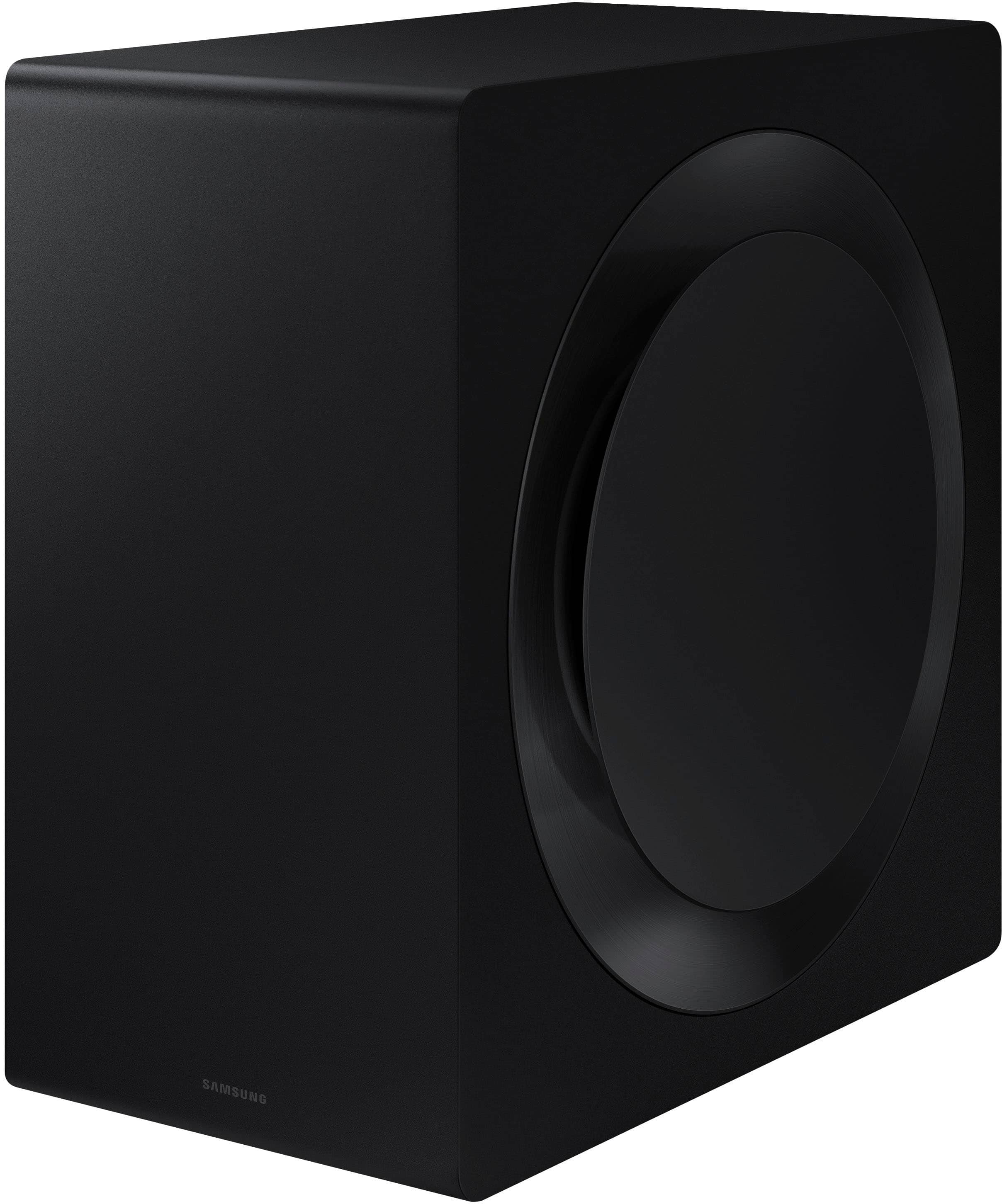
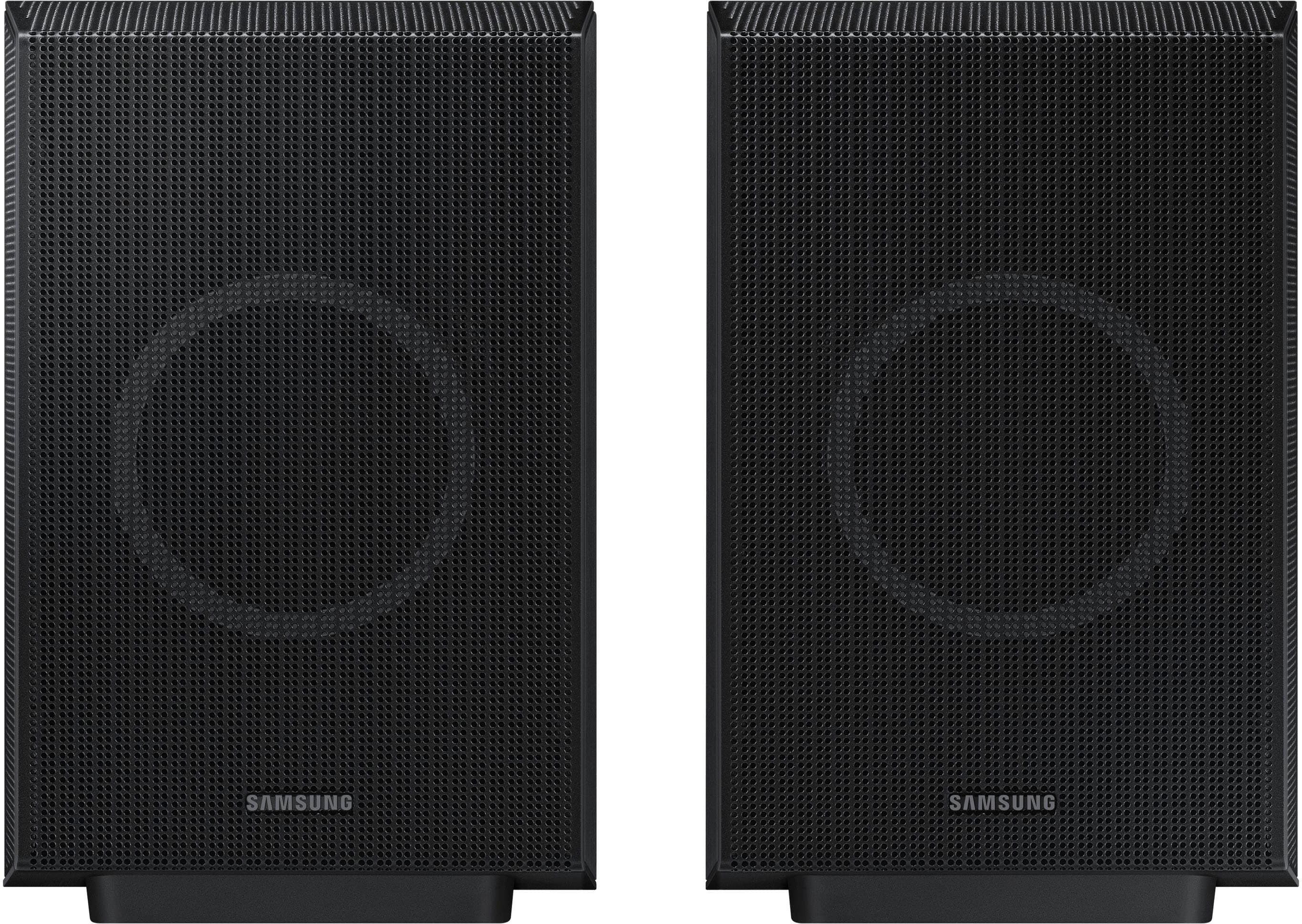
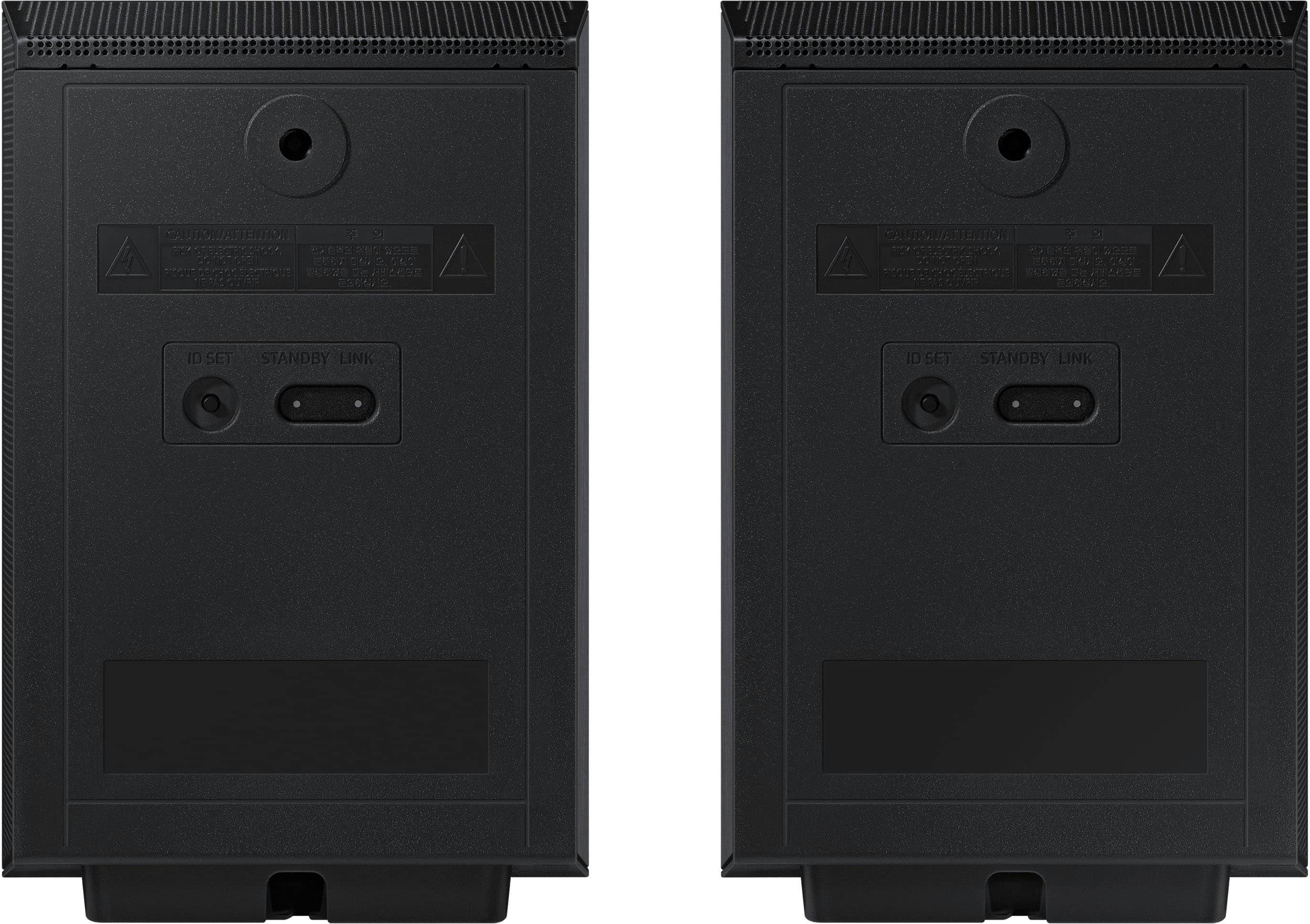
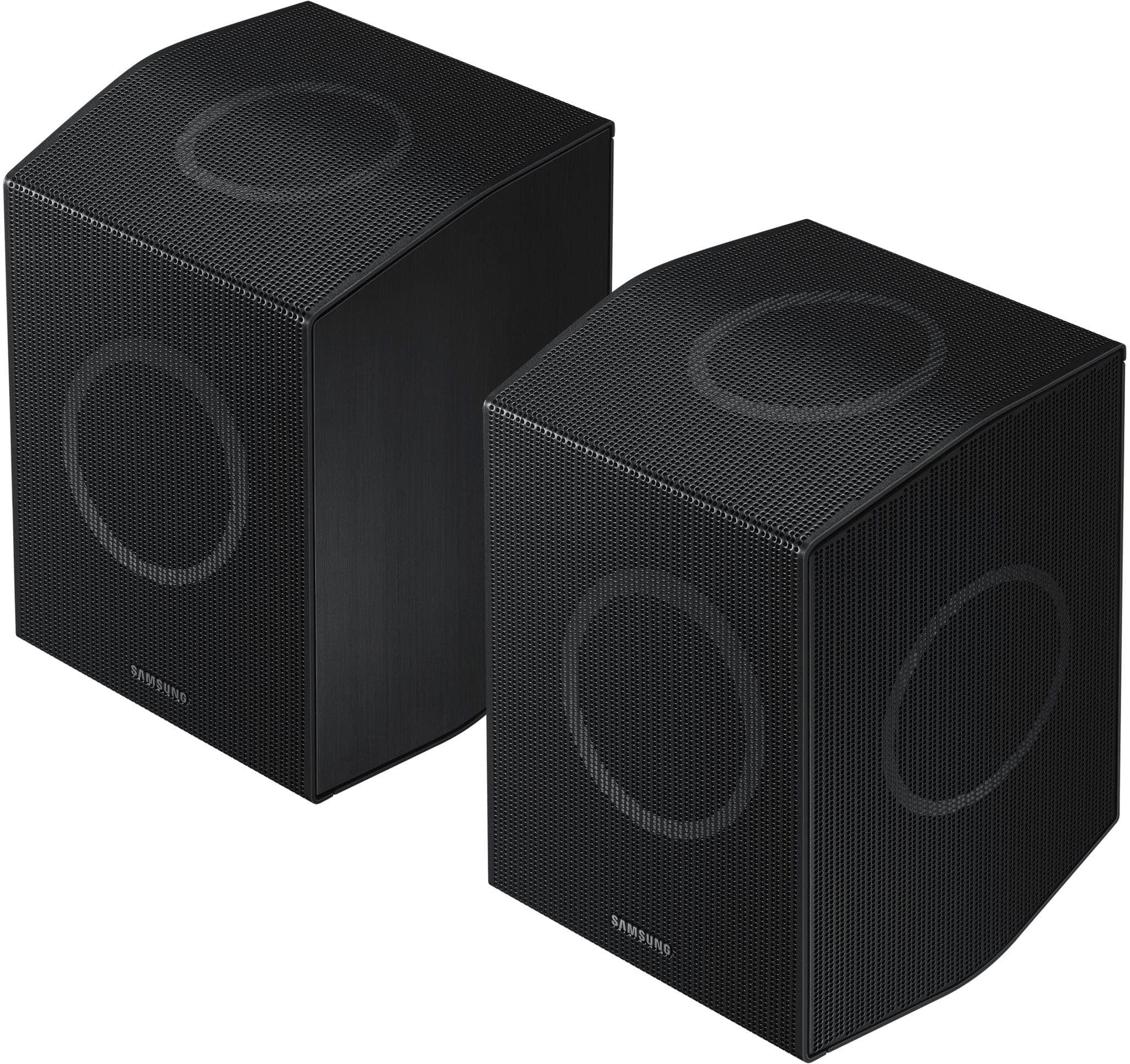
A:AnswerNo, each speaker has its own built-in amplifier and links wirelessly through the main soundbar. You cannot plug in additional speakers or older Samsung soundbar speakers not made to link together into this system.
A:AnswerAll speakers must be individually plugged into the nearest regular 2 or 3 prong electrical outlet in order to power their built-in amplifier and wireless transmitter.
A:AnswerHi LBD, the HW-Q990D Soundbar is backed with a limited 1-year manufacturer’s warranty when purchased brand-new from an authorized dealer. You can see the full details of the warranty here: https://www.samsung.com/us/support/service/warranty/HW-Q990D/ZA/
~ Samsung Solutions
A:AnswerHello Esteban. Samsung Soundbars are designed to connect directly to the TV to provide an easy and seamless experience with no extra audio equipment required. If you would like to connect the soundbar to an existing receiver, please check with the manufacturer of your receiver to see if it supports this type of audio pass through.
~ Samsung Solutions
A:AnswerHi Damion! Each Samsung Soundbar is designed to be exclusively compatible with the subwoofer included. The HW-Q990D Soundbar will only work with the subwoofer included.
~ Samsung Solutions
A:AnswerHi Footballer! the Soundbar is connected to the Internet, Auto Update allows software to update automatically even when the Soundbar is turned off. You can also update by using the SmartThings app.
If not connected to the internet, you can download it onto a USB device, and then upload it to your soundbar - no wireless connection required. Connect the USB drive that contains the update firmware to the SERVICE port of the Soundbar.
1.Go to the Samsung Electronics website (www.samsung.com) → click on the “Support” option in the upper left corner.
2.Click on “Manuals & Software” from the pop-up list > TVs & Home Theater > Home Theater > Select your model
2. Download the firmware file (USB type).
3. Unzip the file to create a folder with the file name.
4. Store the created folder in a USB and then connect it to the Soundbar.
5. A sequence of “UPDATE” > “BYE” > “ON” will appear on the display 3 times. This will take around 6 minutes.
- During update, do not turn it off or remove the USB.
- If “UPDATE” does not appear on the display window, remove the power cord from the Soundbar and then reconnect it.
- When the latest version is installed, no update is performed.
- Depending on the USB type, update may not be supported.
6. After the 3 cycles are complete, the Soundbar will restart and last source used will appear on the display for about 20 seconds and then it will go off (“UPDATE” > “BYE” > “ON”) 3 times “D.IN” > off
If you need more help, Samsung is here for you. Please call us at 1-800-SAMSUNG, 8AM - 12AM EST (Ask for Soundbars), 7 days a week. Our Live Chat agents are also available by clicking on the ‘Support’ link on our website.
~ Samsung Solutions
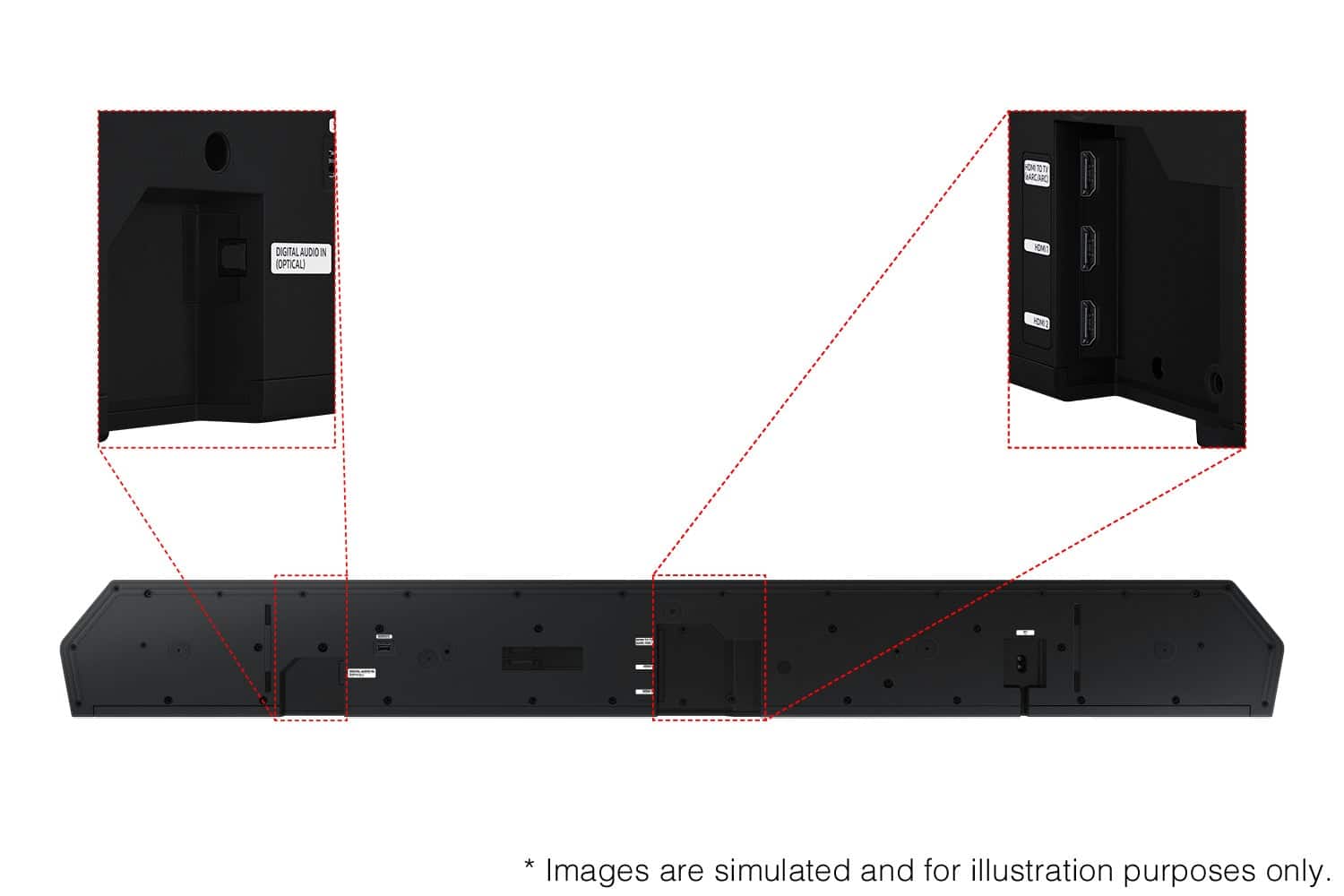
A:AnswerHello SaraM! The HW-Q990D has an additional 2 HDMI in ports in addition to the 1 HDMI TV eArc port used to connect to your TV. ~ Samsung Solutions
A:AnswerHi there Ermorris! Yes, the HW-Q990D Soundbars passthrough is HDMI 2.1. I do recommend using a high-speed HDMI cable to connect your 3D Bluray player to the Soundbars passthrough. ~ Samsung Solutions
A:AnswerHi there! No, the HW-Q990D does not include wall mount kit for the rear speakers. However, the wall mount kit is included for the Soundbar. ~ Samsung Solutions
A:AnswerDid you ever found out?. The response from Samsung seems incorrect. That would increase or decrease the volume level of the rear speakers not just one, left or right.