A:Answer Hello JJE,
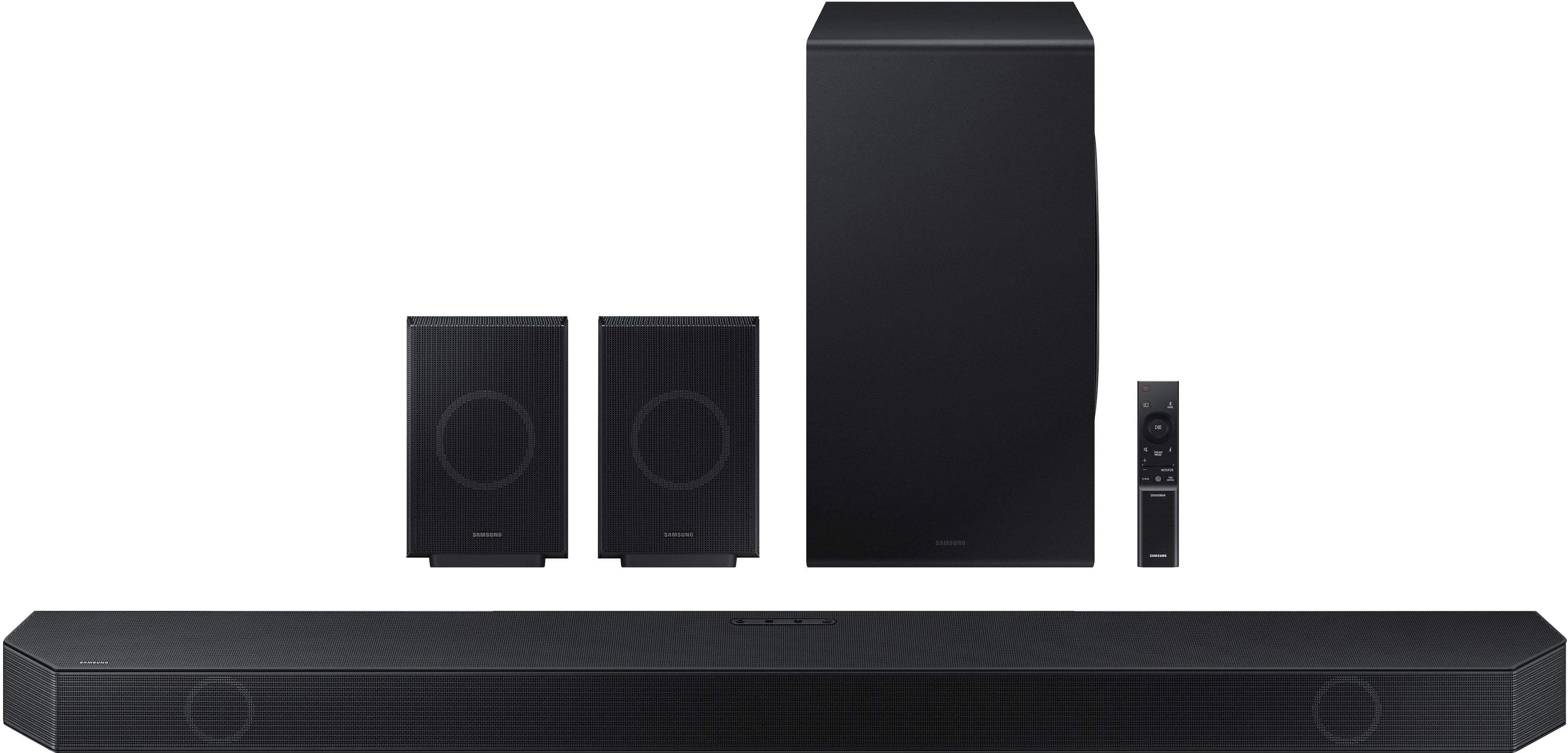
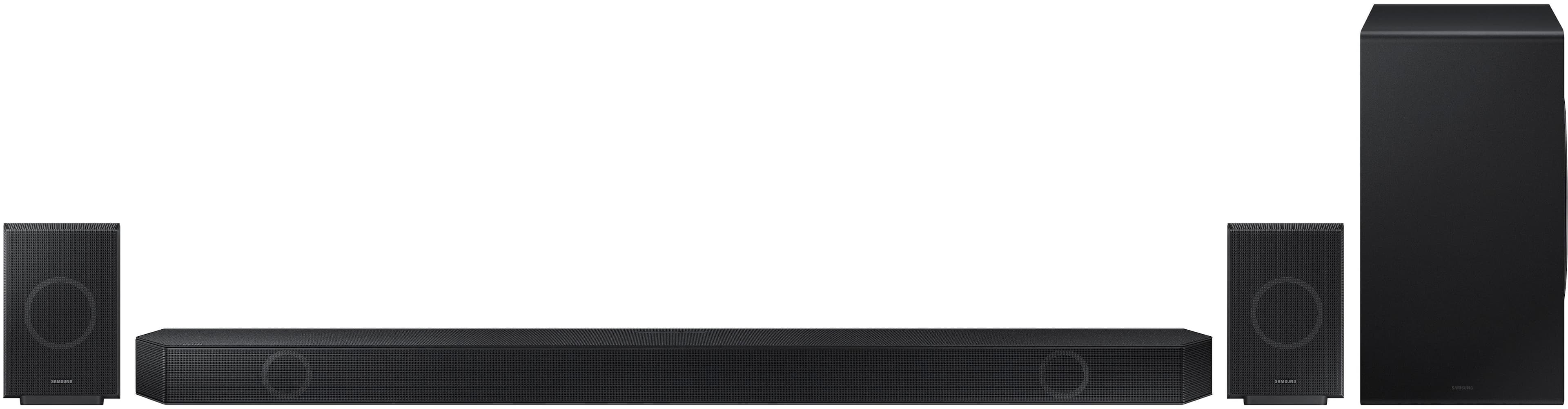
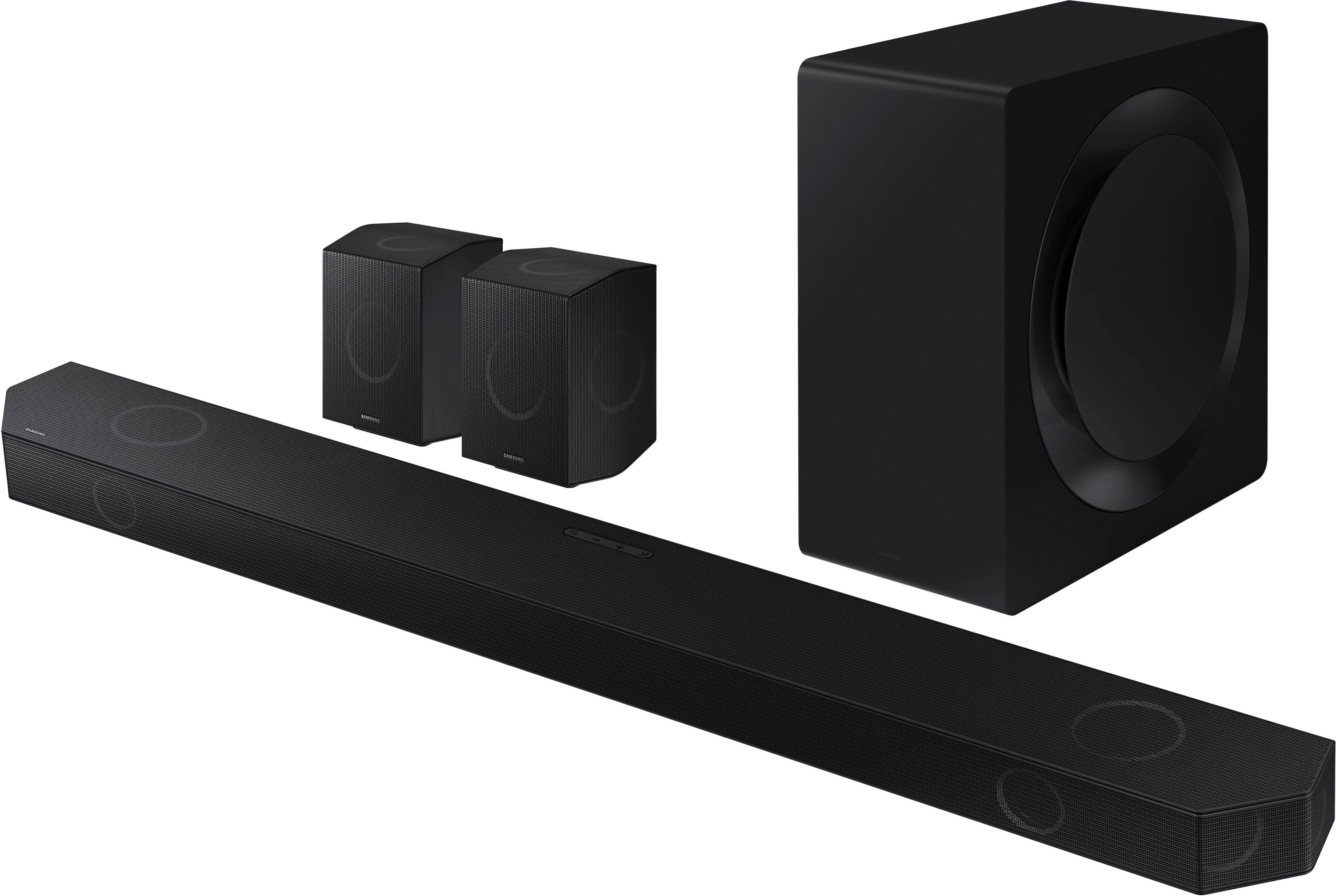
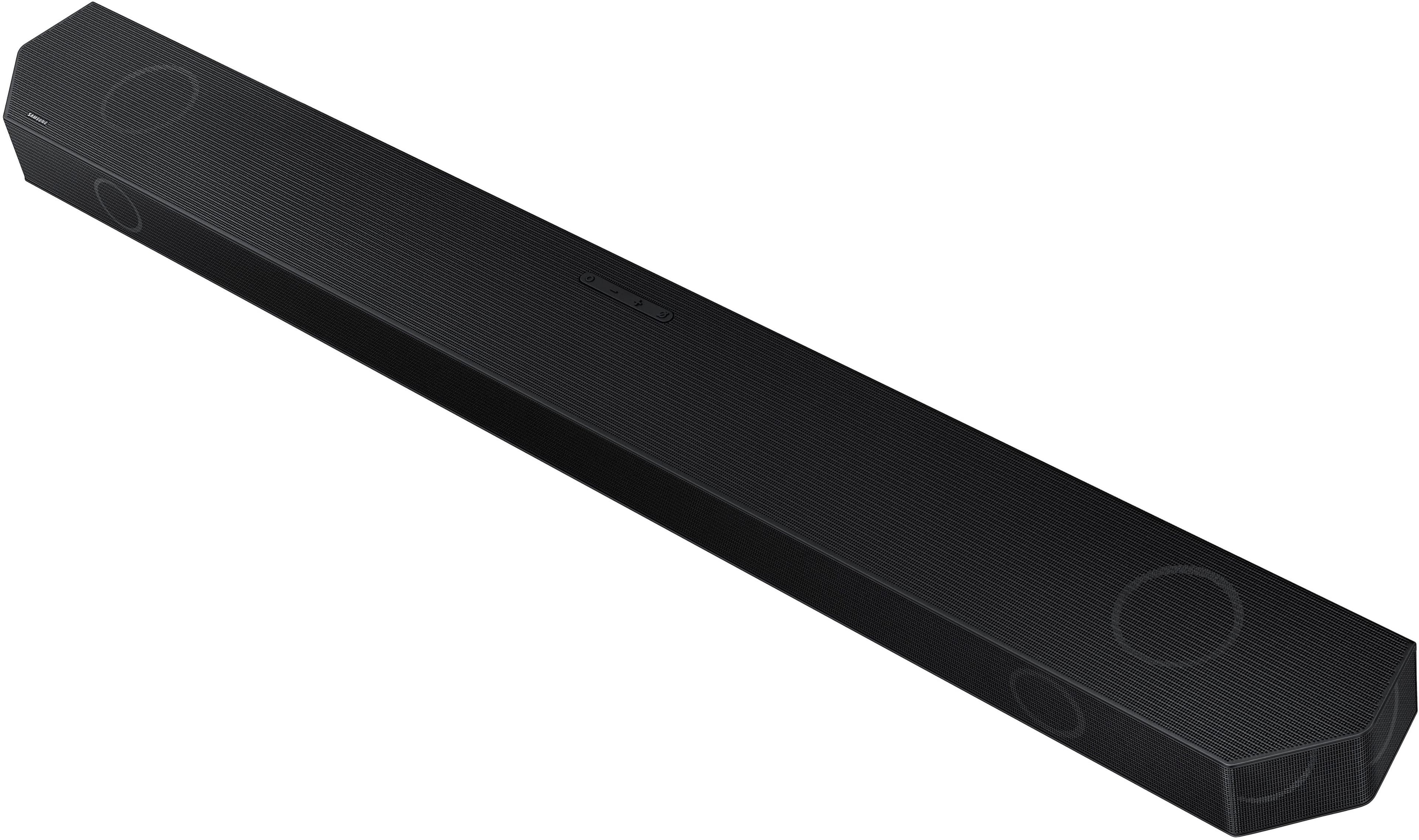
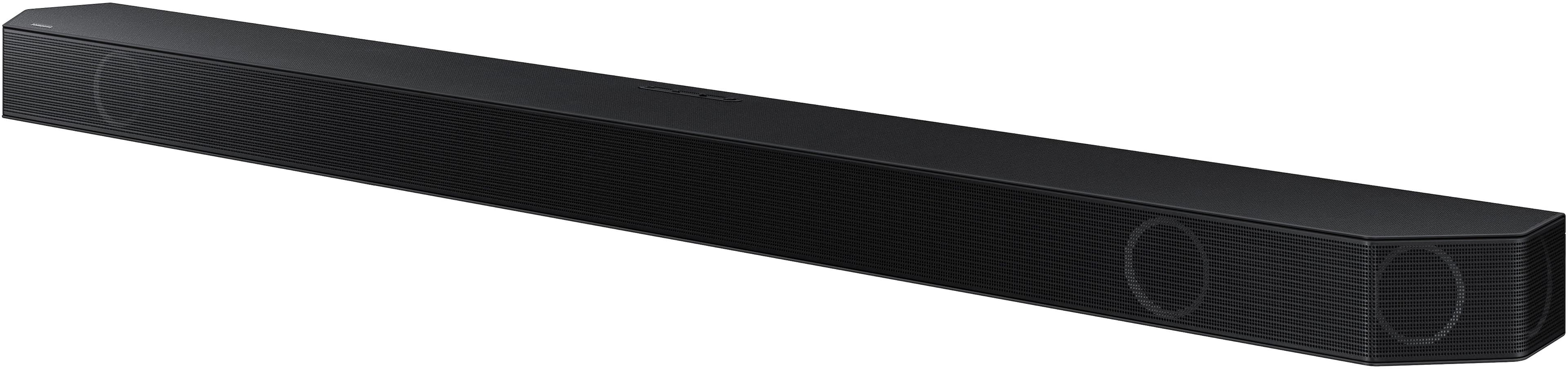
Yes, the HW-Q990D can be installed above the TV, but it may slightly affect audio performance compared to the recommended placement below the screen.
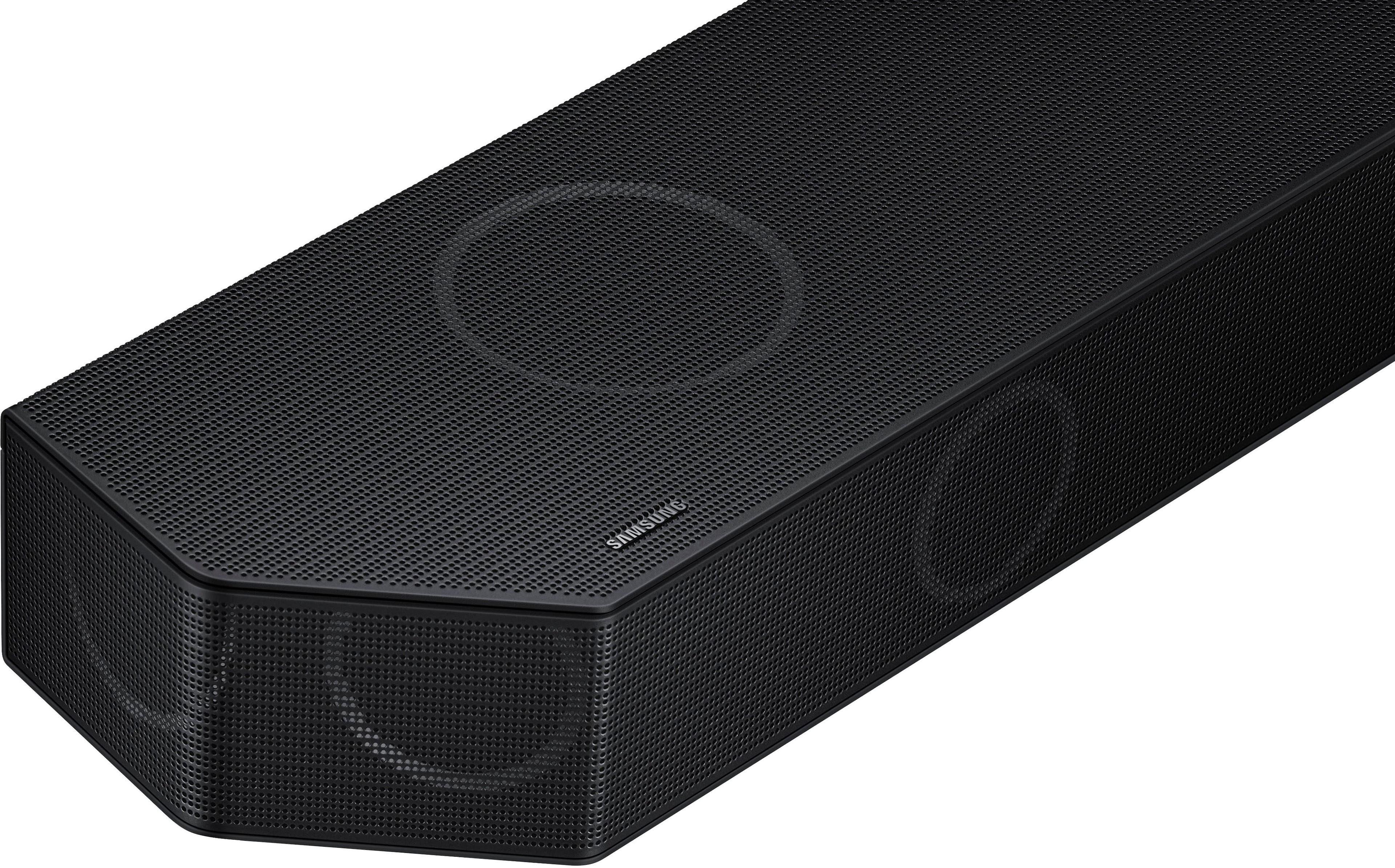
For best results, Samsung recommends positioning the soundbar below the TV and near ear level, as the front and upward-firing speakers are designed to project sound toward the listener and reflect audio off the ceiling for Dolby Atmos effects. When mounted above the TV, dialogue clarity and height effects may be less precise.
If installing above the TV is necessary, mounting the soundbar as close as possible to the screen and angling it downward toward the seating area can help minimize any impact on sound quality.
~ Samsung Solutions