A:Answer Hello Albert,
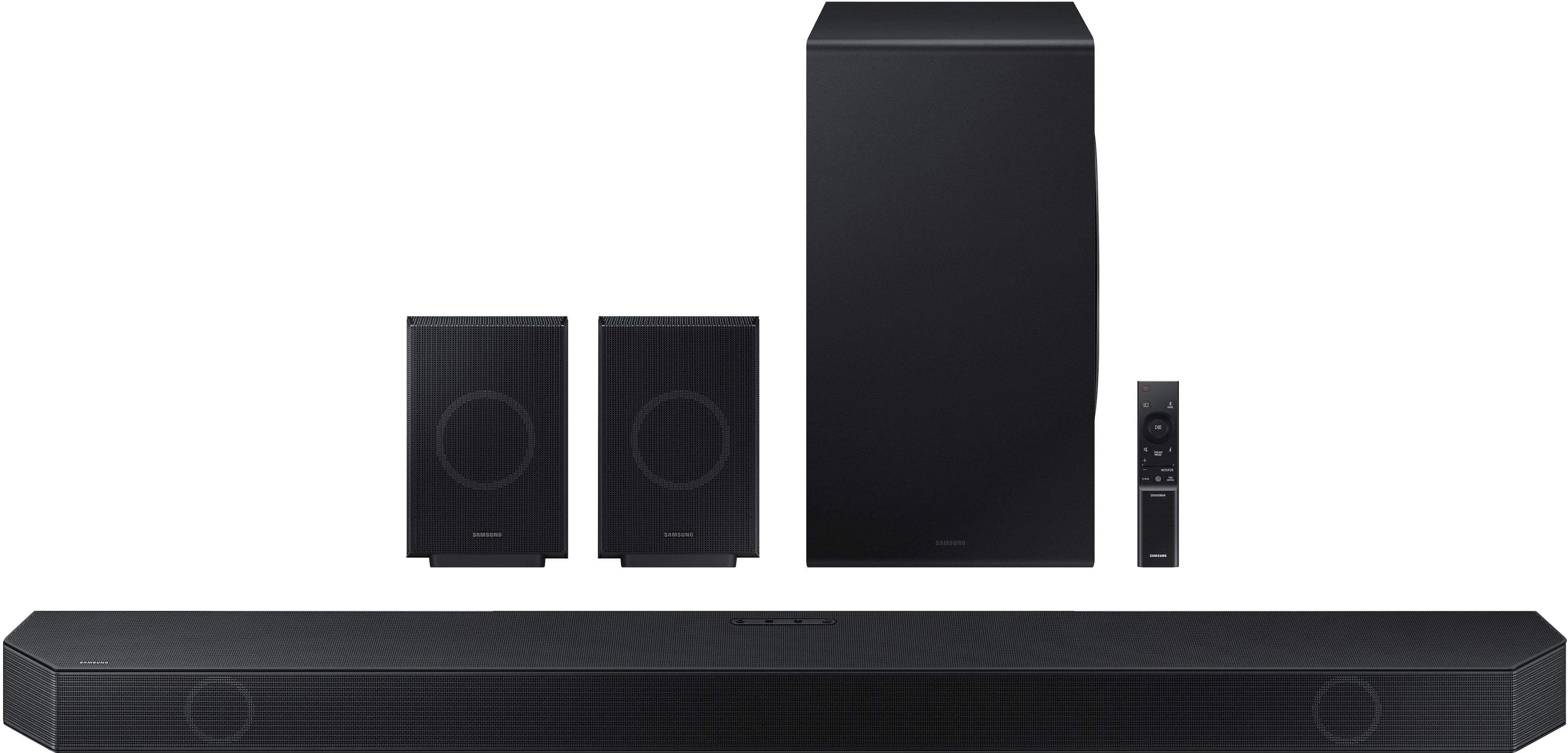
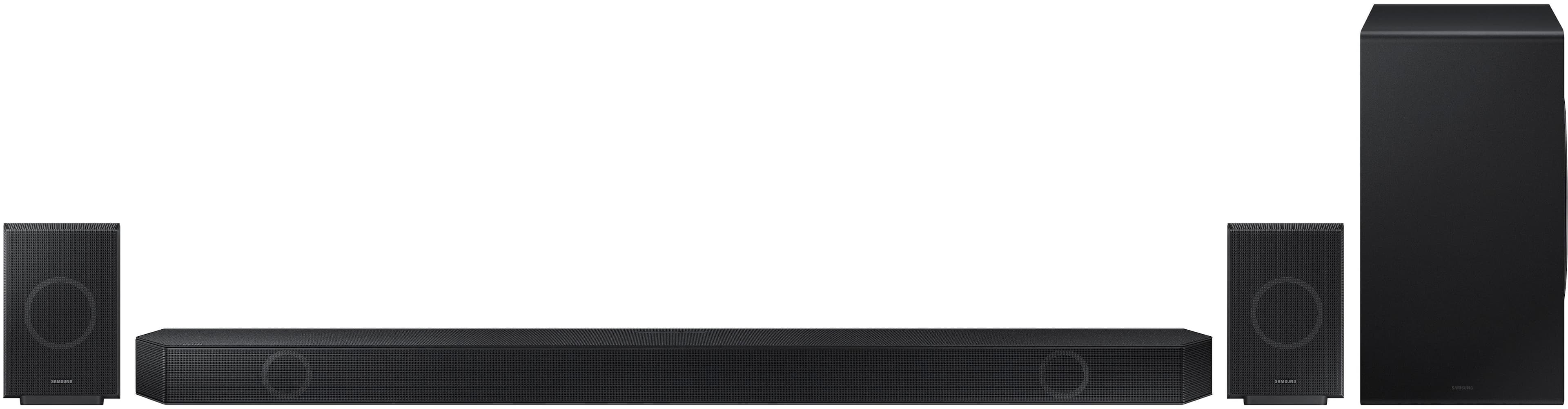
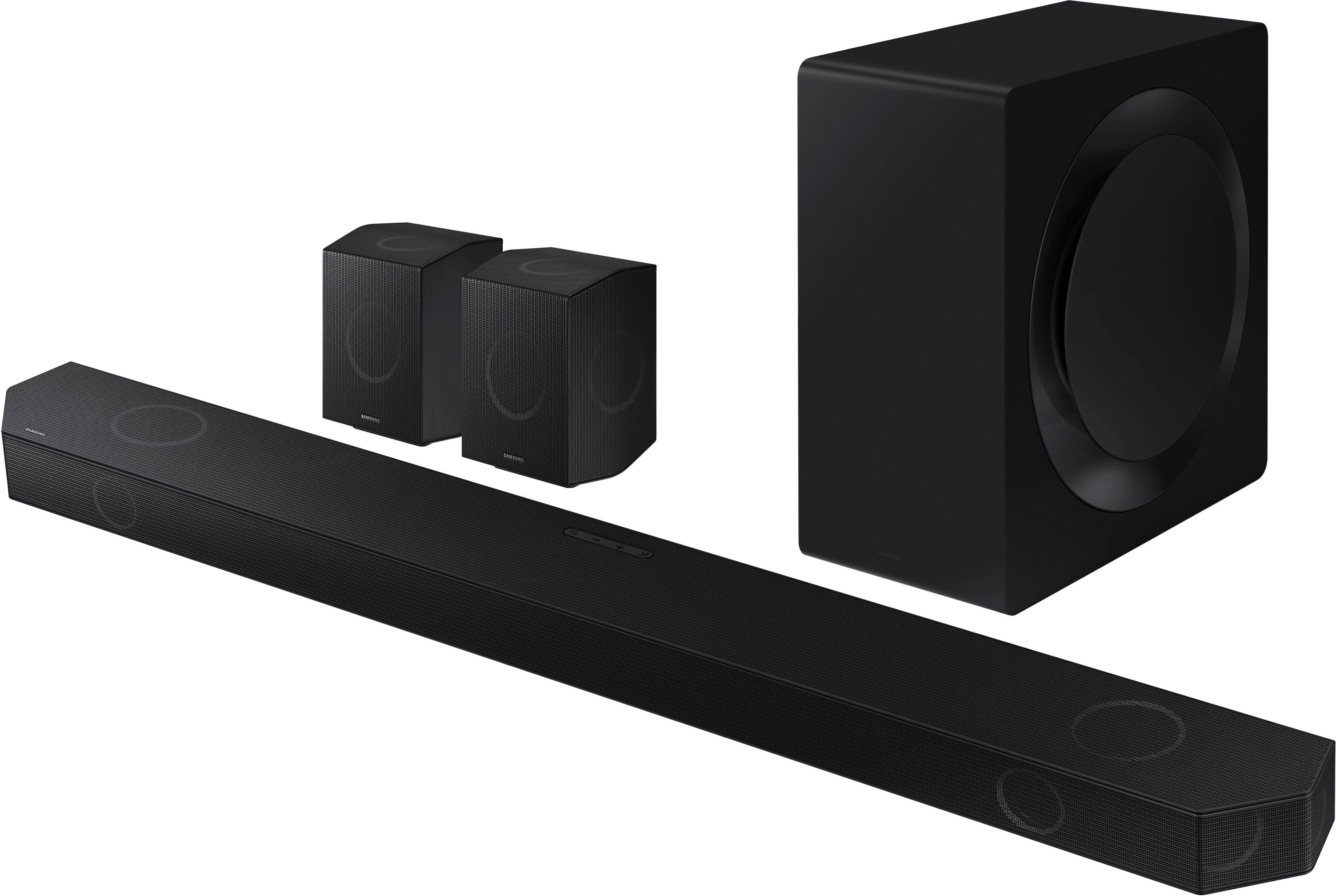
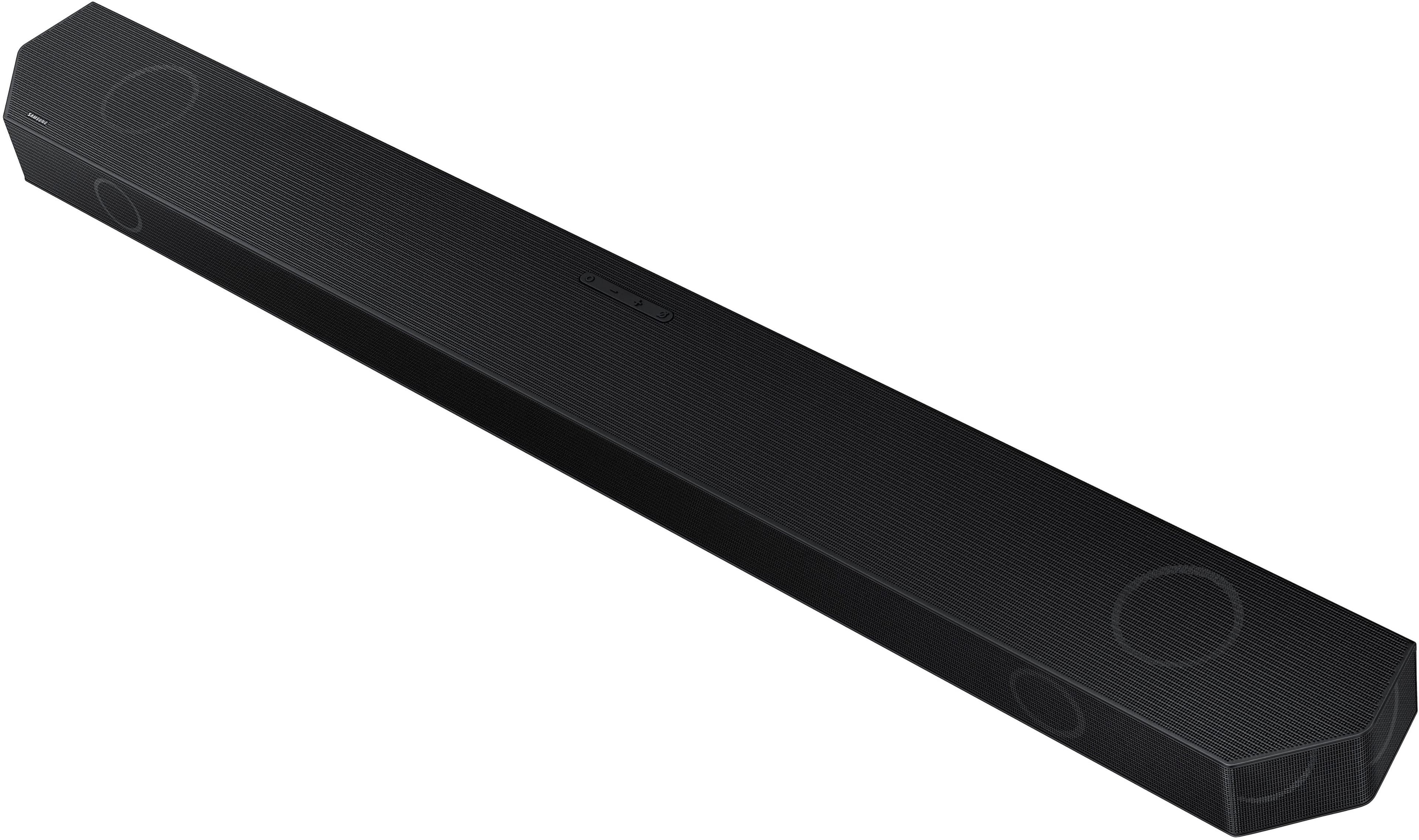
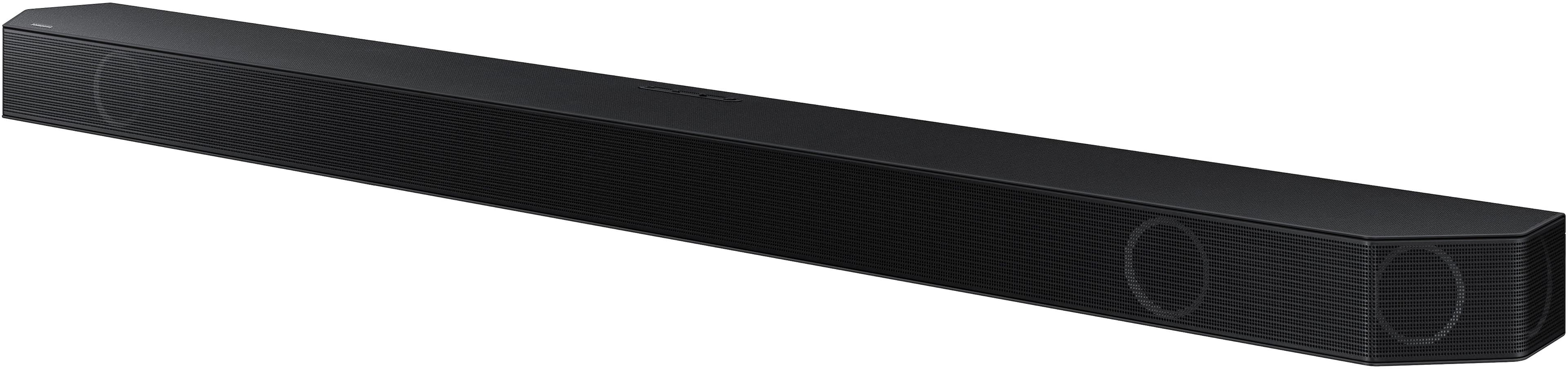
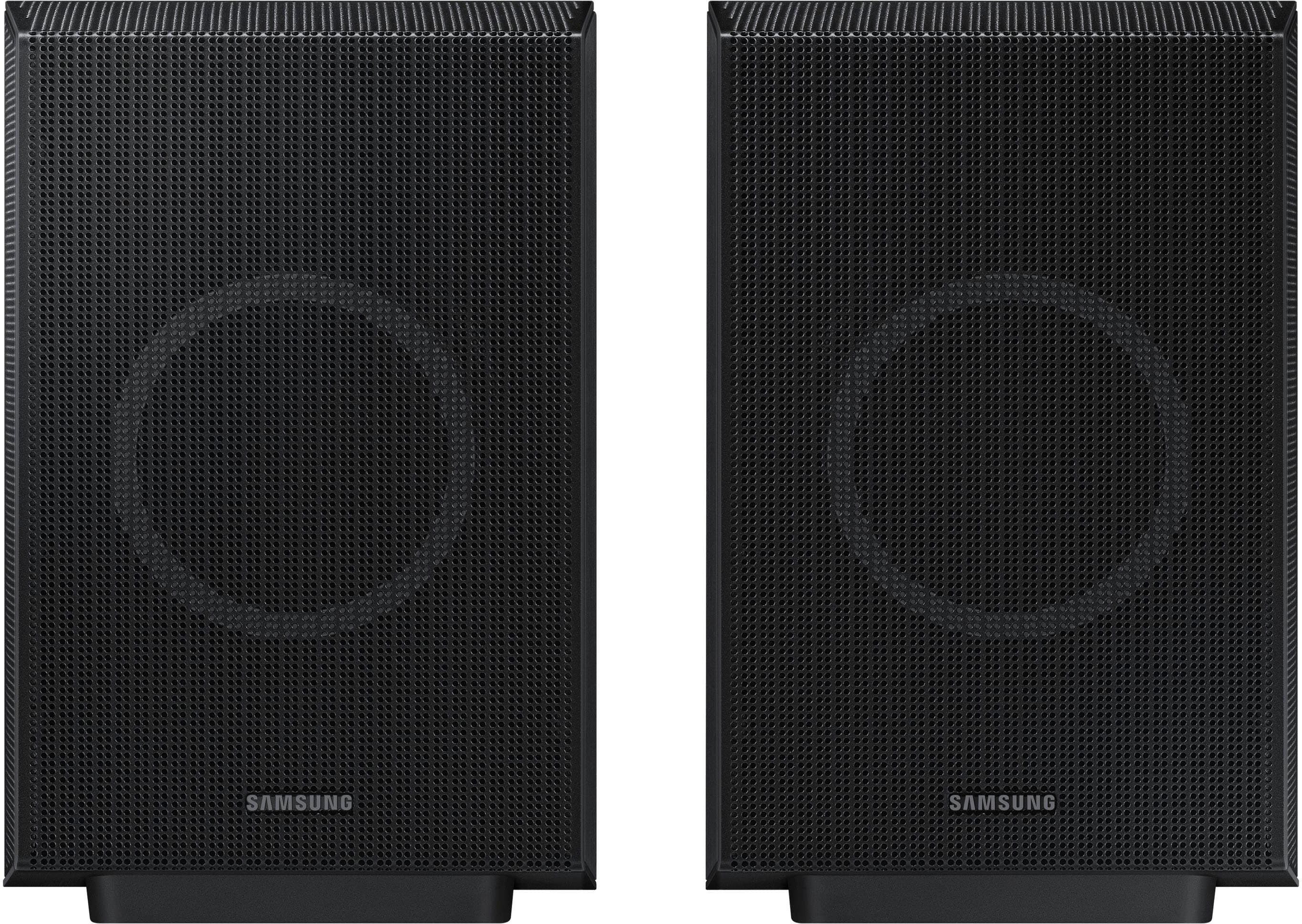
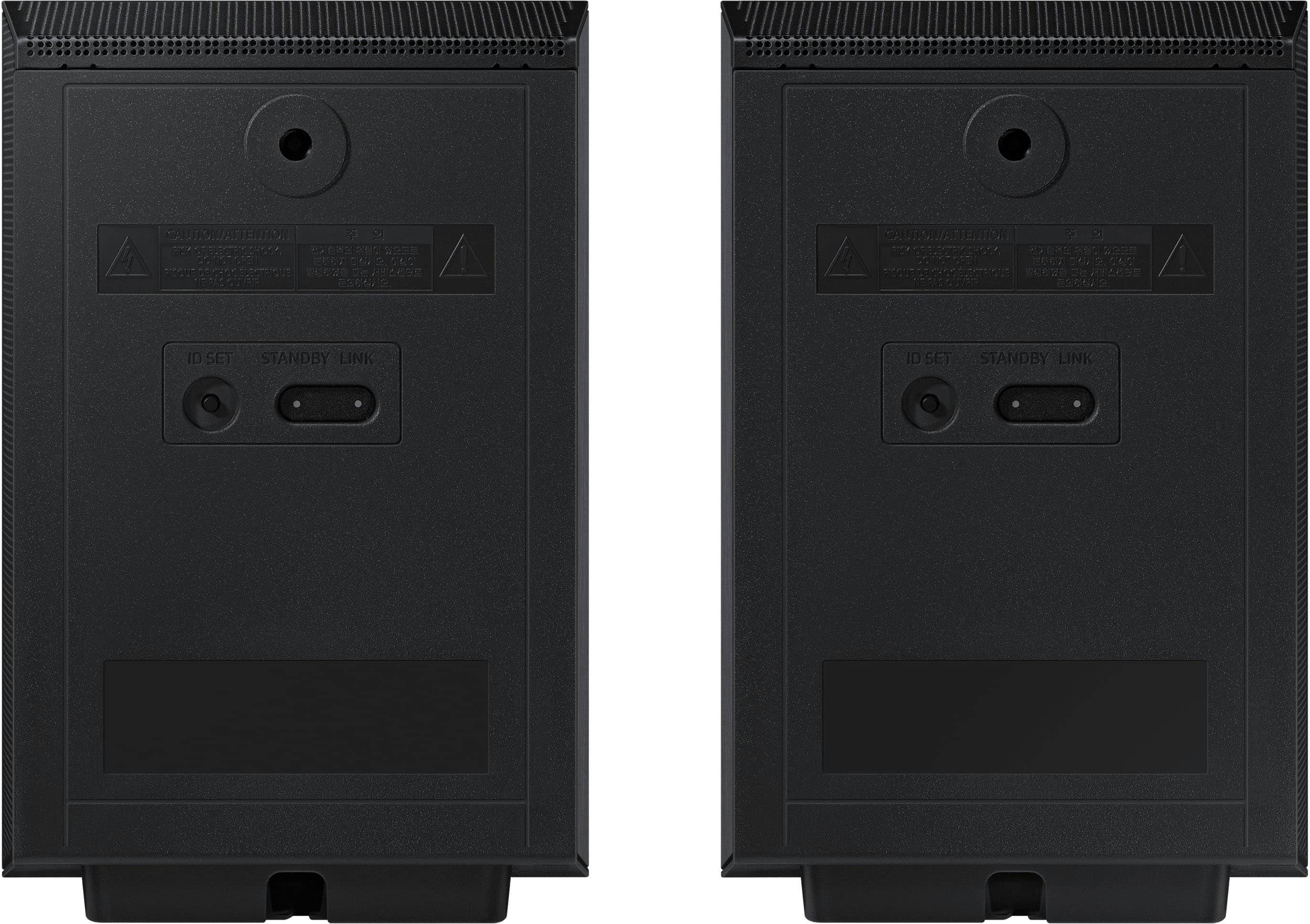
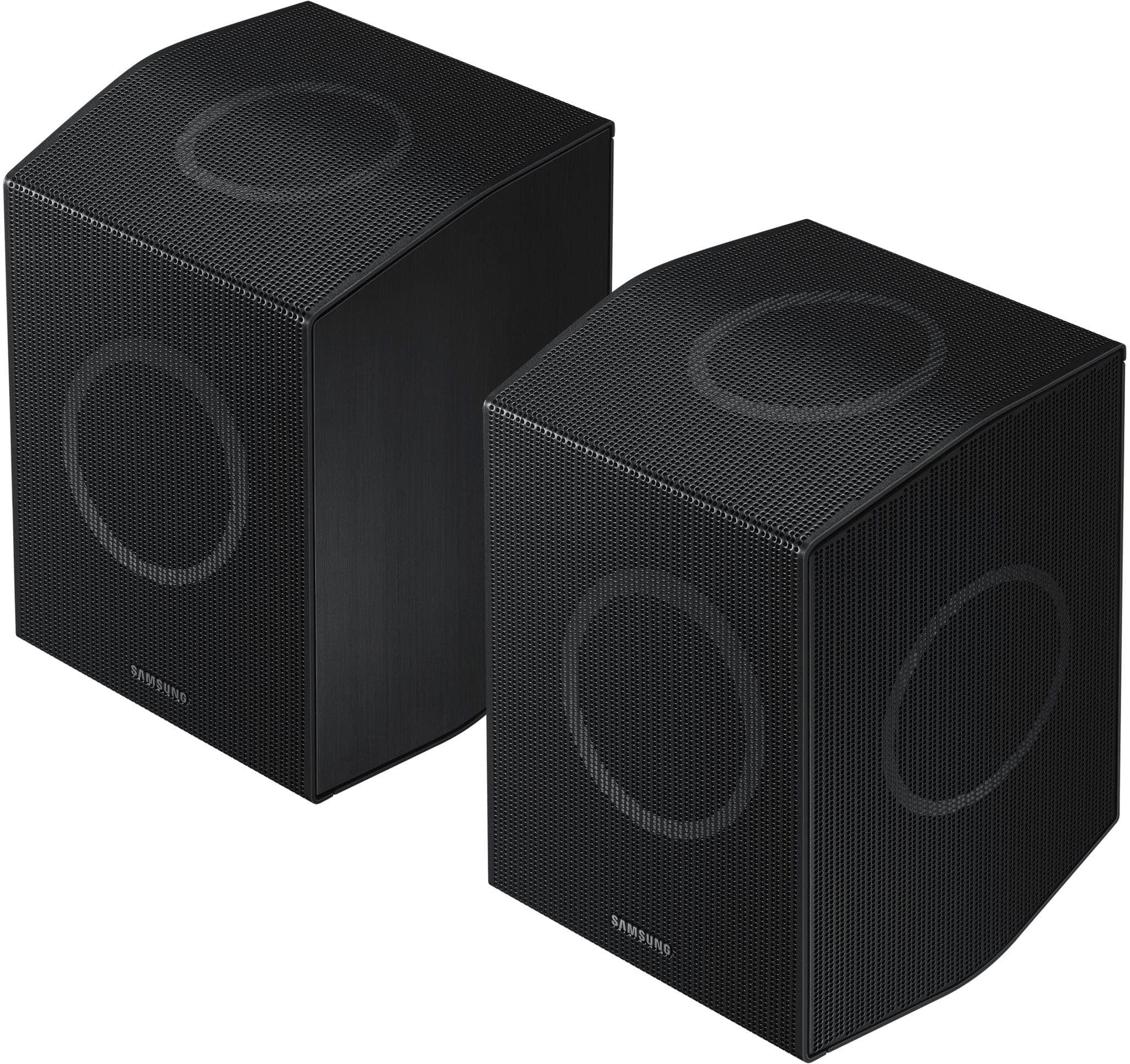
Please try manually pairing the rear speakers of the HW-Q990D:
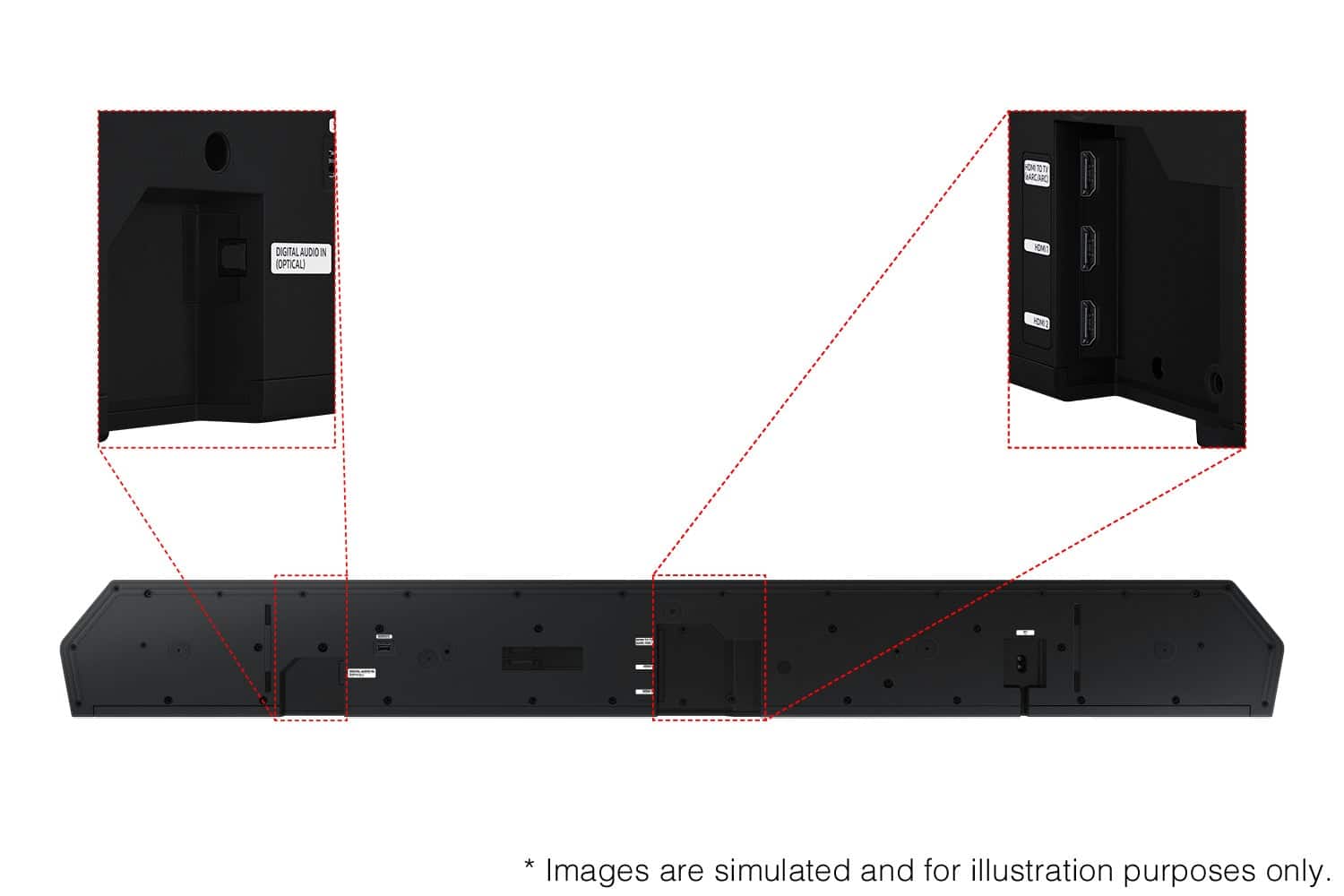
Press and hold the ID SET button on the back of the left rear speaker for at least 5 seconds, or until the blue LED begins blinking.
Turn the soundbar off, then press and hold the Up button on the remote for 5 seconds.
The ID SET message will briefly appear on the soundbar display and then disappear.
Once pairing is complete, the soundbar will automatically turn back on.
The LINK LED will stop blinking and turn solid blue when the connection is successful.
If you are still having trouble, try a soft reset:
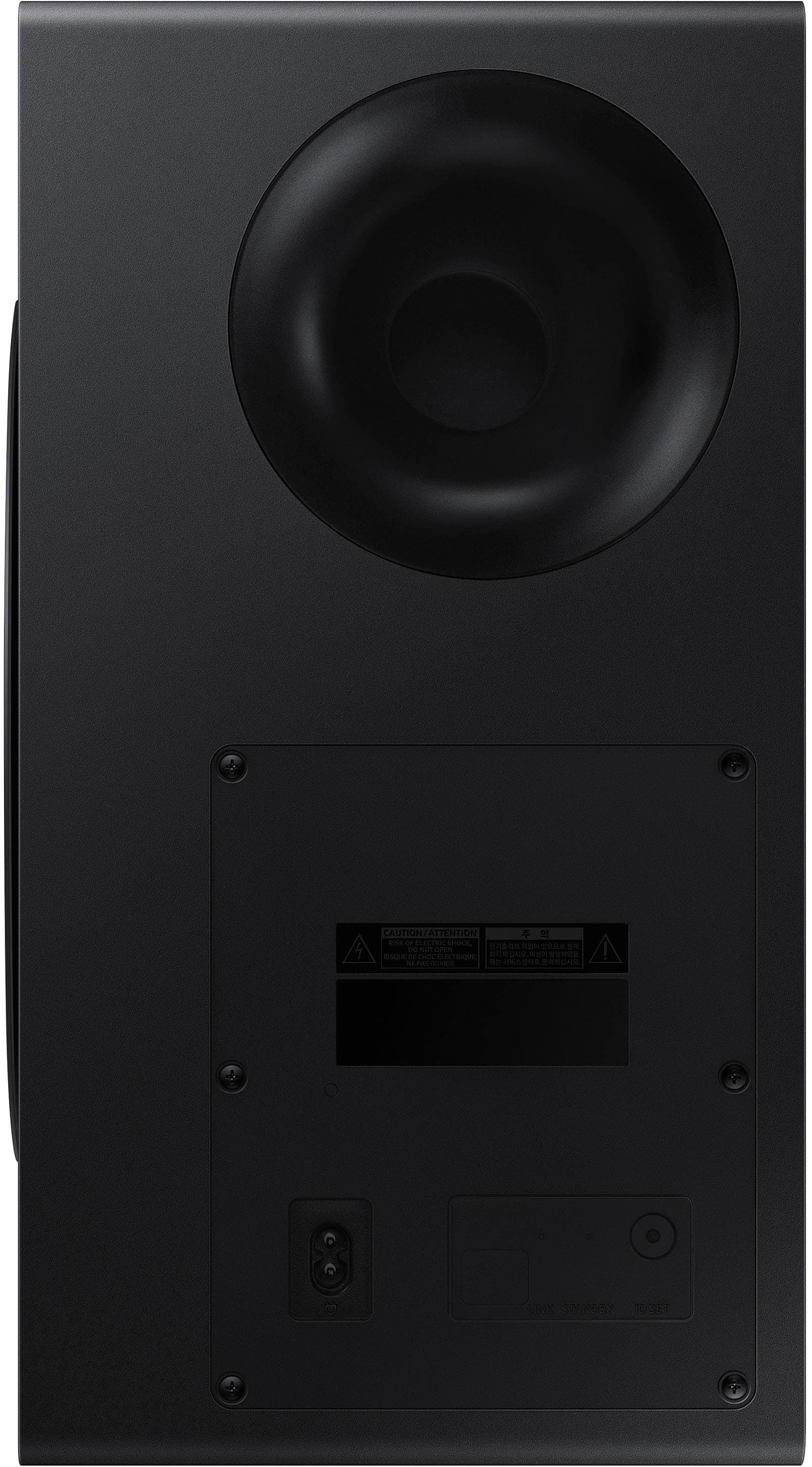
Unplug the soundbar from the power outlet for about 30 seconds, then plug it back in.
If you need more help, Samsung is here for you. Please call us at 1-800-SAMSUNG, 8AM - 12AM EST (Ask for Soundbars), 7 days a week. Live Chat with an agent as well as manuals, software, creating a service ticket, and warranty info can be found at the ‘Support’ link on our Samsung website.
~ Samsung Solutions