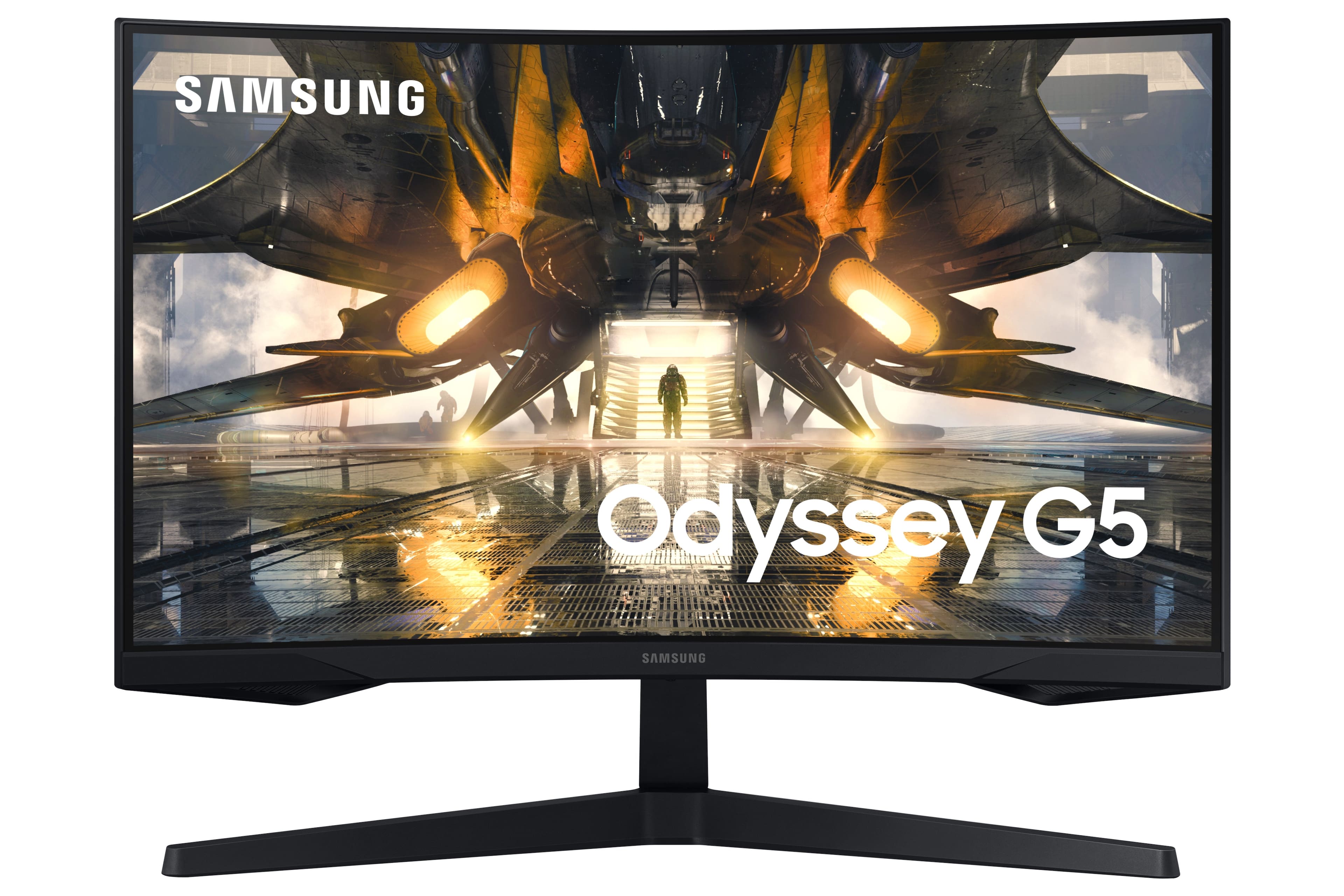
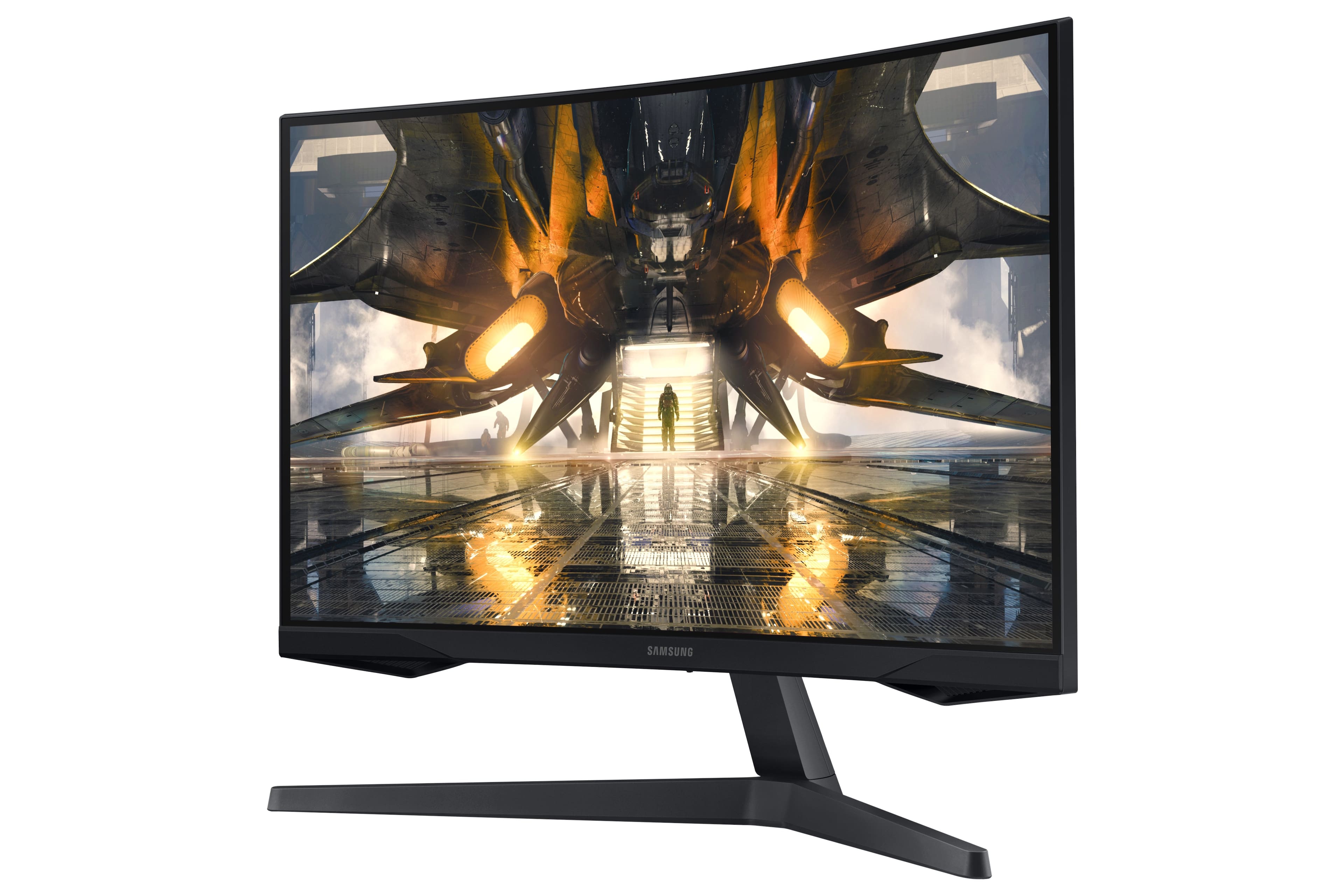
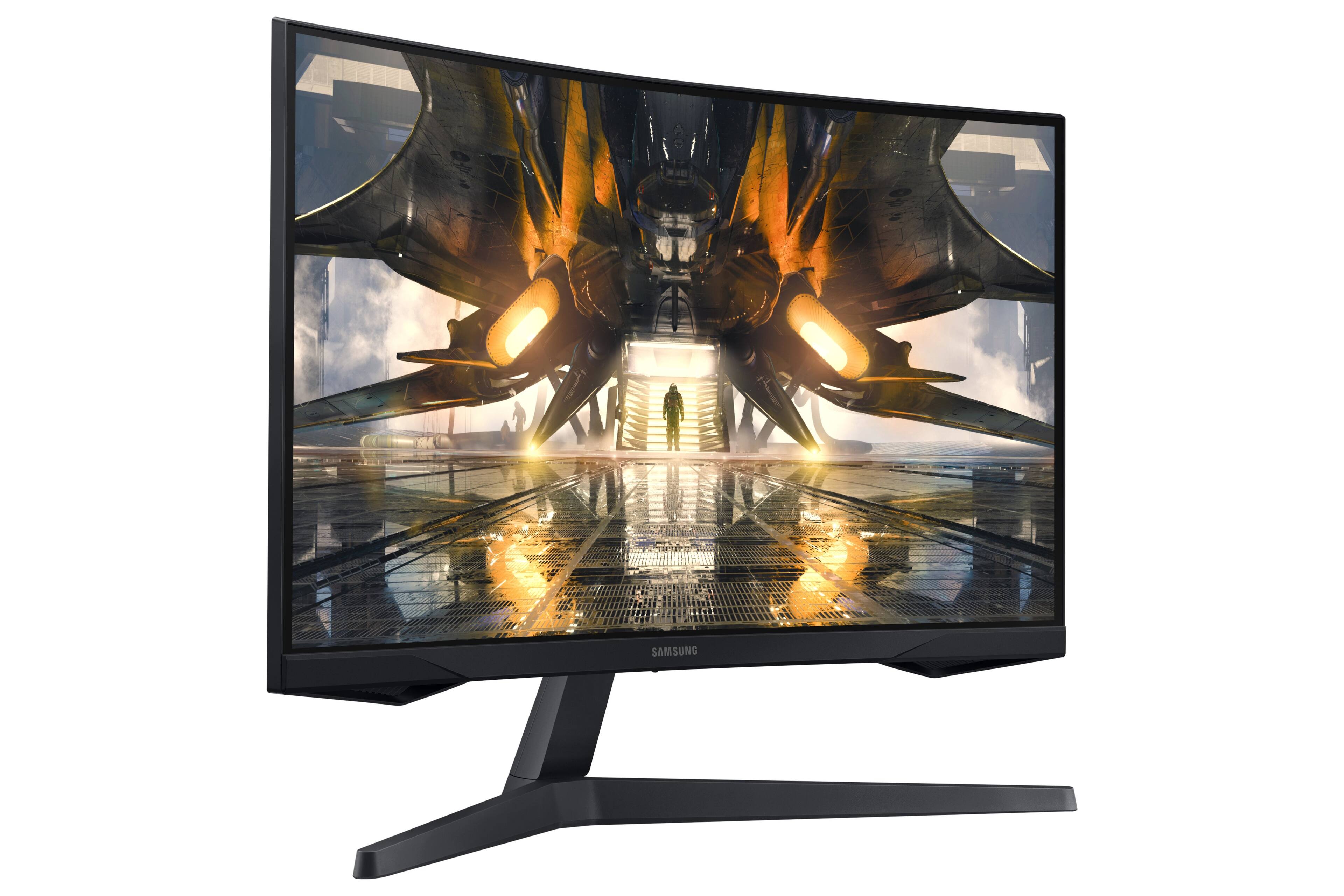
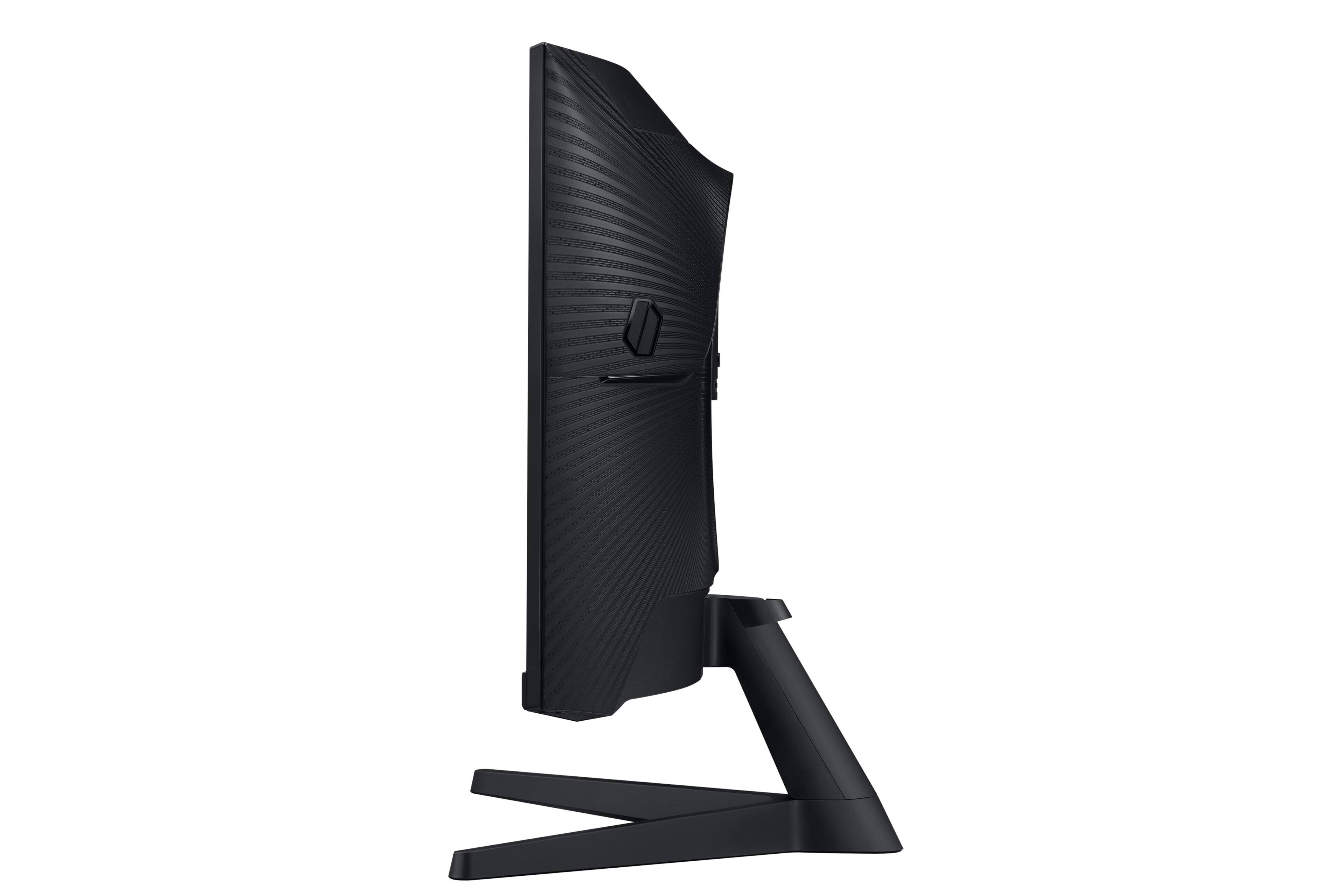
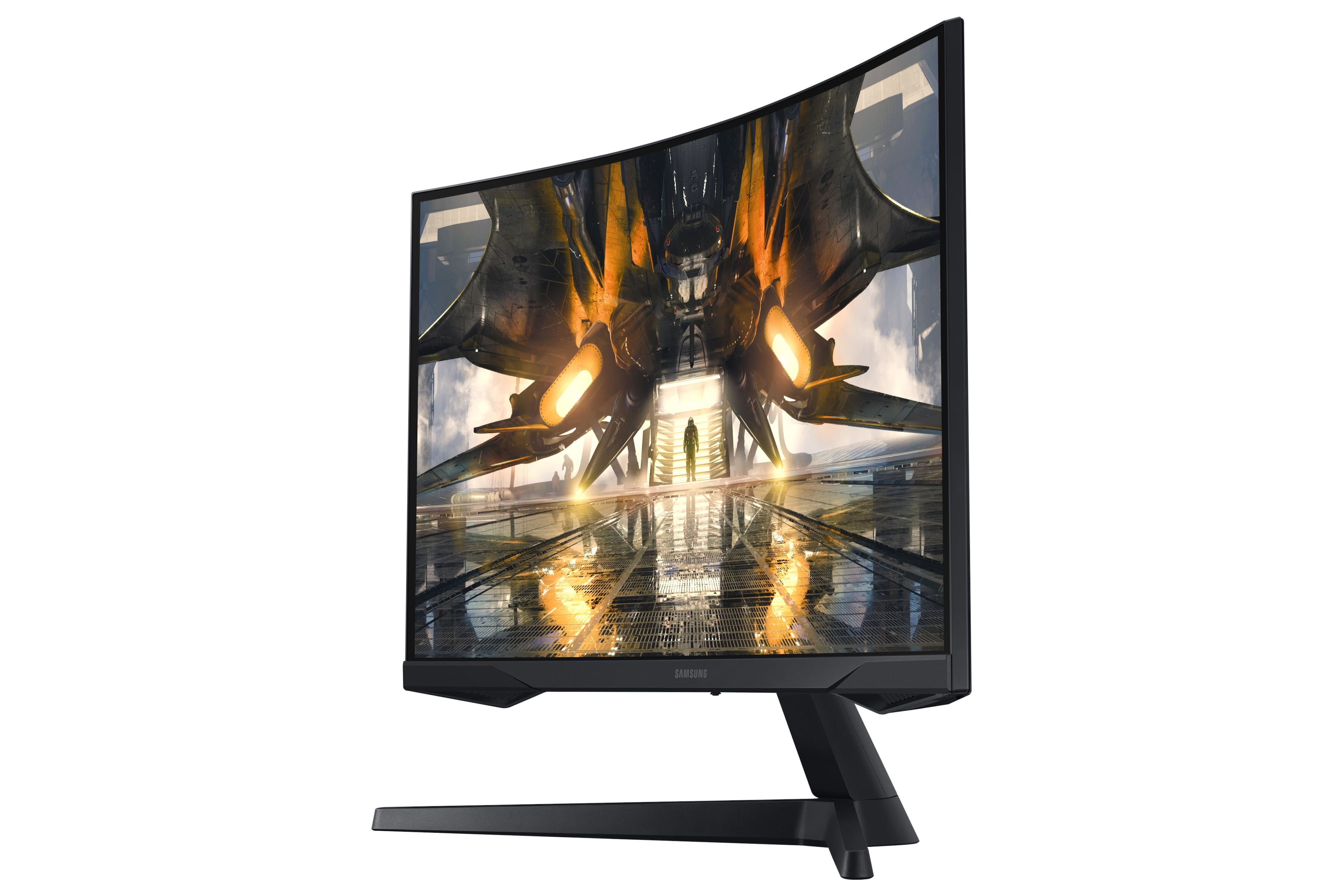
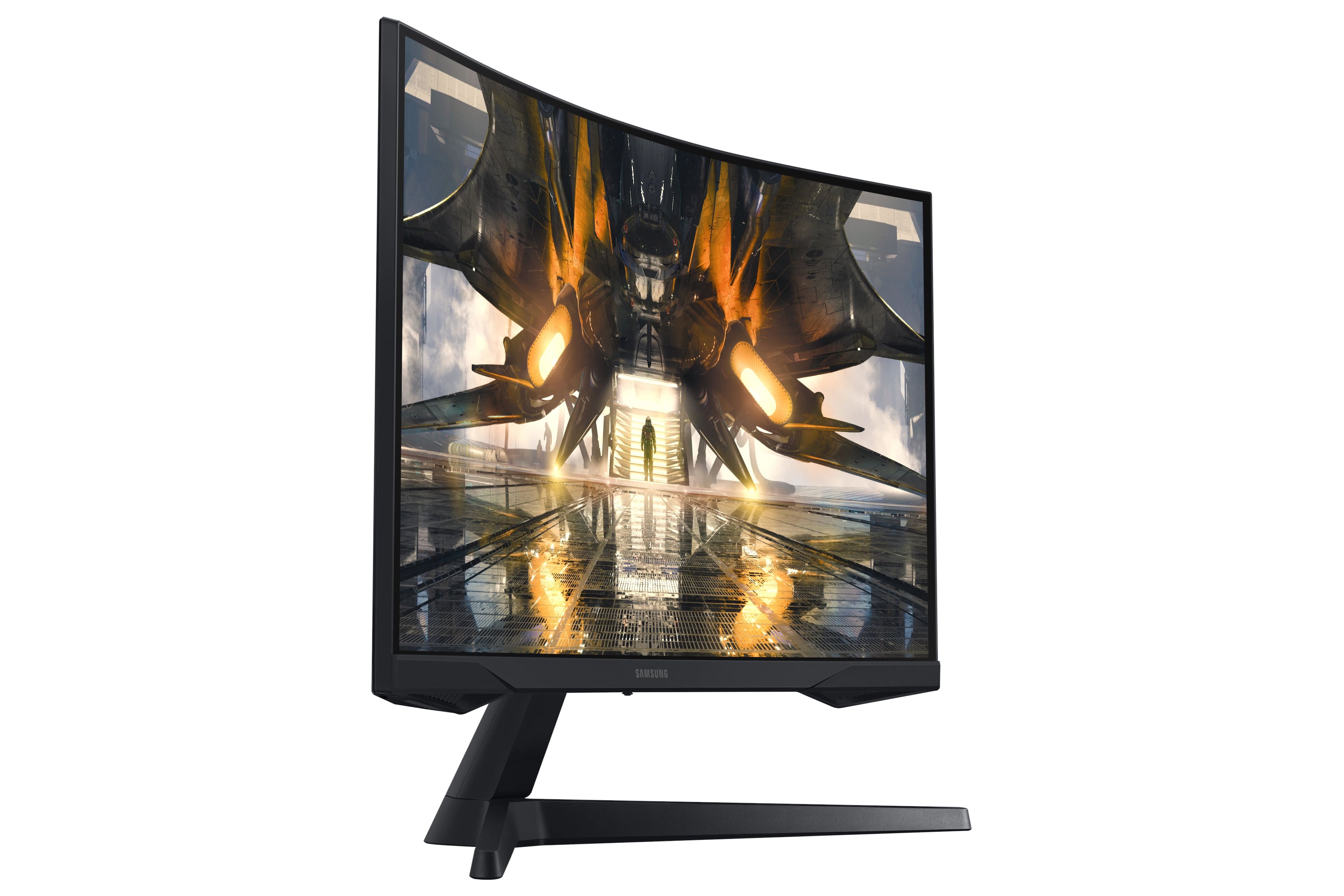
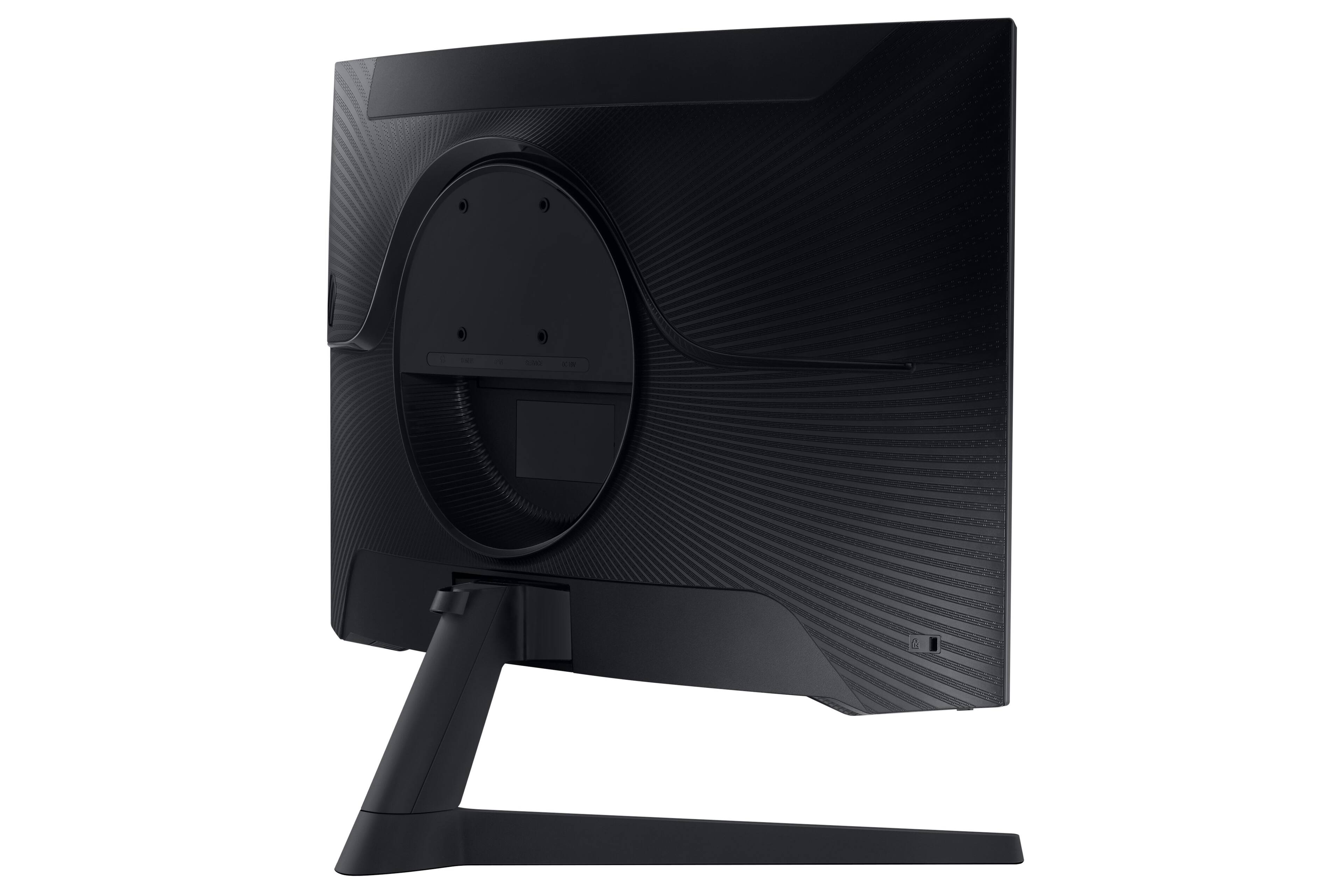
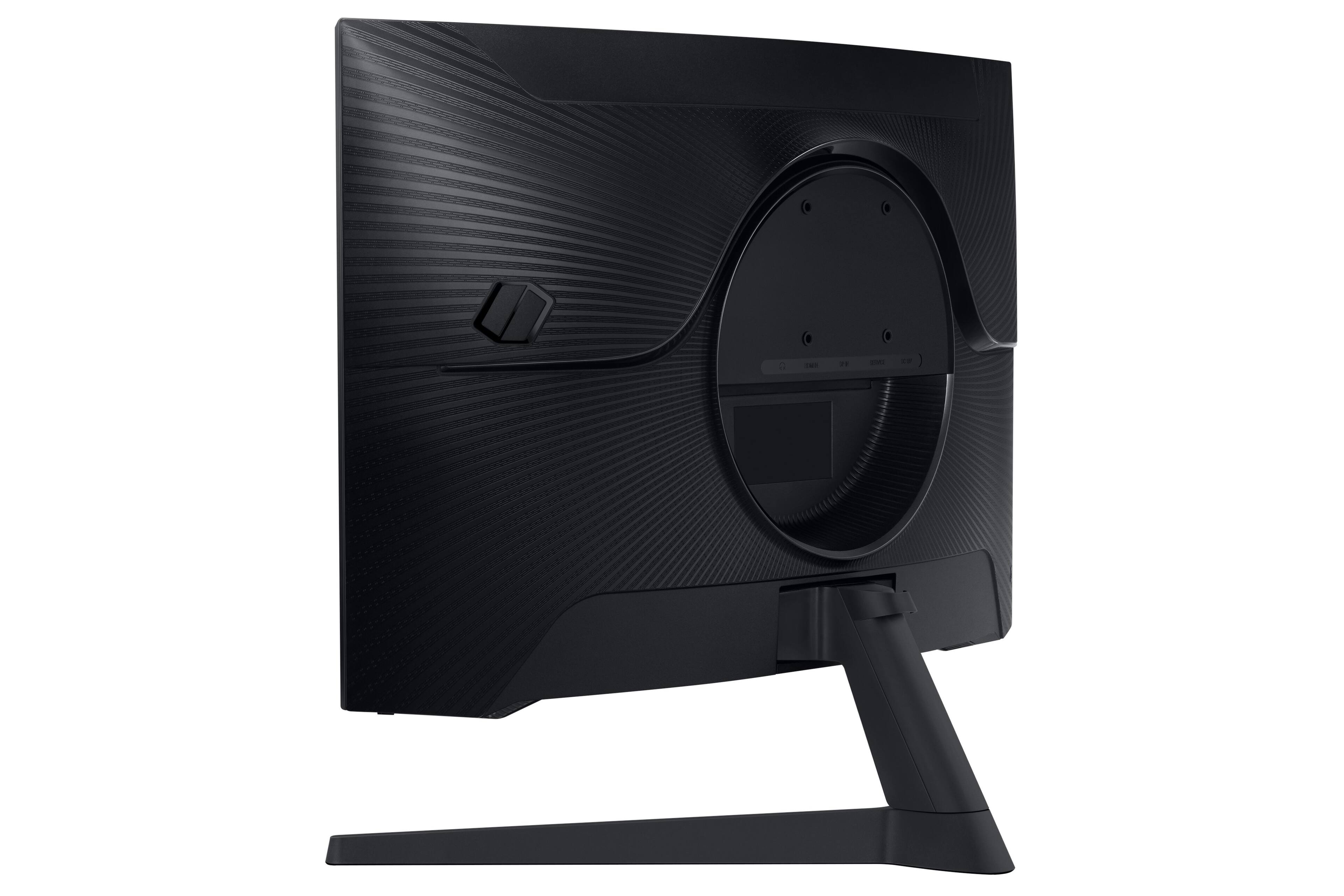
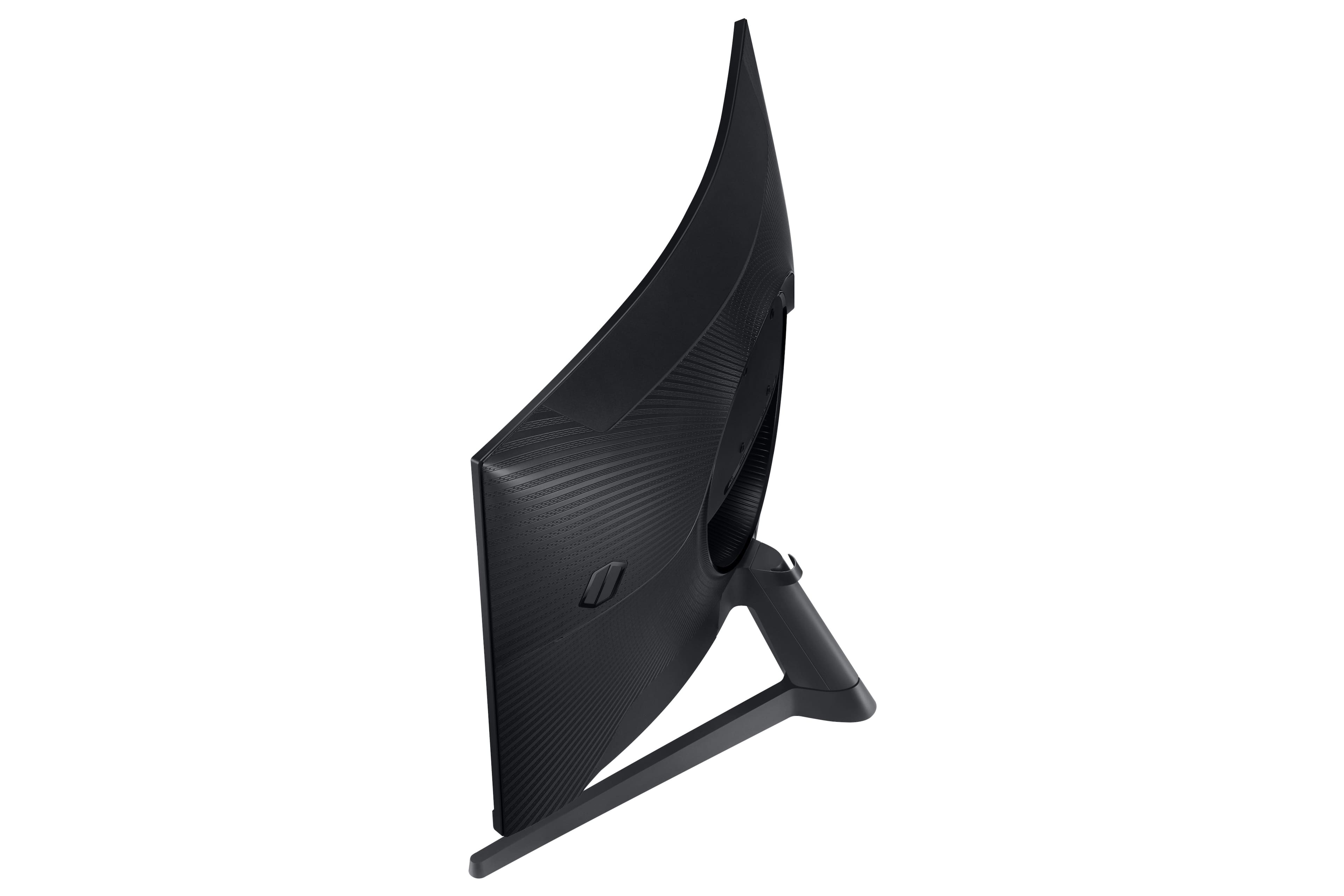
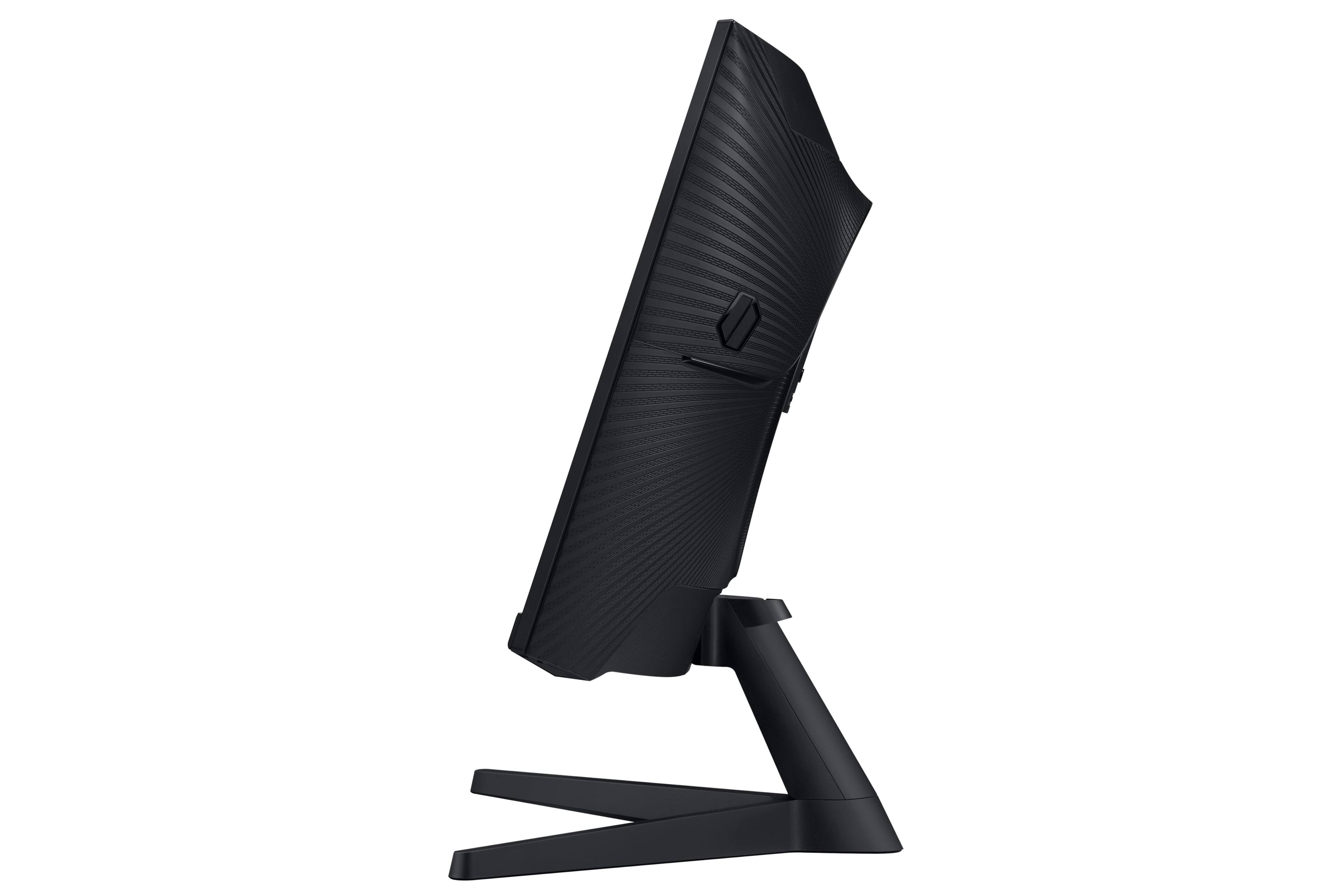
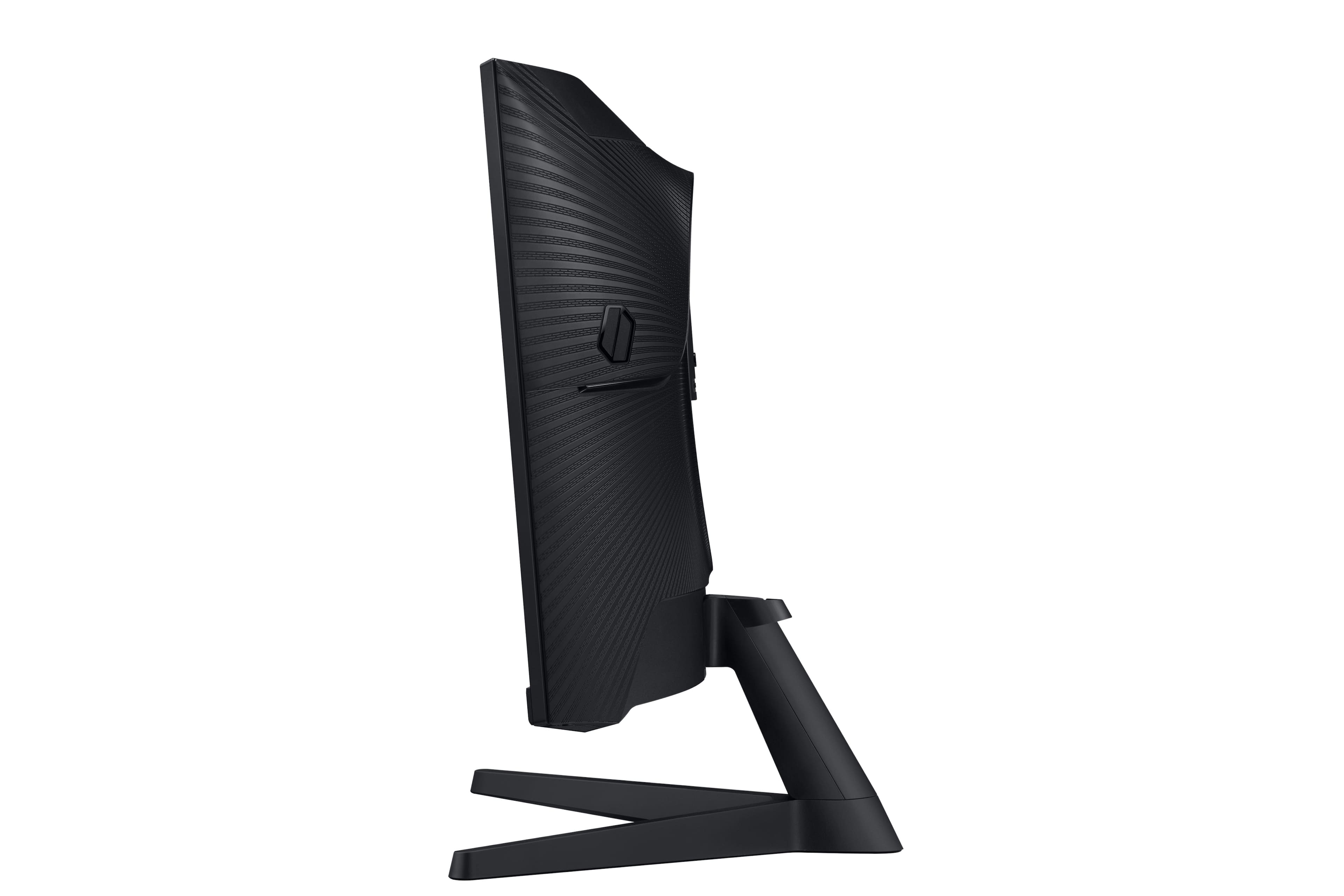
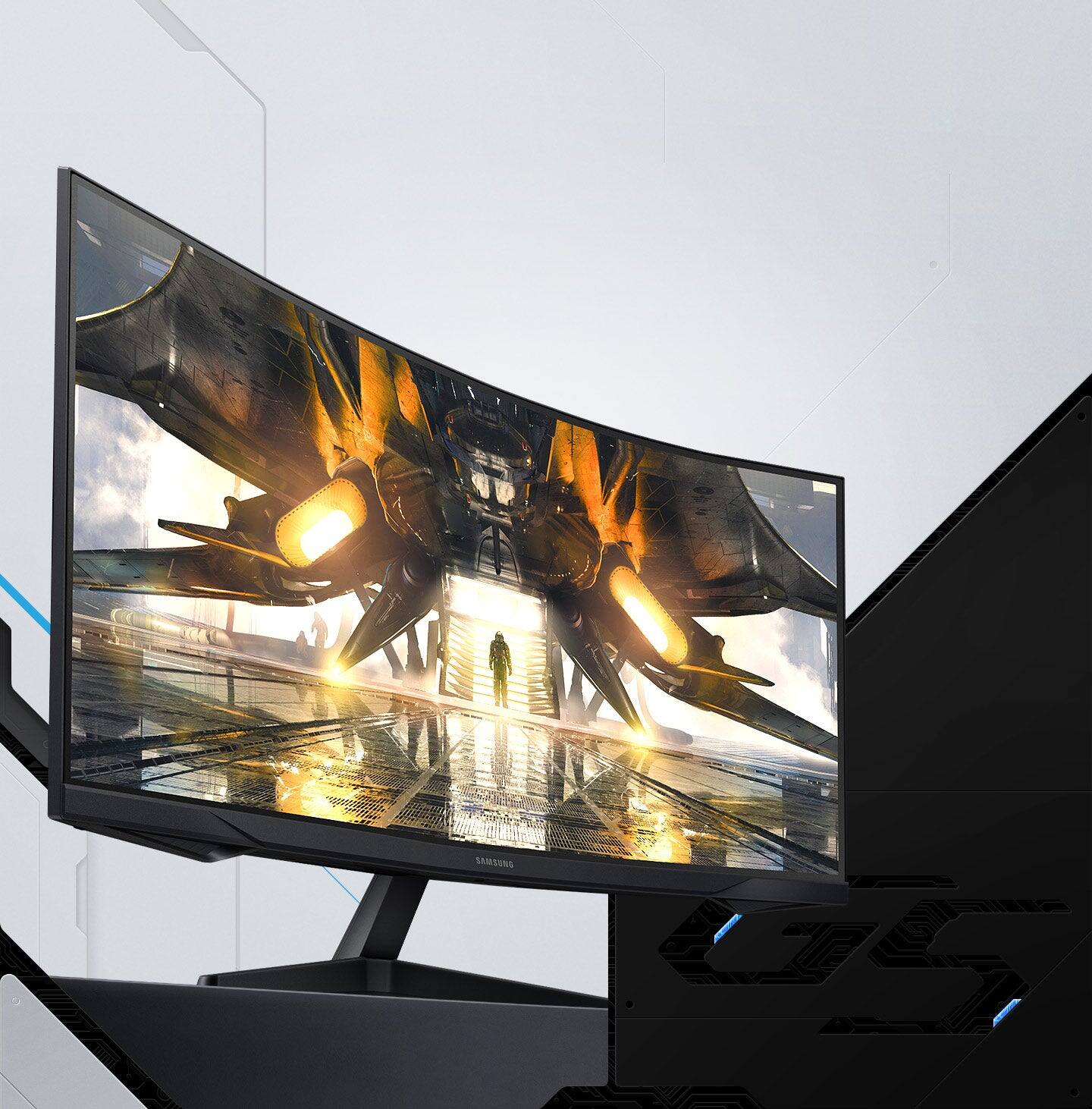
A:AnswerIt does, I thought that as well at first. You have to hold it from the bottom with one hand and use your other hand to push it in whatever direction you want it to tilt. You don’t have to push it too hard but hard enough to where it’ll eventually tilt
A:AnswerThank you for your question! We are very sorry to hear that you are experiencing an issue with your monitor. Please contact Samsung Customer Support so assist you at 1-800-SAMSUNG, available 8AM - 12AM EST (Mon-Fri) / 9AM - 11PM EST (Sat-Sun)
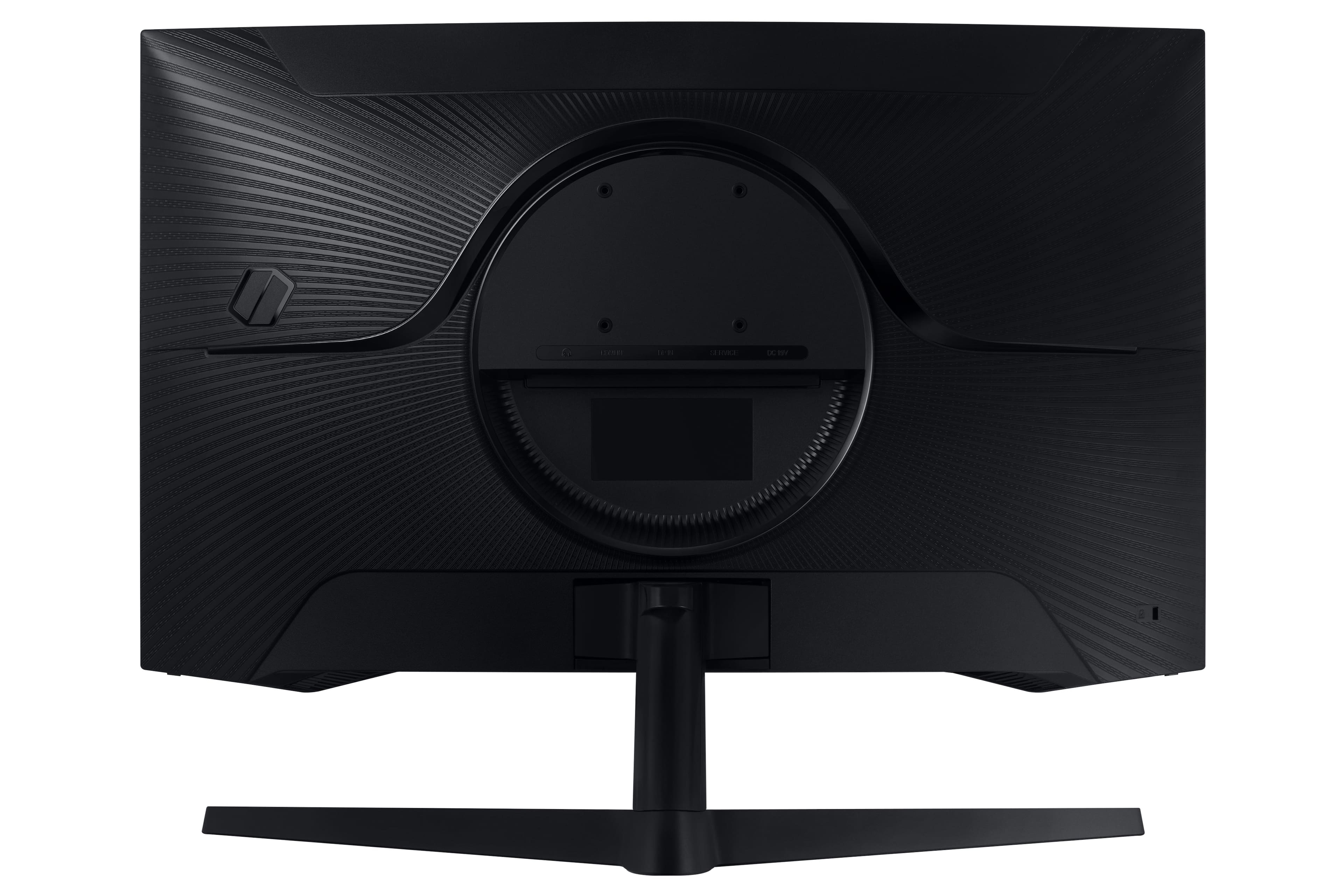
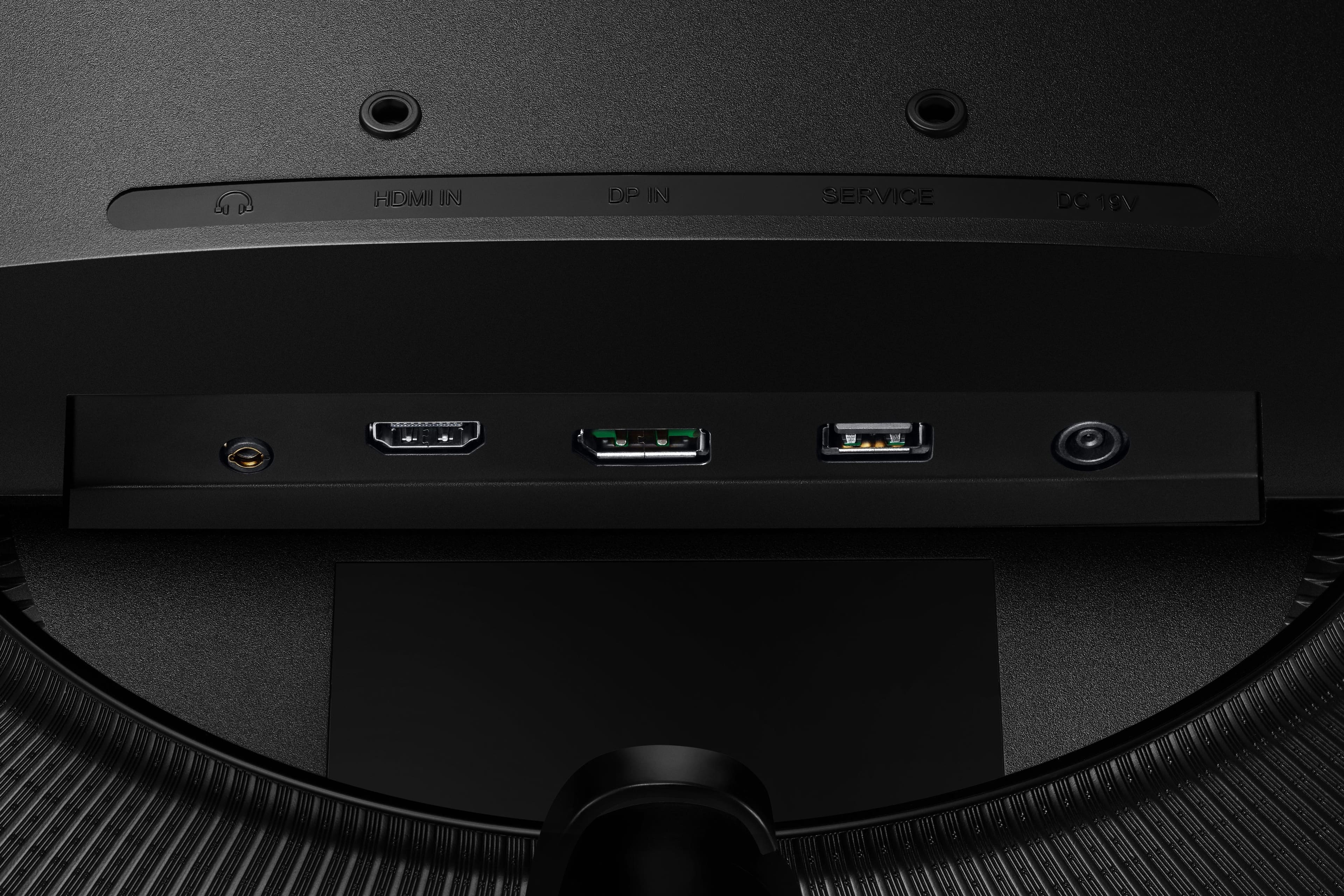
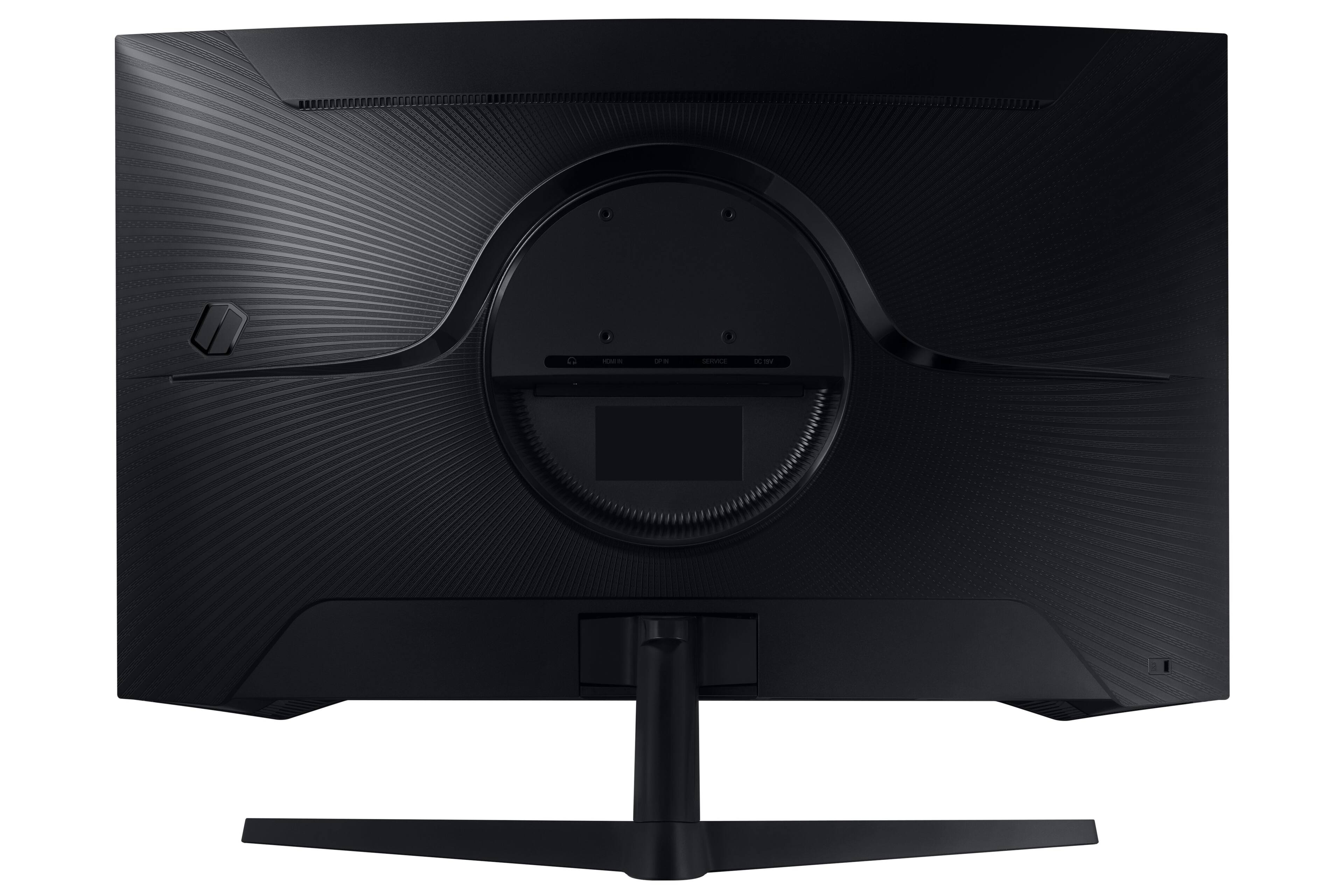
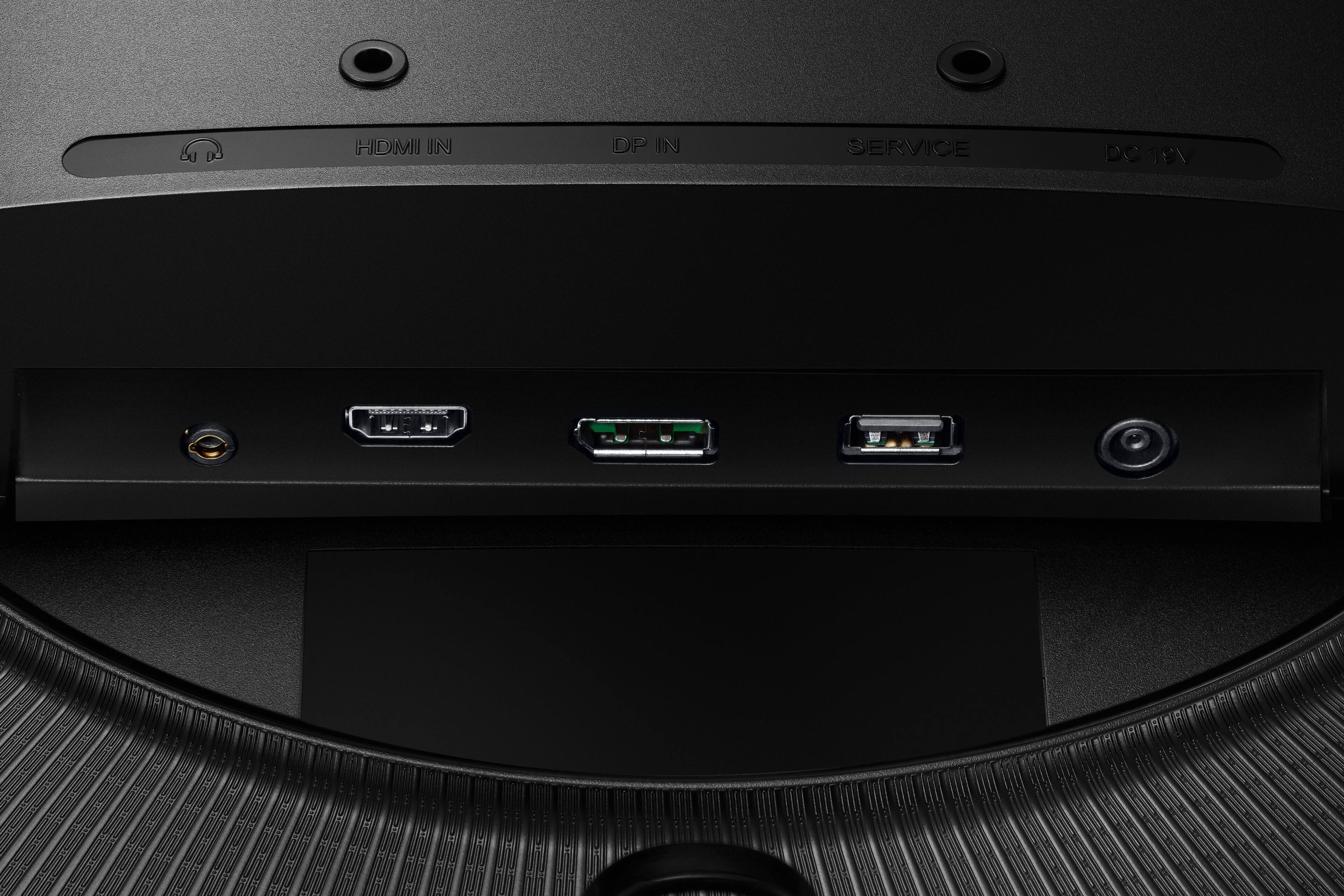
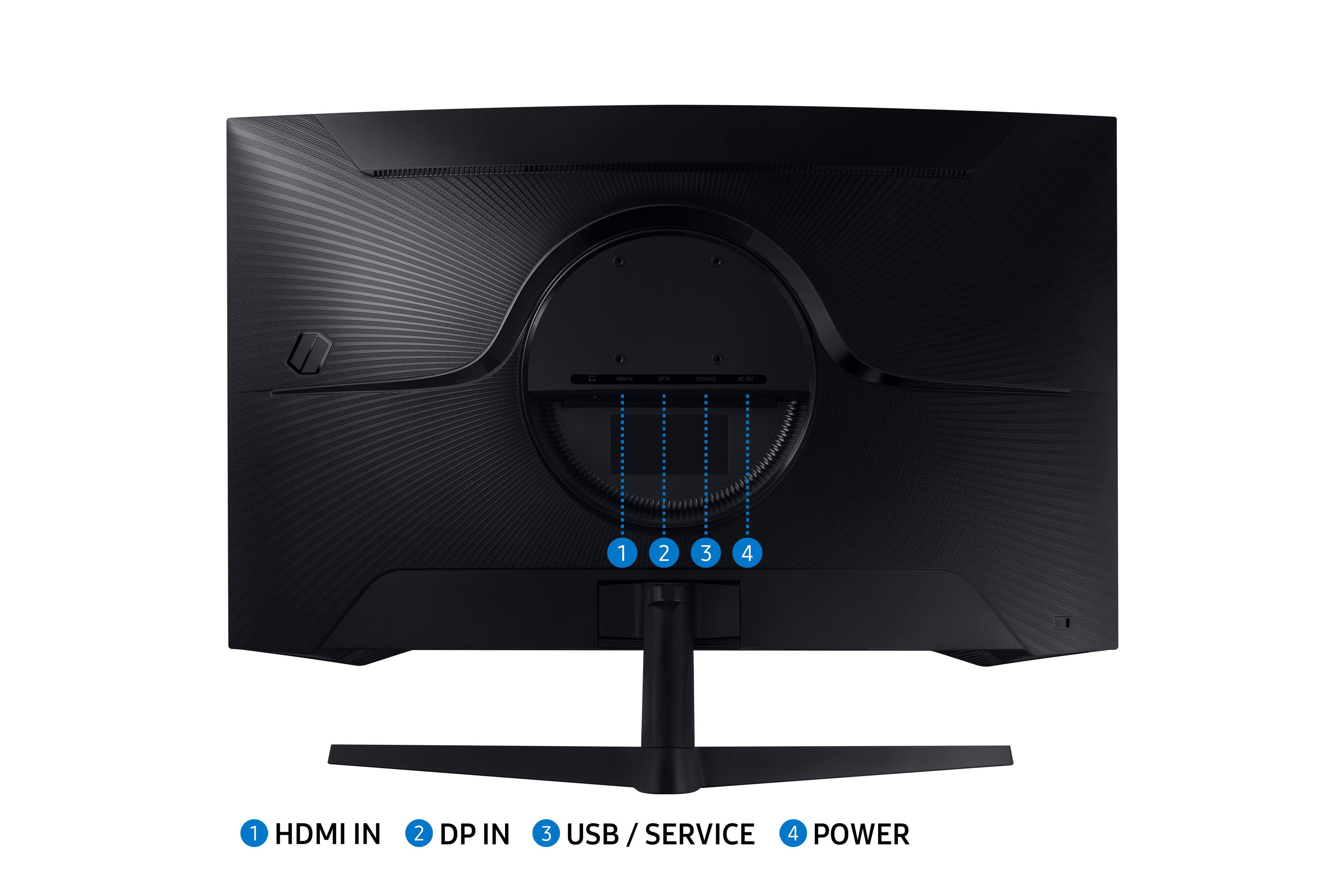
A:AnswerI'm not sure if this makes a difference, but the specs say the HDMI input on this monitor is 2.0. HDMI 2.1 supports 120Hz on capable TVs. HDMI 2.0 does not. So perhaps you need to find a way to convert from HDMI to DisplayPort to have a true 120 Hz experience. I am looking at the same issue with my Xbox Series X, and I haven't found a good answer yet. I did find a reddit post where someone had the same problem and upgraded to an HDMI 2.1 capable monitor.