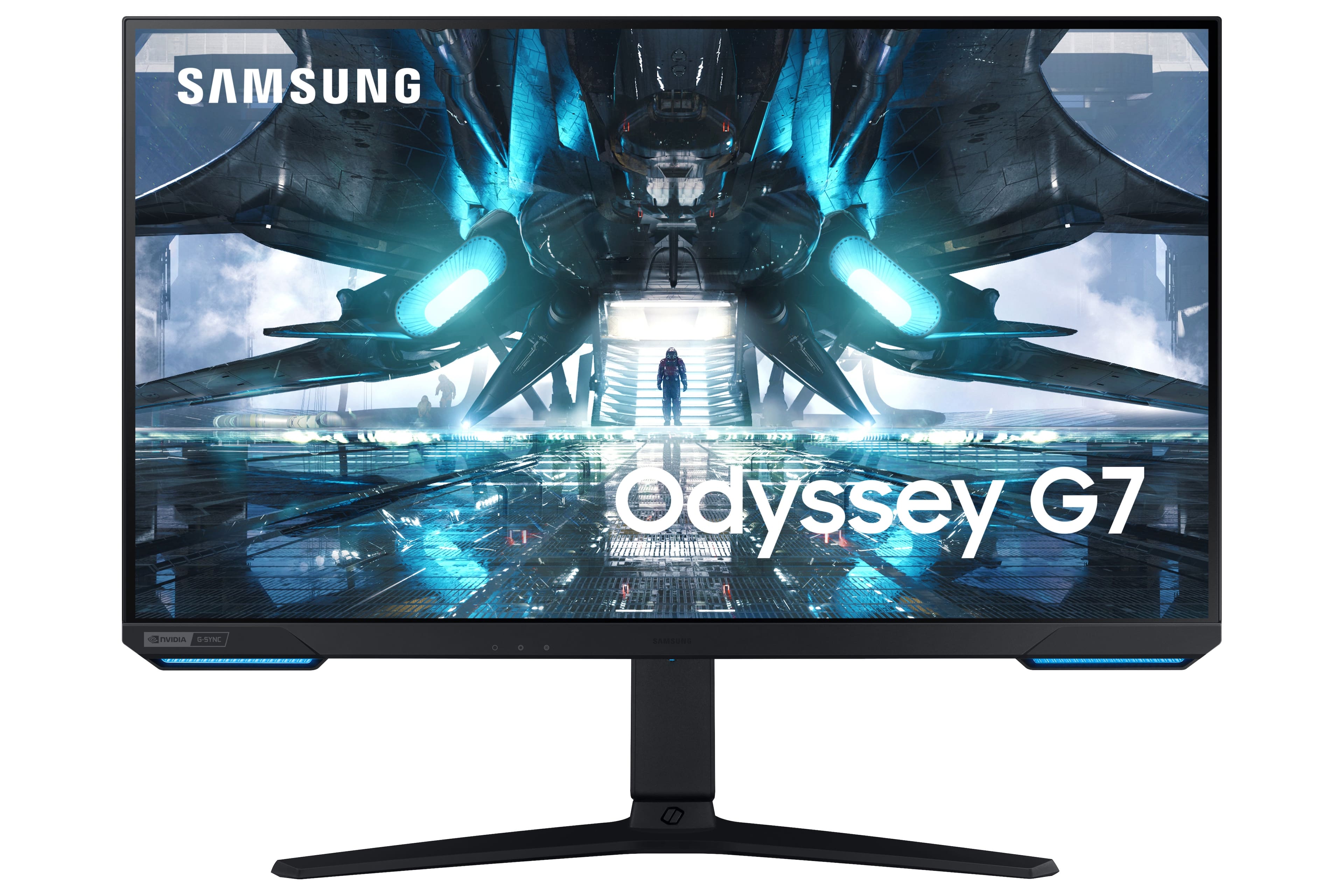
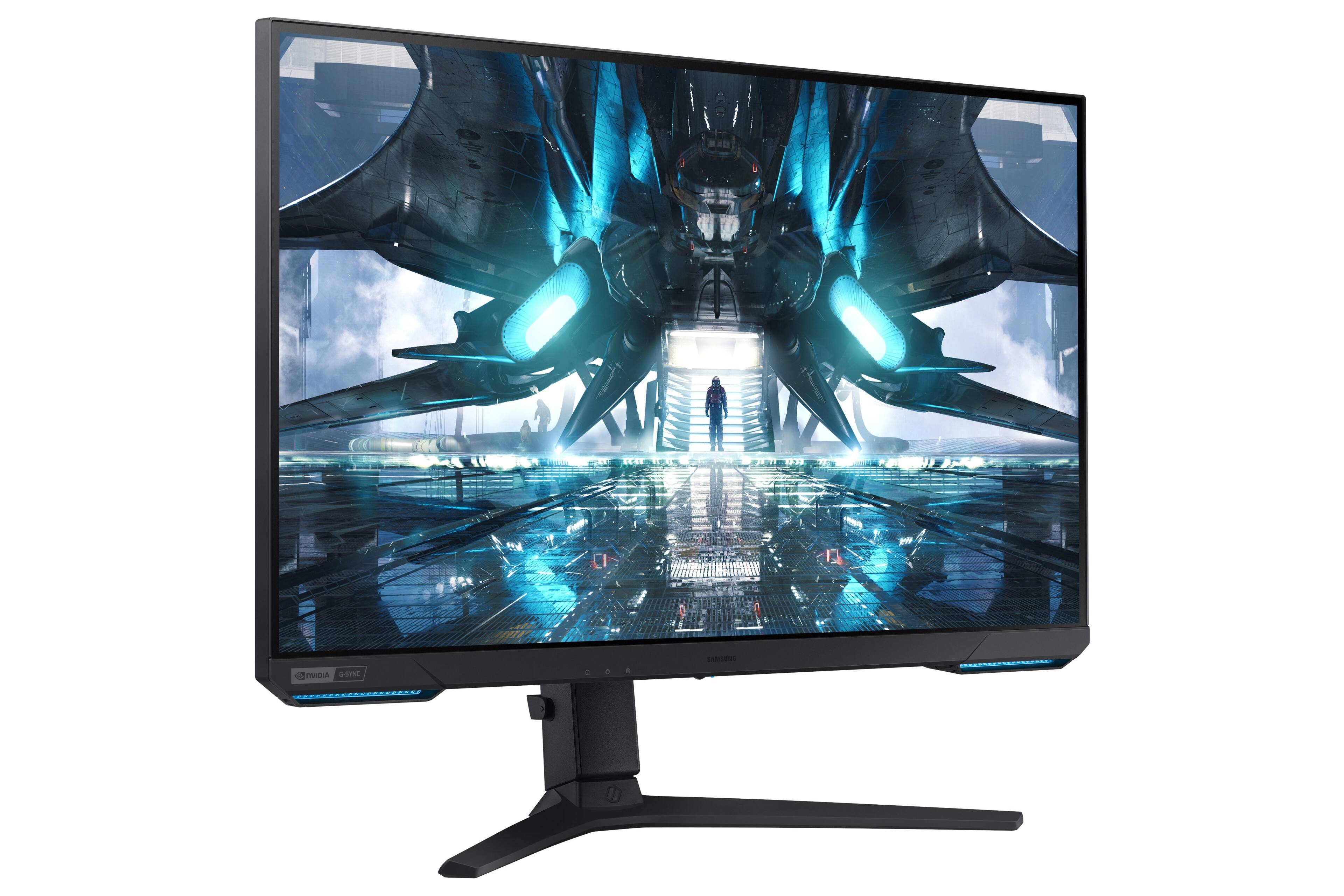
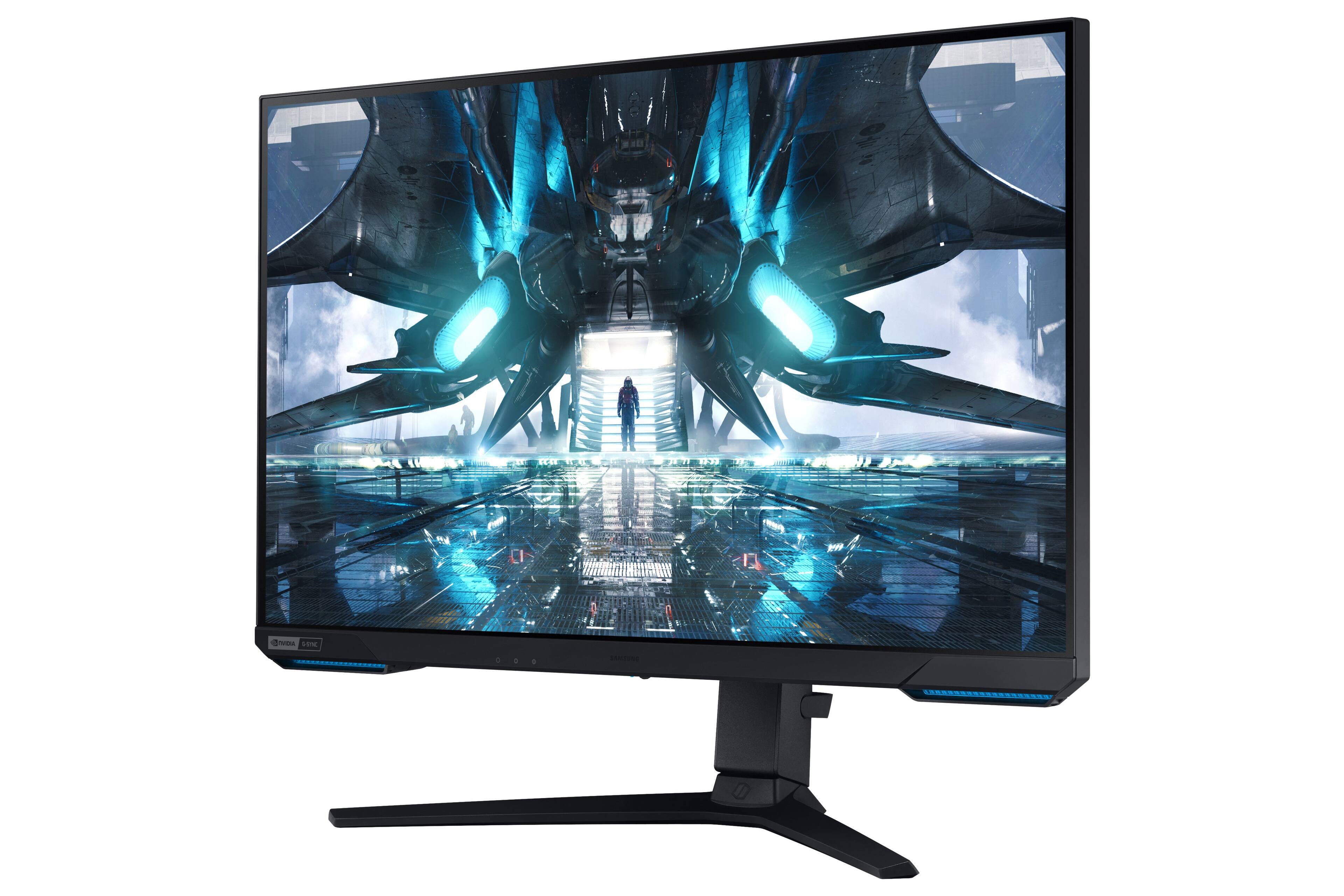
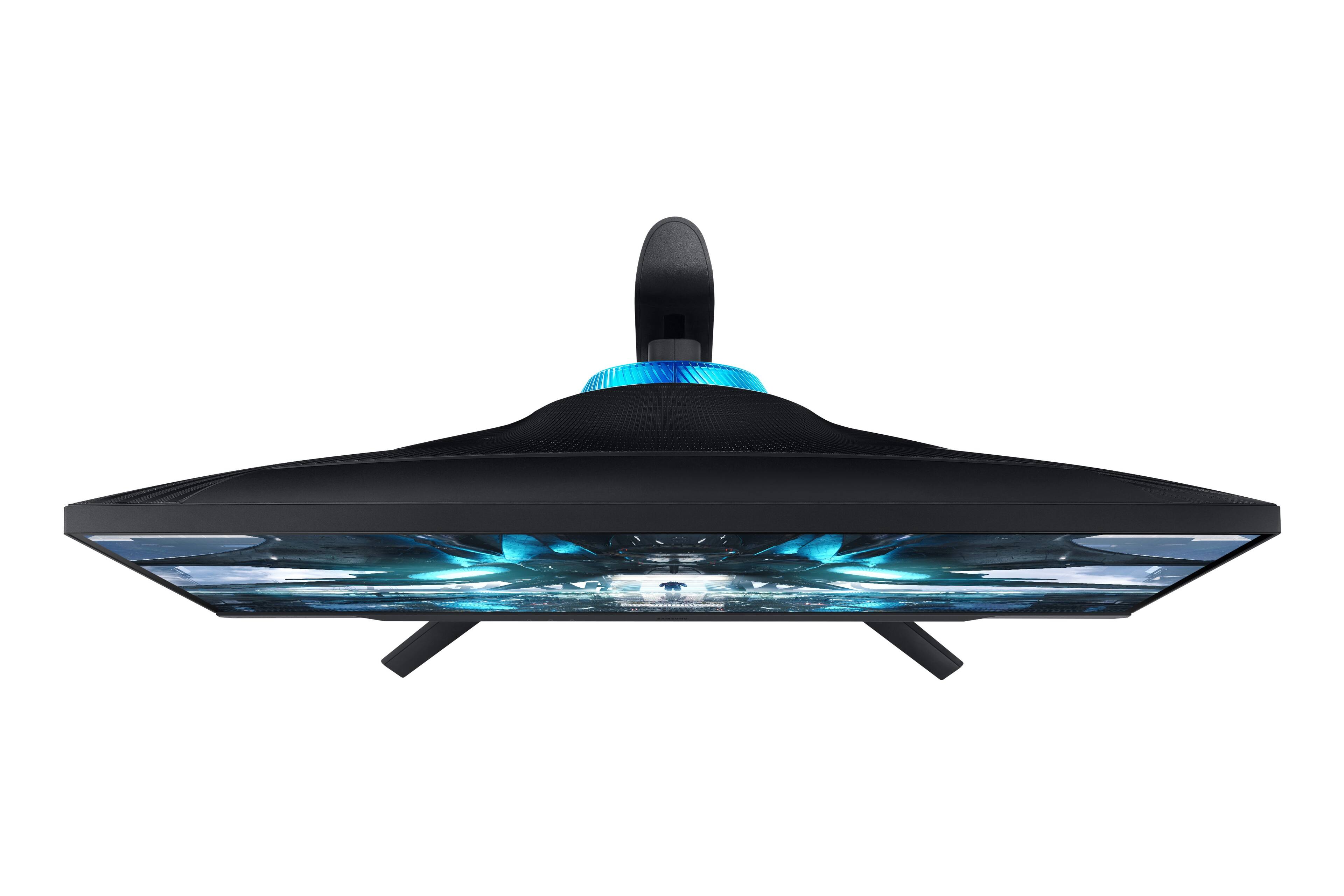
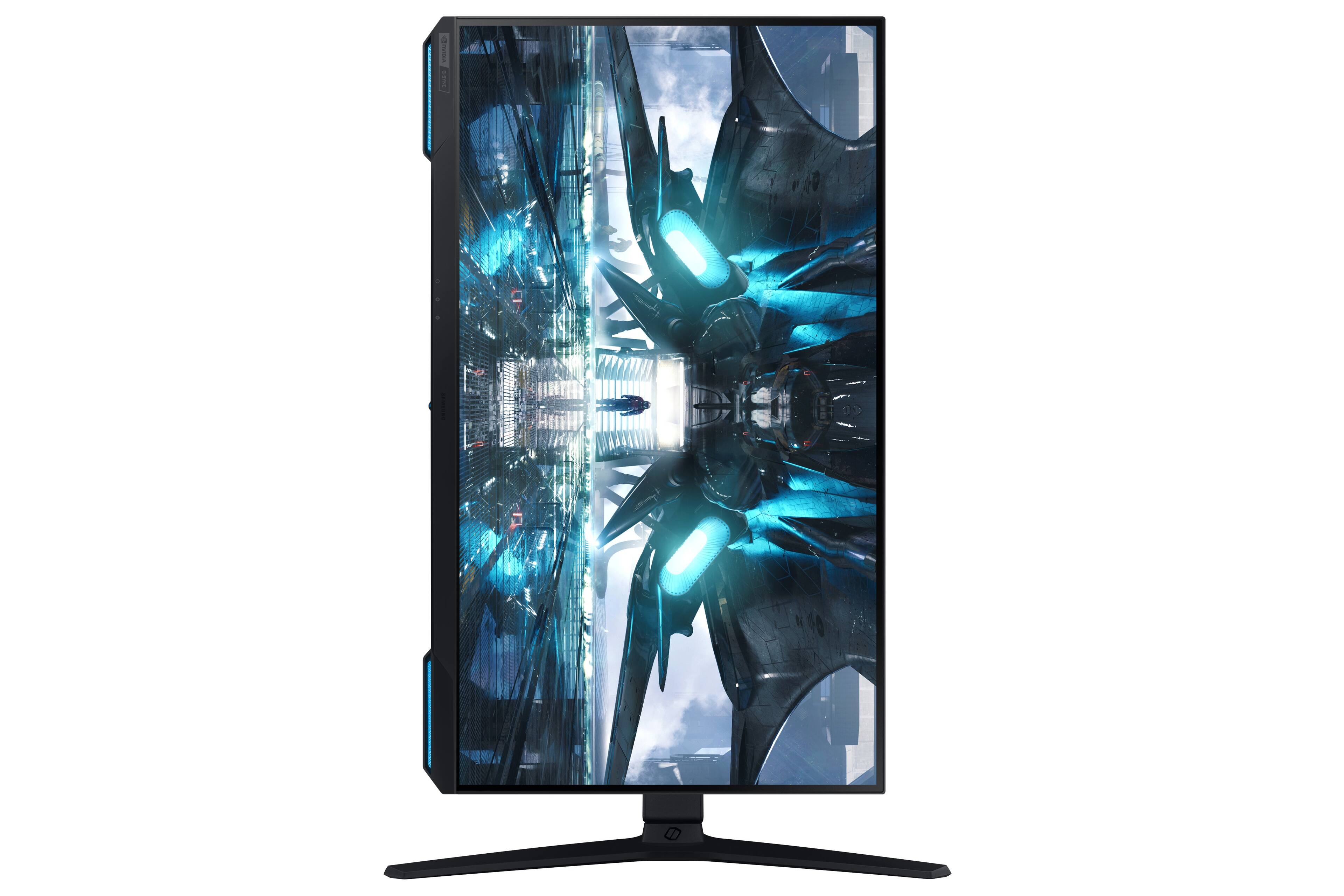
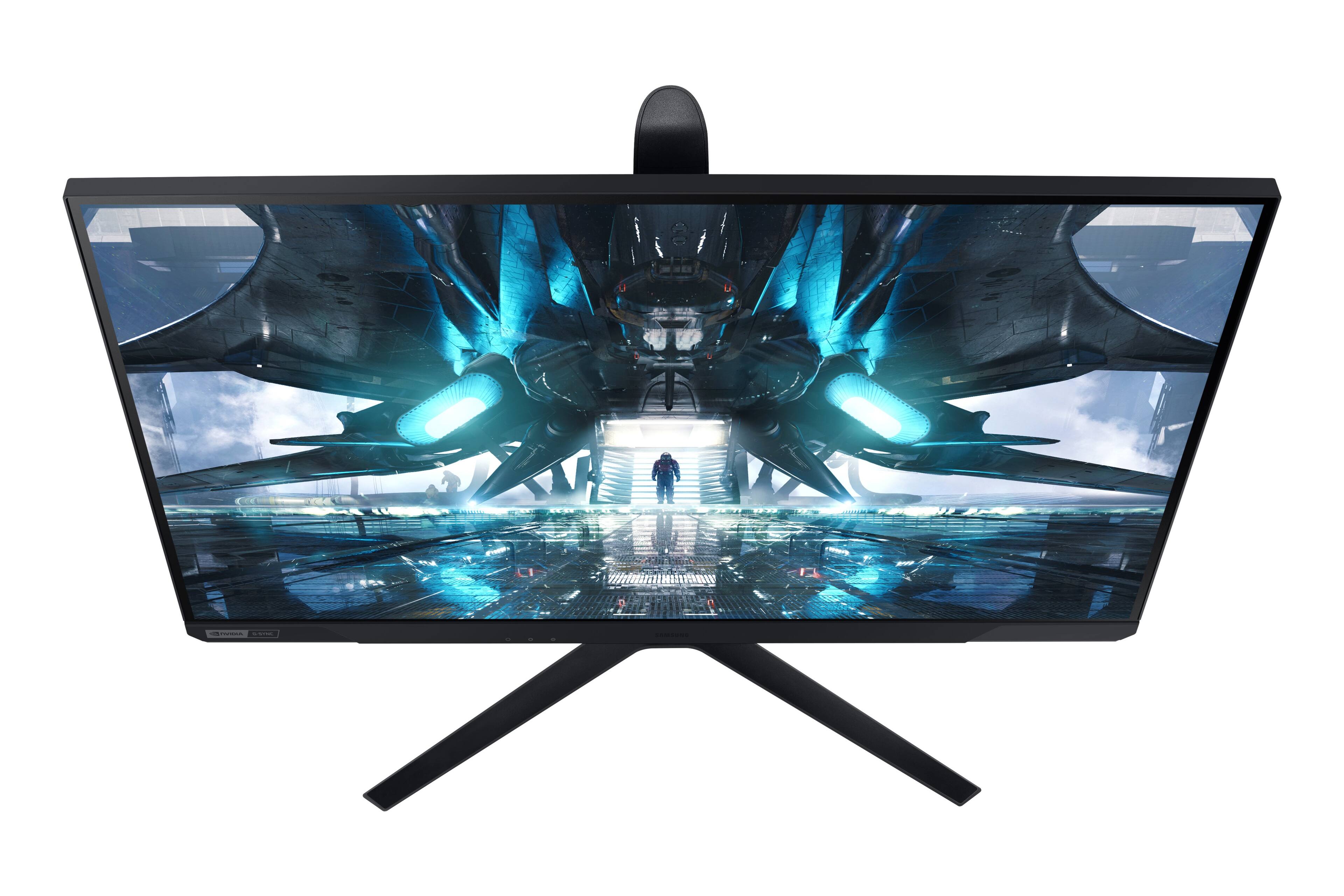
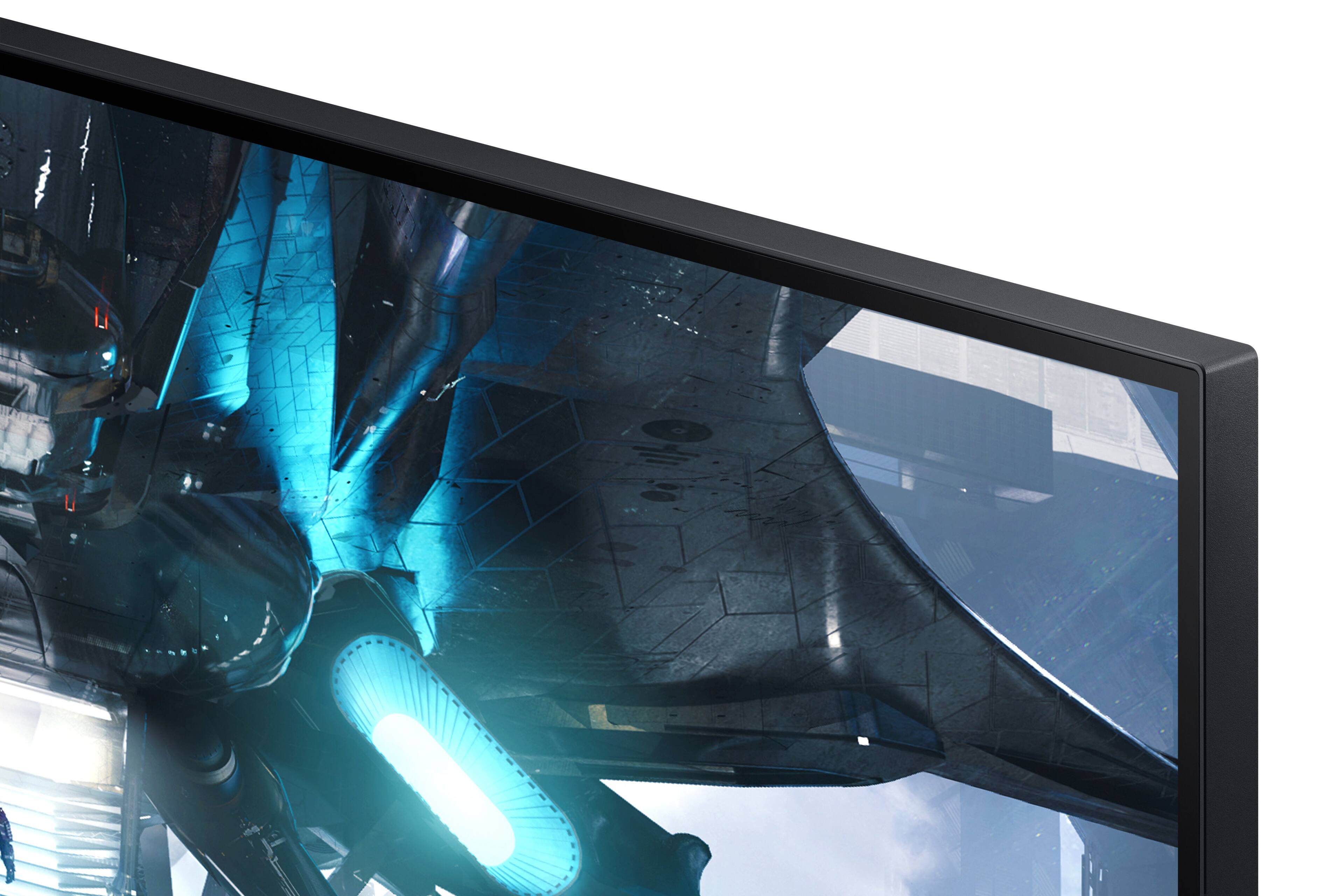
A:AnswerYes it works perfectly. You will have to enable FPS boost on both systems and also check the list of 120 dps games.
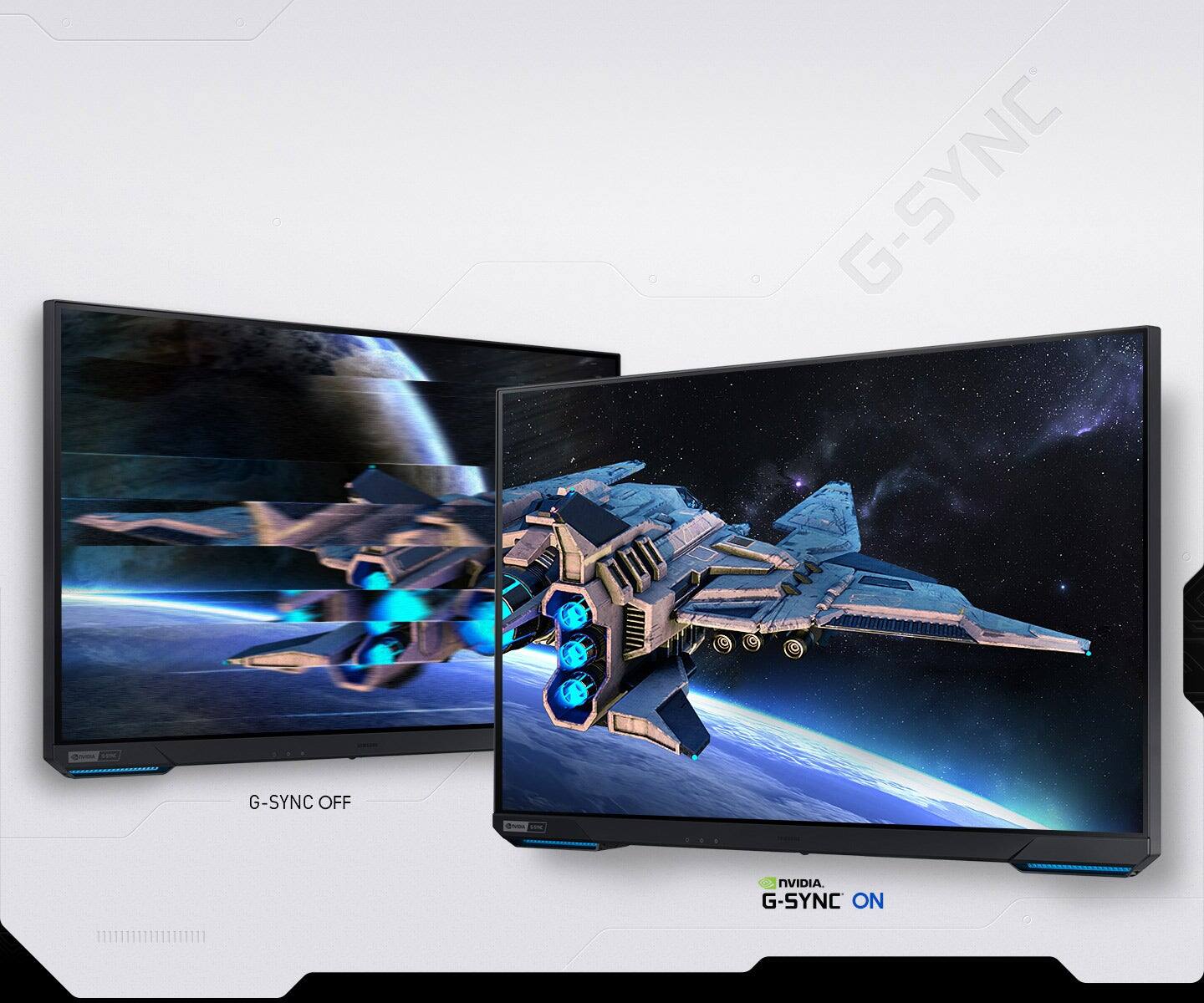
The VRR is turned on by default. You can turn it off if you want.
You can also update the monitor via usb drive and get the option to tweak the settings more.
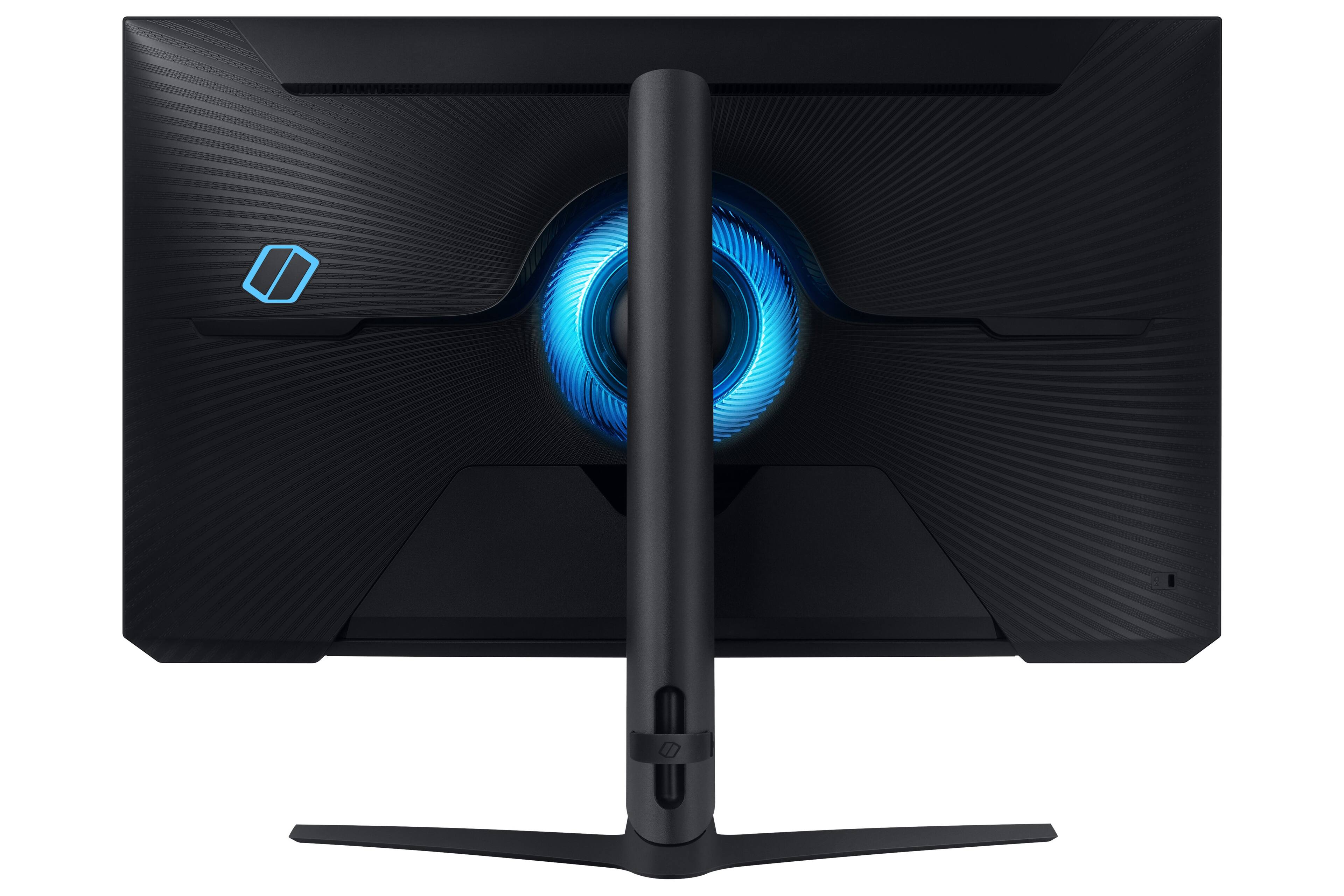
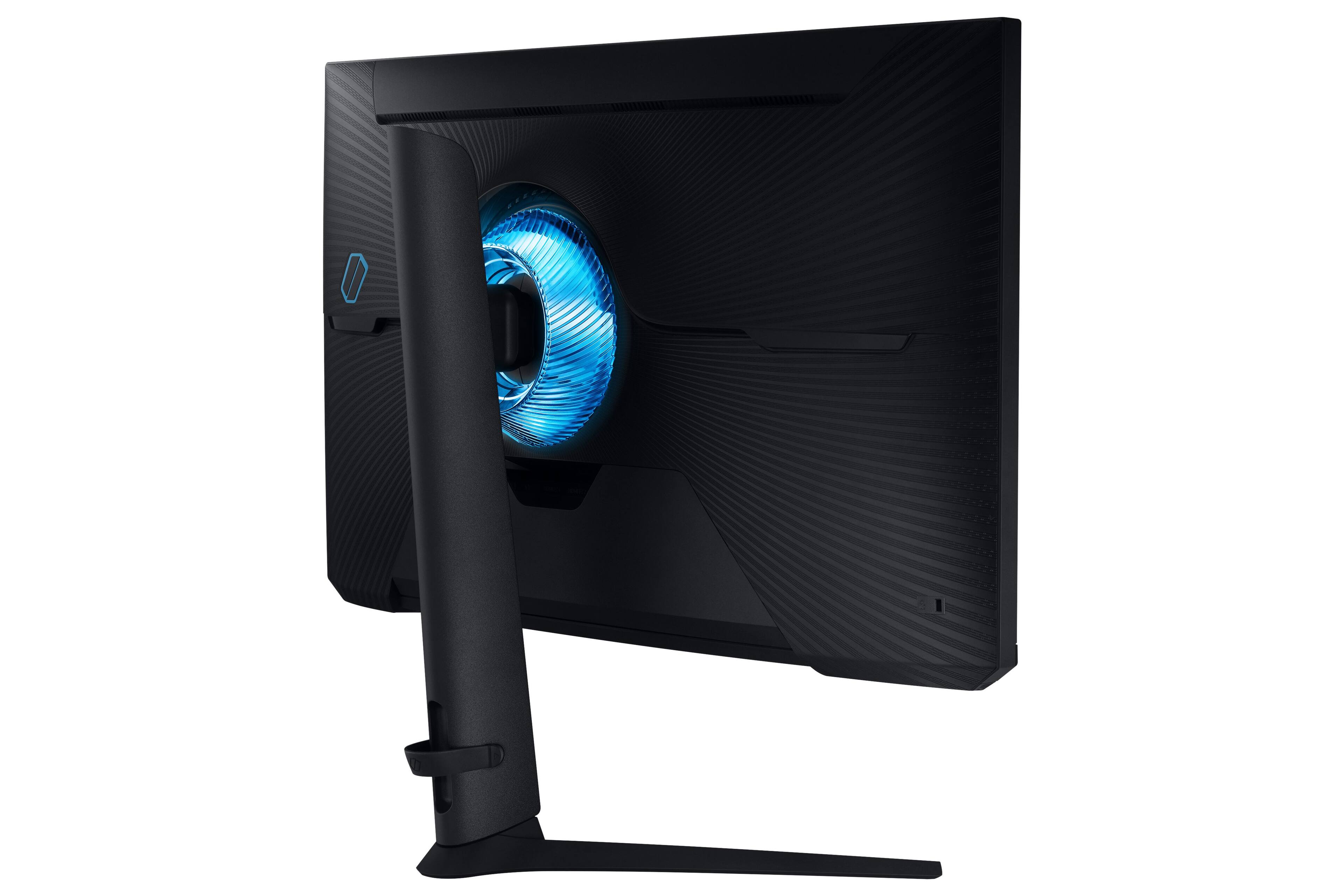
A:AnswerThese buttons allow you to change your screen settings to 3 different presets you can customize. Since i only use this for gaming i have it so it changes the lighting core to a different setting with each preset.
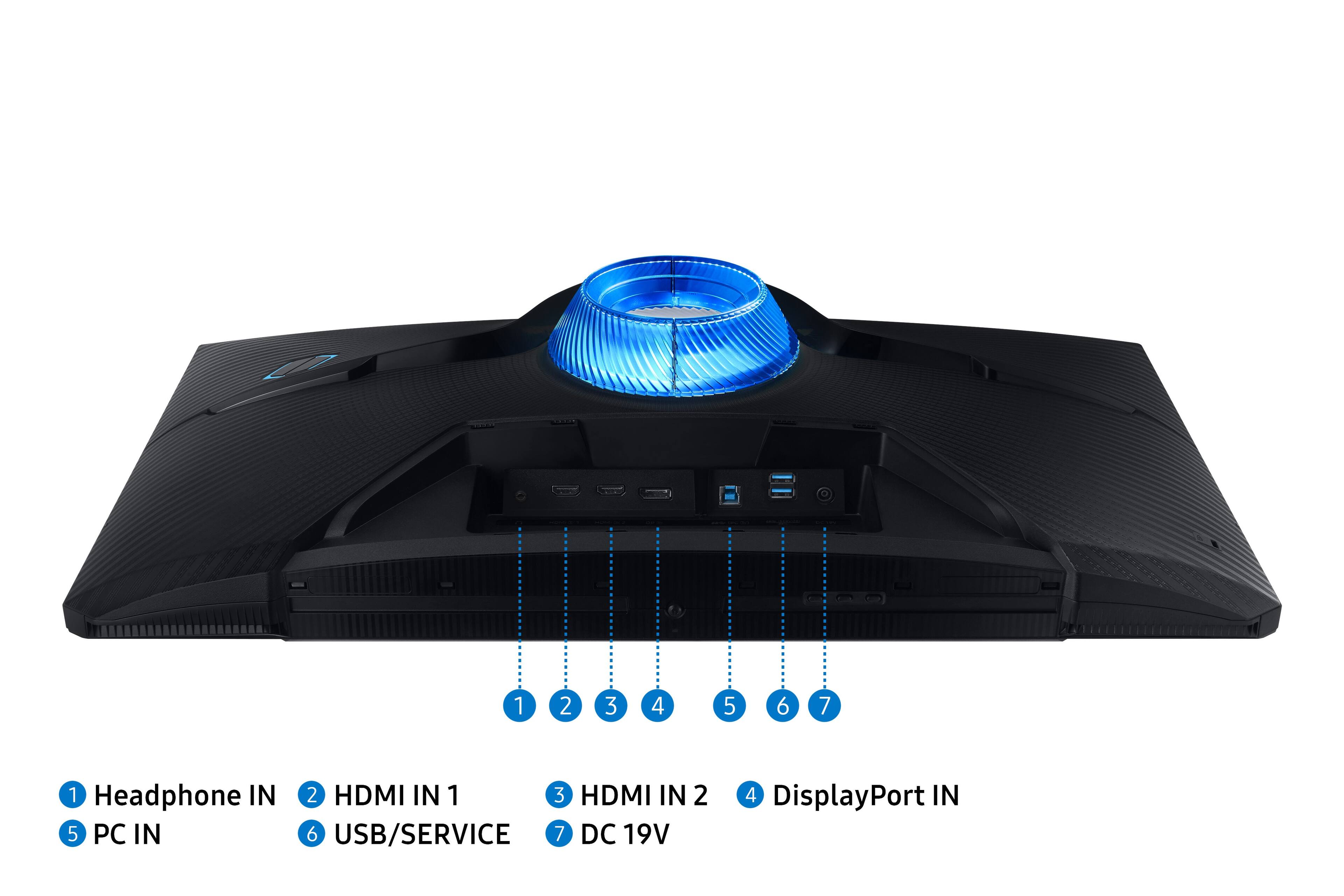
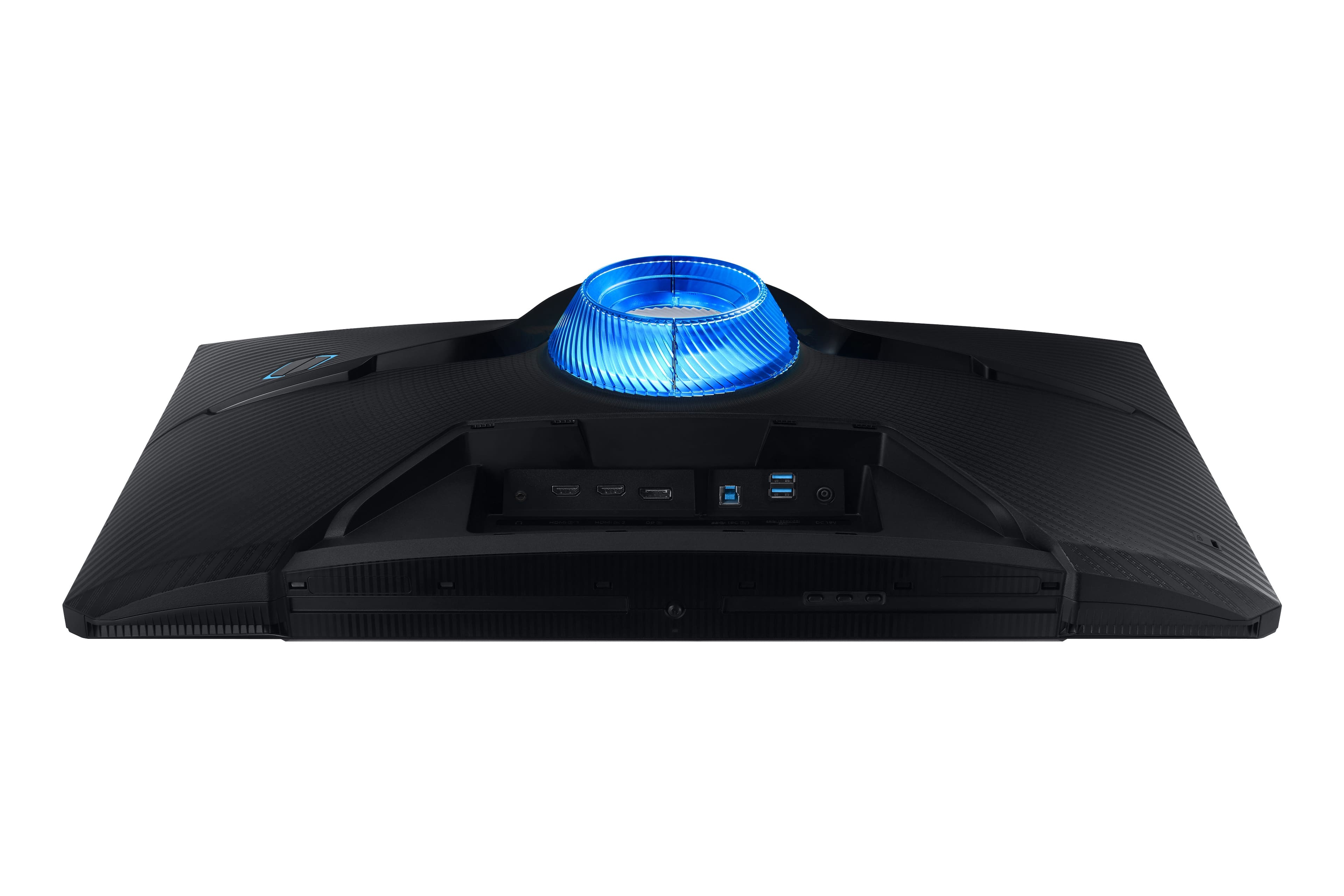
A:AnswerIt has a display port and HDMI connections so it will display anything with those connections that receive your video. If your cameras connect to your computer or a receiver, you’d have to make sure they had an hdmi or display port option.
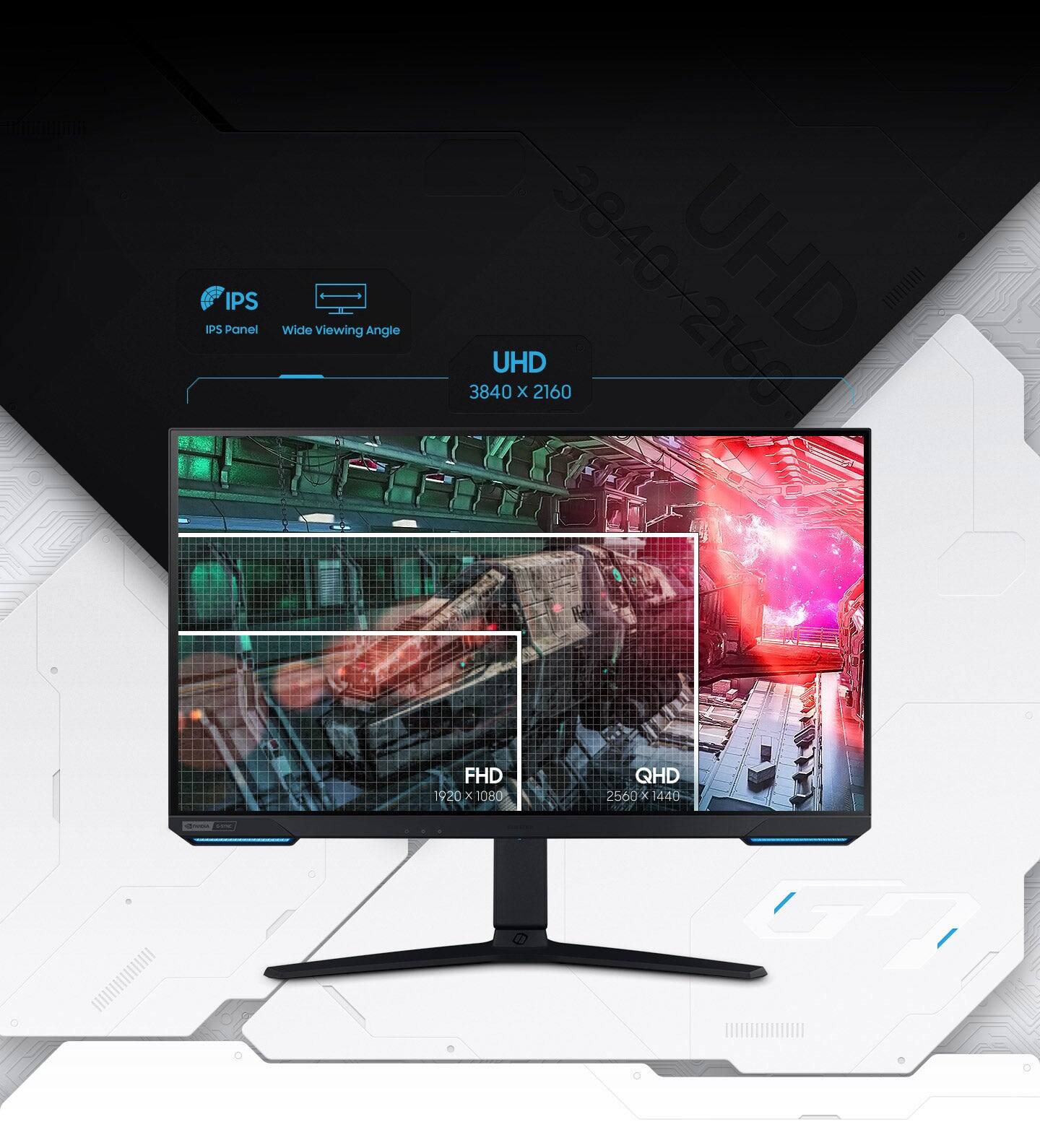
A:AnswerYes. I am watching 4K content using my PS5 and it looks incredible. Note that you will need speakers since the monitor only has a 3.5mm line out and not built in speakers. I use the Bose Companion 2 speakers.
A:AnswerIf you can only mount two screws, mount the top two. That’s where most pressure would be relieved, and the monitor wouldn’t be applying weight on itself as much
A:AnswerIt does have an eyesaver mode. I am unsure however about the HD blueray disk player being able to be attached. I do know there are 2 different HDMI slots and a DP slot among other connections on the monitor. My guess is that it could work with an HD Blueray disk player but I suppose it may depend on what kind of connection the blu-ray disk player needs. The monitor is a 4K monitor so it appears it may be a newer product as far as age of monitors go. I would guess there is a good chance the blu-ray disk player would be compatible with the monitor. Hope this helped some!