Skip to contentGo to Product Search
Main Content

Questions & Answers

$99.99
Page Showing 1-20 of 51 questions
  • QuestionIs the S Pen Creator Edition designed for extended use?

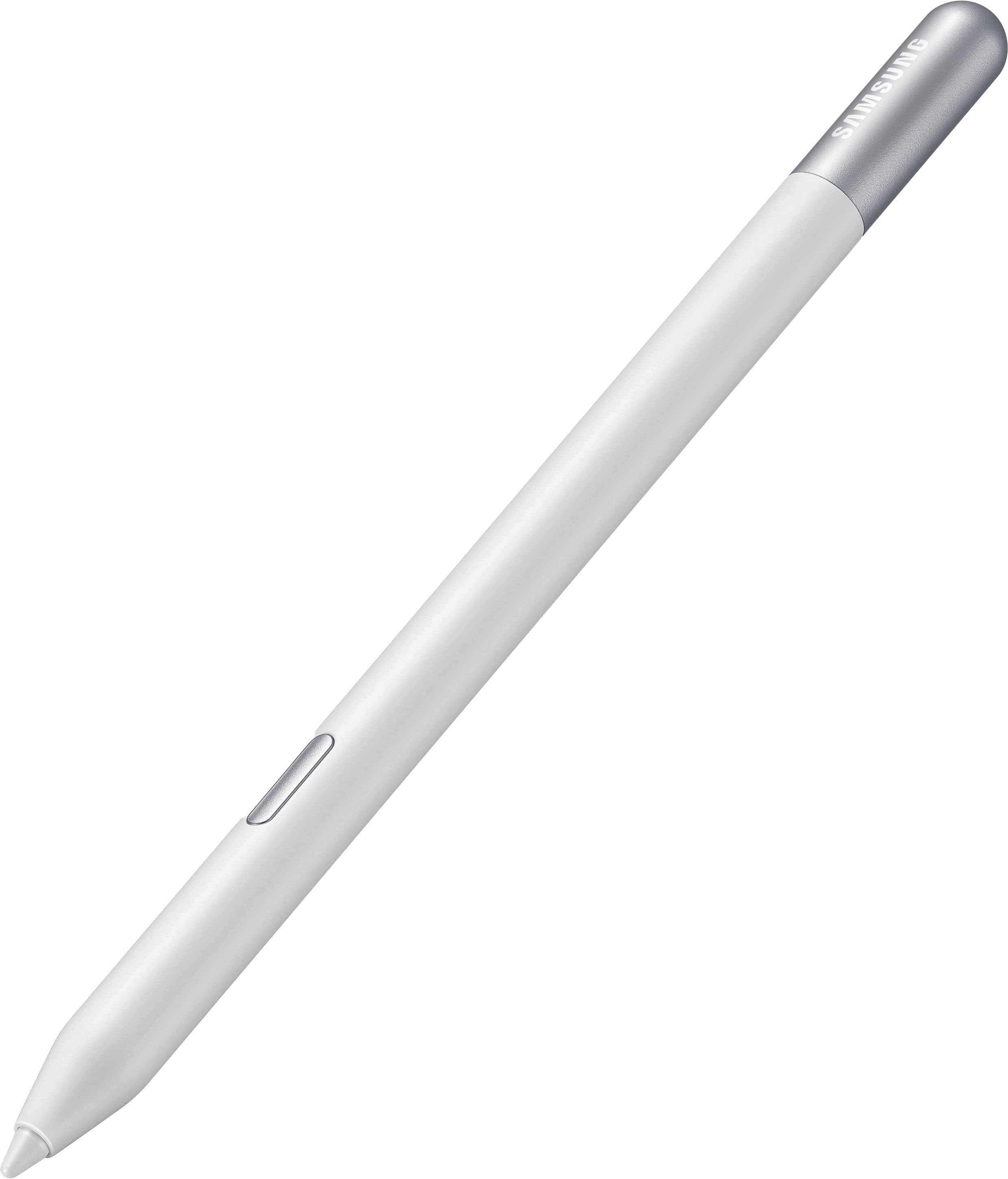
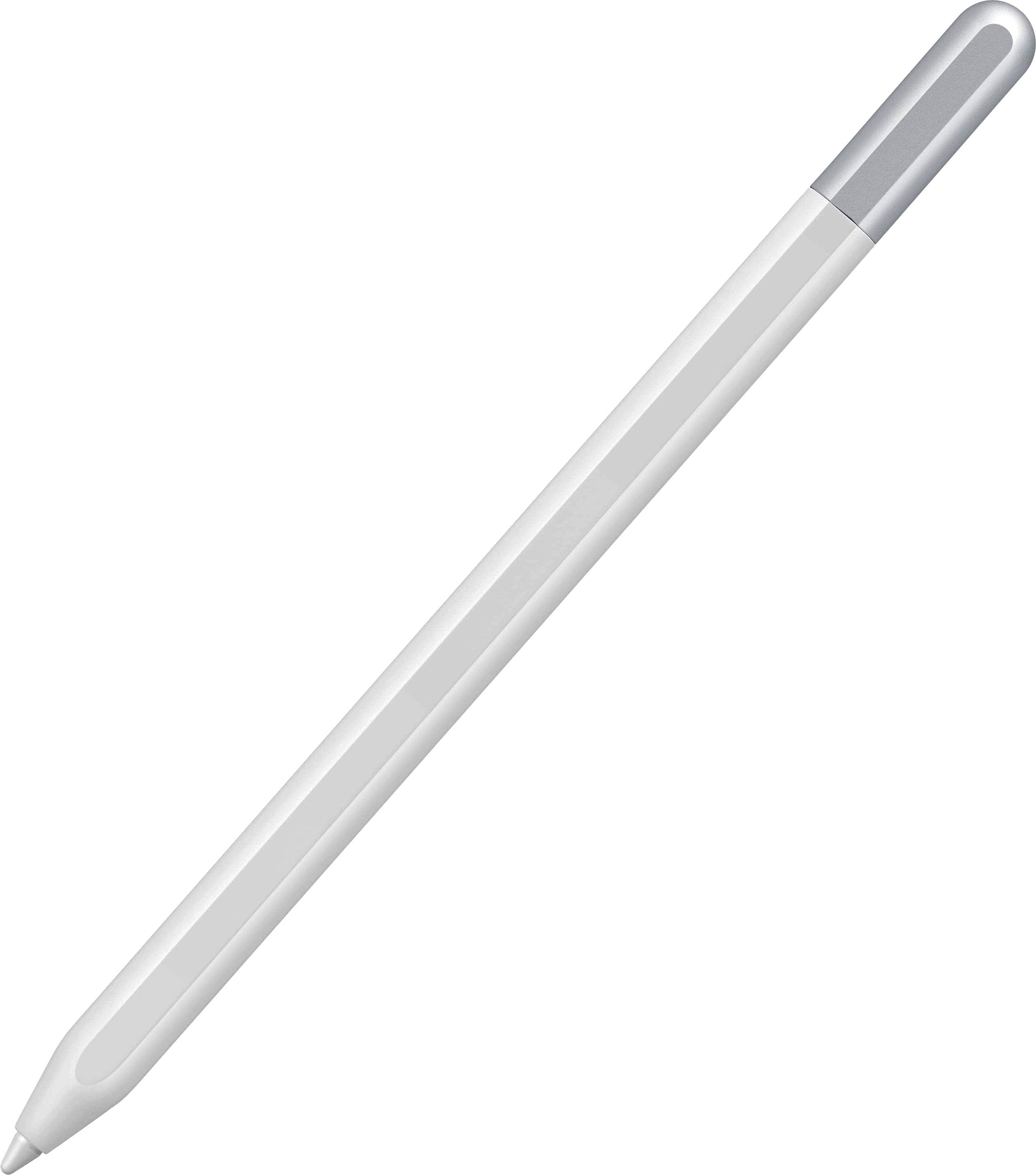
    • Answer Yes, the S Pen Creator Edition features an innovative, ergonomic grip designed for comfortable use over long periods.
    This question and answer was generated by AI based on customer and product data.

  • QuestionHow does the design of the S Pen Creator Edition enhance creativity?

    • Answer The S Pen Creator Edition features a sleek design that glides smoothly across your screen, making it feel like a natural extension of your hand for effortless writing, sketching, and painting.
    This question and answer was generated by AI based on customer and product data.

  • QuestionCan the tip of the S Pen Creator Edition be replaced?

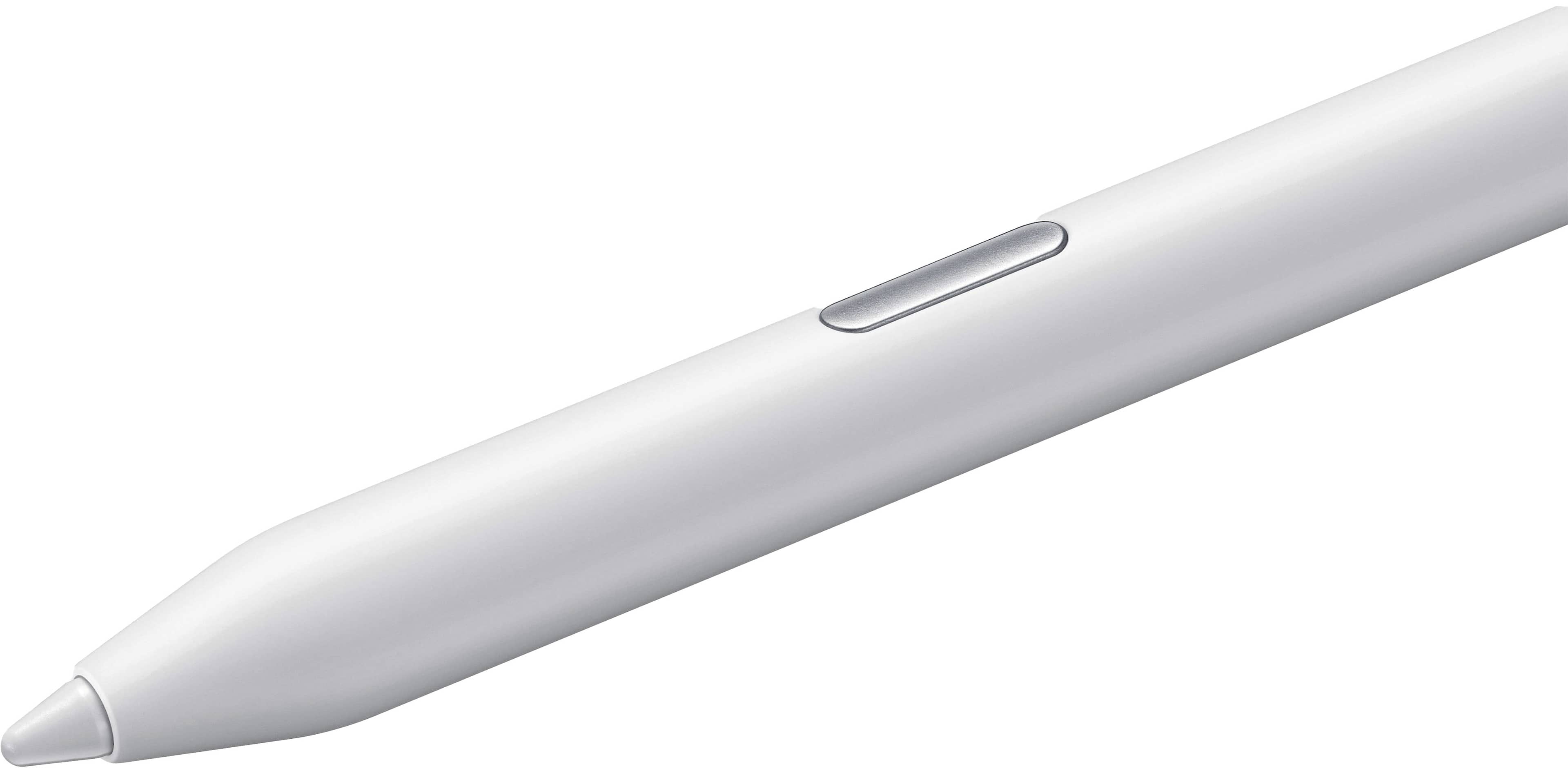
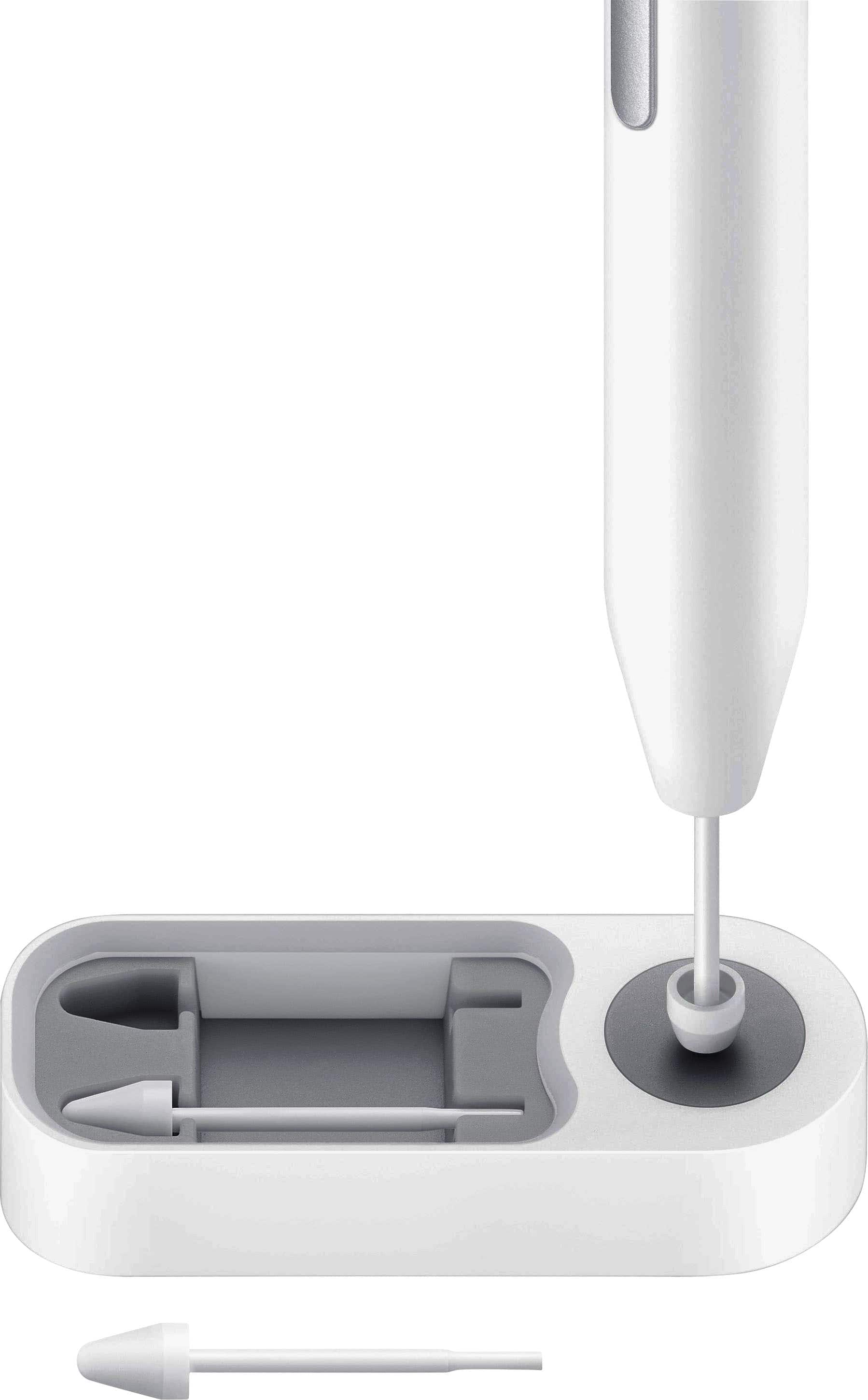
    • Answer Yes, the S Pen Creator Edition has a replaceable stylus tip.
    This question and answer was generated by AI based on customer and product data.
  • QuestionWhat is the S Pen Creator Edition compatible with?

    • Answer The S Pen Creator Edition is compatible with the Samsung Galaxy Book.
    This question and answer was generated by AI based on customer and product data.
  • QuestionDoes the S Pen Creator Edition have a comfortable grip?

    • Answer Yes, the S Pen Creator Edition is designed with an ergonomic grip for comfortable, extended use.
    This question and answer was generated by AI based on customer and product data.
  • QuestionHow does the S Pen Creator Edition improve upon previous models?

    • Answer The S Pen Creator Edition is the most tilt-sensitive S Pen yet, allowing for greater precision and detail in your work.
    This question and answer was generated by AI based on customer and product data.
  • QuestionThose the S Pen Creator Edition works with Tab A9+?

    Asked by Anonymous.

    • Answer It didn't work for me when I tried it! Works great on my tab s9 fe though

      Answered by AlySamsung

  • QuestionWill this work with the Z Fold 6 ?

    Asked by Salemaze.

    • Answer We appreciate you reaching out, Salemaze. We love hearing from you! The S pen creator edition is compatible with the following devices: Tab S6, Tab S7, Tab S8, Tab S9, Note10, Note20, S21 Ultra, S22 Ultra, S23 Ultra, S24 Ultra, and the Galaxy Book. For you, we recommend taking a look at the S Pen Pro and S Pen Fold edition. Those pens are compatible with the Galaxy Z Fold3, Z Fold4, Z Fold5, and Z Fold6. For any further questions, reach out to us at Support. -Kelvin

      Answered by Samsung

  • QuestionWill this one work with a Galaxy tab s10 fe plus?

    Asked by AbramovTenskey.

    • Answer Hi there Cage21, thank you for taking the time to ask us your question about the Samsung S Pen Creator Edition. Yes, the advertised S Pen Creator Edition is compatible with the Galaxy Tab S10 FE+. Feel free to check out, "Learn about the different Samsung S Pens" if you would like to learn more. Let us know if you have any other questions for us by contacting Support at your leisure. Thanks for being a devoted Samsung customer. - Debra

      Answered by Samsung

  • QuestionWill this S Pen work with the S 25 series?

    Asked by Sherry.

    • Answer Good day Sherry, thank you for taking the time to ask us your question about the Samsung S Pen Creator Edition. Yes, the advertised S Pen Creator Edition is compatible with the Galaxy S25 Ultra for writing, sketching, and navigating. It works immediately on the screen without pairing. However, the Creator Edition does not support Bluetooth features like remote Air Actions. It is not compatible with standard S25/S25+ models, only the Ultra. If you have additional questions, please feel free to reach out to Support. Thank you for being a valued Samsung customer. - Debra

      Answered by Samsung

  • QuestionDoes it work with galaxy tab s11

    Asked by Heue.

    • Answer Yes, the S Pen works with the Galaxy Tab S11 and Tab S11 Ultra. The tablet comes with a newly designed, hexagonal, pencil-shaped S Pen in the box, which is rated IP68 for water and dust resistance.

      Answered by JUANG

  • QuestionIs this product compatible with Samsung Galaxy Tab S9 plus?

    Asked by didiernd.

    • Answer Yes, the Samsung S Pen for the Galaxy Tab S9 series is fully compatible with the Samsung Galaxy Tab S9 Plus.

      Answered by JUANG

  • QuestionWhat is the silver button on the stylus pen (for the galaxy S10 FE) for (functionality). How do I find out how to use it correctly?

    Asked by StylusPenUsage.

    • Answer The silver button on the side of the S Pen (included with the Samsung Galaxy Tab S10 FE, expected 2026) is the S Pen button, primarily used for triggering shortcuts and actions without touching the screen. It enables quick access to "Air Command" features like screen capture, note-taking, and AI tools

      Answered by JUANG

  • QuestionWill this work with the S25 ultra?

    Asked by Nate117.

    • Answer Yes, an S Pen will work with the Galaxy S25 Ultra, but with limitations regarding Bluetooth features.

      Answered by JUANG

  • Questionhow does it work

    Asked by Jo123.

    • Answer Very good

      Answered by JUANG

  • QuestionDoes the pen require charging? 1

    Asked by Charging.

    • Answer No, this pen does not require charging. It works through magnets in the pens tips that are compatible with the device i believe.

      Answered by Tearah

  • QuestionIs there a pen that is compatible with the Galaxy Z Fold 7?

    Asked by Spence90.

    • Answer Based on 2026 reports, the Samsung Galaxy Z Fold 7 does not support the active S Pen. Samsung removed the necessary digitizer layer from the inner display to make the device thinner, lighter, and more durable. While active S Pen functionality is gone, you can still use generic capacitive stylus pens that mimic finger touches.

      Answered by JUANG

  • QuestionWill this work with the Samsung Galaxy Fold 7?

    Asked by DBD.

    • Answer Based on reports, the Samsung Galaxy Z Fold 7 does not support the active S Pen (digitizer technology was removed to make it thinner). However, the device is compatible with generic, passive capacitive styluses (rubber tip/disc) on both screens, as detailed by this YouTube video. It is also fully compatible with eSIM technology, as listed on eSIM.sm.

      Answered by JUANG

  • QuestionYes, is pen compatible with the Galaxy Tab A9+?

    Asked by CompatibilityTabA9p.

    • Answer Yes, but only with third-party capacitive styluses, not the official Samsung S Pen.

      Answered by JUANG

  • QuestionIs this pen compatible with the Galaxy Book4 360 2in1 15.6in laptop?

    Asked by QKH.

    • Answer Yes, the S-Pens listed in the search results are compatible with the Samsung Galaxy Book4 360 (15.6 in) laptop.

      Answered by JUANG