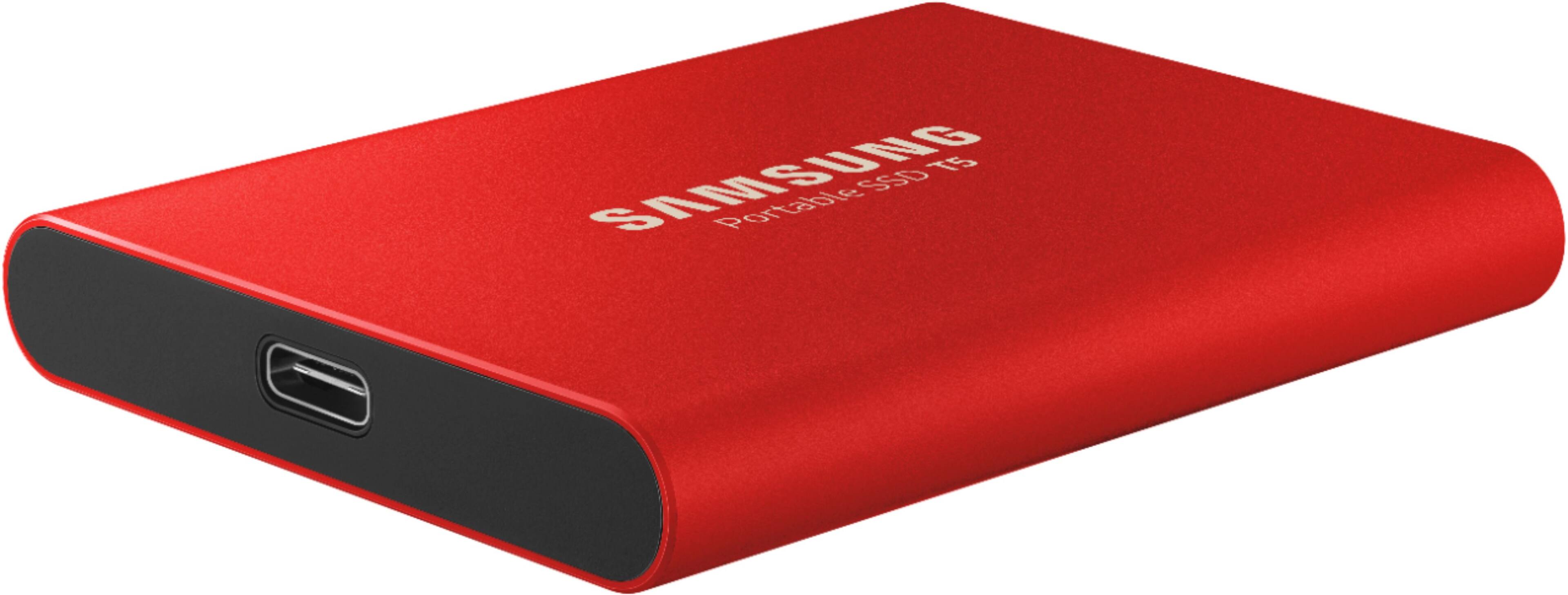
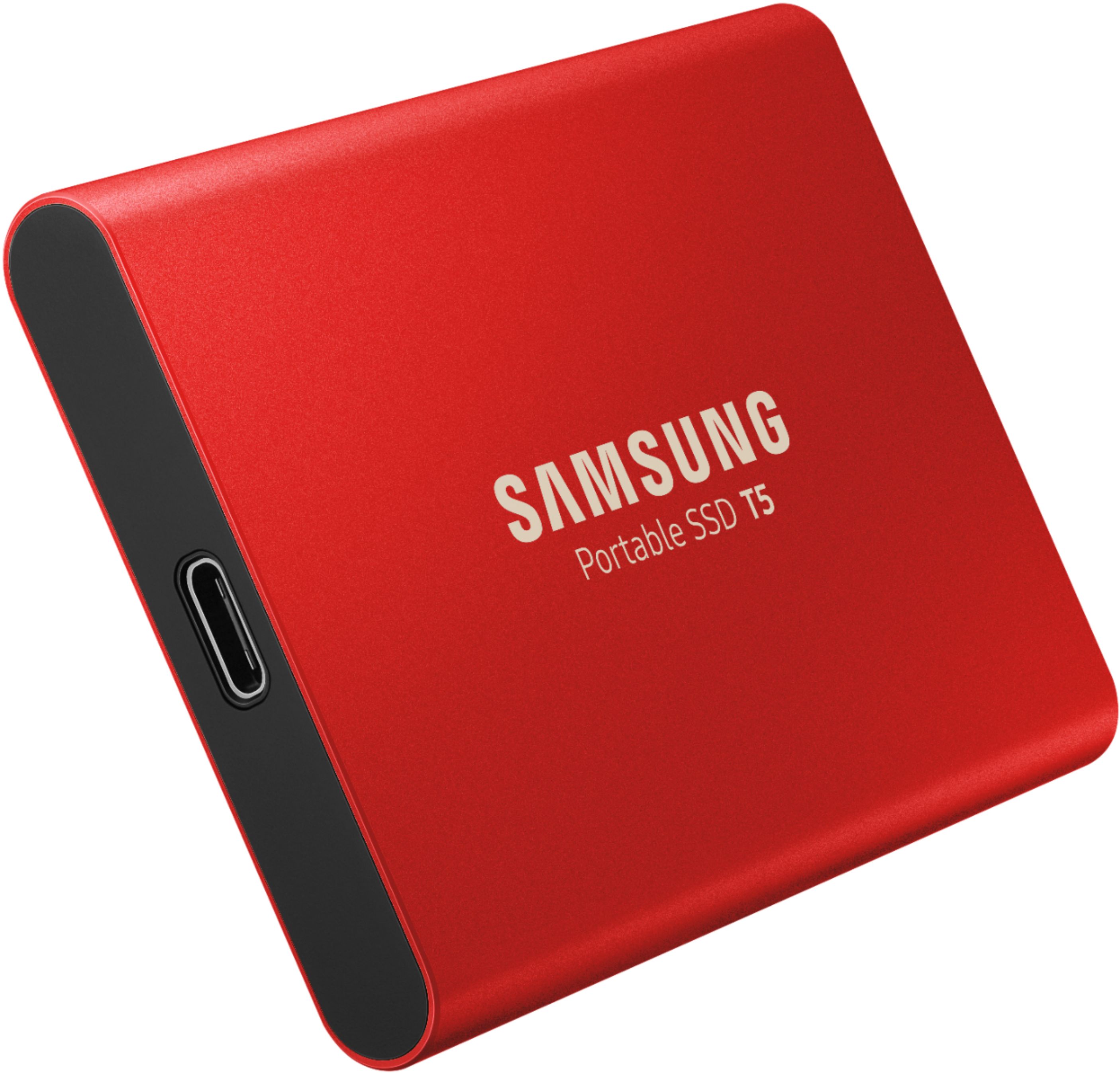
A:AnswerI believe you can. I use it when I travel to back up gigs of photos directly from an SD card to the hard drive. I use a Hyper port plugged into the 2021 iPad Pro then plug the SSD and the card into the Hyper and it runs very quickly. I also use it to back up photos from iPhone/iPad directly to the drive as I don't like using the cloud. I have not used time machine or similar to do a complete back up but I would think there is enough room for those types of backups. As current iPads only have one port on them, some sort of port, Hyper or Ankar etc. would be a must have to facilitate any sort of large data transfers. Having said that, the drive would have to be partitioned to be used for both apple and windows systems at the same time. As is it cannot work in both formats simultaneously but you should be able to partition it for both operating systems.
A:AnswerThis works, but you can't directly connect your iPhone to this device. You would need to first either import the photos to your Mac/PC, then backup the data on your computer, or have an iTunes backup and backup your backup.
A:AnswerI have never tried such a hookup. I suppose it would work. However, using an SSD drive for backups is a very expensive storage option. The beauty of an SSD drive is speed. You really don't need speed for a backup most of the time. A slower less expensive conventional drive is more than adequate for backups as long as it is a reliable brand.
A:AnswerIf you format it as ExFAT, you can use it with either Windows or Mac, but that file format pays a speed price that I find to be too much. The way I do it is by formatting for Mac as HFS+ (aka, Mac OS Extended, Journaled) since I mostly use the Mac; then I use the Paragon HFS+ driver for use on Windows. You could also format as NTFS and get a NTFS driver for Mac. macOS can read NTFS drives without a driver, but not write to them. DO NOT format as APFS (the new macOS file format). The Windows drivers for APFS are still read only.
A:AnswerYes, I reformat to exFat when I am on a photo shoot with others that use a MAC. They dump their photos to the drive and I can read them directly with my PC. We can share.
A:AnswerYes, I have hundreds of photos on mine. Very satisfied with this product. It can be password protected if you like, which another great feature.
A:Answerif you asking if you can use it to hold your music yes. it just has to be formatted to do so just like any hard drive. If you asking in the case of will it play a CD then no. this is Hard-drive.