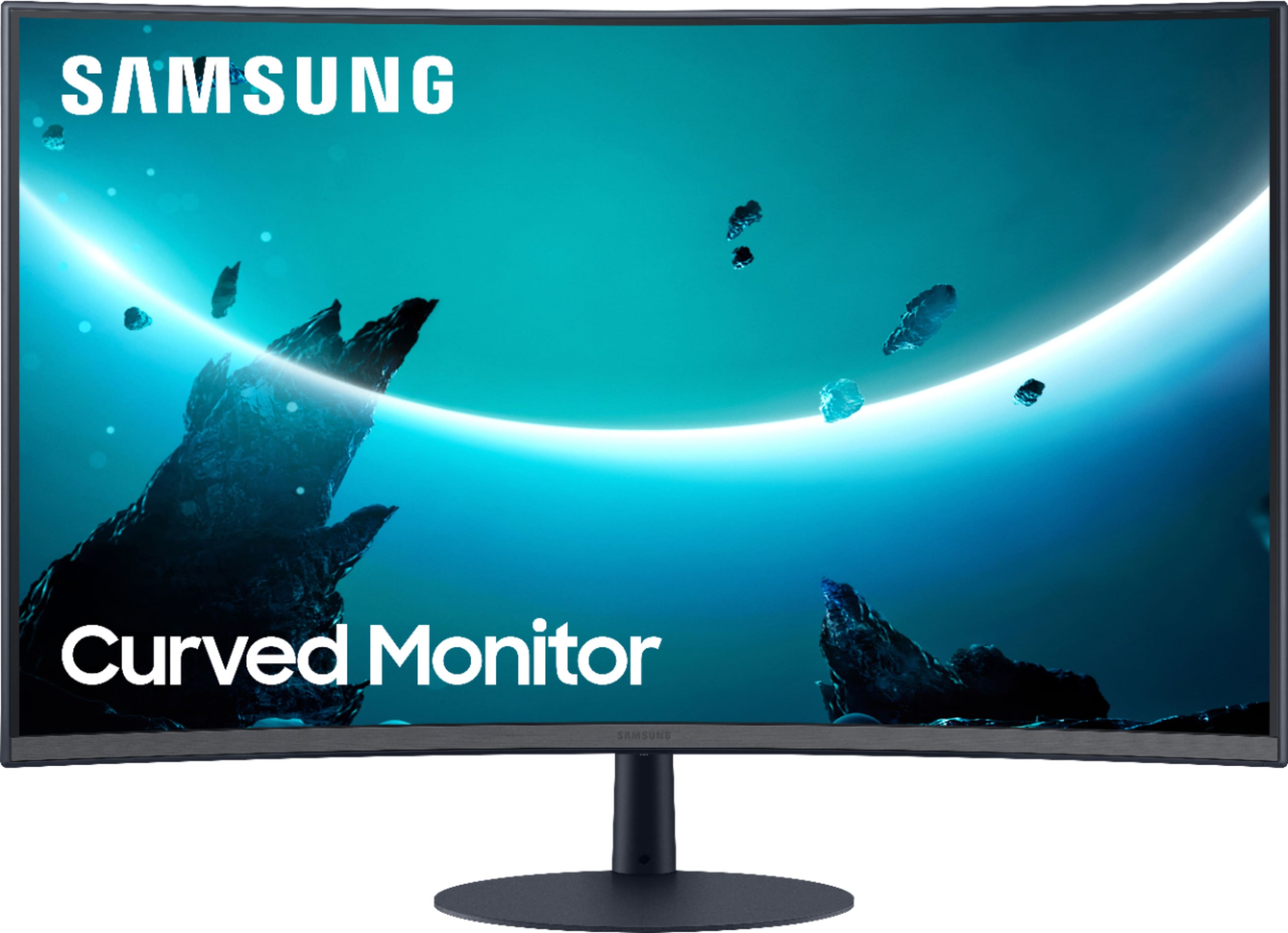
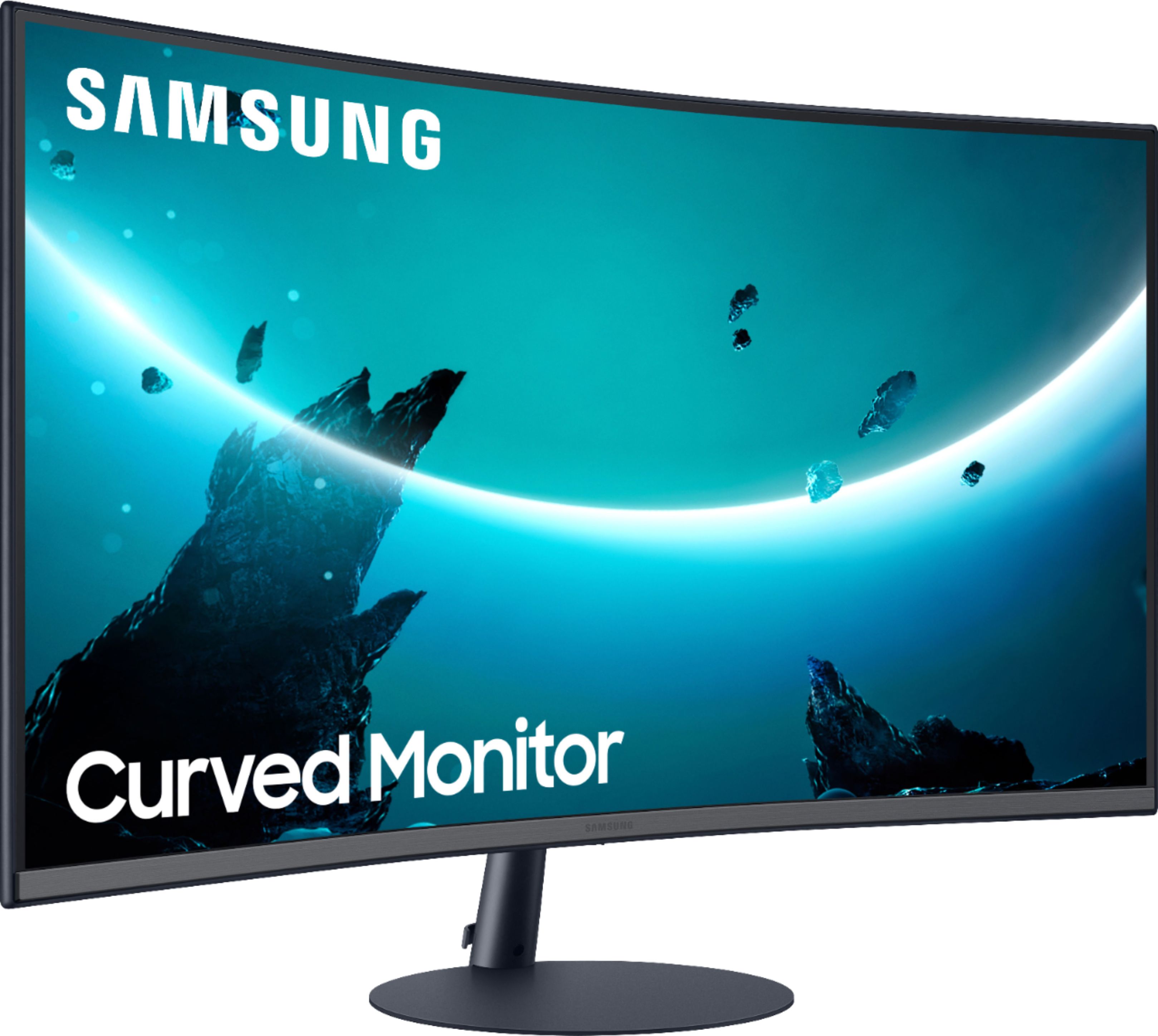
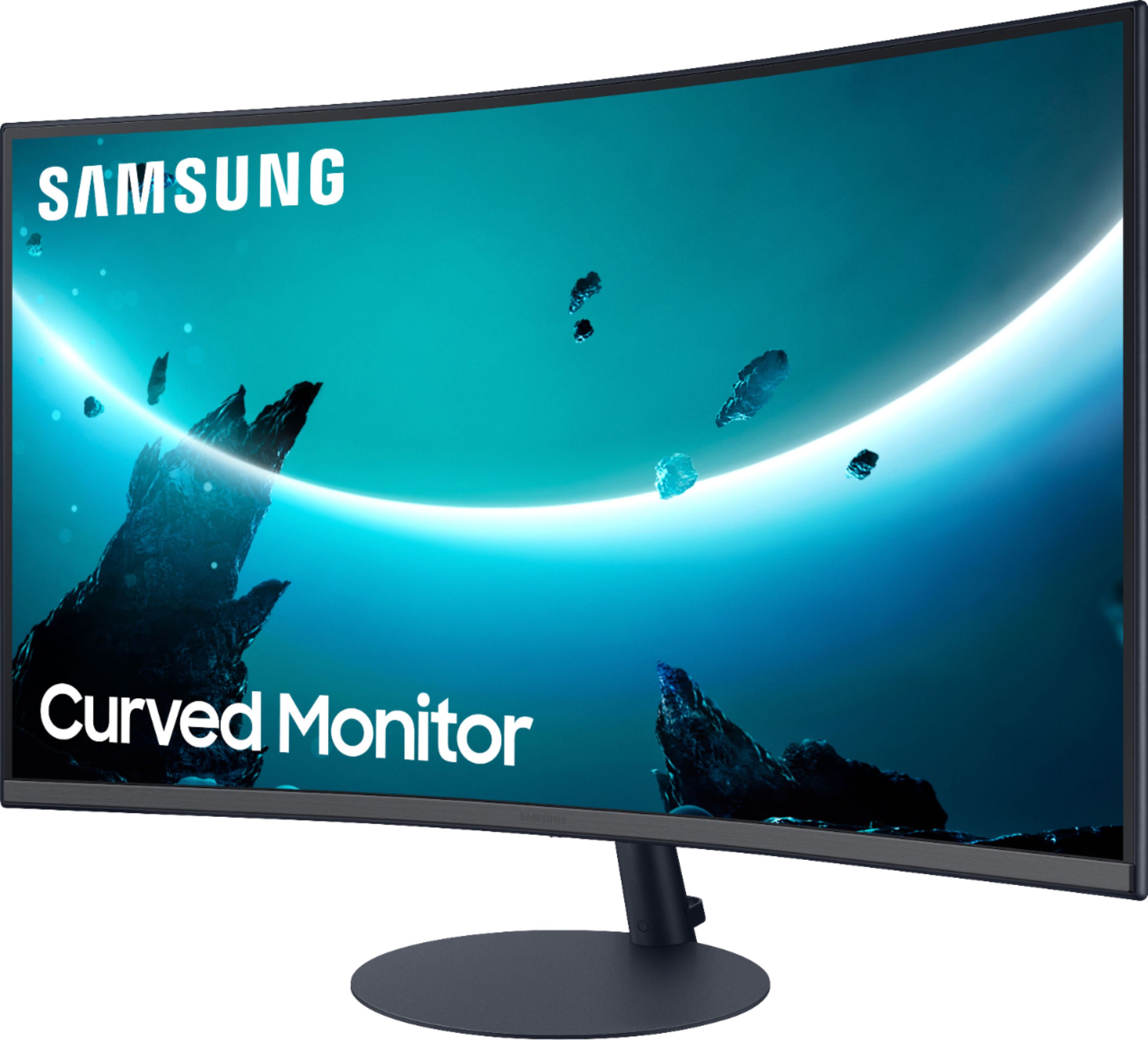
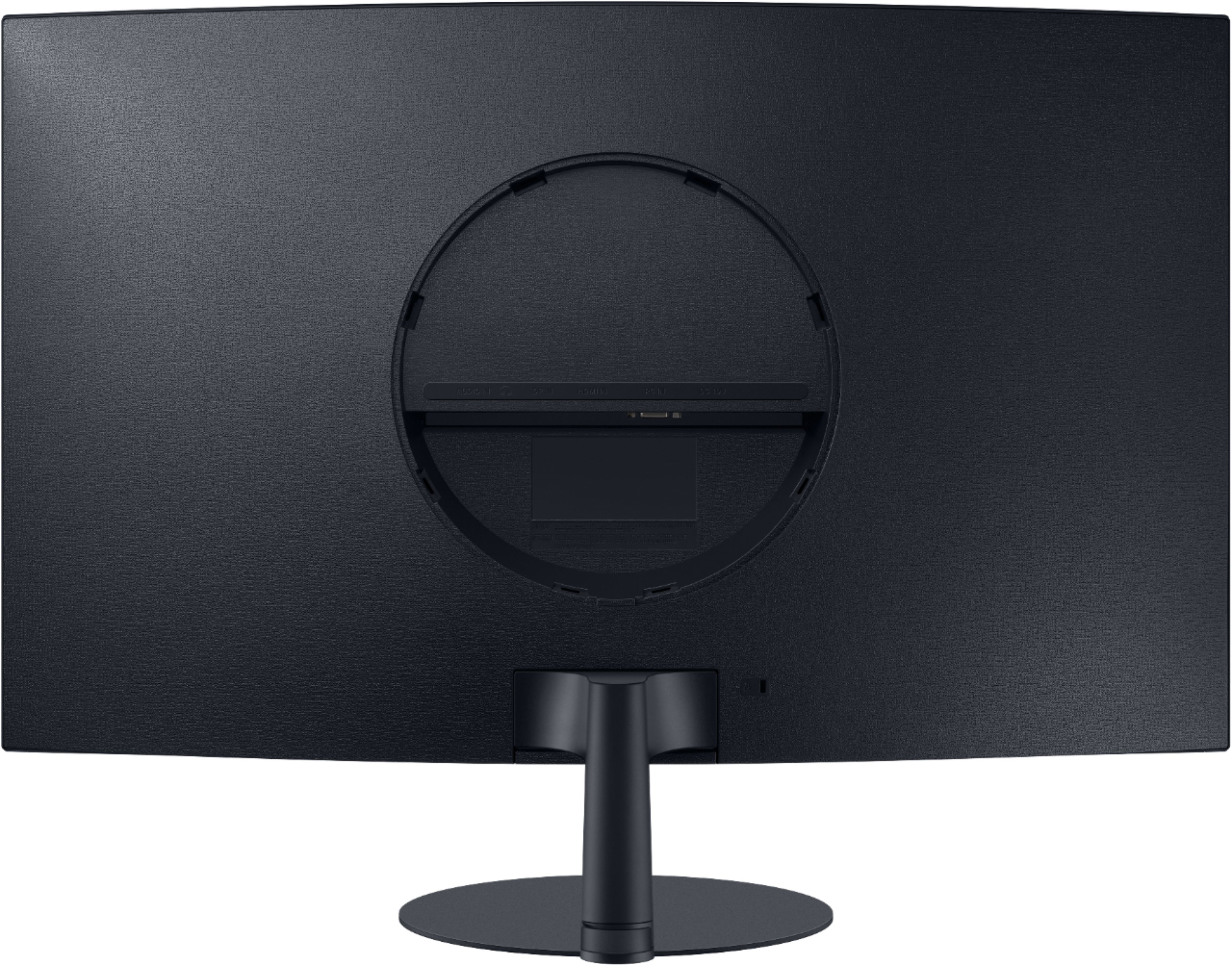
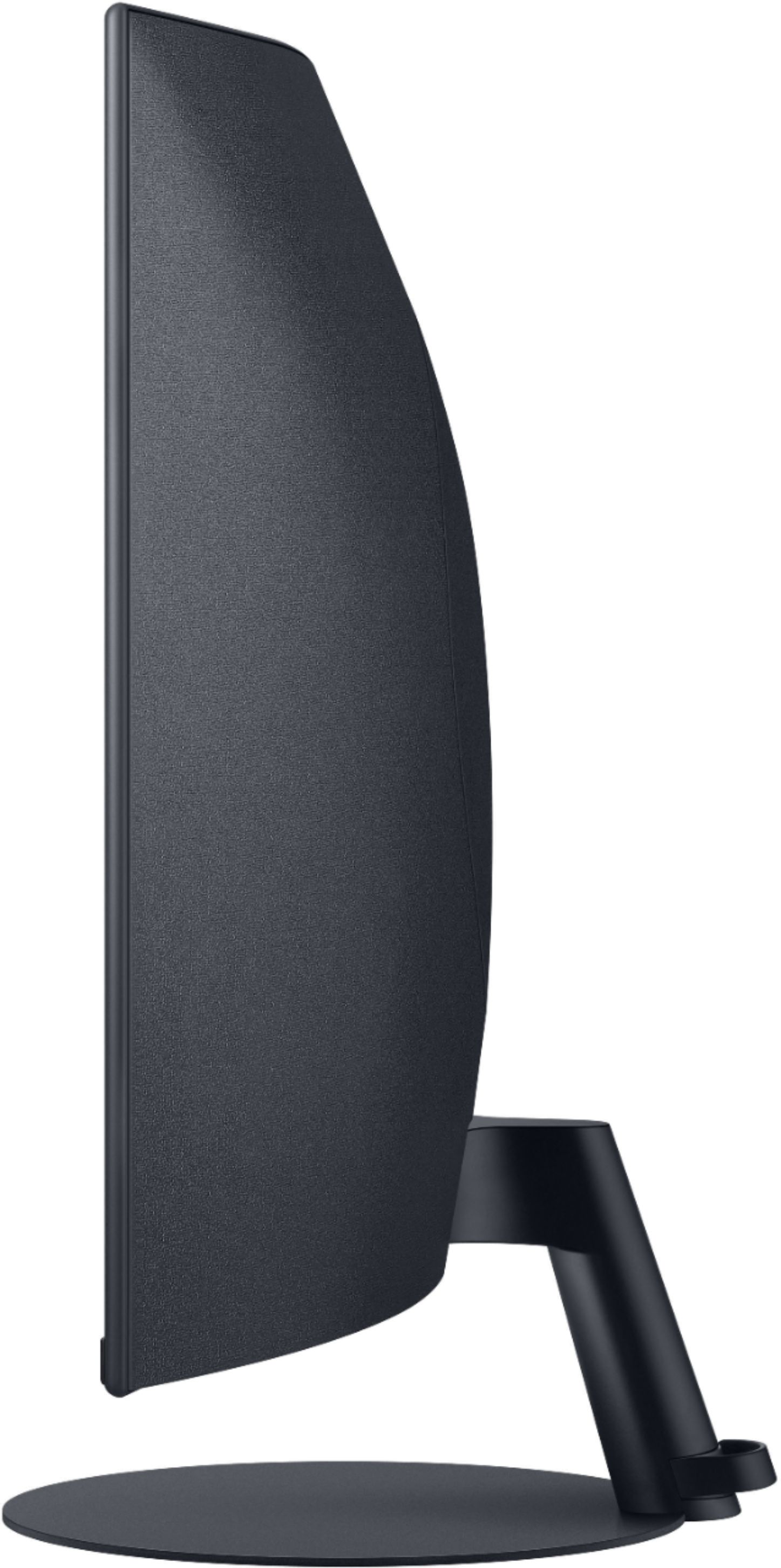
A:AnswerIt does not have the typical VESA screw holes in the back. There seems to be some non-VESA mount options but I have not tested it out with the curved monitor.
A:AnswerHow do you have your monitor hooked to your computer? if using VGA then you need to attach a physical audio cord from your computer to monitor. HDMI transmits sound and video.
A:AnswerDirectly in the middle under the Samsung logo is a toggle. Push it towards the back of the monitor. This will pop up the screen adjustments. Pulling it towards the front will bring up the volume.
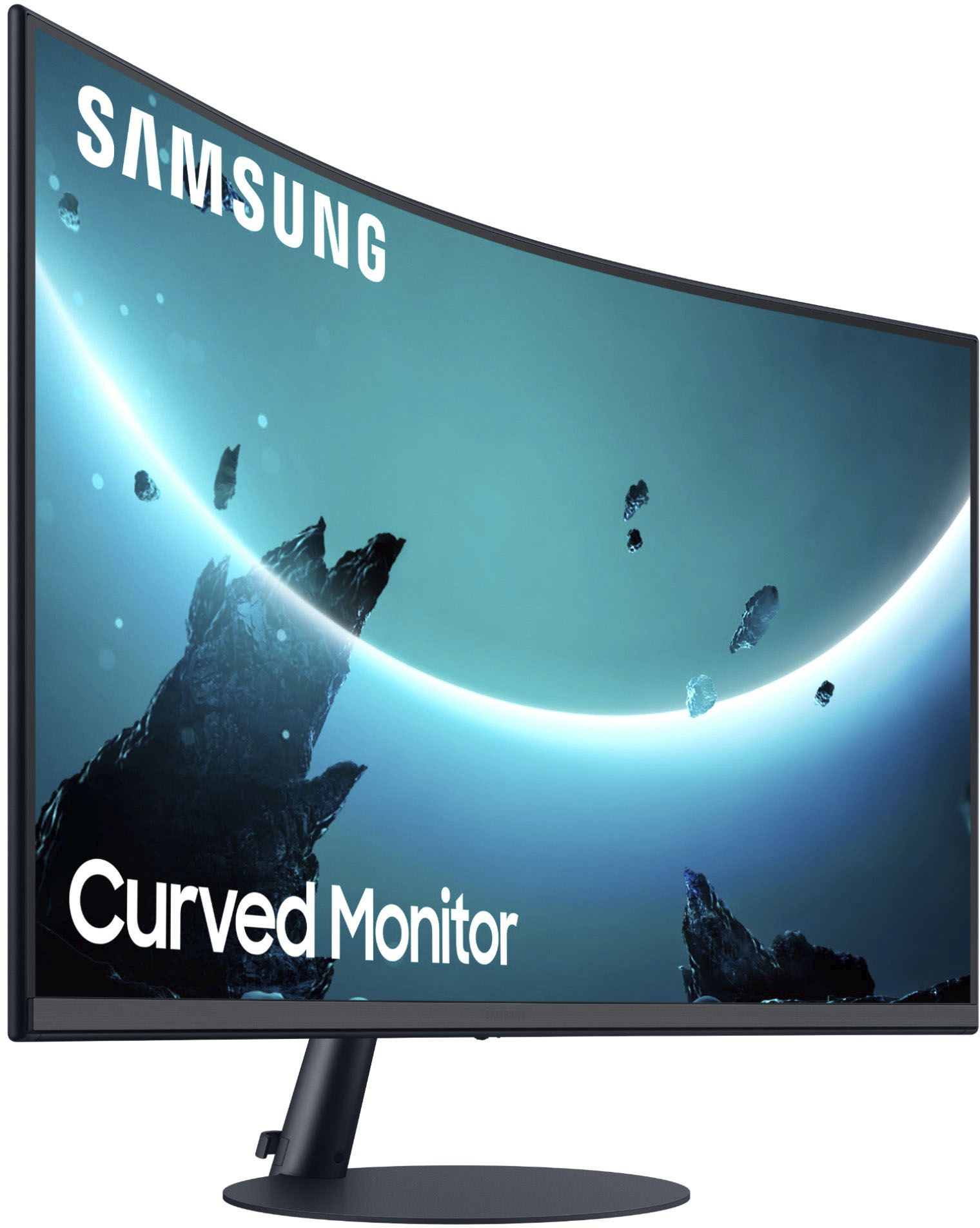
A:AnswerThe stand is fixed in place BUT the monitor does have about a 30 degree range of vertical tilt. Just hold one hand on the base and the other hand at the top bezel in the center for easy adjustment.
A:AnswerThe monitor does tilt. It is a solid base and is very stable. When you tilt the monitor it will stay in place, it is not super easy to tilt. Very pleased with the monitor. Would recommend!
A:AnswerYes. I run three of these monitors off a laptop. I had to use a j5 HDMI to USB connector because if the limited HDMI ports on the laptop that I use but you can absolutely use these for duo or trio monitoring to extend (or mirror) your screens.

A:AnswerI purchased two of these monitors and yes you can have them both work as one monitor. Just make sure you right click on the screen to change the display setting in order to set it up for dual monitors. I have my laptop with dual monitors and it works just fine as one monitor.
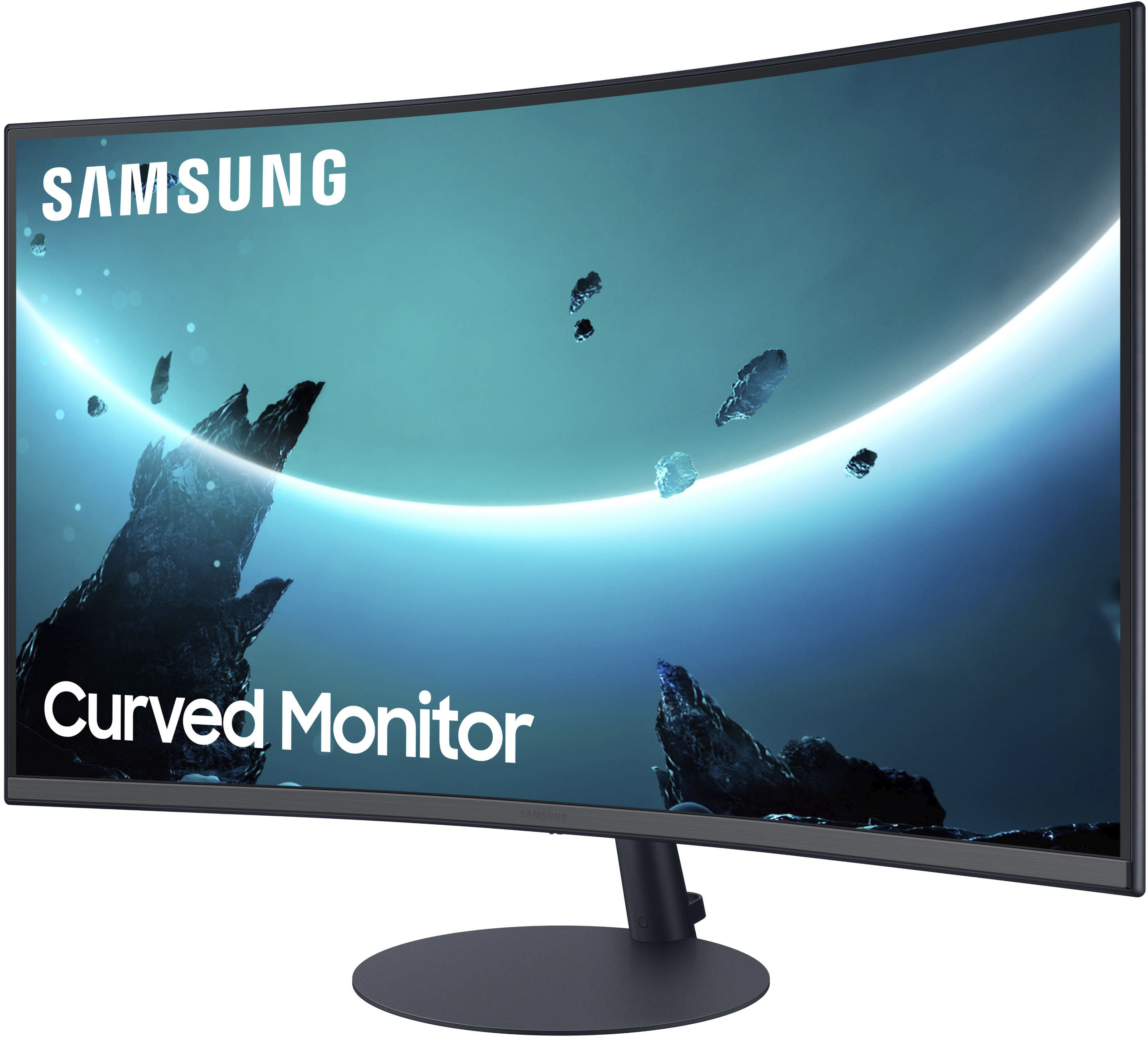
A:Answeryou physically could not see the difference between 2ms and 4 ms, manufacturers only started listing repsponse time as a marketing ploy, that being said this monitor has an awesome disply in all the games i play , does take a little getting used to the curve, it is alot more curve then ultra wide screen monitors