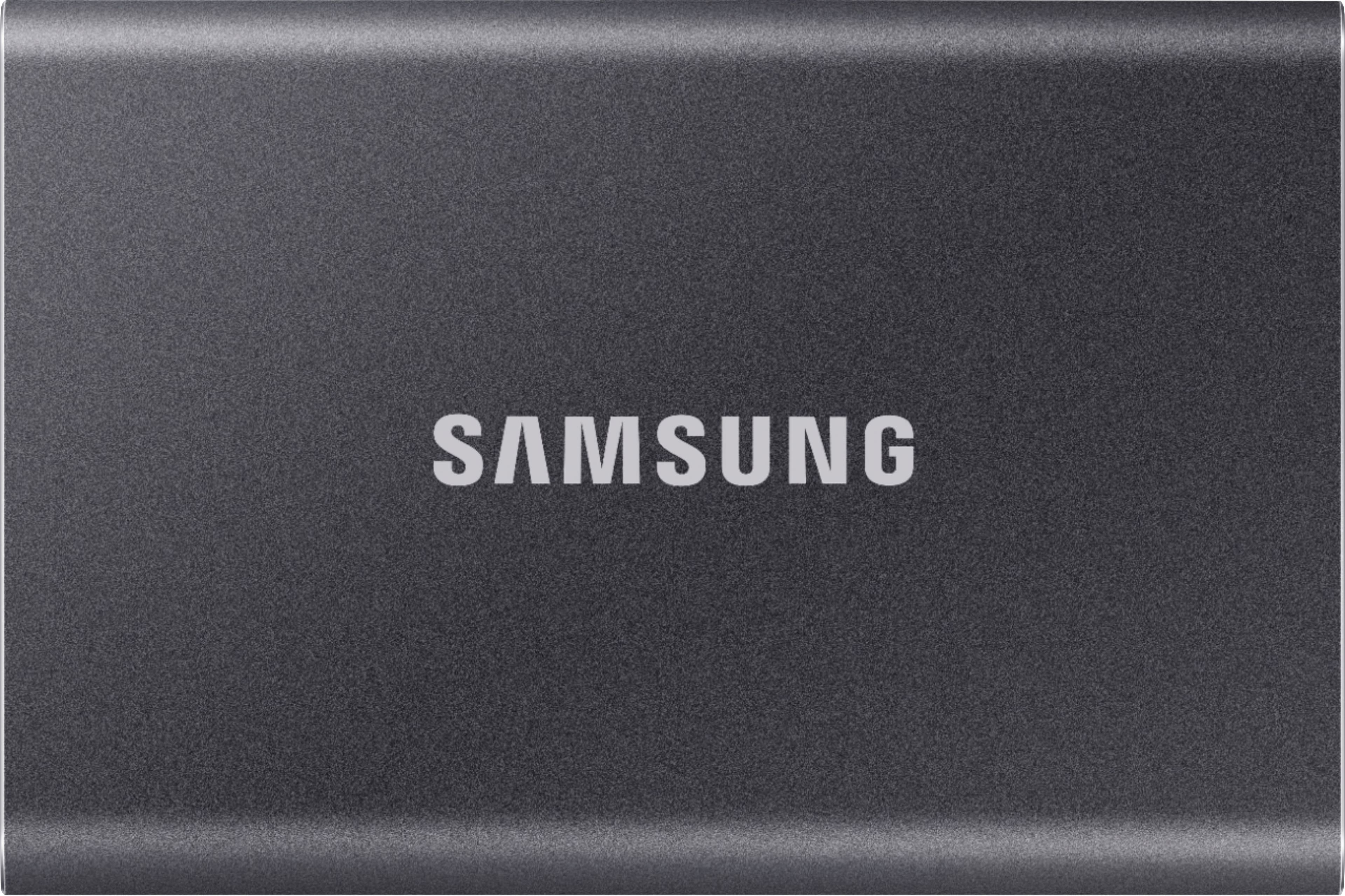
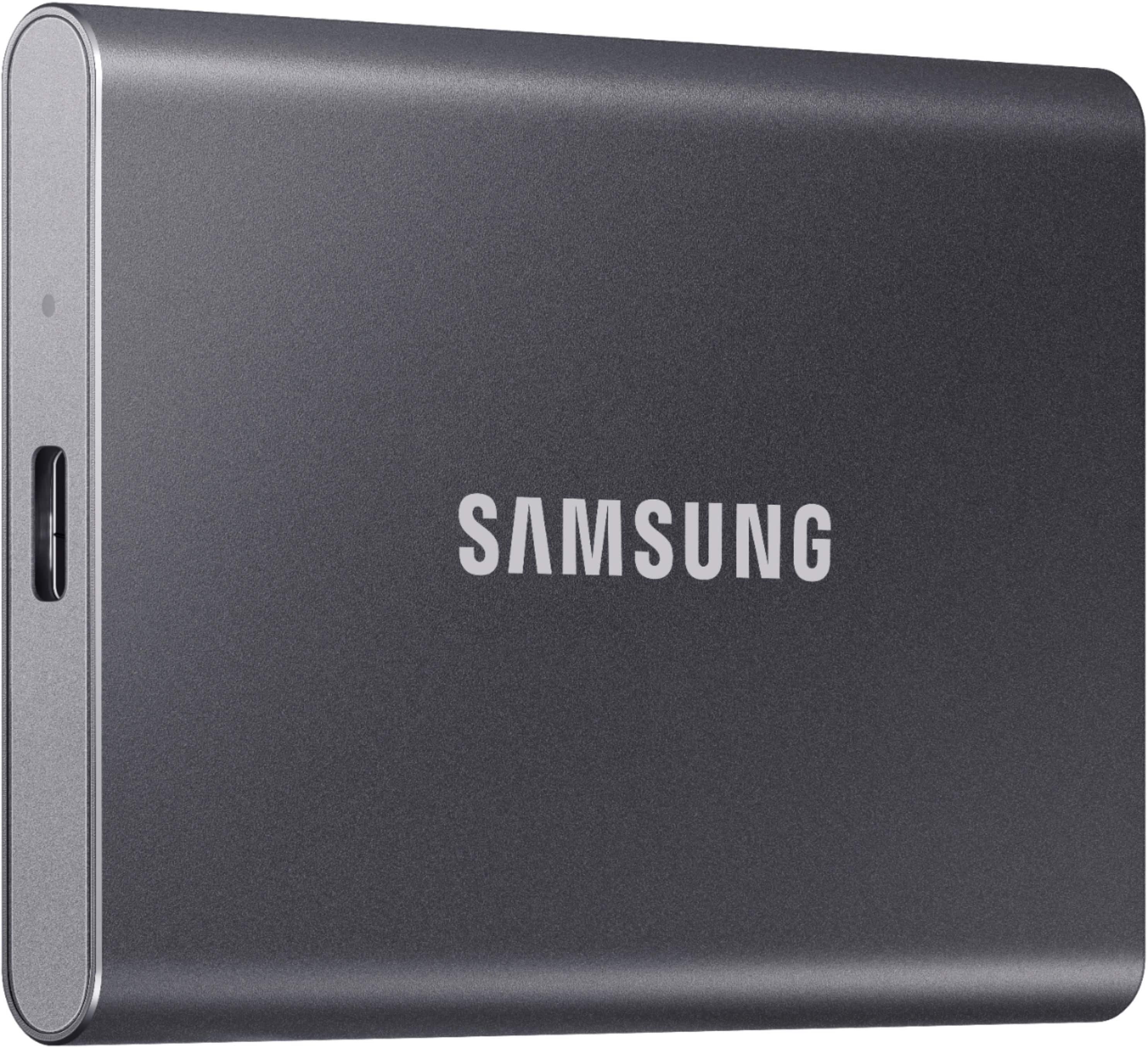
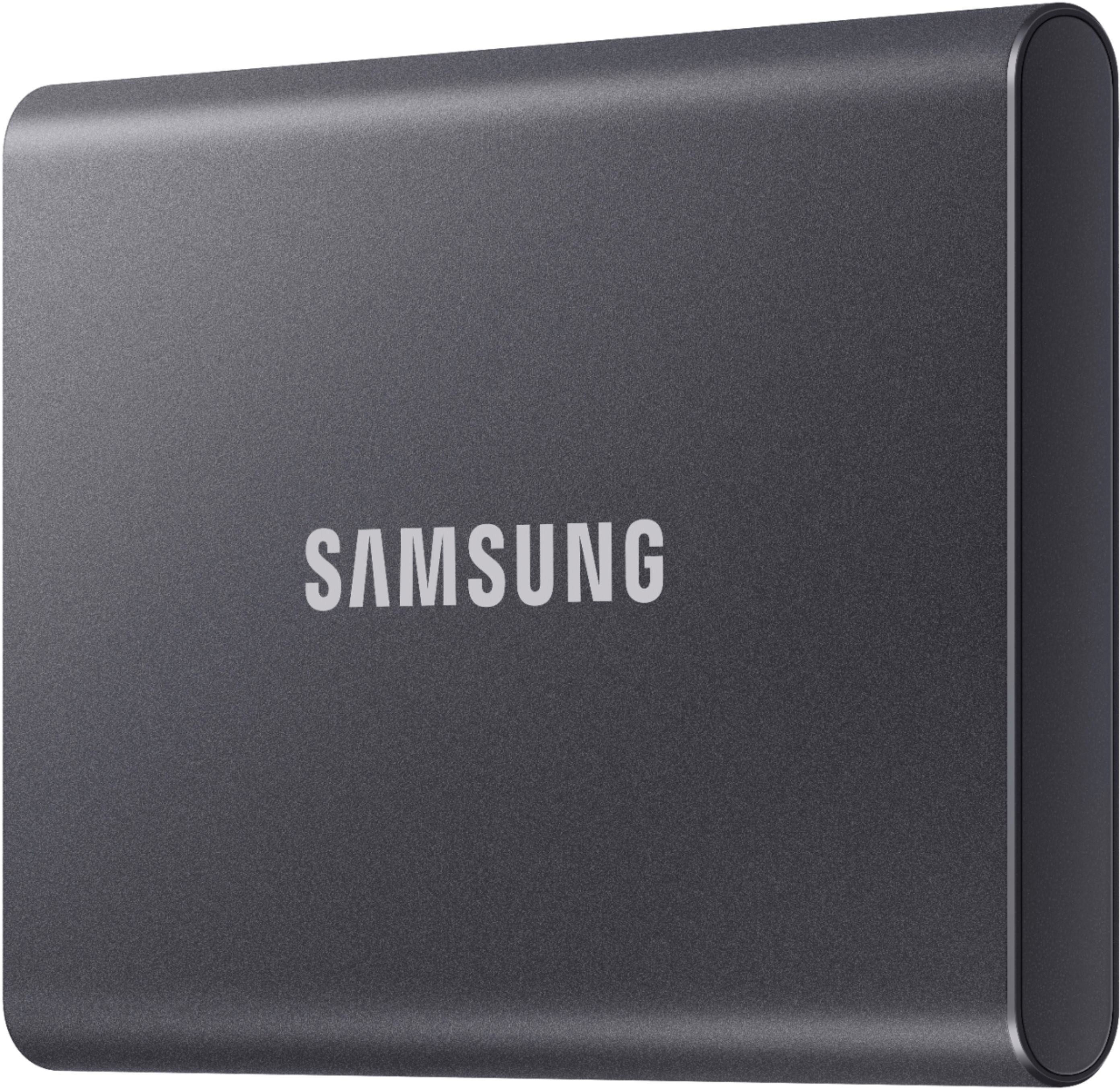
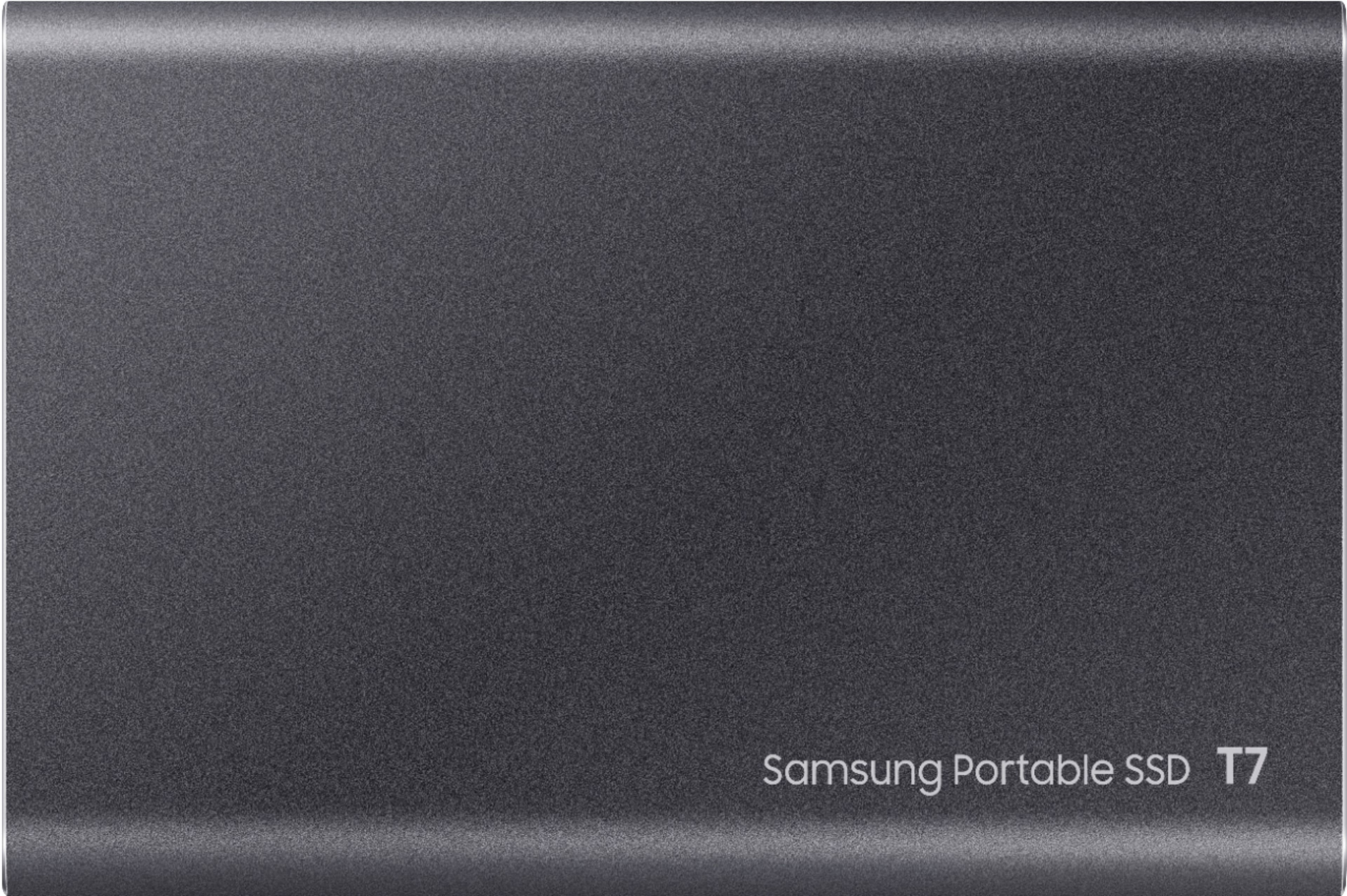
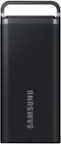
A:Answer The Samsung T7 External USB 3.2 Gen 2 Portable SSD should be able to handle working with a 140GB virtual machine (VM) stored on it.
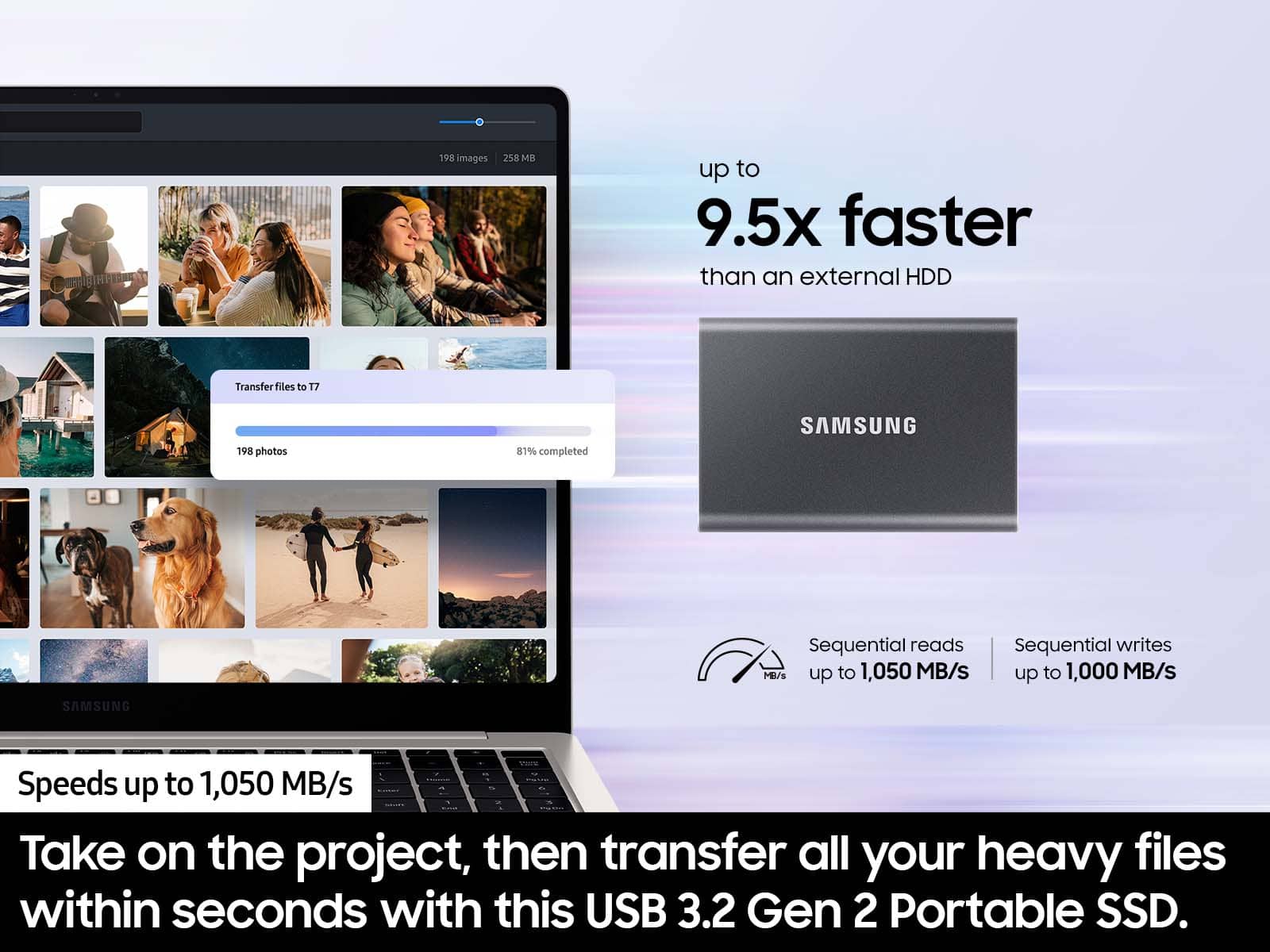
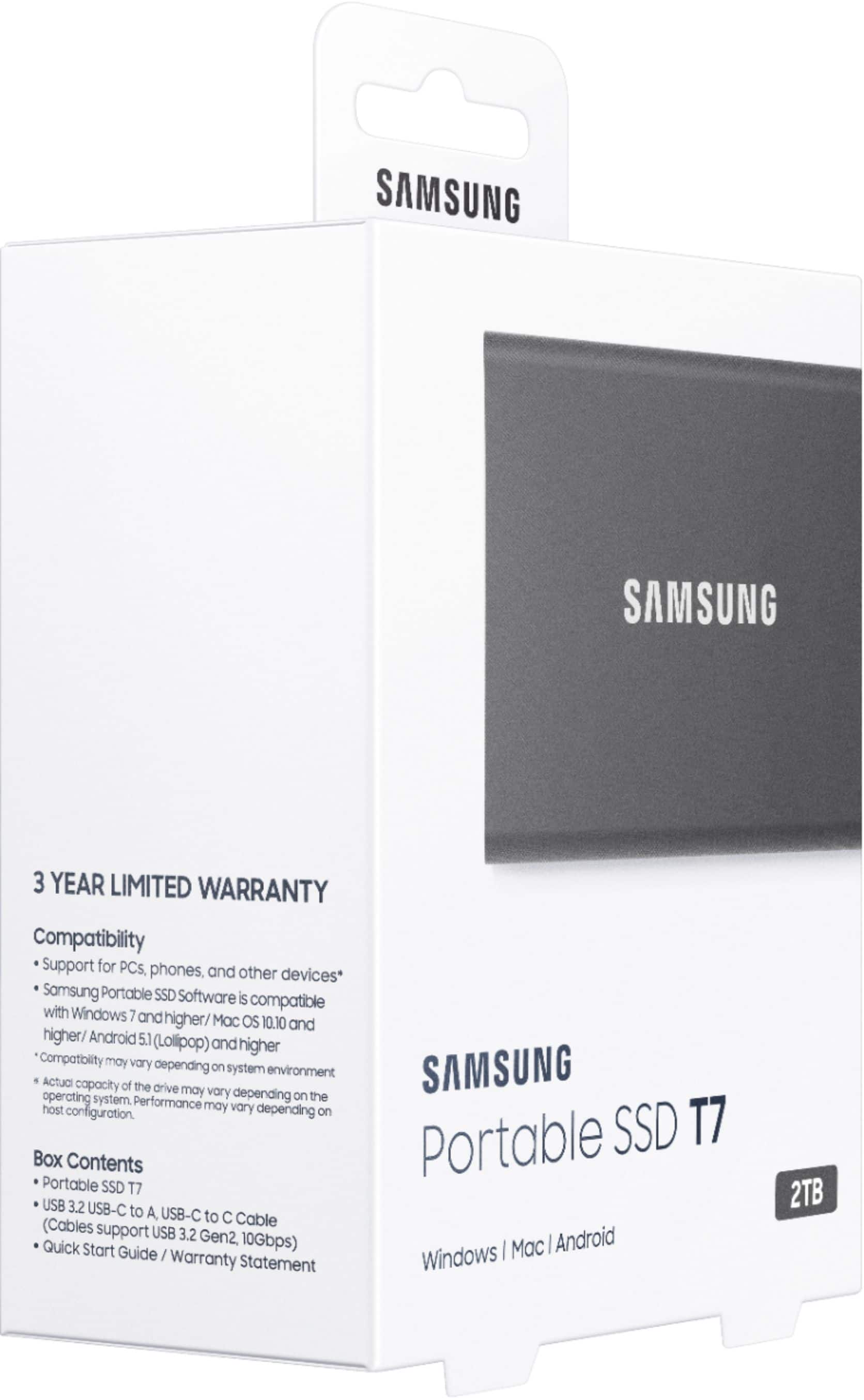
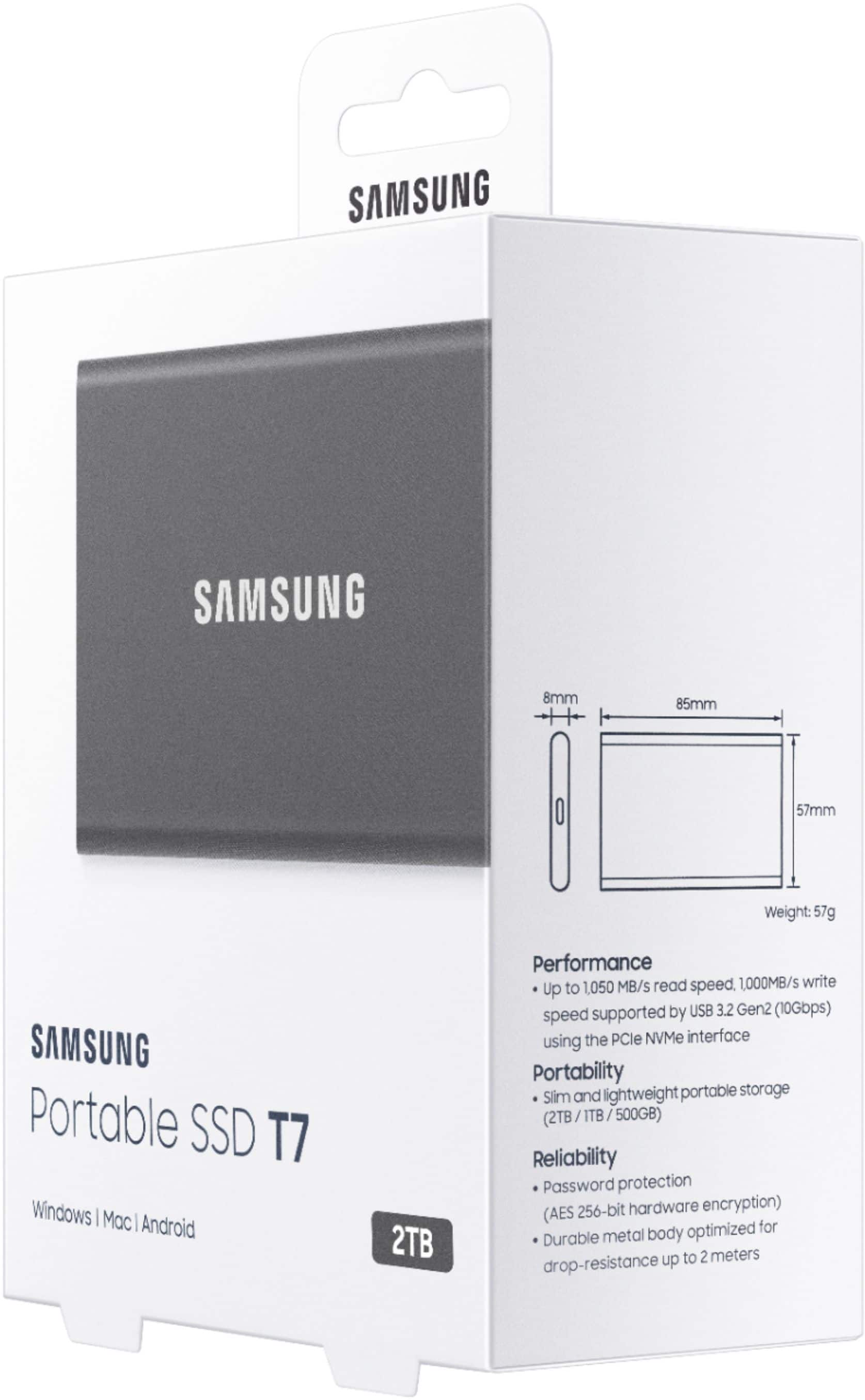
The T7 SSD has a fast read and write speeds of up to 1,050 MB/s and 1,000 MB/s respectively, which makes it an ideal storage device for large files and intensive applications.
However, it's worth noting that the performance of the T7 SSD may be affected by the hardware and software specifications of the device it's connected to. If you're using an older computer or a device with slower processing power, you may experience slower data transfer speeds and longer load times when working with large files like a 140GB virtual machine.
That being said, the T7 SSD is still a reliable and high-performance external storage device, and it should be able to handle most storage needs, including working with large files and virtual machines.