A:AnswerHi Tomstrom, we understand your concerns with the Soundbar. Please fill out the form below and one of our social media specialists would be happy to assist you. http://smsn.us/SamsungSupportUSA and we will respond accordingly. ^Britt
A:AnswerHello, I have attached a link below to compatible products.
https://www.samsung.com/us/televisions-home-theater/television-home-theater-accessories/home-theater/swa-8500s-za-swa-8500s-za-compatible
^Britt
A:AnswerHello, I have attached a link below to compatible products.
https://www.samsung.com/us/televisions-home-theater/television-home-theater-accessories/home-theater/swa-8500s-za-swa-8500s-za-compatible
^Britt
A:AnswerHello Eric, I have attached a link below to compatible products.
https://www.samsung.com/us/televisions-home-theater/television-home-theater-accessories/home-theater/swa-8500s-za-swa-8500s-za-compatible
^Britt
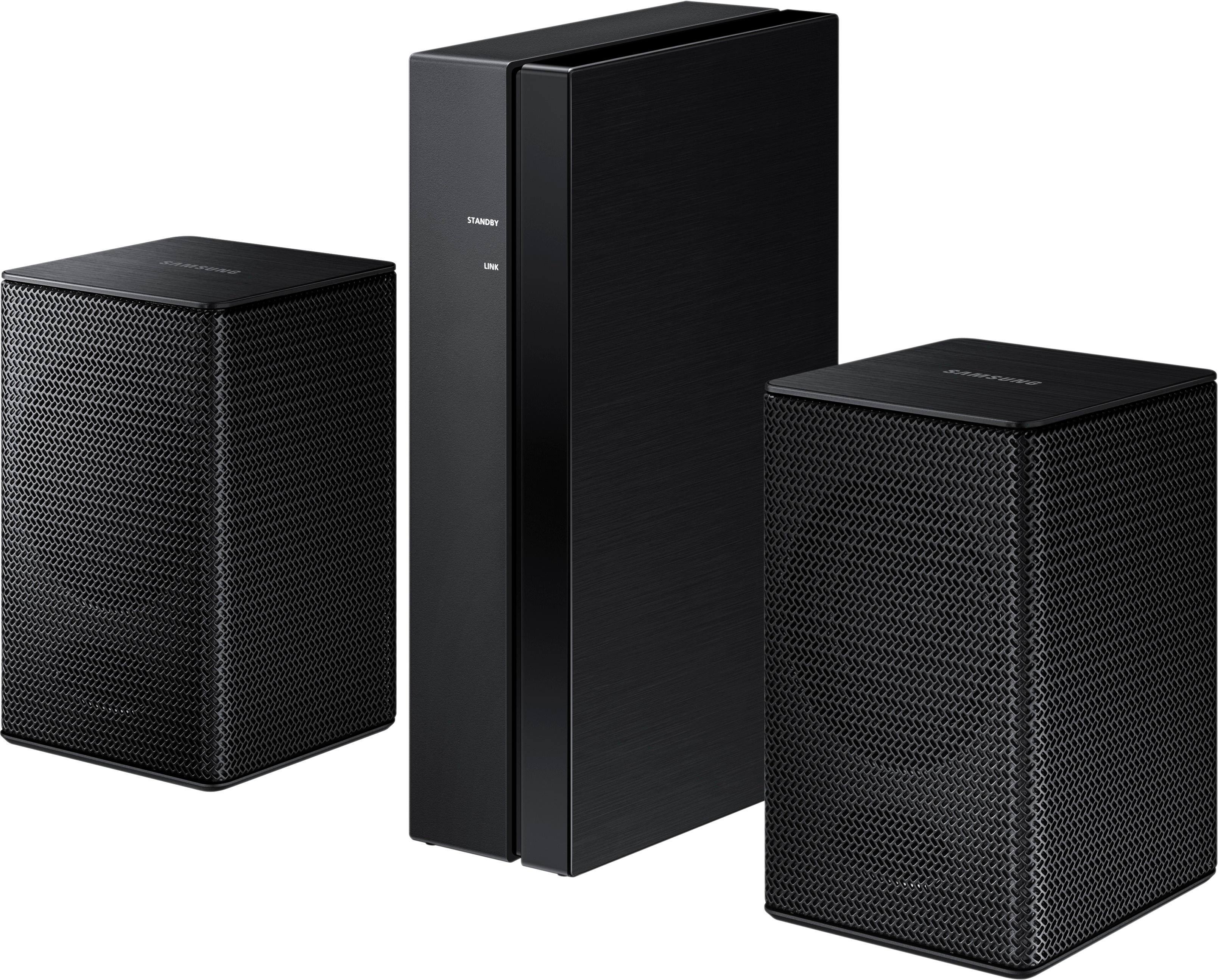
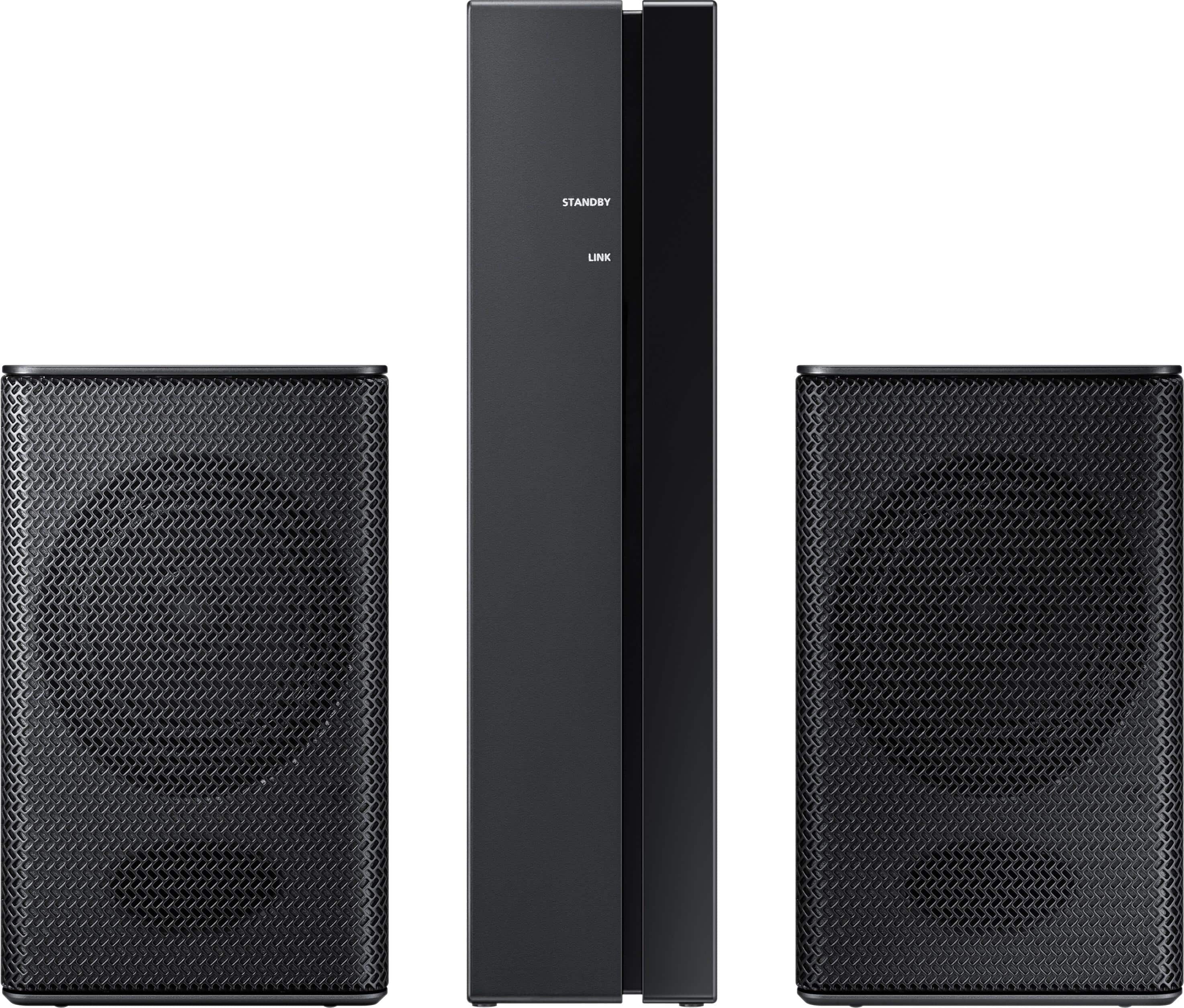
A:AnswerI dont believe you can use these speakers with any other hardware, other than the Samsung soundbar they are designed for. I know the description says certain Samsung soundbars. I have 3 pairs of these and they are all paired with the 550 series bar. You should verify with the guys at BestBuy before you buy them.
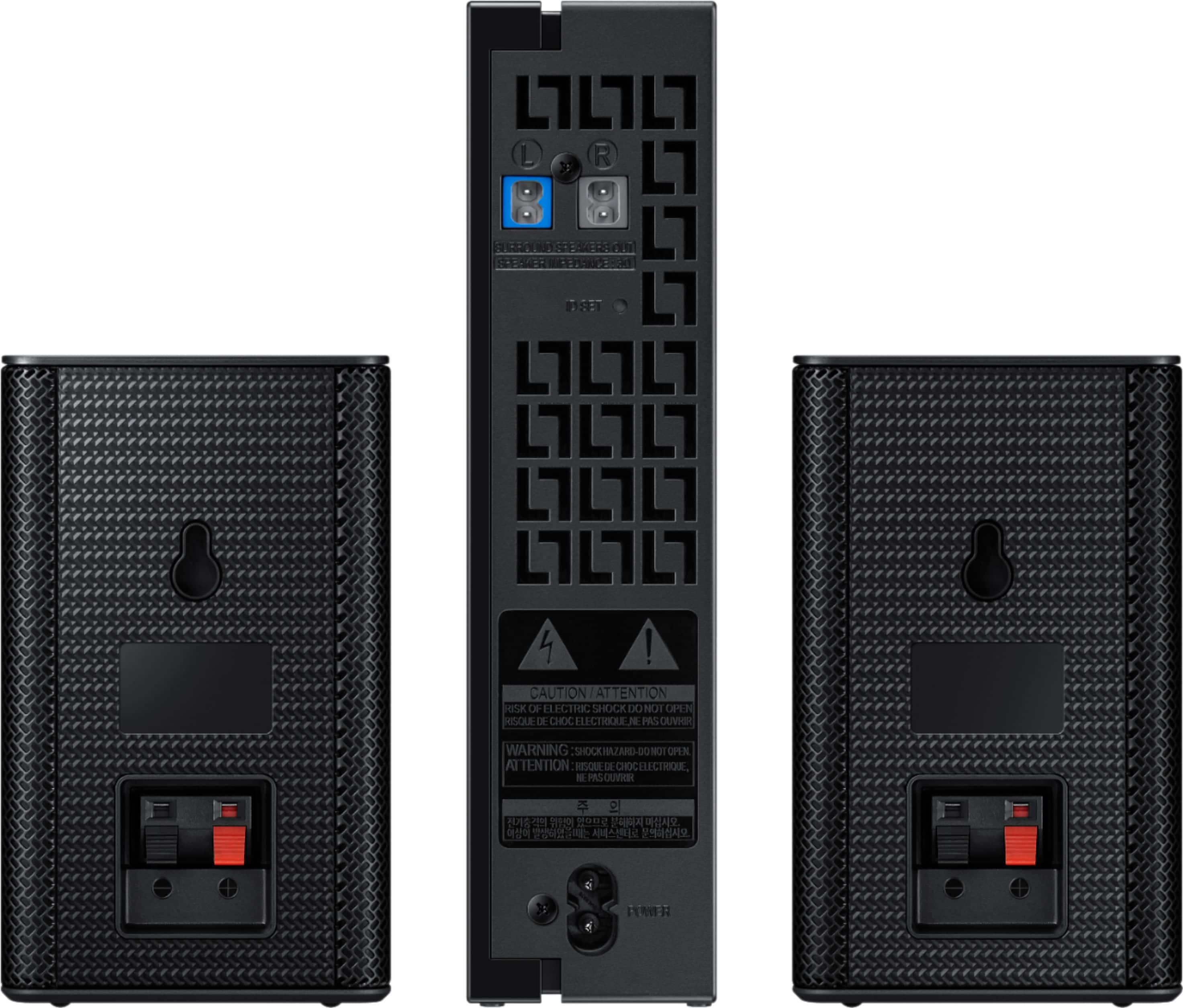
A:AnswerNicholas: Follow pages #7, 8 & 9 from the user manual to sync the rear surround speakers SWA-8500S to the soundbar HW-M4500. Here is the link to the manual: http://downloadcenter2.samsung.com/content/UM/201704/2017040710It m4629526/SWA-8500S-ZC_AH68-02993D-00_170206.pdf.
It might seem like the instructions don't make sense when they state "Turn off the Soundbar using the Soundbar’s remote control or by pressing the (Power) button
on the main Soundbar unit." and then "Press the VOL button on your remote control for 5~6 seconds until the “ID SET” message appears
on your Soundbar display." Even though you've turned off the power, the volume control does work and the ID SET will flash once in the soundbar display and the speakers will pair with the soundbar. Note: This is a unique procedure used only for the rear surround speakers, different from pairing using bluetooth "BT"
Hope this helps! ajb
A:AnswerHi Sena, we understand your concerns with the Rear Loudspeakers. Please fill out the form below and one of our social media specialists would be happy to assist you. http://smsn.us/SamsungSupportUSA and we will respond accordingly. ^Britt
A:AnswerHi J, we understand your concerns with the Speakers. Please fill out the form below and one of our social media specialists would be happy to assist you. http://smsn.us/SamsungSupportUSA and we will respond accordingly. ^Britt