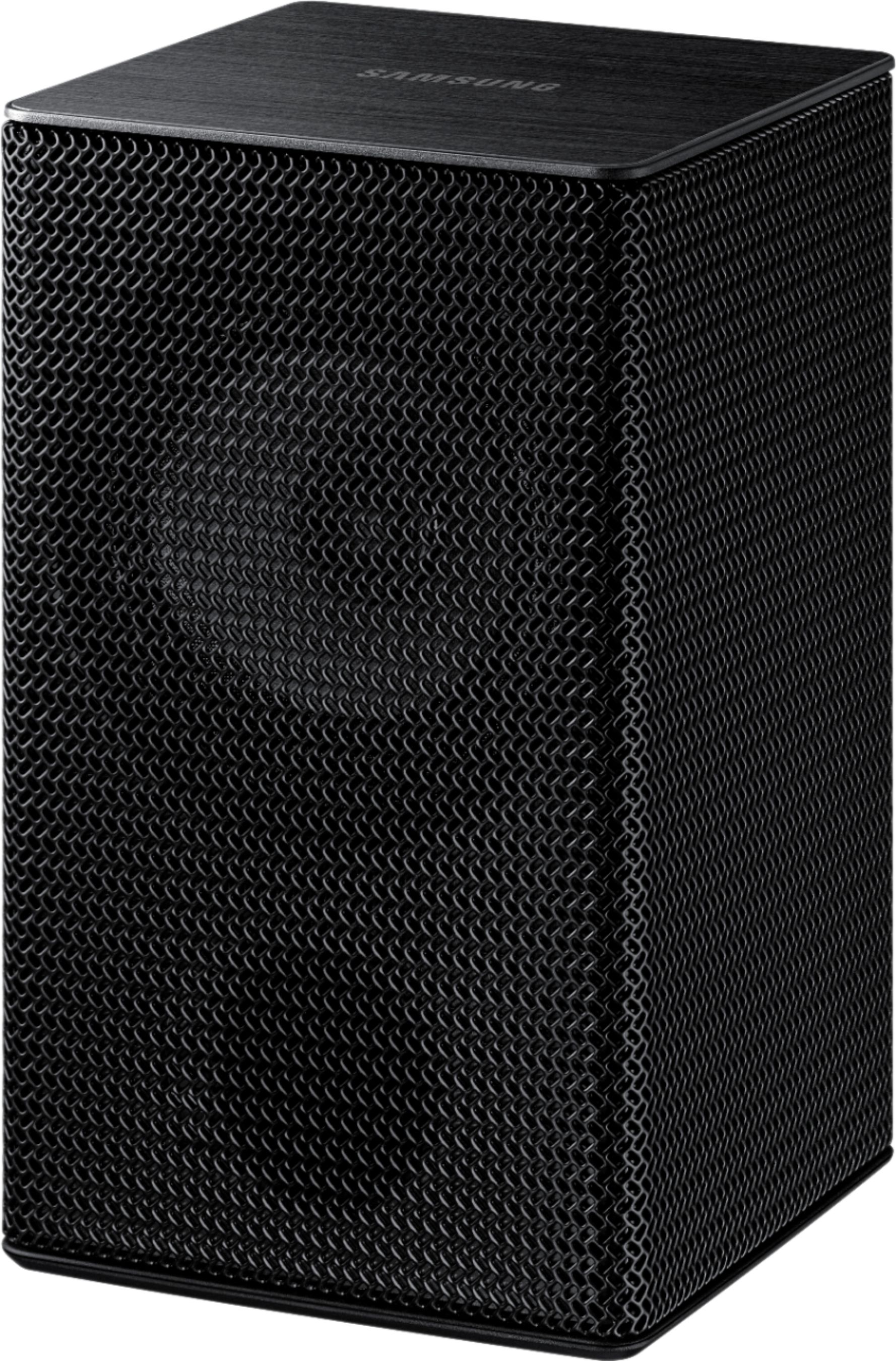
A:AnswerI believe the SWA8500 series surround speakers are compatible with the N650 sound bar. Not sure if the SWA9000 will connect. I use the 9000 series, but have a Q80 sound bar.
A:AnswerI bought a different sound bar but i believe you need the previous model speakers which are 8500s not the 9000 series. Bestbuy sells them online for 100.
A:AnswerNo. It is compatible with the HW-MS550, HW-MS650, HW-MS6500, HW-MS750. For the m550 you need the SWA-8500S/ZA rear speakers. Those are compatible with the HW-M360, HW-M450, HW-M4500, HW-M550. Also, the SWA-8500S/ZA are on sale for $64.99
A:AnswerShould be a pairing button on modem box of this as well as soundbar on soundbar should be add speaker as well press these till light flashes on modem use the blutooth mode of soundbar and it will link with one another ... if this confusing you should have manual or can call samsung
A:AnswerI read the owners manual towards the end it has a part conecting SWA9000S to HW-N850 sound bar
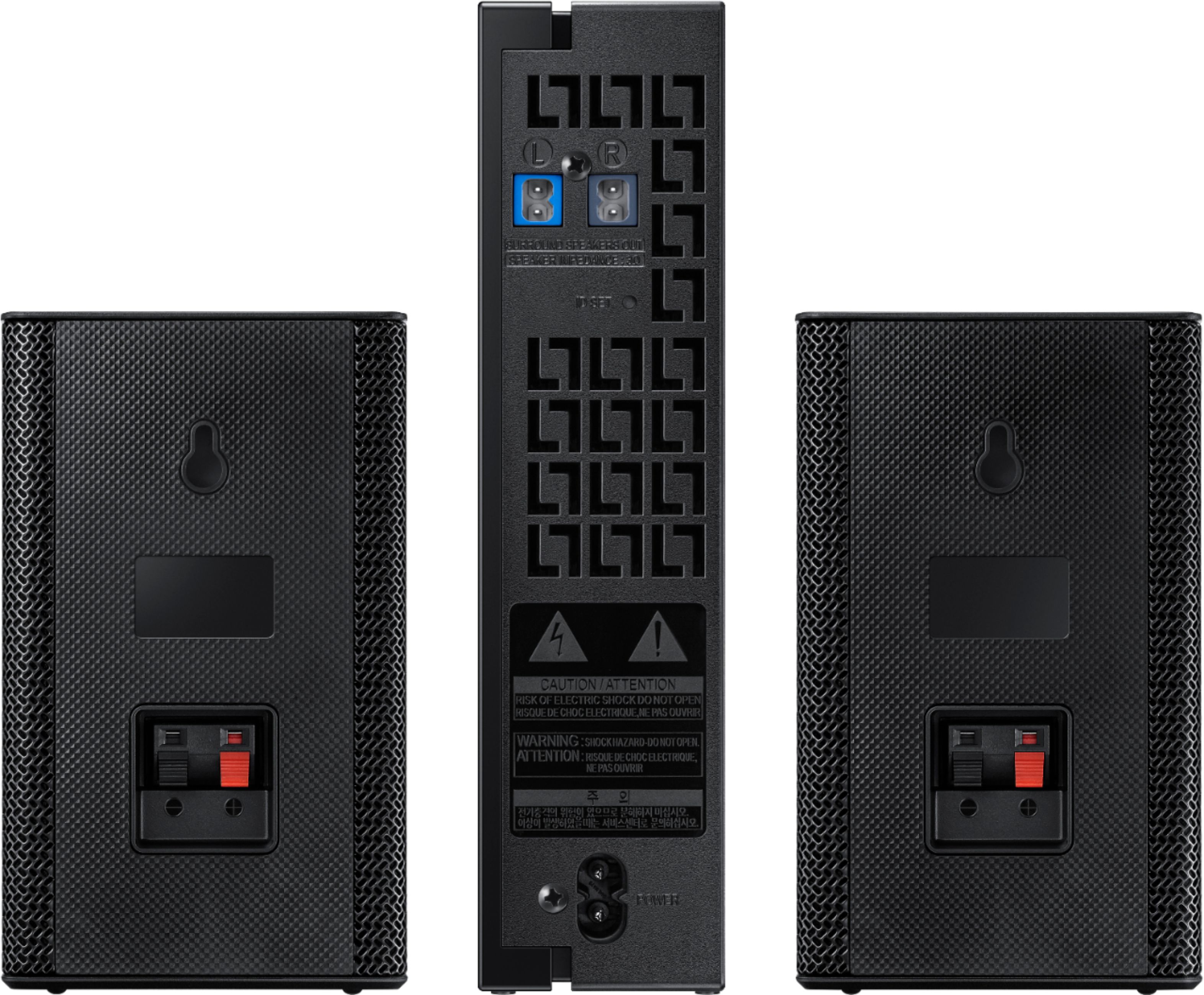
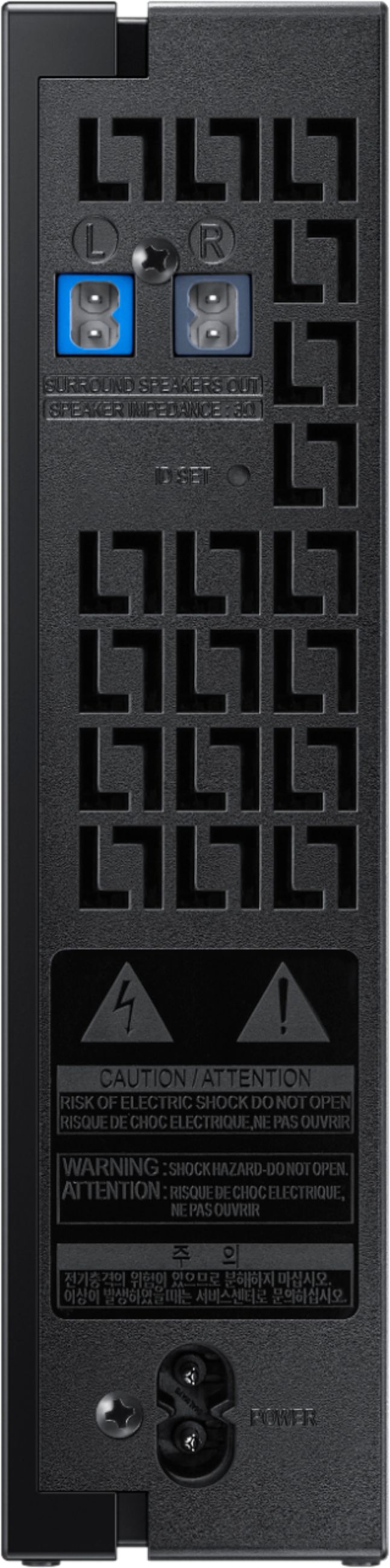
. Check the standby status of the Wireless Receiver Module after plugging it into an electrical outlet. • The LINK LED indicator (blue LED) on the Wireless Receiver Module blinks. If the LED does not blink, press the ID SET button on the back of the Wireless Receiver Module with a pen tip for 5~6 seconds until the LINK LED indicator blinks (in Blue). For more about the LED, please refer to the SWA-9000S user manual.
ID SET
L R
SURROUND SPEAKERS OUT SPEAKER IMPEDANCE : 3Ω
POWER
POWER
ID SET
SURROUND SPEAKERS OUT SPEAKER IMPEDANCE : 3Ω
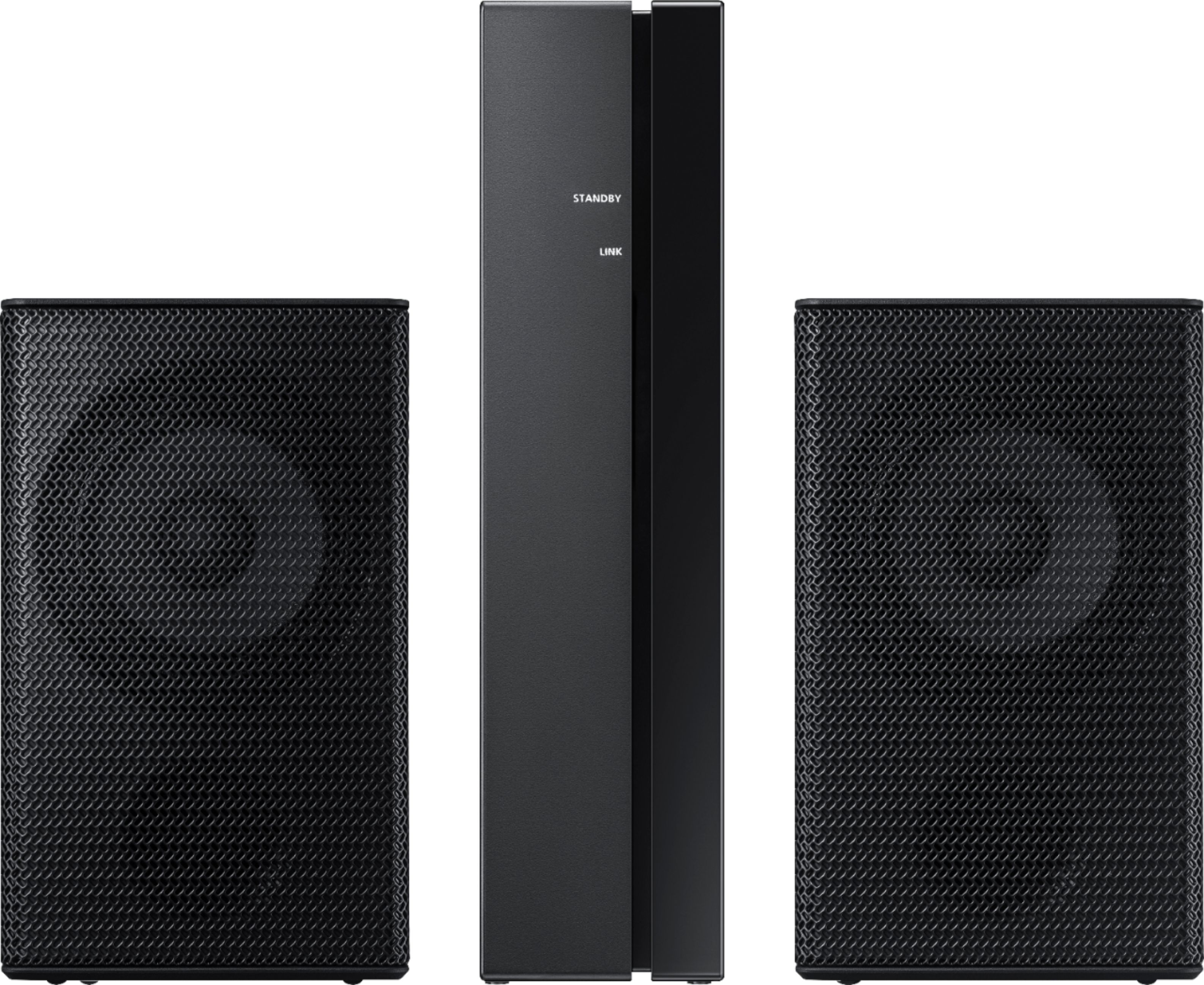
STANDBY LINK
STANDBY LINK
Blue blinking
5 Sec
3. Press and hold the Up button on the remote control for at least 5 seconds. • The ID SET message appears on the display of the Soundbar for a moment, and then it disappears. • The Soundbar will automatically power on when ID SET is complete.
SOUND MODE
PAIR 5 Sec
ID SET
“Samsung Harman Kardon” logo is on the top
CAUTION • If your Soundbar was playing music when it connects to the SWA-9000S, you may hear some stuttering from the woofer as the connection finalizes.
4. Check if the LINK LED is solid blue (connection complete)
STANDBY LINK
STANDBY LINK
Blue is On
The LINK LED indicator stops blinking and glows a solid blue when a connection is established between the Soundbar and the Wireless Receiver Module.
A:AnswerYou would want them facing the soundbar because dor true surround you would want the soundbar in front of you and the wireless (rear) speakers behind you.
A:AnswerYes, The speakers paired up quickly no issues. If you also have the Samsung wireless sub woofer you already have the wireless dongle attached to your sound bar then you just follow the easy Bluetooth connect and your done.
A:AnswerI’m not sure there will be a wall mount bracket for these speakers. As they just have a hole for a screw. You could probably use just a piece of metal that turns into a right angle.
A:AnswerI have yet to get mine to work with my Samsung sound bar. Samsung said it should work. I talked to Geek Squad and they said it will cost $50to a $100 for them to set it up. So, now I'm going to start over and try to get the sound bar to see the rear speaker.