
Black Friday is hereShop new DoorbustersShop now

Main Content

Questions & Answers

Page Showing 1-15 of 15 questions
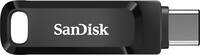
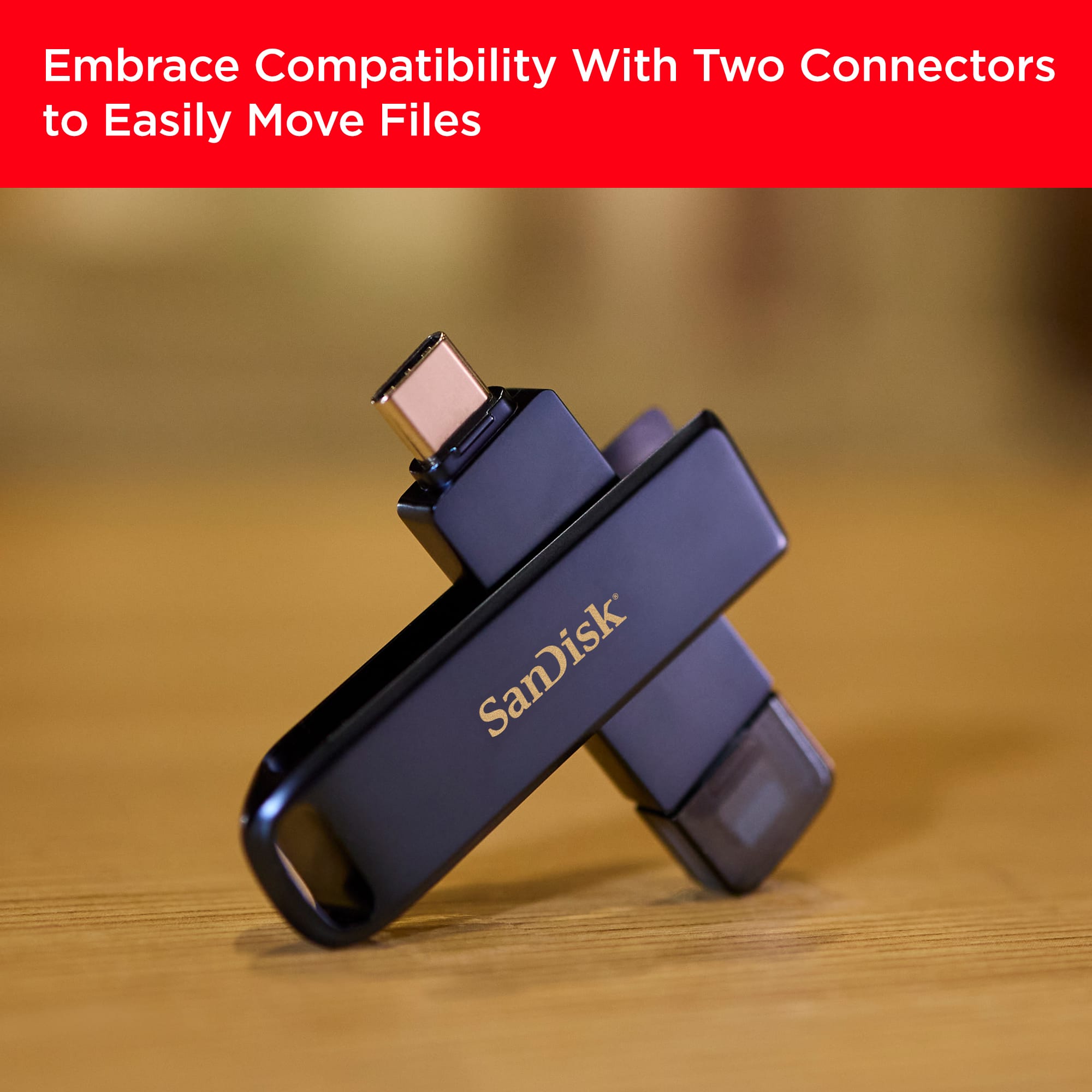
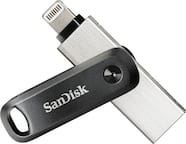
  • QuestionWhat types of connectors does the flash drive have?

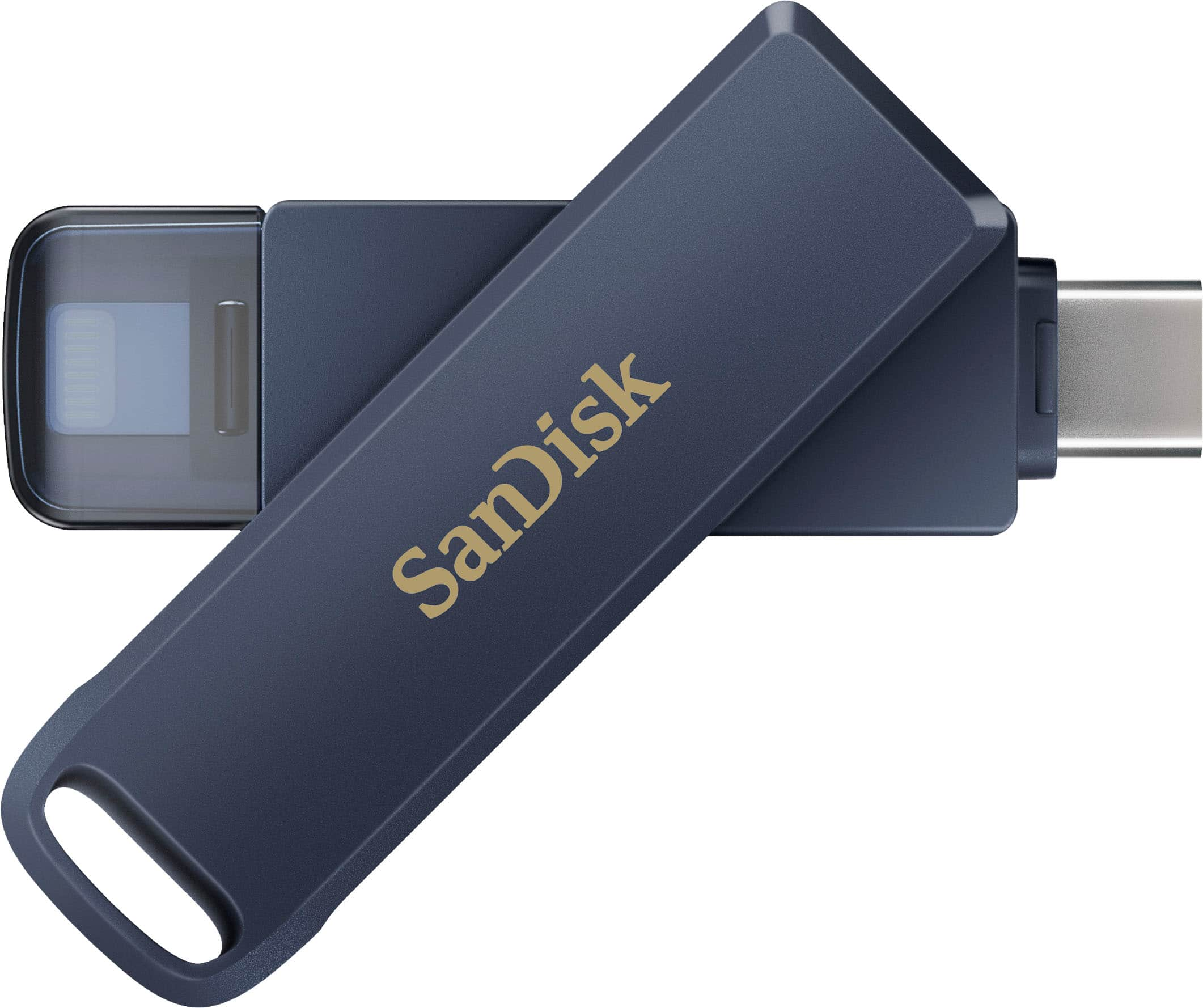
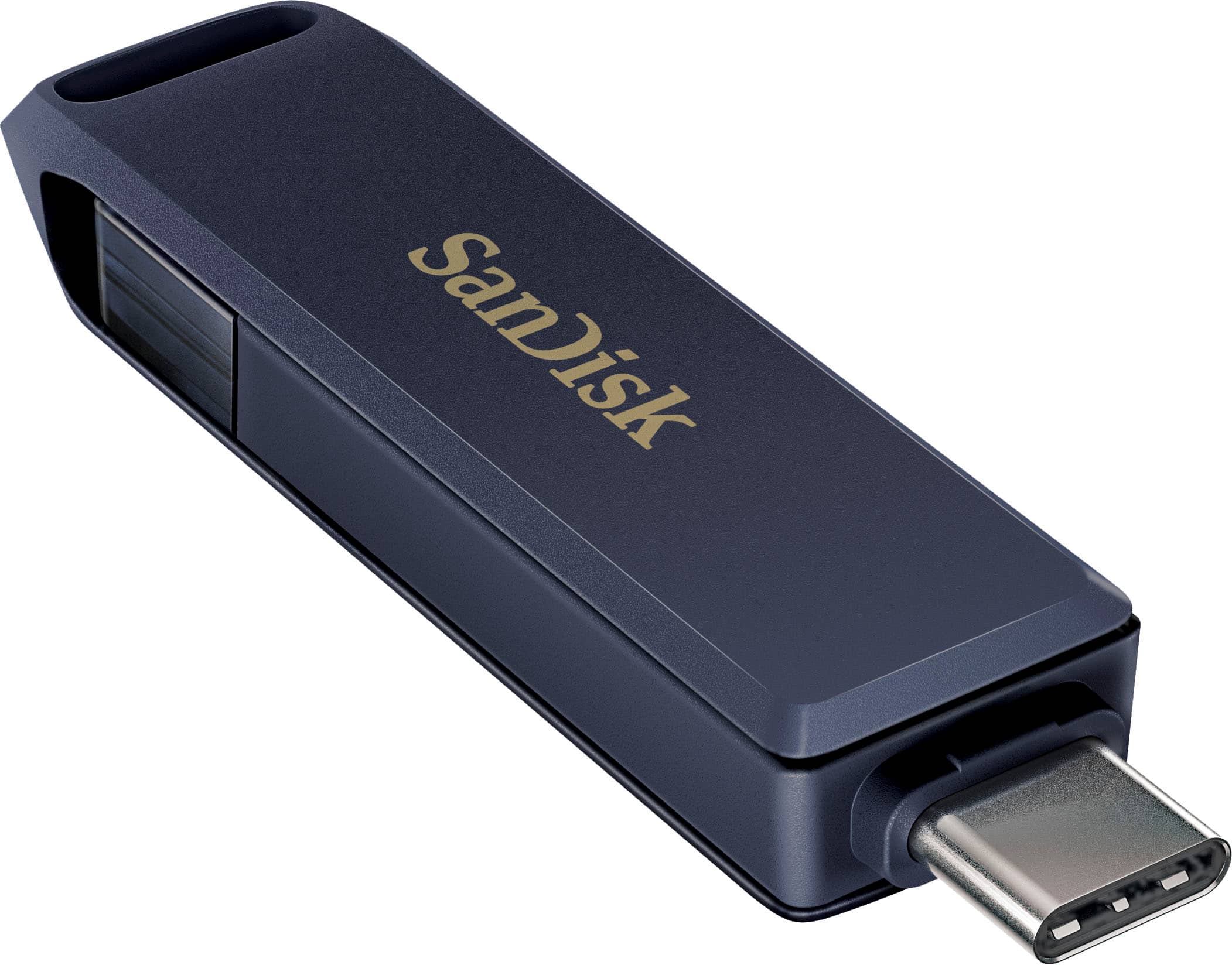
    • Answer This flash drive has both Lightning and USB Type-C connectors.
    This question and answer was generated by AI based on customer and product data.
  • QuestionDoes the flash drive come with a lanyard?

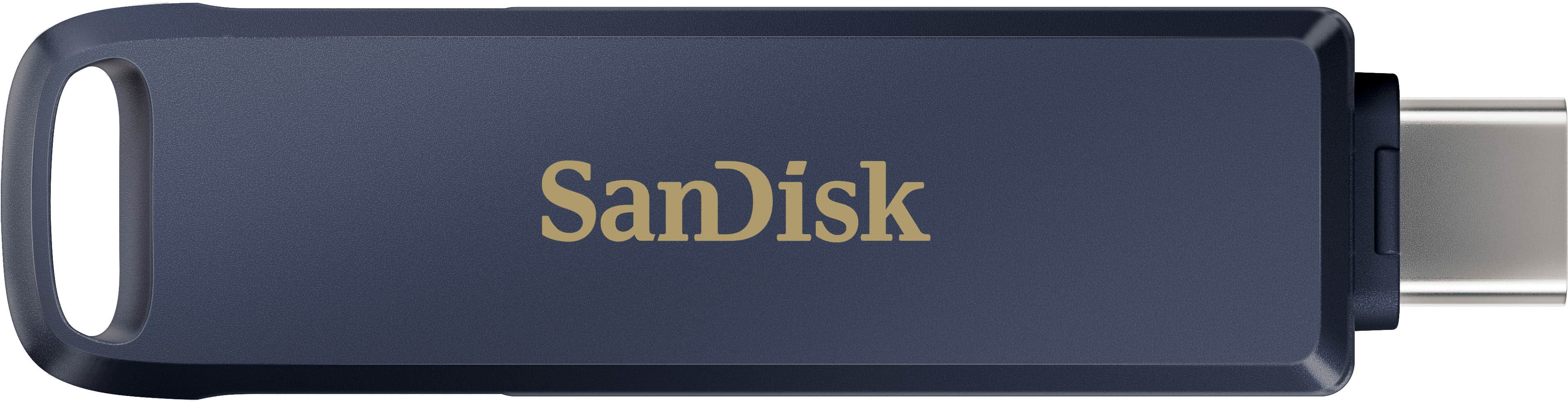
    • Answer This flash drive does include a lanyard attachment.
    This question and answer was generated by AI based on customer and product data.
  • QuestionIs the flash drive compatible with USB 3.2?

    • Answer This flash drive has a USB generation of USB 3.2.
    This question and answer was generated by AI based on customer and product data.
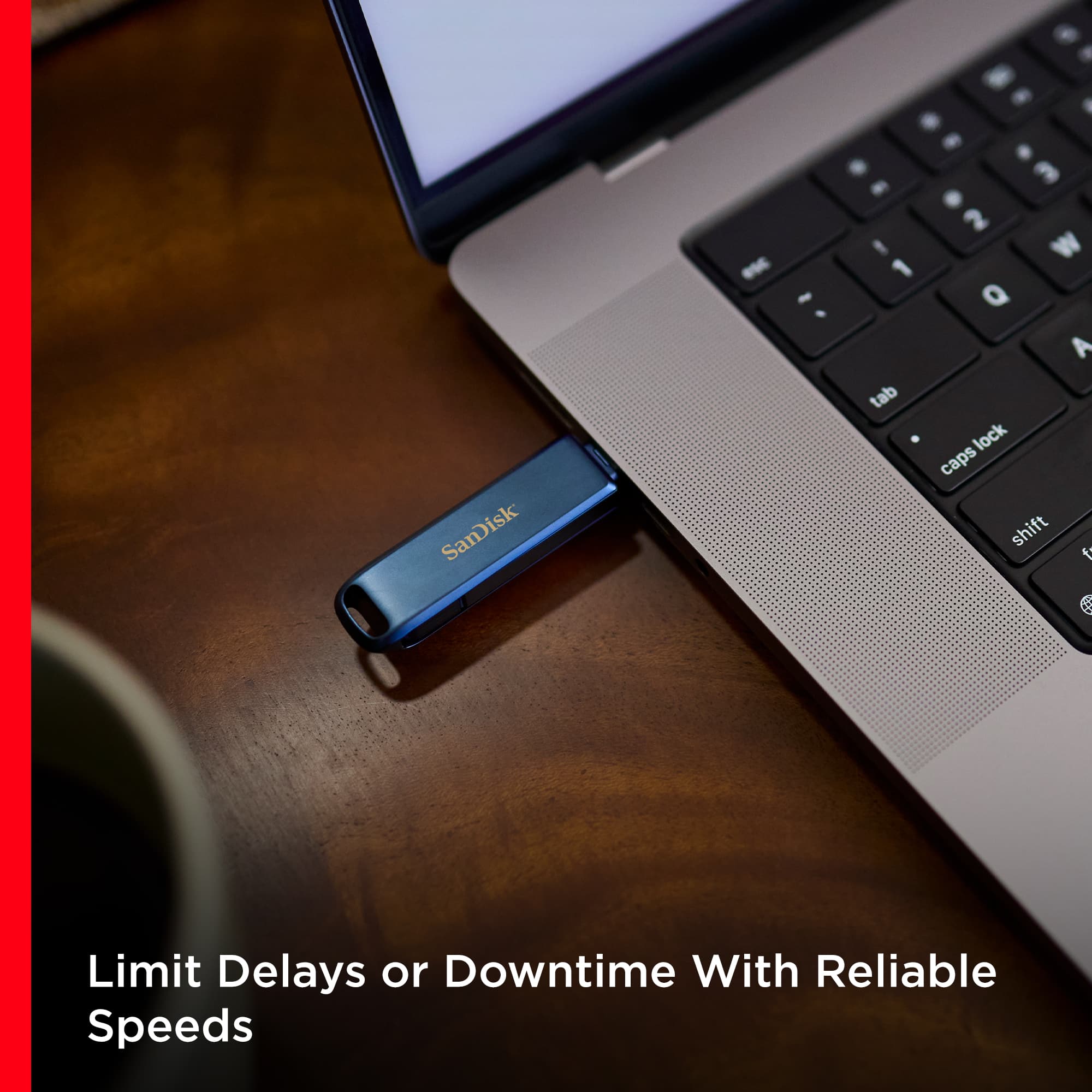
  • QuestionWhat is the maximum read speed of the flash drive?

    • Answer The maximum read speed of this flash drive is 90 megabytes per second.
    This question and answer was generated by AI based on customer and product data.
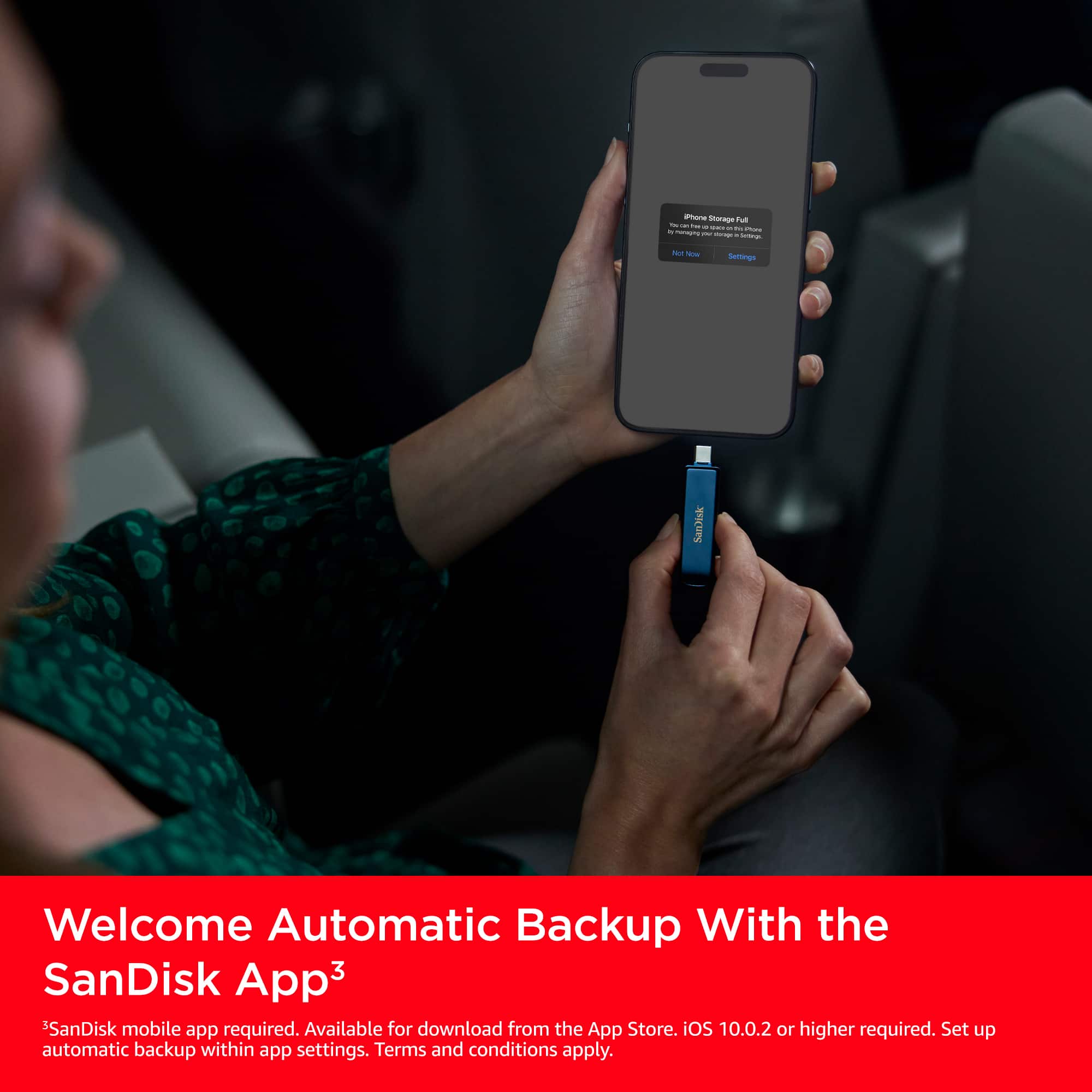
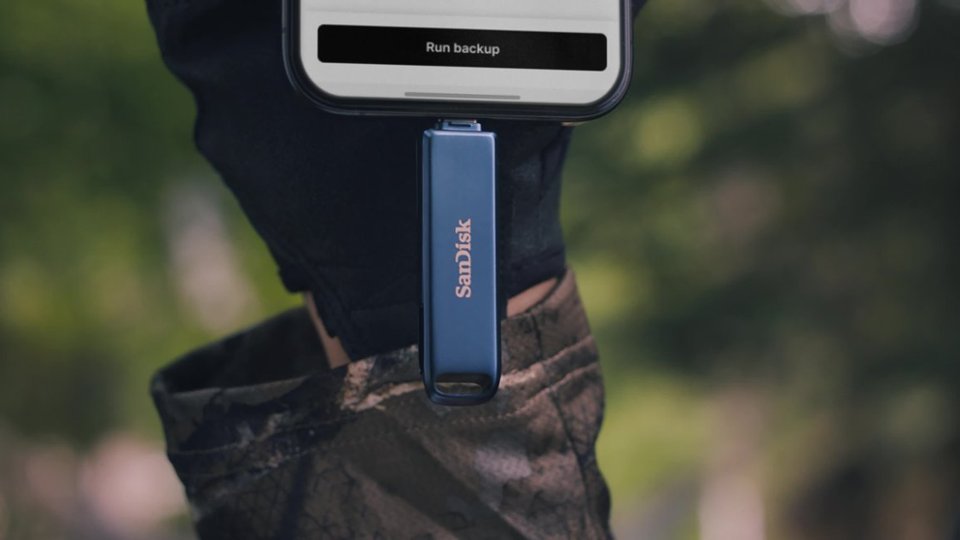
  • QuestionCan I use the SanDisk mobile app to back up my data?

    • Answer Yes, you can back up your data using the SanDisk mobile app.
    This question and answer was generated by AI based on customer and product data.
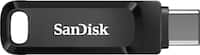
  • QuestionWhat are the dimensions of the flash drive?

    • Answer The flash drive is 1.97 inches deep, 0.34 inches high, and 0.61 inches wide.
    This question and answer was generated by AI based on customer and product data.
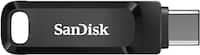
  • QuestionWhat is the warranty on the flash drive?

    • Answer The manufacturer's warranty for both parts and labor is 2 years.
    This question and answer was generated by AI based on customer and product data.
  • QuestionIs this compatible with iphone 16. First two i bought were not detected.

    Asked by Jo.

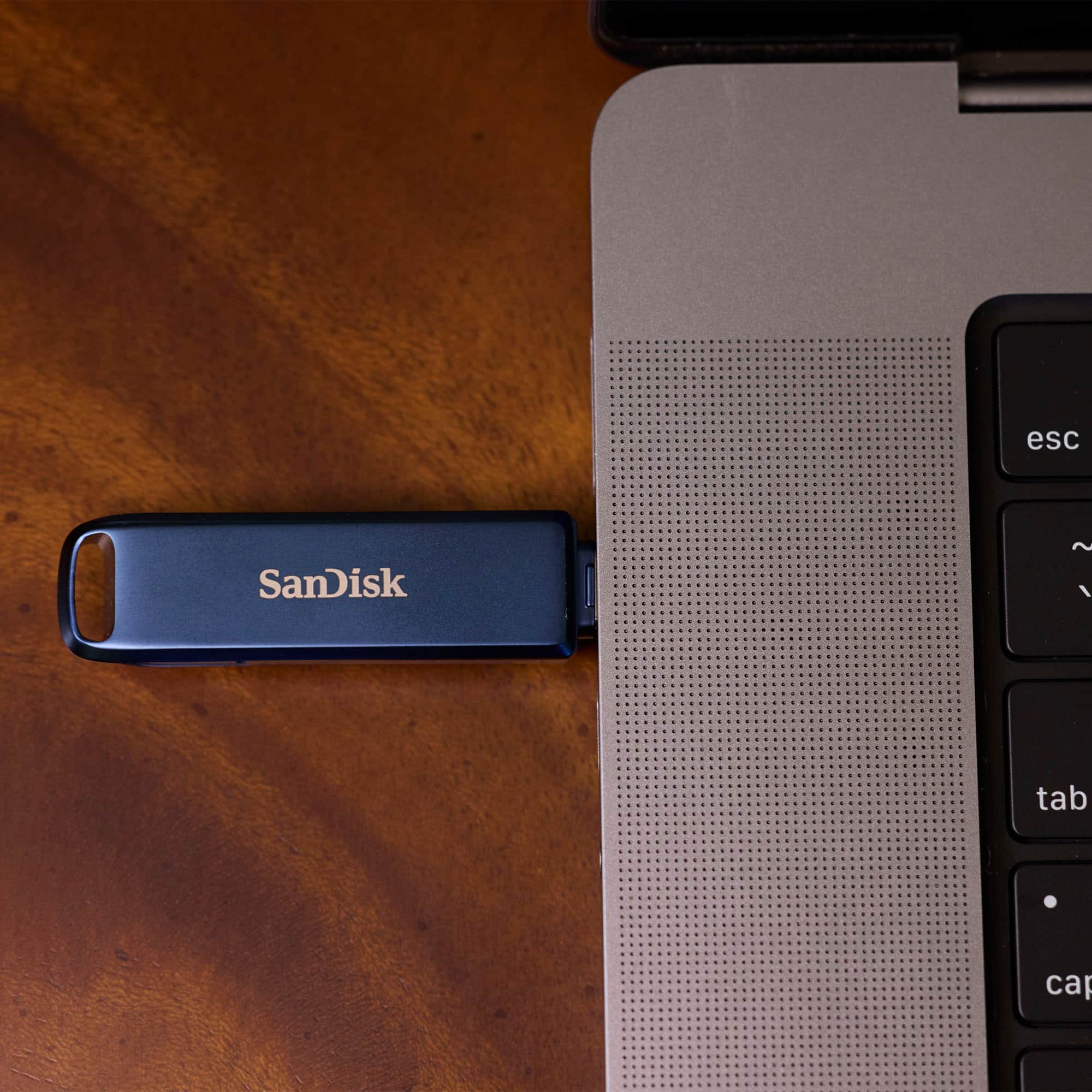
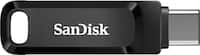
    • Answer Hi Jo, Thank you for reaching out to us. Please be informed that the SanDisk USB Flash Drive for iPhone Lightning and USB Type-C is compatible with the iPhone 16. Since the iPhone 16 does not have a Lightning port, make sure you're using the USB-C side of the drive as the drive comes with both connectors and you can use the Apple's Files App to transfer the data.

      Answered by SanDisk Team

  • QuestionCan you move pictures from an iPhone to a PC with this device?

    Asked by Anonymous.

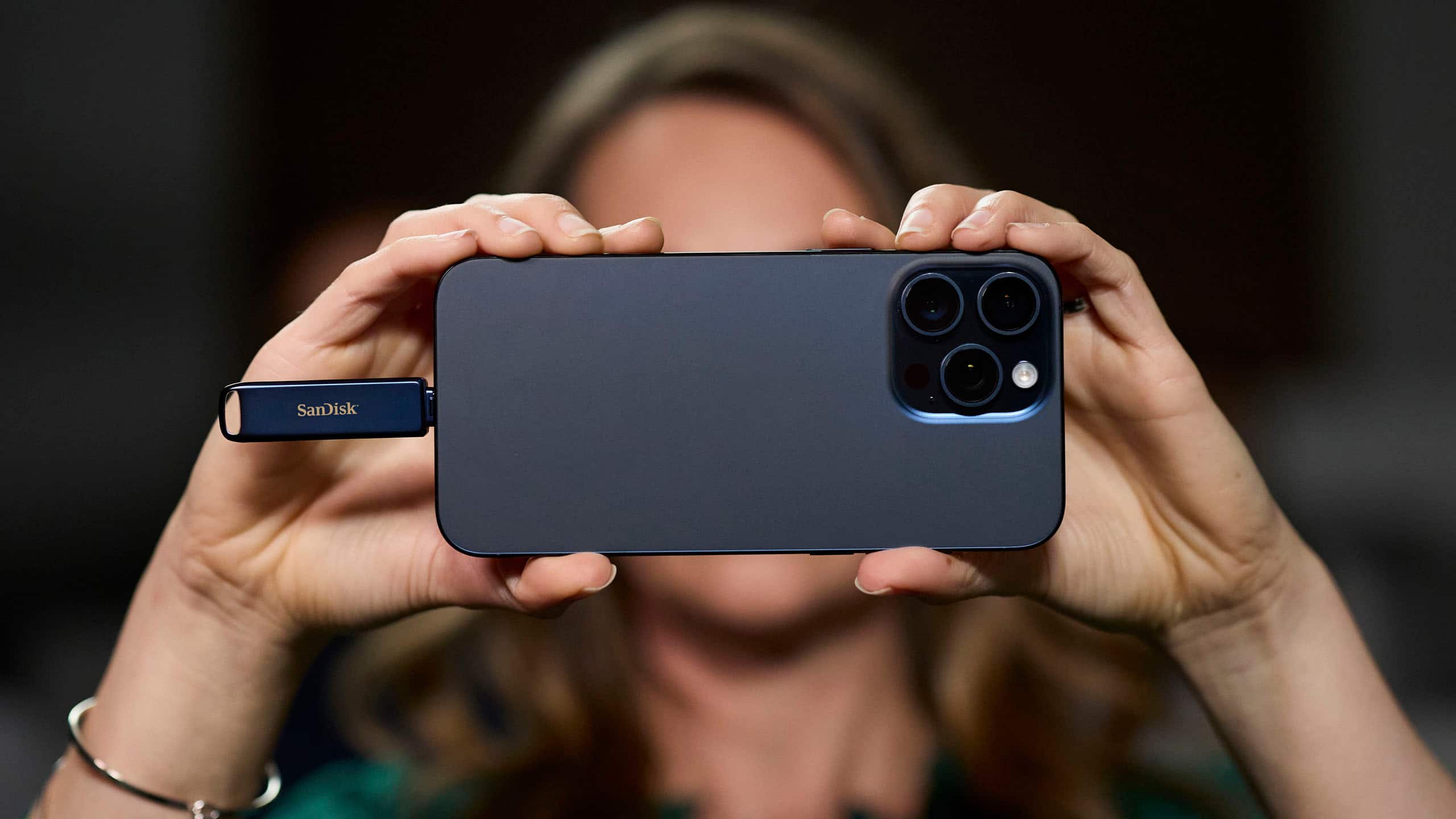
    • Answer Hi, Yes, you can transfer pictures or other data from an iPhone to a PC using this SanDisk flash drive. Plug it into your iPhone, use the SanDisk Sandisk Memoryzone app or Apple's Files app to move photos to the drive, then connect it to your PC via USB Type-C to transfer the files.

      Answered by SanDisk Team

  • QuestionDoes this work the the SanDisk Memory zone app for iPhone 16? Too many of them do not and I am tired of wasting time and money on them if they aren’t going to work to download my photos.

    Asked by Angie.

    • Answer Hi Angie, thank you for reaching out to us. The SanDisk USB Flash Drive for iPhone Lightning and USB Type-C is fully compatible with iPhone 16 via the USB-C connector, and you can manage your photos and files through the SanDisk Memory Zone app. Just ensure you’re running the latest version of the app.

      Answered by SanDisk Team

  • QuestionWill this work to transfer texts? I have a bunch of text messages from someone who passed away that I want to keep safe and always have them.

    Asked by Anonymous.

    • Answer Hi, Please know that SanDisk USB Flash Drive for iPhone with Lightning and USB Type-C can help you keep your important text messages safe, but not by directly saving texts. To backup your messages, you’ll need to first save them to your iPhone’s internal storage or computer by creating a backup, and then manually transfer any exported files or documents containing the messages to the flash drive. This way, you can preserve those meaningful conversations in a format you can access anytime.

      Answered by SanDisk Team

  • QuestionHOW MANY PICTURES WILL THIS FLASH DRIVE HOLD

    Asked by TUSH.

    • Answer I had over 10k pictures and videos. I transferred all of them without any issues. It will take some time if you have that many photos. So be patient. I used it with my iPhone 13 Pro Max.

      Answered by user117989

  • QuestionPDF files from flash drive to IPad .How?

    Asked by Anonymous.

    • Answer Hi, if you're using an iPad with a USB Type-C port, you can plug in the SanDisk USB-C flash drive directly and access your PDF files through the Files app. However, if your iPad uses a Lightning connector, it won’t support direct access to the drive. In that case, you can transfer the PDF files to a computer first, then move them to your iPad. For more information, please see (https://support-en.sandisk.com/app/answers/detailweb/a_id/52507)

      Answered by SanDisk Team

  • Questionwill this flash drive copy completley all fields of allcontacts in a iphone 15 -- if not which flash drive does

    Asked by hmgky.

    • Answer Hi, The SanDisk USB Flash Drive with Lightning and USB Type-C can back up your iPhone 15 contacts using the SanDisk Memory Zone app for iOS. But it typically saves only standard fields; custom fields like birthdays, notes, or addresses may not be fully captured, as iOS limits how much third-party apps can access. For a complete backup of all contact details, we recommend exporting your contacts via iCloud, then transferring the file to the drive. Make sure the iOS version is iOS 15+.

      Answered by SanDisk Team

  • Questionwill this fit the iPhone 8?

    Asked by Anonymous.

    • Answer Yes

      Answered by user117989