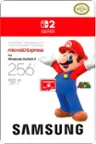
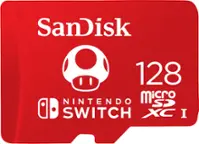
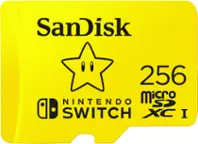
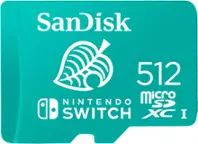
A:AnswerHi Bryan, thank you for reaching out to us. Please note that for the best experience on the Nintendo Switch 2, we recommend using the SanDisk microSD Express card designed specifically for Nintendo Switch 2. It’s built to meet the performance needs of next-gen gaming, so you’ll experience faster load times and improved responsiveness. You can refer to the link (https://shop.sandisk.com/products/memory-cards/microsd-cards/sandisk-microsd-express-memory-card?sku=SDSQXFN-256G-GN4NN)
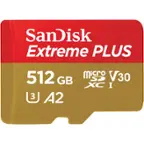
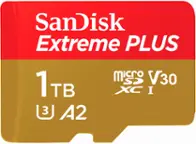
A:AnswerHi Dennis, The SanDisk Extreme Plus microSDXC UHS-I card should work perfectly with the GoPro Hero13. It offers the speed, durability, and capacity needed for high-quality video recording, fast transfers, and high burst photography. Just make sure the card is formatted in the camera before use for best performance. We also recommend connecting with host device manufacturer support for more compatibility information.
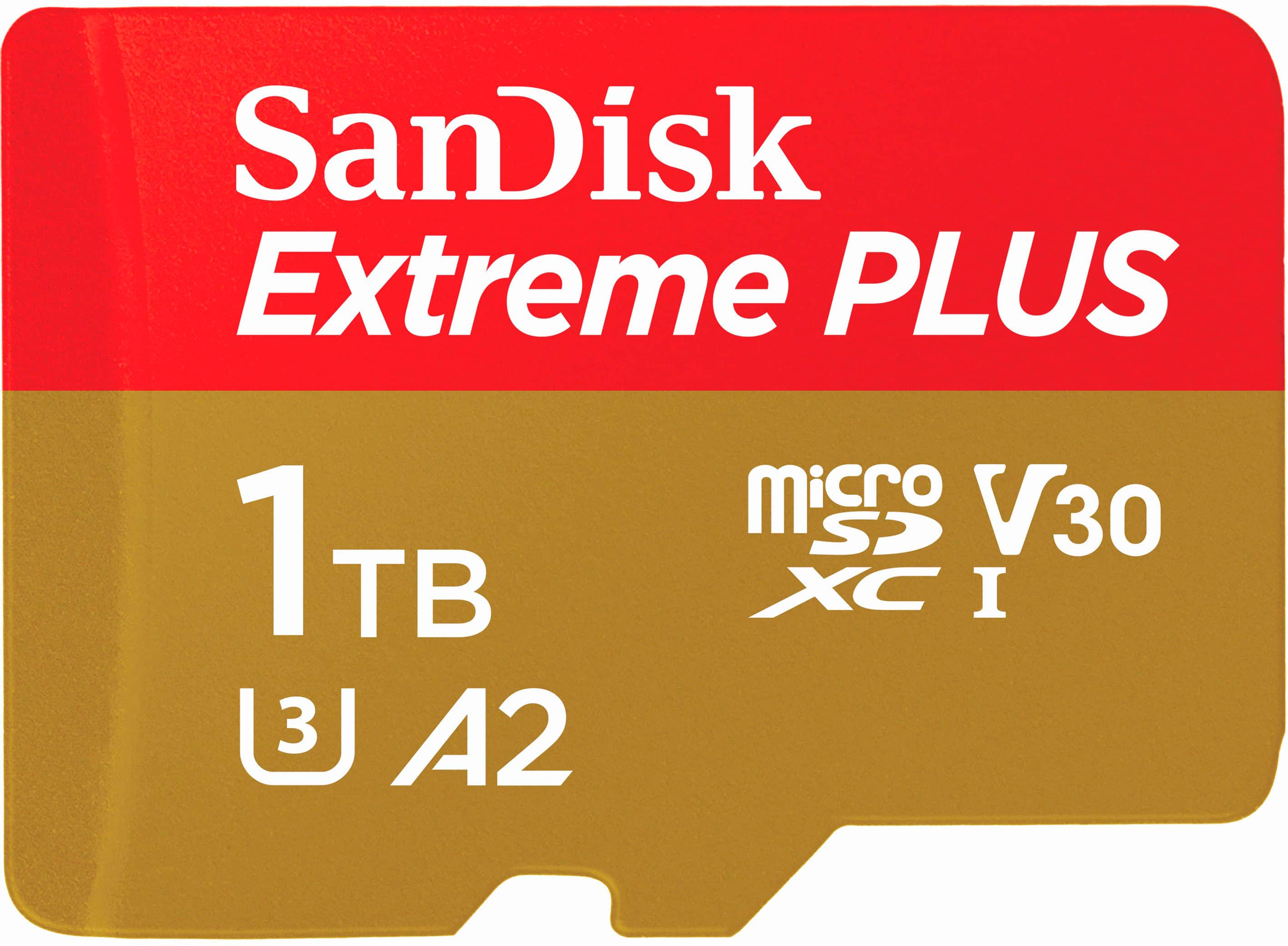
A:AnswerHi, please know that the Nintendo Switch 2 requires a microSD Express card that specifically bears the EX mark. We recommend that you check out the SanDisk microSD Express Card for use with the Nintendo Switch 2. Please visit: https://shop.sandisk.com/en-us/products/memory-cards/microsd-cards/sandisk-microsd-express-memory-card?sku=SDSQXFN-256G-GN4NN
A:AnswerHi Josh, the SanDisk Extreme PLUS microSDXC UHS-I Memory Card can be compatible with the original Nintendo Switch, as it supports microSDXC cards up to 2TB in size. However, the upcoming Nintendo Switch 2 is expected to require microSD Express cards, which offer faster data transfer speeds and have a different interface. Standard microSDXC cards like the Extreme PLUS may not be compatible with the Switch 2. For the relevant microSD Express cards for the Switch 2, you can refer to (https://shop.sandisk.com/products/memory-cards/microsd-cards/sandisk-microsd-express-memory-card?sku=SDSQXFN-256G-GN4NN)
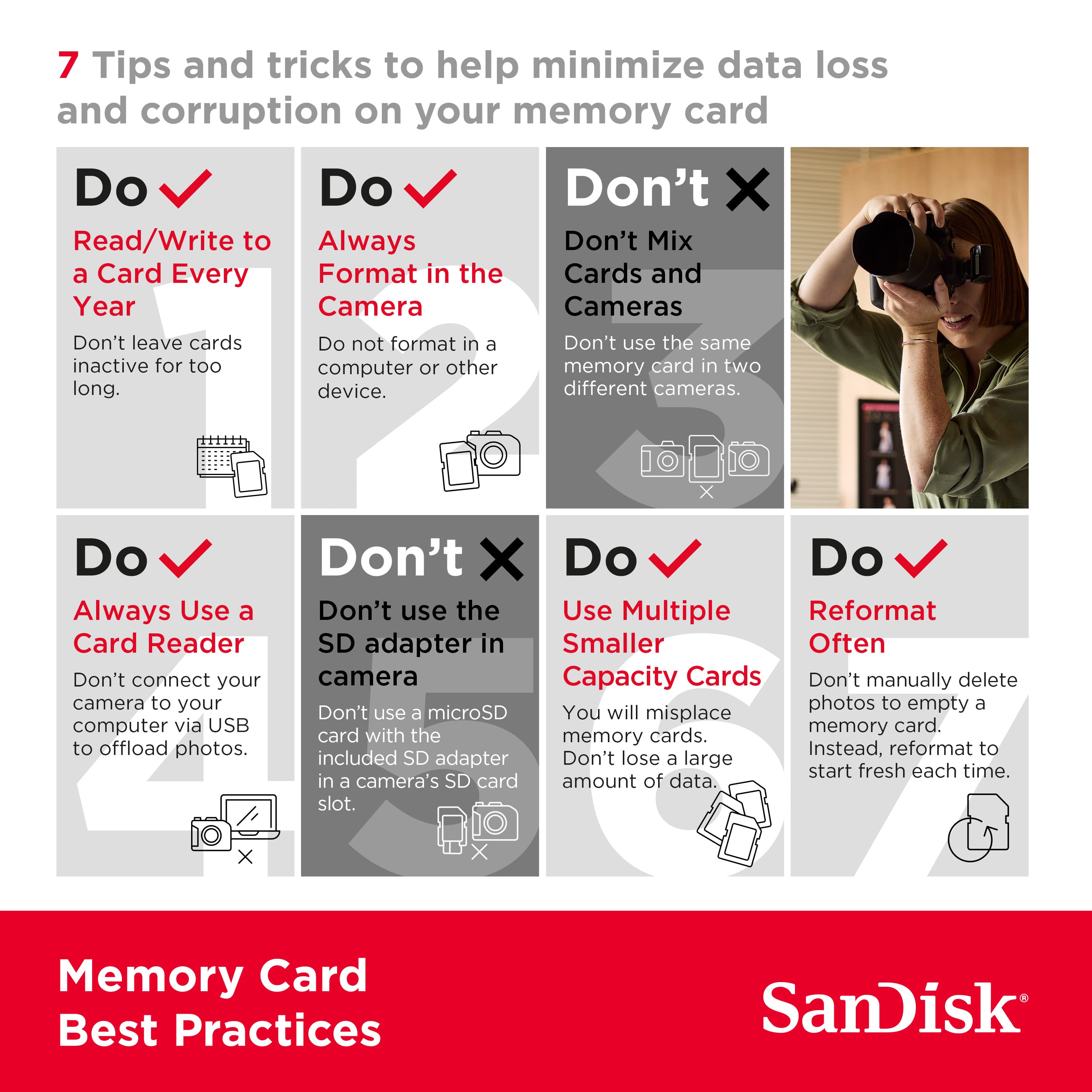
A:AnswerHi Matt, We are sorry for the inconvenience. We recommend you please try accessing the card on a computer using a card reader to check the remaining capacity. You may also try formatting the card by referring to Answer ID 51125 (https://support-en.sandisk.com/app/answers/detailweb/a_id/51125). Kindly make sure to take backup of any existing data as formatting is a data destructive process. If the issue persists, you can open a ticket at (https://support-en.sandisk.com/app/askweb) with detailed problem and error screenshots. You may also connect with host device support as it can sometime happen due to host device internal space requirements.
A:AnswerHi, thanks for contacting us. Please know that the SanDisk - Extreme PLUS microSDXC UHS-I Memory Card can only work if the host device comes with a microSD card slot. However, this card should work with the mentioned host devices, but we still recommend contacting the host device manufacturer support for more compatibility information.
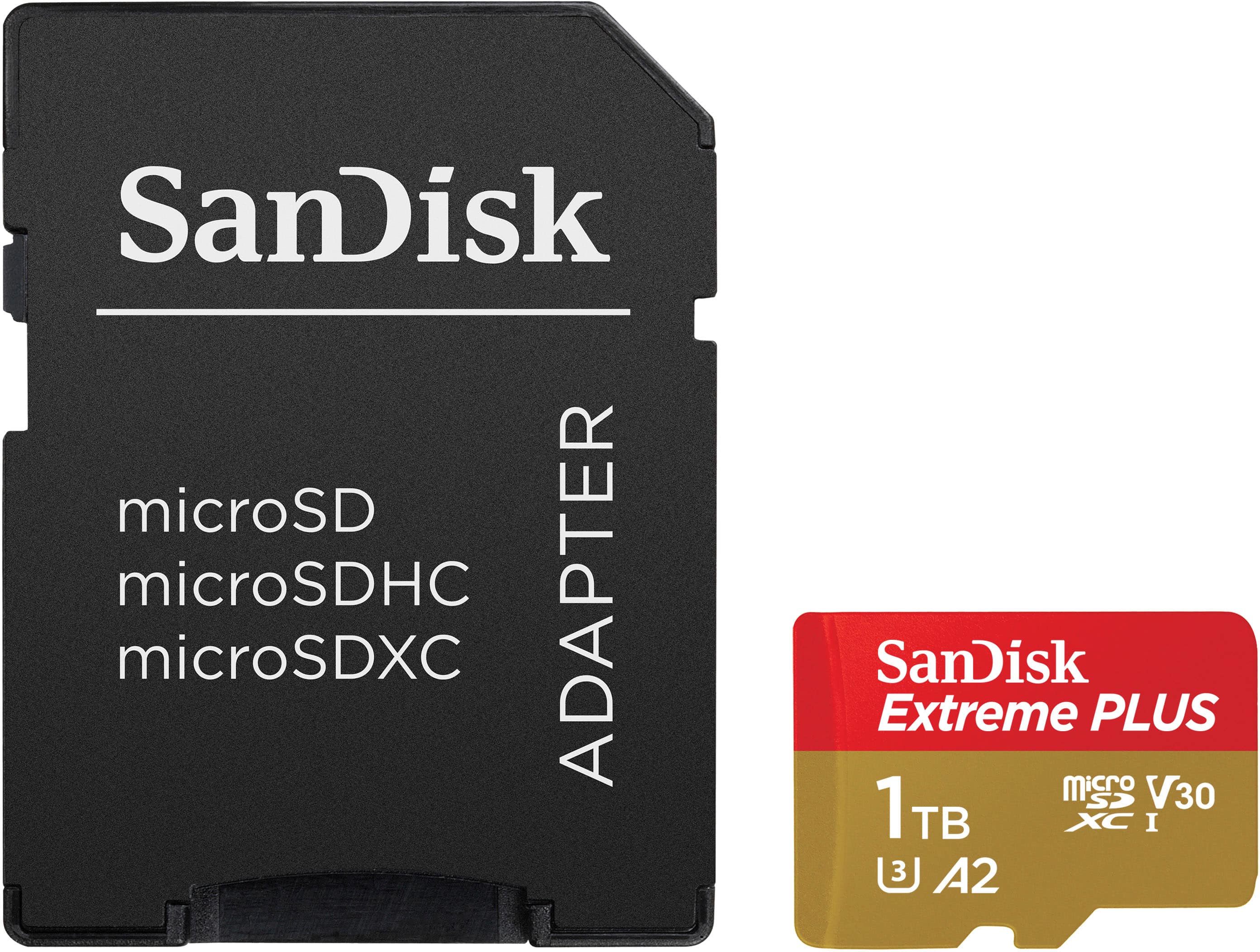
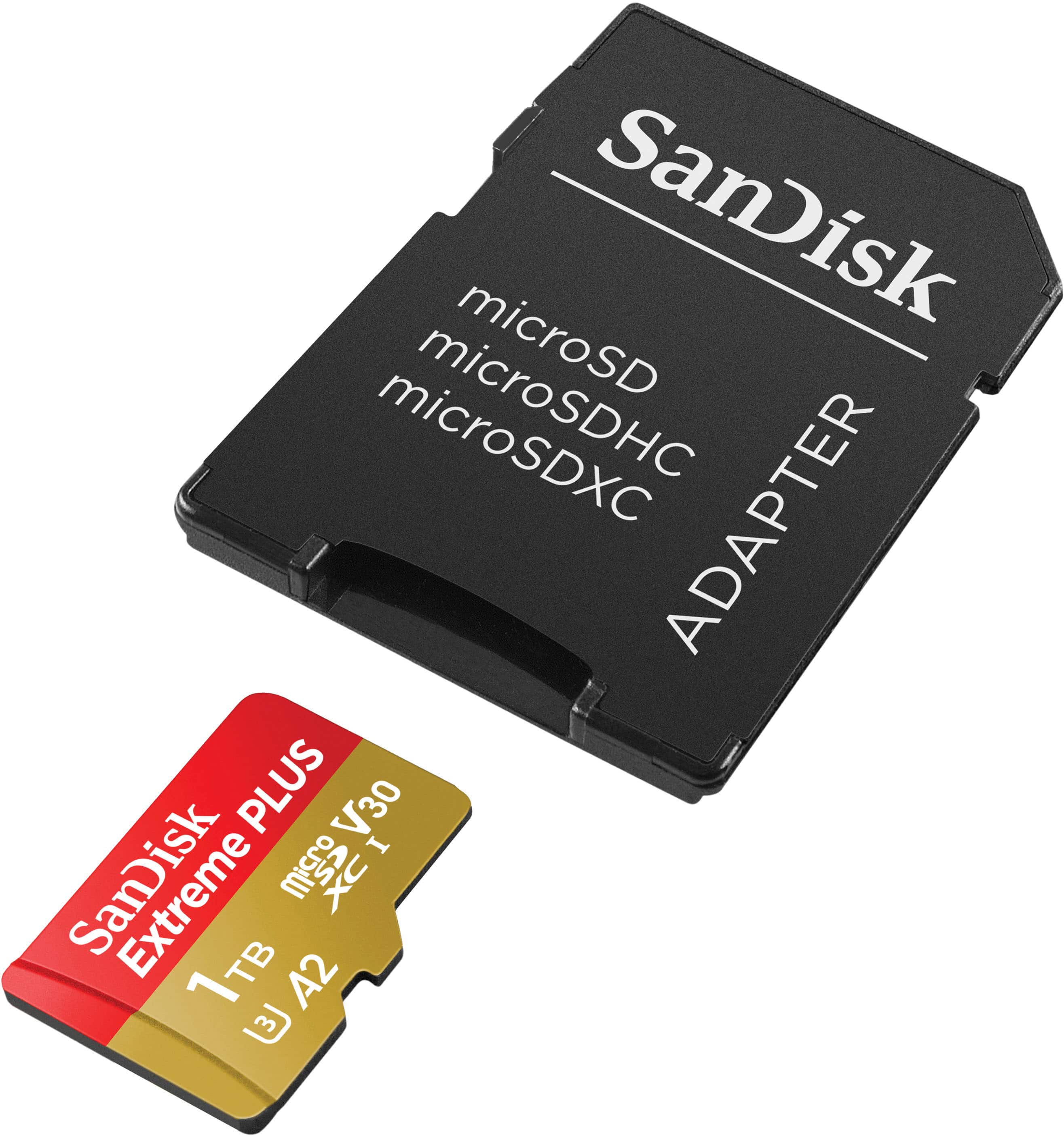
A:AnswerHi, thanks for showing interest in our products. Please note that SanDisk - Extreme Plus microSDXC comes in small micro form factor. So, if the laptop has a microSD card slot, you can use the card directly or you need to use an adapter if it has an SD card slot.
The performance and working of the card completely depends on the host device, so we also recommend contacting the host device manufacturer support for accurate compatibility information.
A:AnswerHello, SanDisk-Extreme Plus is not a legacy product. Currently it not listed on WD Online Store as it's out of stock. However, we are still manufacturing it and available on third party websites. Also, we still provide support on it. For any further query or require technical assistance then please submit a support ticket at https://support-en.wd.com/app/askweb.
A:AnswerHello, Please be informed that SanDisk-Extreme Plus is not a legacy product. Currently it not listed on WD Online Store as it's out of stock. However, we are still manufacturing it and available on third party websites. Also, we still provide support on it. For any further query or require technical assistance then please submit a support ticket at https://support-en.wd.com/app/askweb.
A:AnswerHello Matt, We recommend that you contact the host vendor support to know more about compatibility information. Please see the mentioned link for more details: https://gopro.com/workswithgopro
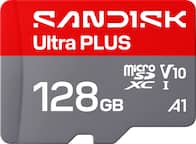
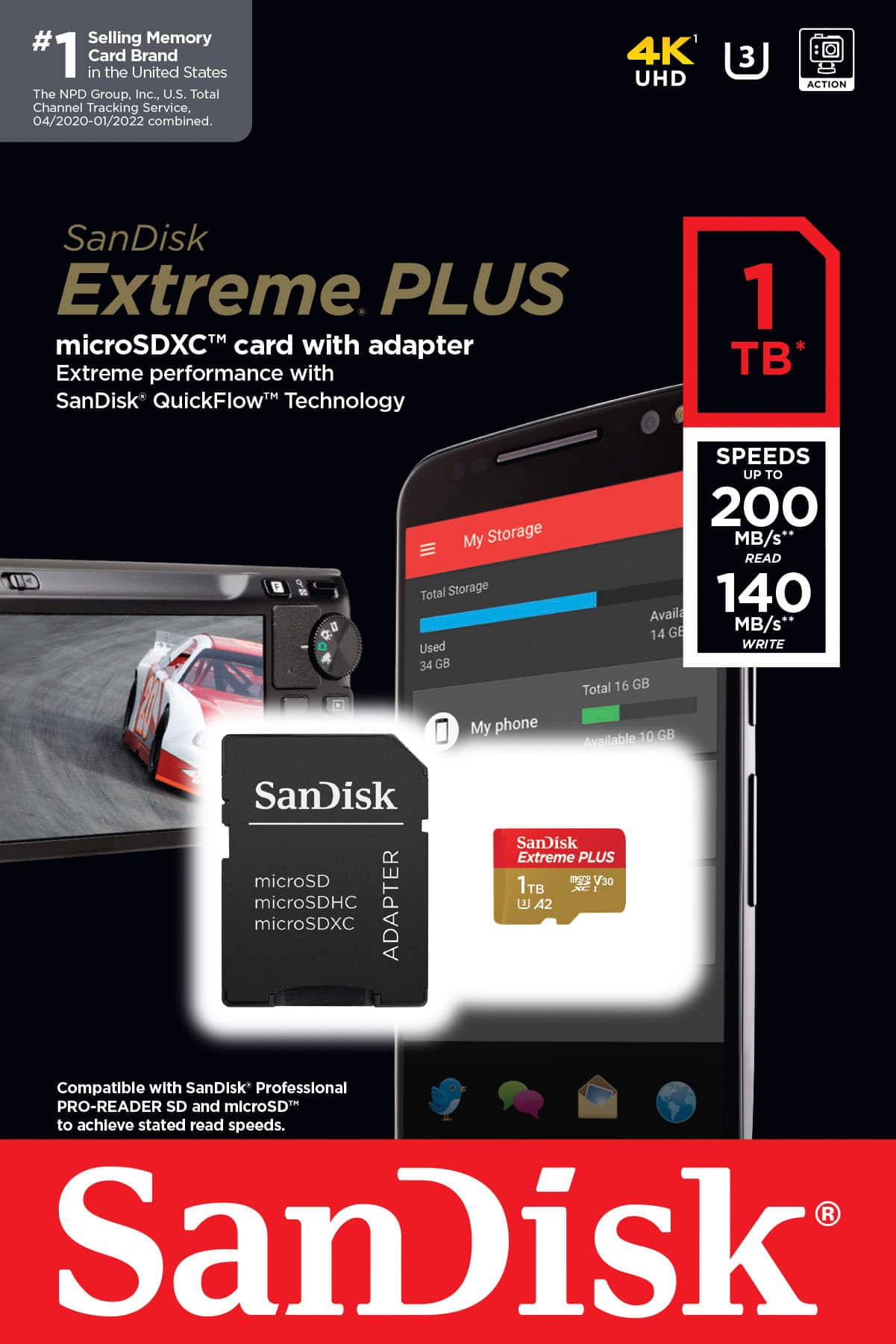
A:AnswerHello Cookie, Please note that you can use SanDisk – Extreme PLUS 1TB microSDXC UHS-I Memory Card for 4K, but for 8k stunning cinema-quality you can use SanDisk Extreme PRO® SDHC and SDXC™ UHS-II cards. For any further assistance please submit a support ticket at https://support-en.wd.com/app/askweb.
A:AnswerHello, Please be informed that it comes in two types of packaging. One with the card reader and other without the card reader. You could purchase it as per your choice. For any further assistance please submit a support ticket at https://support-en.wd.com/app/askweb.
A:AnswerHello Monty, We only recommend SanDisk High or Max Endurance microSD cards with your dashcam or security camera. For any further assistance please submit a support ticket at https://support-en.wd.com/app/askweb.
A:AnswerHello, We suggest you check our SanDisk Extreme V30 A1 and SanDisk Extreme Pro V30 A1 cards for Insta360 X2. The Maximum storage card that One X2 is compatible with is 1TB but we recommend you to contact the host device manufacturer to verify the compatibility information.
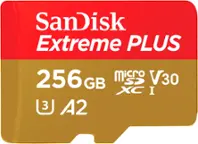
A:AnswerHello, Please be informed that all model supports different capacities of card so we need the exact model of your phone to provide you the exact information. You can open a support ticket at https://support-en.wd.com/app/askweb/session/ with brief query. We will be happy to assist you.