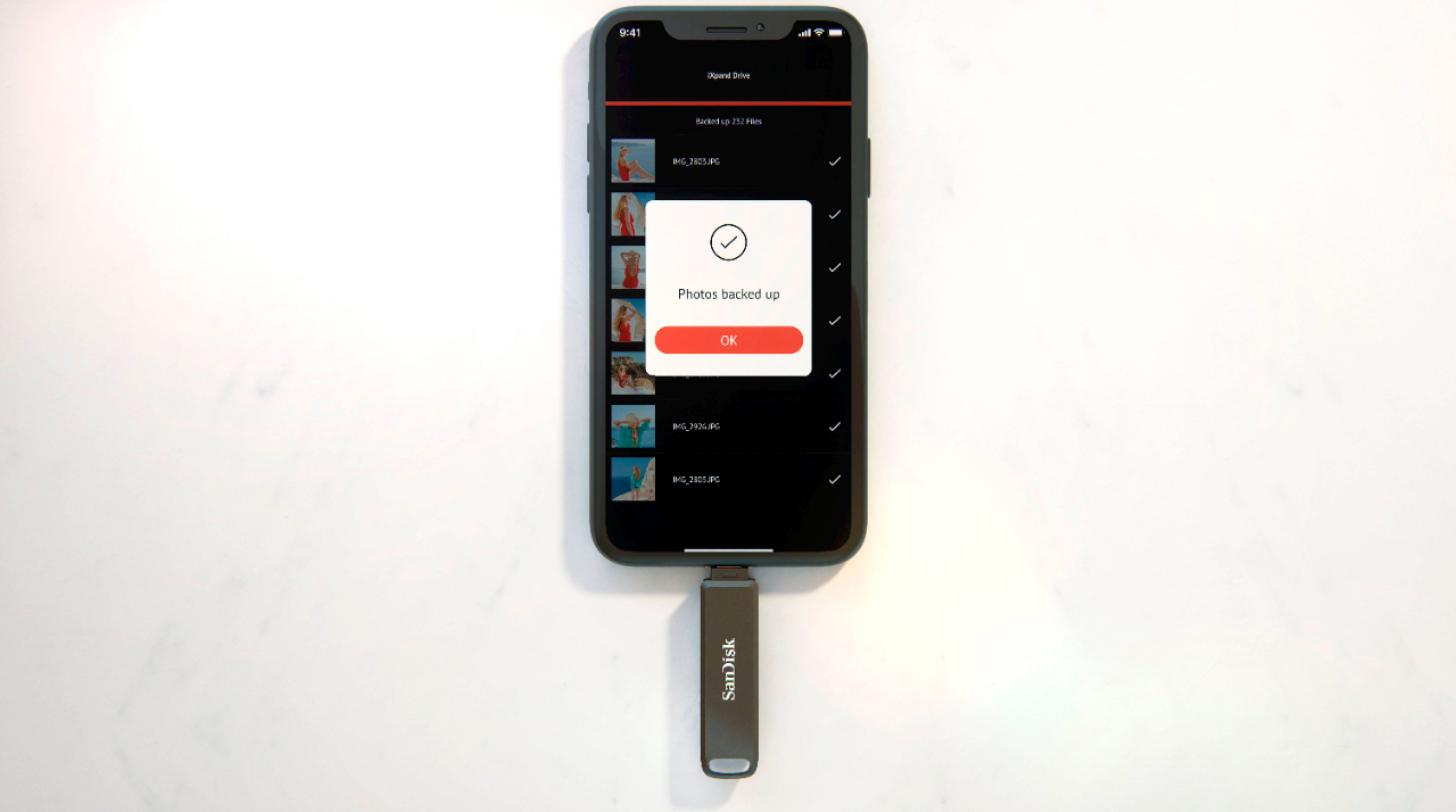
A:AnswerHello Troy, Please be informed that we do not have any product to transfer messages. You can only backup Photos, Videos, contact and Calendar, Also can transfer normal files like DOC, PDF, PPT, XSL.
A:AnswerHi, please know that the iXpand Drive application is used to access the drive, transfer data to the drive, or vice versa. Even if you delete the app, you can access the data using the Files app on iPhone or directly on computer. If you encounter any issues, you may open a ticket at (https://support-en.wd.com/app/askweb)
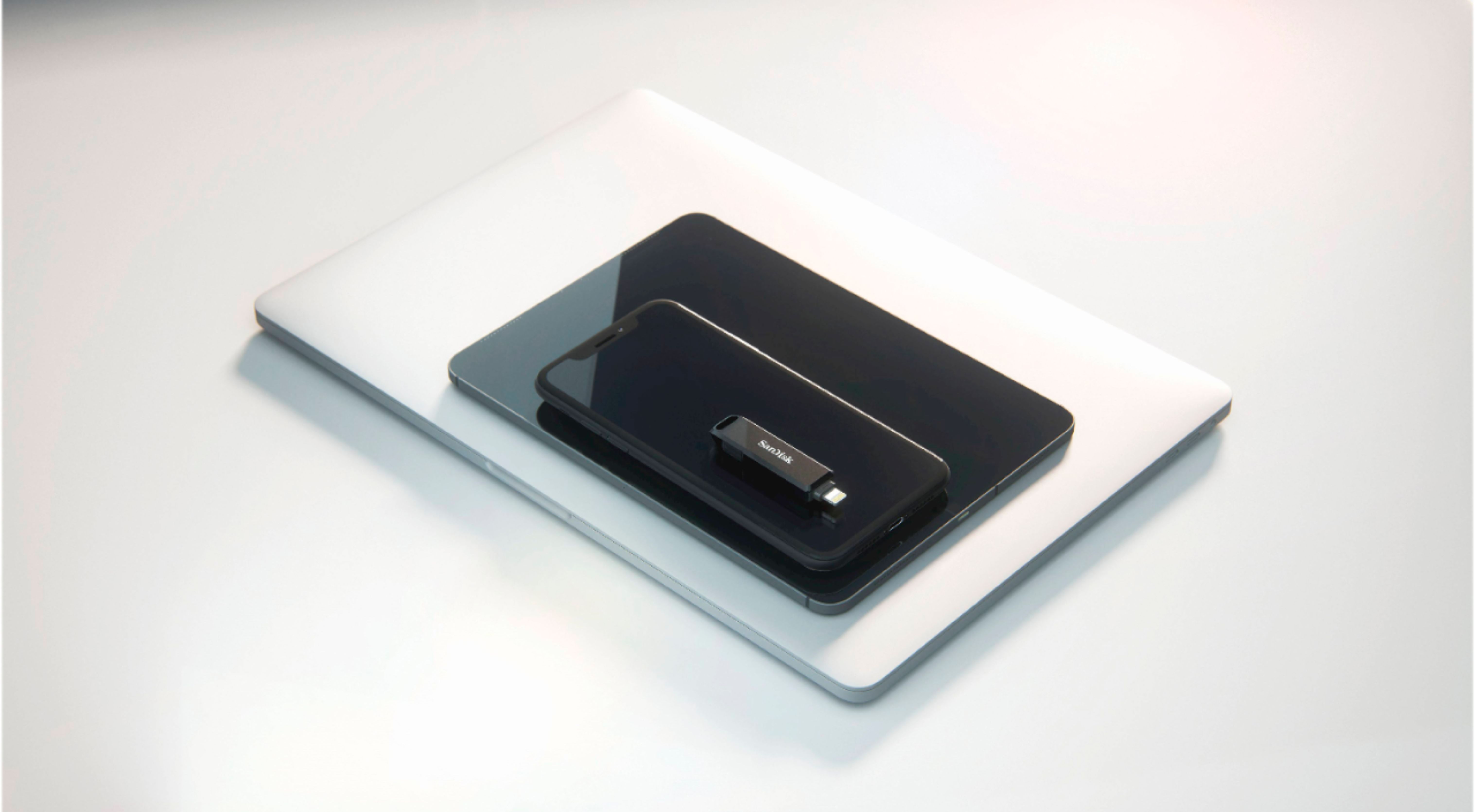
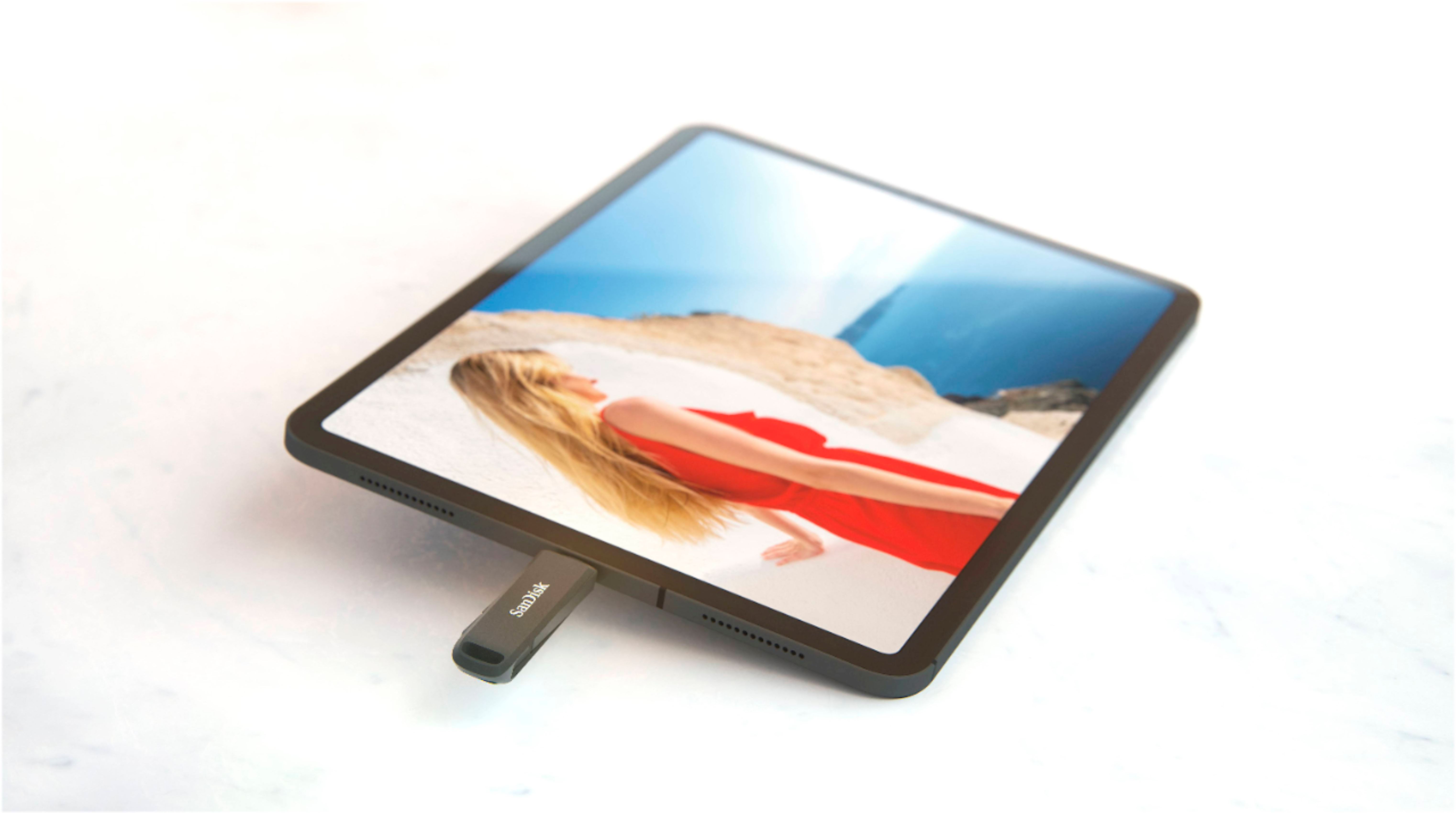
A:AnswerPlease allow us to inform you that the SanDisk iXpand Luxe would connect to your Apple iPhone XR and Apple iPad 12 Pro. For further assistance please submit a support ticket at https://support-en.wd.com/app/askweb.
A:AnswerThank you for reaching out to us. We would be happy to assist you however, it would be best to get in touch with our support team so that we can investigate the issue and provide you an appropriate resolution. You may submit a support ticket at https://support-en.wd.com/app/askweb.
A:AnswerThank you for reaching out to us. Please allow us to inform you that we would recommend you to connect the Flash Drive to the iPhone without the case as the drive may not connect properly to the iPhone if the case is too thick. For further assistance please submit a support ticket at https://support-en.wd.com/app/askweb.
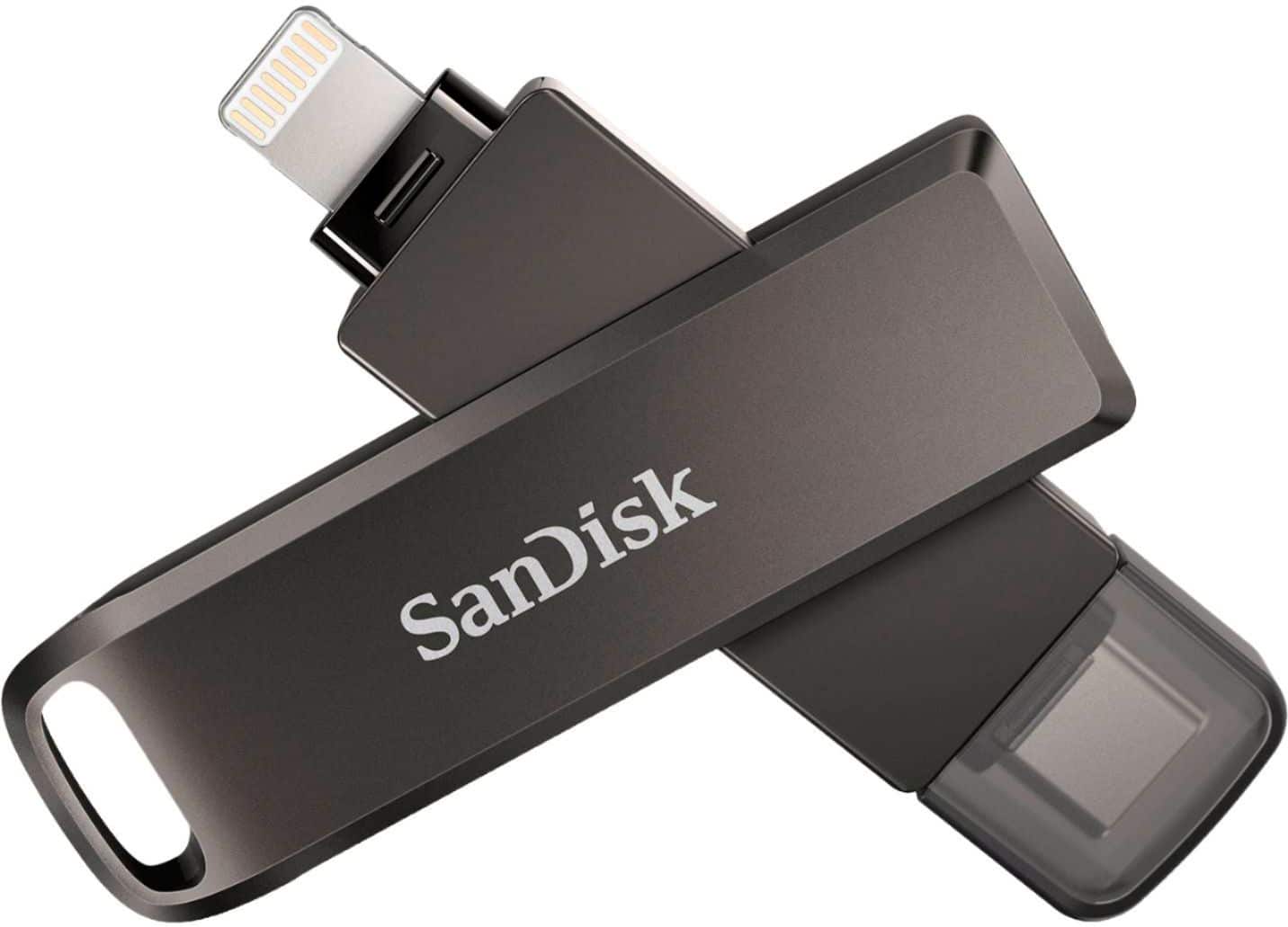
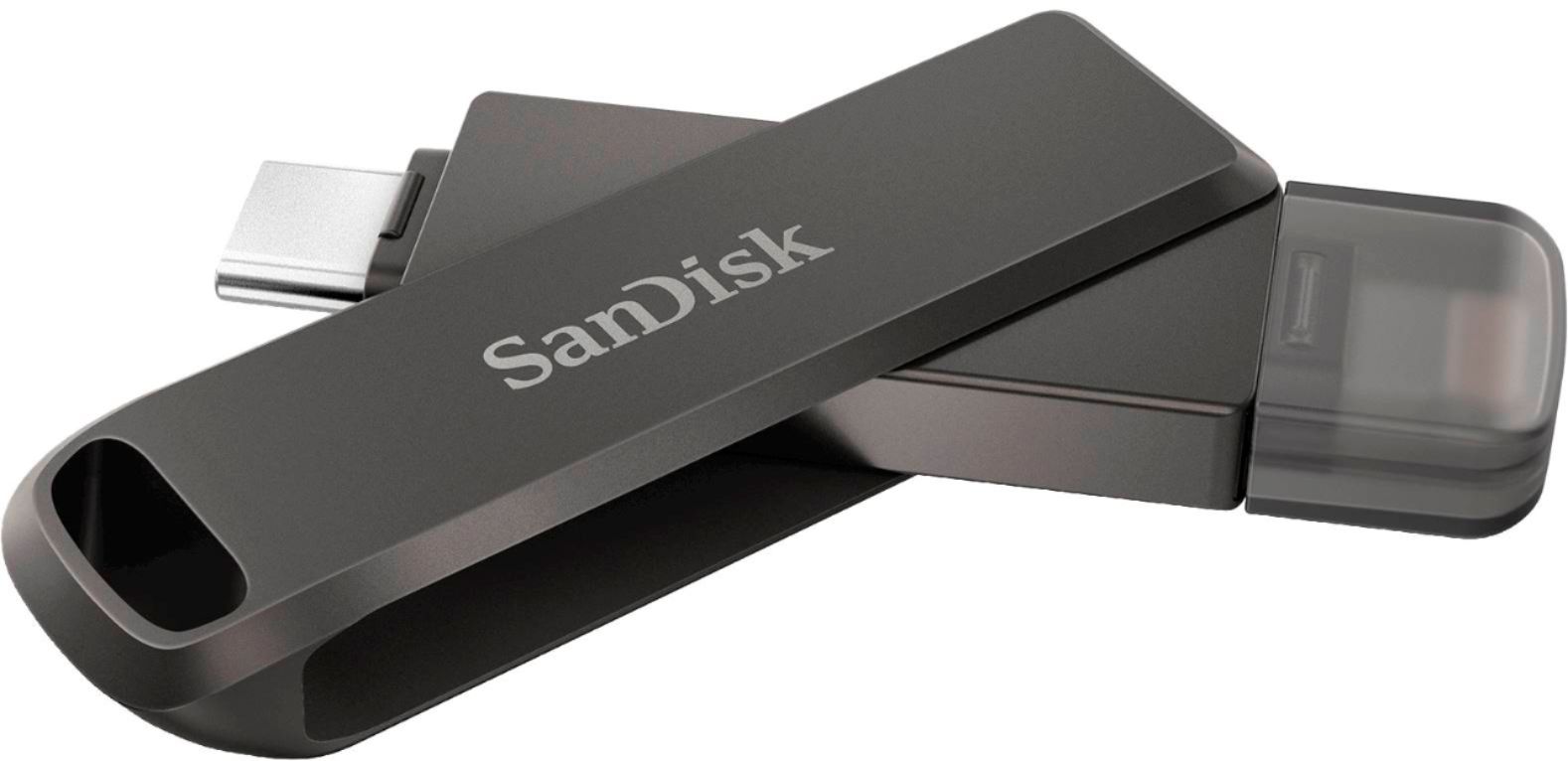
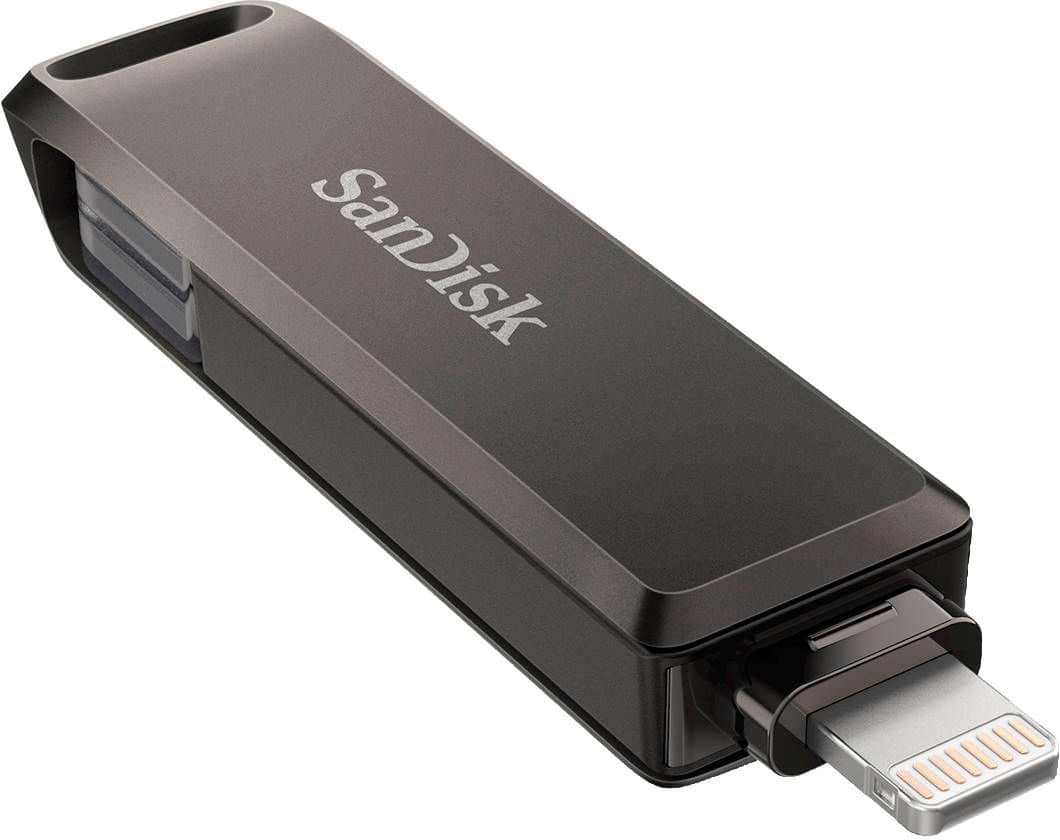
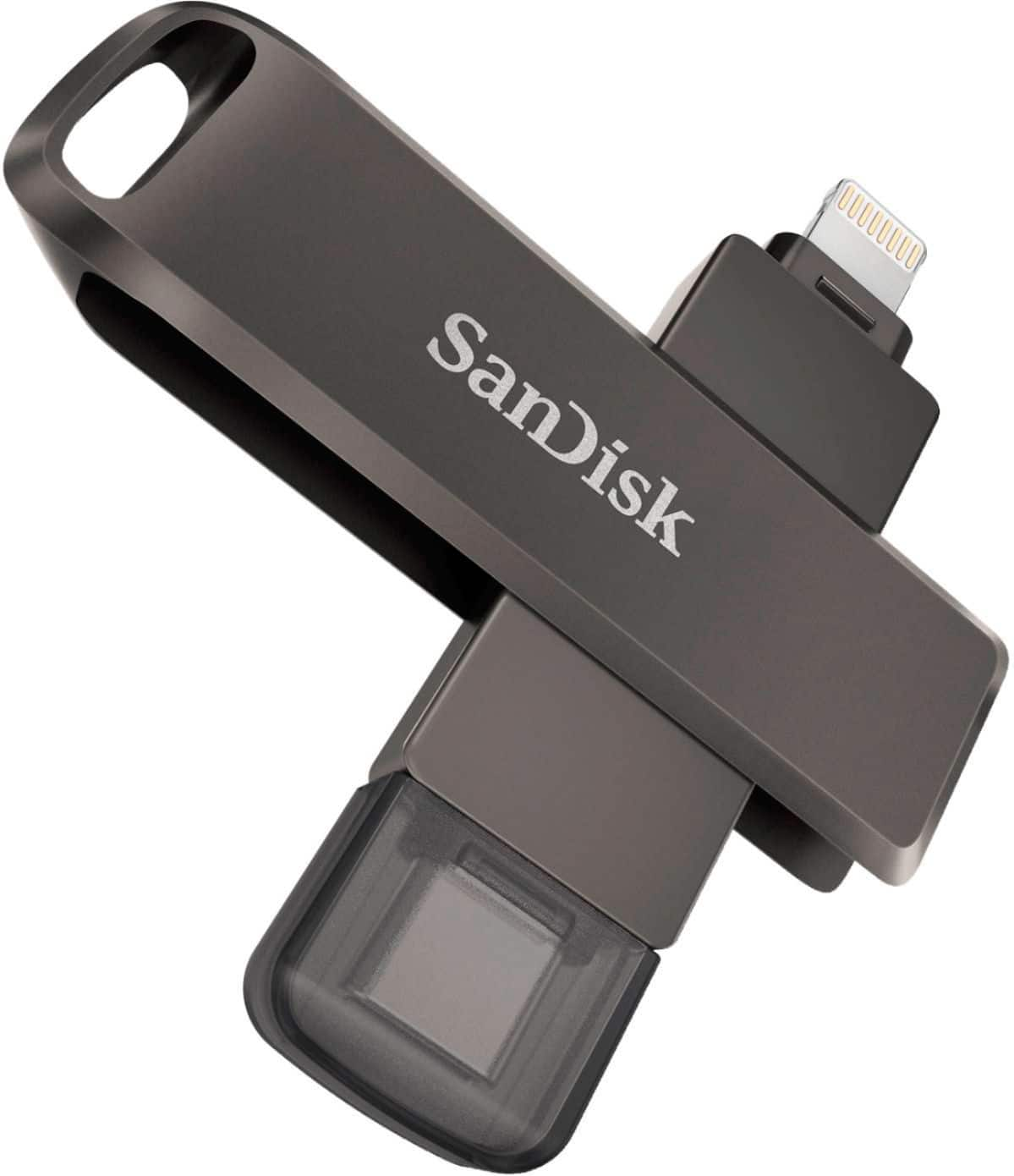
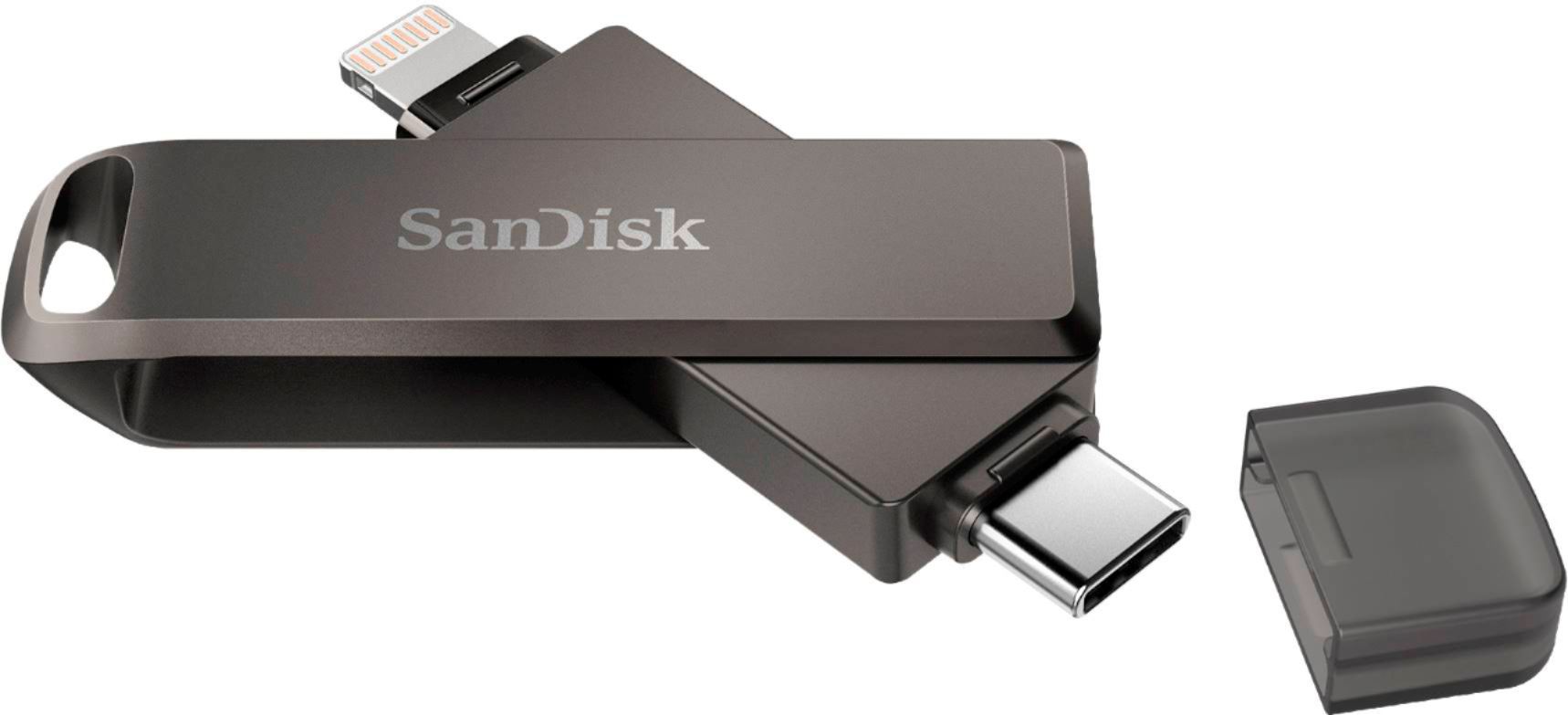
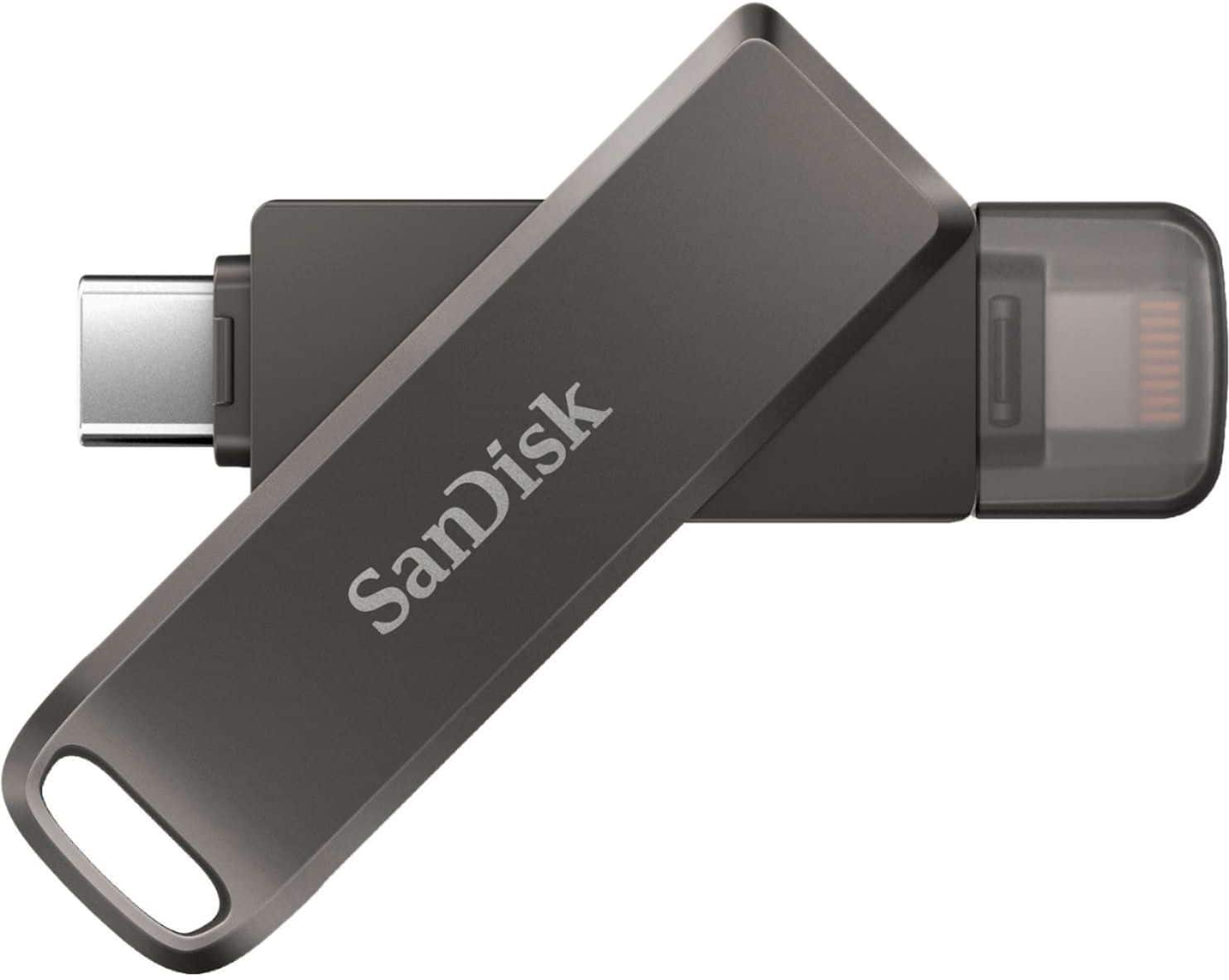
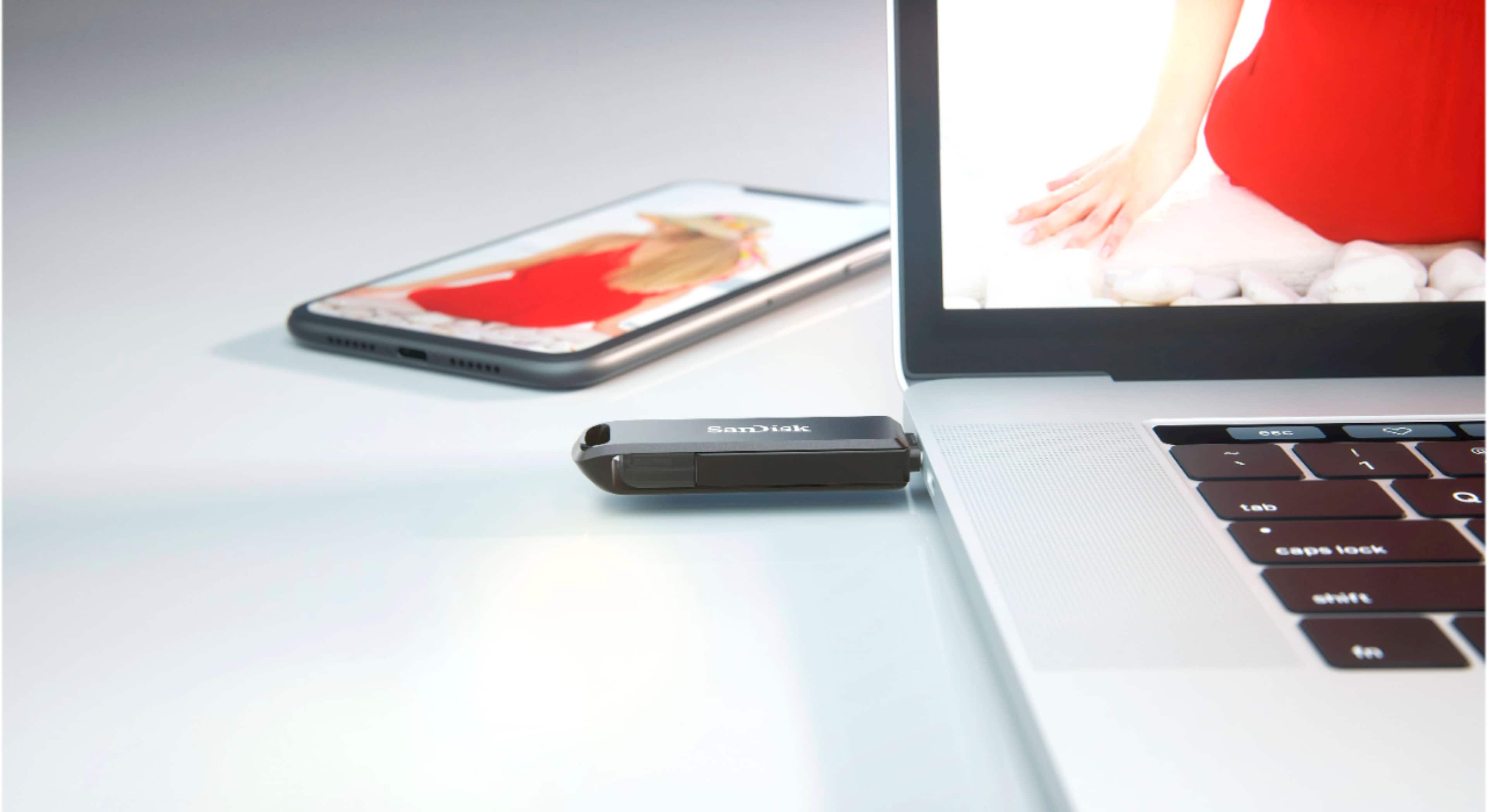
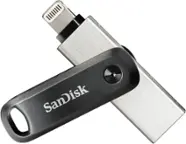
A:AnswerPlease allow us to inform you that the SanDisk iXpand Phone Drive has a USB Type-C connector on one of its end and a lightening connector on the other end. We would like to inform you that you would be able to connect your SanDisk iXpand Phone Drive on your Mac computer if it has any of the mentioned connectors. Also, the amount of storage always depends upon the size of the files that you are transferring we do not have any count for the amount of storage that the Flash Drive would hold. For any further assistance please submit a support ticket at: https://support-en.wd.com/app/askweb.
A:AnswerHello, we would be happy to help but it would be best to contact us directly so that we can investigate further and provide you with an appropriate resolution. You can use the Ask form at https://support-en.wd.com/app/askweb and there is also a phone number you can call available at https://www.westerndigital.com/support/international-phone-numbers.
A:AnswerYou can use the Sandisk iXpand Drive app to view what’s on it, but it’s also used to transfer photos, etc. you can also delete photos off of the drive using that app. Or if you have a laptop that has a usb-c port, you can edit files that way! You can also choose to transfer certain files back to your phone!
A:AnswerPlease allow us to inform you that the SanDisk® iXpand Flash Drive is storage device and we request you to contact the Shutterfly to check the compatibility.
A:AnswerThere is software that you use with this by Sandisk that keeps track of photos you have removed. I do not store my pictures or files long term on this because I need to love large files quite often. So once you remove a file you will need to keep track of you rename it.
A:AnswerUnfortunately not, what I tend to do is create folders for each month that I am loading onto it and just add my photos/videos month by month. That way I have a rough idea as to when they were taken.
A:AnswerPlease note that I purchased an adapter from USB C to lighting connection. That did not work as the san disk is not being recognized by the iPhone. It was as though nothing happened. However, using the lightning connector on the san disk, it worked. So the bottomline is at this point, I am thinking an adapter does not work.