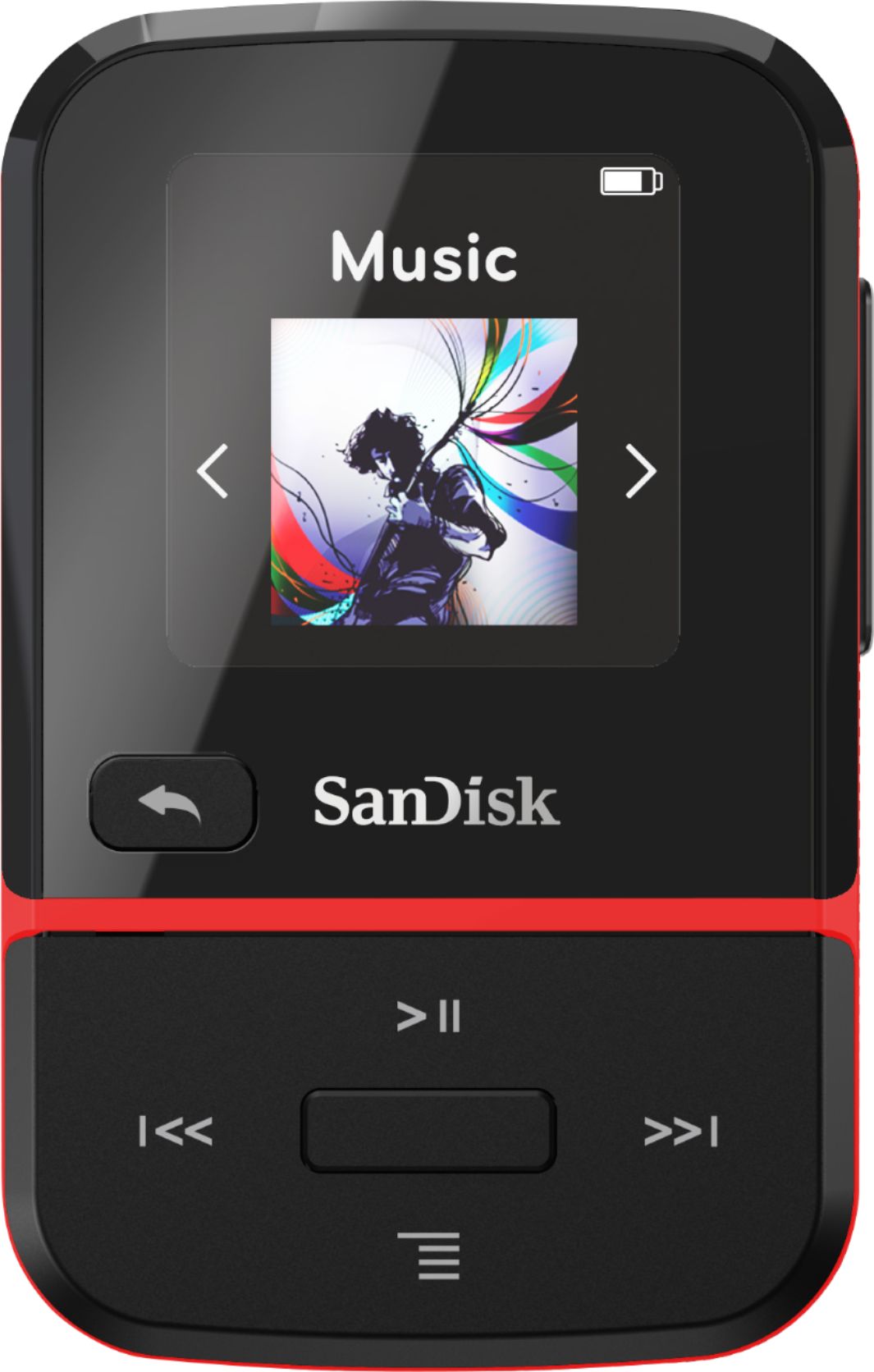
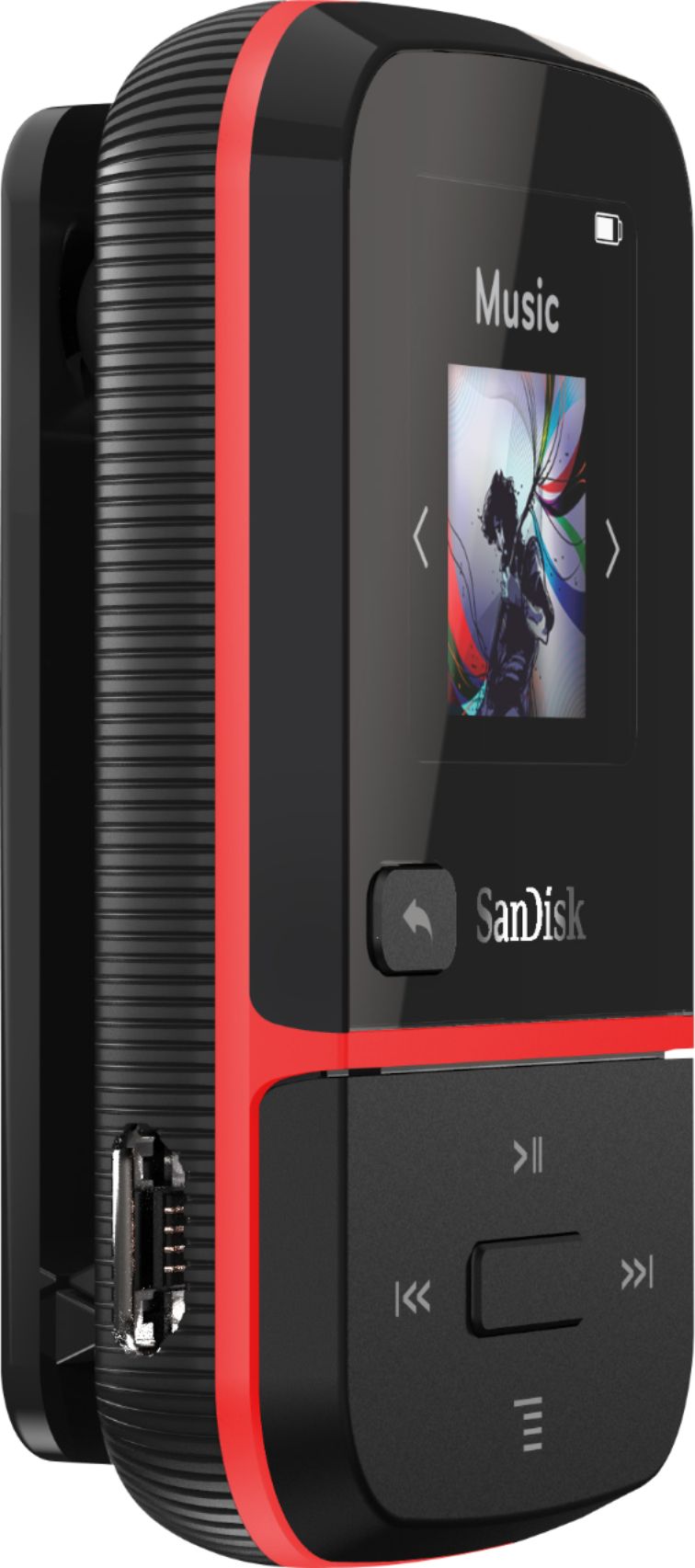
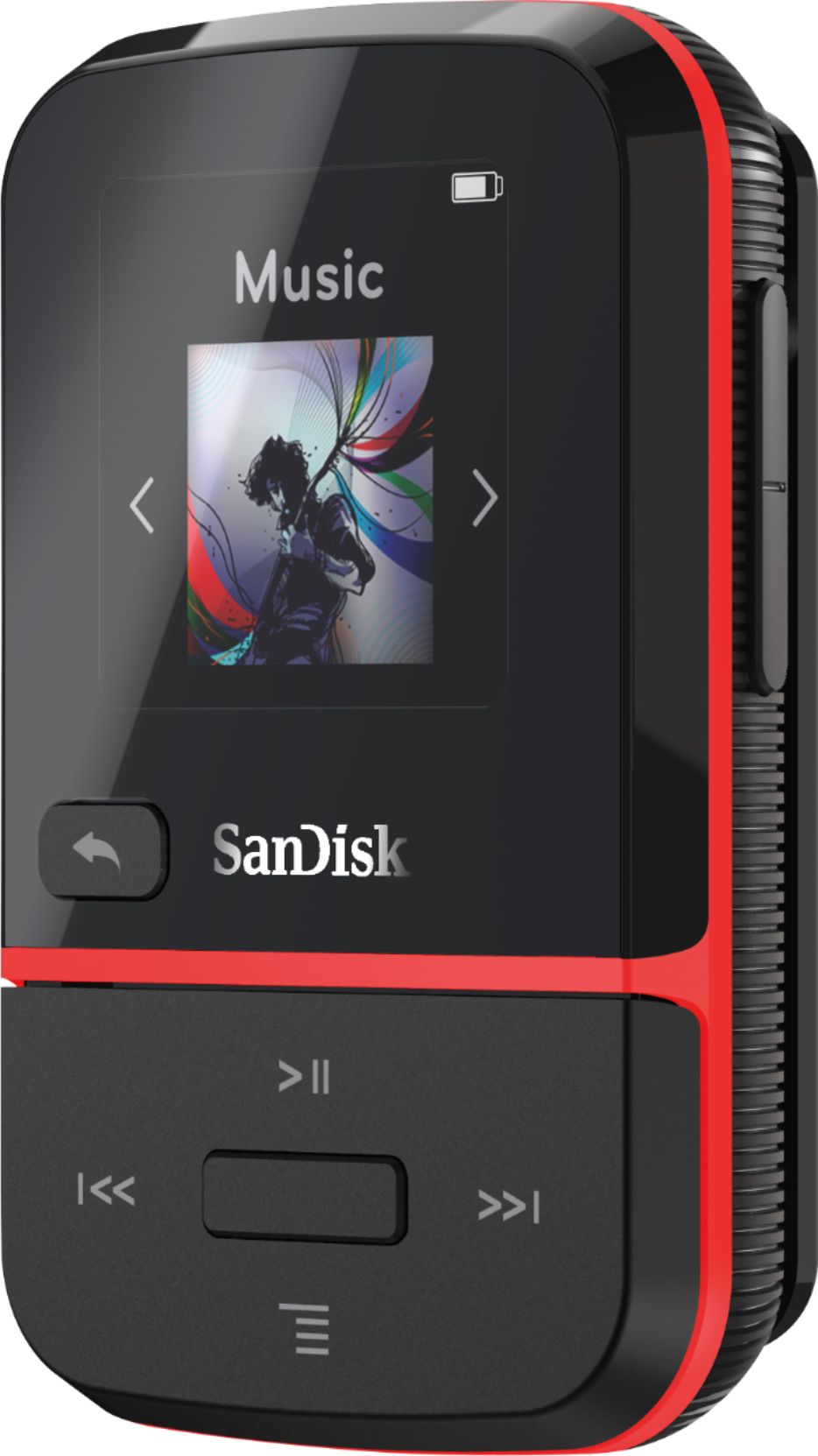
A:AnswerBest Buy's description of this product is incorrect. It does not have a card slot. The only product Best Buy sells with a card slot is the 8gb Sandisk Jam. Another product not available from Best Buy is the Sandisk Sport (8gb), and it also has a card slot. Neither the Sandisk Sport Go, nor the Sandisk Sport Plus have a card slot. Basically any Sandisk product with greater than 8gb storage has no card slot.
A:AnswerYes, the SanDisk® Clip Sport Go MP3 Player supports audio books. You may also refer to the below mentioned link :
-- https://kb.sandisk.com/app/answers/detail/a_id/7320/kw/audiobook
A:AnswerPlease allow us to inform you that you can purchase any standard adapter which provides 5V of electricity with a maximum current of 0.5A. You can purchase adapter with same specifications from any online or offline store.
A:AnswerYes, you can transfer music files from CD to this SanDisk® Clip Sport Go MP3 player however you will require to us Windows Media Player. You may also refer to the below mentioned link :
-- https://support-en.wd.com/app/answers/detailweb/a_id/35443
A:AnswerPlease allow us to inform you that you can transfer music file to this MP3 player using iTunes, you mar also refer to the answer article using the provided link :
-- https://kb.sandisk.com/app/answers/detail/a_id/1141
A:AnswerPlease allow us to inform you that you can transfer music file to SanDisk® MP3 player using iTunes as well as Windows Media player. If you wish to know the how to do the same using iTunes please refer to the articles :
-- https://kb.sandisk.com/app/answers/detail/a_id/1141
A:AnswerYes, you can transfer files to this MP3 player using iTunes, In order to know more, please refer to the below mentioned link :
-- https://kb.sandisk.com/app/answers/detail/a_id/1141
A:AnswerYes, you can create M3U playlist and transfer them to the SanDisk® MP3 player. Please refer to the the below mentioned link to know the instruction for the same :
https://kb.sandisk.com/app/answers/detail/a_id/14337