Questions & Answers
- Model:
- SDSSDXPM2-1T00-G25
- |
- SKU:
- 6253906
Highly rated by customers for: Speed, Performance, Storage
Page Showing 1-11 of 11 questions
Q: QuestionDoes this work with PS5 game sysytem?
Asked by Amy.
- A:Answer Please allow us to inform you that the SanDisk Extreme PRO NVMe internal SSD is compatible with most of the motherboard. However, we would recommend you contact your host device manufacturer manufacturer once for a compatibility check before purchase.
Answered by SanDisk Team
Q: QuestionWith this work with my dell - Inspiron 3511 15.6" Touch Laptop - Intel Core i5 - 8GB Memory?
Asked by rambocrowe.
- A:Answer Hello, we appreciate your time and efforts reaching out to us. Please contact your host device manufacturer for compatibility check and purchase the SSD accordingly.
Answered by SanDisk Team
Q: QuestionIs this compatible for a Lenovo E480
Asked by Zeus.
- A:Answer Please allow us to inform you that SanDisk® Portable SSDs are a plug and play devices. These SSDs are designed and tested with computers (Windows & MACs). It depends on the host device compatibility. The amount of current required to power these portable SSD devices is approximately 1.1 amps. The Extreme/Extreme Pro Portable SSD devices should work with most higher-end mobile phones that do provide sufficient power. If you want you can try using them or contact mobile support whether there devices support SSD as an external device.
Answered by SanDisk Team
Q: QuestionWhat adapter would one need to install into a desktop computer? My old harddrive was a 3.5 inch, would this work?
Asked by rg.
- A:Answer No. You need an M.2 slot that would have already been built into your mother board. They sell M.2 external adapters that run through USB but I’m not sure it will match the speed of having it installed on your motherboard. Try an external SSD.
Answered by Corona2
Q: QuestionMy laptop has this specification for an extra SSD slot. Will this particular SSD work on mine?
Asked by Saad.
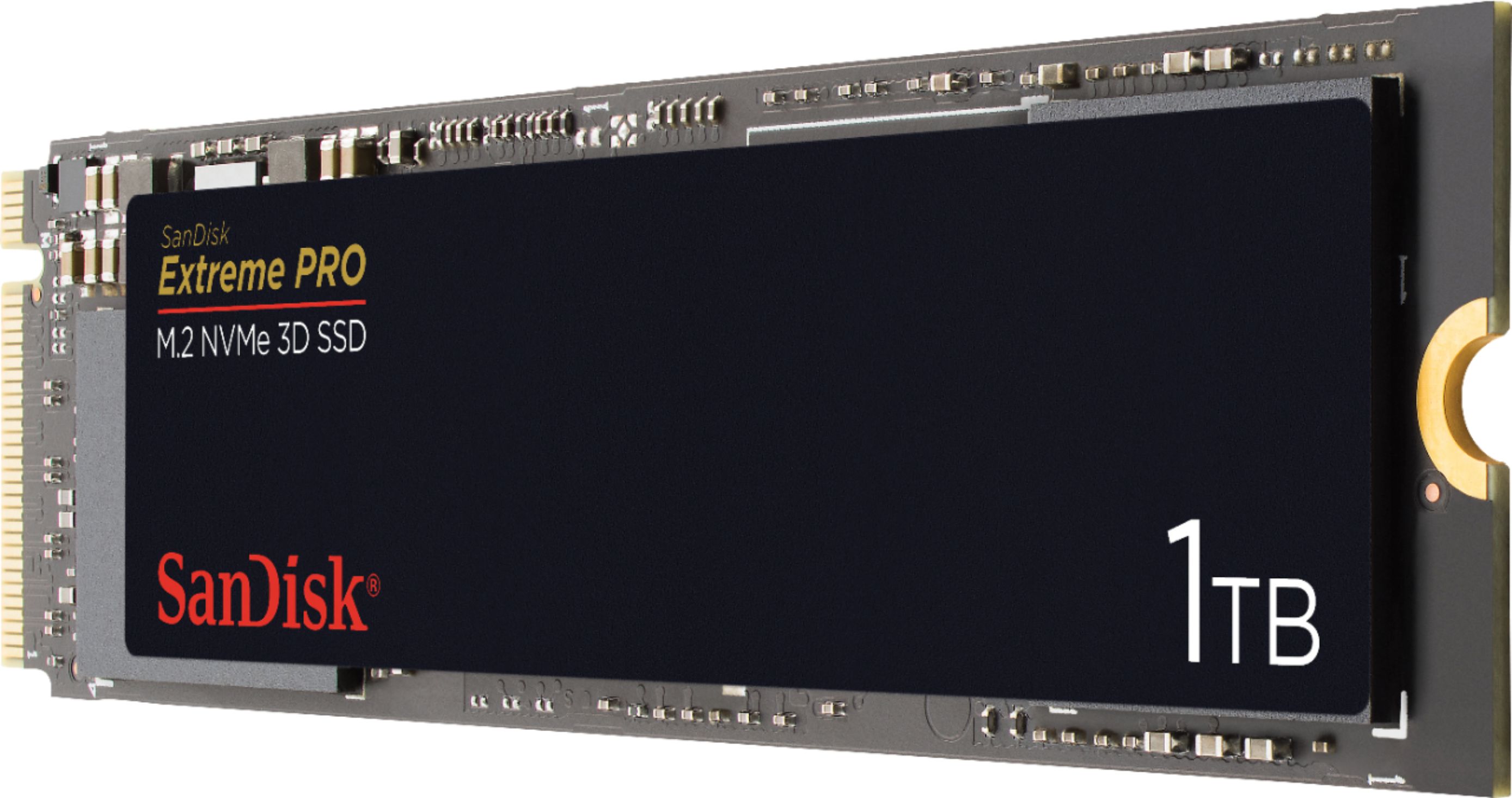
- A:Answer This SSD is an M.2 format, so you should look up the manufacturers specifications on your particular computer to find out if this format is the correct one. For what it’s worth, M.2 is the most widely used of all the current types, so you are more than likely going to be able to use this one. I would still check the manufacturers specs.
Answered by JamesB
Q: Questiondoes it come with 4 of these?
Asked by Anonymous.
- A:Answer Hi, please be informed that purchase of 1 item of the SanDisk® Extreme PRO 1TB Internal PCIe 3.0 x4 NVMe SSD Drive includes 1 SSD Drive in the packaging. If you wish to get 4 of these SSD Drives, please purchase 4 items of this product.
Answered by SanDisk Team
Q: QuestionWhat is the MB/s write speed? Your specs show 3400 MB/s read speed, but nothing about the write speed!
Asked by Leafgreen.
- A:Answer I have seen it go over 2200, and I have a 7yo motherboard and CPU. So I would guess it can actually write a lot faster
Answered by Sasha
Q: QuestionHi I just bought the asus zenbook 14 q408ug from best buy i want to know whether this ssd is compatible with it or not?
Asked by Usama.
- A:Answer Hi, please be informed that if your ASUS laptop has an internal PCIe 3.0 x4 NVMe M.2 slot, then you can connect this SSD Drive in your laptop. In order to know if your laptop has an internal PCIe 3.0 x4 NVMe M.2 slot, it would be best to contact ASUS Customer Support as they would have all the technical specifications for your laptop.
Answered by SanDisk Team
Q: QuestionIs this drive compatible with a macbook pro A1398 EMC2910? How much would GEEK SQUAD charge to install it?
Asked by Jack.
- A:Answer Hi, please be informed that if your MacBook has an internal PCIe 3.0 x4 NVMe M.2 slot, then you can connect this SSD Drive in it. In order to know if your MacBook has an internal PCIe 3.0 x4 NVMe M.2 slot, it would be best to contact Apple Customer Support as they would have all the technical specifications for your MacBook.
Answered by SanDisk Team
Q: Questionis this drive compatible with a Lenovo Yoga Pro2, Model 20266?
Asked by Anonymous.
- A:Answer It was compatible with my 4yo ThinkPad . My guess it would work for yours .
Answered by Sasha
Q: QuestionThis ssd drive is compatible with the PS5 console?
Asked by ChrisVzz.
- A:Answer Currently, only PCIe Gen 4 works on PS5, and will most likely remain that way since the speed limits of the Gen 3 restrict it. In short, NO, it does not work.
Answered by Anonymous
Page 1, Showing 1-11 of 11 questions
Most-viewed items
- $449.99$449.99The price was $899.99
- $329.99$329.99The price was $469.99
- $99.99$99.99The price was $129.99
- $449.99$449.99The price was $649.99
- $299.00$299.00The price was $349.00
- $1,149.00$1,149.00The price was $1,299.00
- $179.99$179.99The price was $329.99
- $33.33 per month$33.33/mo.for 36 months; 0% APR