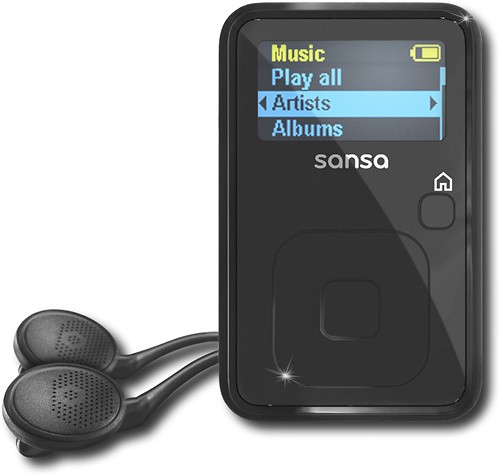
A:AnswerNumber of audio books will vary based on how large the book is and the quality of the file. I generally use the highest quality (256kbps) . The average book I listen to is 9hrs long and I can put 3 books on it and still have room.
A:AnswerI found the best option for this is in-ear earbuds but there are also smaller noise canceling earphones available now. There is one option on Settings for audio normal and high, if you haven't yet you might try changing that to high. Remember you should always listen to music at the lowest setting audible for your health.
A:AnswerYes, this unit has options for different EQ choices: Normal, Rock, Pop, Jazz, Classical, Funk, Hip Hop, Dance, Full Bass, Full Treble and a custom option.
A:AnswerFrom what I read, the battery life is 15 hours and I have played mine for quite a long time and it does not seem to run out before my scheduled charge.
A:AnswerI have not tried this but I believe it is possible to play the MP3 since it shows up as just another drive when plugged in via USB. Turn on a media player software and play the songs from the MP3.
A:AnswerThis player dose not have a sync. you need either a radio tuner attachment for the player if you do not have a tape player, if you do they have simple attachments for that still also.
A:AnswerMy Clip does not do either one of what you described. If the sd card is pulled out for some reason, it will do a "re-read" of the newly installed media which takes a few minutes. Once this is done, playing songs installed on the sd card is as seamless as playing songs stored in the internal memory. It will resume play where ever it was stopped (at least 95% of the time).
A:AnswerYes, you just need to make sure you have a docking station that has an auxillary output. Then go to your local Best Buy purchase an auxillary cable which will plug into the aux out on the back of your docking sttaion and other end to the headphone output in your sansa. (You can do this just the same way with any device that has a headphone output on it)
A:AnswerProduct says it's compatible with Mac, but I couldn't get it to work. I solved this by copying my I-tunes on my Mac to another computer with Windows, then transfer to the player. If you don't have access to Windows, I don't know how to make it work.
A:AnswerIf that uses a 3.5 aux jack then it should work. However, we would still suggest that you contact your helmet manufacturer for compatibility just to make sure.
A:AnswerYes. You can edit the id3 tags of the files so that they will show up on the Sansa correctly.
http://kb.sandisk.com/app/answers/detail/a_id/1100/