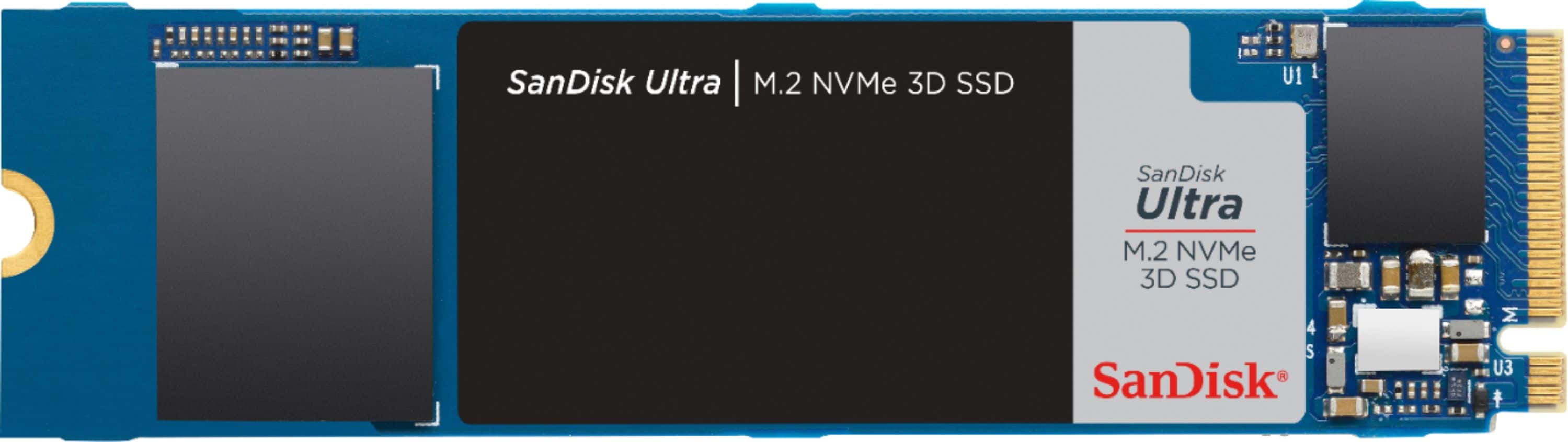
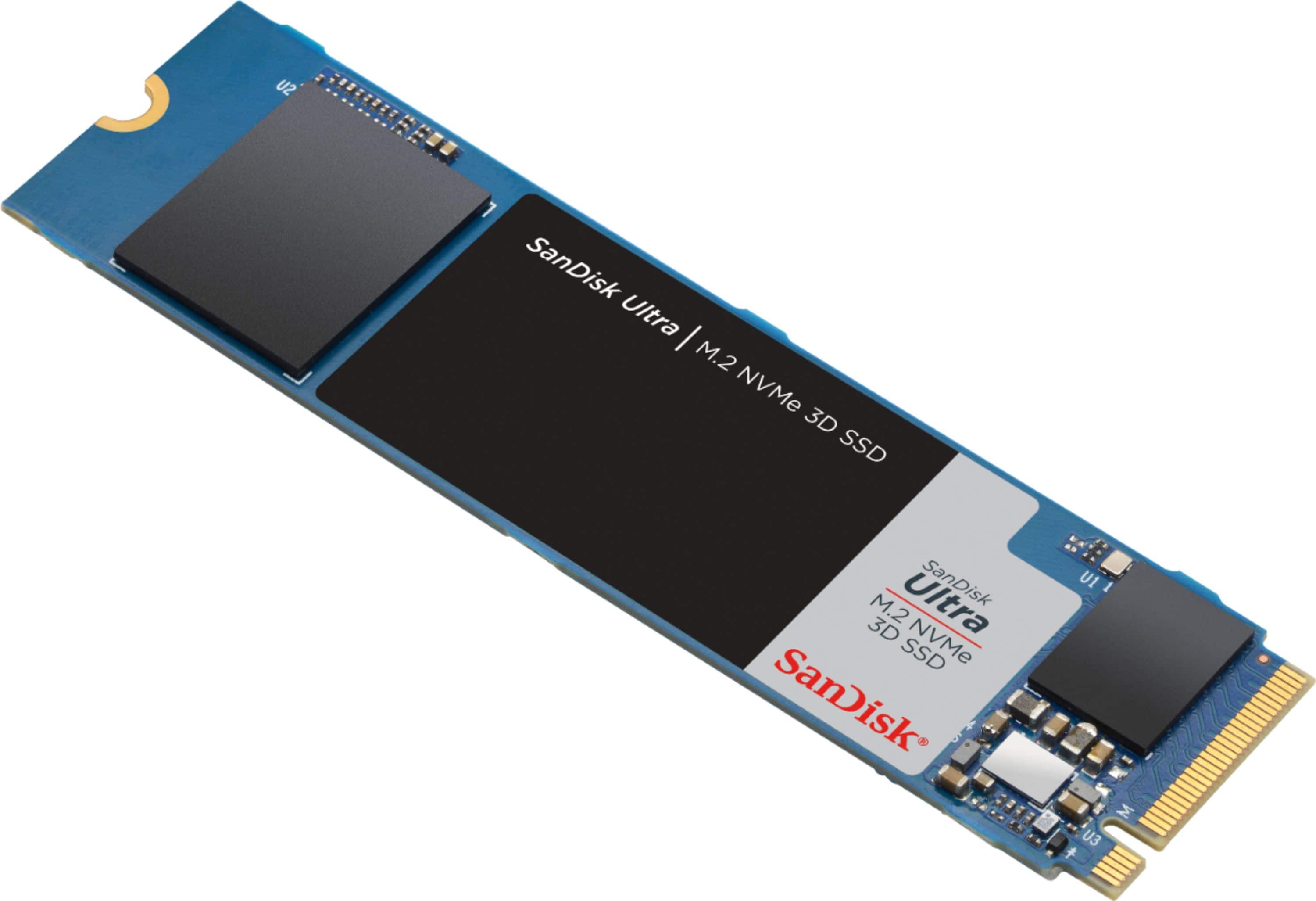
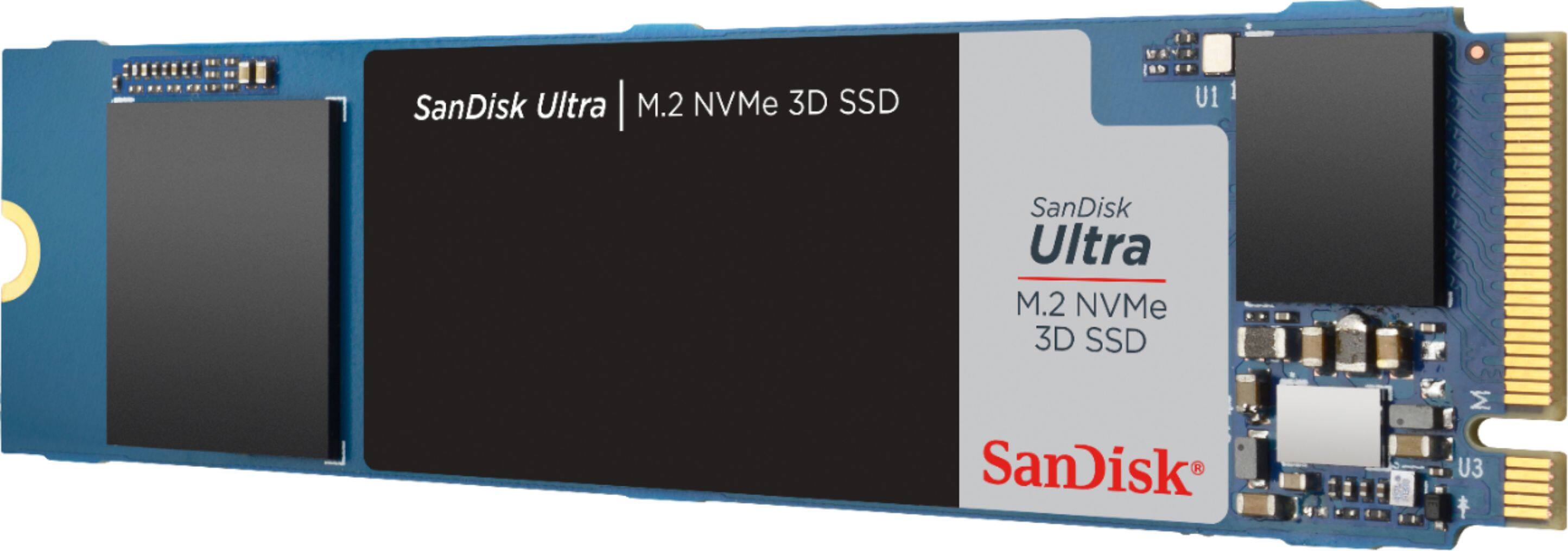
A:AnswerNo it won't. Apple uses a different socket - the gap is in the middle vs closer to one end. I recommend going to OWC to be sure you get a compatible one for your model.
A:AnswerThis will work in the PS5’s PCI slot. It is already at a good price, but when I purchased it it was around $100, which was a stellar deal. Anything from $100-$130 would be a pretty great deal.
A:AnswerPlease allow us to inform you that if the motherboard of the host device support PCIe NVMe then the drive should work, since it's interface is PCIe NVMe. However, we would recommend you to contact your system manufacturer to verify the compatibility.
A:AnswerEveryone: go to your manufacturer's website and download the service/technician manual for your device and figure it out yourself. The internet is wonderful when you make use of it instead of relying on others to give you answers that are often incorrect.
A:AnswerPlease allow us to inform you that your Z590 M Phantom Gaming 4 supports M.2 PCIe NVMe SSD and seems to be compatible with the SanDisk Ultra M.2 NVMe™ 3D SSD. However, we would recommend you contact your system manufacturer for a compatibility check.
A:AnswerPlease allow us to inform you that if you computer has a secondary slot for 2.5" SATA SSD, you can surely connect the SSD. However, you'll need to check the user manual of the laptop to confirm if the chassis is big enough to fit. You may also refer to the data sheet using the below mentioned link :
-- https://documents.westerndigital.com/content/dam/doc-library/en_us/assets/public/sandisk/product/internal-drives/ultra-m2-nvme-3d-ssd/data-sheet-sandisk-ultra-m2-nvme-3d-ssd.pdf
A:AnswerIt will depend on if your mac has a m.2 slot or not. There are places on the net that can tell you this. (and have guides to walk you through the process.).
This price is great for this ssd.
A:AnswerI asked the guy in the Best Buy store if the screw was included, he said "YES" after looking it up.
The box in his hand he was clutching for security purposes even said no screw included on it in tiny print.
Great Job Best Buy! You guys hosed me!
A:AnswerNo you have to be careful with Macs the connector has the gap in the middle vs the end. As far as I know you have to go to OWC and get there's to work in older Macs. Not sure if 2019 can even be upgraded - but for sure this drive won't work.
A:AnswerNo, the drive does not comes with a heatsink and we do not support, recommend adding or altering our hard drives. If you wanted to add a heat sink, this is something you would have to attempt on your own. As well, please be aware that altering the drive in this way will void the warranty. You may also refer to the below mentioned link :
https://www.westerndigital.com/warranty
A:AnswerUpdate the BIOS and don't change any settings. Make sure RAID is off if you don't have the proper drivers to load when you install Windows. Other than that, if you still have problems, try an online forum.
A:AnswerHi, we would be happy to help, but it would be best to contact us directly so that we can investigate further and provide you with an appropriate resolution. You can use the Ask form at https://kb-eu.sandisk.com/app/ask/ and there is also a phone number you can call available at https://www.sandisk.com/about/contact/customer-care.
A:AnswerYour best source for an answer to this is to check the Dell website, not ask a general question here. There is no way for any person to remotely guess your specific configuration.
A:AnswerHi, please be informed that if the HP laptop you are referring to has an internal PCIe 3.0 x4 NVMe M.2 slot, then you can connect this SSD Drive in it. In order to know if that laptop has an internal PCIe 3.0 x4 NVMe M.2 slot, it would be best to contact HP Customer Support as they would have all the technical specifications for their laptop.