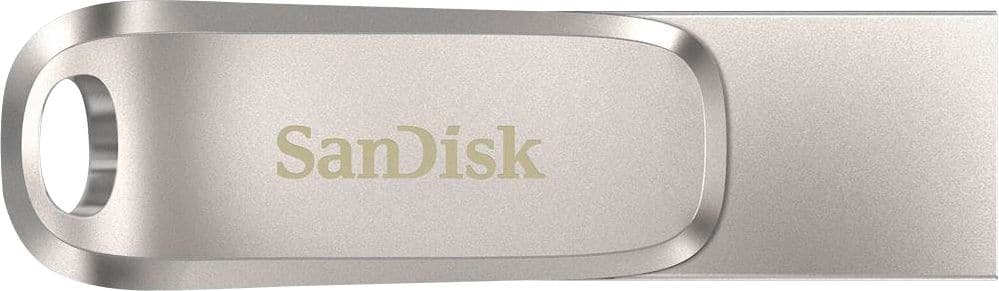
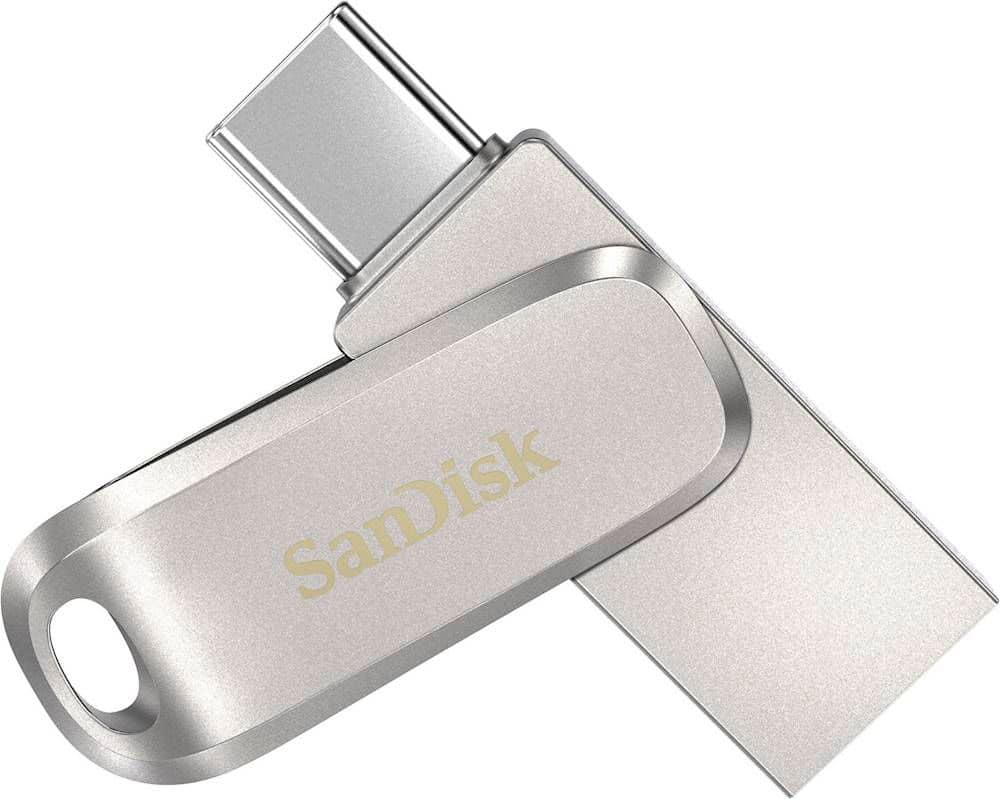
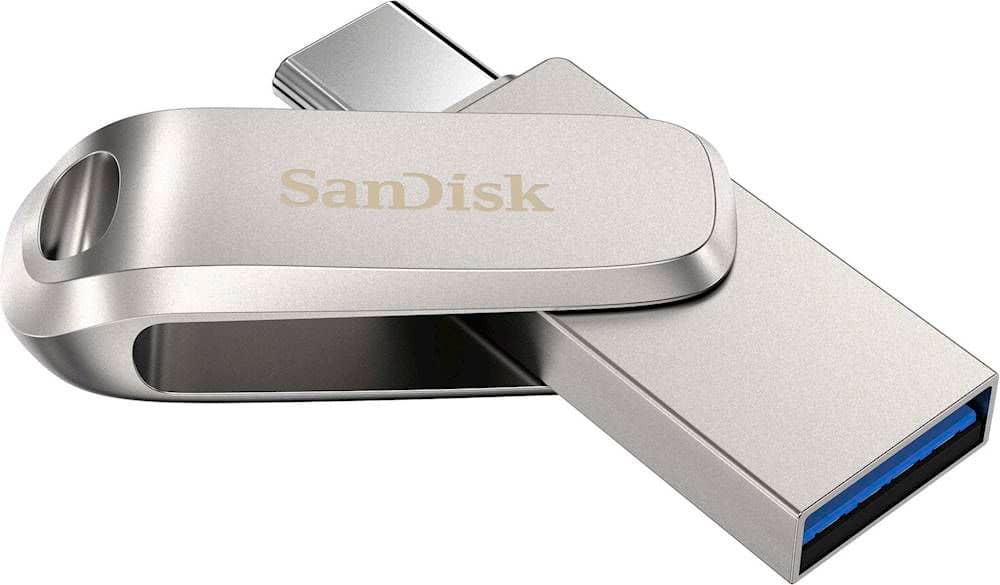
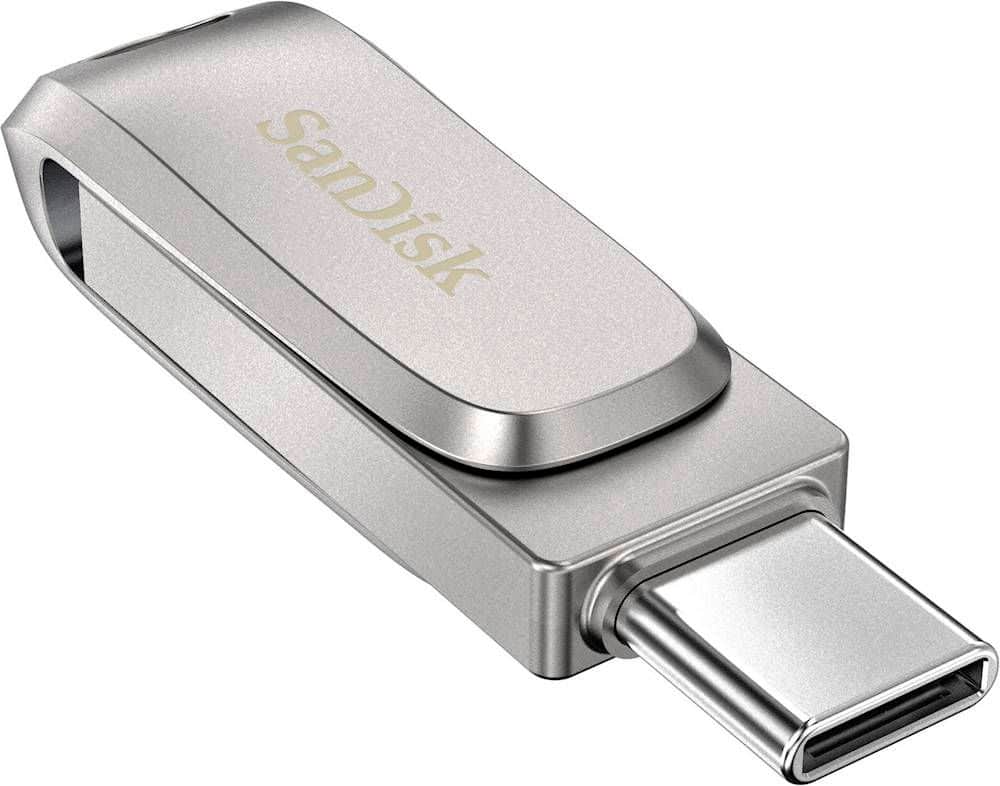
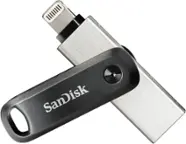
A:AnswerHi, please be informed that the SanDisk Ultra Dual Drive Luxe USB 3.1 does not have built-in password protection, but you can use the SanDisk Private Access software to create a password-protected vault. Please refer to Answer ID 48025 (https://support-en.sandisk.com/app/answers/detailweb/a_id/48025) for instructions on downloading and installing Private Access for SanDisk products.
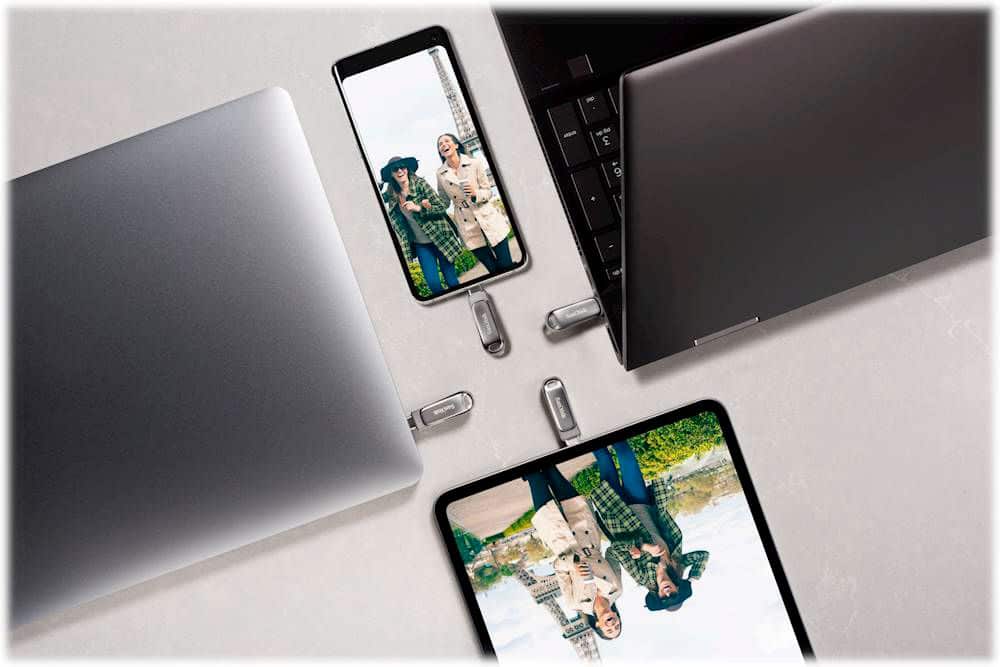
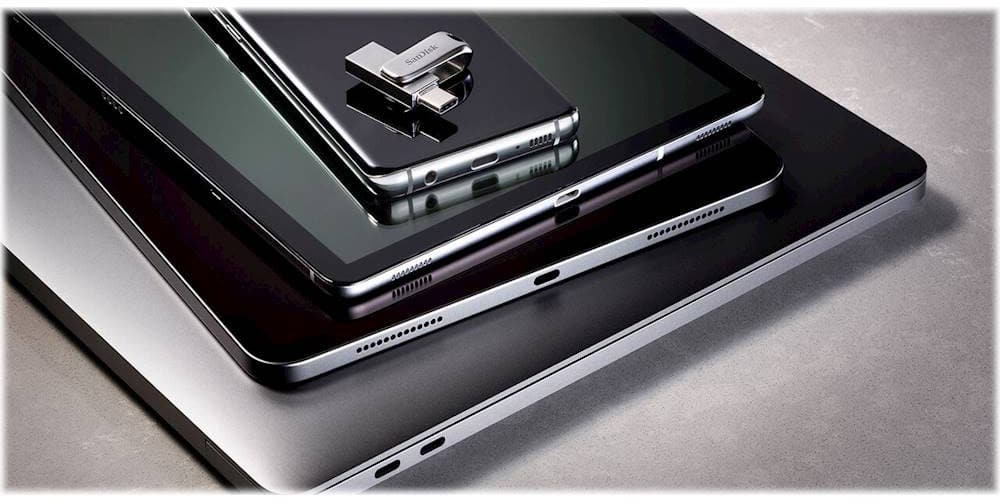
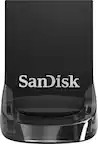
A:AnswerPlease be informed that all the SanDisk® USB Drives are simple plug and play storage devices which you can connect to host device using the USB Type-C/A ports. You can transfer files to this drive using drag/ drop or copy/ paste method.
A:AnswerIf your Chromebook has a usb slot or even a slot similar to an iPhone (I think usb type c ) then you can transfer from device to device. For instance if I flip the usb connector then it has a way to plug into my iPhone( 13 pro max) and I can flip it back to the connector to use on a pc or laptop.
A:AnswerNo idea, you'd need to read specs or contact SanDisk. It seems fast as any other USB 3.0. My issues with this unit are:
1. it seems to heat up more than my older Samsung. I don't know whether it has any impact on longevity.
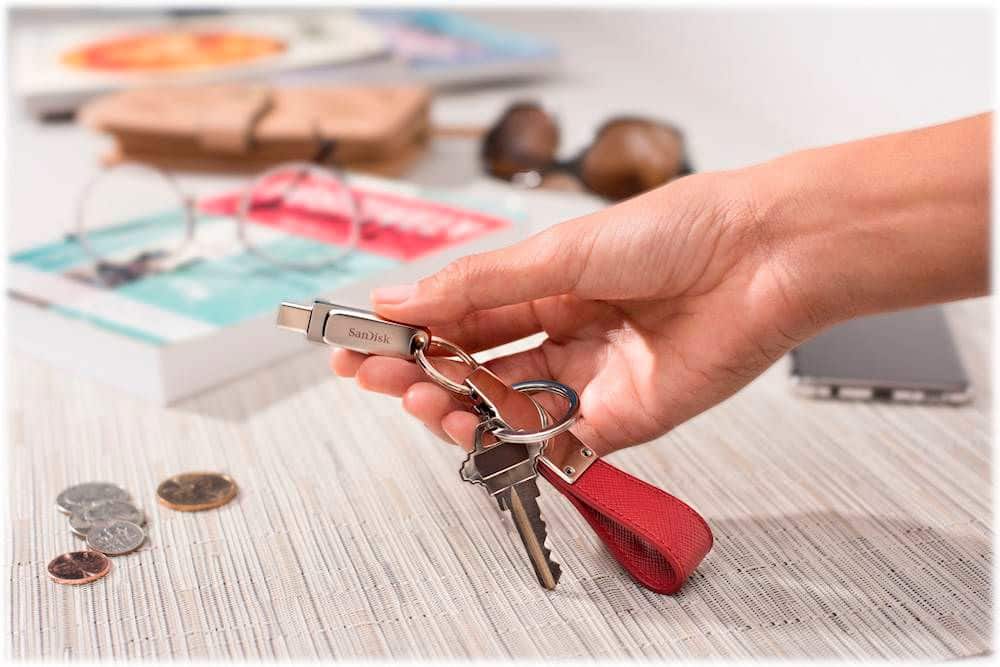
2. It is no one piece and involves swinging around to change different USB Type. As you keep pulling it in and out from pc, the mechanism loosens up. After 2 weeks of ownership, it is MUCH less snag than was new.