Black Friday is hereShop new DoorbustersShop now

Skip to content
Gift Ideas
26 Cypress St
Williston, VT 05495
Open until 9 pm
Find Another Store
Main Content

Questions & Answers

Page Showing 1-3 of 3 questions
  • QuestionCan this be used on an android phone?

    Asked by KLove.

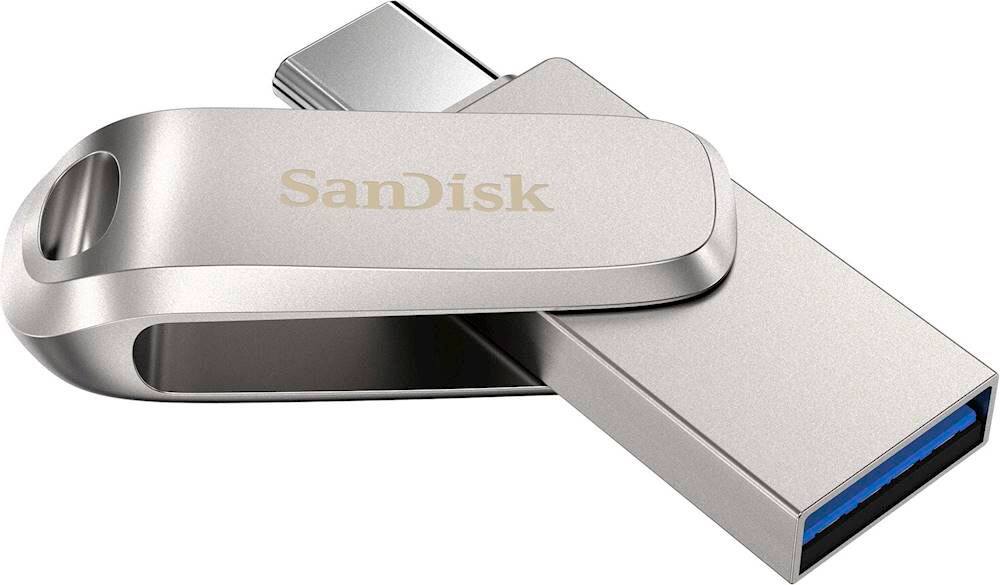
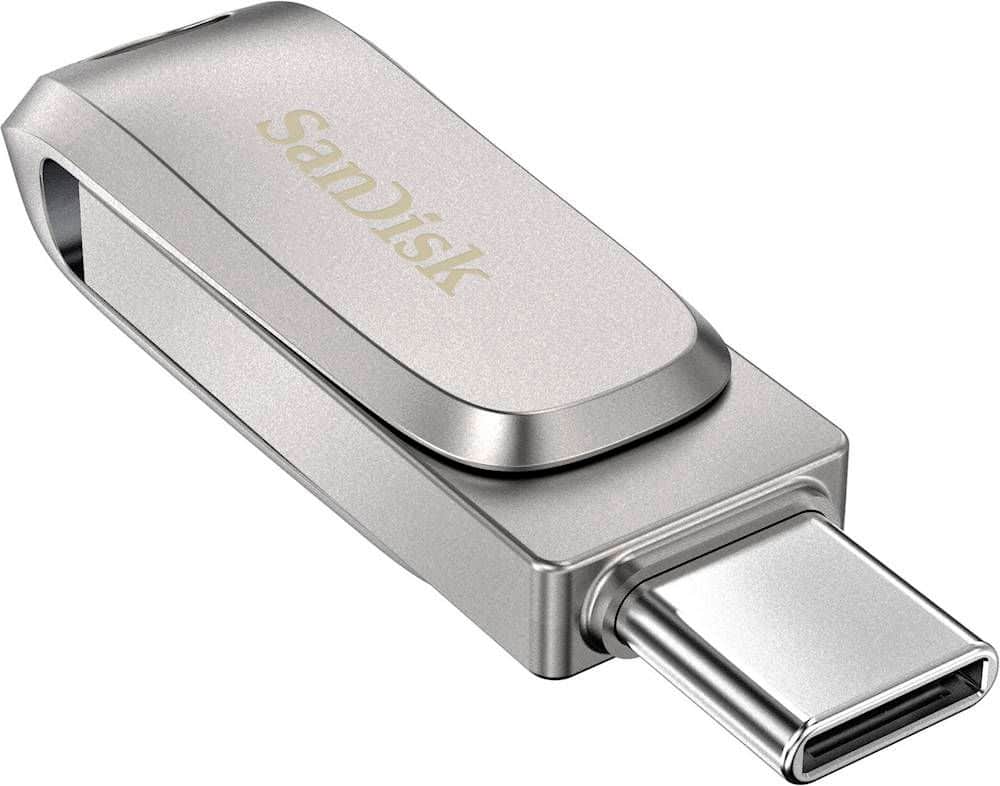
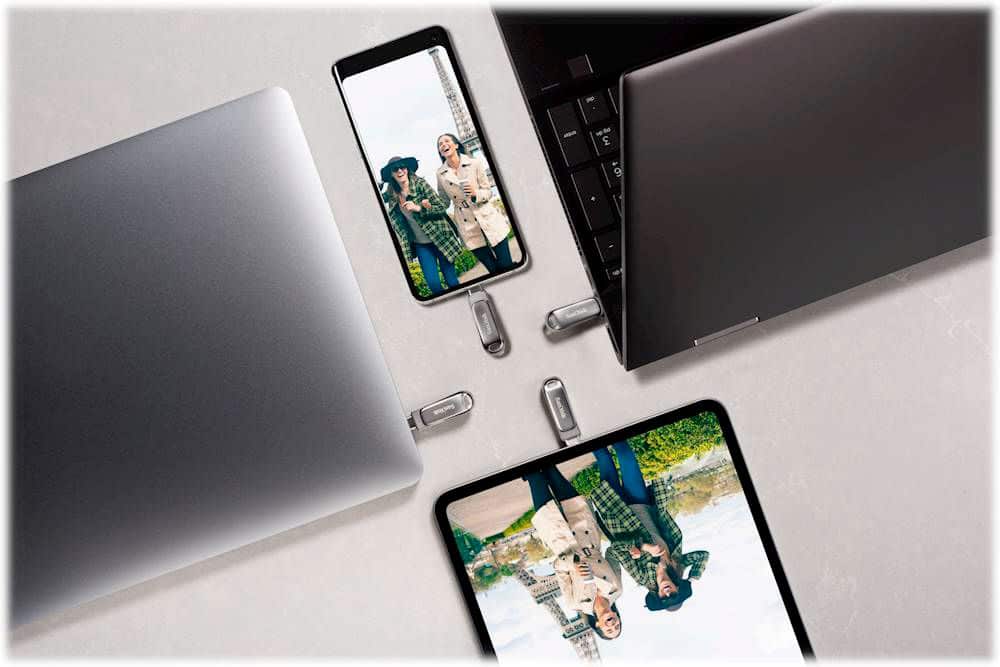
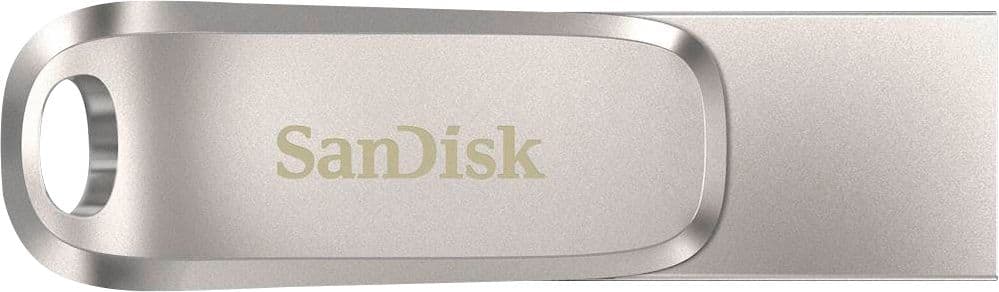
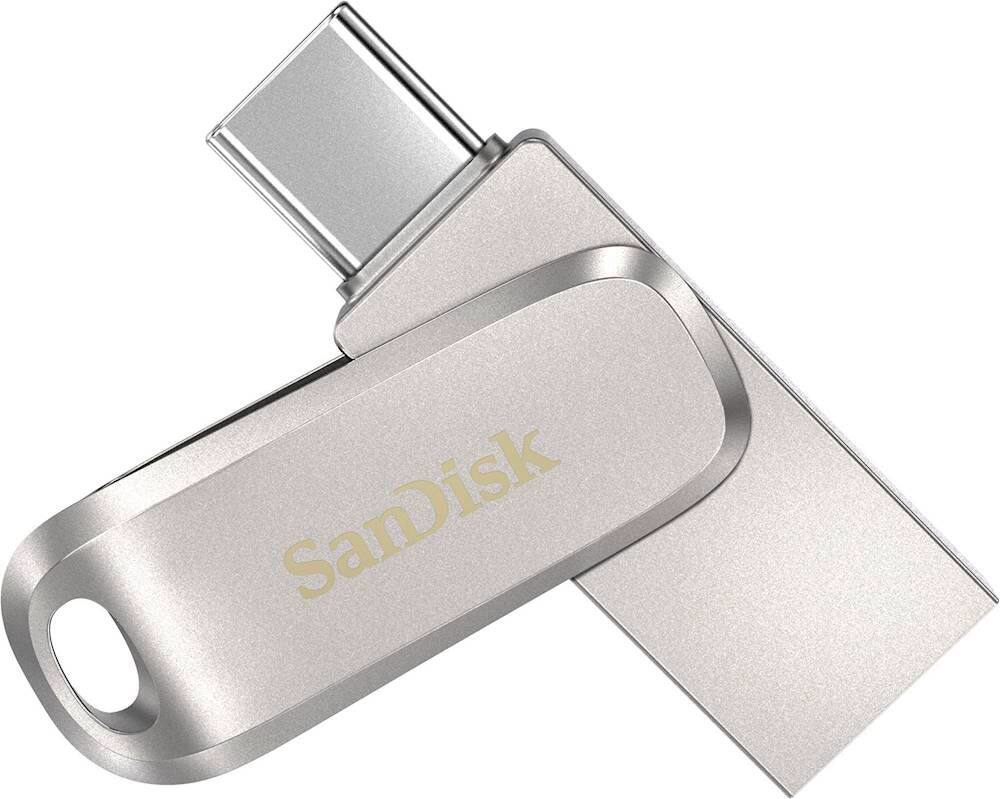
    • Answer Hi, thank you for reaching out to us. The SanDisk Ultra Dual Drive Luxe USB 3.1 Flash Drive is compatible with Android phones that have a USB Type-C port and support the OTG (On-The-Go) feature. This lets you quickly transfer and back up photos, videos, and files directly between your phone and other devices. The drive is compatible with USB Type-C devices (phones, laptops, and tablets), iOS 10.0.2+, Android 11+, macOS v.10.9+, and Windows 10+.
      Answered by SanDisk Team

  • QuestionDoes it work on an iphone?

    Asked by Toby.

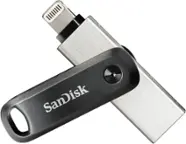
    • Answer Hello, please be informed that this SanDisk Ultra Dual Drive Luxe Flash Drive cannot be connected to an iPhone because this USB Drive has a Type-C connector which cannot be connected to the iPhone's proprietary lightning port. In this case we would like to tell you about our SanDisk iXpand Flash Drives with the lightning connector. The iXpand Flash Drives have been specifically designed and developed to be used with the iPhones by connecting directly to the iPhone's lightning port in order to transfer data from your iPhone to the iXpand Drive and vice-versa. If you wish to know more about the same from our support staff, please feel free to contact SanDisk® Support at 1-866-SANDISK and we would be glad to assist you.

      Answered by SanDisk Team

  • QuestionIs this drive password protected?

    Asked by PAPAU.

    • Answer Please allow me to inform you that we provide SecureAccess software with this Dual Drive which is a folder level protection software where you can protect your data through encryption and set up a password. For any other suggestions/ queries regarding SanDisk®️ products, please feel free to contact SanDisk Support at www.sandisk.com/support and we would be happy to help!

      Answered by SanDisk Team