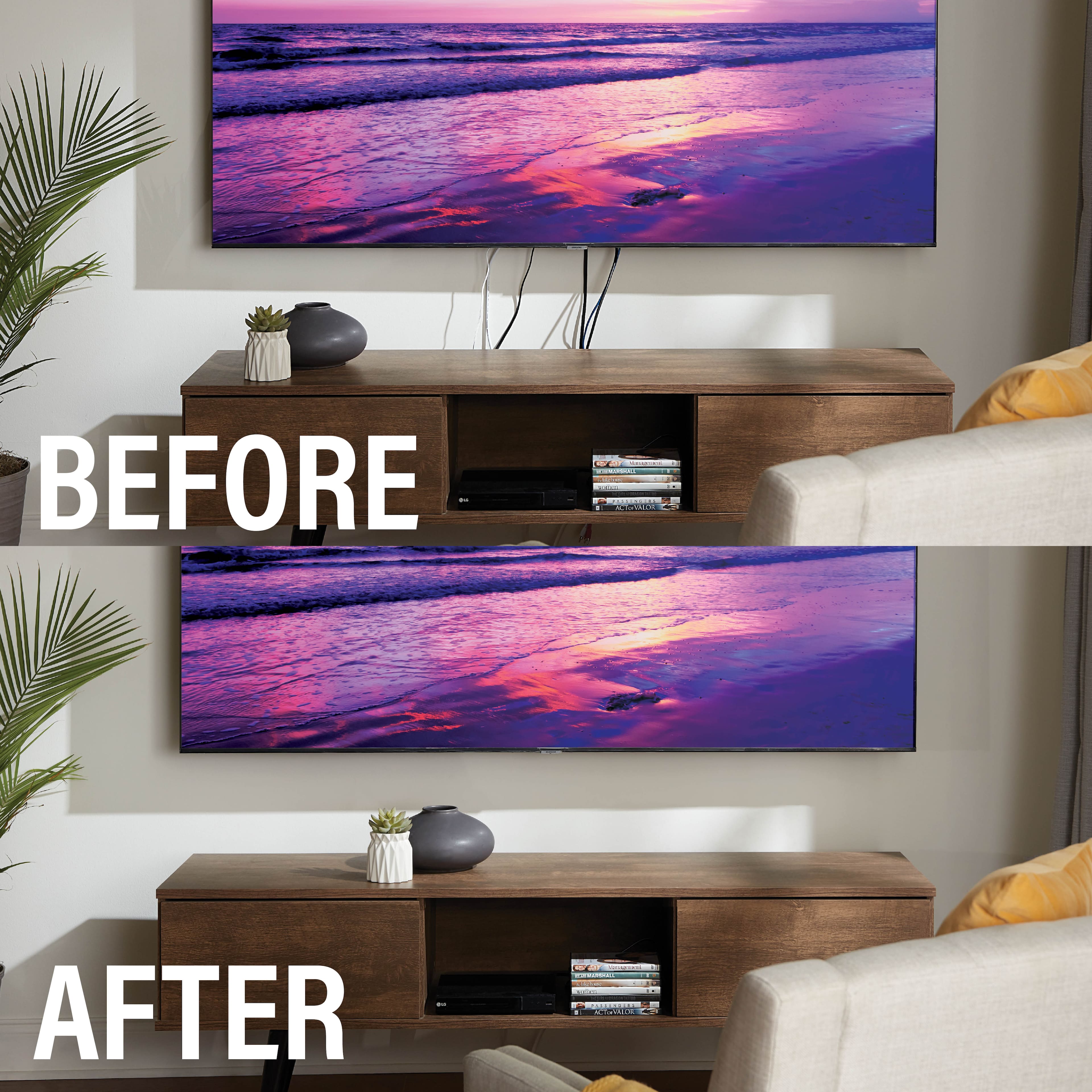
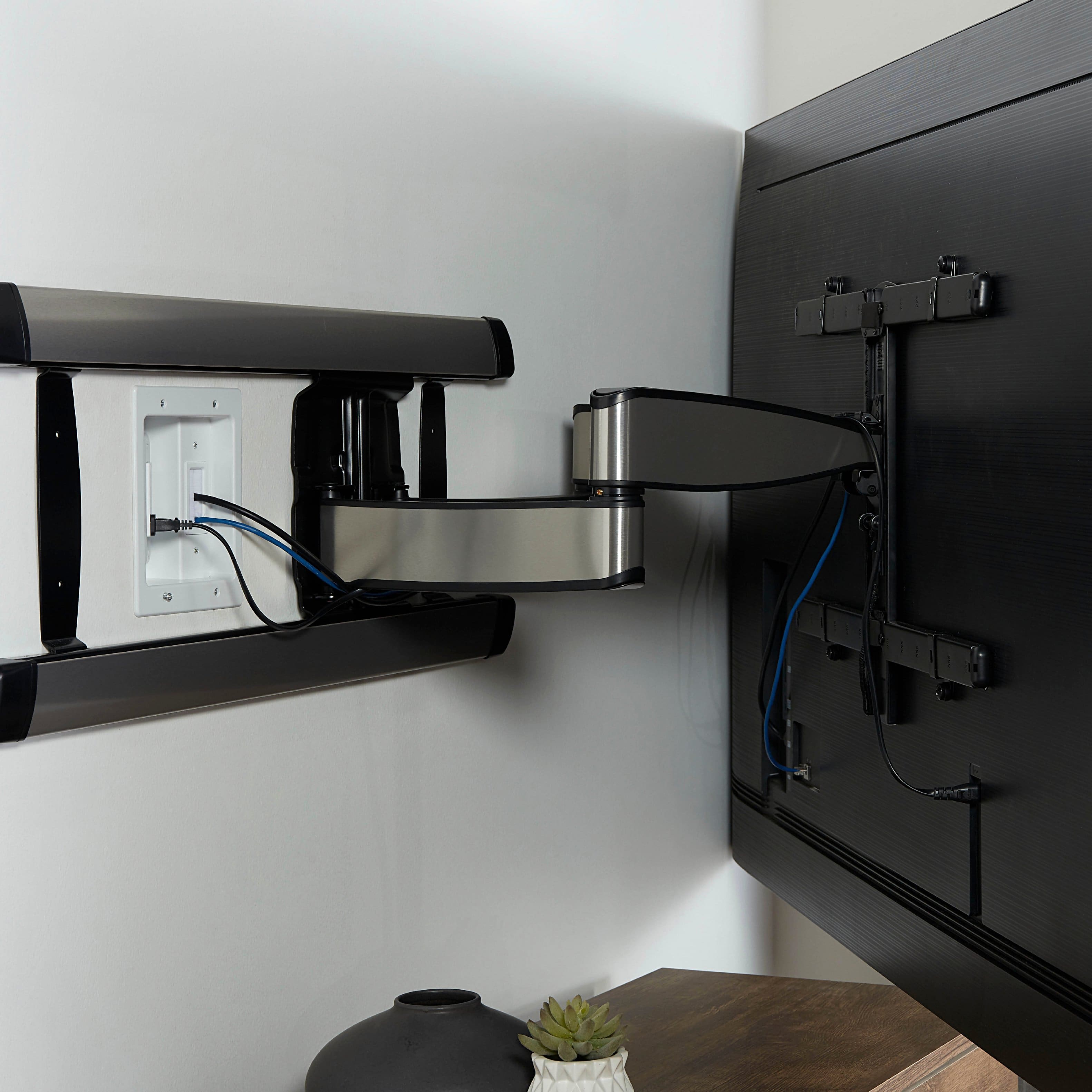
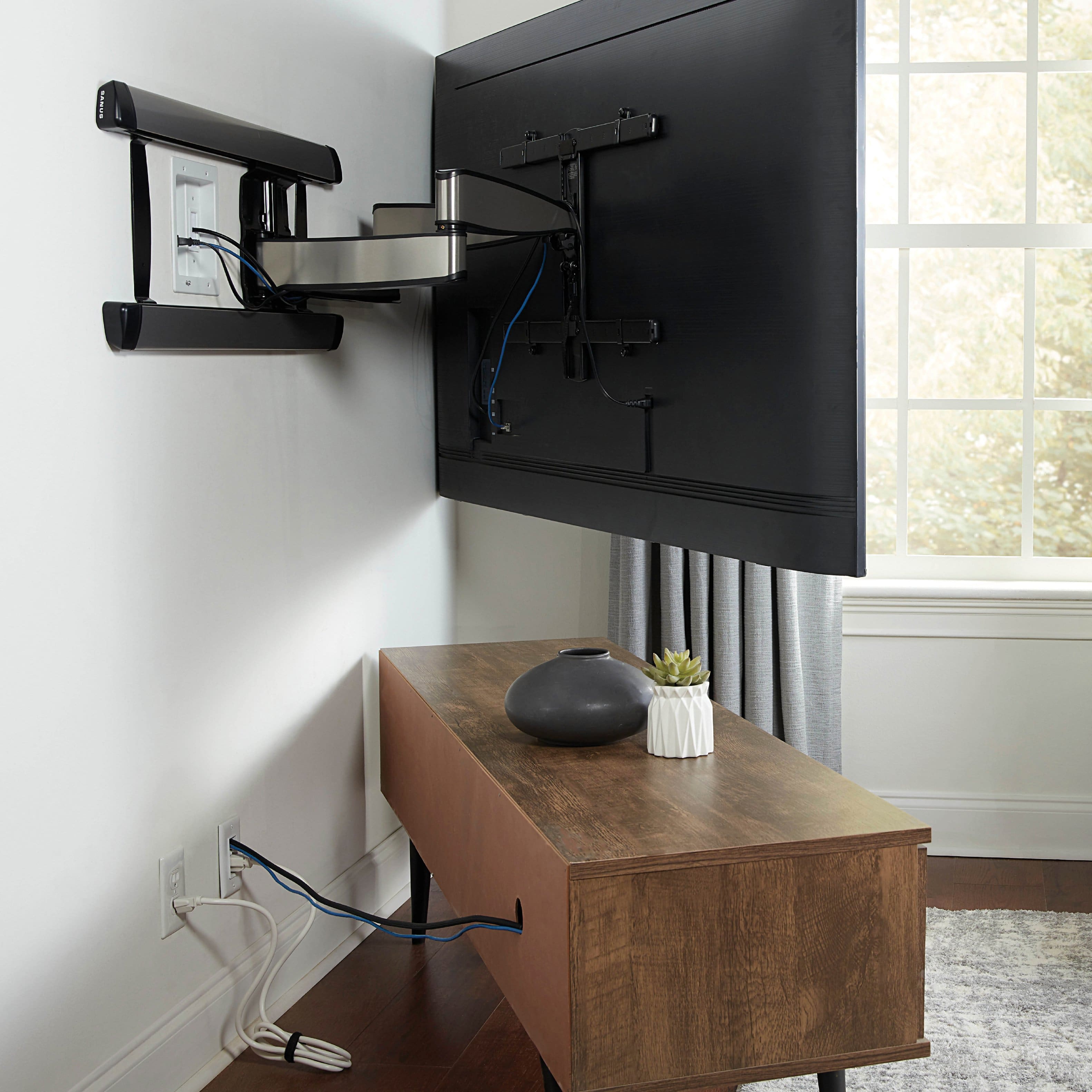
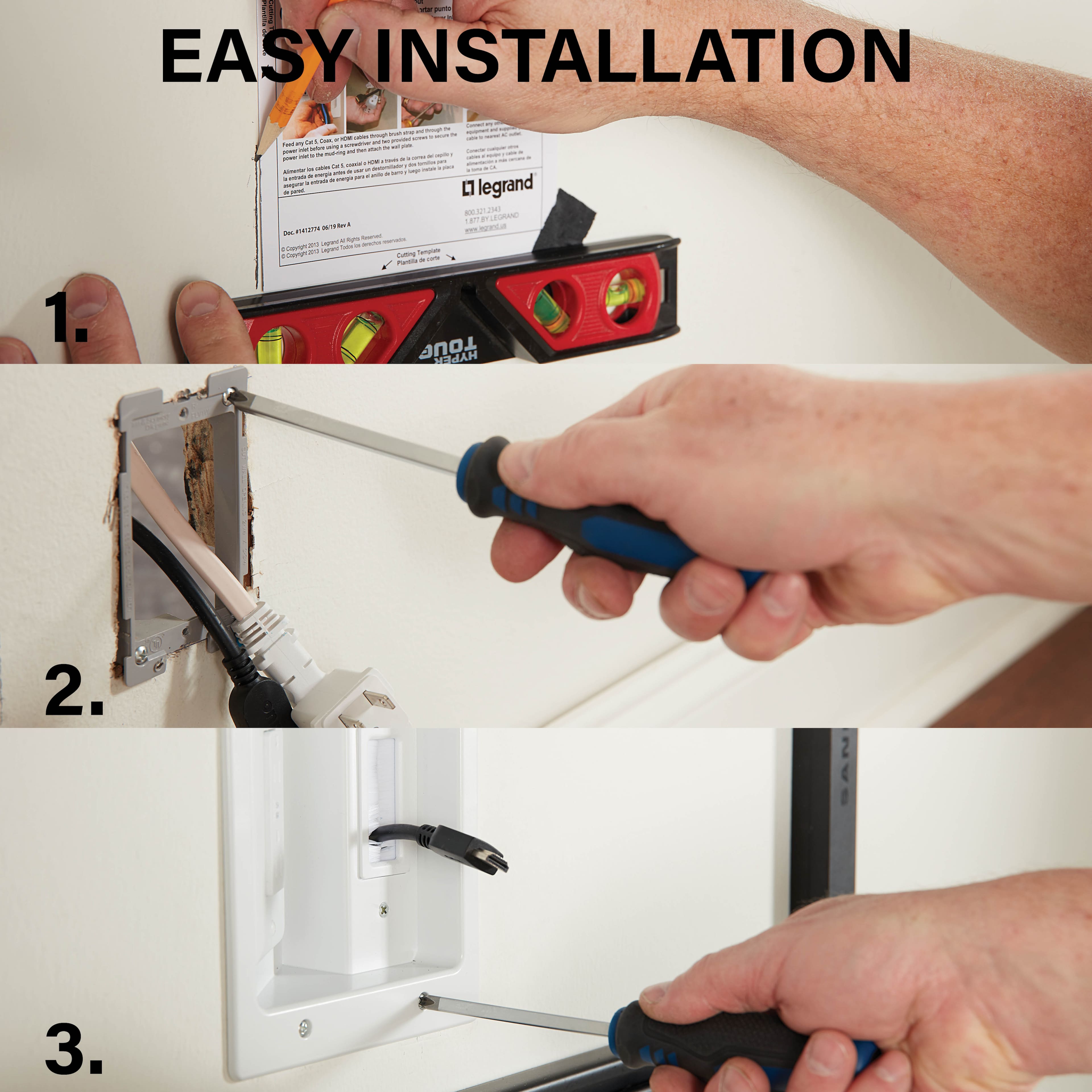
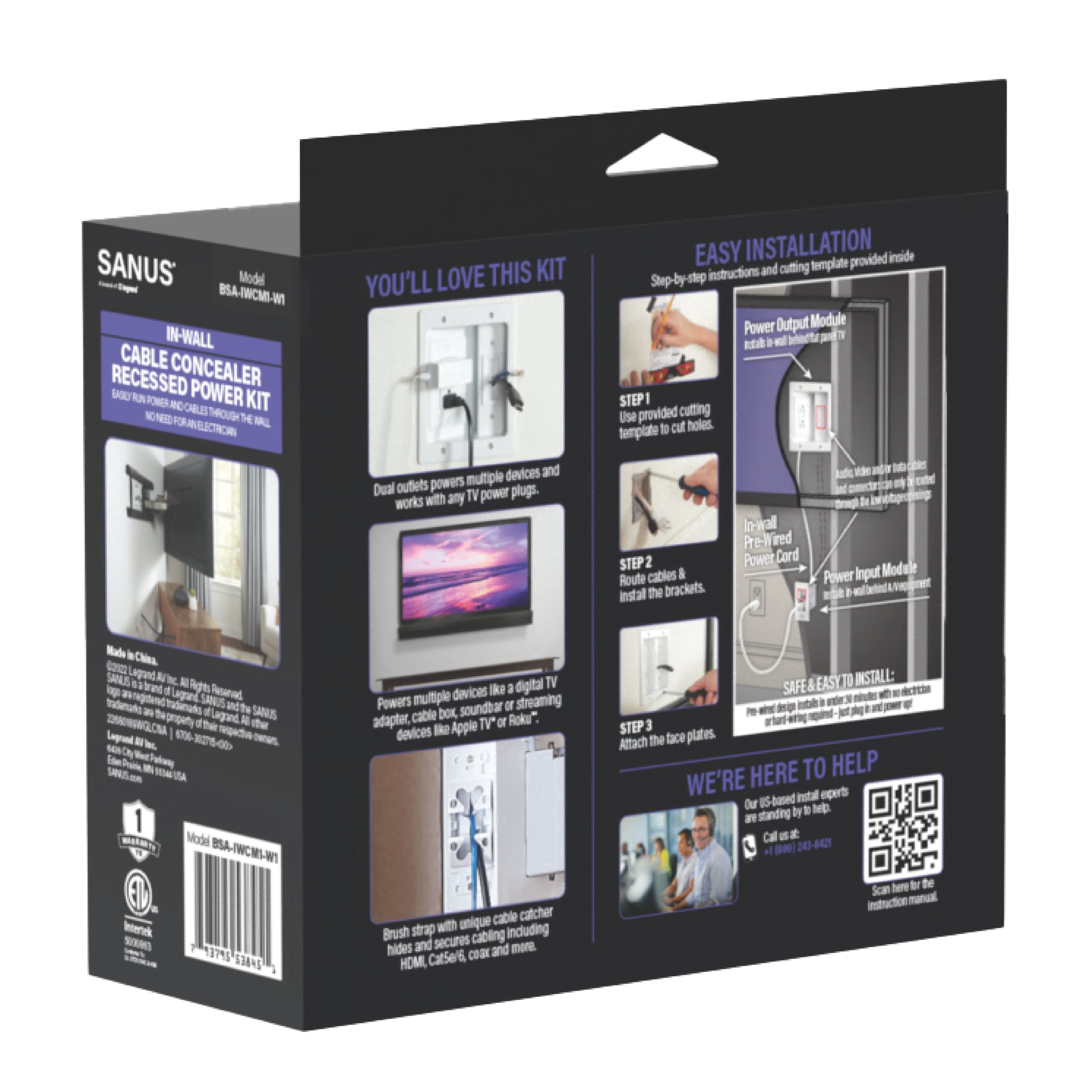
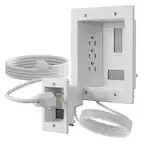
A:AnswerWhen I purchased mine, I was told I could go right over then to arrange an appointment with the Geek Squad to get it installed. I was told that the cost would be around $200, and that's just the Labor. To install your TV you'll need to pay for a Wall Mount and the longer A/V cables to run from it to your A/V devices. I was replacing an existing wall mounted plasma TV so I already had the TV wall mount. But I needed new and long HDMI cables. I bought (2) 5 meter long HDMI cables from Frys Electronics. With the Legran Kit and the new long HDMI cables I was able to successfully install on my own my new 48" Insignia LED TV. But, the Geek Squad will do it for you too.
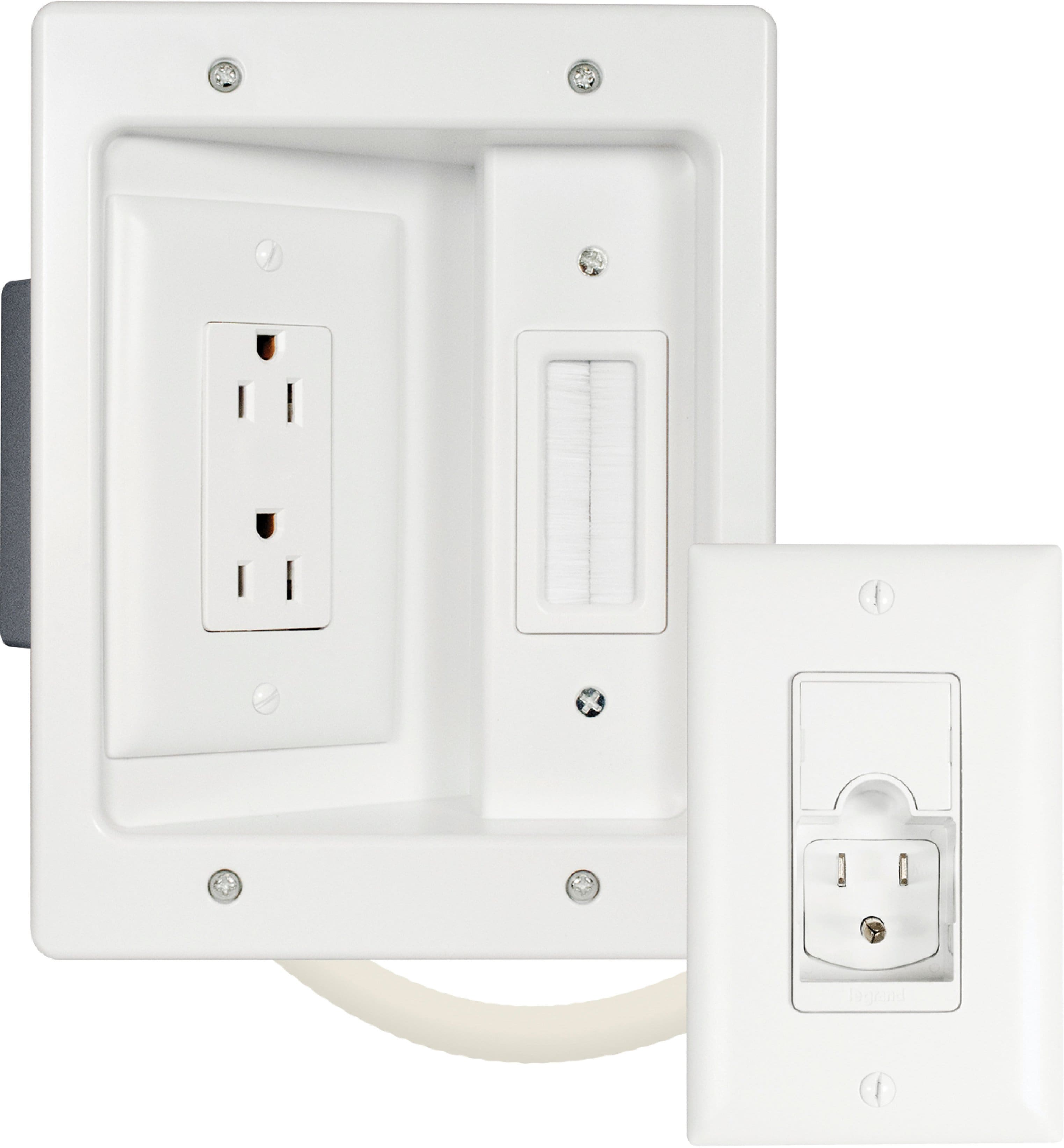
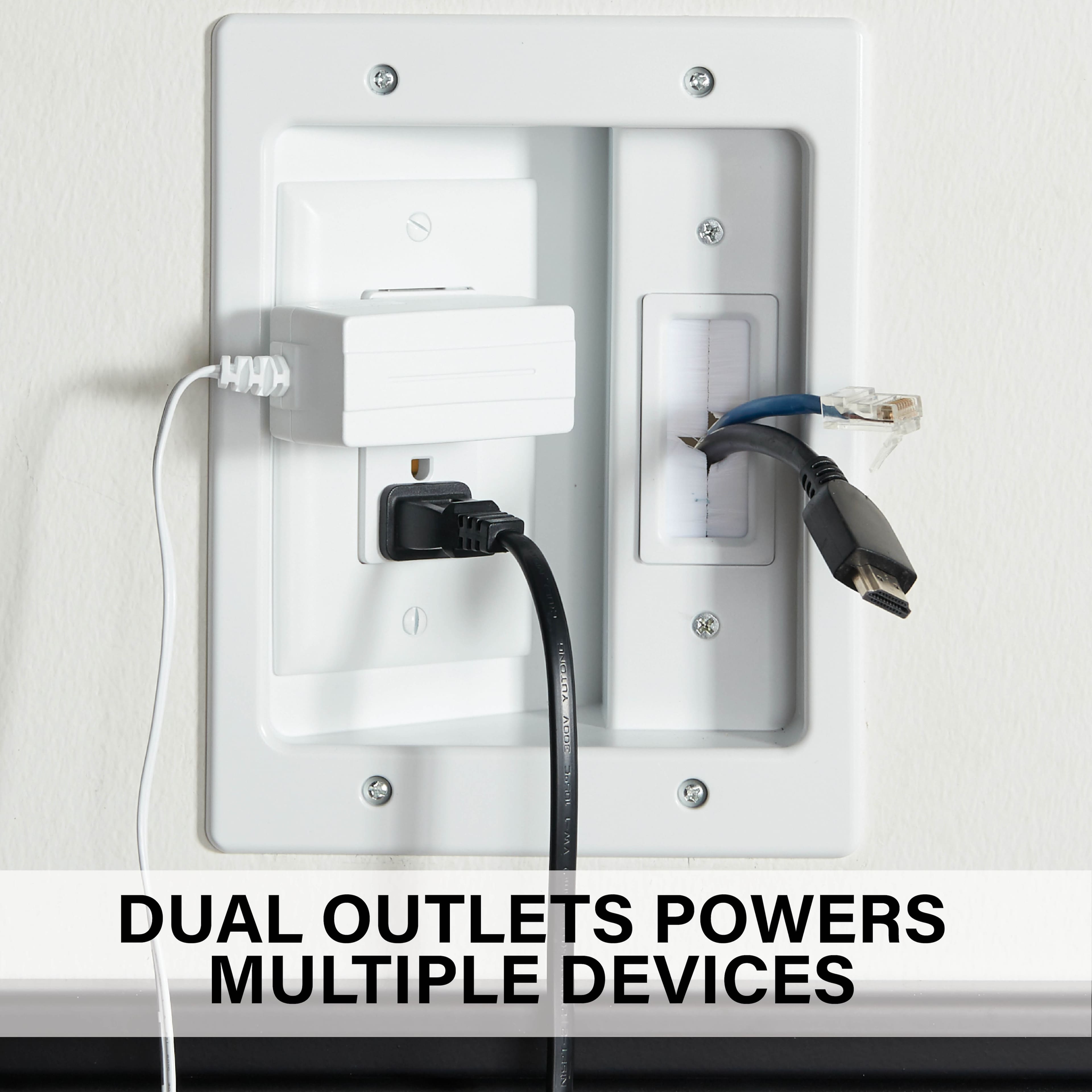
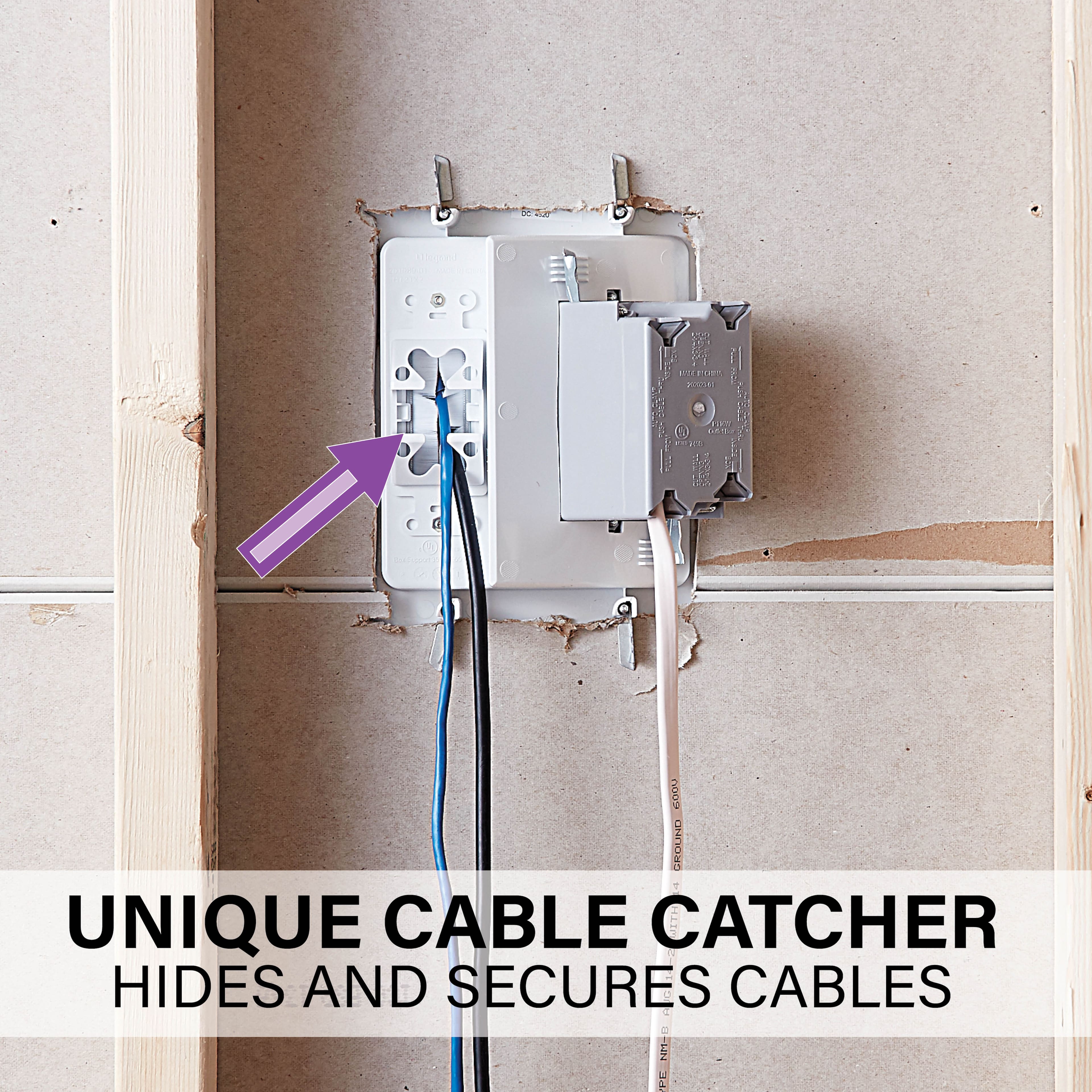
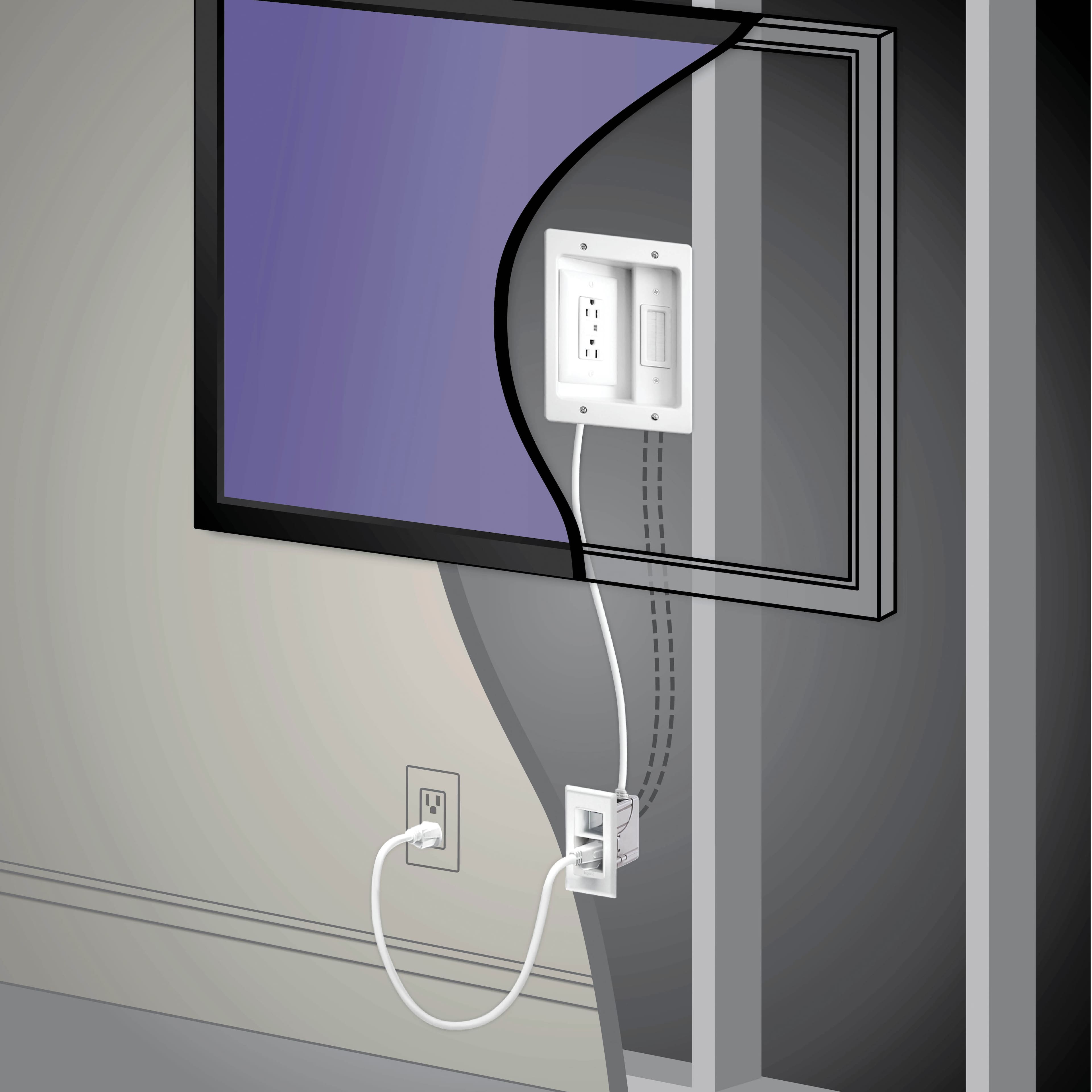
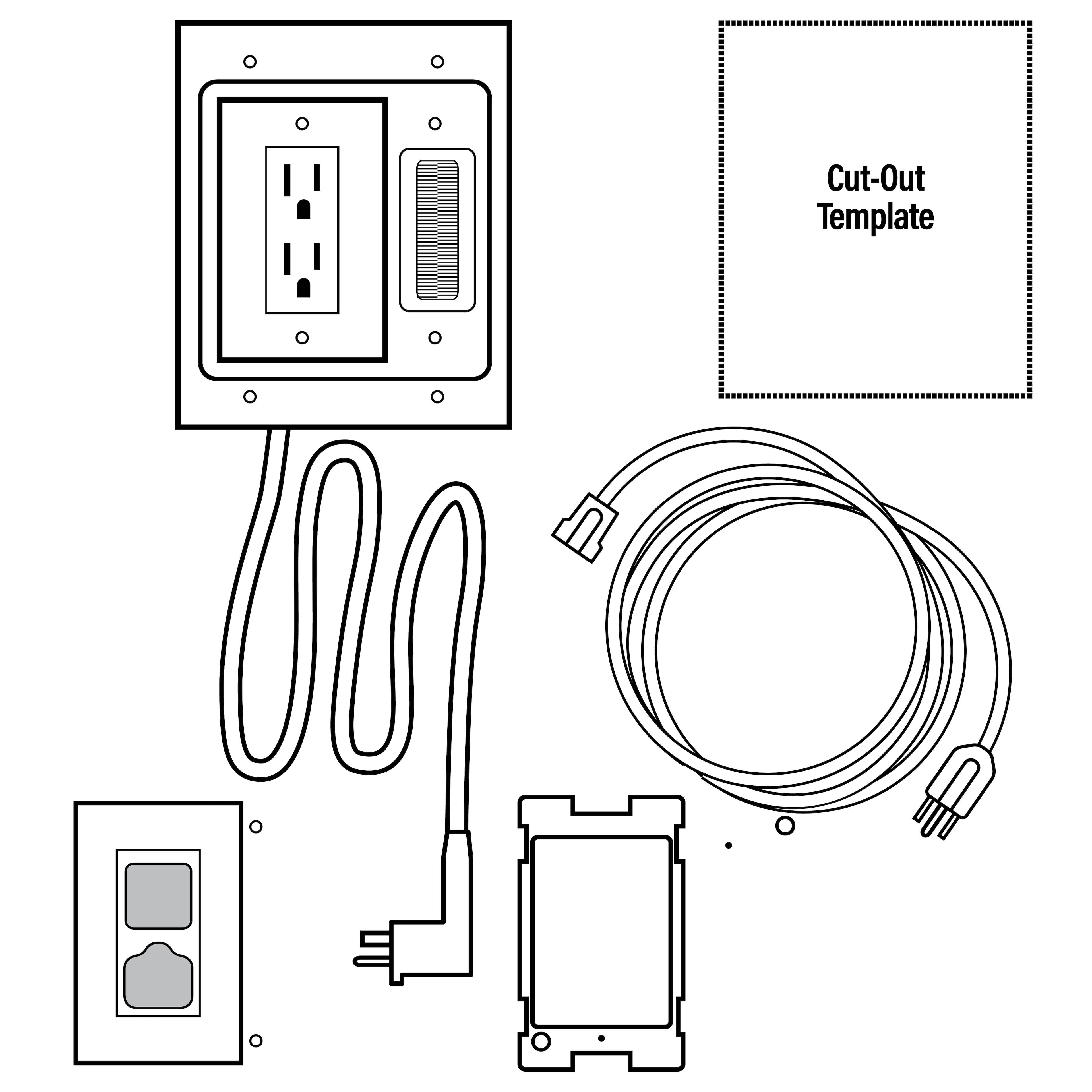
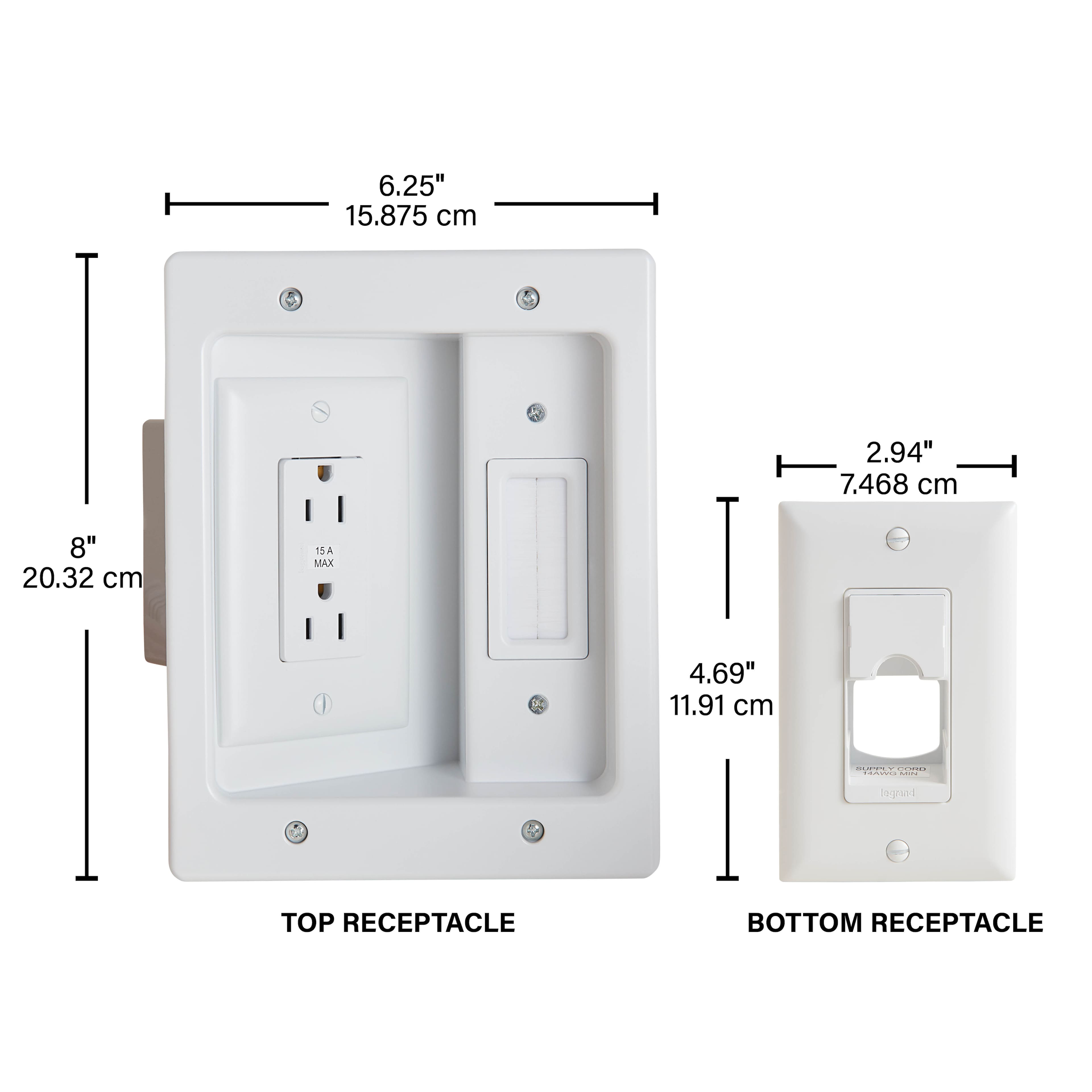
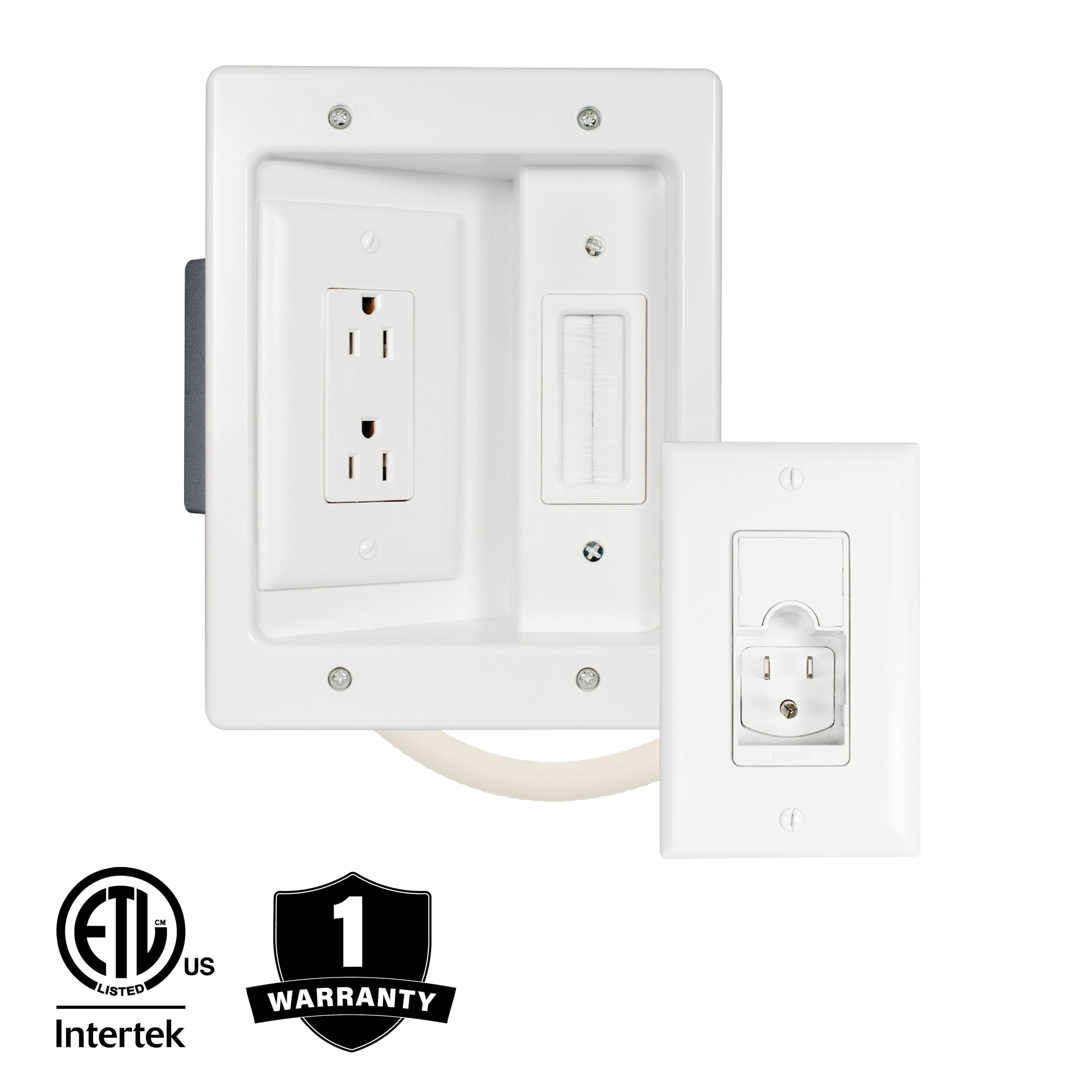
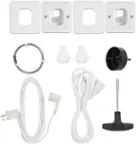
A:AnswerIt fits in a standard frame wall. The plugs are angled at a 45. This allows for large plugs to fit into the outlet and not interfere with the mount.
A:AnswerYou Need To Hit The Wooden Studs In Your Wall! The Plaster Or Dry Wall Has No Weight Bearing Capabilities To Mount Or Hold Your TV! Make An Appointment For Best Buy Geek Squad To Professionally Install Your TV!
A:AnswerYes, this kit can be used with a flush mount gallery style TV. The trim around the outside sticks out 0.14" (less than many kits like this), but depending on where it is installed you may have a small gap between the TV and the wall as there are not many recessed openings behind that particular TV. You will also want to plan out placement of its location so that HDMI cords, etc...do not cause the tv to stick out further. Hope this helps!
A:AnswerThe Samsung OneConnect cable does NOT fit through the port in these Legrand power outlet extensions. I just had to run it through the wall and put a separate brush plate box in the wall to pull it through. It's too wide to fit into the 90° angle of the Legrand kit, unfortunately.
A:AnswerThe Legrand In-Wall TV Power Kit deals mainly with the cords. If you have an external power pack you may want to see if there is a place to attach it to the TV mount. If the power pack is light enough, you may not need anything additional.