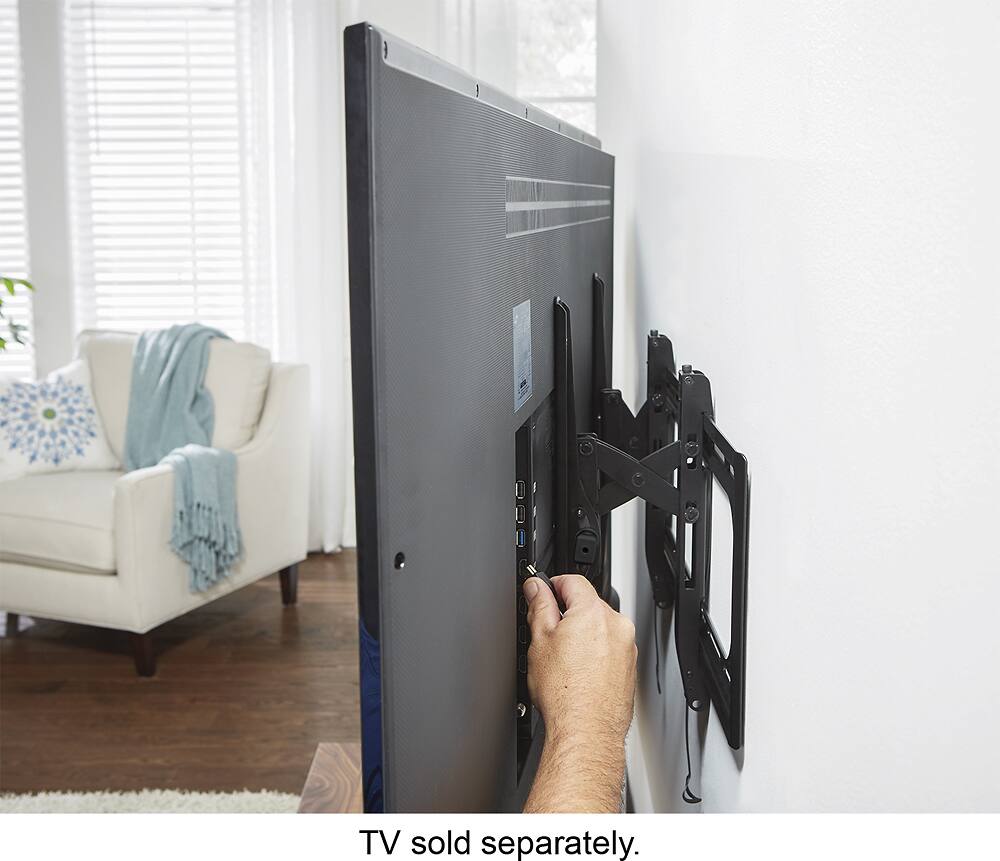
A:AnswerIt depends on what controls you are trying to access for an LG 86 inch, I was able to put in HDMI cables which are to the left hand side of the tv when facing the tv after it was mounted. But would suggest to take a look and understand what and where each control or hmdi ports are before mounting.
A:AnswerAll TVs these days have a standard for mounting known as VESA mount. As long as the weight is within the limits of this stand, you should be good.
A:AnswerNah it's easy, just take it down and unscrew. Then just re-screw on new TV. You might need a 2nd person if the tv's you're switching are really big and heavy
A:AnswerYou would mount a soundbar centered underneath the TV, with whatever mount is designed specifically for your specific soundbar. Just make sure you mount your TV high enough the leaf space for the sound bar below it. This mount is for the TV only.
A:AnswerI used it for my Samsung 82” TV that I bought at Costco and it worked great. I would definitely think you could use it for your 82” as well. You might need a few extra washers. I did anyway, but that was because I didn’t want to step up to the really fat washers they included. I used the small and medium ones (also included) and 3 of my own. Since they are the same make and size I think you’re likely going to be doing similar.