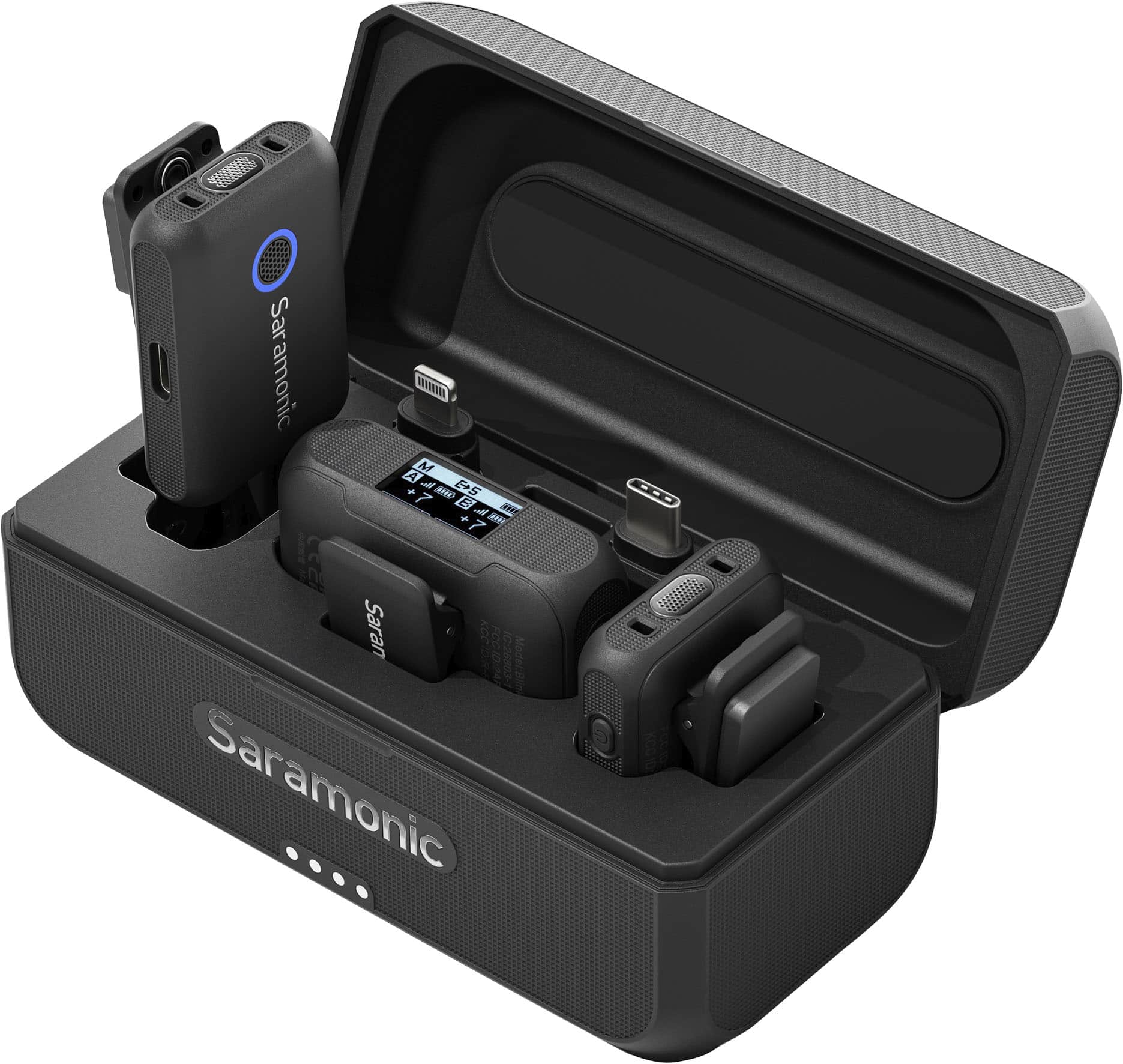
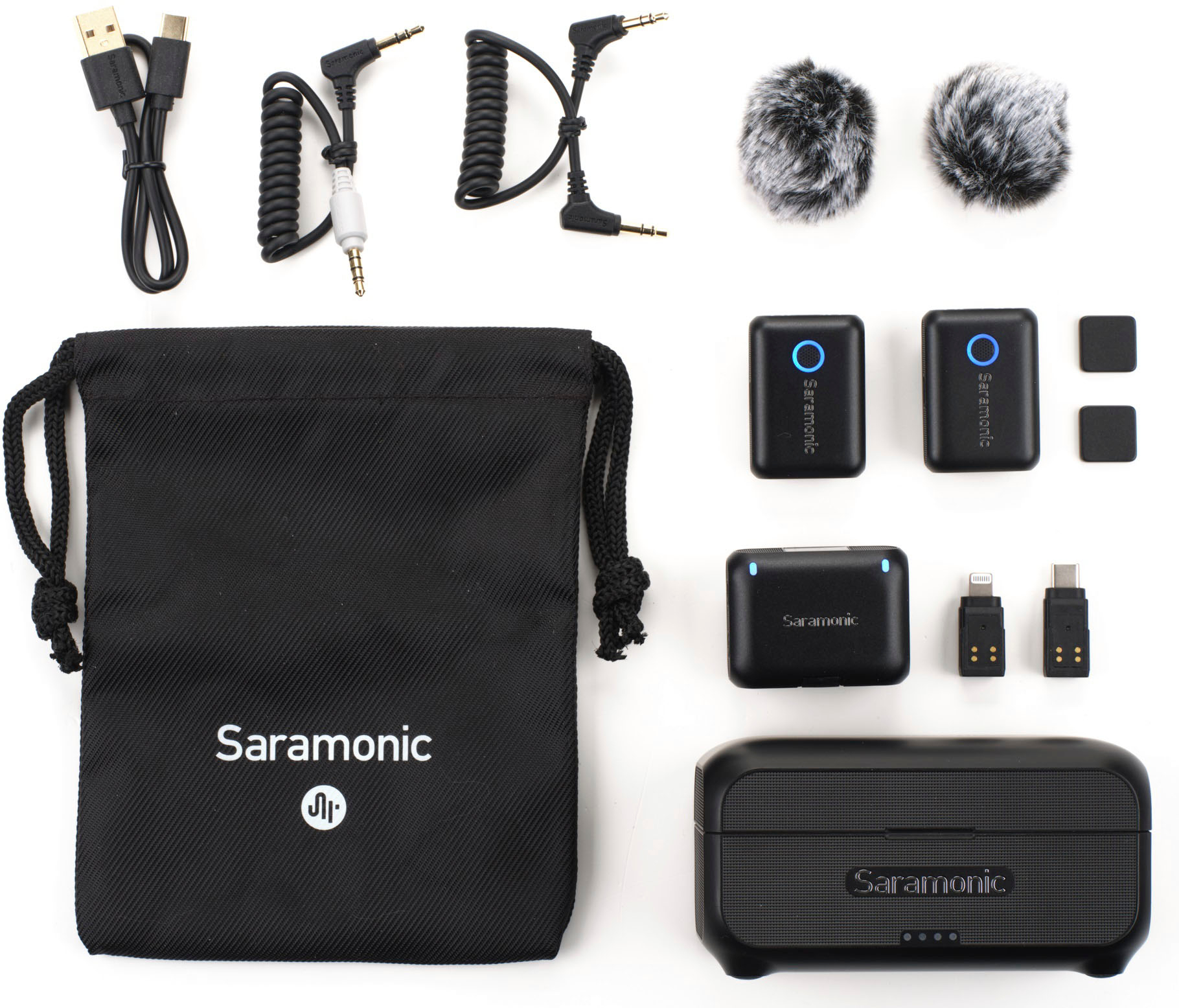
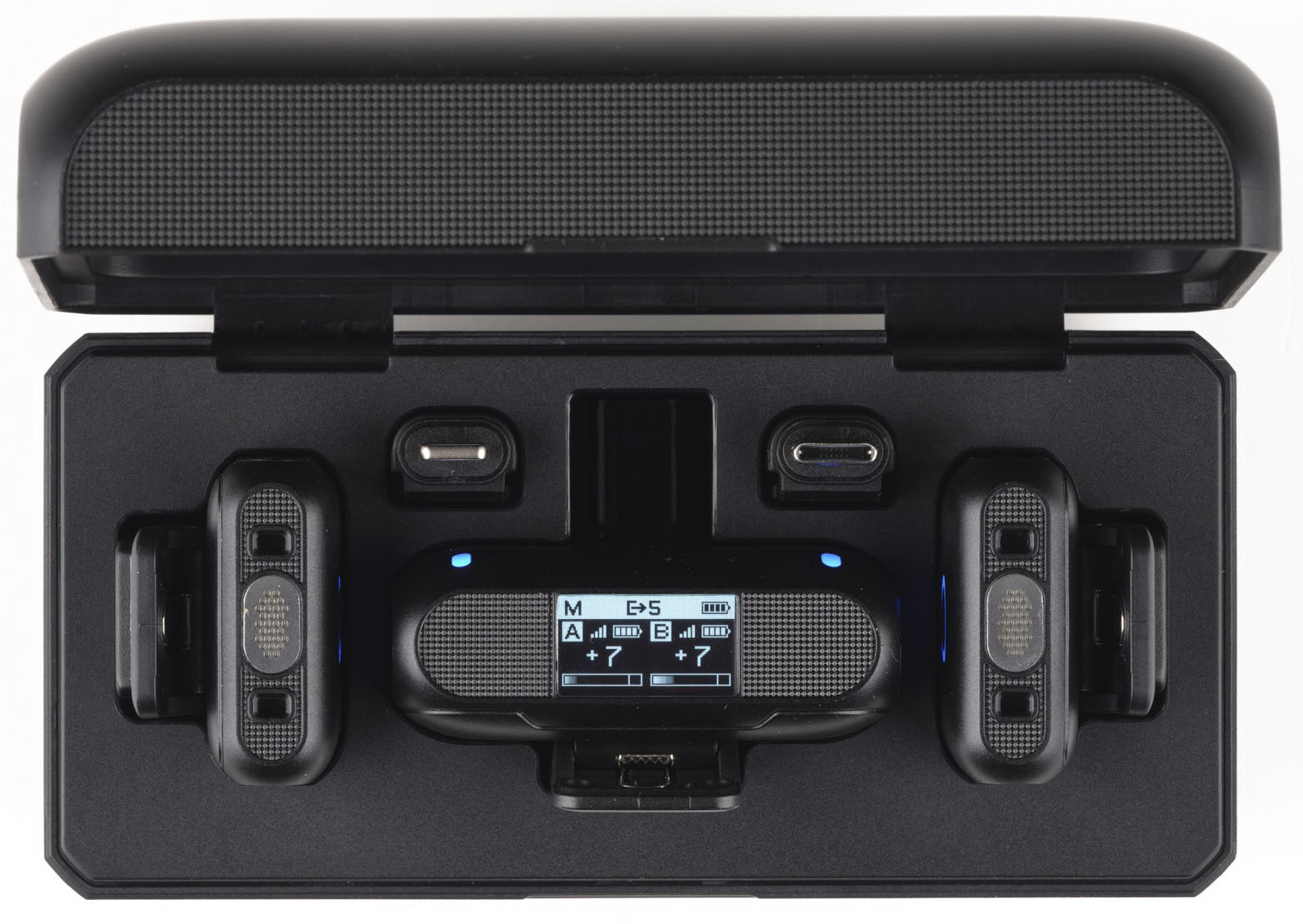
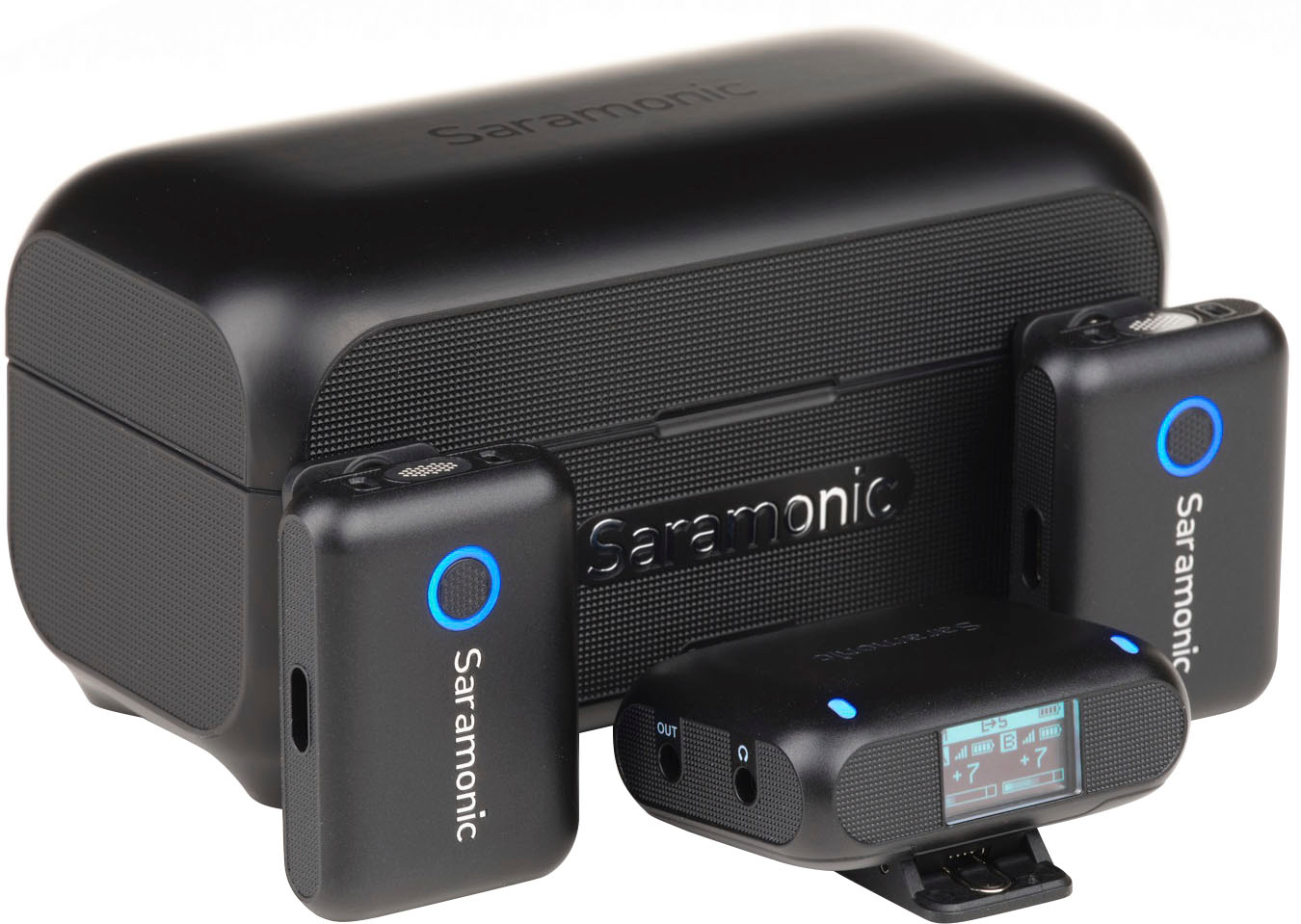
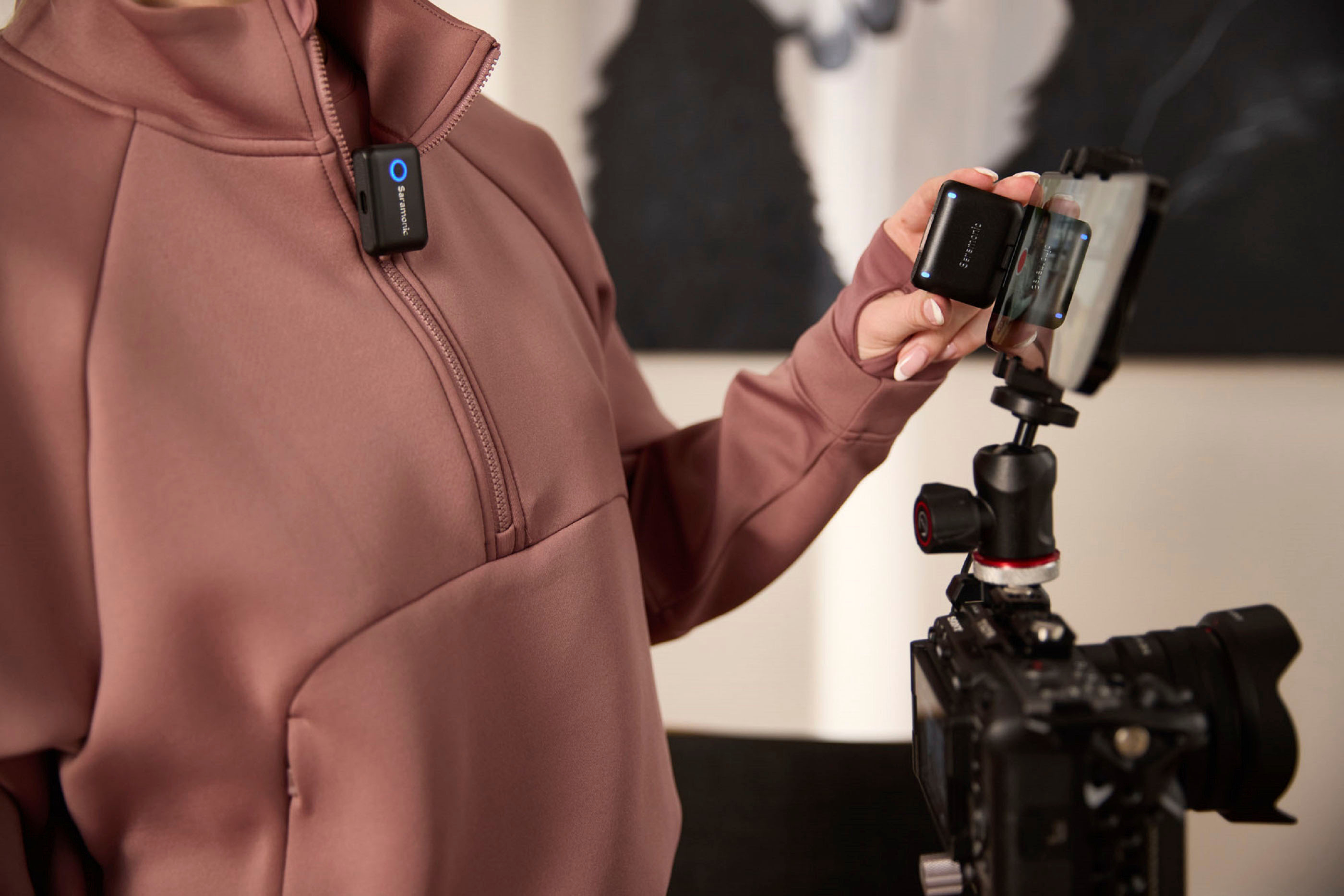
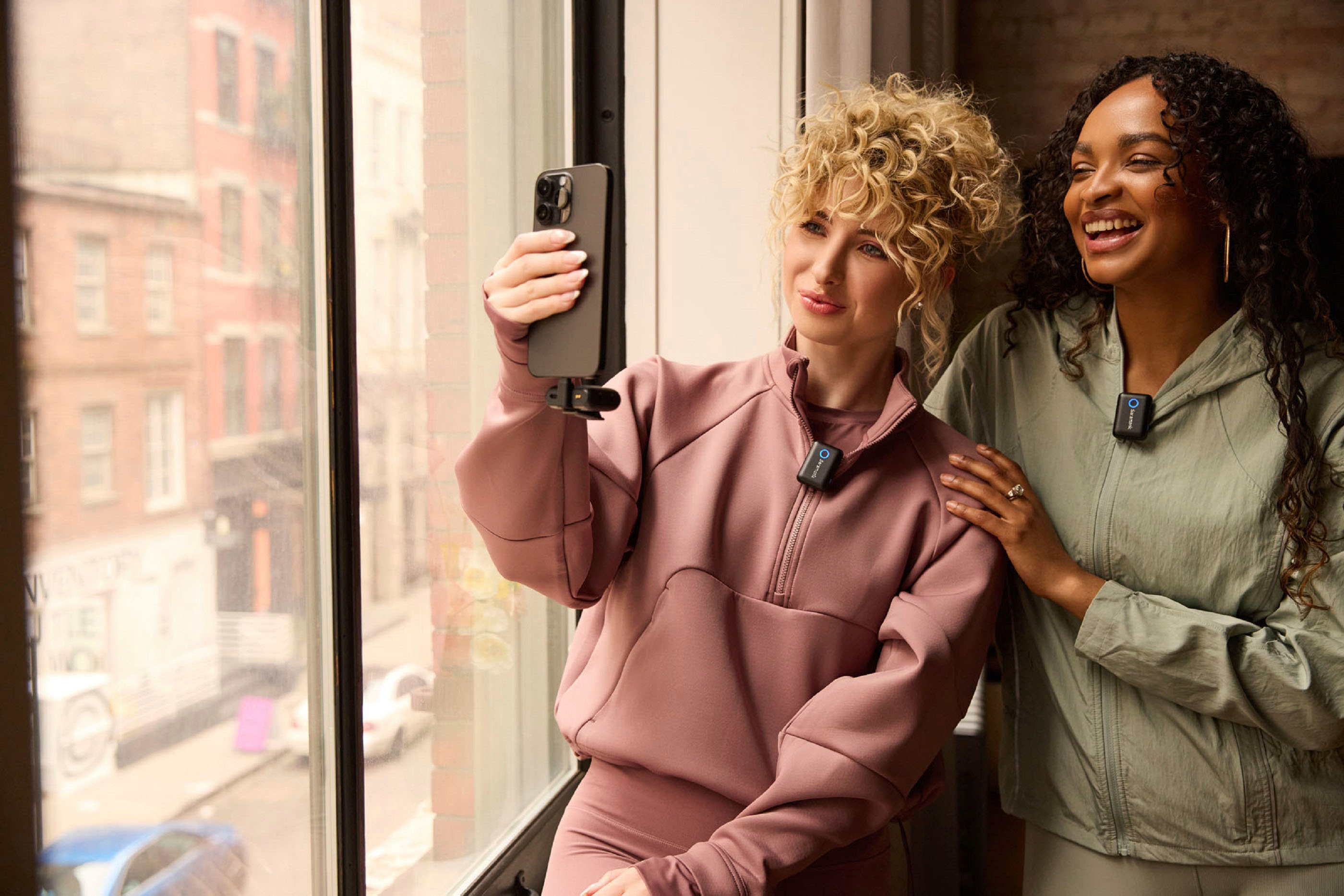
A:Answer Yes. Plug the receiver into your computer using USB-C and open Zoom, in the settings choose Audio, then choose the Blink 500 B2+ as the microphone source and keep the Speaker setting as you had it before. Then you are ready to go.
Also, keep the Blink 500 B2+'s output in Mono mode, which is its default.
I hope that helps,