Black Friday is hereNew Doorbusters added. Ends 11/29.Shop now

Main Content

Questions & Answers

Your price for this item is $55.99
The comparable value price is $79.99
Page Showing 1-20 of 20 questions
  • QuestionWhat is the maximum resolution supported by this hub?

    • Answer The maximum resolution supported is 4K (2160p).
    This question and answer was generated by AI based on customer and product data.
  • QuestionWhat ports are included with the Pro Hub Slim?

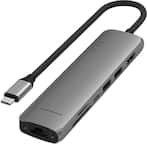
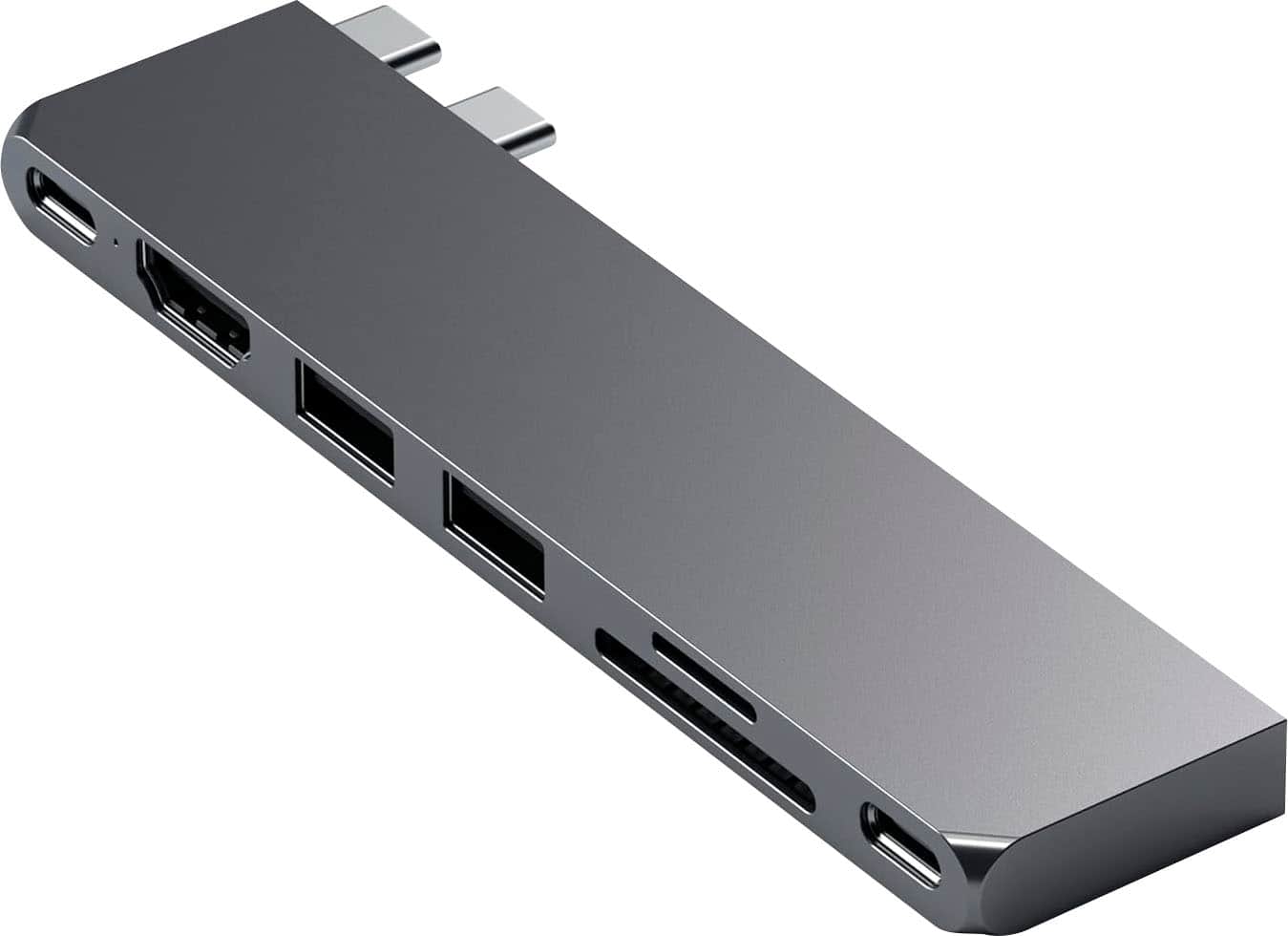
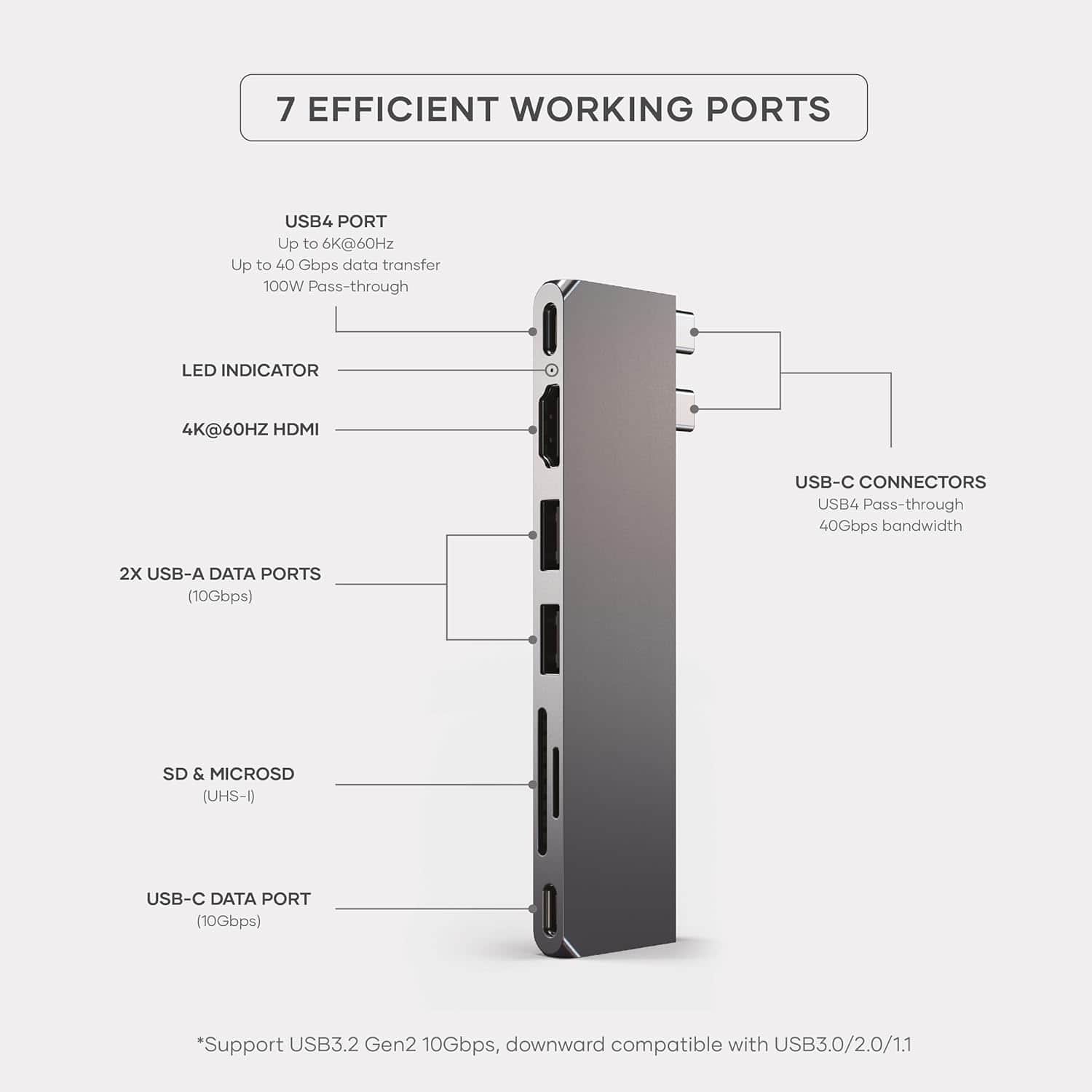
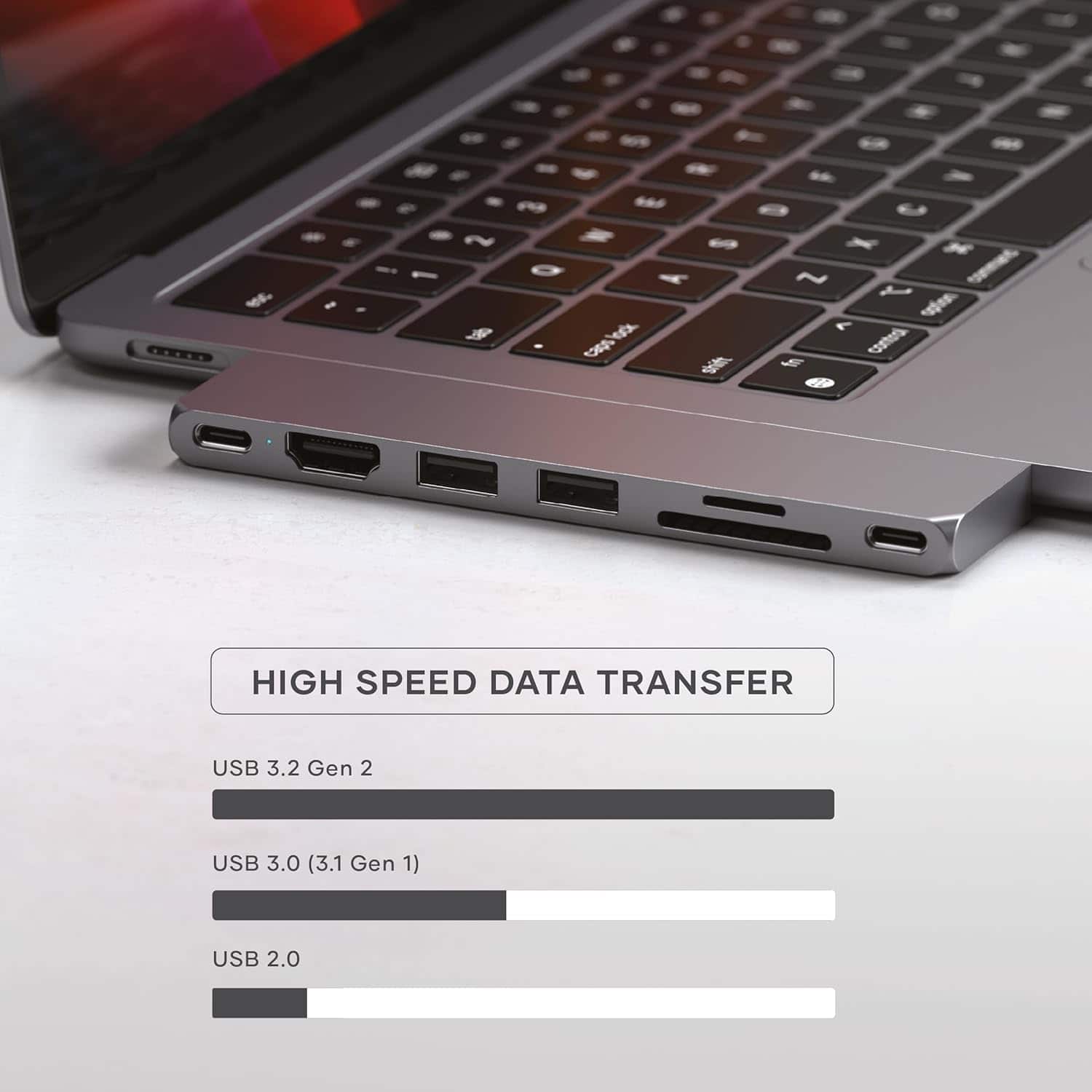
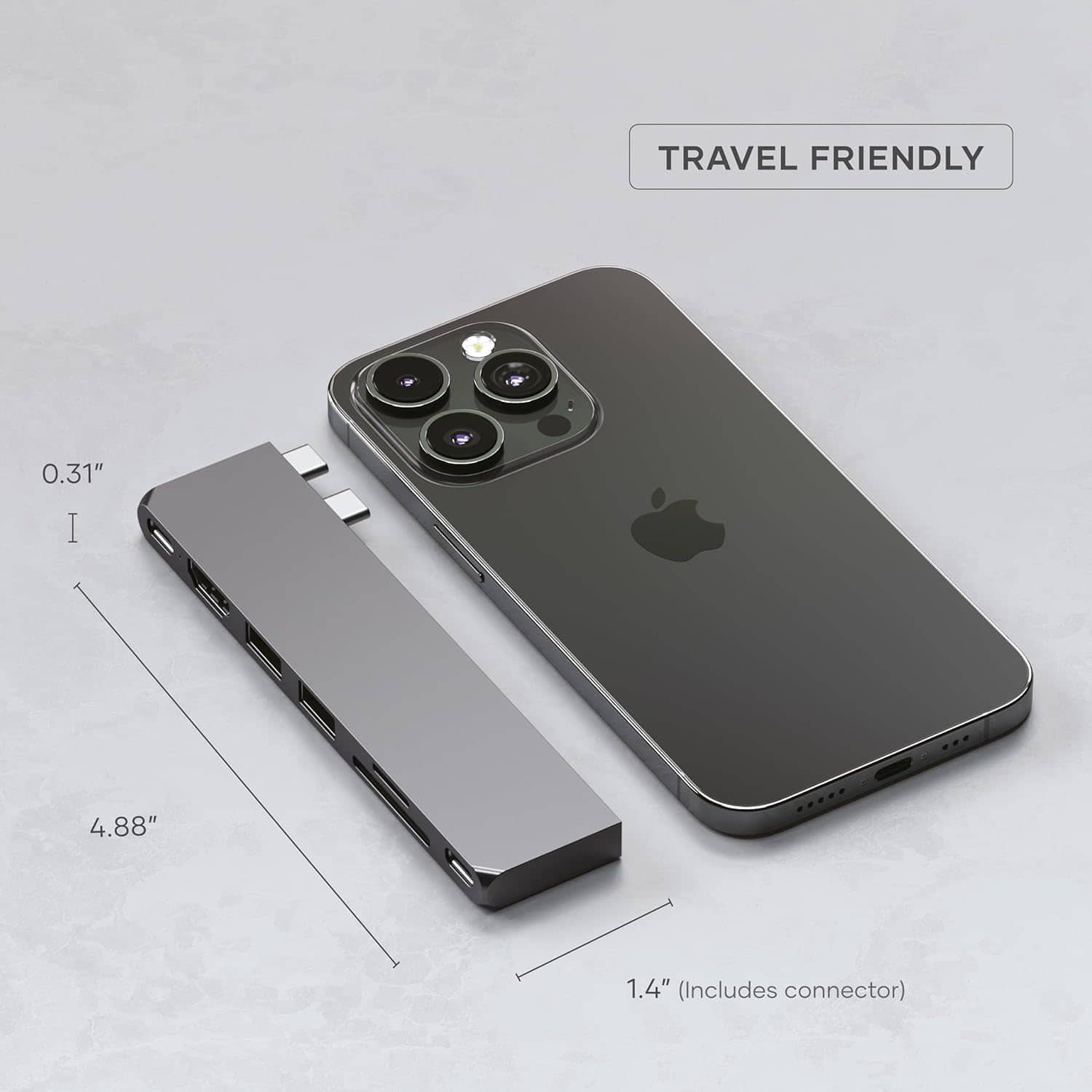
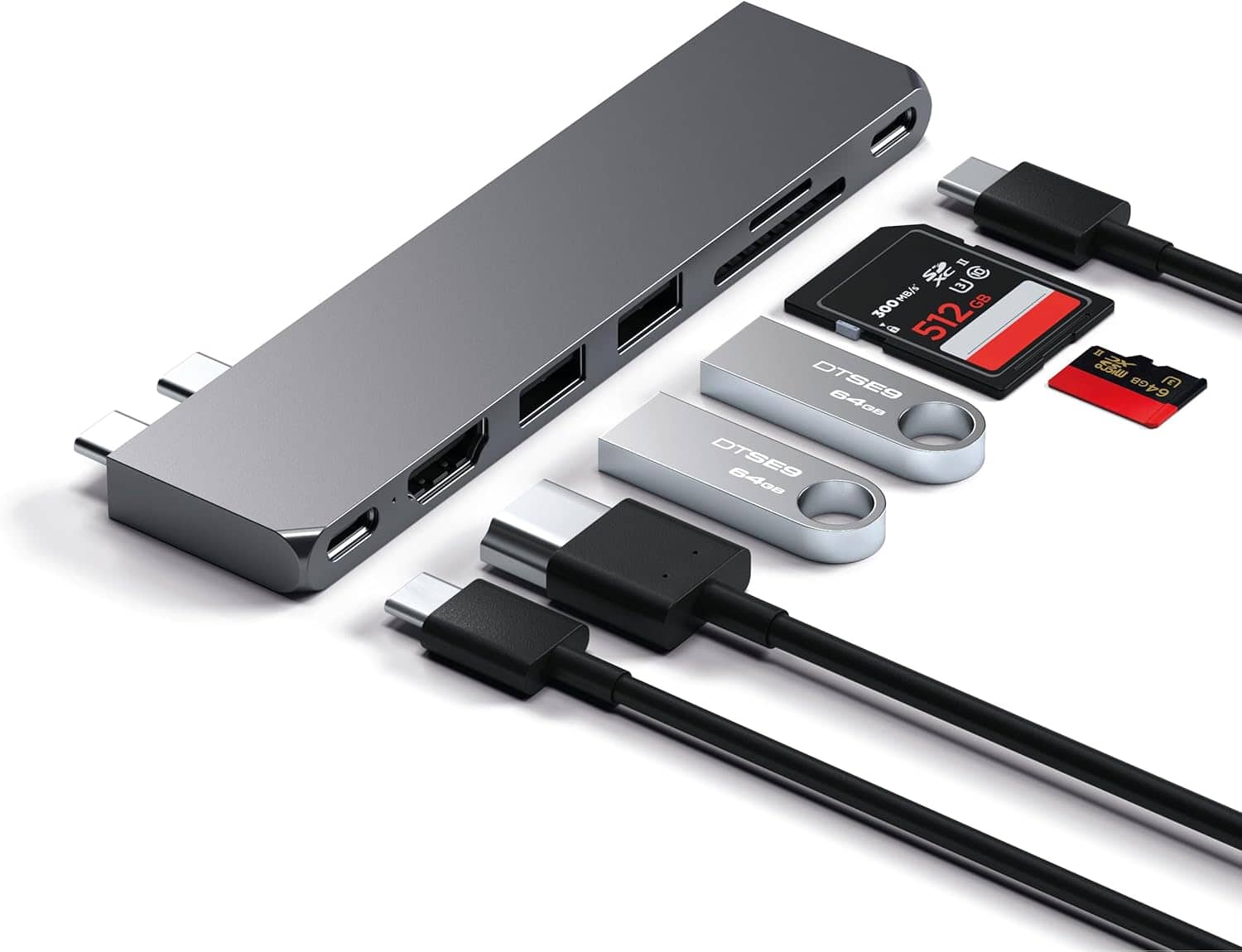
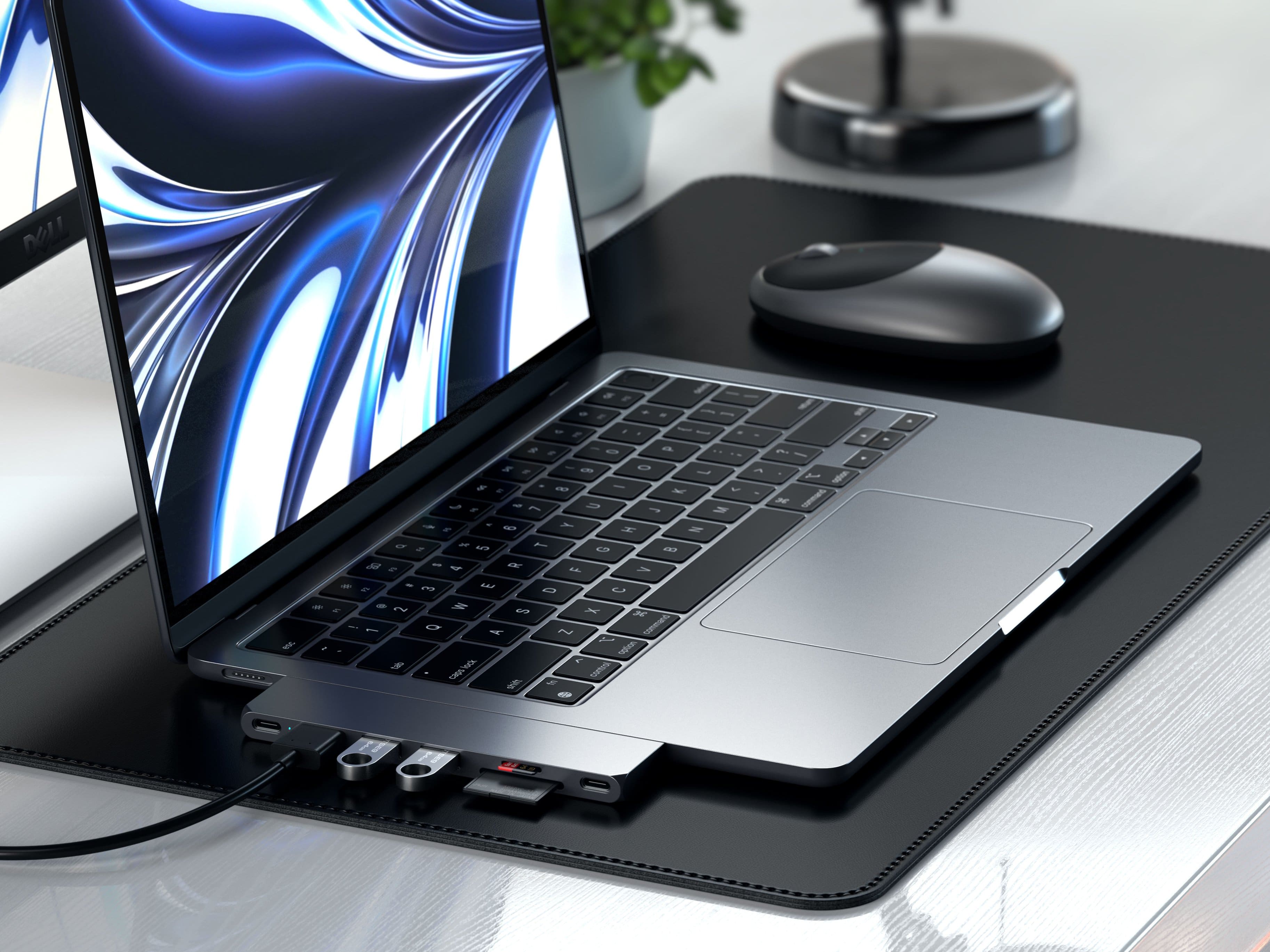
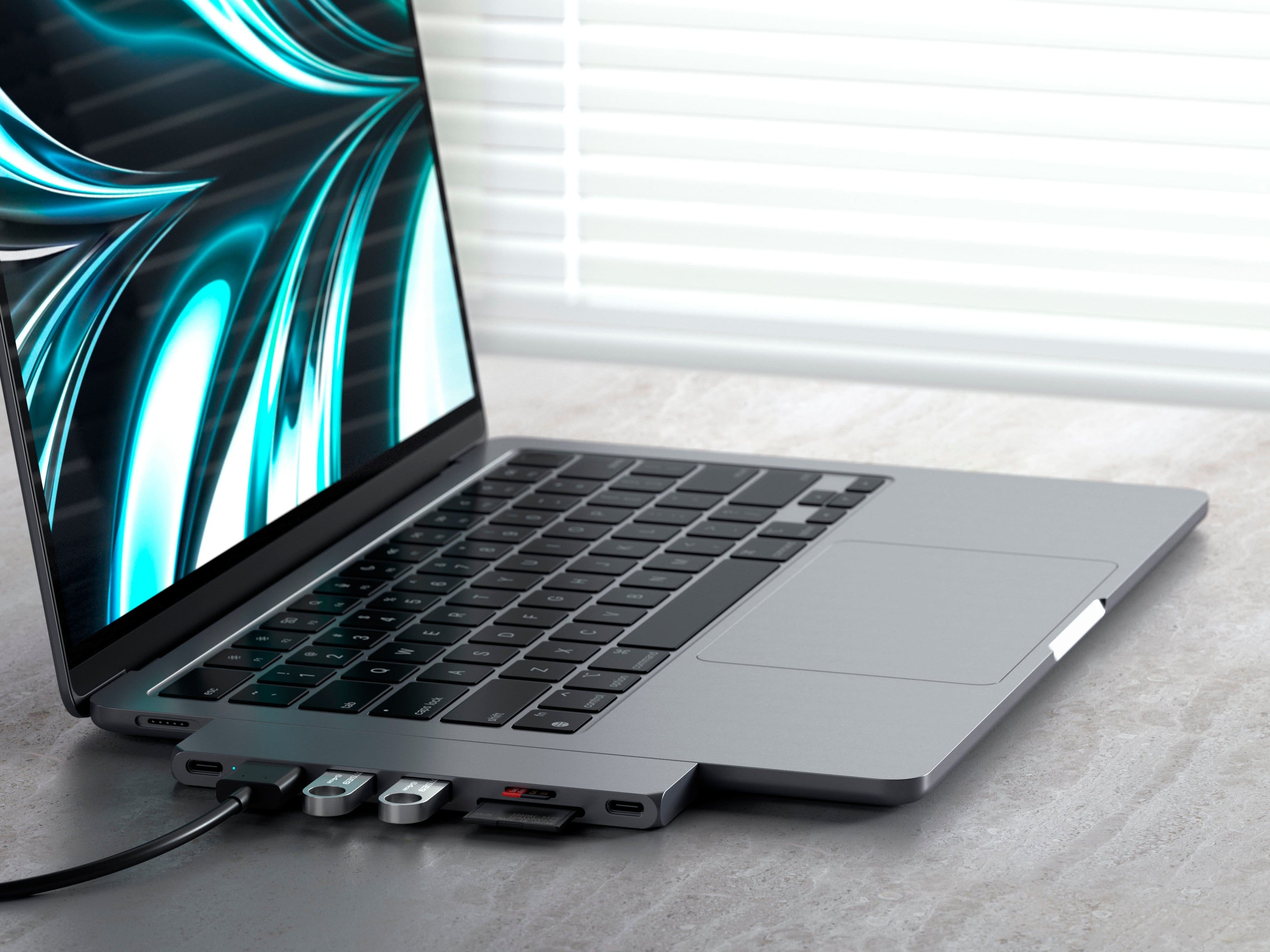
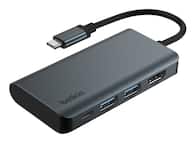
    • Answer The Pro Hub Slim includes a full function USB4 pass-through port, 4K HDMI port, (2x) USB-A data ports, USB-C data port, and SD/MicroSD Card readers.
    This question and answer was generated by AI based on customer and product data.
  • QuestionDoes this hub have an indicator light?

    • Answer Yes, the hub has indicator light(s).
    This question and answer was generated by AI based on customer and product data.
  • QuestionHow many displays can I connect with this hub?

    • Answer The hub allows you to connect a maximum of 2 displays.
    This question and answer was generated by AI based on customer and product data.
  • QuestionIs this hub compatible with MacBooks from 2018?

    • Answer Yes, this hub is compatible with all MacBooks from 2017 and above.
    This question and answer was generated by AI based on customer and product data.
  • QuestionWhat is the maximum data speed this hub supports?

    • Answer The maximum data speed this hub supports is 40000 megabits per second.
    This question and answer was generated by AI based on customer and product data.
  • QuestionIs this USB 4 or USB 3? The header says USB 4 but the specs say 2xUSB 3.2.

    Asked by Kskd.

    • Answer I'll prefix this by saying I don't know, but... I think USB4 for the Mac side and USB3 for the outboard dock side. (just a guess) I haven't pushed it too hard so far, but it's a great little device and very slick, very sound. Only used micro-SD, SD, USB-A and HDMI so far. To heck with dongles!

      Answered by AstroDave

  • QuestionIs this compatible with the MacBook Air with the M3 chip?

    Asked by MikeG.

    • Answer Hello, We can confirm that the Pro Hub Slim is compatible with the MacBook Air M3, both the 13-inch and 15-inch models. Keep in mind that the hub should be removed from the computer if it is not in use as it is a BUS-powered device which essentially powers itself upon direct connection to your computer. Feel free to reach out to us at [email protected] if you have any other questions or concerns. Many regards, Satechi Technical Support

      Answered by Satechi Support

  • QuestionHow many external monitors will this work with

    Asked by Anonymous.

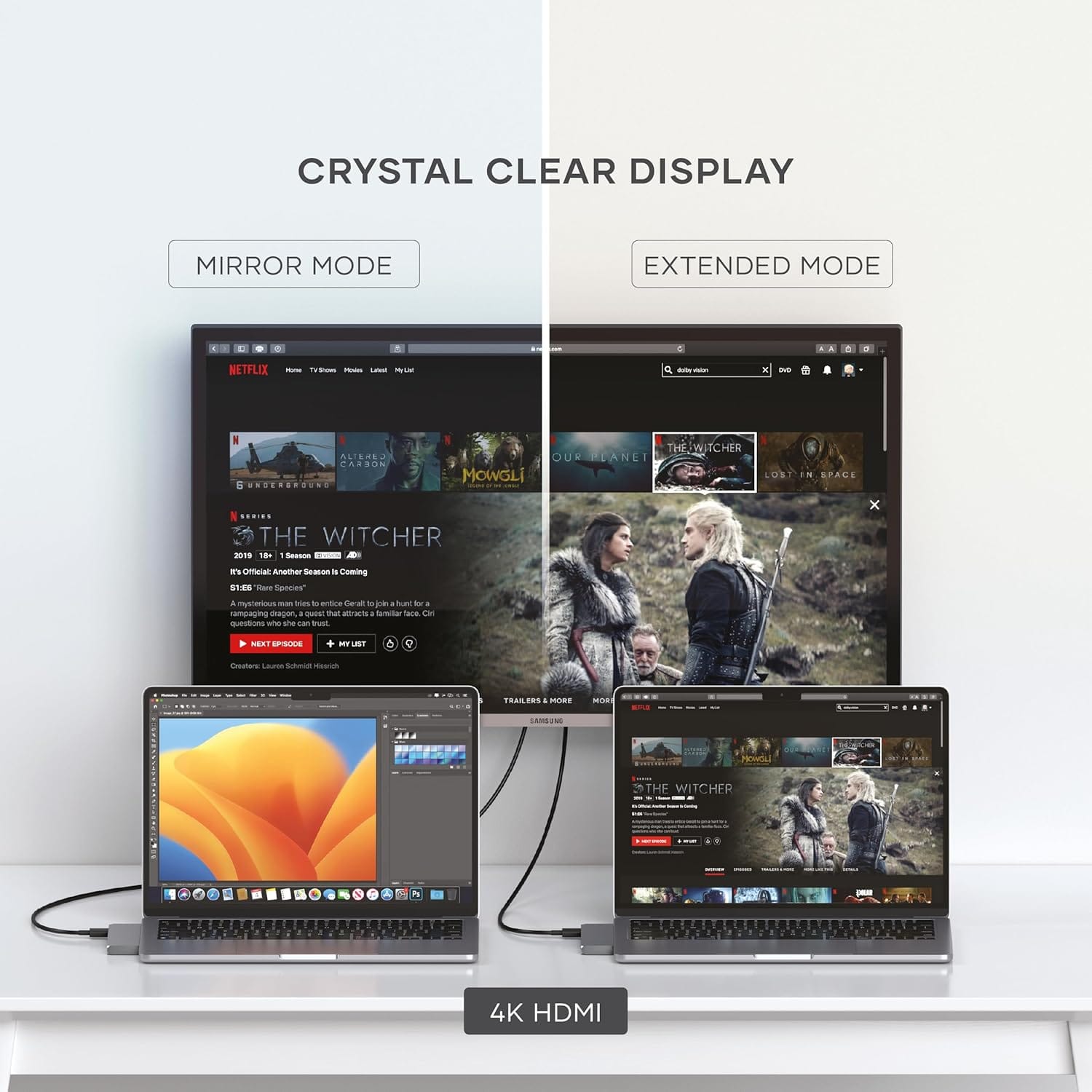
    • Answer The Satechi Pro Hub Slim supports up to two external displays: one via HDMI (4K @ 60Hz) and one via USB4 pass-through (up to 6K @ 60Hz). Note: M1/M2 Macs only support one external display with this hub due to hardware limitations.

      Answered by Satechi Support

  • QuestionHow can I use this to connect dual hdmi monitors to MacBook Air M4?

    Asked by Angie.

    • Answer Hello Ang, Yes, the Satechi Pro Hub Slim supports up to two monitors when connected to a MacBook Air M4. First Display: Connect via the HDMI port on the hub using a standard HDMI-to-HDMI cable. Second Display: Connect via the USB4 port (the USB-C port beside the HDMI port) using a USB-C to HDMI cable. Note: macOS on Apple Silicon (including the M4) has native support for multiple extended displays, so you’ll be able to run both monitors as separate extended desktops without needing additional software. For any additional questions or concerns please reach out to us directly at [email protected] or call us at +1(858)268-1800 (US). We look forward to hearing from you!

      Answered by Satechi Support

  • QuestionWill this still work if I have a case on my MacBook?

    Asked by Nobody.

    • Answer Hello! The Pro Hub Slim requires a case with specific cutouts to ensure full contact with your Mac’s Thunderbolt ports by allowing the hub to sit flush. I recommend reaching out to us at to us for more information, please reach us at [email protected] or call us at +1(858)268-1800 (US). We look forward to hearing from you!

      Answered by Satechi Support

  • QuestionIs this compatible with a 2024 mac mini?

    Asked by Jcm.

    • Answer Hello there, We can confirm that the Pro Hub Slim is not compatible with the M4 Mac Mini 2024 due to the placement of its USB-C/Thunderbolt ports. Note that the Pro Hub Slim was designed specifically for MacBooks with two Thunderbolt ports (side). We hope this helps! For any additional questions or concerns please reach out to us directly at [email protected] or call us at +1(858)268-1800 (US). We look forward to hearing from you!

      Answered by Satechi Support

  • QuestionIs there anything you have to download to make two monitors work on a MacBook Air M2?

    Asked by Kenny.

    • Answer Hello Kenny, We can confirm that your M2 MacBook Air will natively support one external monitor at a time (https://support.apple.com/en-us/111867) and the Satechi Pro Hub Slim does not have any software support to bypass your Mac's limitation. For product recommendation regarding multiple display support, please reach us at [email protected] or call us at +1(858)268-1800 (US). We look forward to hearing from you!

      Answered by Satechi Support

  • QuestionIs compatible with Macbook Pro M1 (2020)?

    Asked by Rafael.

    • Answer Hello Rafael, Yes, we can confirm that this hub can work with most modern Silicon Macs including the Macbook Pro M1 (2020). For any additional questions or concerns you may email us at [email protected] or call us at +1(858)268-1800 (US). We look forward to hearing from you!

      Answered by Satechi Support

  • Questioncan it be used with a Macbook Air (Retina 13inc 2020)

    Asked by Joister.

    • Answer Hello! Thank you for reaching Satechi! We appreciate your interest in our products. Yes, we can confirm that the Pro Hub Slim is indeed compatible with the MacBook Air (Retina, 13‑inch, 2020). For any additional questions or concerns you may email us at [email protected] or call us at +1(858)268-1800 (US). We look forward to hearing from you!

      Answered by Satechi Support

  • QuestionIf I’m trying to run a usb-c audio adapter through one of the usb-c ports on a MacBook Air with m2 chip, will it produce audio?

    Asked by MisterE.

    • Answer Hello there, We can confirm that the Pro Hub Slim has two USB-C ports which are capable of reading data from low powered devices. But for us to better assist you with this inquiry, kindly reach our Tech Support team at [email protected] or call us at +1(858)268-1800 (US) We look forward to hearing from you!

      Answered by Satechi Support

  • QuestionCan this be used to connect my Xbox to my Mac?

    Asked by ItsKevinAgain.

    • Answer Hello Kevin, To better assist you with this inquiry, kindly reach our Tech Support team at [email protected] or call us at +1(858)268-1800 (US) We look forward to hearing from you!

      Answered by Satechi Support

  • QuestionIs the device combatiable with the MacBook Pro m1 13inch?

    Asked by dosias232.

    • Answer Yes it is..

      Answered by Rob87

  • QuestionCan this be used while a case is installed on the macbook?

    Asked by Sam.

    • Answer No the case thickness prevents it to be connected. If you go with satechi case that wont be an issue!

      Answered by AKay

  • QuestionCan this be used on PC or just apple products

    Asked by batavia.

    • Answer Both USB-C ports must be inserted into the laptop for this to work. I'm not familiar with newer PC ports, but if you don't have the double USB-C ports like the MacBooks do, then I would say it would not.

      Answered by HeatherC