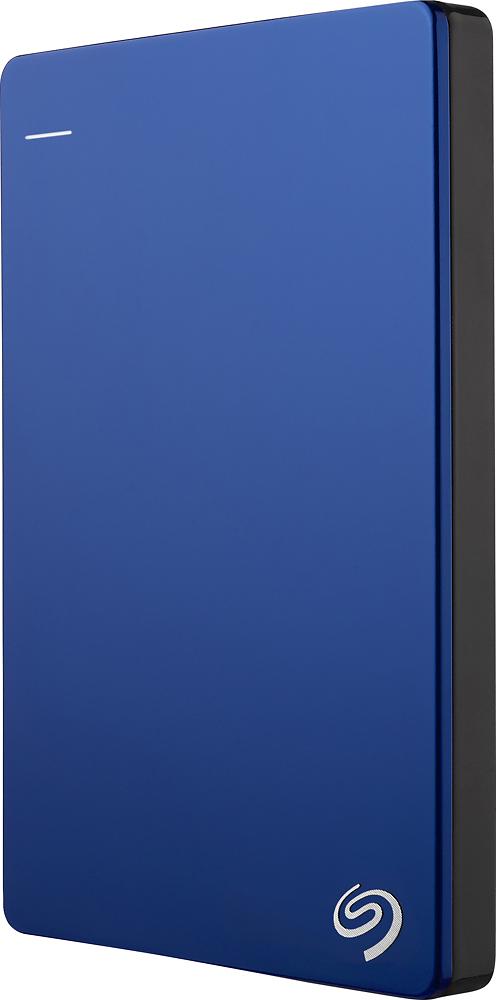
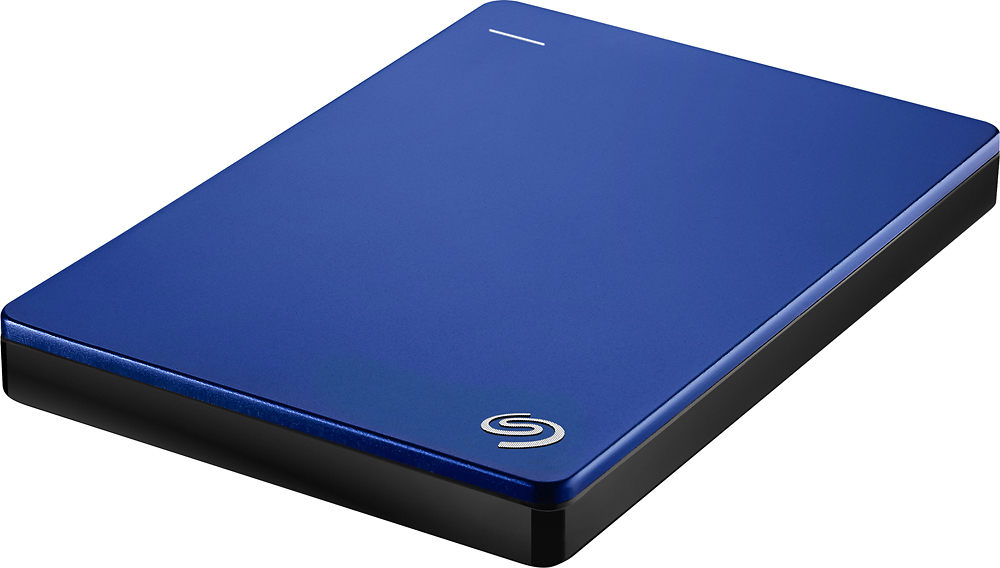
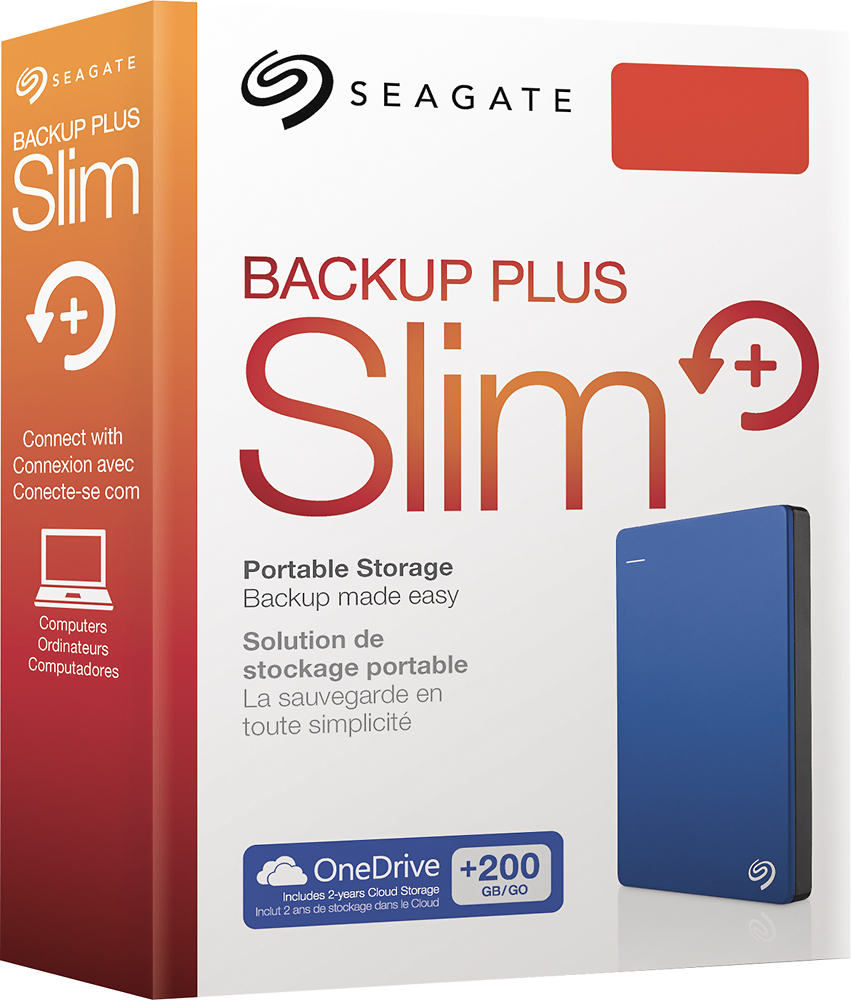
A:AnswerYes and No. You could void the warranty and pry it out of the case... but it would be a better solution to by a new hdd and use it as the replacement.
A:AnswerThis is done via OSX. Goto utilities>disk utility
Select the external drive and reformat with whatever setting you desire...
When it's finished it should mount with no issues.
A:AnswerWhat I did was immediately format the hard drive in Windows, Right-click, format, and whatever settings are there should be the right ones. What formatting does it let you use it just as a HDD, with no extra programs or fuss.