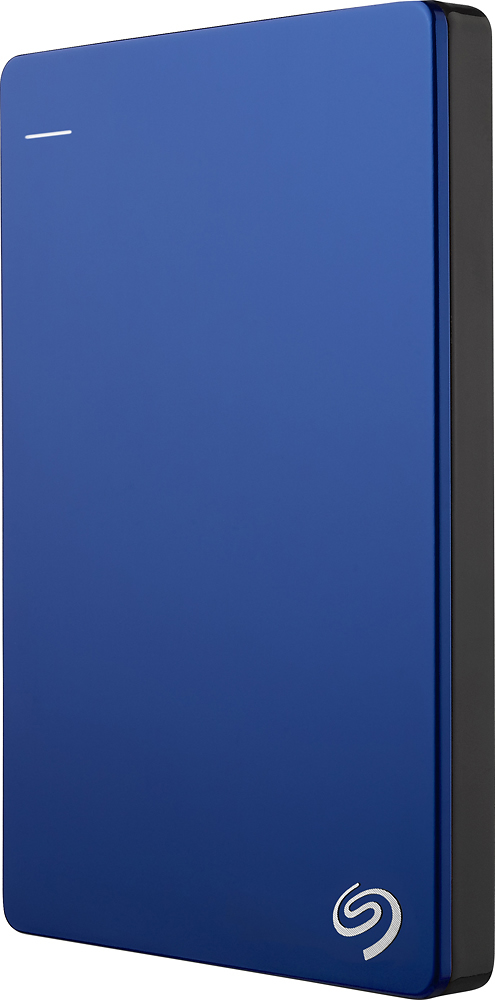
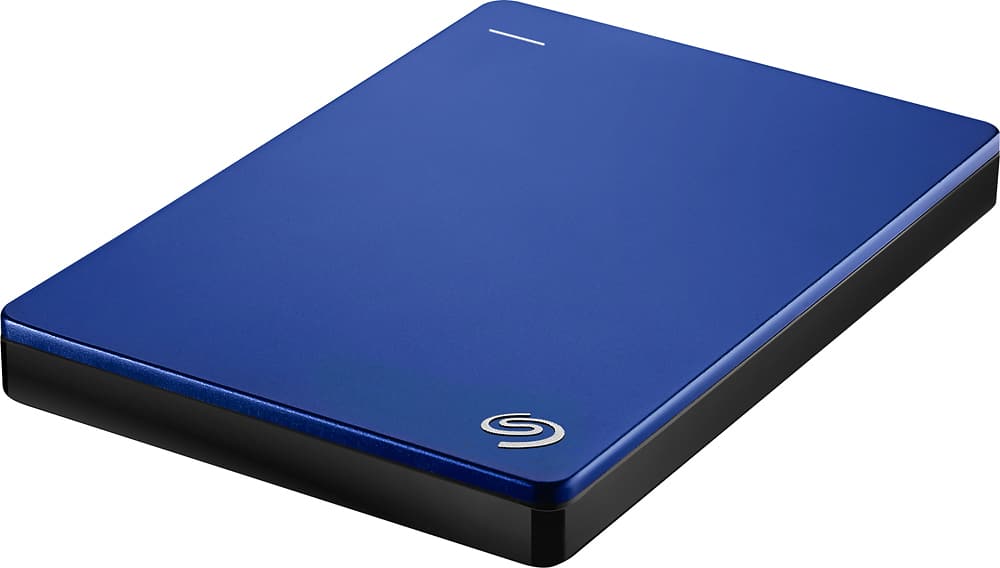
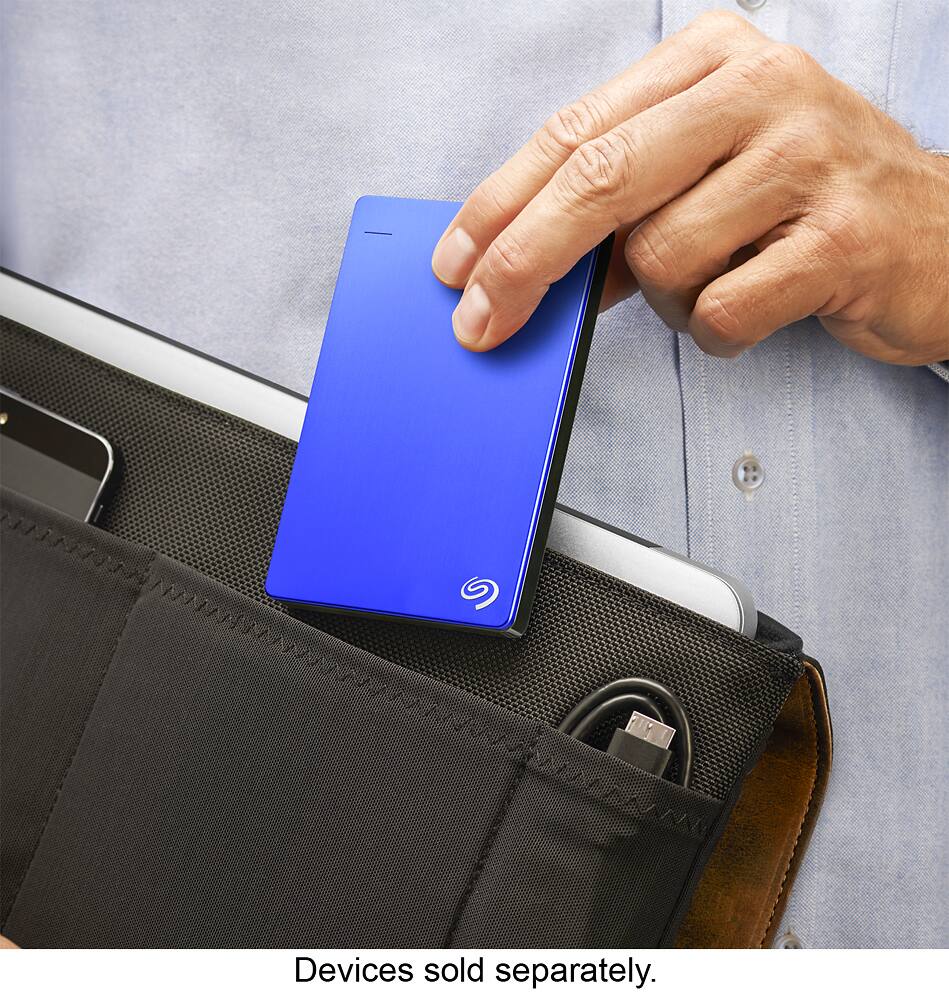
A:Answeryou can save the game installer but i dont think you can or want to install a game in a drive that is connected through usb. if you want to do that shuck the drive and install it using a SATAIII connection which is a lot faster.
A:AnswerDepending on your Android device when you connect it to your computer using USB, you should see options like USB debugging, Photos or Storage. I recommend using storage option since you can directly copy-paste entire folder. In Android file system you should look for folders like DICM where all media is stored.
A:AnswerI use these drives for pic storage as well. I have over 25 years of photos numbering in the tens of thousands and these drives are a great place for them to be stored. I am glad to see that you appear to be planning to back them up on a second drive. Drives due fail and you need to have the data stored in more than one place. I have a second drive to ensure if one fails, I don't lose my pics.