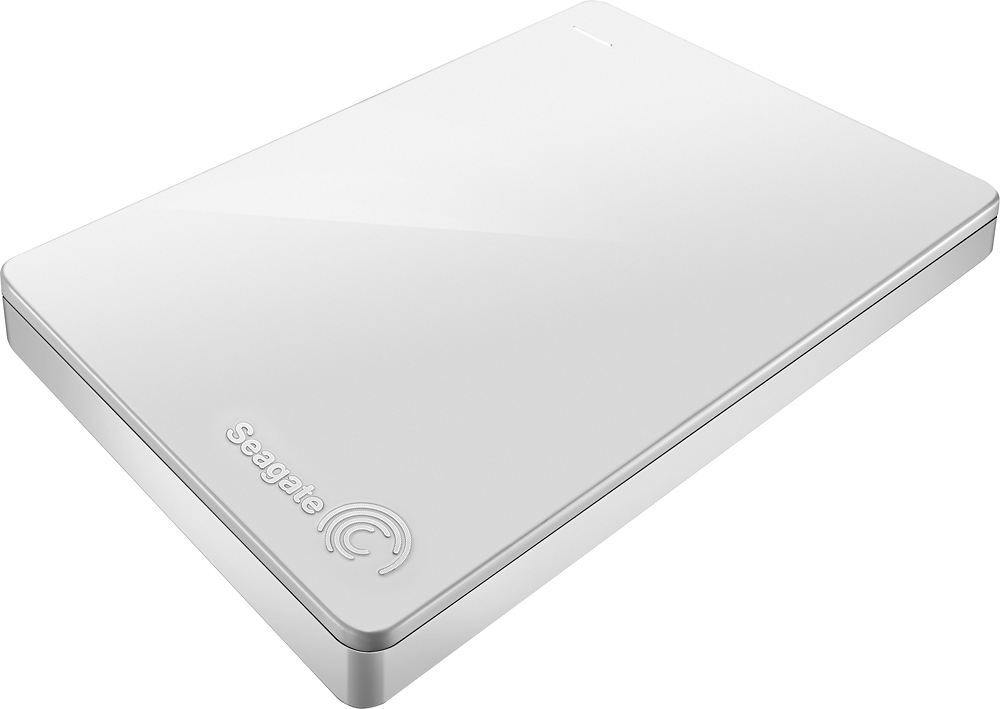
A:AnswerThat's nonsense. A hard drive can be connected to any other computer. I don't know who told you that, but they don't know what they're talking about.
A:AnswerYes this worked well for me in my PS4 Pro and since the Pro takes the same size drive as the regular PS4 this would work great for your sons PS4 as well.
A:AnswerYes. It can be used to update a PS4. All you have to do is google the instructions, and it will walk you through the installation. It easy to do. Just remove the old drive from the PS4, take the cover off of the new external drive and update your PS4
A:AnswerIf you can connect your phone, you can use it. However, I would think you need to transfer the files from your phone through a computer onto the hard drive. I don't know if you can connect it Direct
A:AnswerSure you can do, as long as your installation was made to the external drive directly or made it as a portable installation, or perhaps when you run it thru a virtual machine which also can be on the external hard disk drive... However it is highly recommended to lock in the drive letter like "E:", so when you happen to have multiple drives attached to the device at the same time, this drive should have the same drive letter when you installed your application...
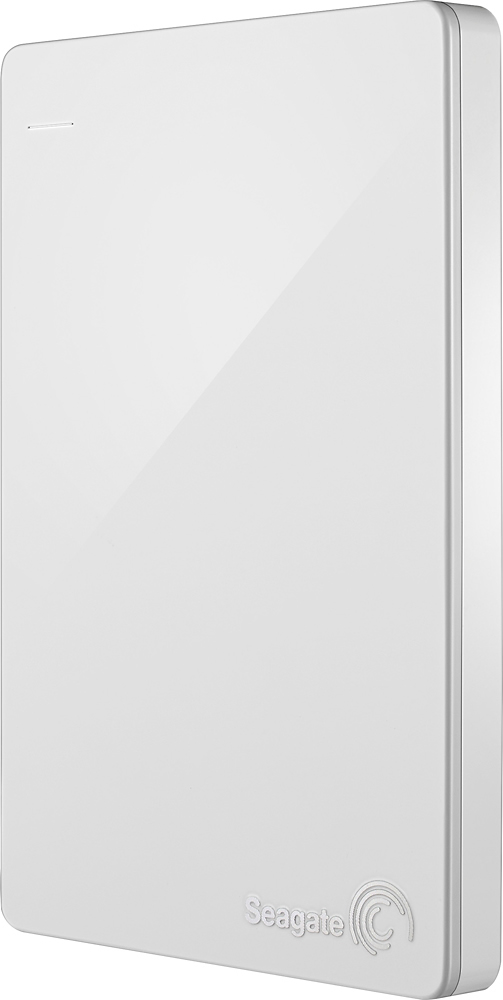
A:AnswerI only know it will because my son was going to use this 2TB hard drive for our Xbox One. Instead, he opted to upgrade the hard drive in the PS4. He took the original PS4 1TB hard drive out, put it in the Seagate shell case and connected that to the Xbox One. Not the exact same hard drive, but it would've worked just the same.
A:AnswerYou would probably have to reformat it for the different save file types on each system. If you are looking to move it between systems while retaining the save files, this may not be a viable option, although no external HD would. The only option at that point would be to buy a second HD for the opposite system or partition this one with each save file type.