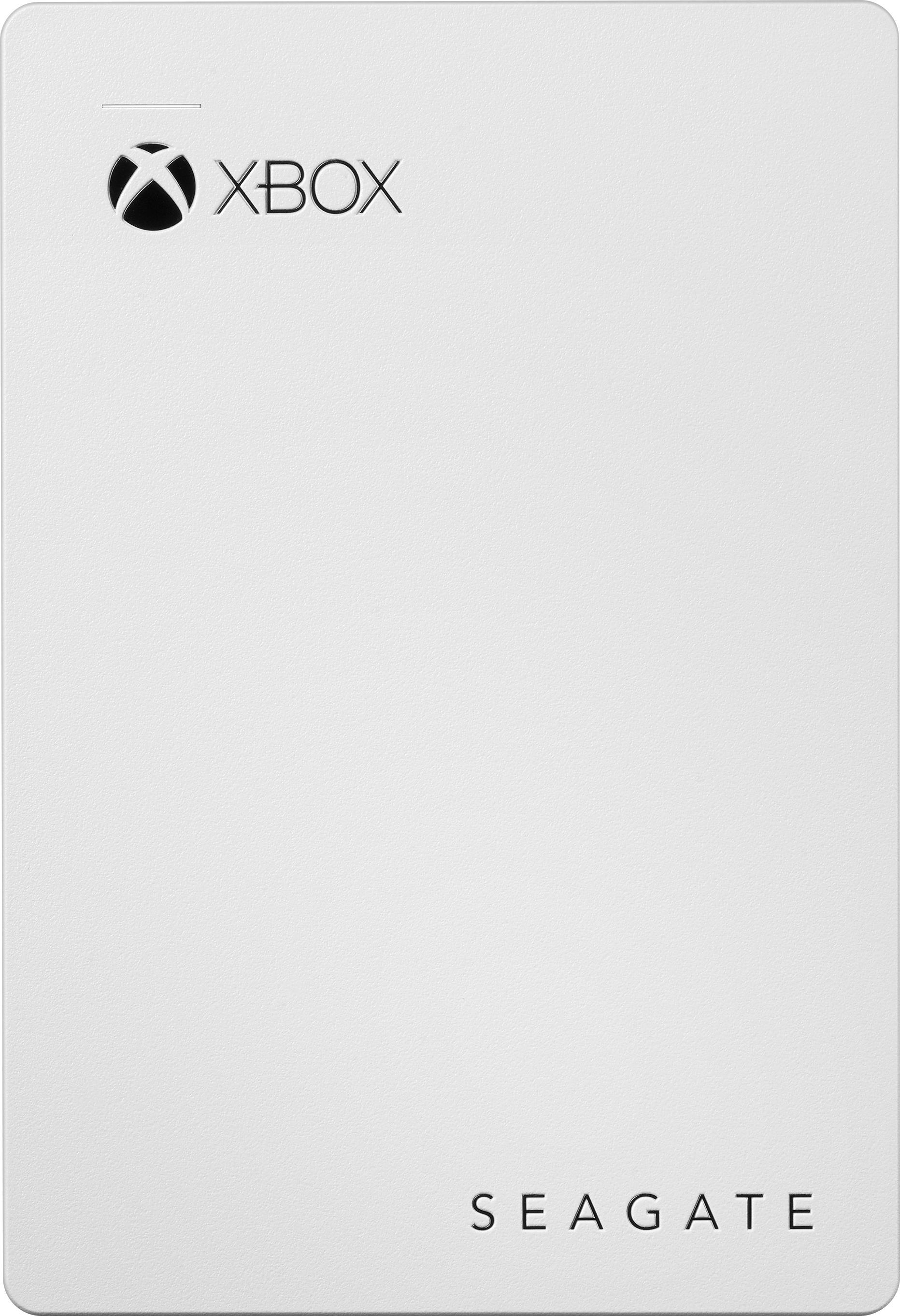
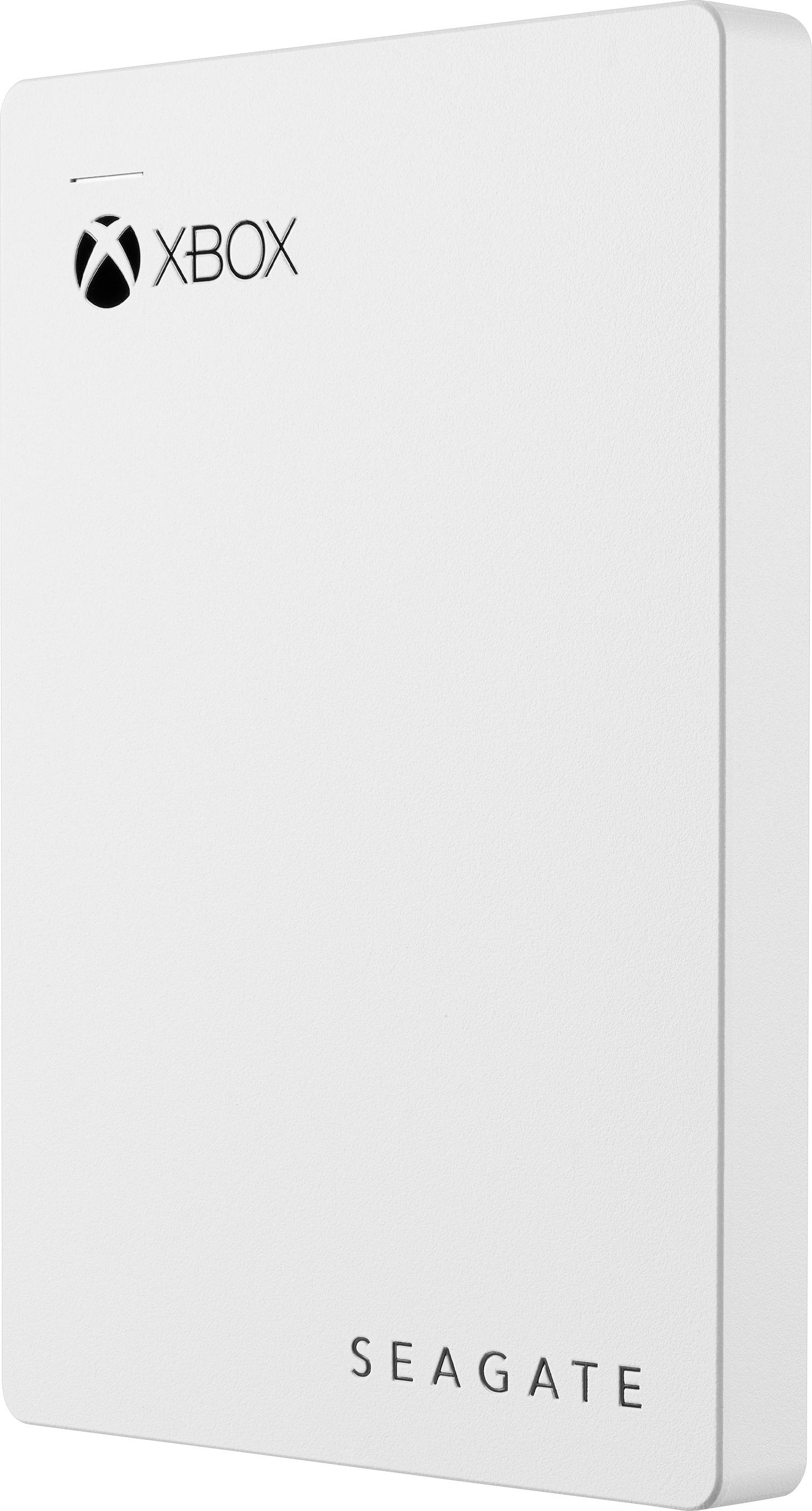
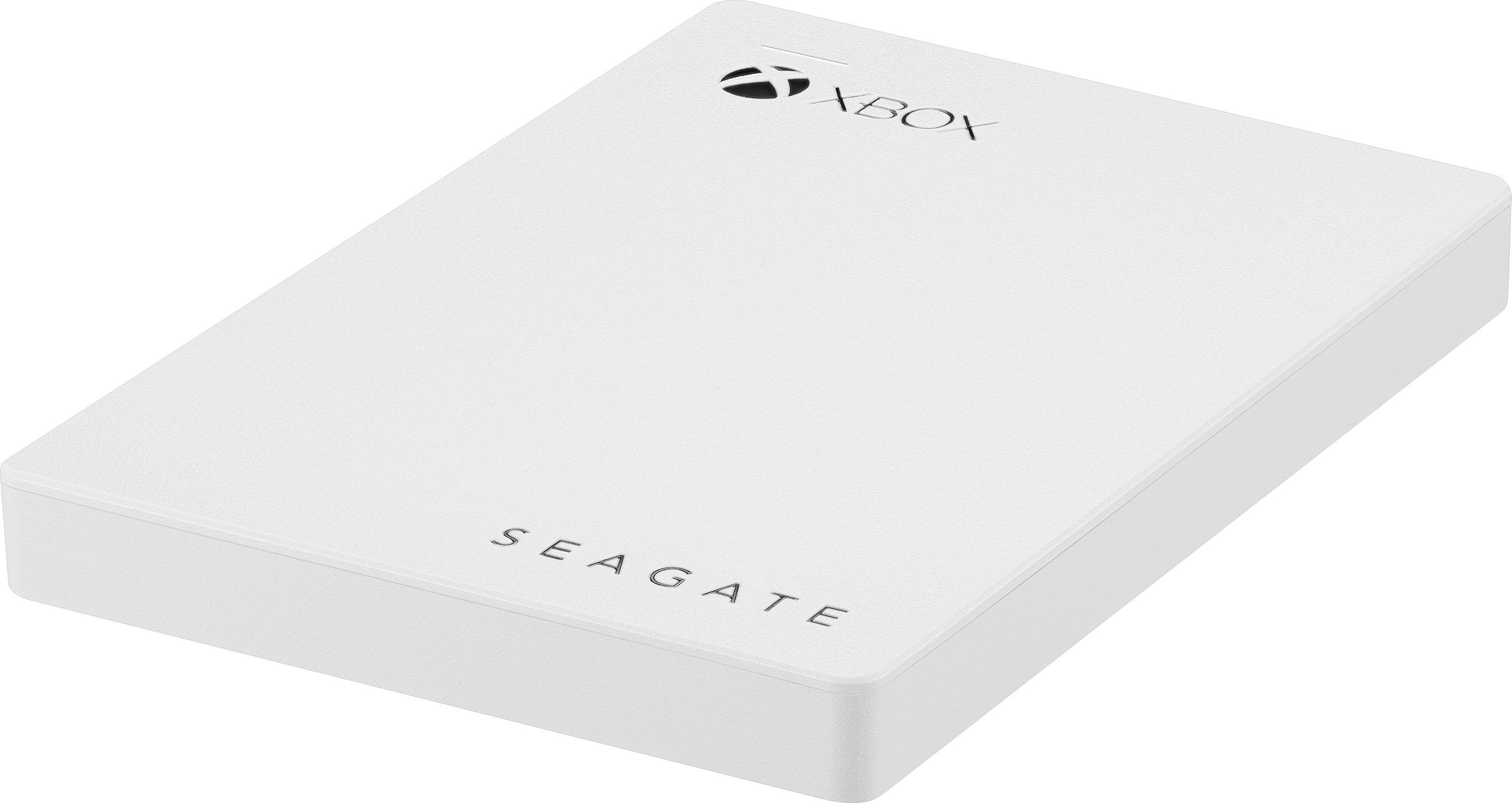
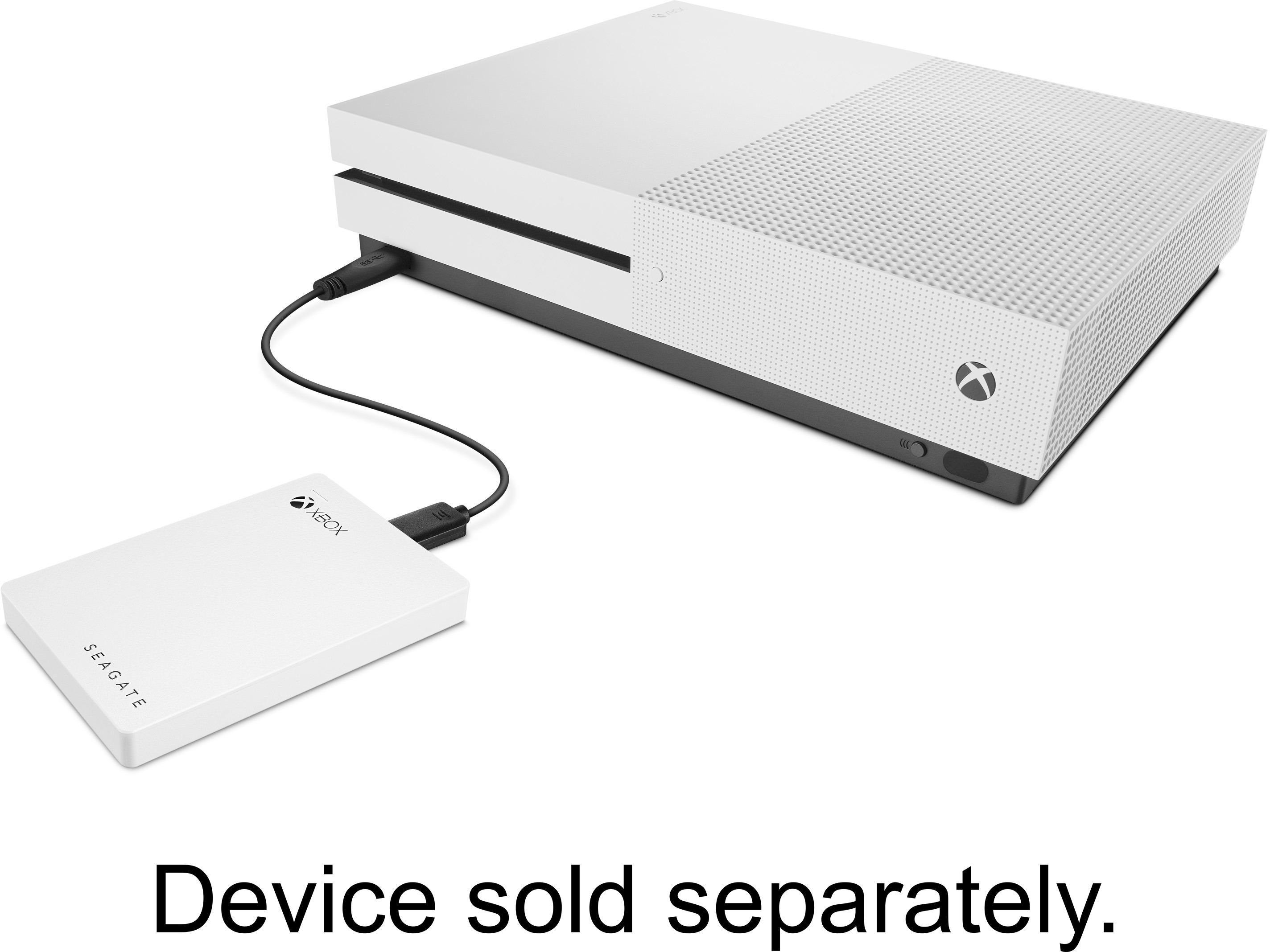
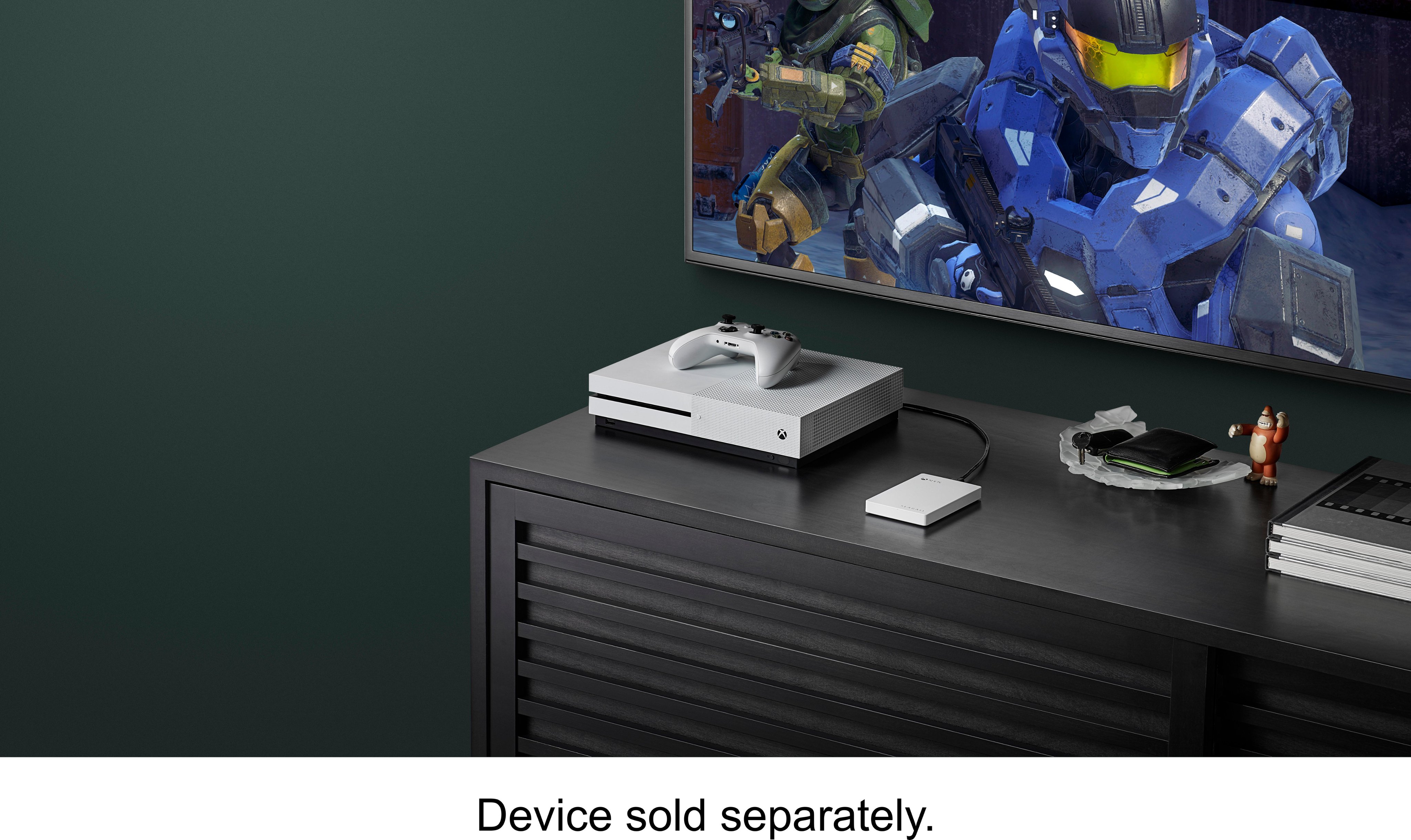
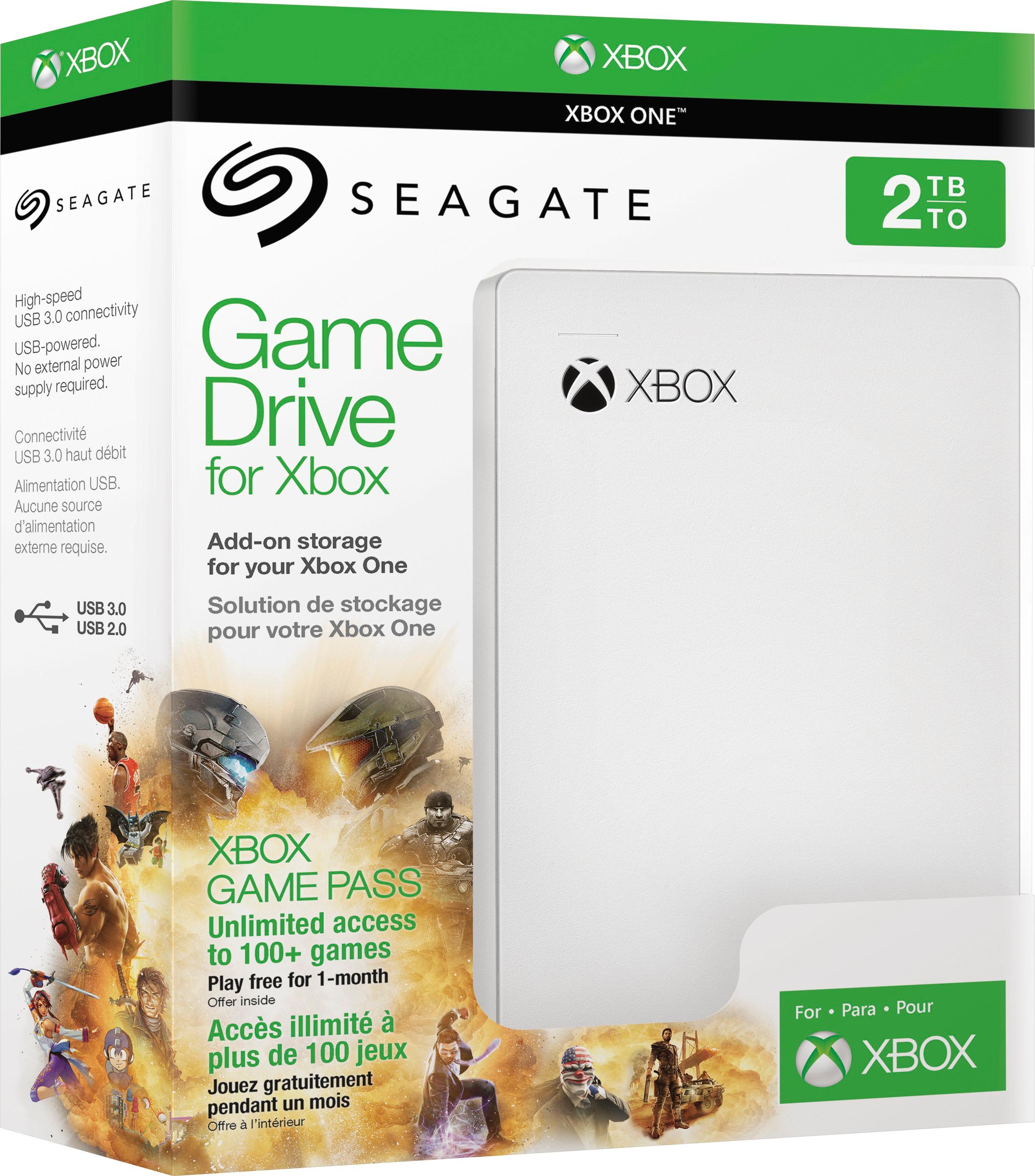
A:Answer Yes it is. It's made for just that, although it can be used as is (prior to formating) on computers, etc. But when you get it, you plug in the cable to the drive, the other end (USB) to the port (you'll see two of them... pics in the documentation) on the back of the Xbox One. I'd recommend doing this when the system is off. Mine was on and didn't recognize the drive... I did a restart and there it was.
How to transfer Xbox games to an external hard drive
Open the Settings app on Xbox One.
Navigate to the System tab.
Select Storage.
Scroll over to the right to select the internal drive.
Select Transfer. ...
Select items you plan to transfer. ...
Choose Copy selected to copy the items between drives.
During this process you'll get a prompt re: formatting the drive which only takes about a minute or so.
Very simple and will give you tons of space for more games. Good luck!